
Clear Water Texture Pack
27.03.2026
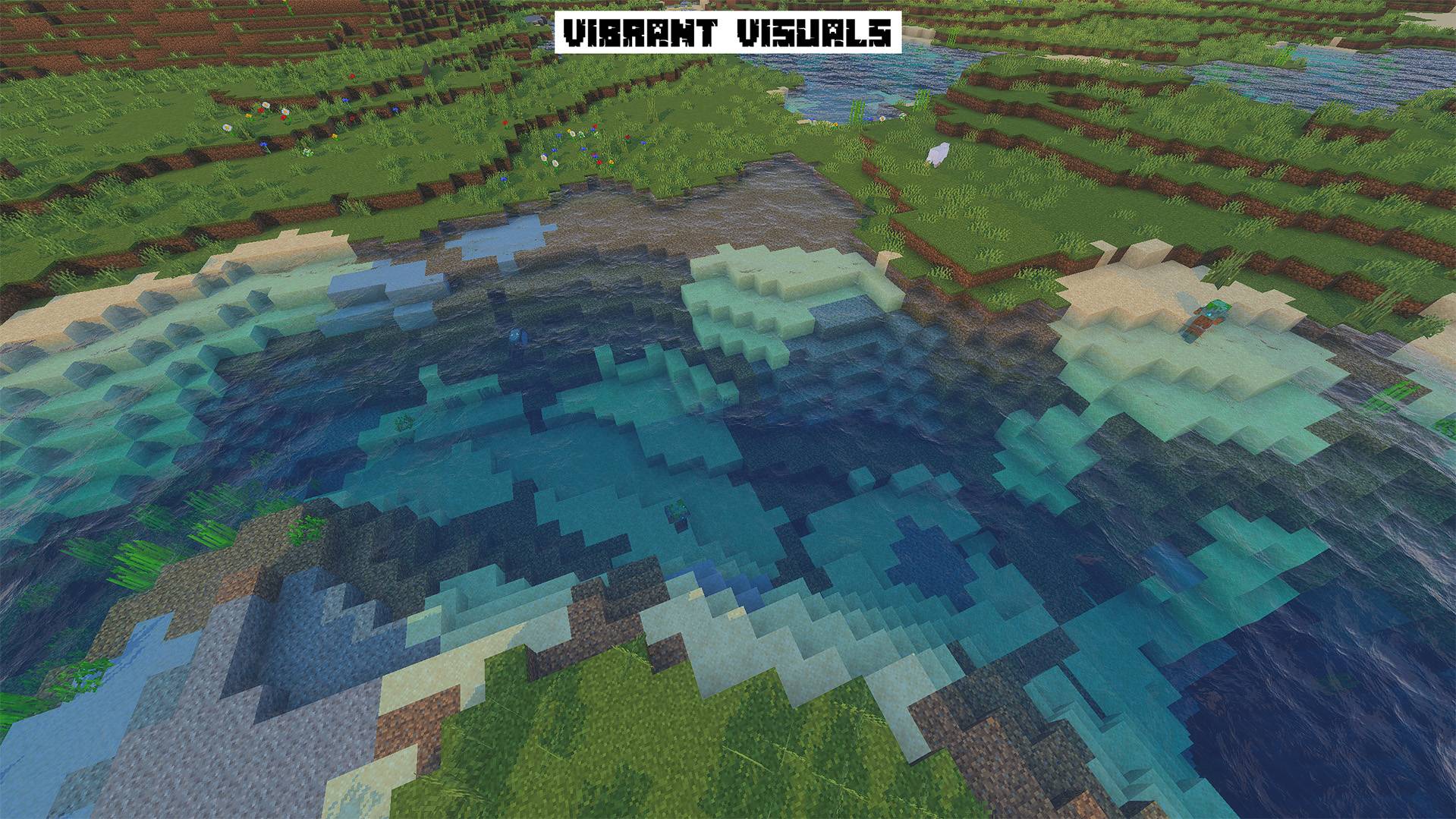
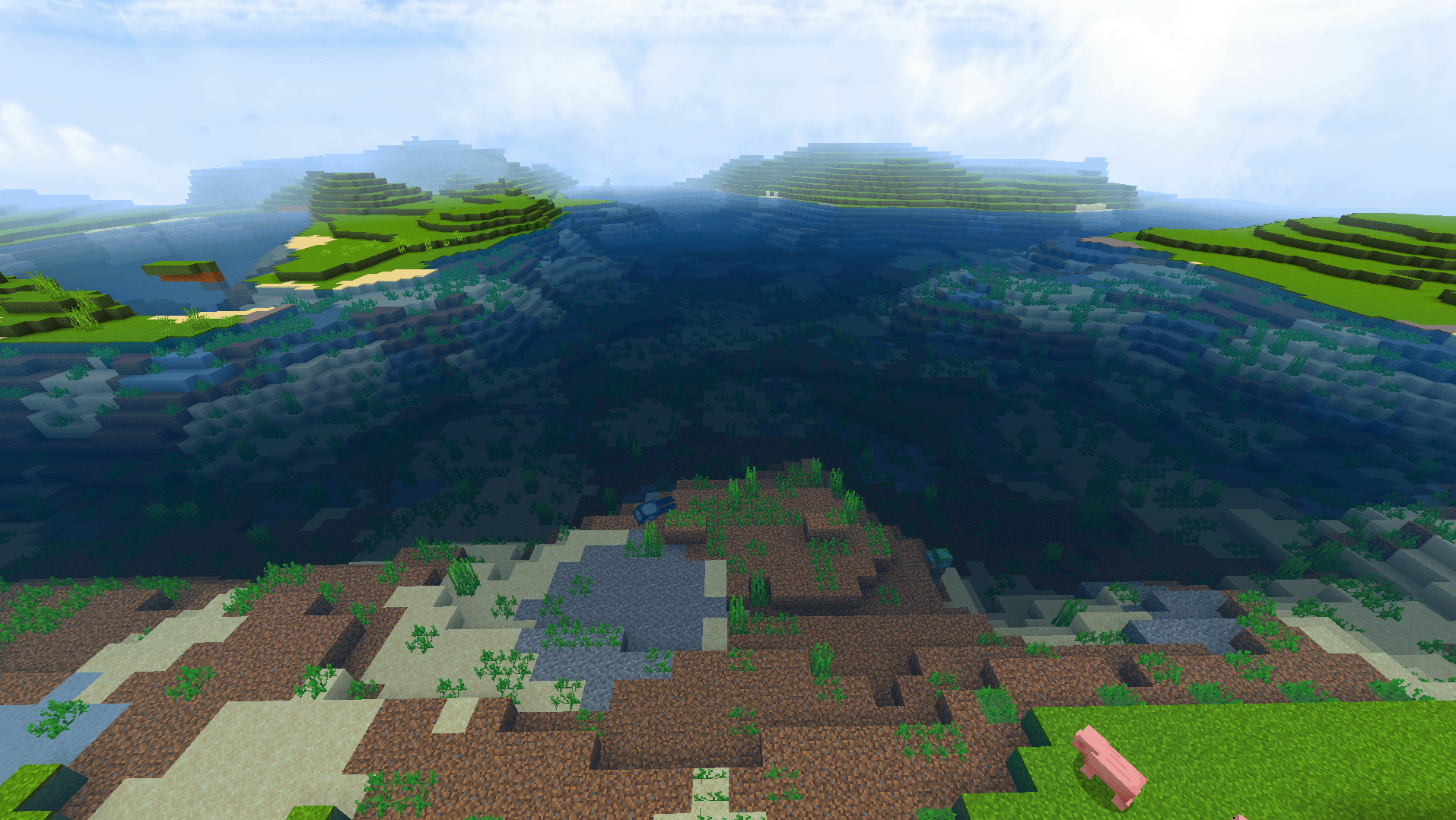
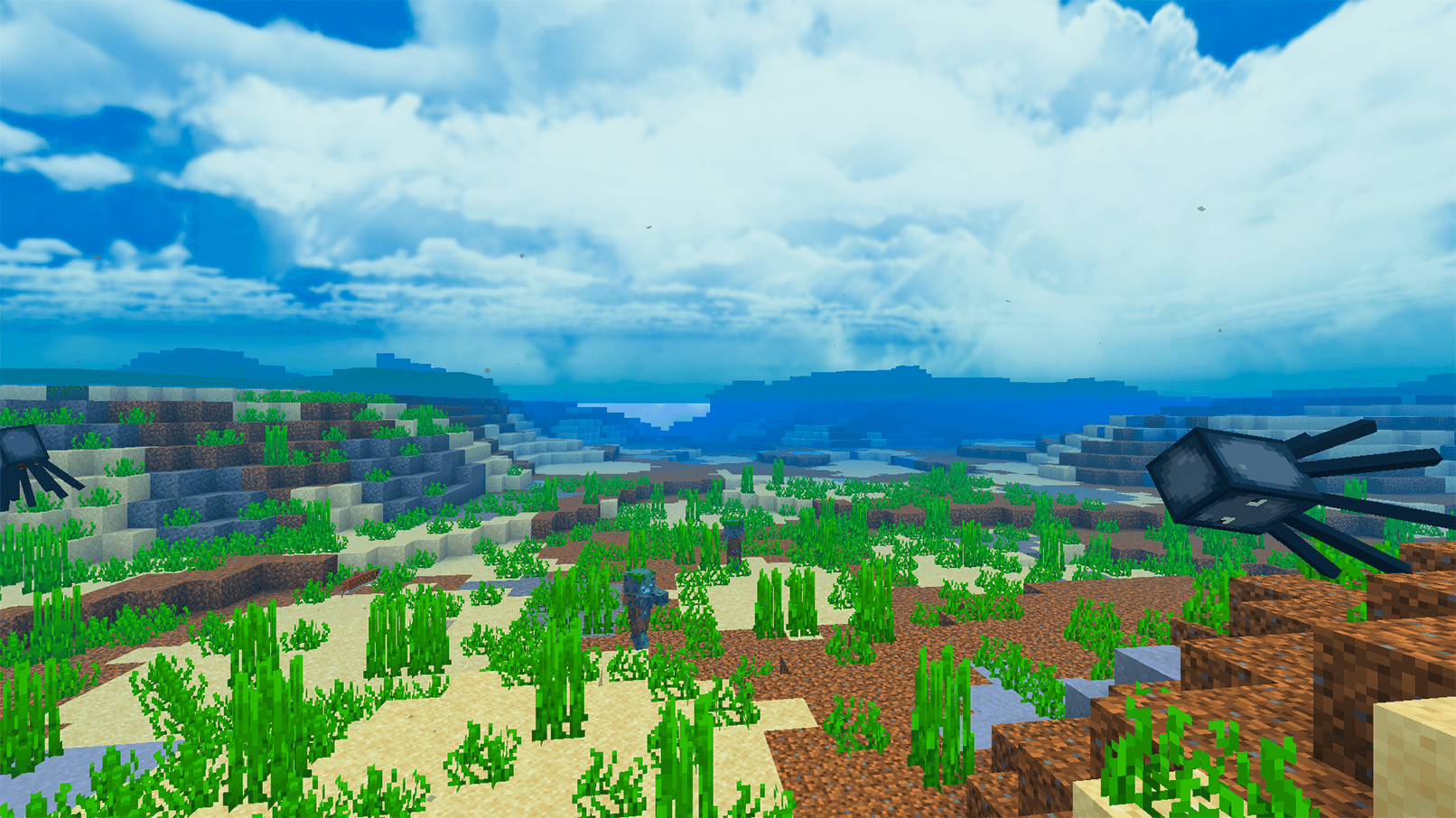
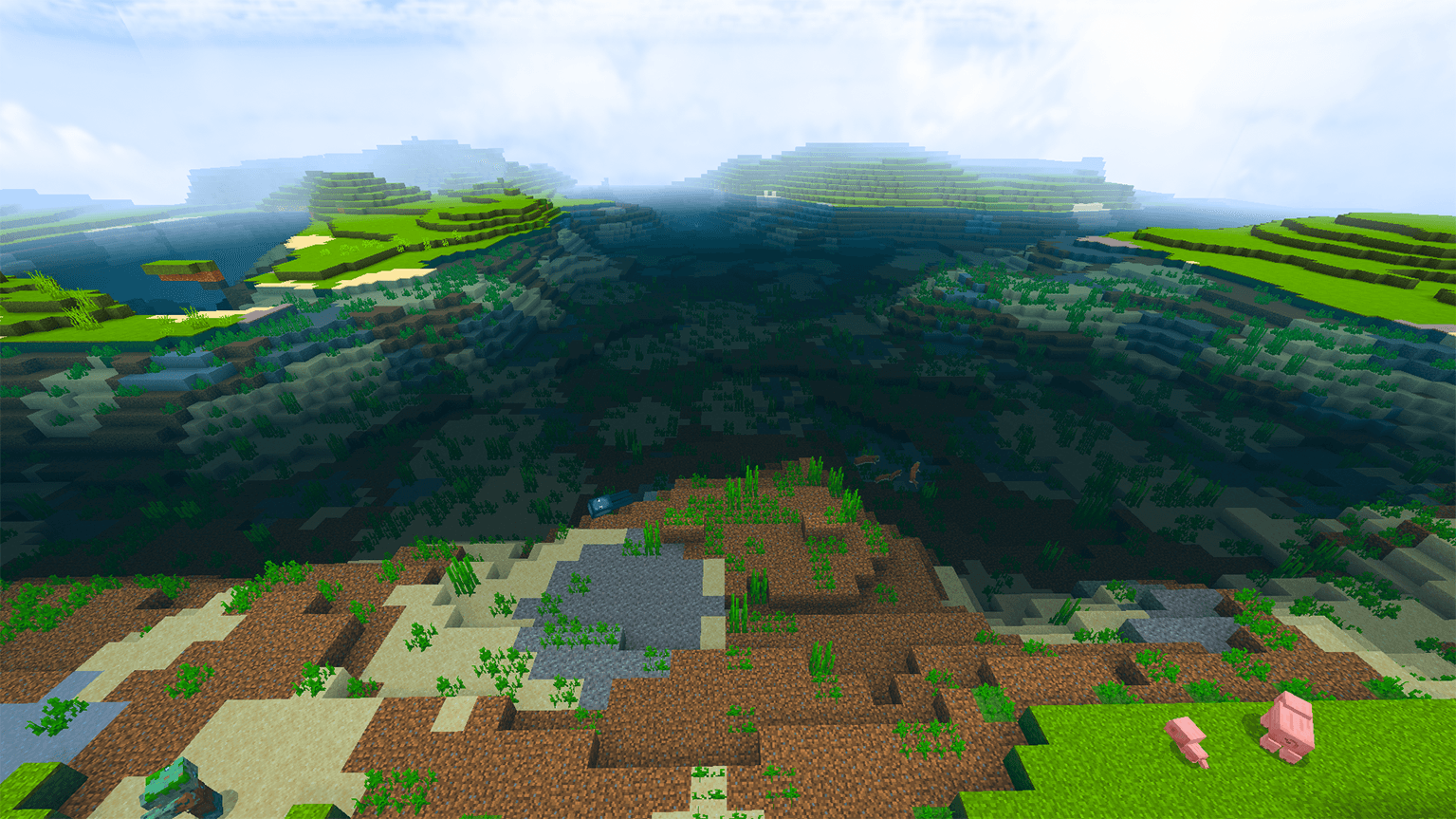
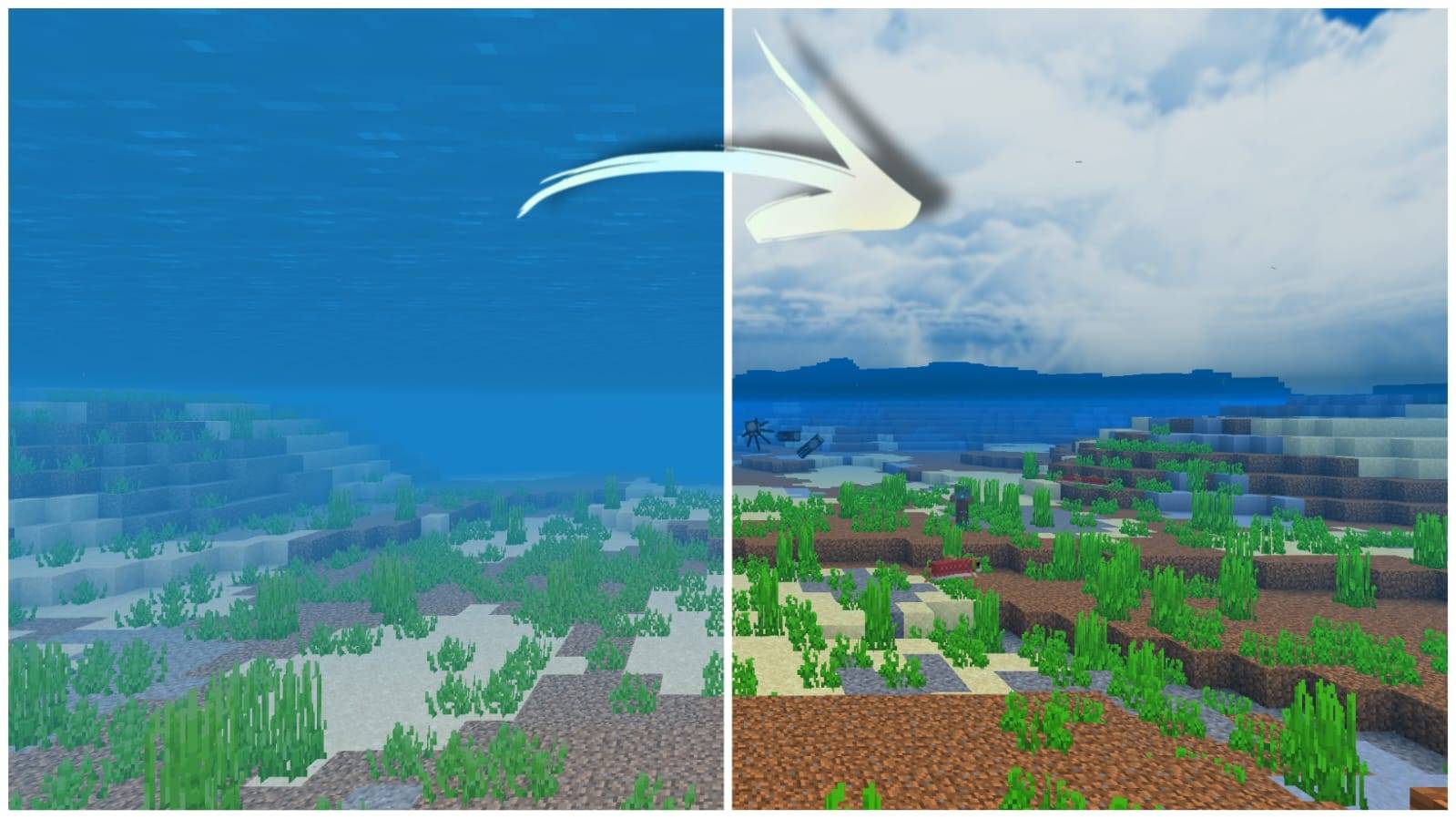
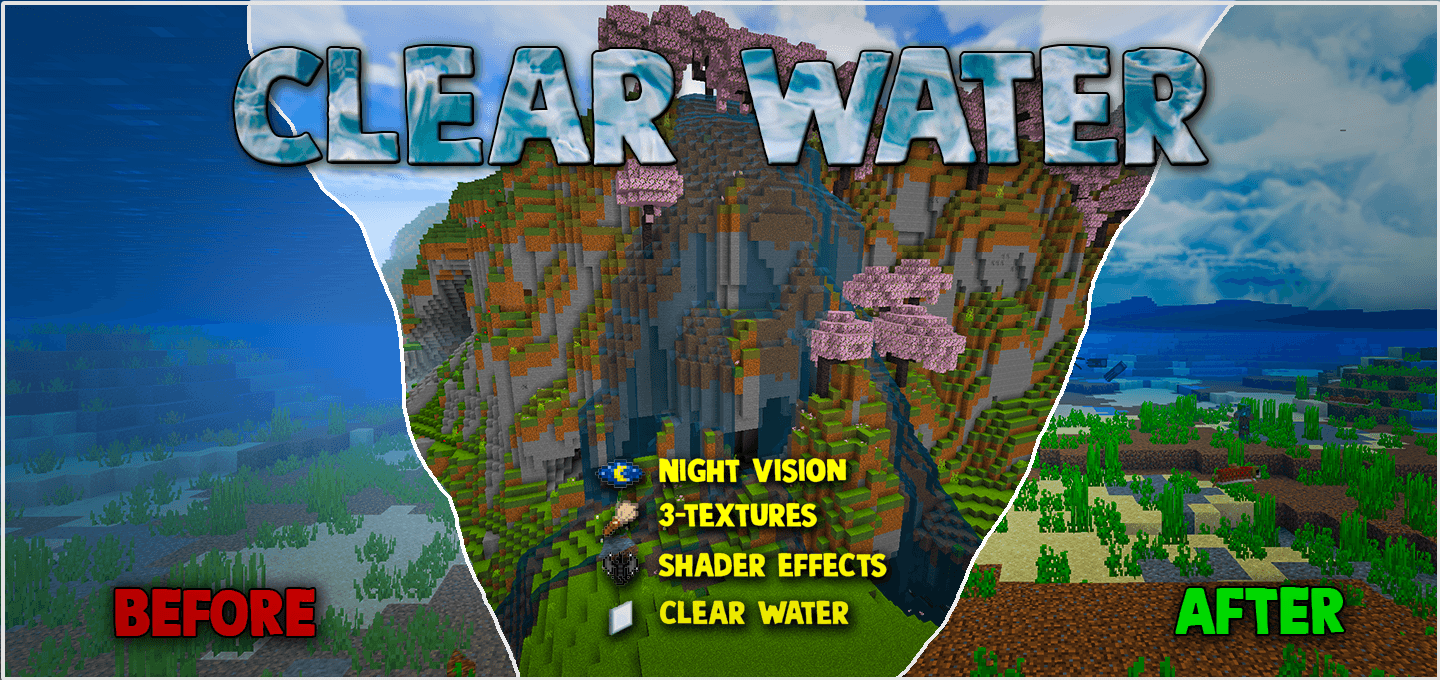
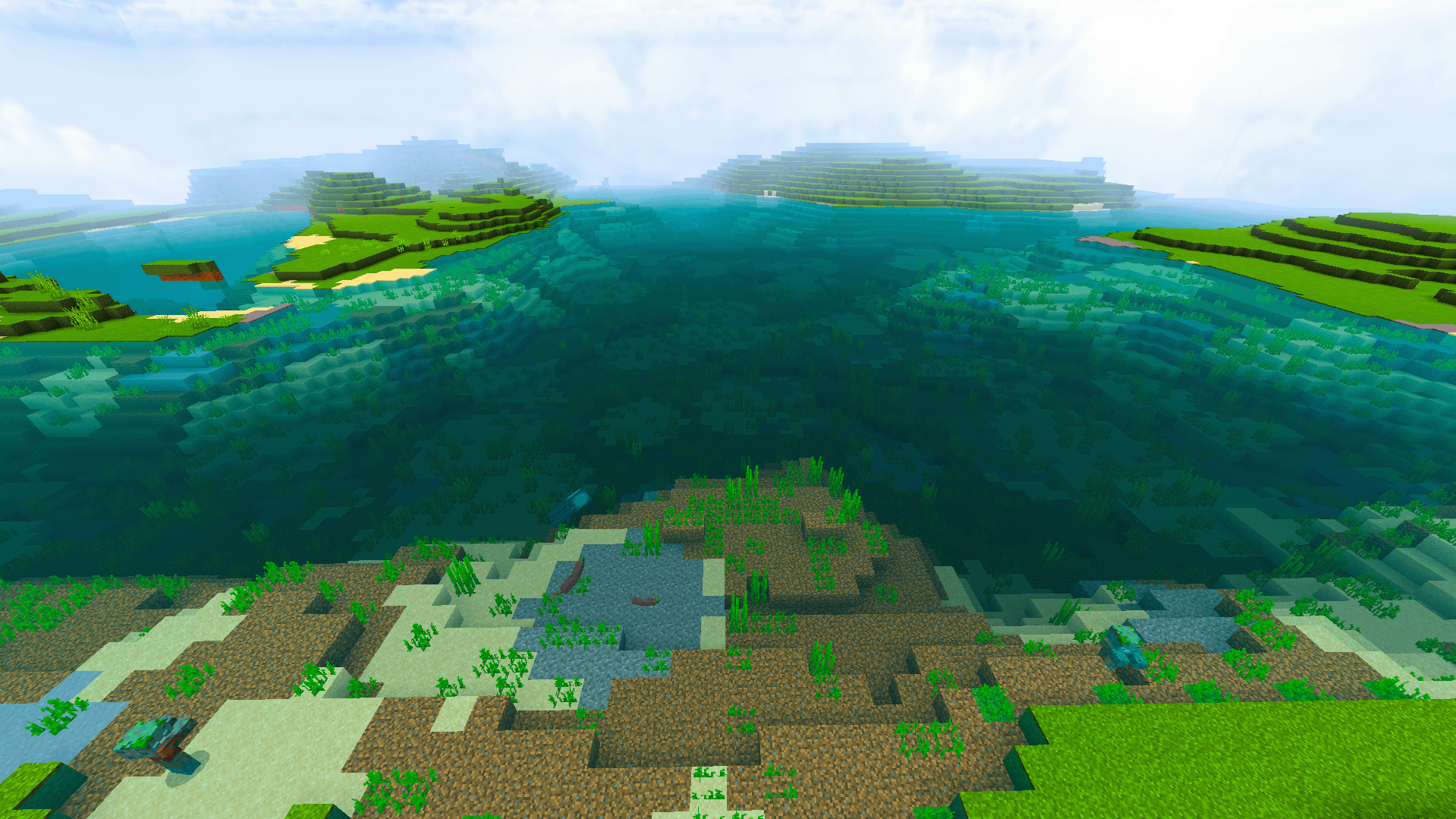
Clear Water Texture Pack transforms Minecraft Bedrock Edition’s aquatic environments with stunning clarity and vibrant underwater visuals. This pack features enhanced underwater night vision, three distinct water textures, improved particle effects, bubbles, and fog, providing a fresh, immersive experience as you explore beneath the waves.
Installation / How to use
After downloading, install the Clear Water Texture Pack through your Minecraft Bedrock resource packs menu. To switch between the three available water textures, activate or deactivate specific subpacks in the settings. For the best experience, enable the “Vibrant Visuals” option in the pack settings, especially if using alongside shaders. When combining with shaders, make sure this pack is placed above the shader pack in the resource pack list.
Requirements / Compatibility
This pack is compatible with all Minecraft Bedrock Edition versions supporting resource packs. It functions seamlessly across all biomes and works continuously, providing clear underwater vision without fog up to 400 blocks. It can be paired with most shader packs, but ensure the vibrant visuals option is enabled and Clear Water Texture Pack is prioritized above shaders for optimal effect.
Key features
- Underwater Night Vision: Experience clear underwater visibility at all times and biomes, with fog removed up to 400 blocks, simulating a night vision effect.
- Three Water Textures:
- Clear and Clean Water: A bright blue, similar to default water but crystal clear from both above and below water.
- Emerald Green Water: A greenish-blue tint offering an aesthetic, shader-like appearance while maintaining clarity.
- Blue Water: A rich, deep blue shade inspired by popular RTX-style water, providing the clearest water visibility.
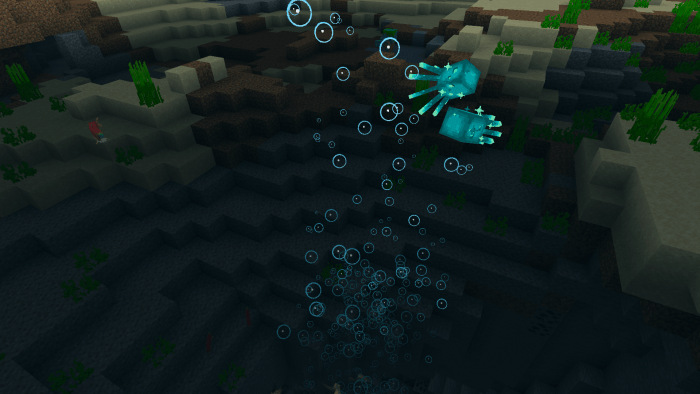
- Enhanced Shader Effects: Improved particles, bubbles, and fog effects add realism and charm to underwater exploration.
- Clear Water Transparency: Maximizes visibility underwater, allowing you to easily spot marine life, shipwrecks, ruins, and temples without obstruction.
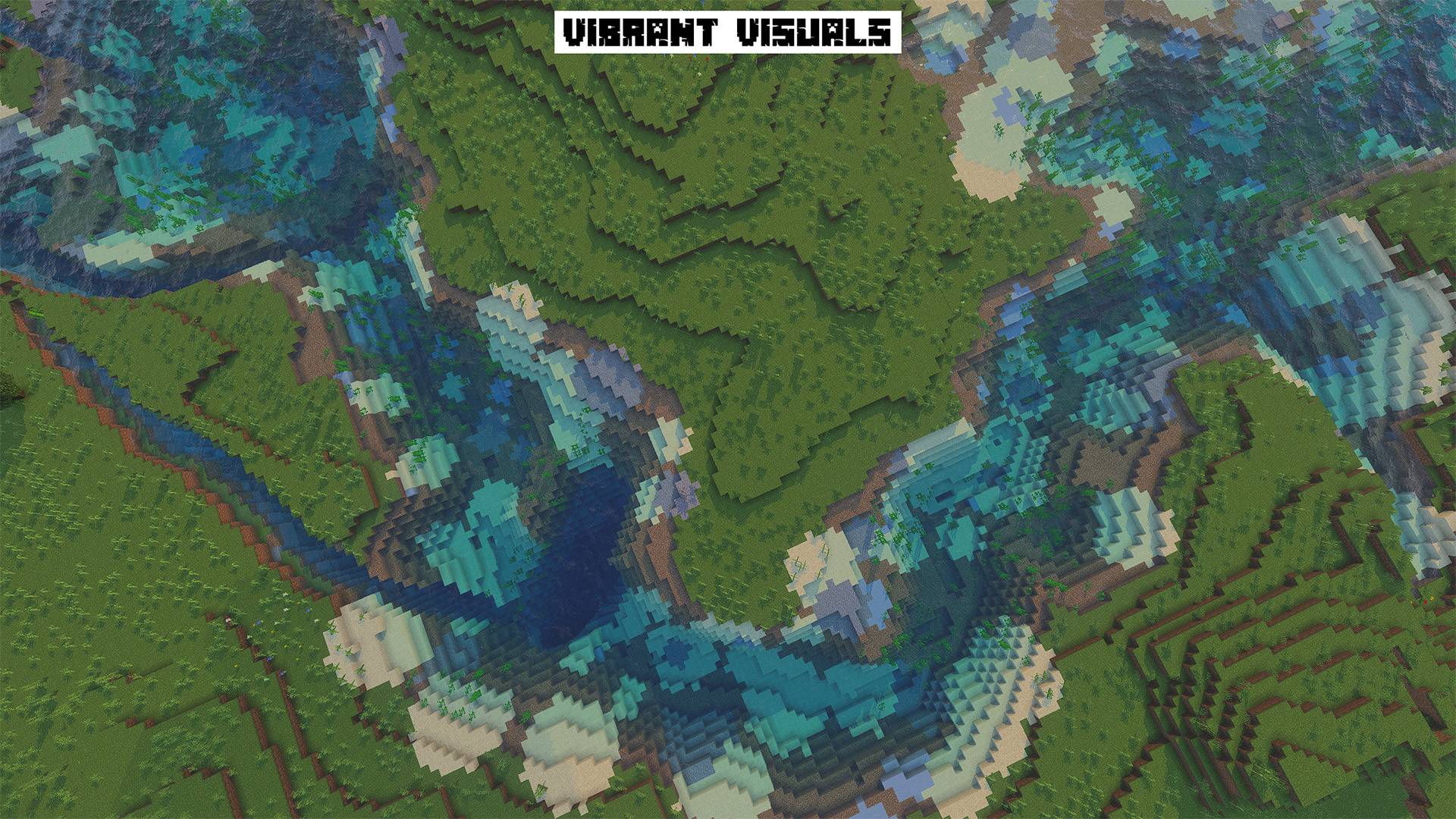
- New Vibrant Visuals Mode: Enhances water clarity and adds realistic wave animations. This mode can be used alone or in combination with shaders for an improved visual experience.
Notes / Troubleshooting
If using this pack with shaders, remember to place the Clear Water Texture Pack above your shader pack in the resource pack list. Ensure the “Vibrant Visuals” setting is enabled within the pack options to activate enhanced water clarity and wave effects. If you encounter any issues with visibility or textures, try toggling subpacks or restarting the game.
Recommended complementary packs
- Realistic Rain: Improves rain and weather effects for a more immersive environment.
- Clear Glass: Offers alternative, clearer glass textures that pair well with the transparent water.
- Full Grass: Enhances the appearance of grass blocks to be fully green and lush.
Enjoy exploring Minecraft’s underwater world with crystal-clear visuals and enhanced effects!
Clear Water Virbant Visuals (+ Compatible) v1.2.mcpack
[328.72 KB]

