Clear And Connected Glass
17.03.2026
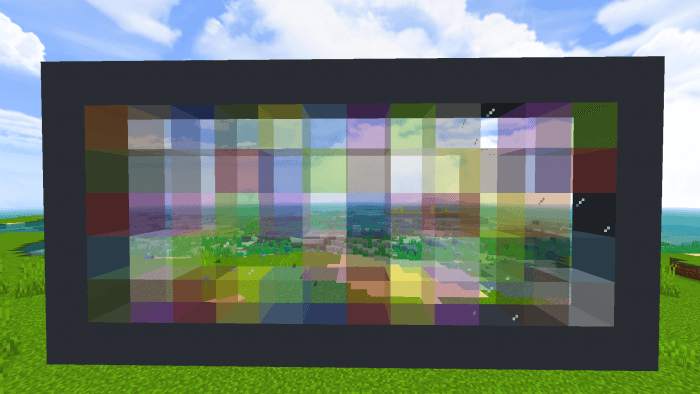
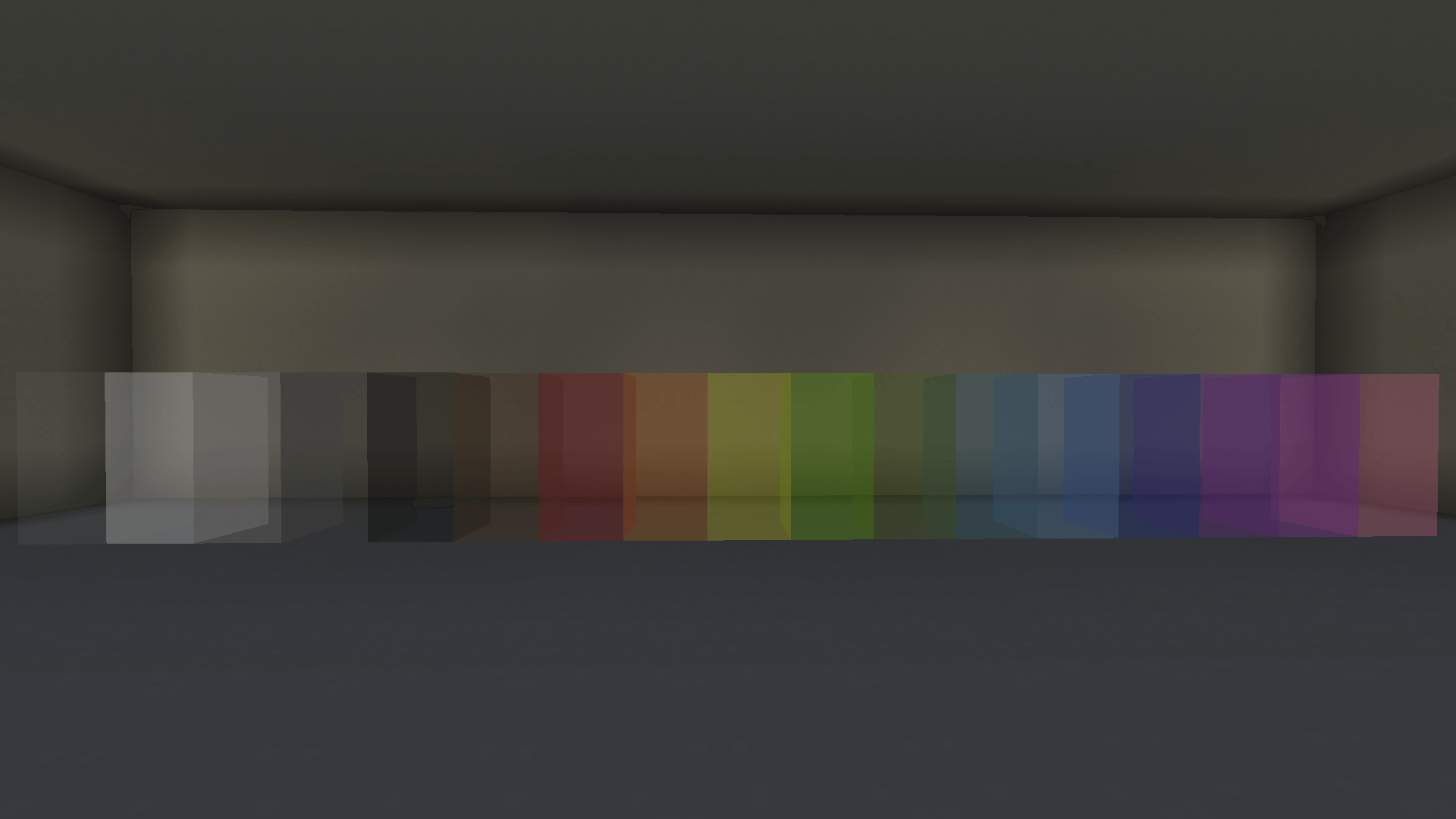
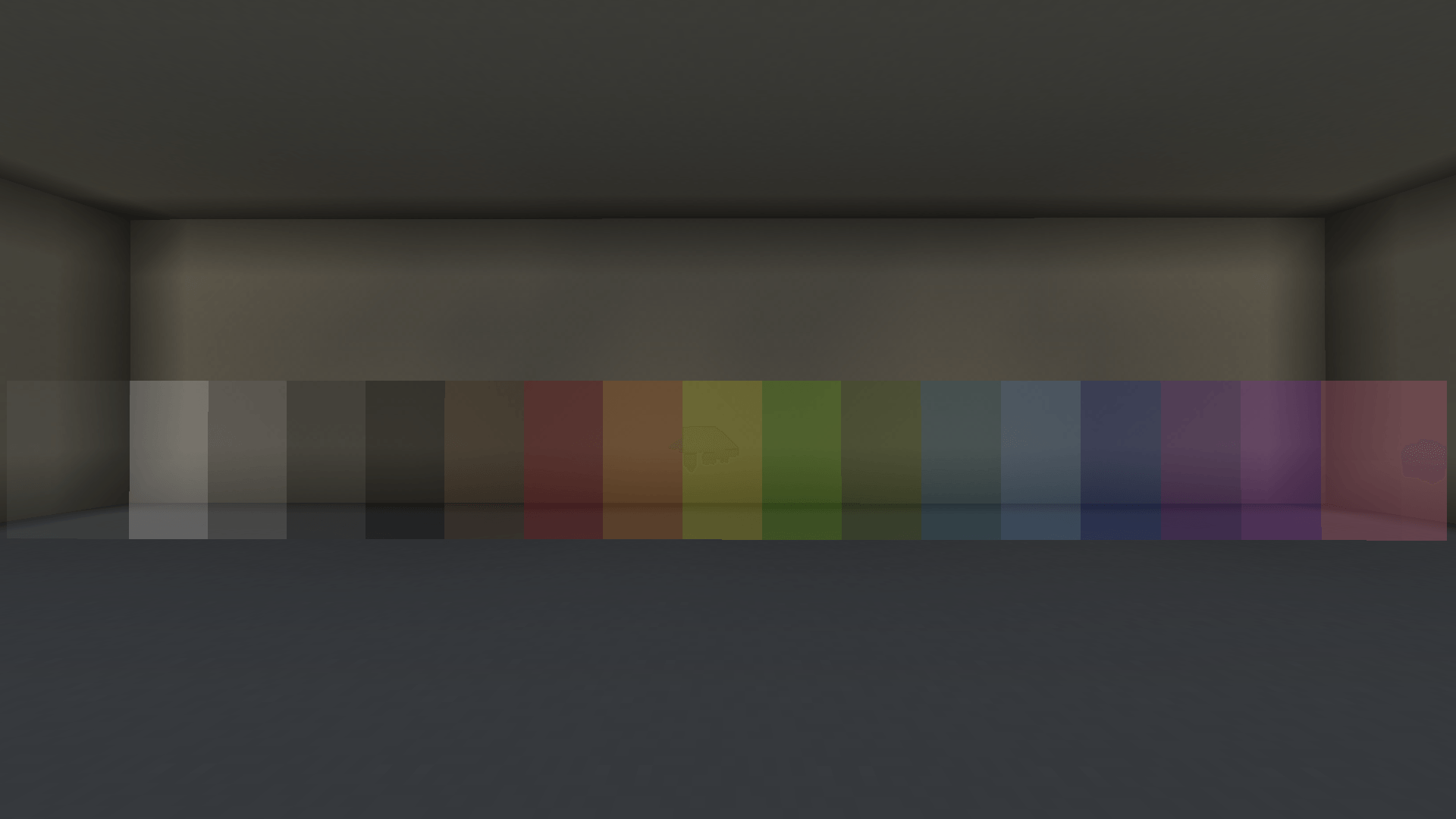
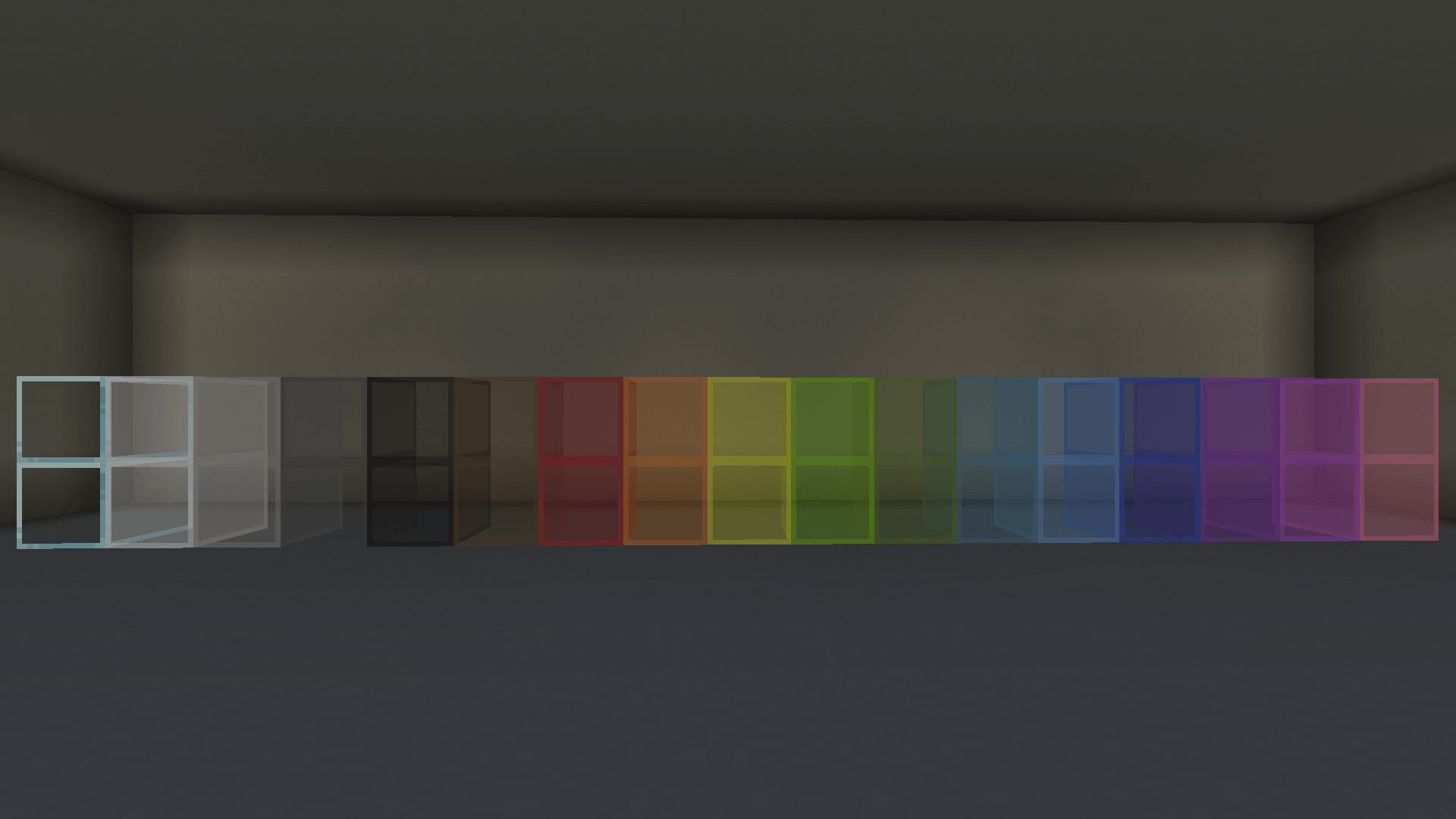
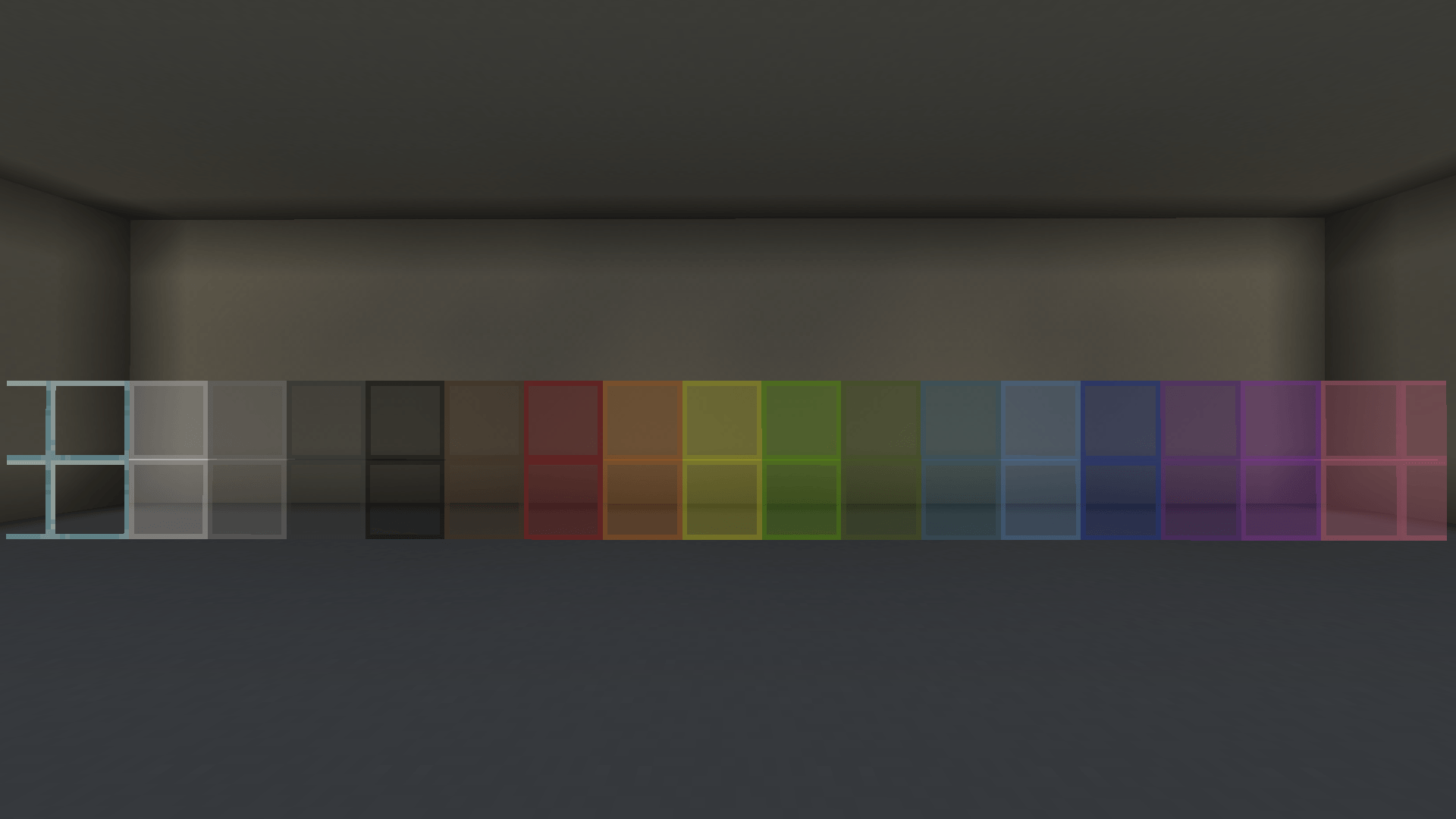
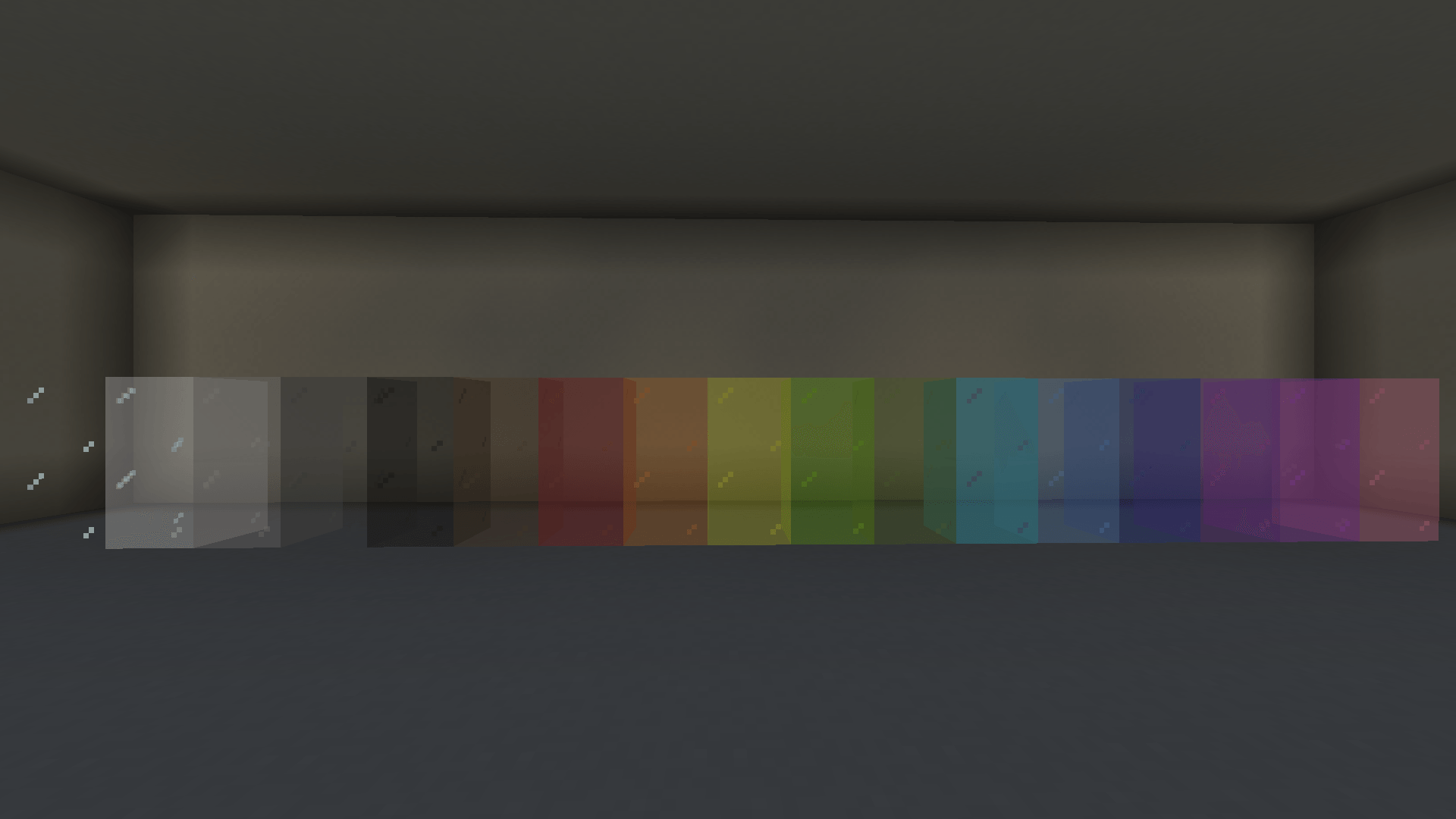
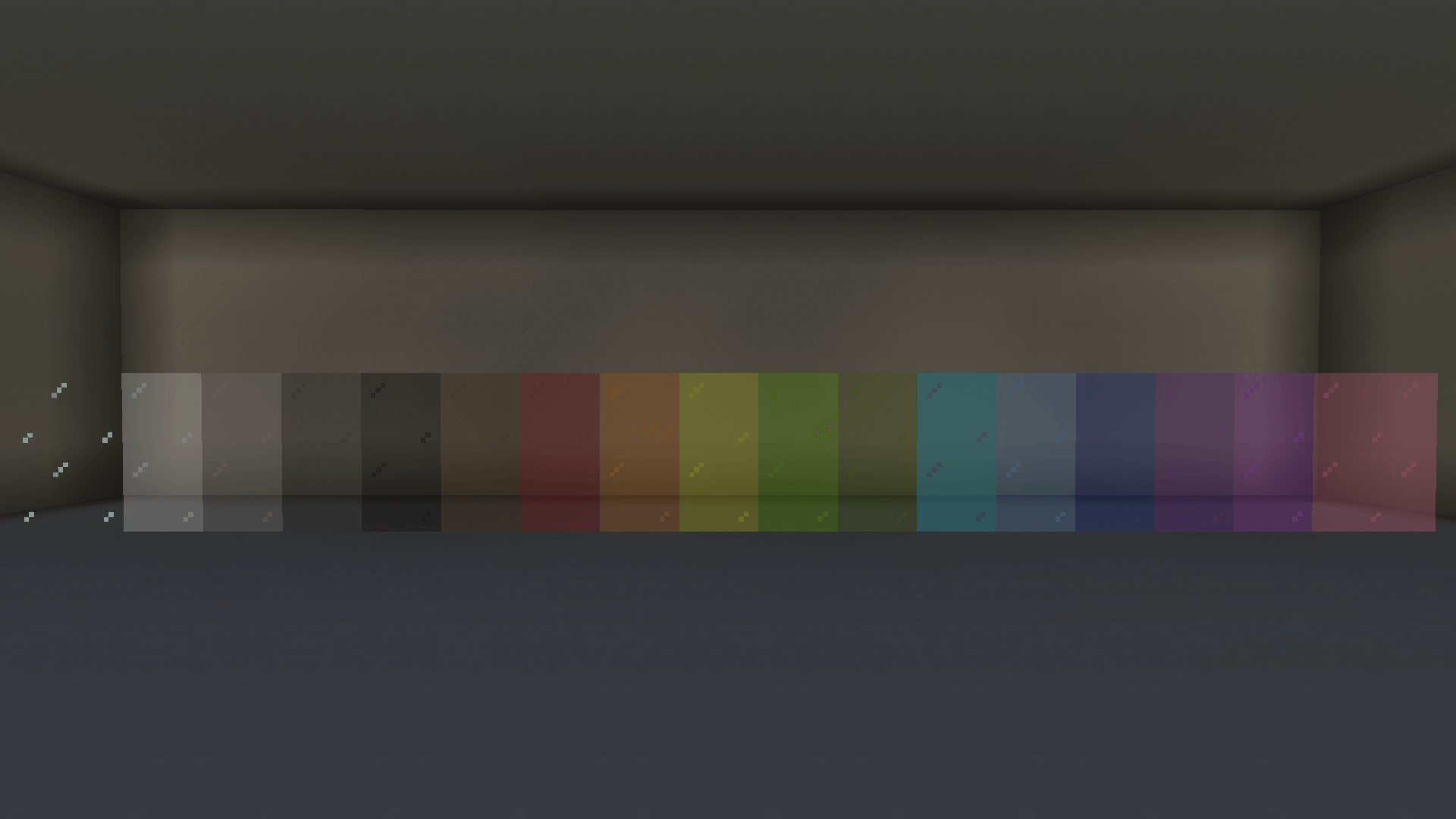
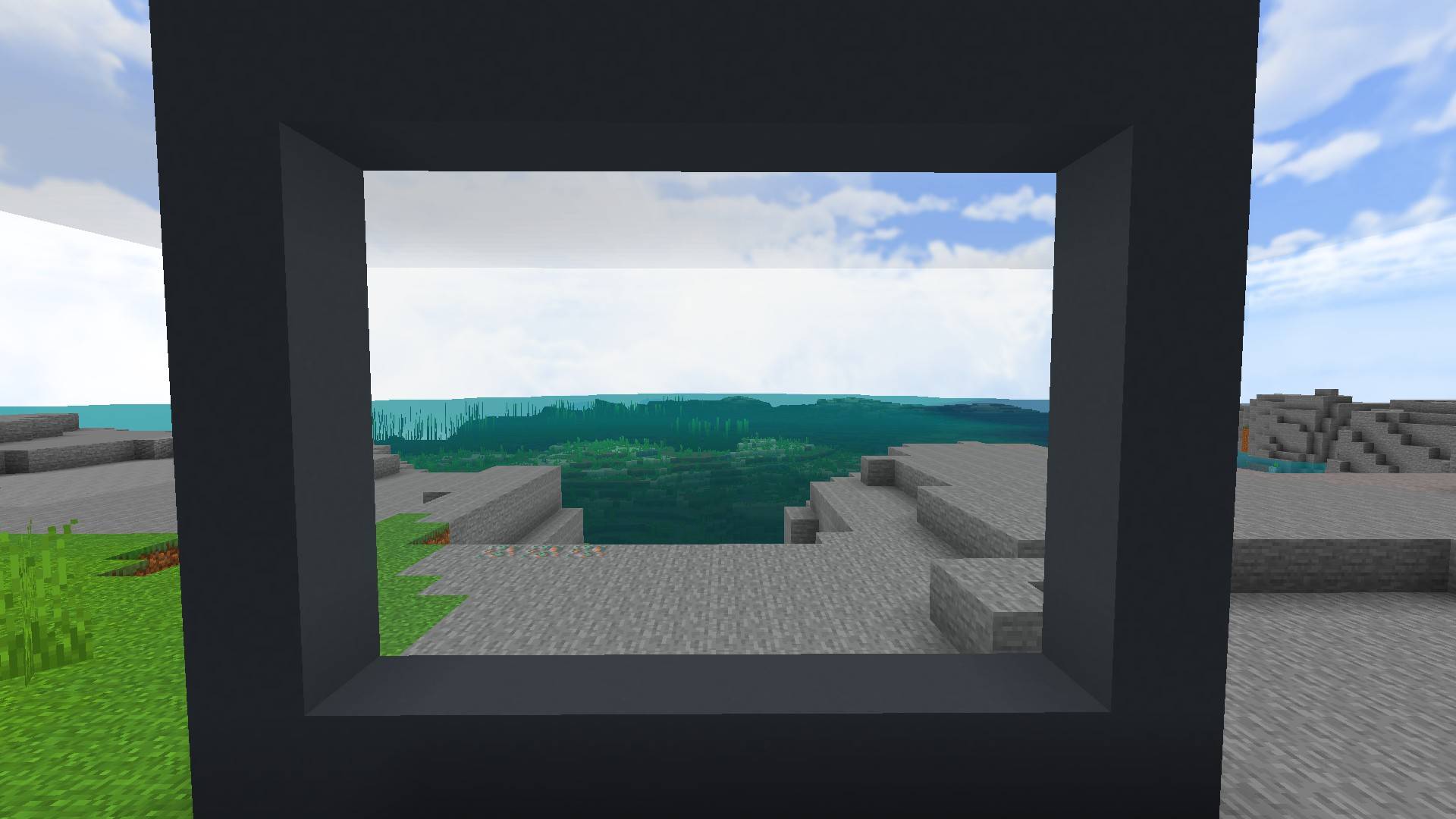
Clear Glass Texture Pack enhances your Minecraft Bedrock visuals by providing ultra-transparent glass and glass pane textures. It removes the default pixelated outlines, allowing for a crystal-clear view through your windows while maintaining smooth, borderless designs. This pack offers three distinct glass styles to customize your gameplay environment without impacting performance or compatibility.
Installation / How to Use
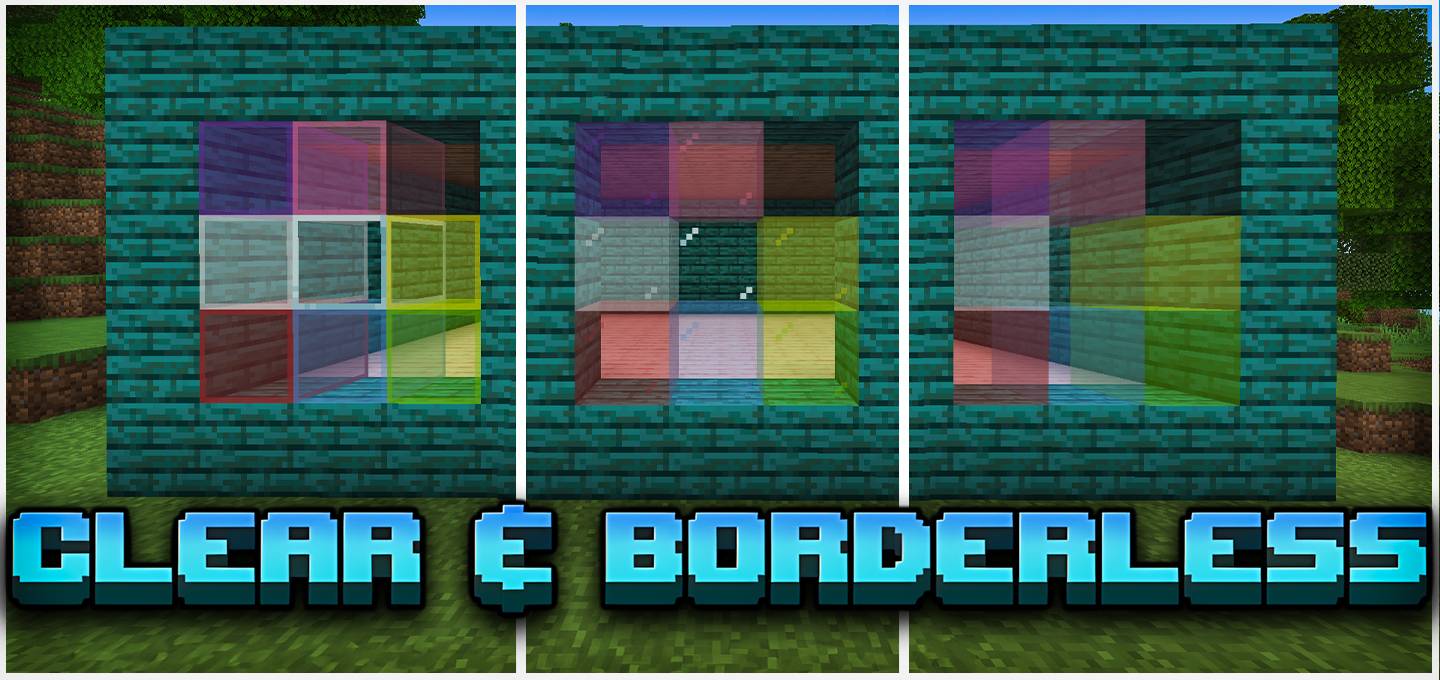
Download the Clear Glass texture pack and add it to your Minecraft resource packs. Activate it from the “Global Resource Packs” section to ensure it applies universally across your worlds. You can select from three different glass texture options via included subpacks, allowing you to personalize your glass appearance. For best results, place this pack at the top of your resource pack list to prevent other packs from overriding the glass textures.
Requirements / Compatibility
This texture pack is compatible with all Minecraft Bedrock Edition devices including Android, iOS, and Windows. It requires no additional resources or performance overhead, ensuring smooth gameplay. It works seamlessly alongside other texture packs that do not modify glass textures. Be sure to install it as a global resource pack to apply changes consistently.
Key Features
- Three unique glass textures: clear, borderless, and connected glass styles.
- Removes default glass block pixels and outlines for a cleaner look.
- Improves visibility to enhance gameplay and aesthetic experience.
- Compatible with other resource packs that do not alter glass textures.
- Lightweight, causing no lag or performance loss.
Notes

Clear & Borderless Glass v5.7.mcpack
[187.32 KB]

