Asui’s 3D Glowing Ores
17.03.2026
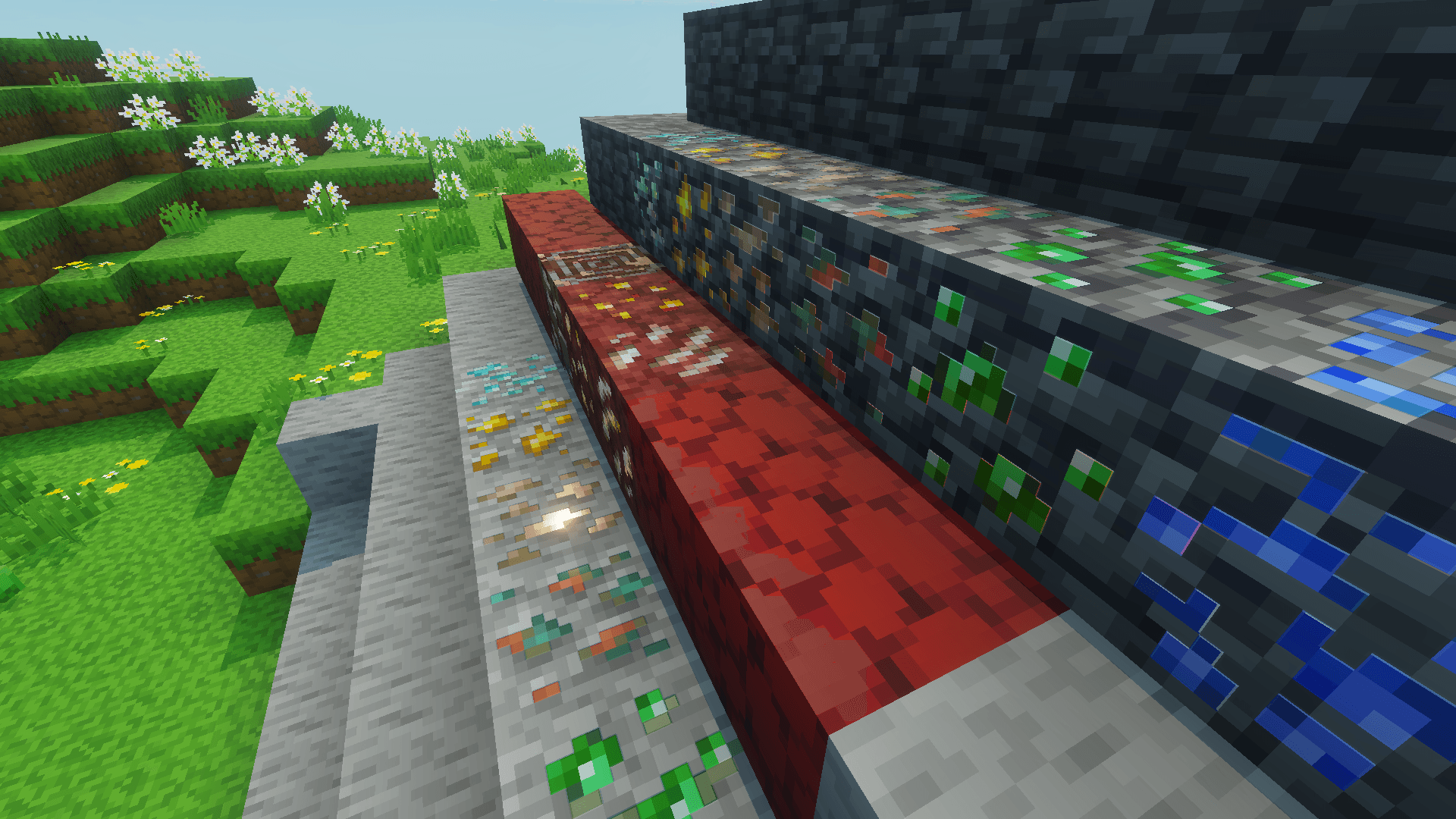
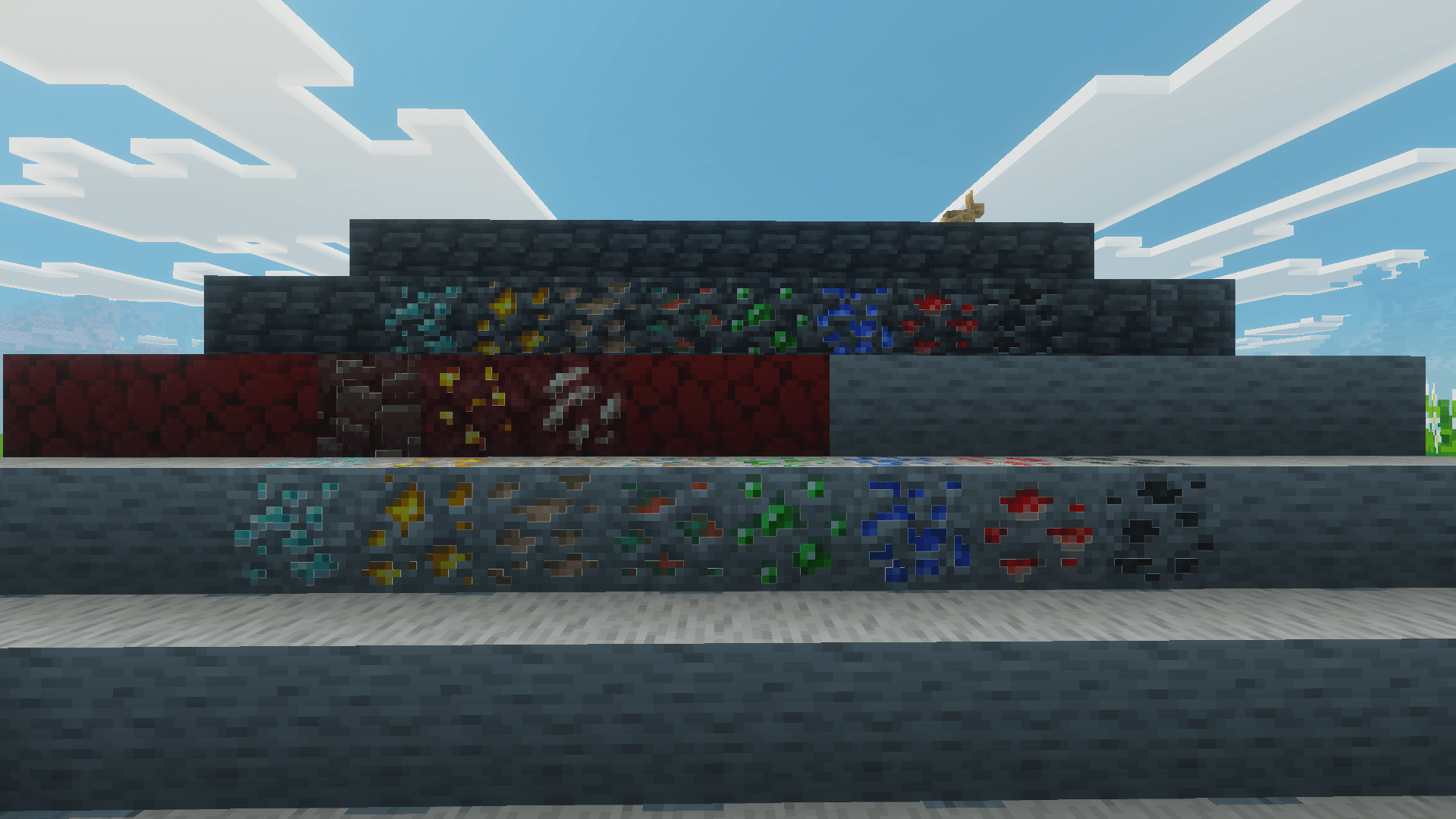
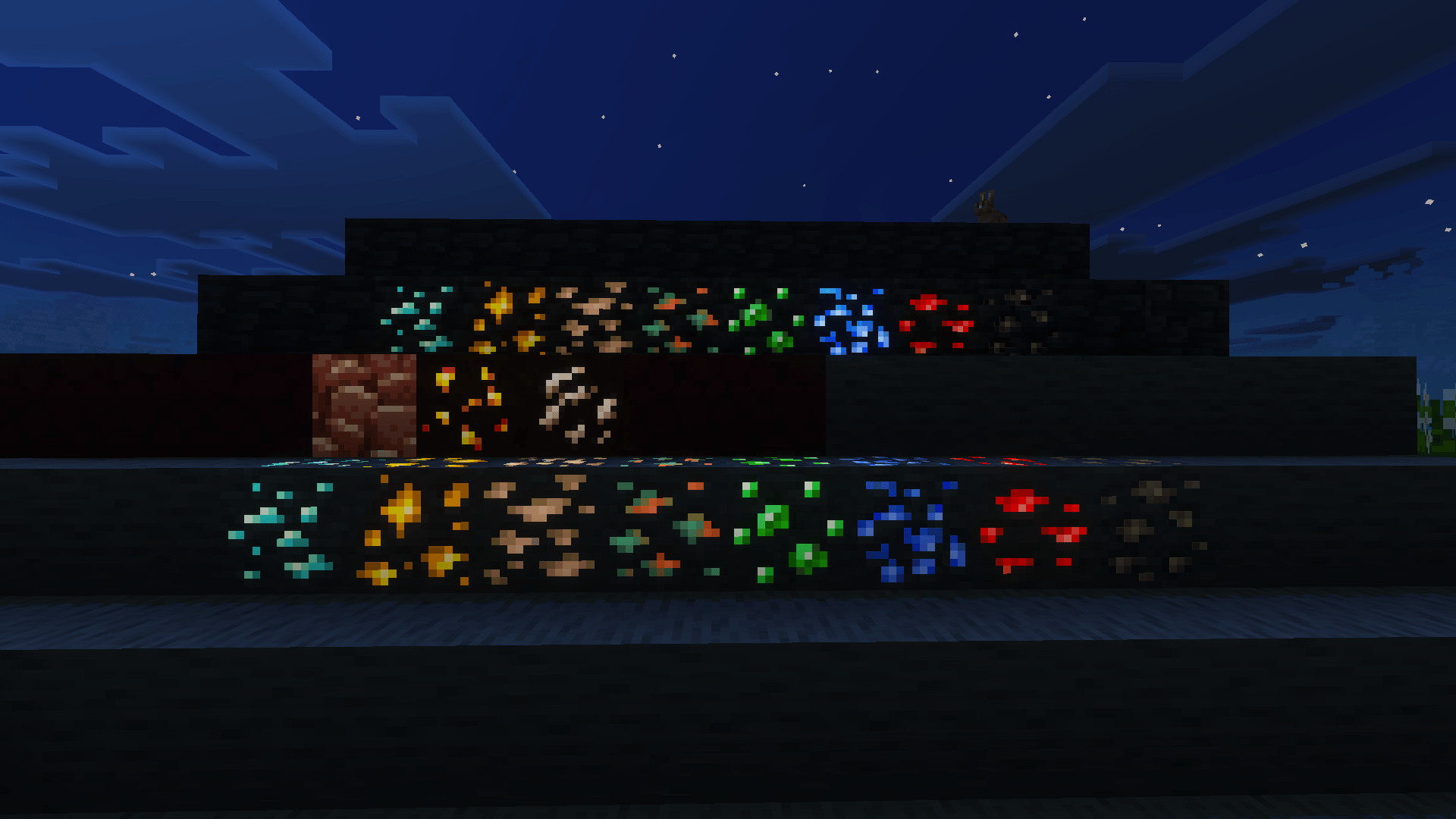
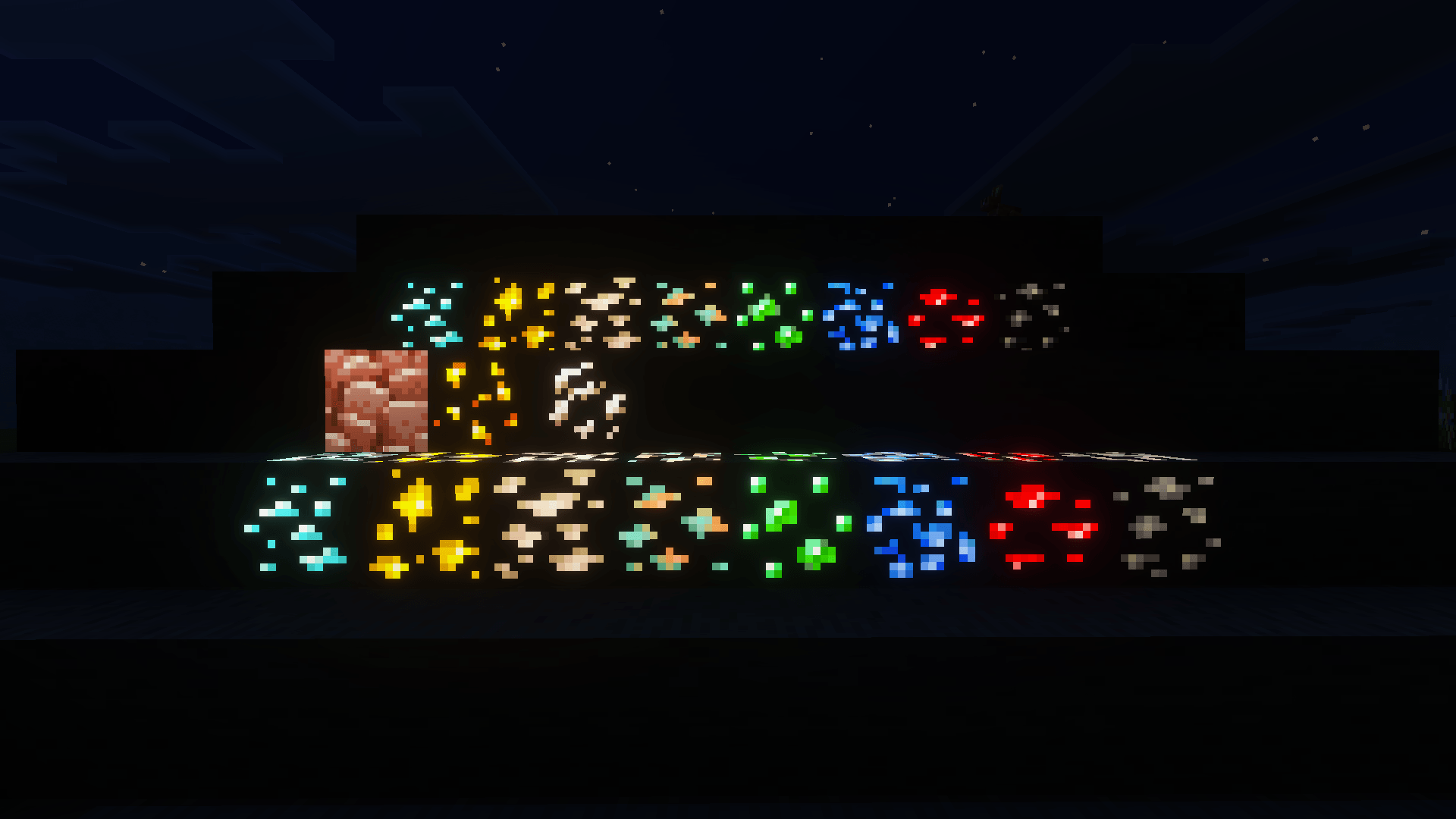
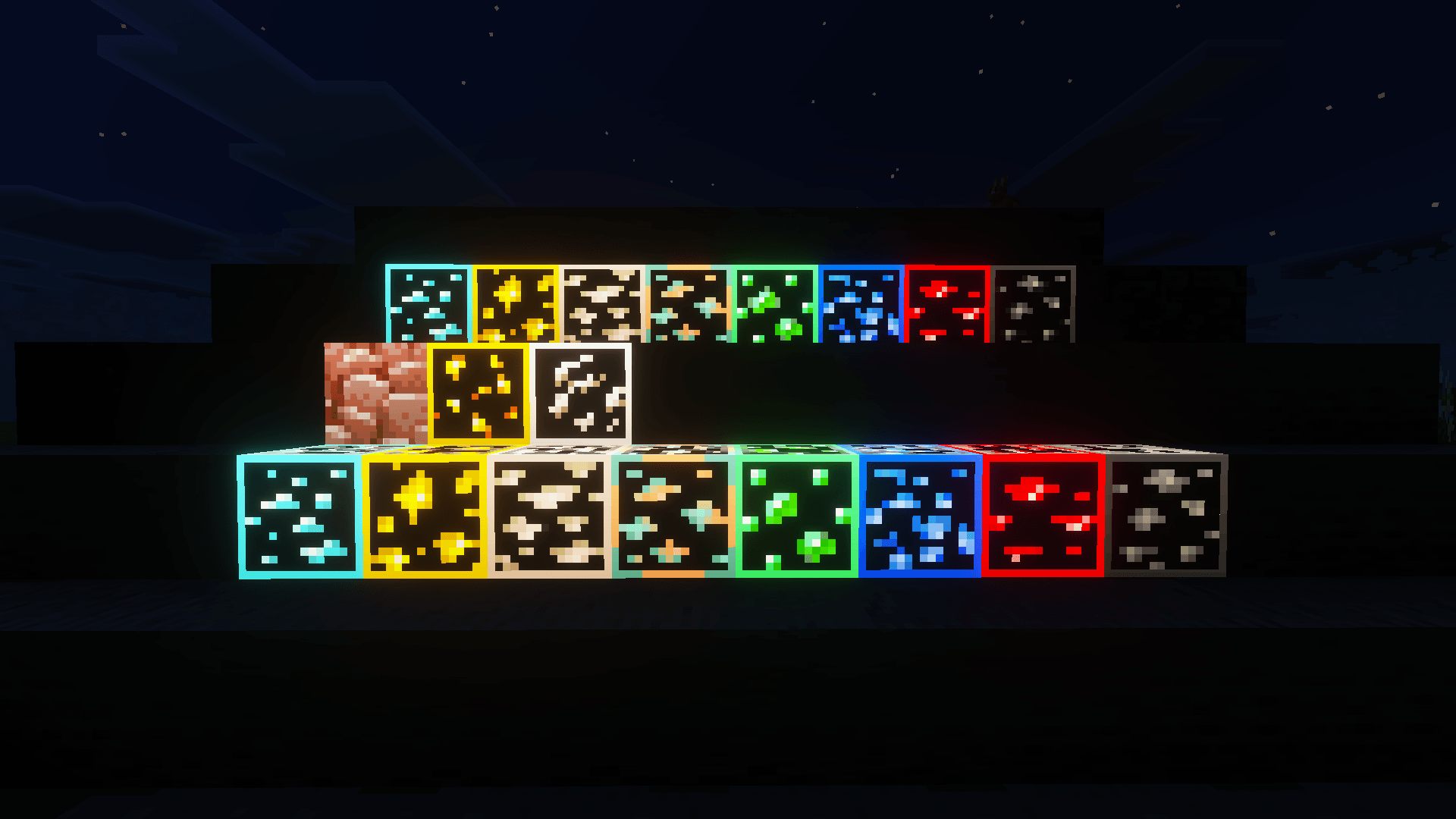
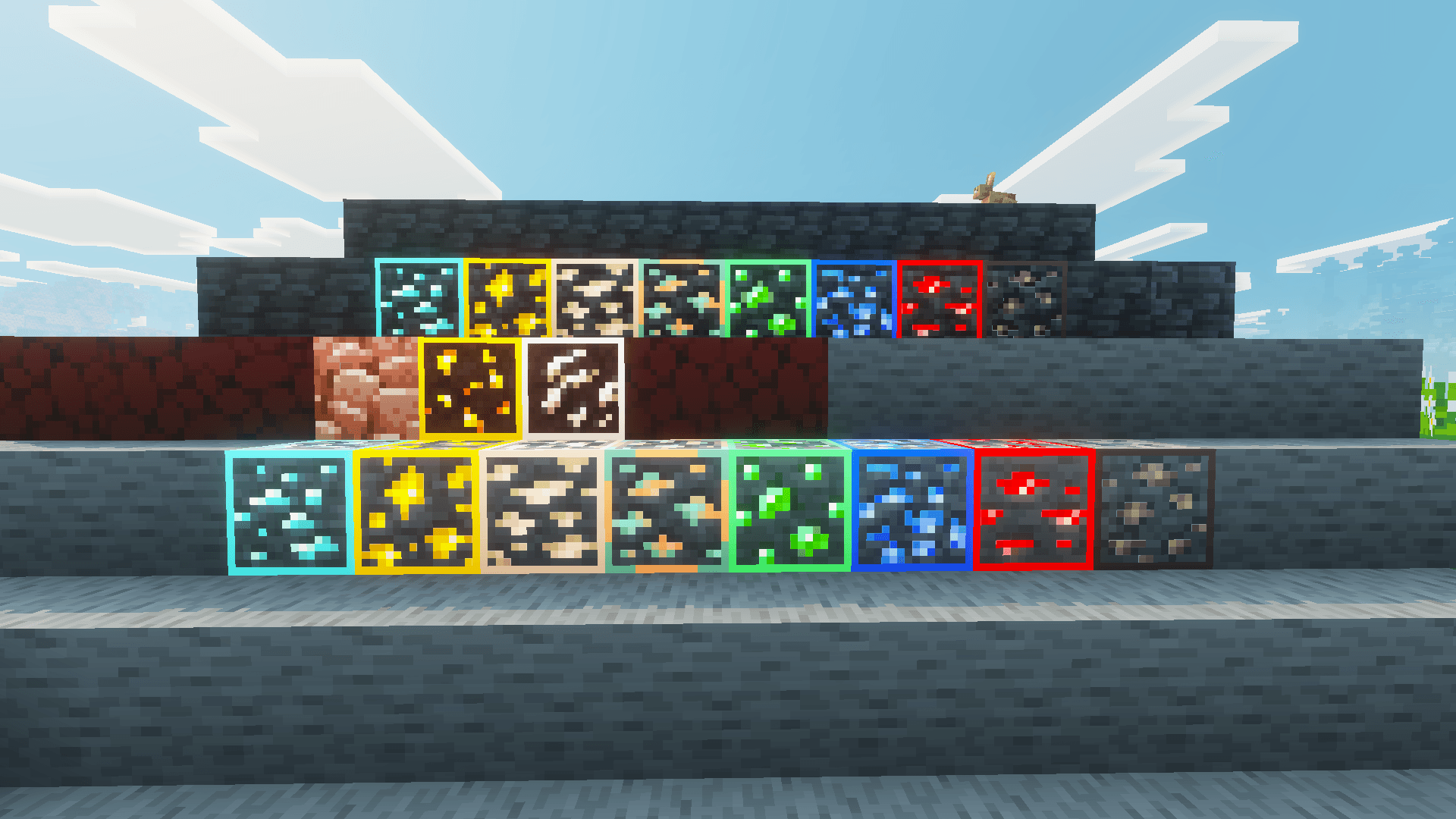
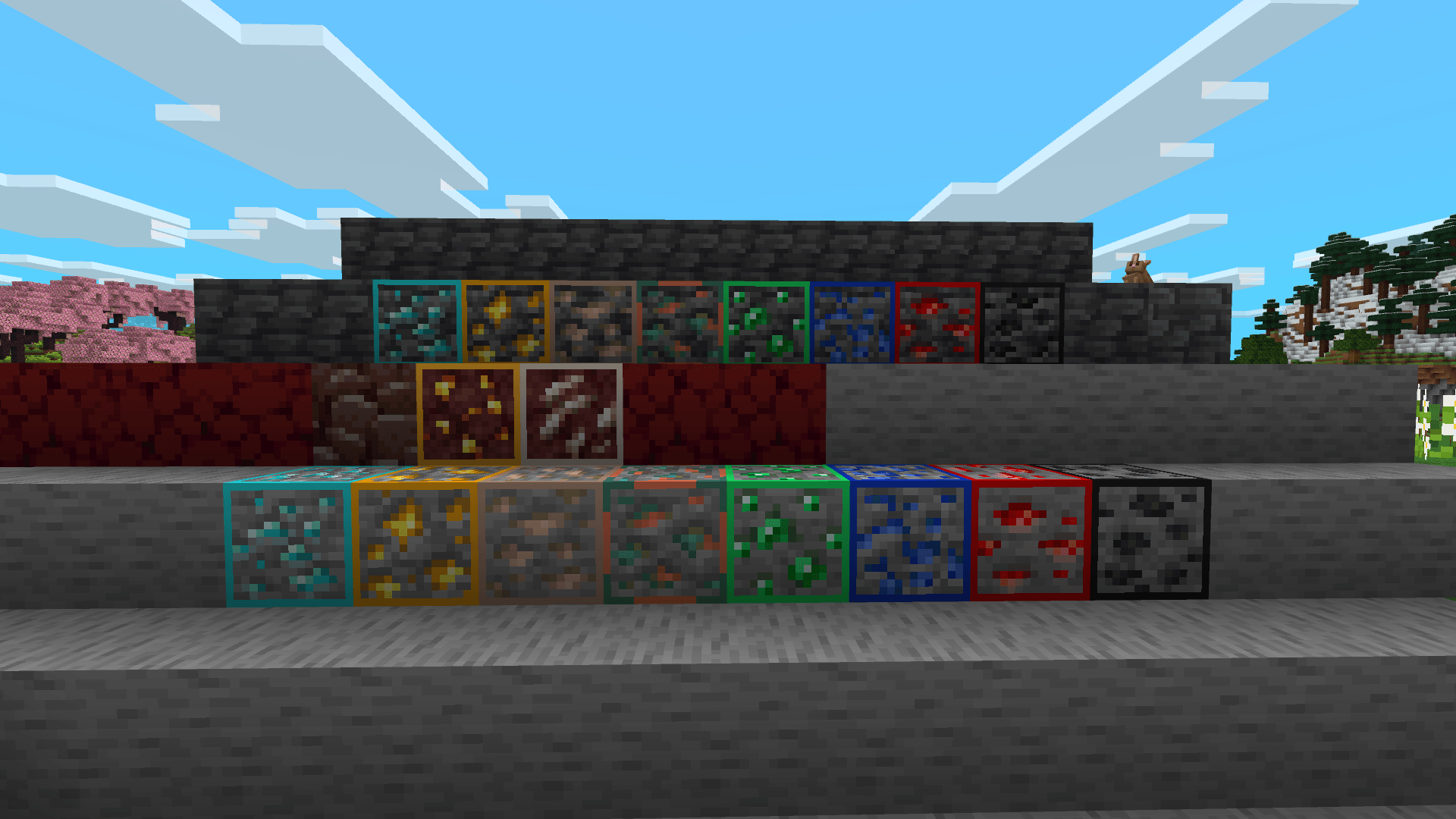
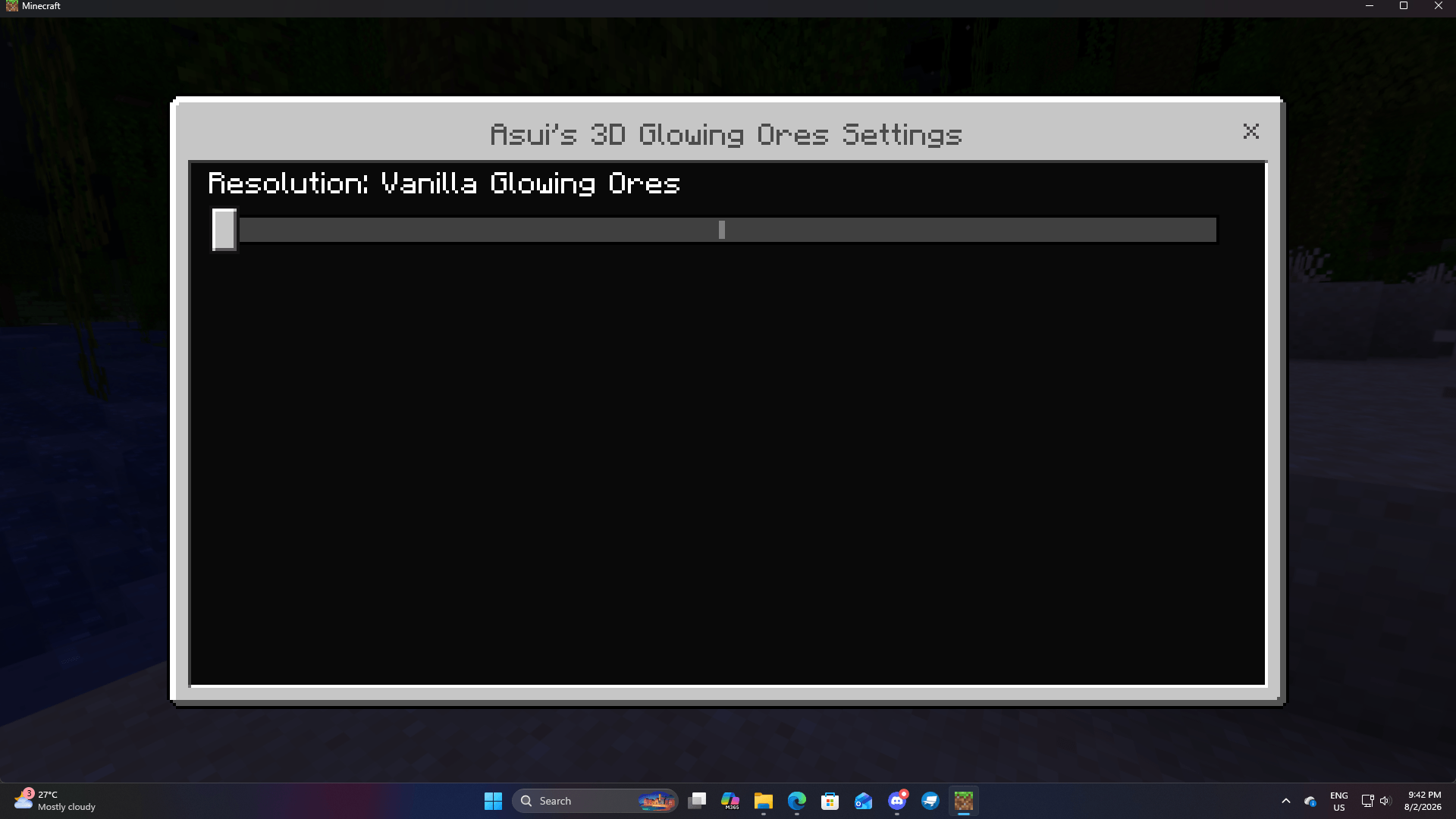
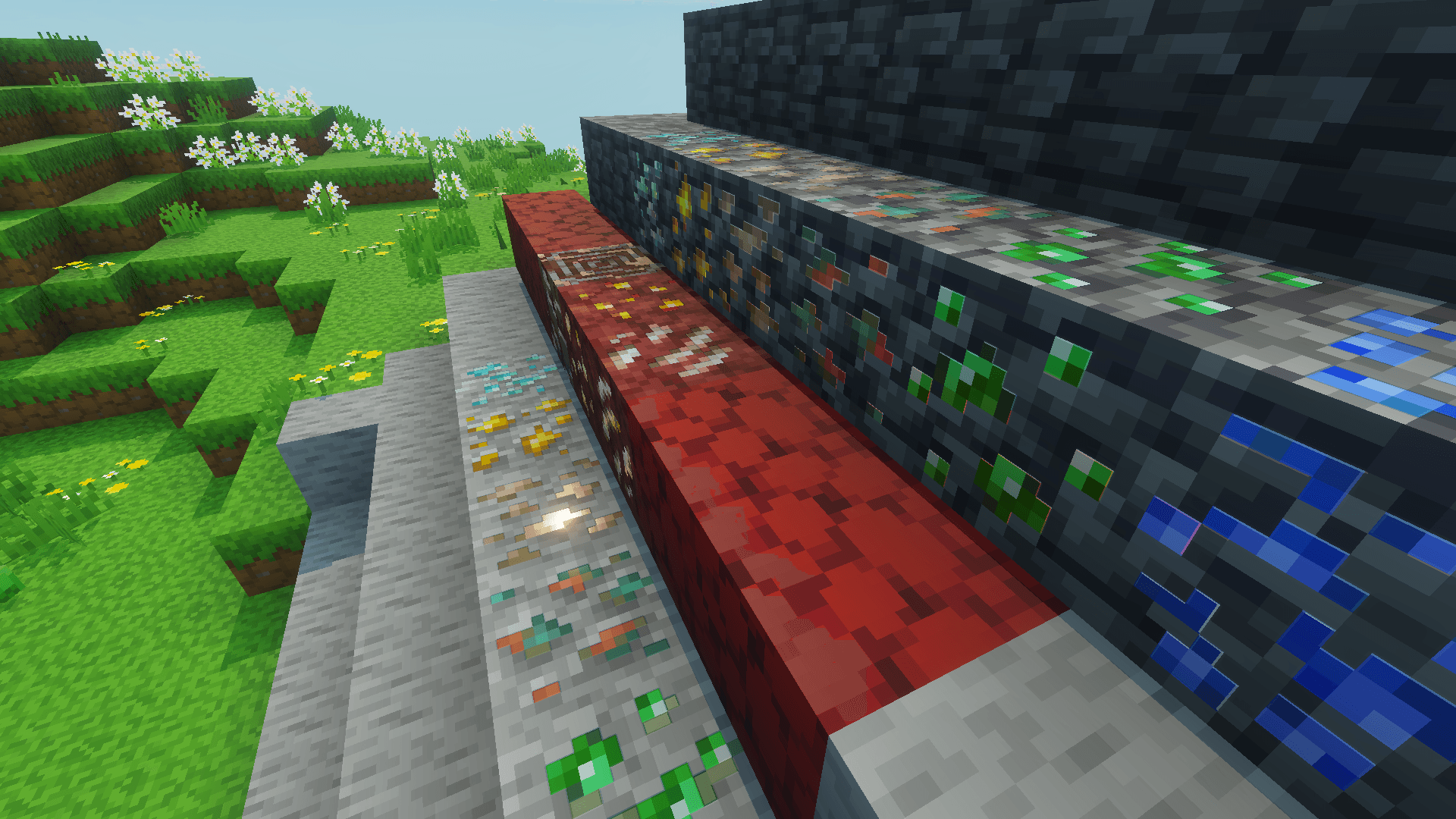
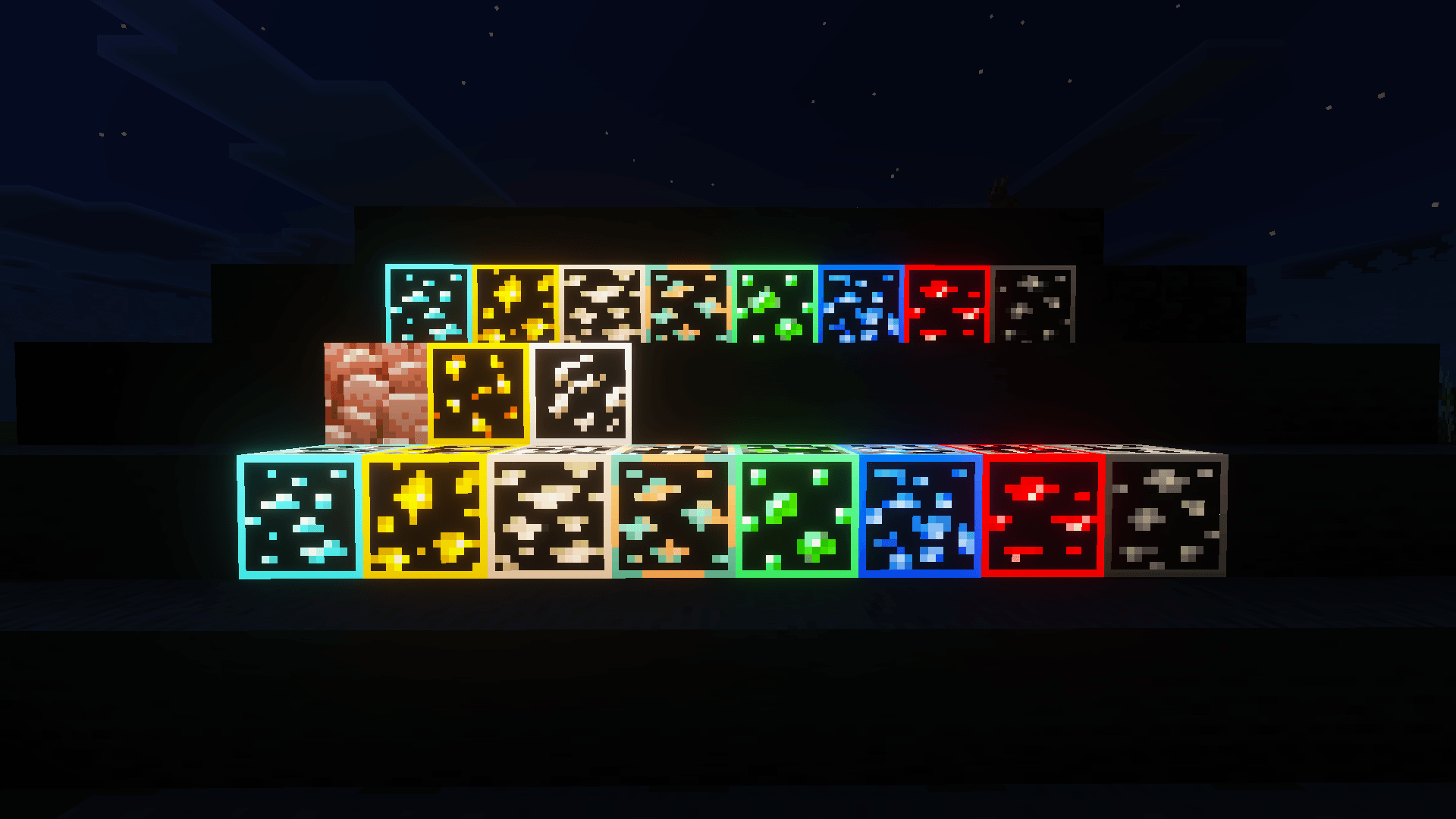
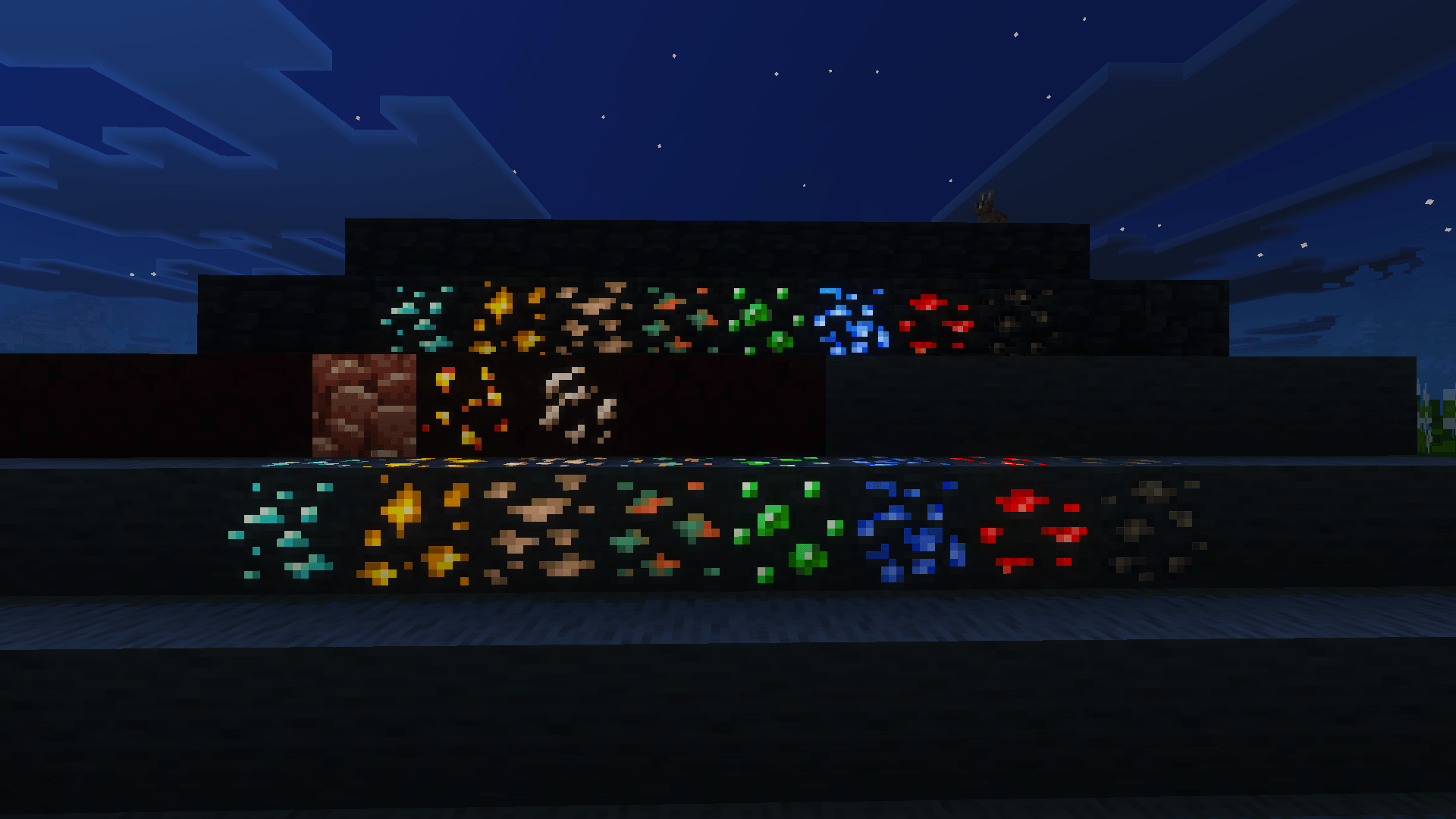
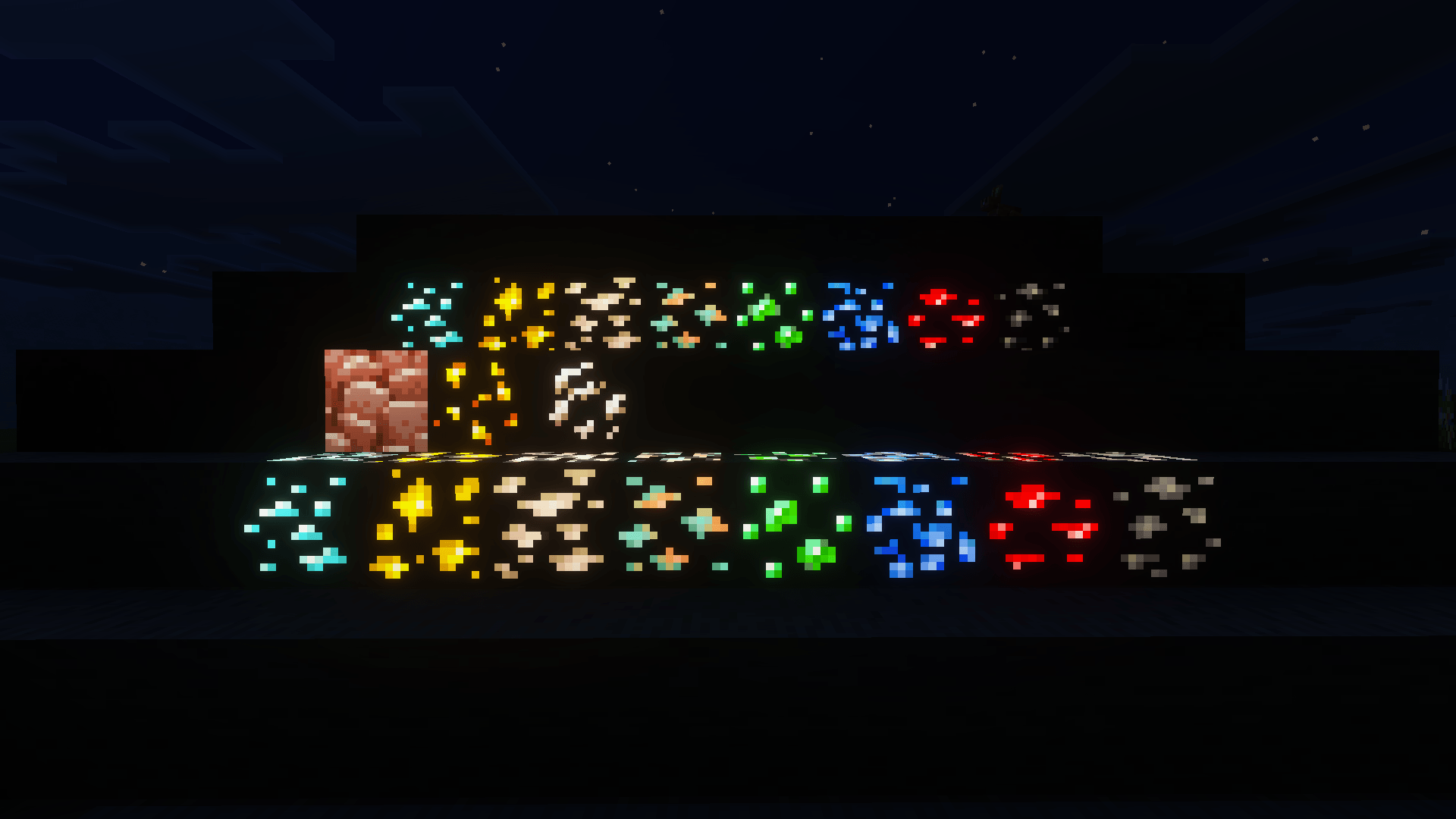
Asui’s 3D Glowing Ores texture pack transforms your mining adventures by adding detailed 3D models to all major ores, enhanced with vibrant glowing effects. Designed for Minecraft Bedrock, it improves ore visibility while maintaining the immersive feel of survival gameplay. This pack offers multiple glow intensity options and works seamlessly alongside popular texture packs, making your underground expeditions more engaging and visually stunning.
Installation / How to use
Download and import the texture pack into your Minecraft Bedrock edition resource packs folder. Activate the pack in the game’s settings menu under “Resource Packs.” For optimal results, enable the Vibrant Visual setting within the game to fully experience the glowing effects. You can combine this pack with other favorite texture packs, such as “Action & Stuff,” without issues.
Requirements / Compatibility
- Minecraft Bedrock Edition (latest versions recommended)
- Vibrant Visual setting enabled for best glow effects
- Compatible with most other resource packs, including “Action & Stuff”
Key features
- 3D modeled ores: diamond, gold, iron, redstone, emerald, coal, copper, and more
- Three glow intensity versions available to suit different preferences:
- Soft glow for a subtle, natural look
- Super bright glow visible without night vision potions
- Outlined bright glow for enhanced visibility
- Survival-friendly design that enhances visibility without providing full X-ray capabilities
- Optimized textures to prevent lag and maintain smooth gameplay
- Ideal for mining, exploration, and content creation
Notes / Troubleshooting
If ores do not glow as expected, ensure that the Vibrant Visual setting is active in your Minecraft Bedrock settings. For best performance, avoid combining with resource packs that heavily modify ore textures unless compatibility is confirmed. This pack does not provide full X-ray vision, preserving balanced survival gameplay.
Asui's Glowing Ores v1.0
[892.93 KB]

