
What Am I Looking At? WAILA
22.02.2026
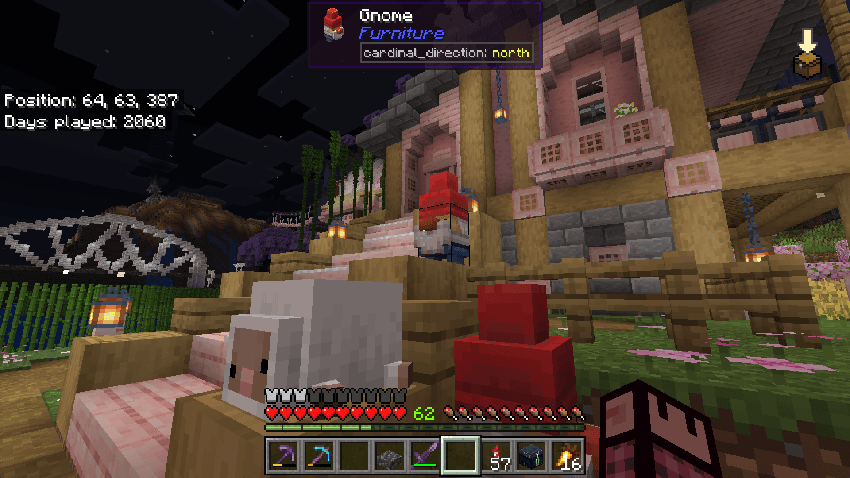
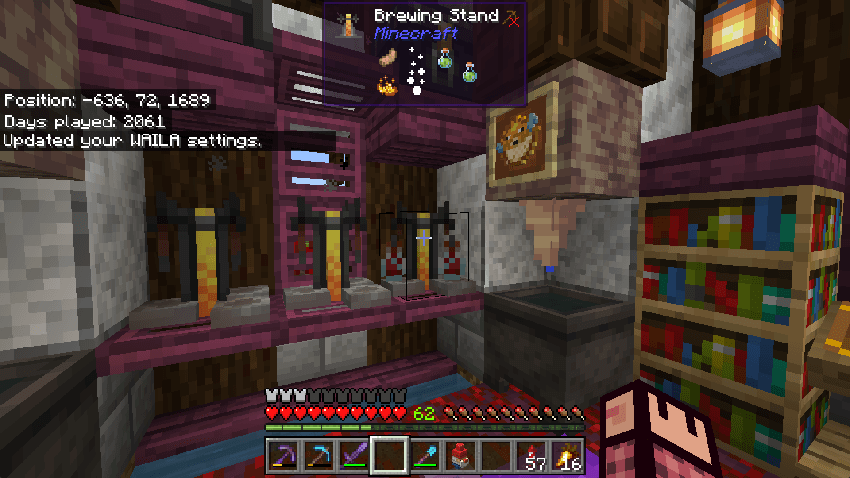
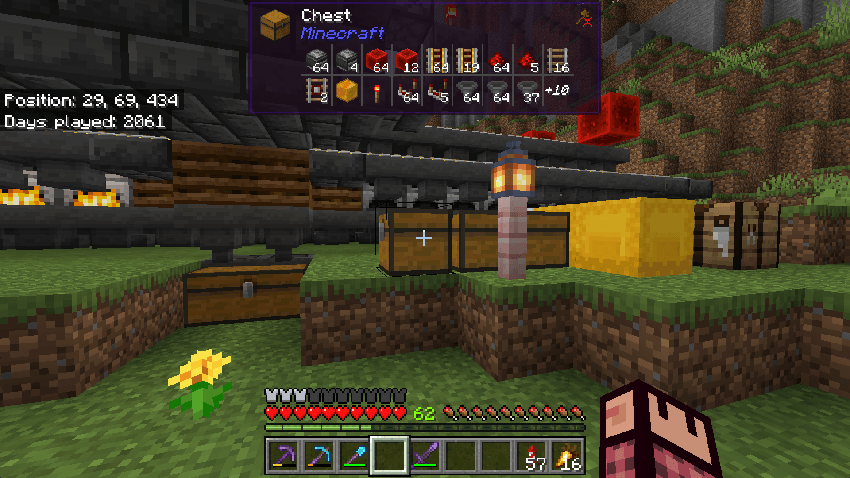
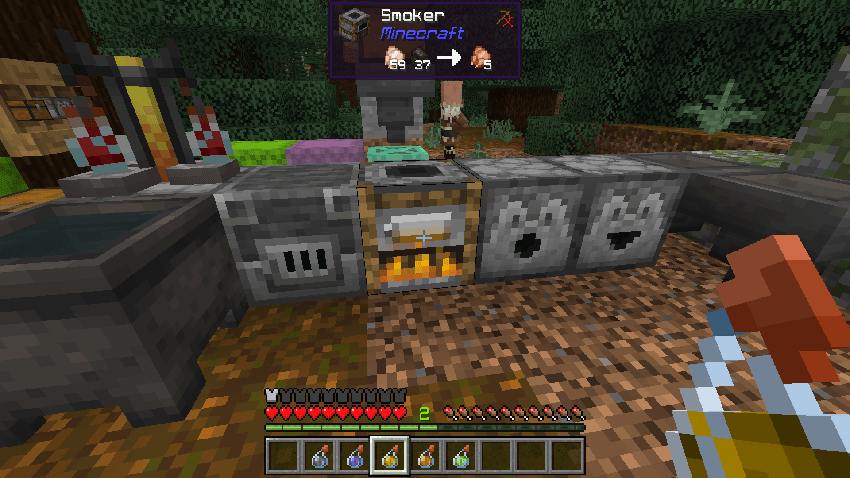
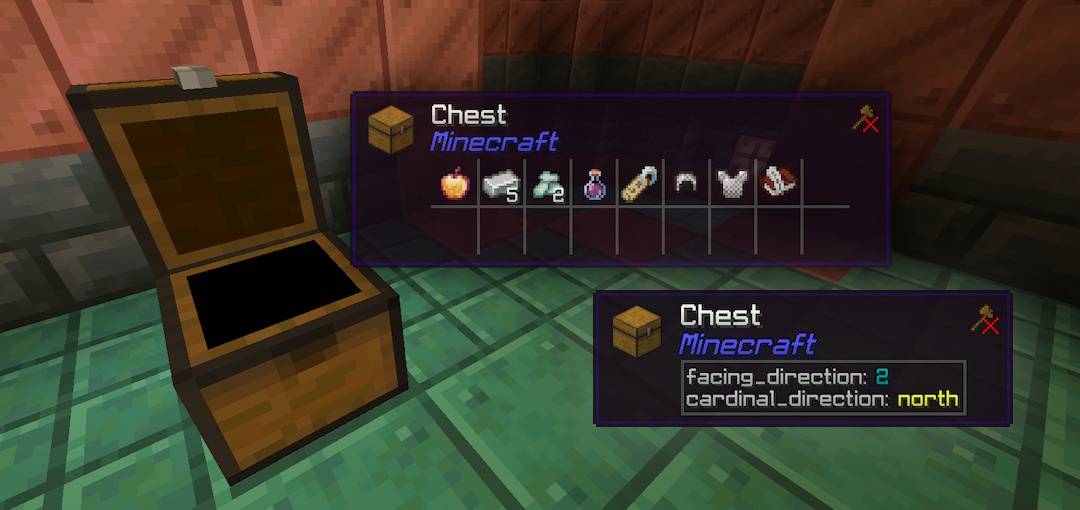
What Am I Looking At? (WAILA) enhances your Minecraft Bedrock Edition experience by displaying detailed information about blocks and entities right on your HUD. This lightweight add-on offers clear visuals and useful data such as names, icons, and recommended tools, helping you understand your surroundings instantly.
Key Features
- Clean and intuitive HUD design for easy reading
- Displays block and entity names along with their namespaces to identify their source add-on
- Accurate rendering of block and entity icons
- Suggests the appropriate tool to use for interaction
- Compatible with most other add-ons and resource packs
- Supports multiple languages for global usability
- Minimal impact on game performance
Installation
- This add-on works seamlessly in multiplayer environments, including local Wi-Fi, LAN, and compatible hosting services.
- For server platforms like Aternos, refer to their specific add-on installation guidelines.
- Realms users must have an active subscription to install and use this add-on.
- Compatible with Minecraft Bedrock Edition version 1.21.100 or later.
- No experimental gameplay features need to be enabled for this add-on.
- This add-on does not modify player.json, ensuring compatibility with other add-ons.
How to Use
Once installed, WAILA automatically displays information about the block or entity you are looking at on your screen.
To customize the interface, use the command /waila. Server operators can adjust settings for other players by using /waila [player].
License and Usage
This add-on is licensed under the MIT License, allowing free use, modification, and distribution of the software under the terms specified by the license. Please include the copyright notice and license text if redistributing.
Screenshots
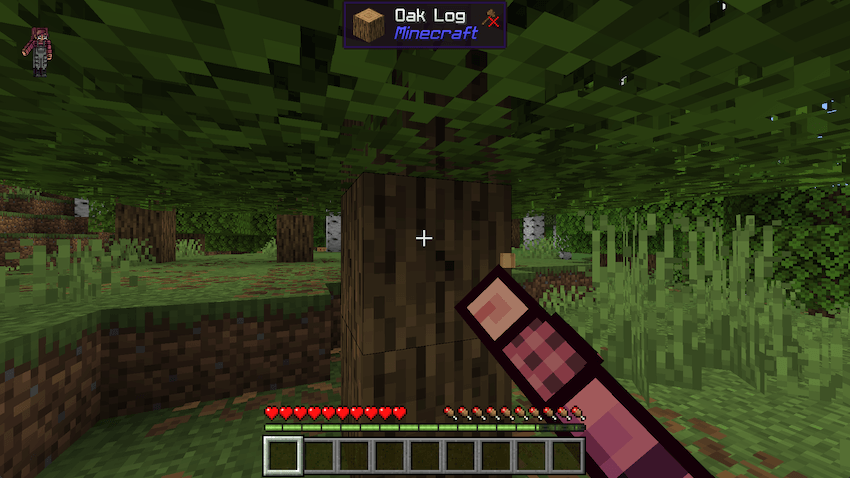
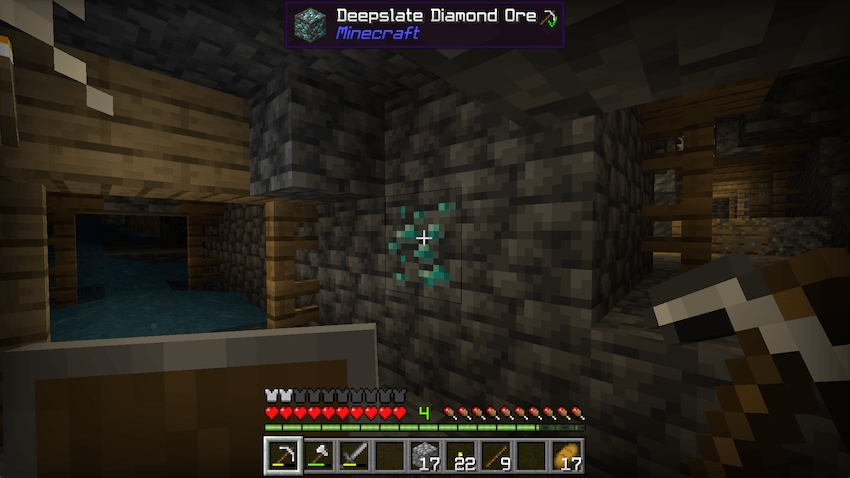
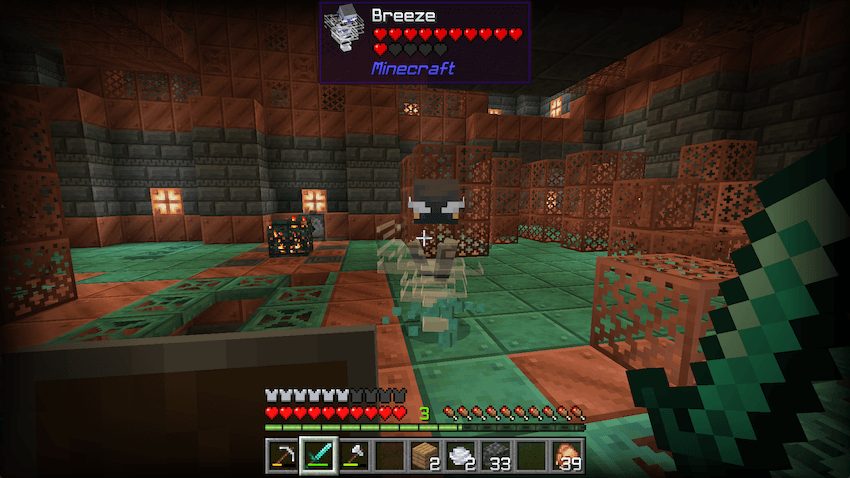
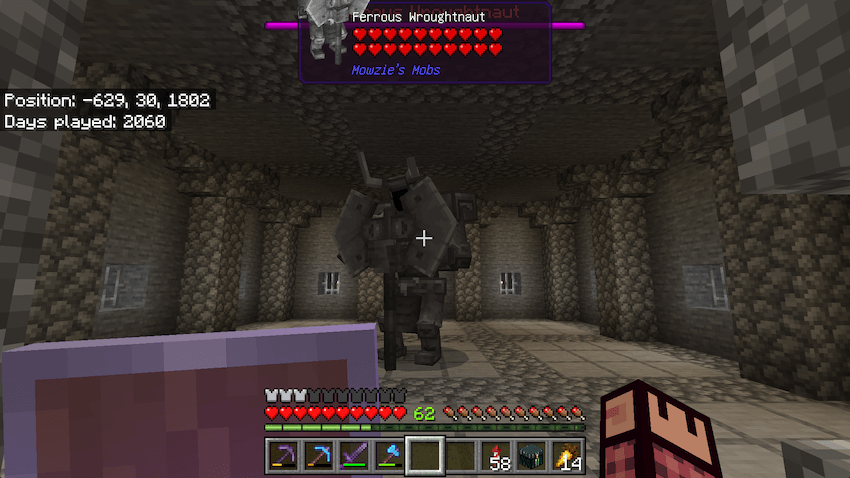

WAILA v5.0.0.mcaddon
[193.23 KB]

