Waguri Live Anime Ui
27.03.2026
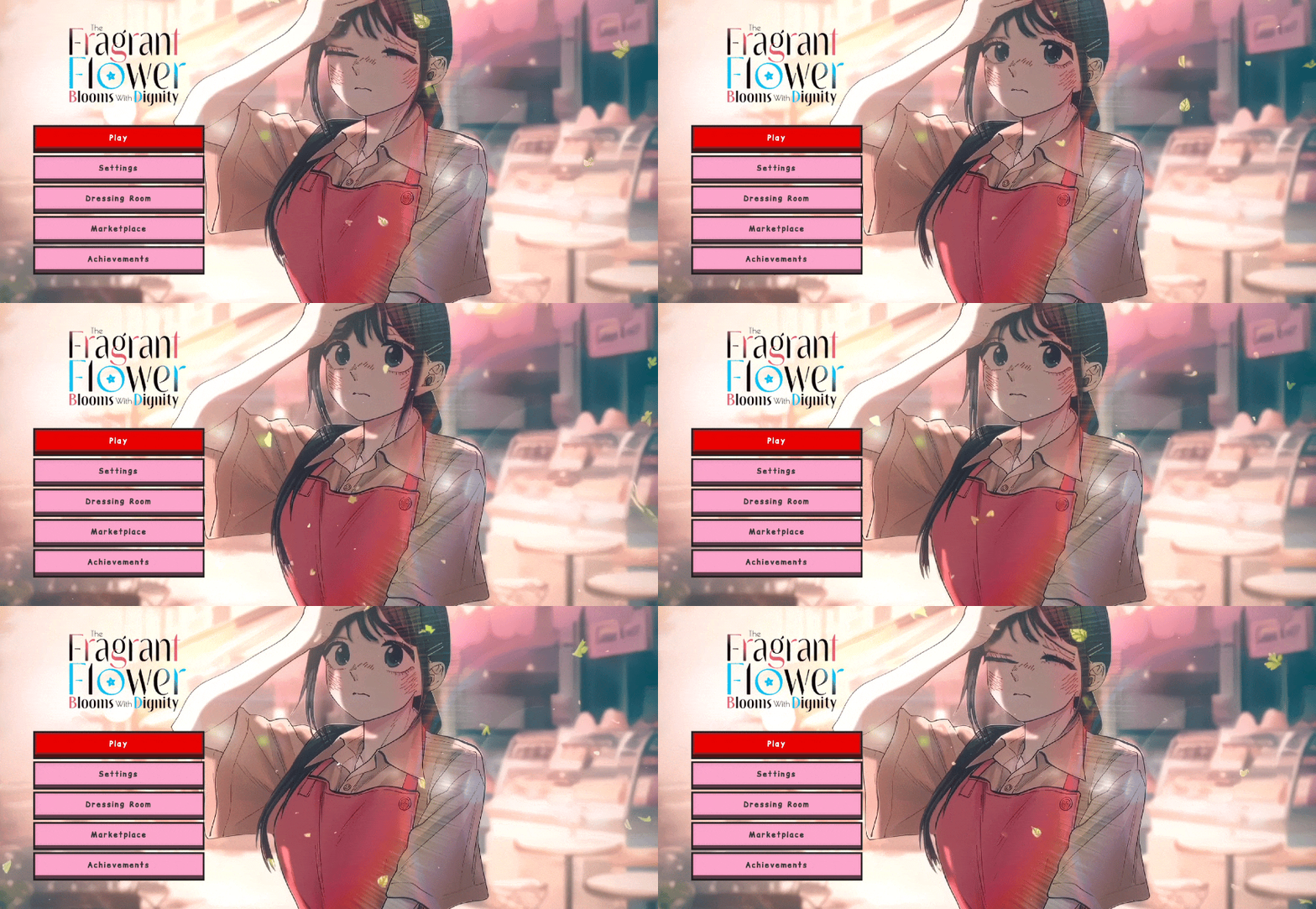
Waguri Live Anime UI offers a vibrant and animated interface for Minecraft Bedrock Edition 1.21 and above. Designed to enhance the visual experience, this UI pack features a sleek pink and red anime-inspired theme that replaces the standard Minecraft menus with stylish, transparent elements and dynamic animations.
Key Features
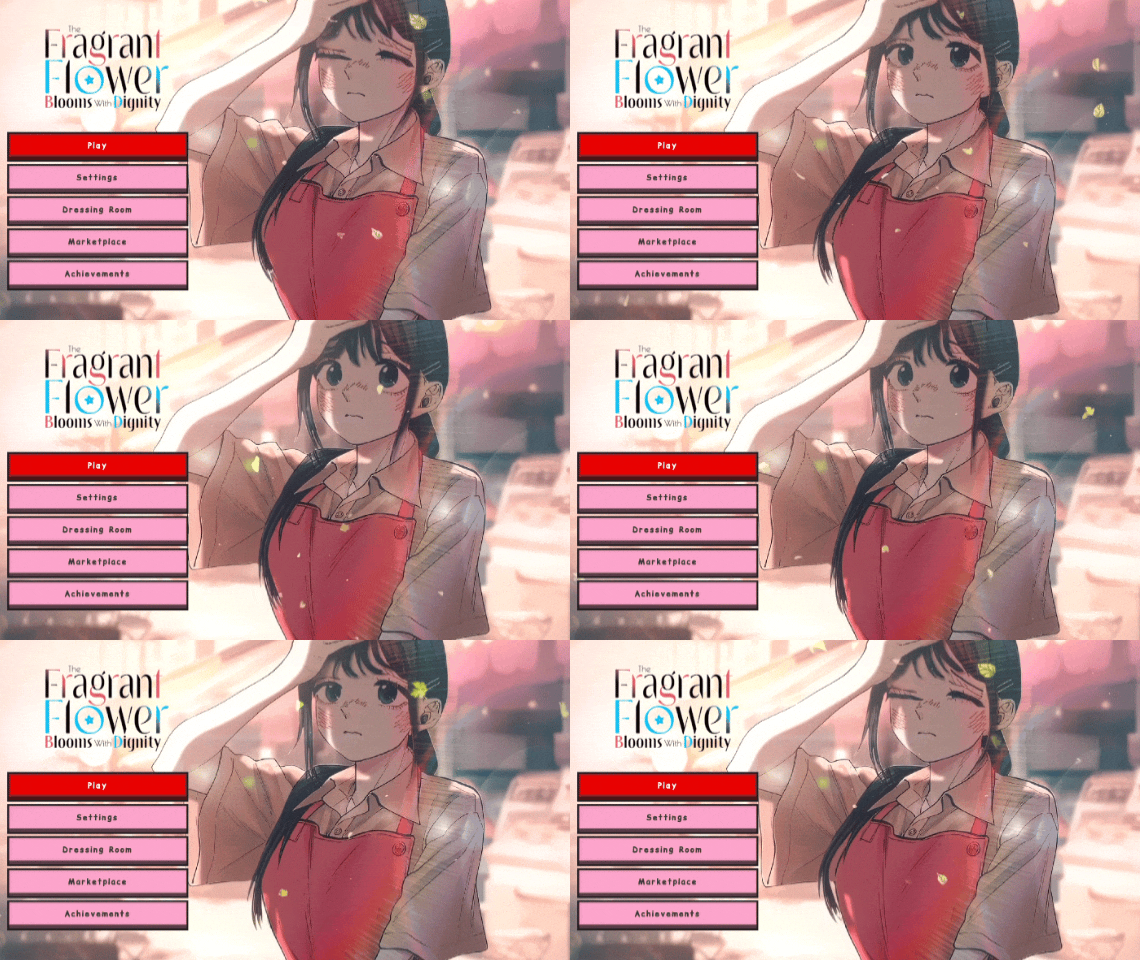
- Animated Start Screen – Engage with a lively anime-themed launch screen to kick off your Minecraft sessions.
- Pink and Red Color Palette – Enjoy a fresh and colorful redesign that appeals to anime fans.
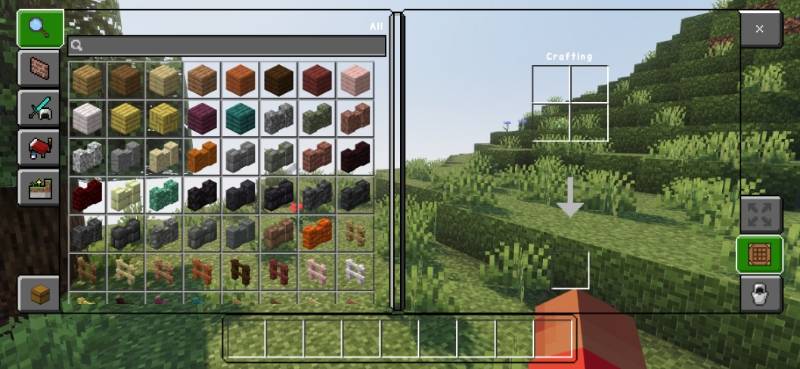
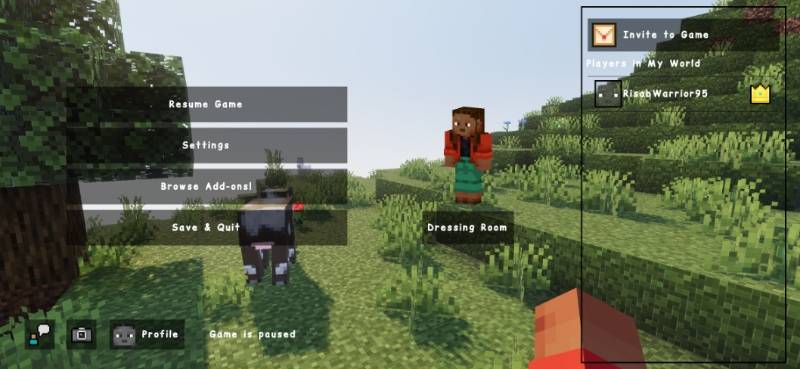
- Transparent UI Elements – Experience a clean and modern look with see-through interface components.
- Advanced Chat Interface – Communicate with an improved and stylish chat design.
Installation / How to Use
To apply the Waguri Live Anime UI, download the resource pack and import it into your Minecraft Bedrock Edition game. Navigate to Settings > Storage > Resource Packs and activate the pack from the available list. Restart the game if necessary to see the animated start screen and updated UI elements in action.
Requirements / Compatibility
This UI pack is compatible with Minecraft Bedrock Edition version 1.21 and newer. It is optimized for mobile (PE) and Windows 10 platforms and requires no additional mods or plugins.
Screenshots
Animated Home Screen
Inventory Screen
Clean UI Layout
Usage Guidelines
- Personal edits for your own use are allowed.
Restrictions:
- Do not redistribute this UI through monetized links or platforms.
- Editing and sharing modified versions publicly is prohibited.
Please provide feedback if rating this UI negatively.
waguri anime ui v1.0 .mcpack
[45.4 MB]

