
Vibrant PLUS
27.03.2026
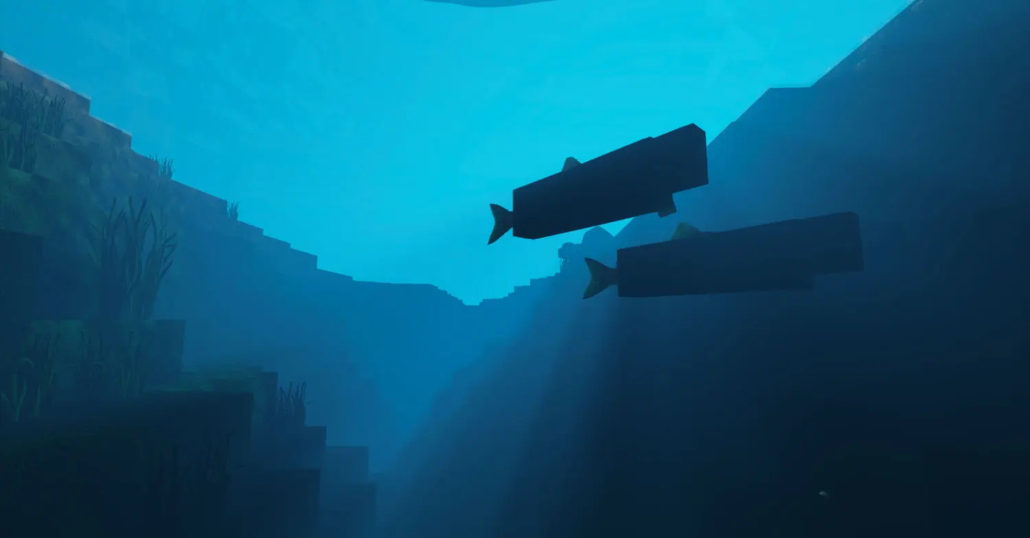
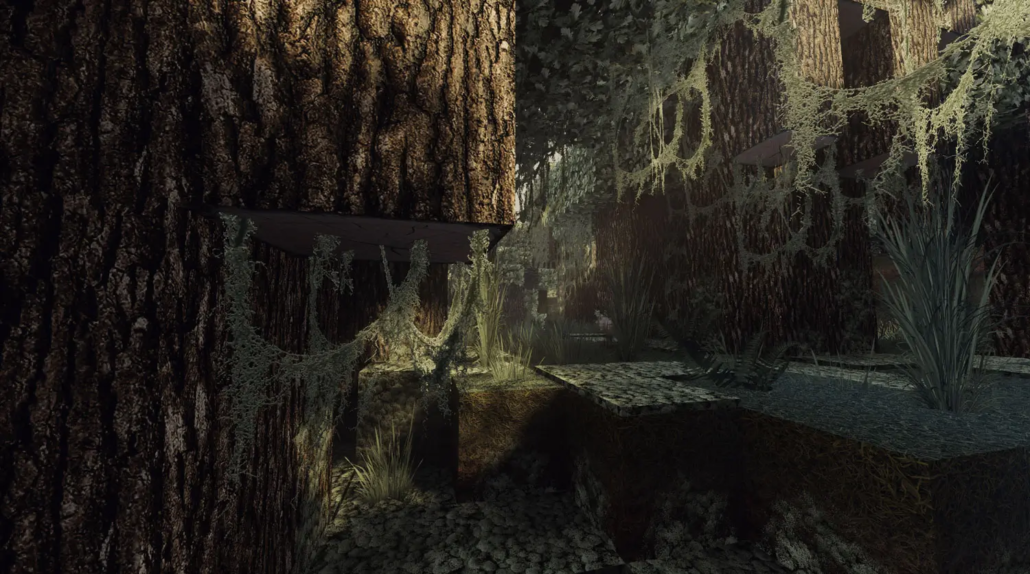
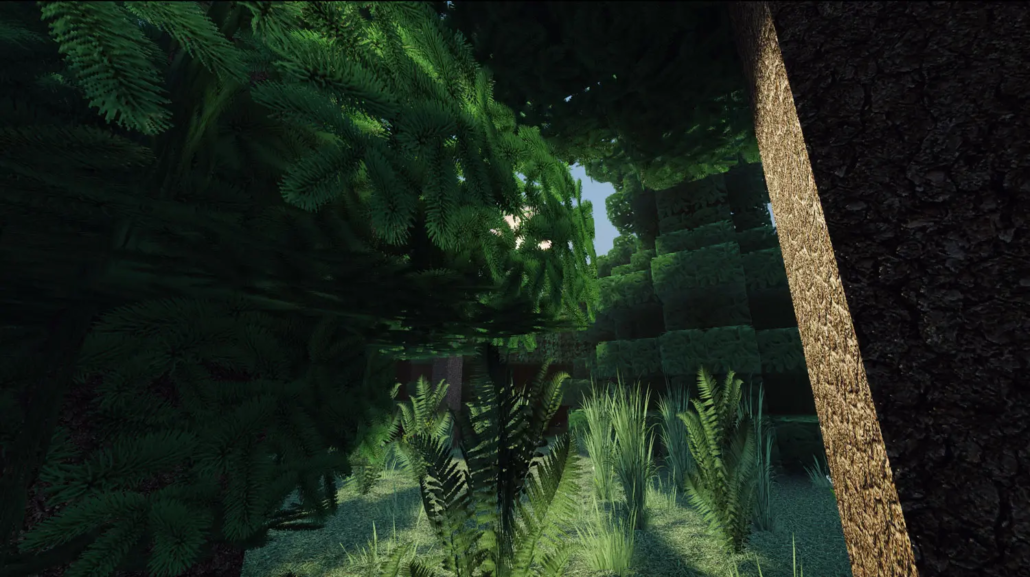
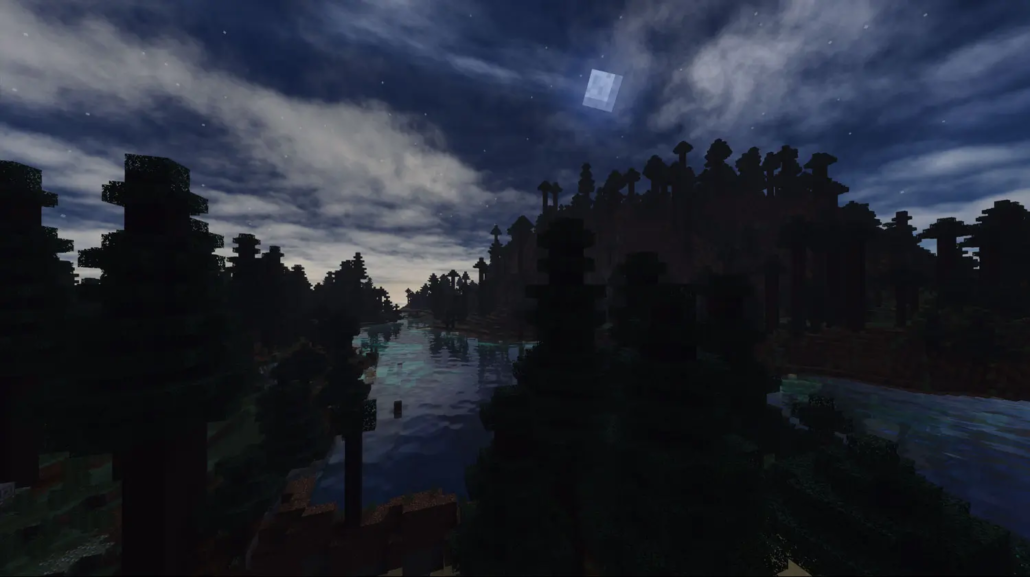
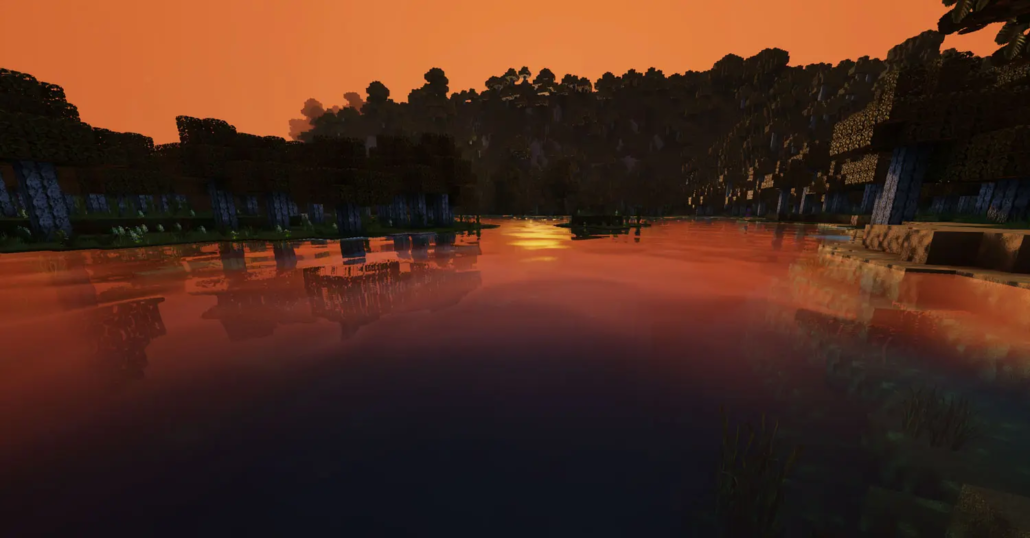
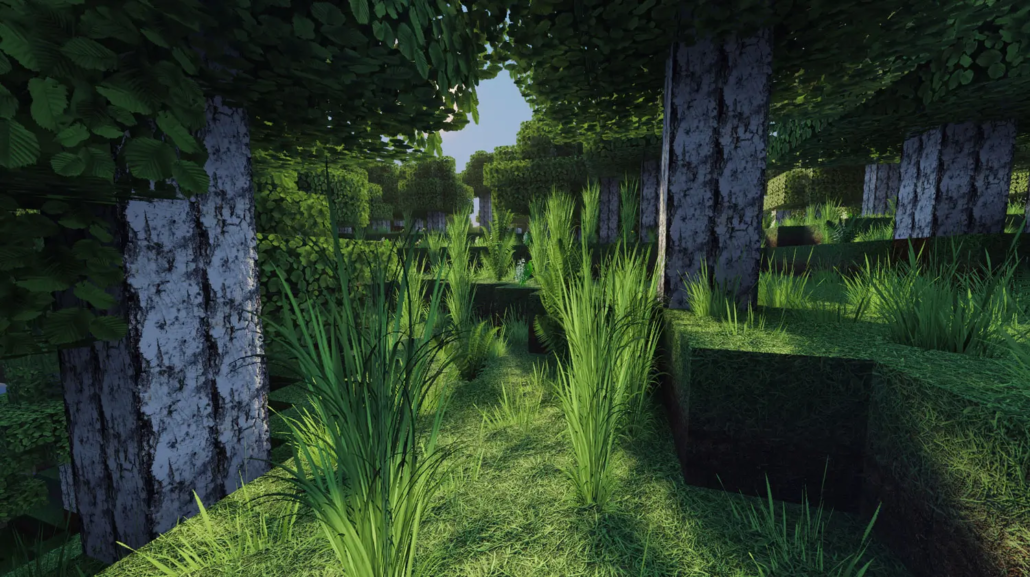
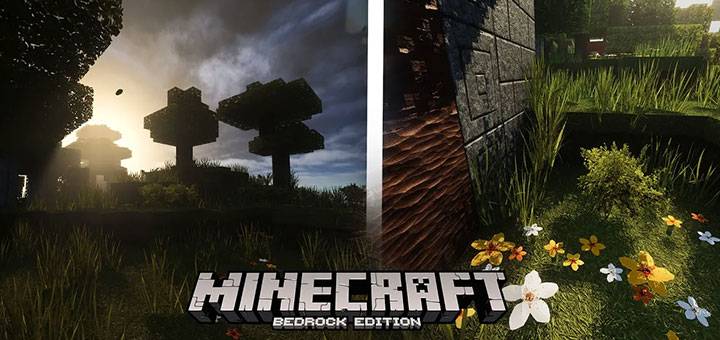
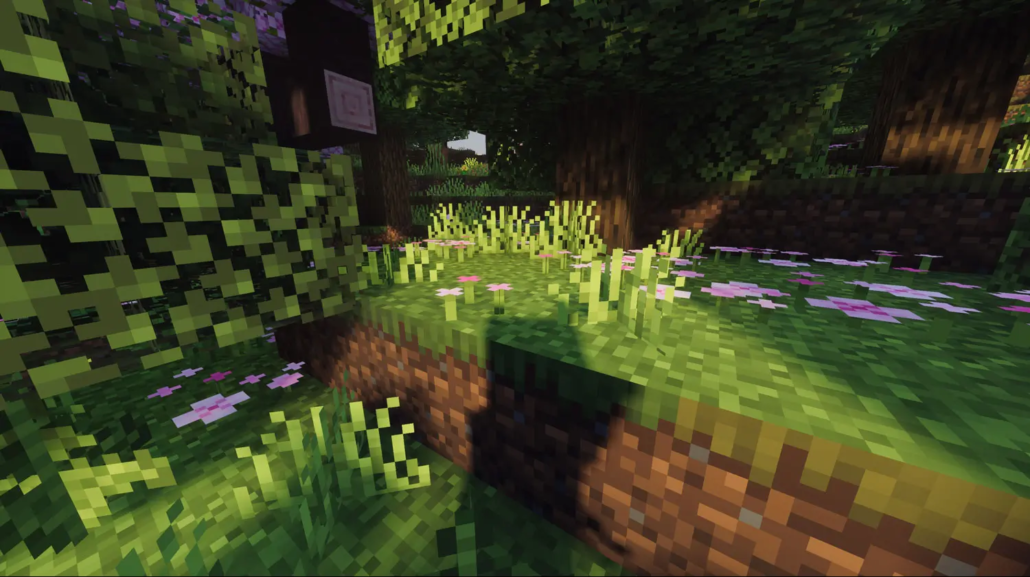
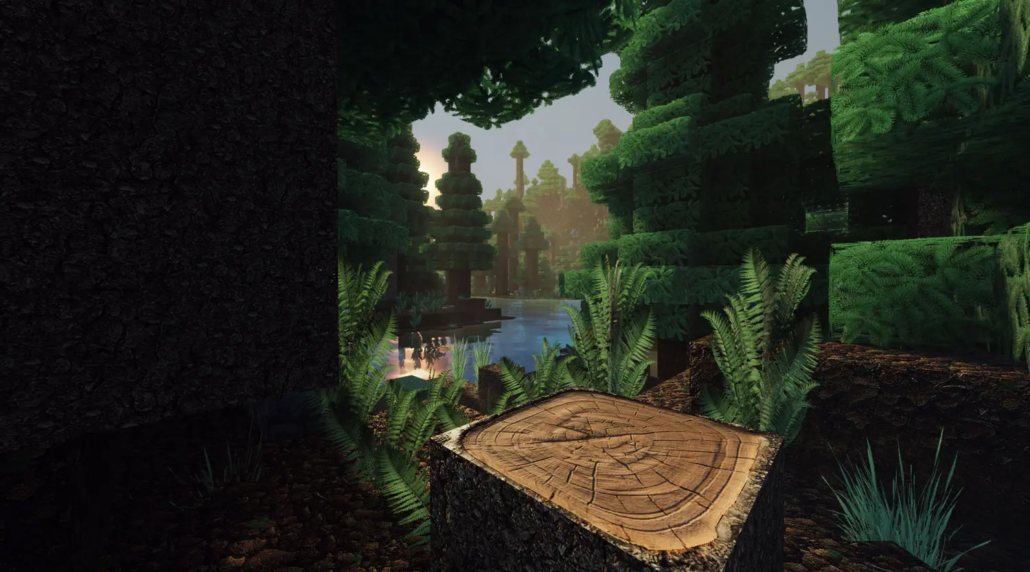
Vibrant PLUS pack enhances Minecraft’s visuals with finely tuned effects that bring your game world to life. Experience stunning godrays, realistic sunlight, dynamic water waves, and more. This resource pack works seamlessly alone or alongside any existing texture pack, improving the visual experience on both PC and mobile platforms.
Installation / How to use
To install, download the Vibrant PLUS pack and add it to your Minecraft resource packs folder. Activate it in the game settings under “Global Resources” or “Resource Packs.” It can be used independently or layered with other texture packs to enhance their visuals without conflict.
Requirements / Compatibility
This pack supports all versions of Minecraft Bedrock Edition that allow resource pack installation and supports vibrant visuals regardless of whether the texture pack in use supports PBR (Physically Based Rendering). It works well on both desktop and mobile devices, ensuring consistent improvements across platforms.
Key features
- Enhanced and balanced color tones for richer visuals
- Vibrant shading that adds depth and detail
- Realistic lighting effects including an adjusted sun angle
- Dynamic skybox with realistic atmospheric conditions
- Improved fog effects combined with visible sun rays for immersive environments
- Water surfaces featuring realistic waves and reflections
Notes / Troubleshooting
If you notice any visual conflicts when using multiple resource packs, try adjusting the load order or disabling other packs to isolate issues. Ensure your game version supports resource packs and vibrant visuals features for best results.
VibrantVisuals PLUS 2.0
[6.05 MB]

