True Visuals Shaders
17.03.2026
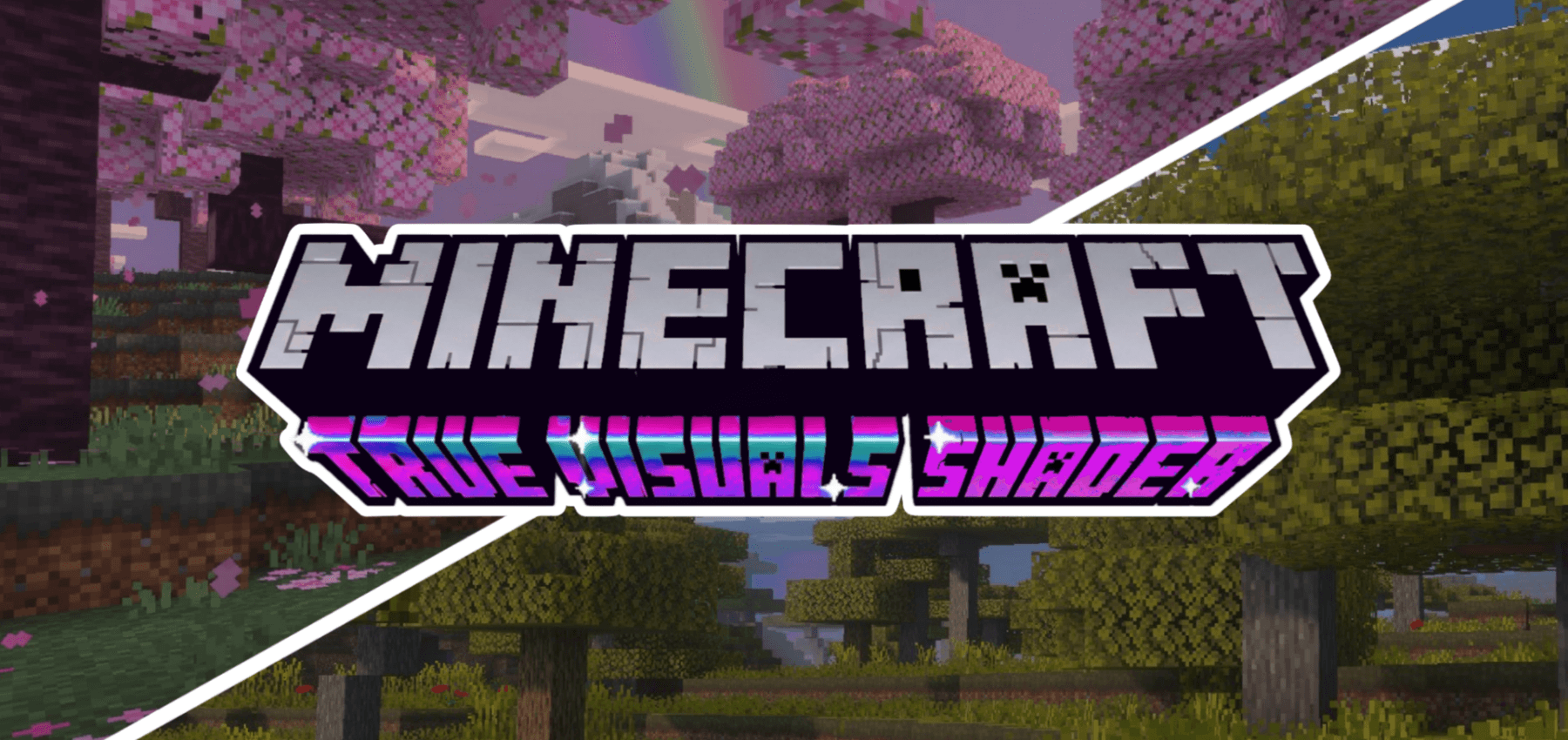
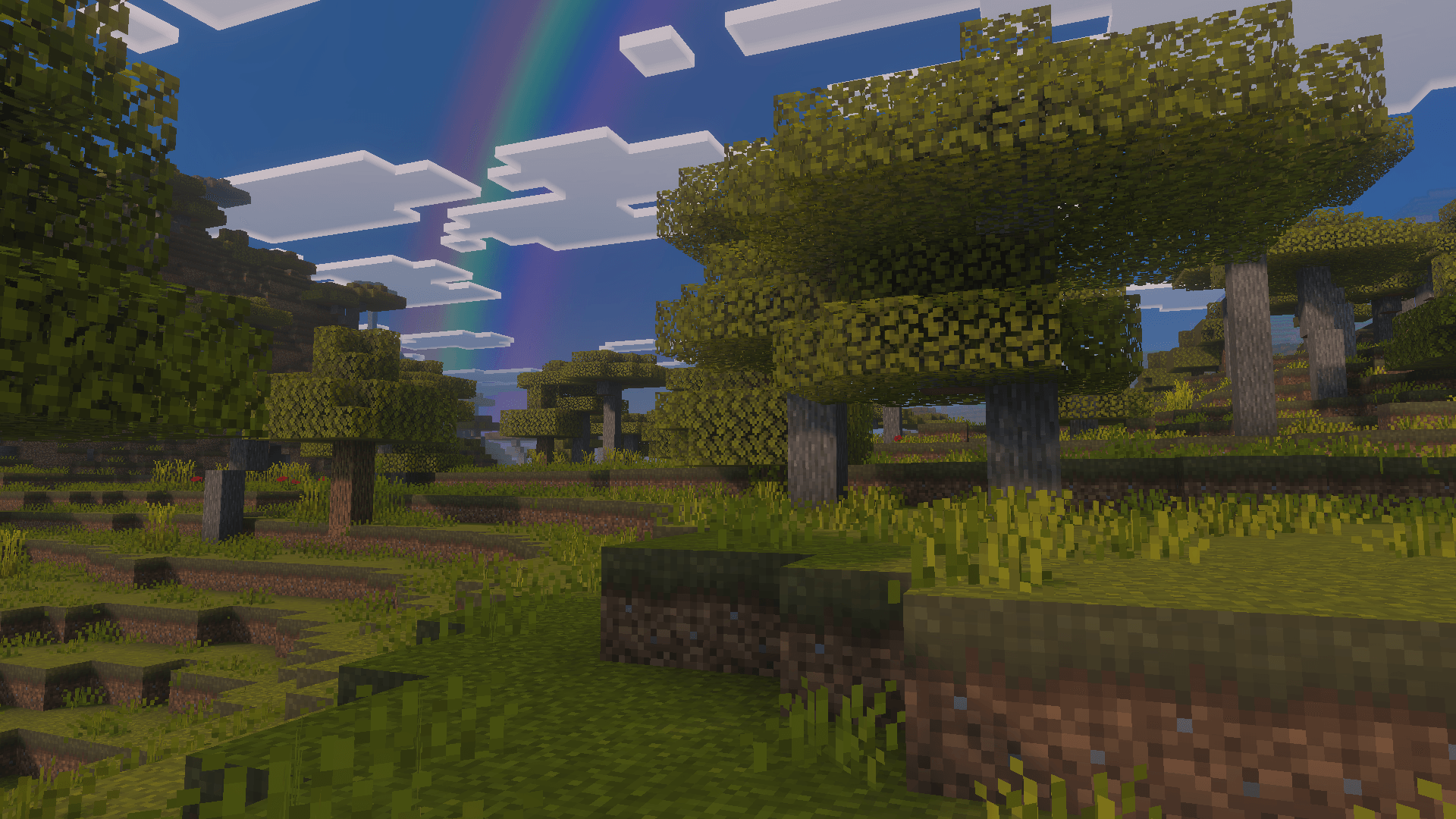
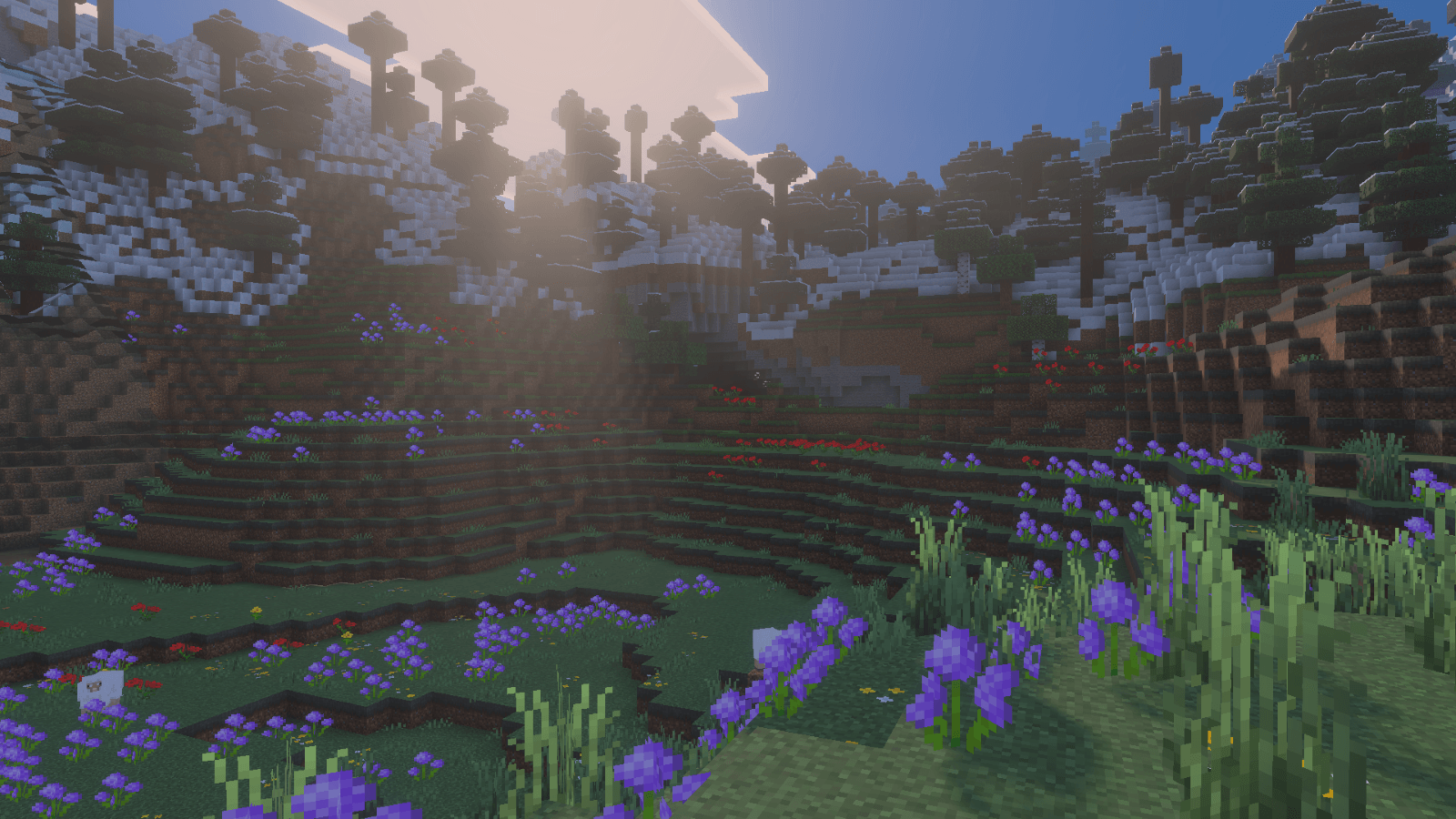
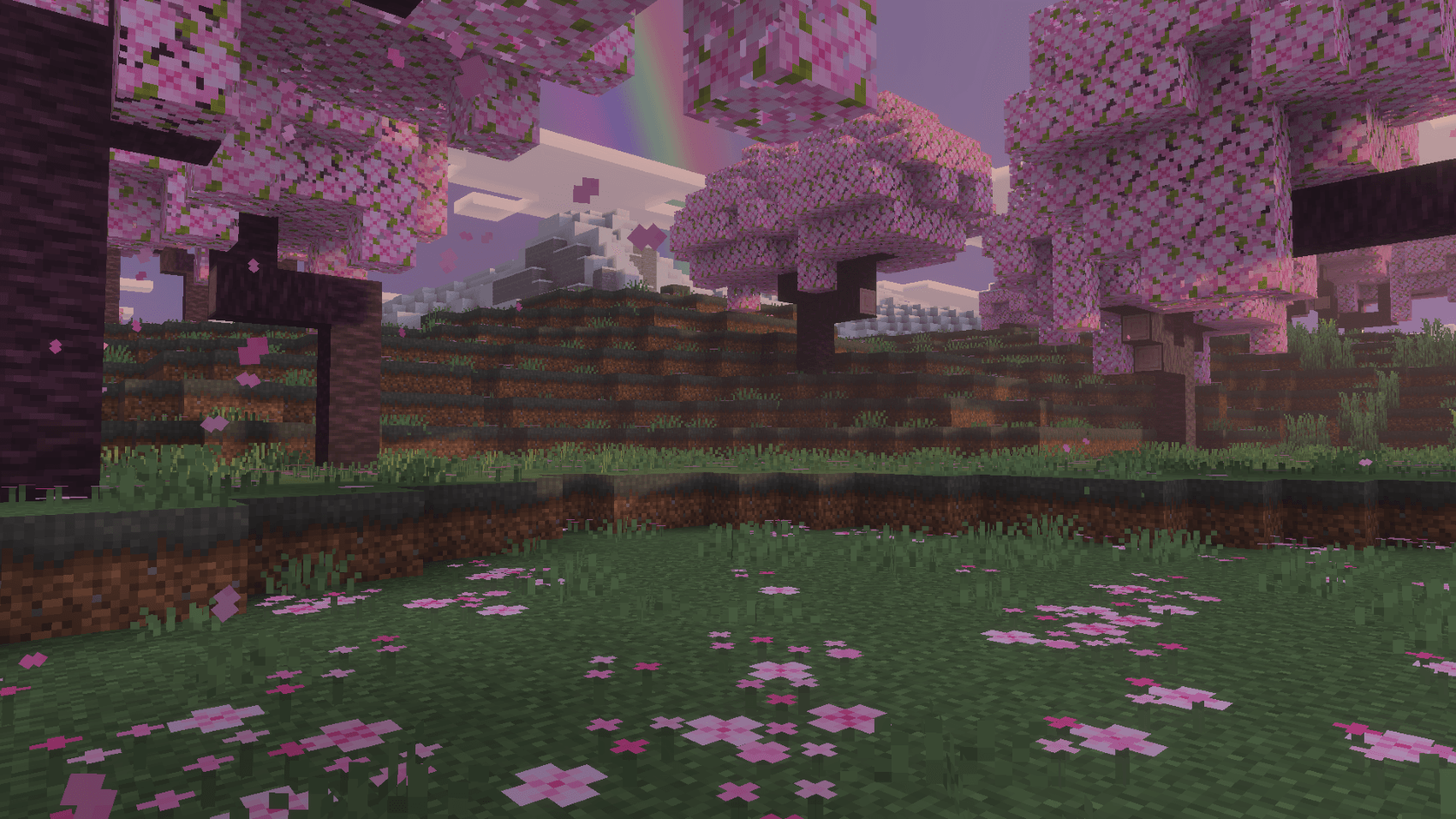
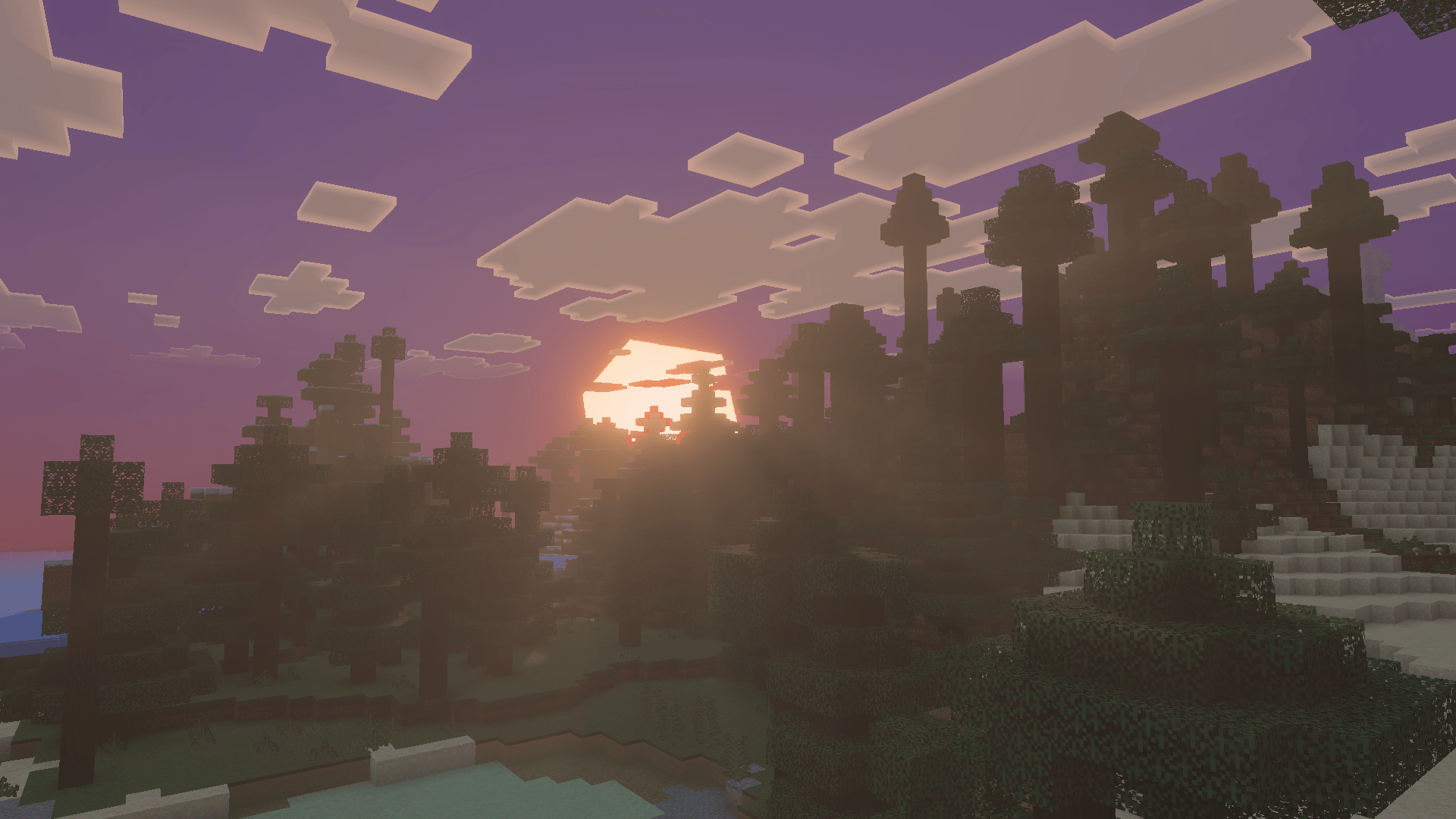
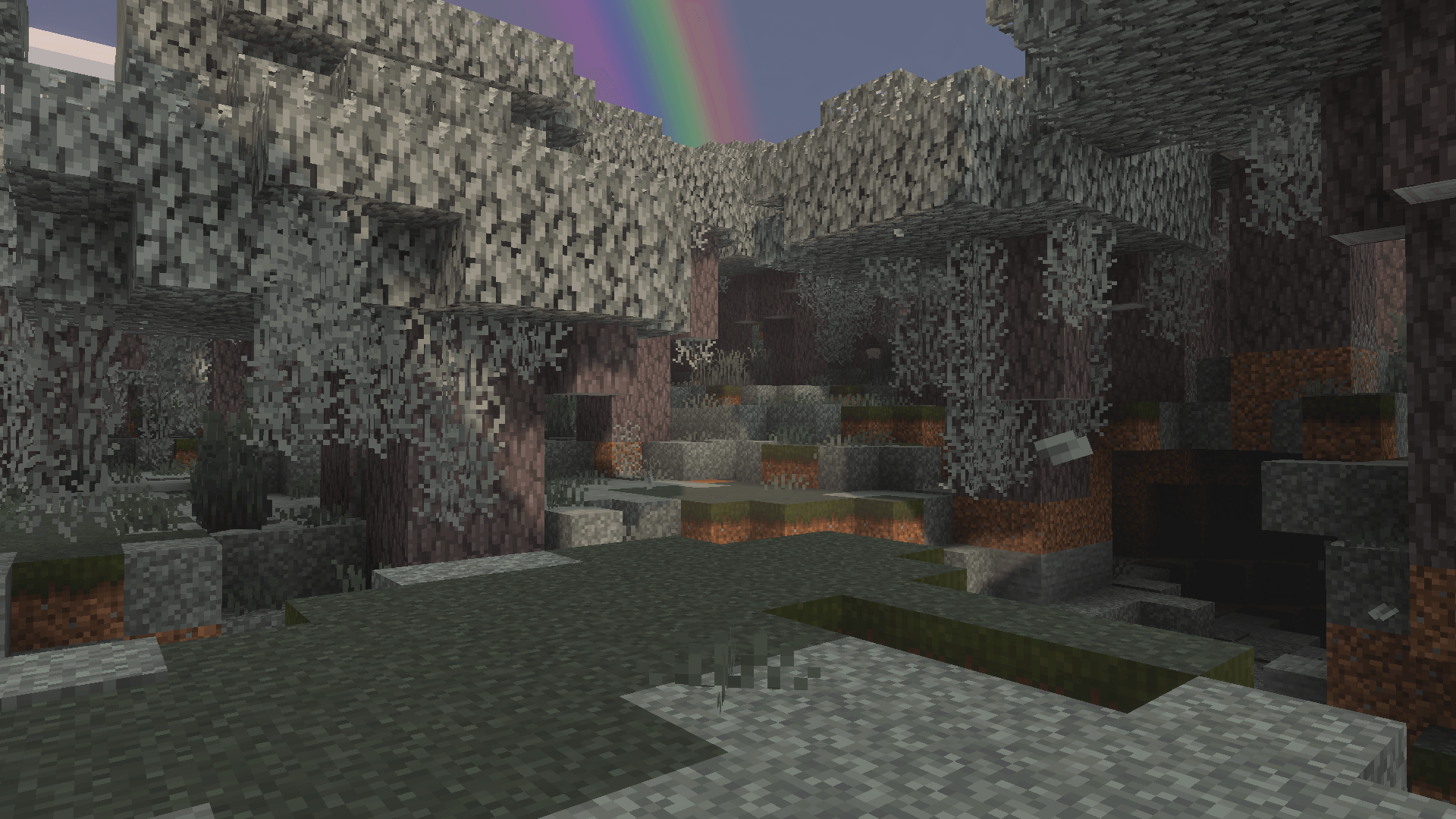
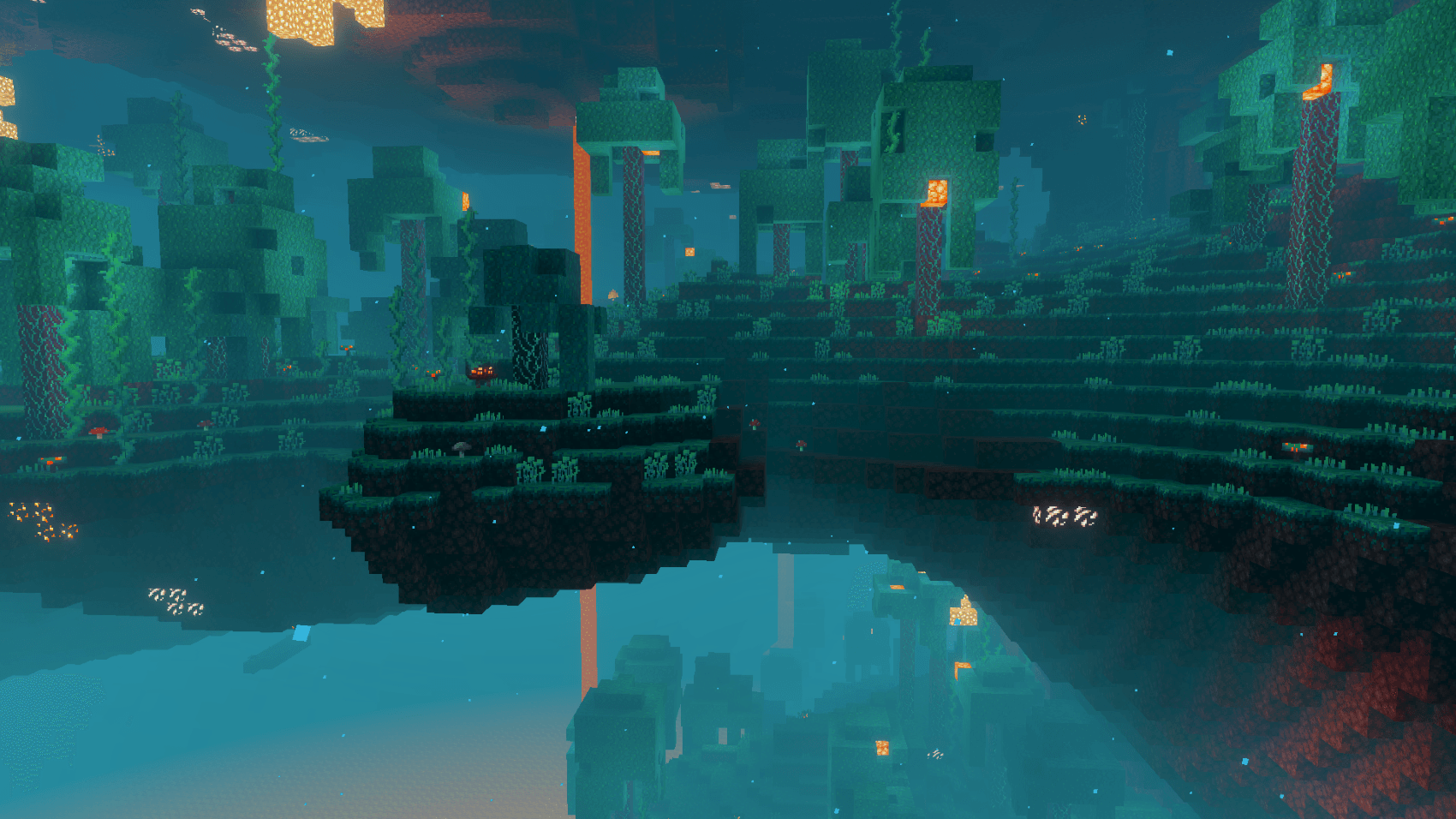
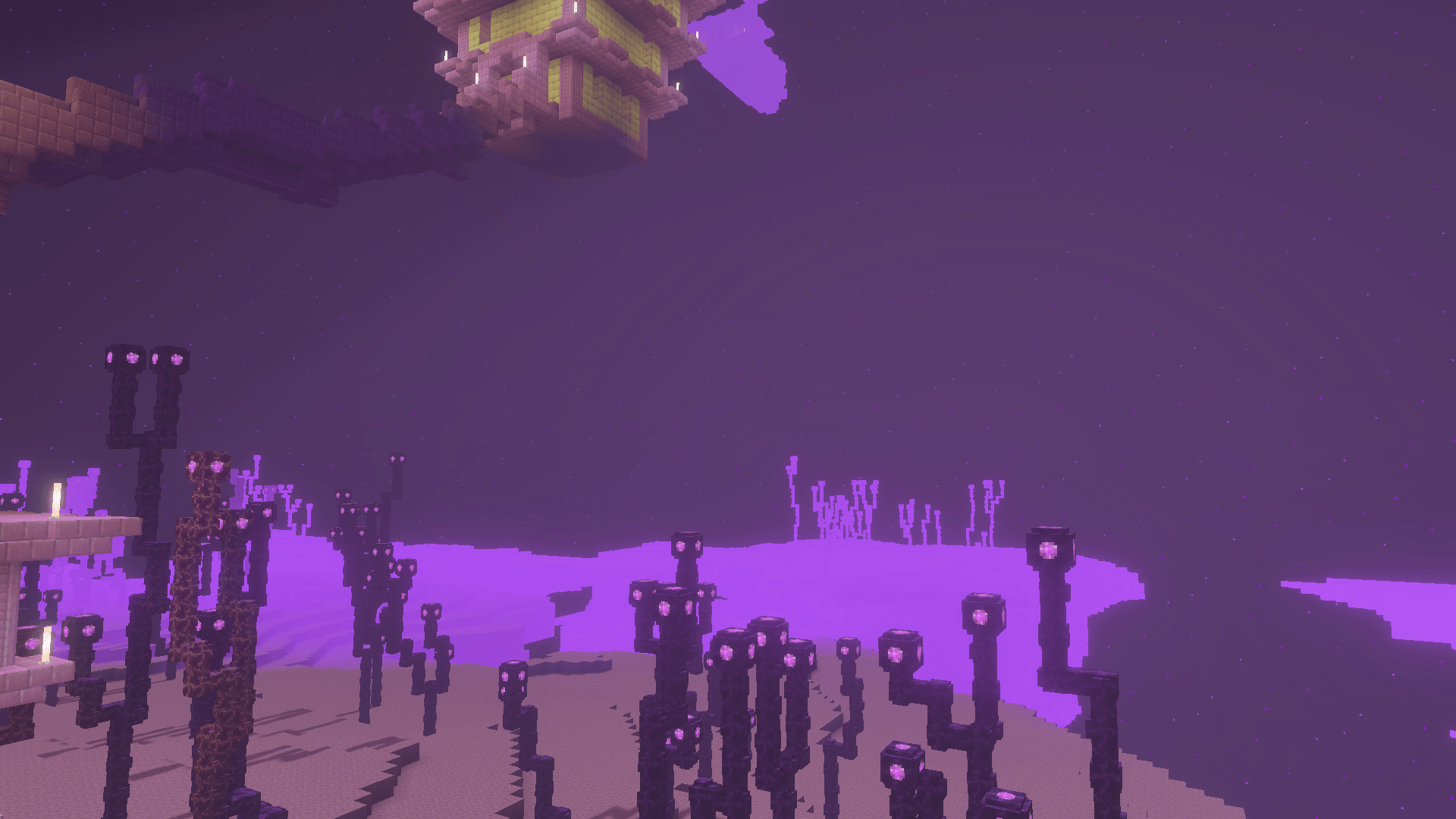
True Visuals Shaders for Minecraft Bedrock enrich the vibrant vanilla visuals with cinematic lighting effects, vivid color enhancements, and atmospheric depth. This shader pack is crafted to enhance every biome with natural beauty and subtle environmental effects while maintaining smooth performance and staying true to the original Minecraft aesthetic.
Key features
- Cinematic dynamic lighting that adapts to the environment
- Natural and rich color grading for a more immersive experience
- Soft volumetric fog and gentle atmospheric haze to add depth
- Enhanced mood and detail in every biome
- Balanced bloom and sunlight glow effects
- Maintains vanilla-friendly visuals without drastic changes
- Optimized to run smoothly on most devices
Installation / How to use
To apply True Visuals Shaders, first ensure Minecraft Bedrock is updated to the latest version. Download the shader pack and import it into the game through the Resource Packs menu. Activate the shader alongside the Vibrant Visuals mode in your video settings for the best effect. Adjust brightness and render distance as needed to balance visuals and performance.
Requirements / Compatibility
This shader pack is compatible with Minecraft Bedrock Edition on Windows 10, Xbox, and mobile platforms that support shader functionality. It works best with Vibrant Visuals enabled and is designed to run efficiently without requiring high-end hardware.
Notes
True Visuals Shaders aim to improve Minecraft’s atmosphere without altering core gameplay visuals drastically. It is suitable for survival mode, exploration, and capturing screenshots. For optimal results, use in worlds with diverse biomes to experience the full range of lighting and fog effects.
True Visuals Shaders v1.2.2.mcpack
[6.34 MB]

