Sophisticated
UPDATED: 26.07.2026
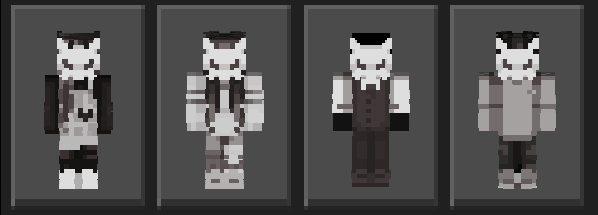
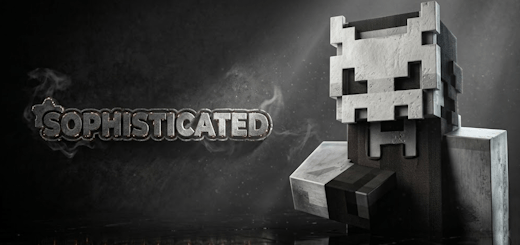
Sophisticated offers a striking collection of skins characterized by a unified theme of mystery and elegance. This set features a secretive group wearing sharp black and white outfits, each member concealed behind an identical, enigmatic mask. These skins provide a sleek, cult-inspired look ideal for players seeking to embody authority and intrigue in their Minecraft experience.
Installation / How to use
Download the skin pack file and import it into your Minecraft Bedrock Edition. Once imported, navigate to the skins section in your profile and select any of the Sophisticated skins to apply it to your character.
Requirements / Compatibility
These skins are compatible with Minecraft Bedrock Edition on all supported platforms, including Windows 10, Xbox, mobile devices, and Nintendo Switch. Ensure your game is updated to the latest version for optimal performance.
Key features
- Unified black and white color scheme for a sharp, elegant appearance.
- Mysterious masks that create a cohesive, secret society aesthetic.
- Multiple skin options within the set to choose from.
- Perfect for roleplaying or adding a sophisticated, authoritative vibe to gameplay.
Notes / Troubleshooting
If the skins do not appear after import, restart the game and verify the files were imported correctly. For any issues, check for updates to Minecraft Bedrock Edition or reinstall the skin pack.
Sophisticated v1.2.mcpack
[13.46 KB]

