Solumn Visuals
22.02.2026
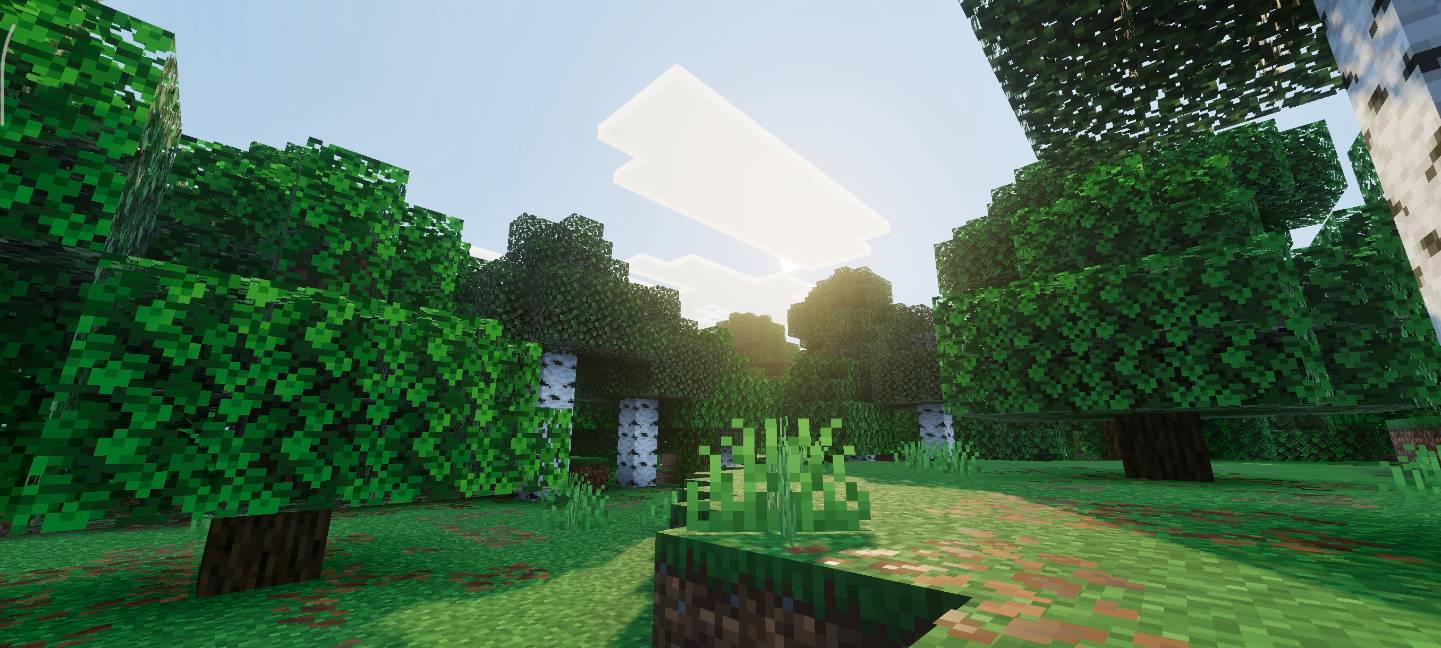
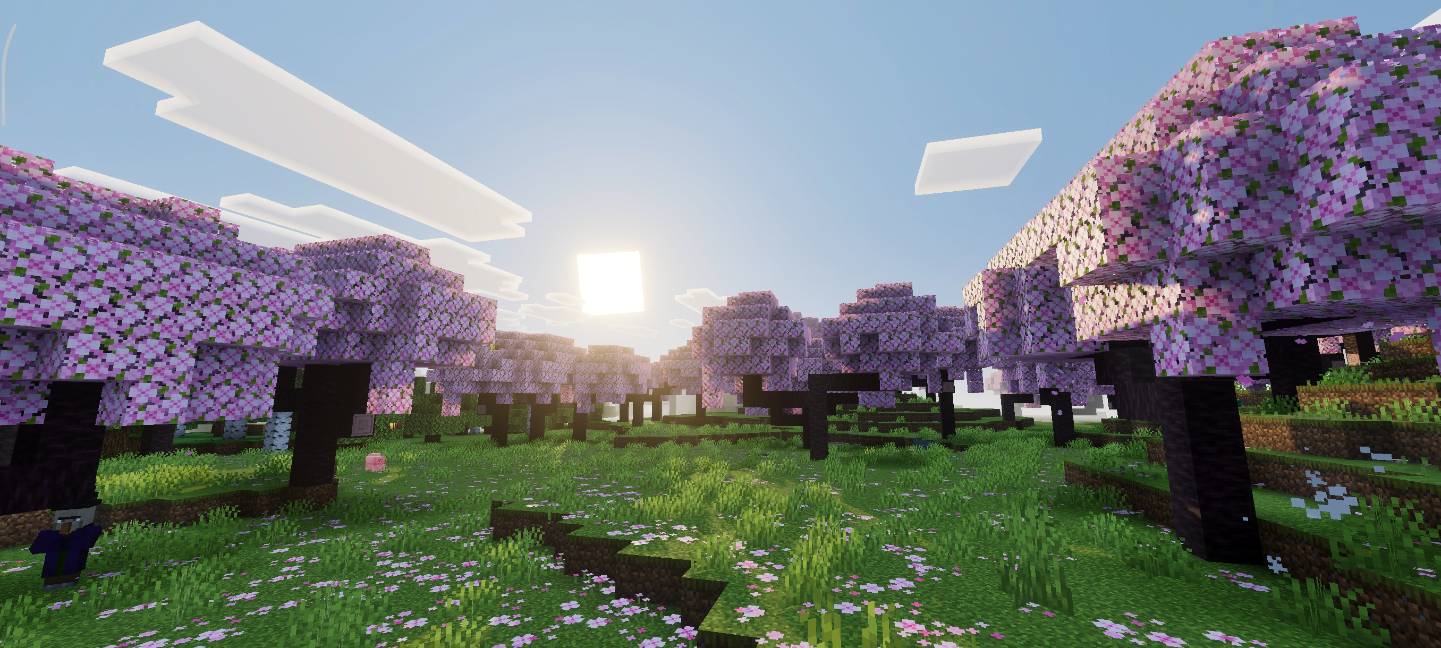
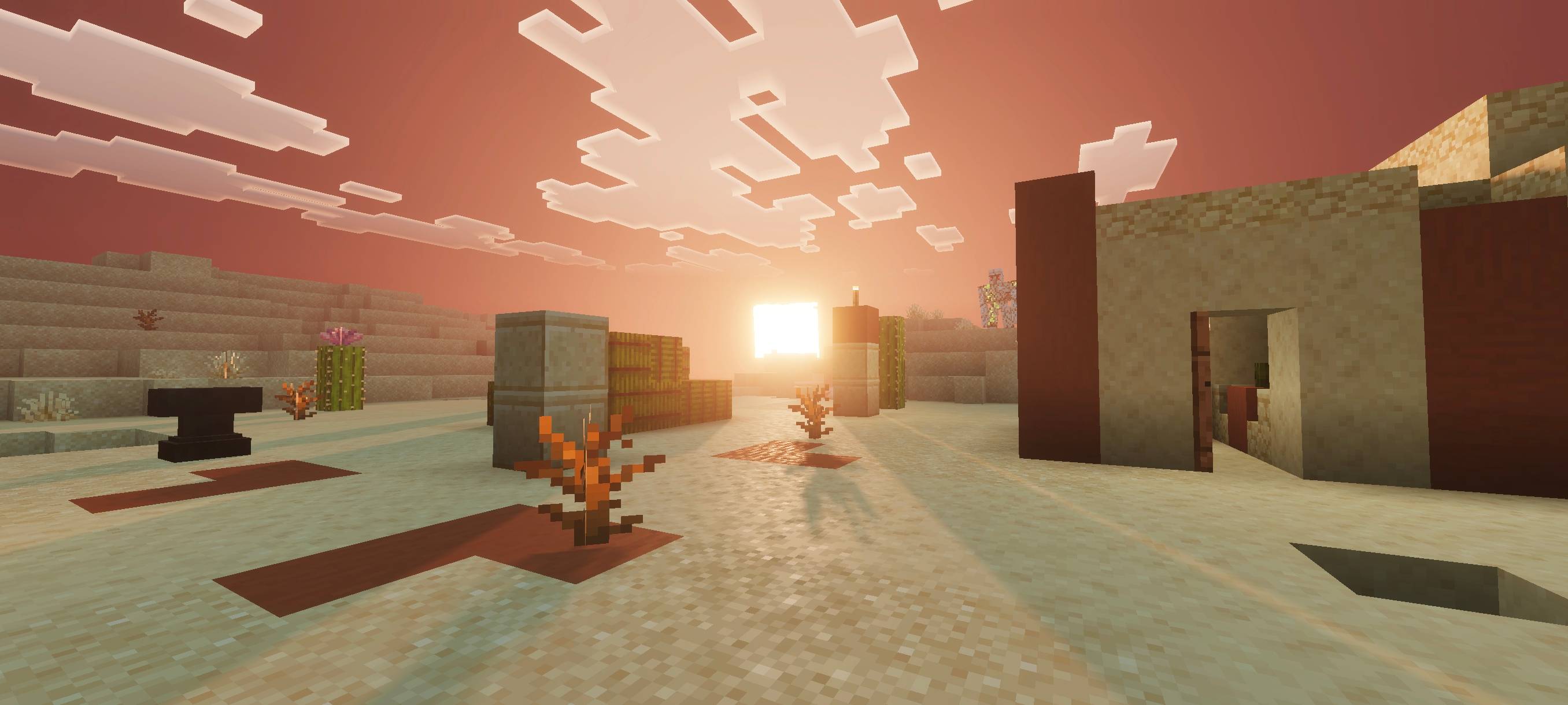
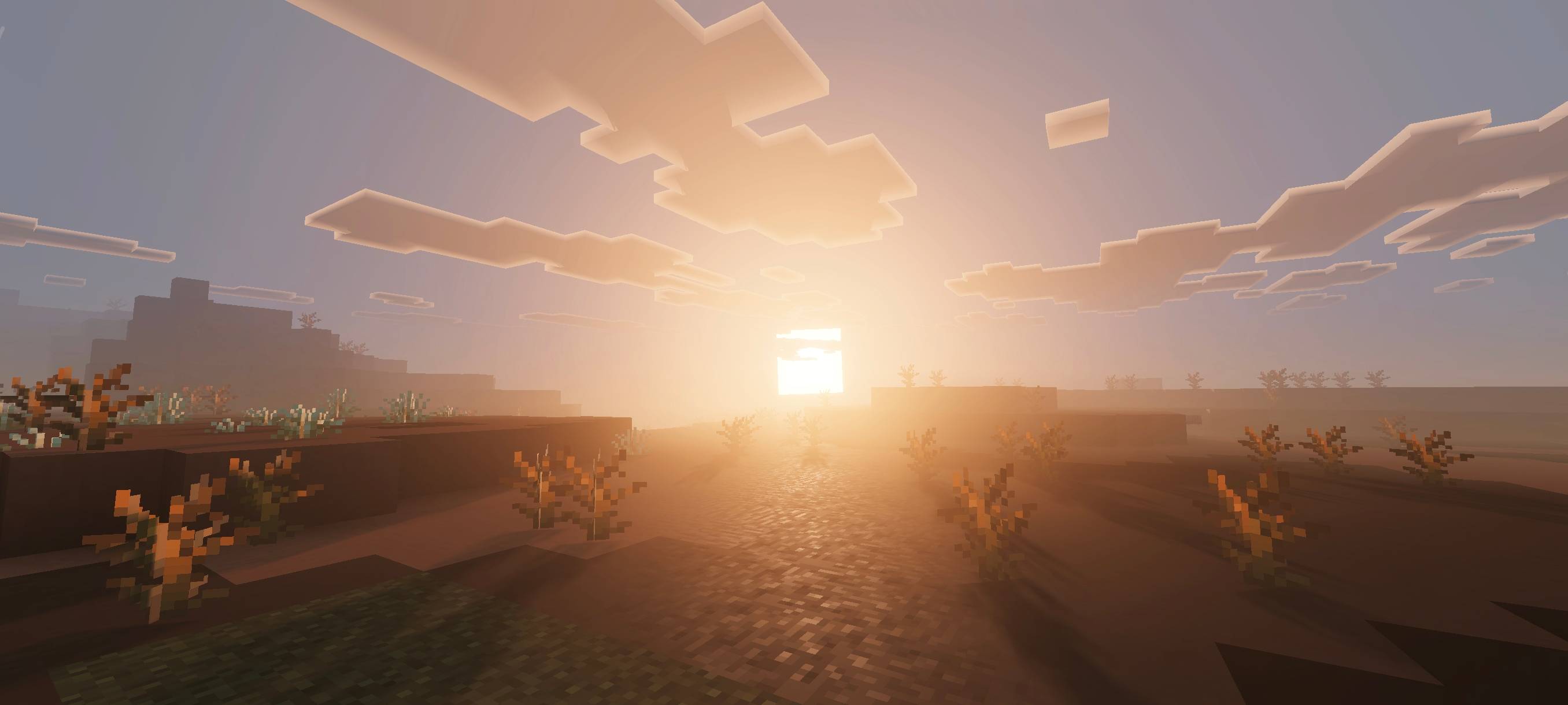
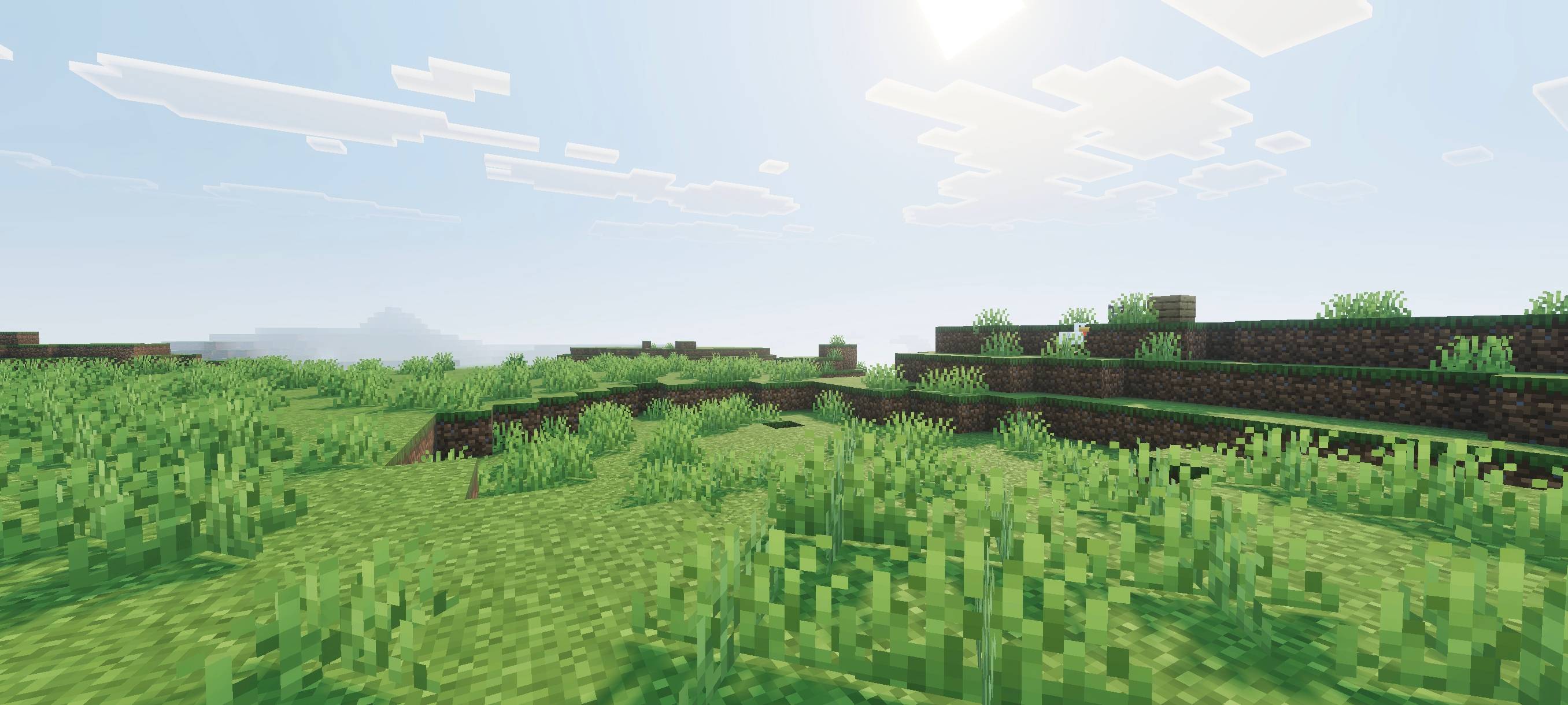
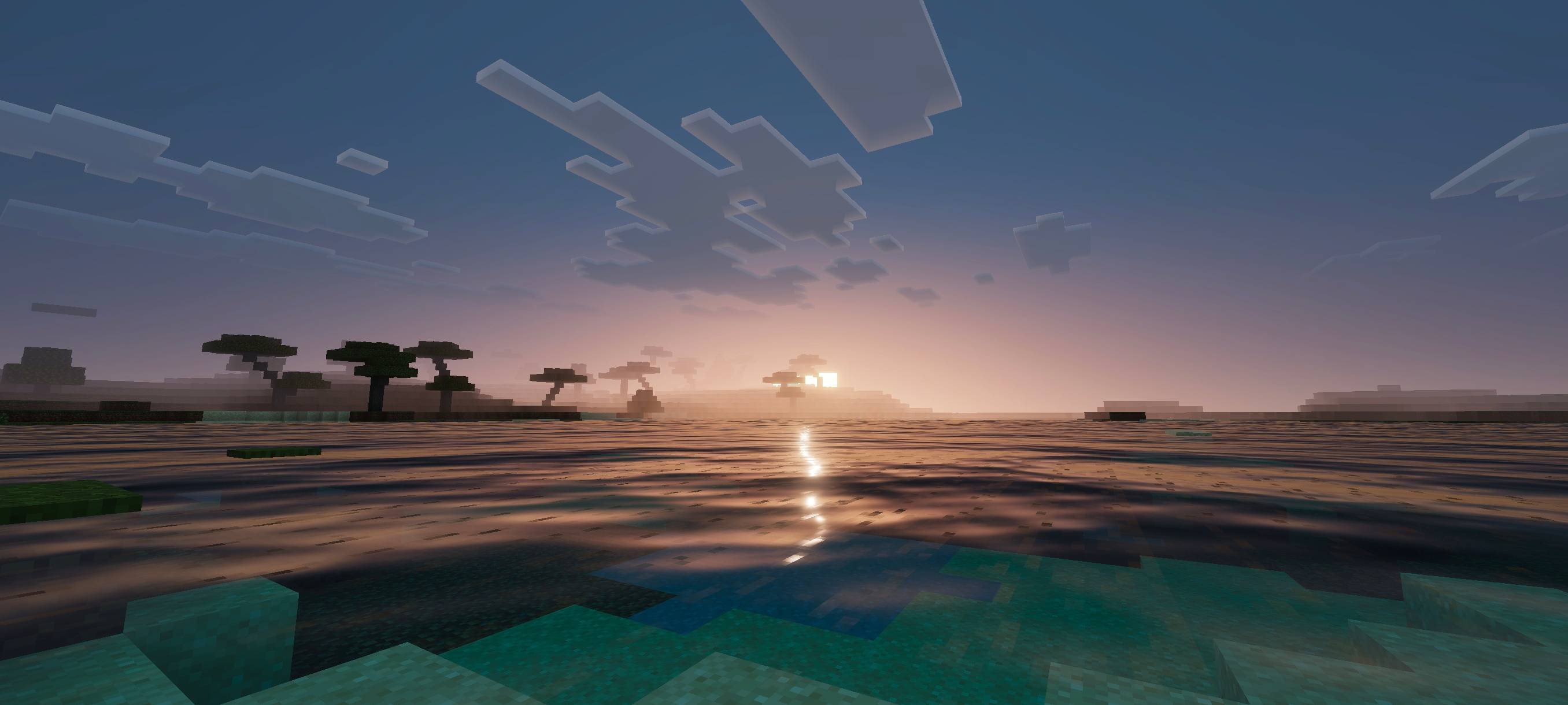
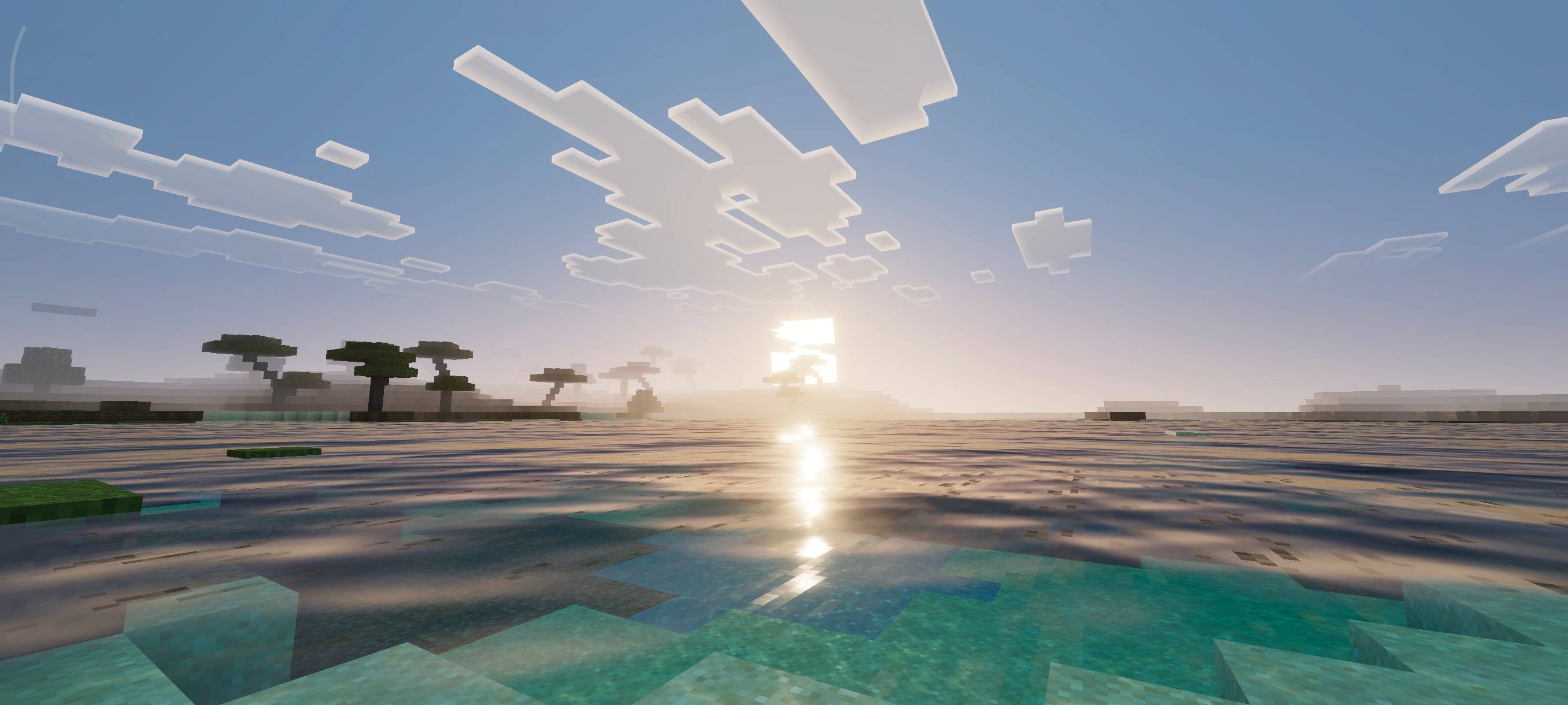
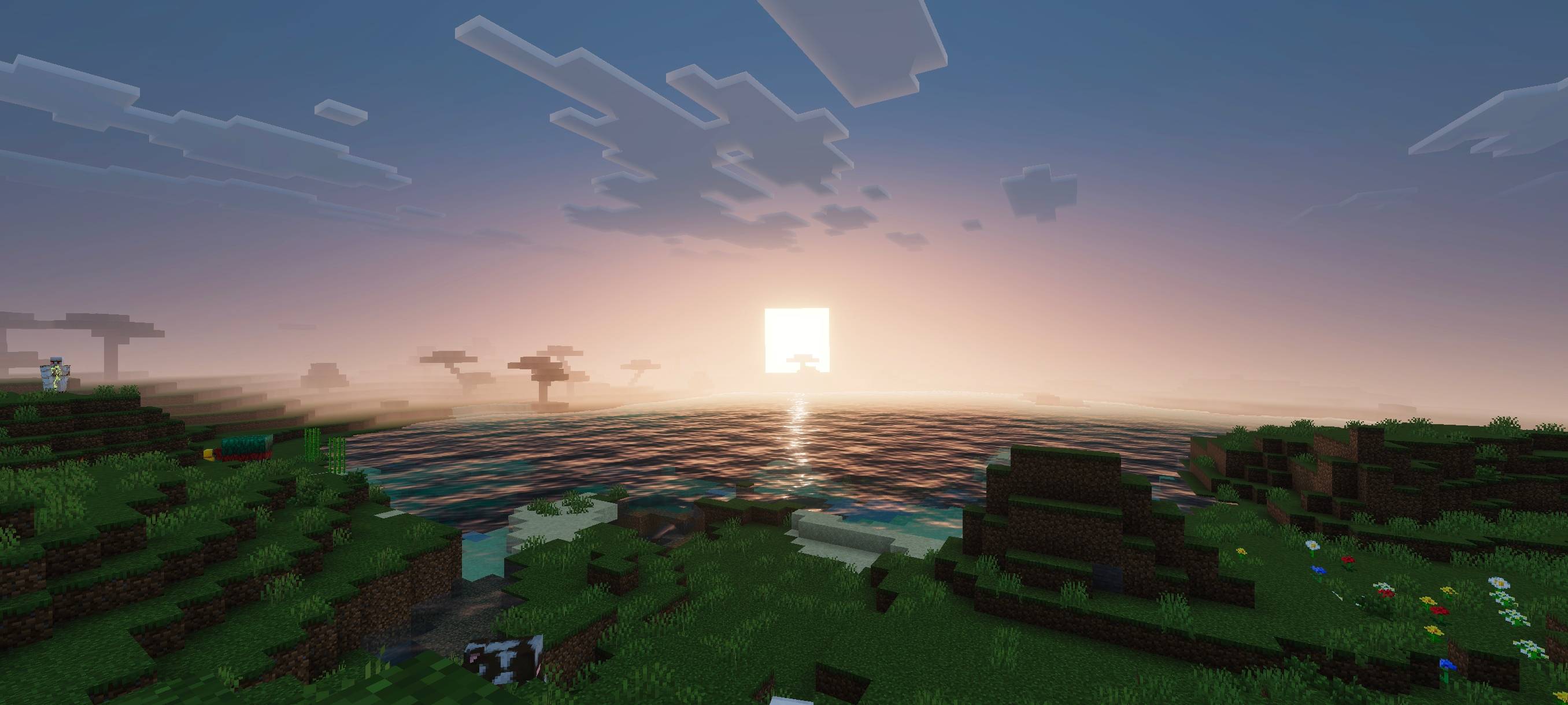
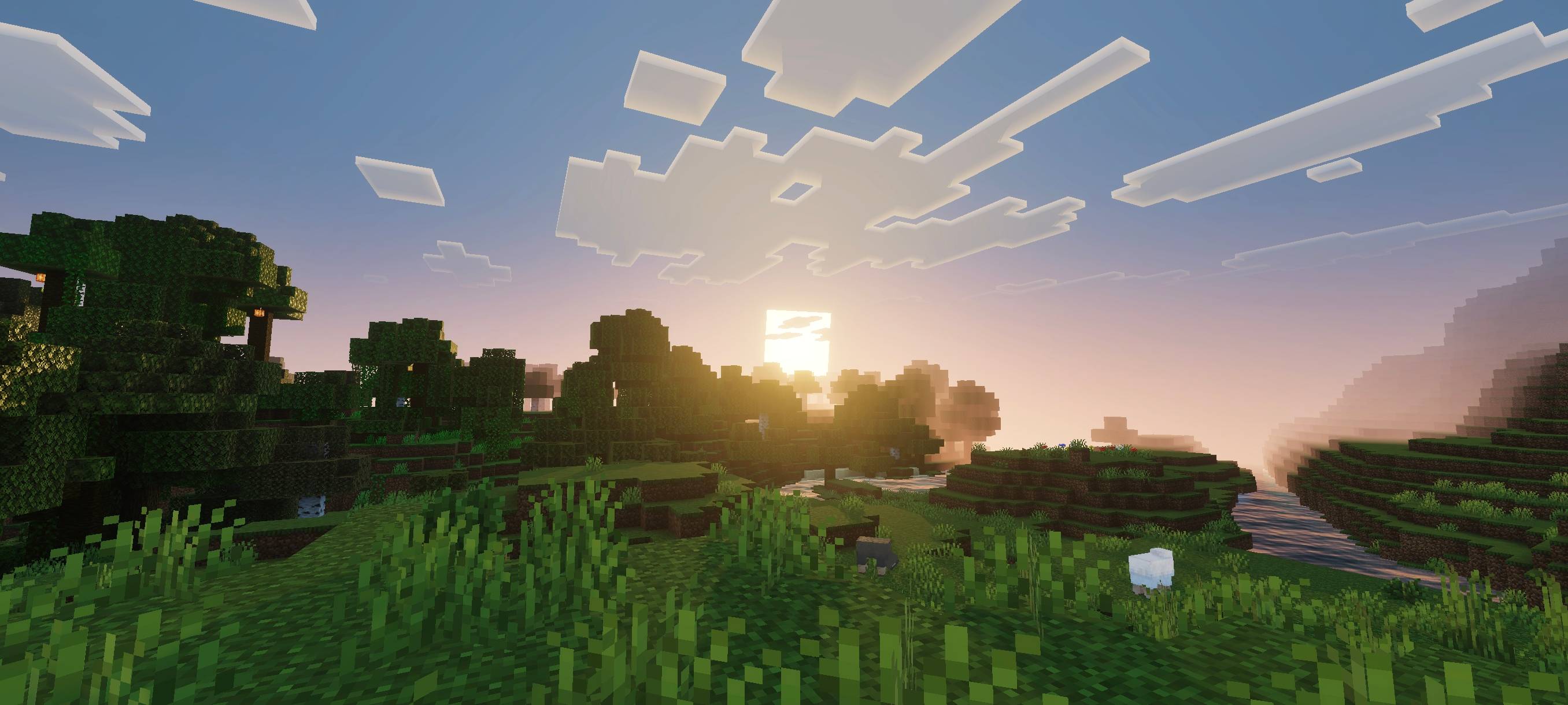
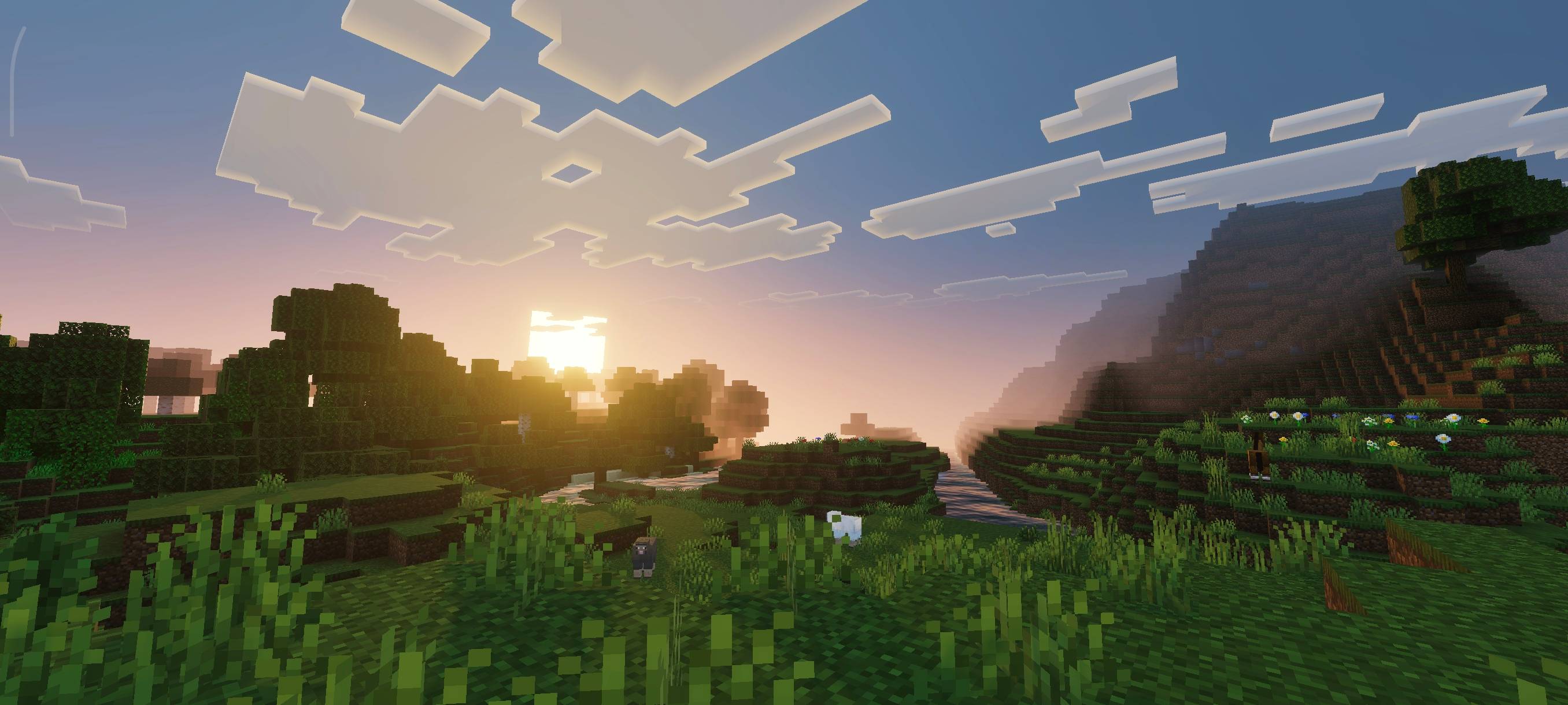
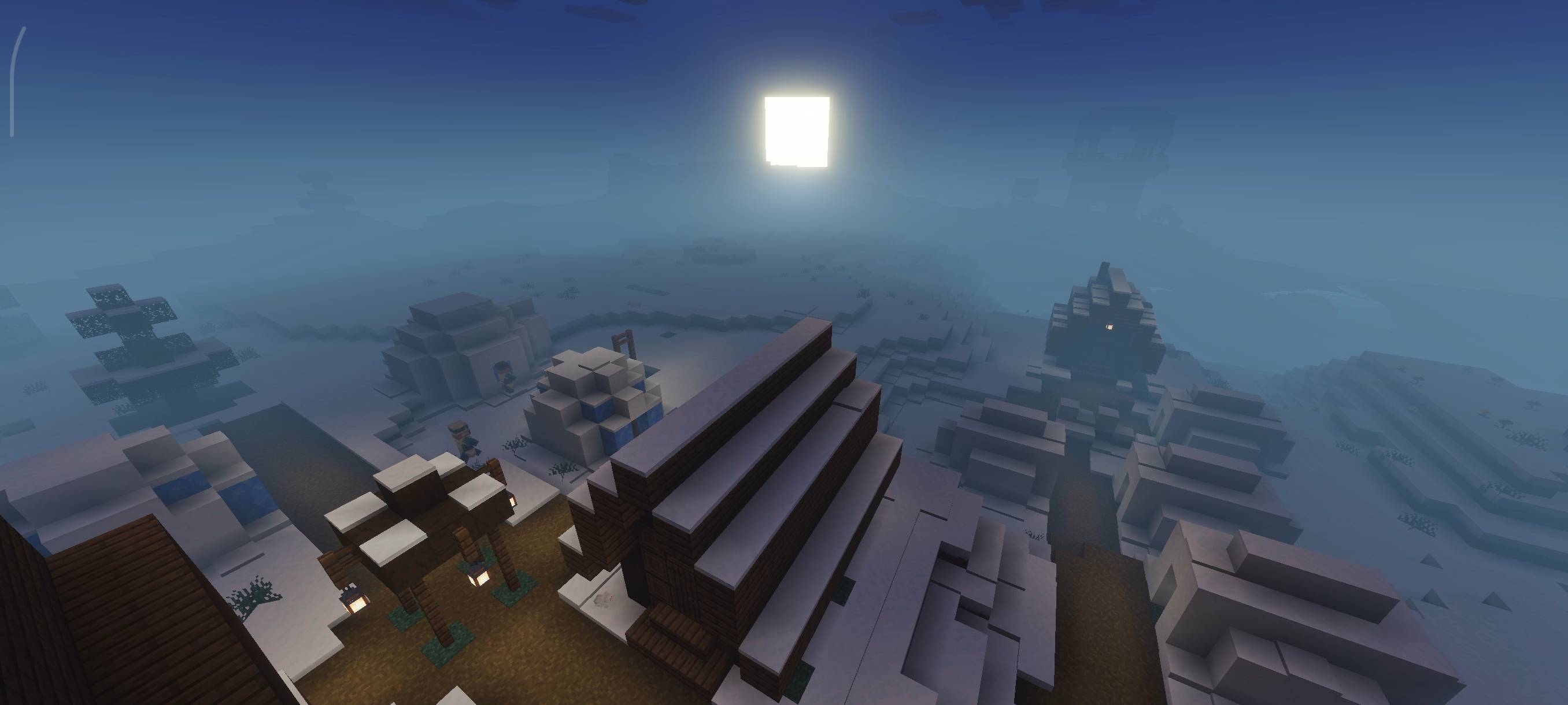
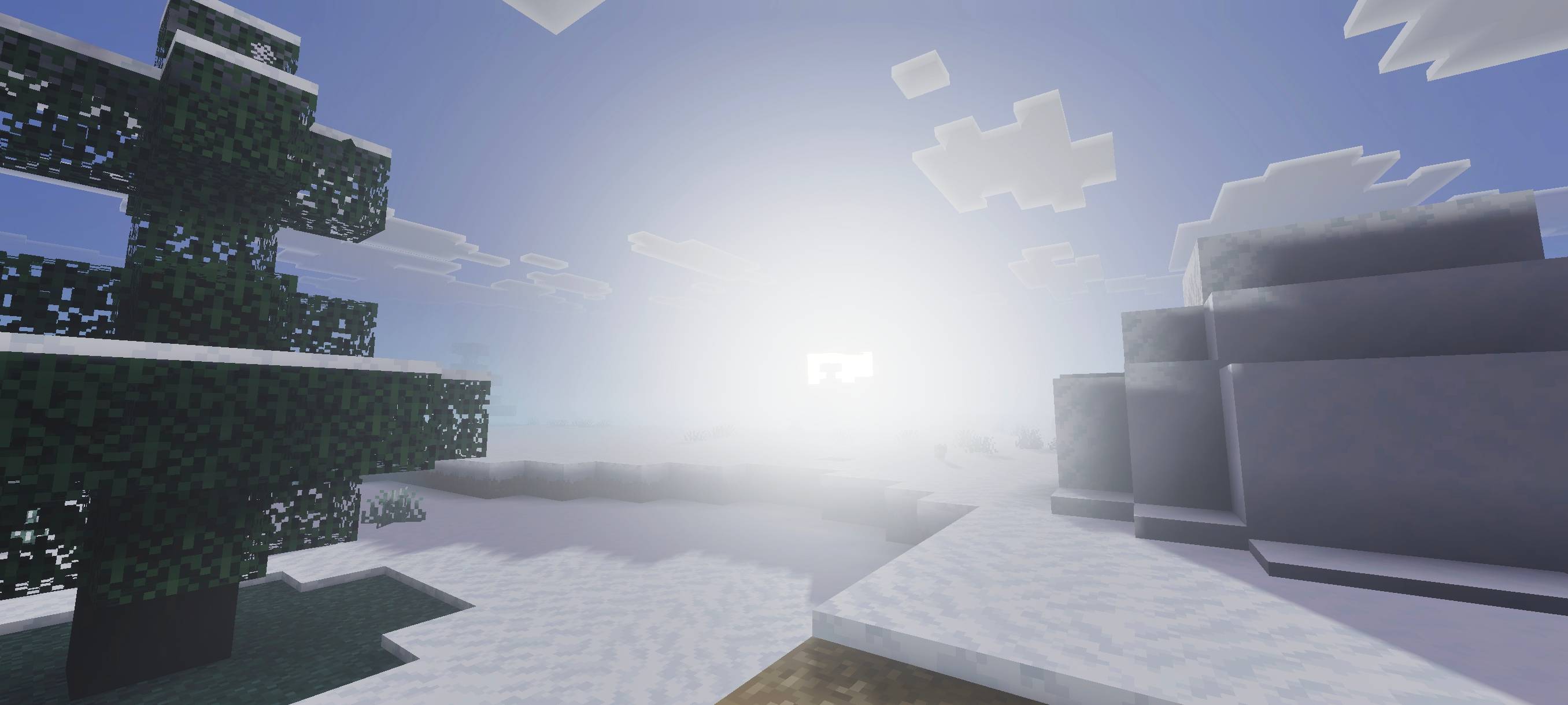
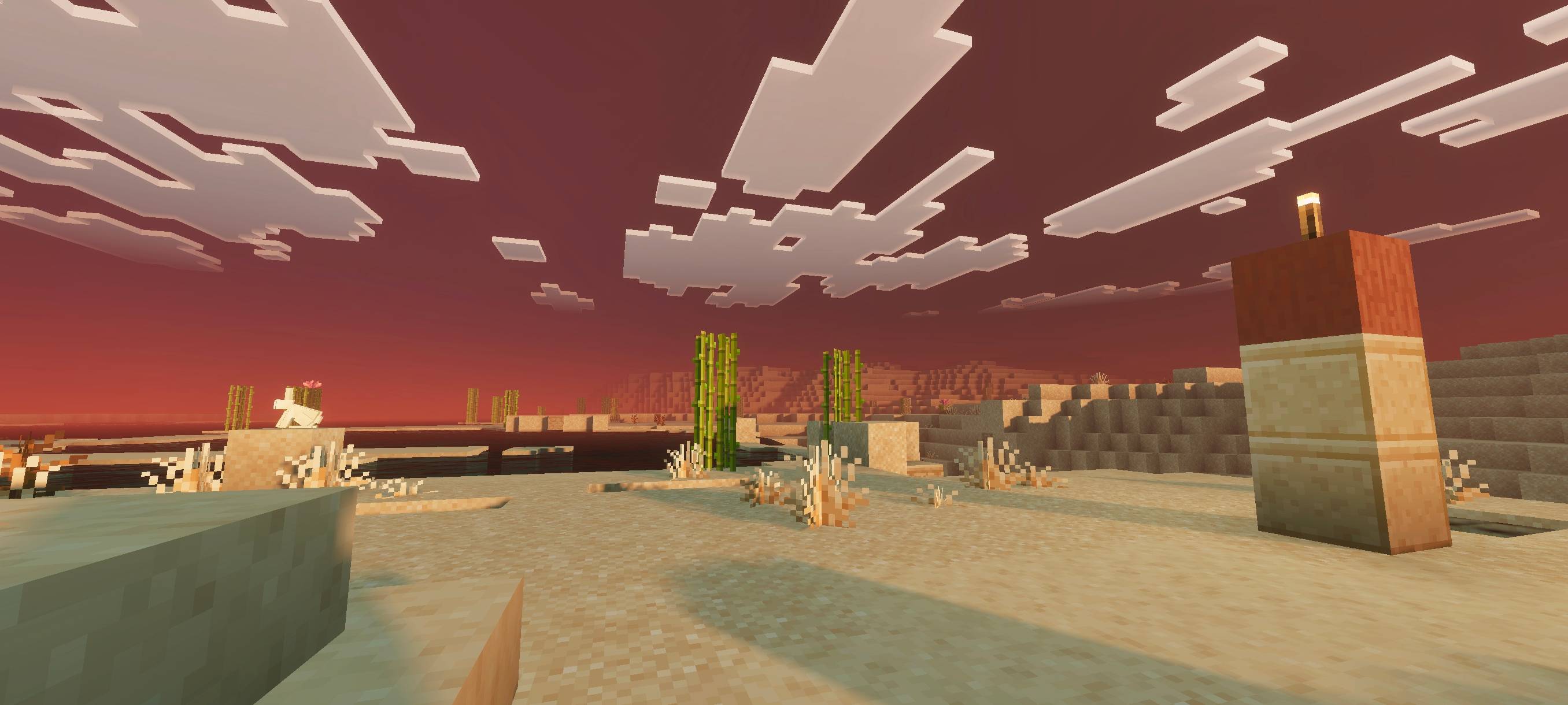
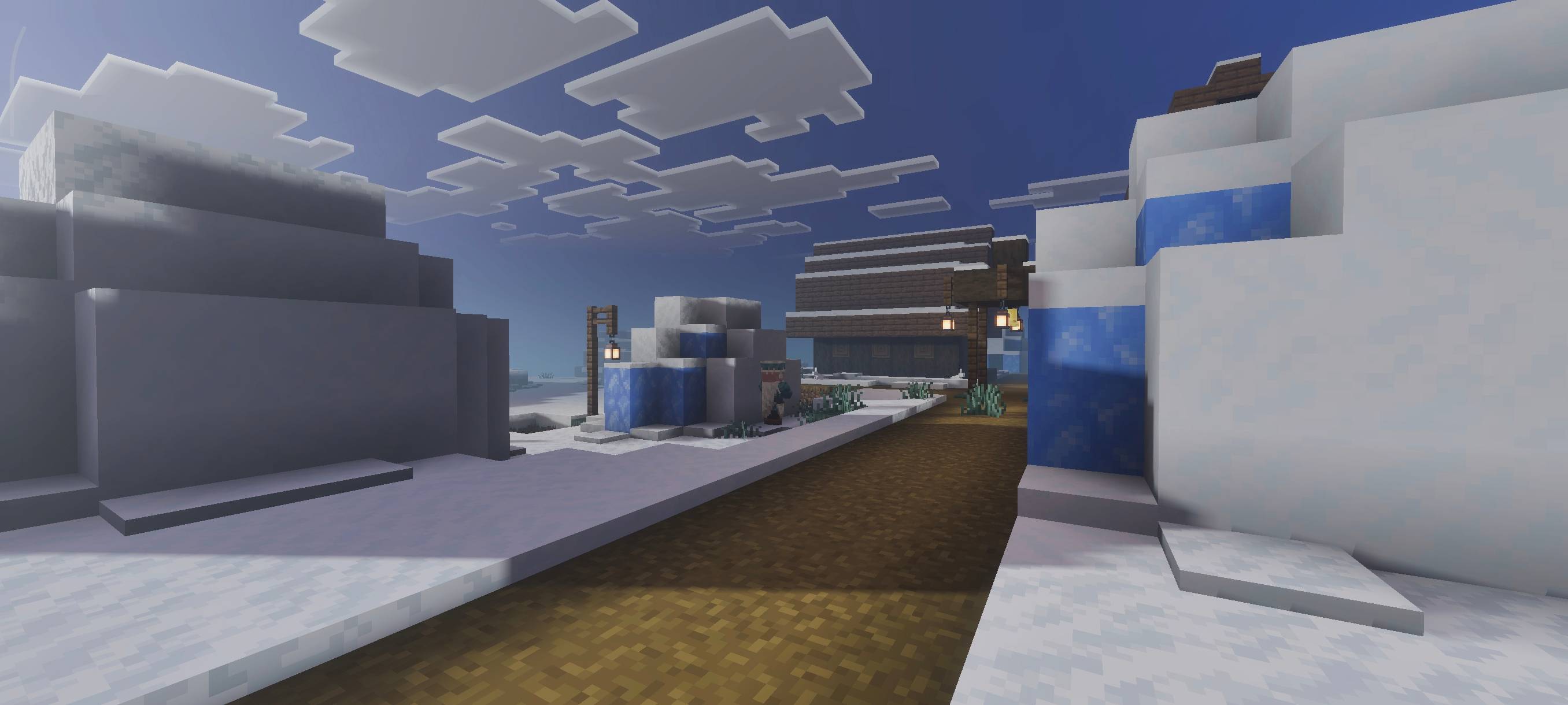
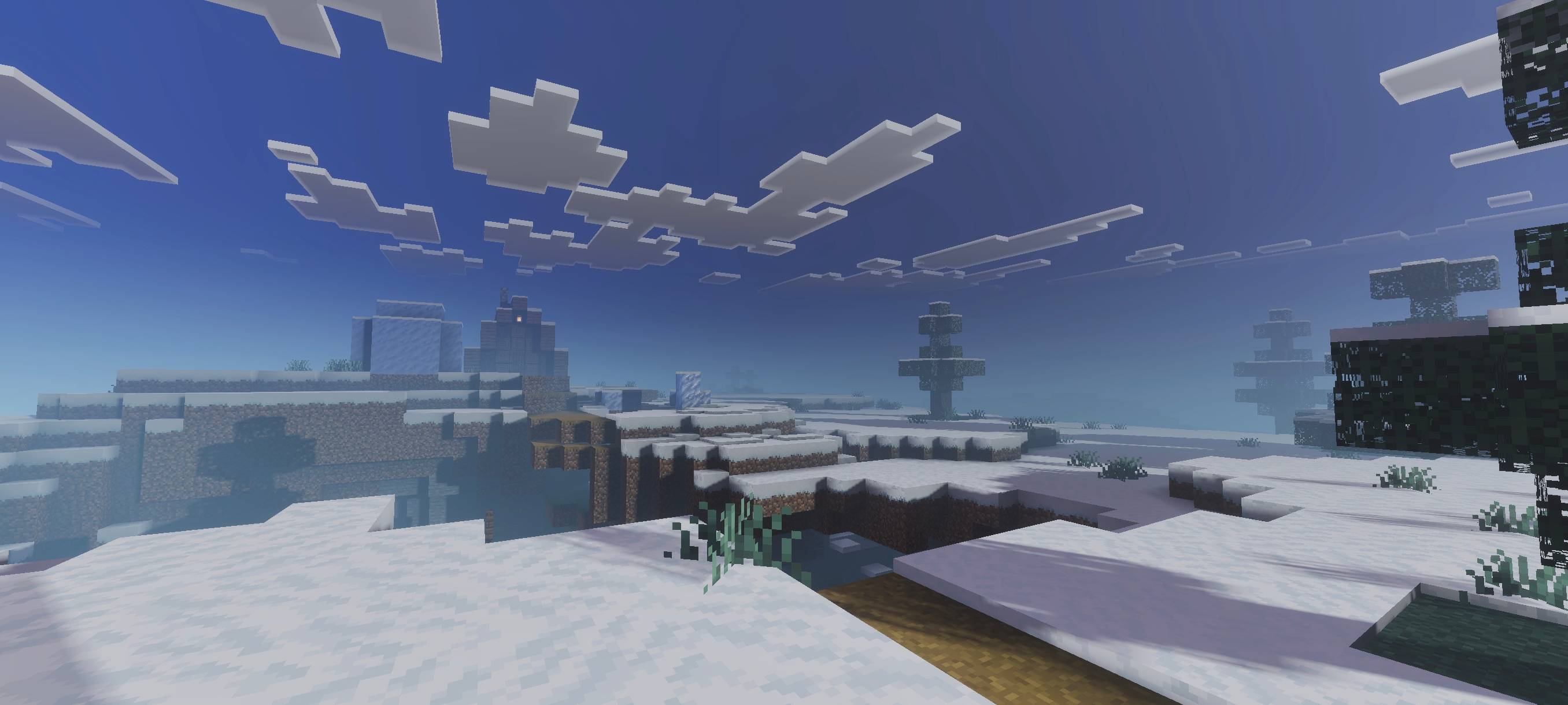
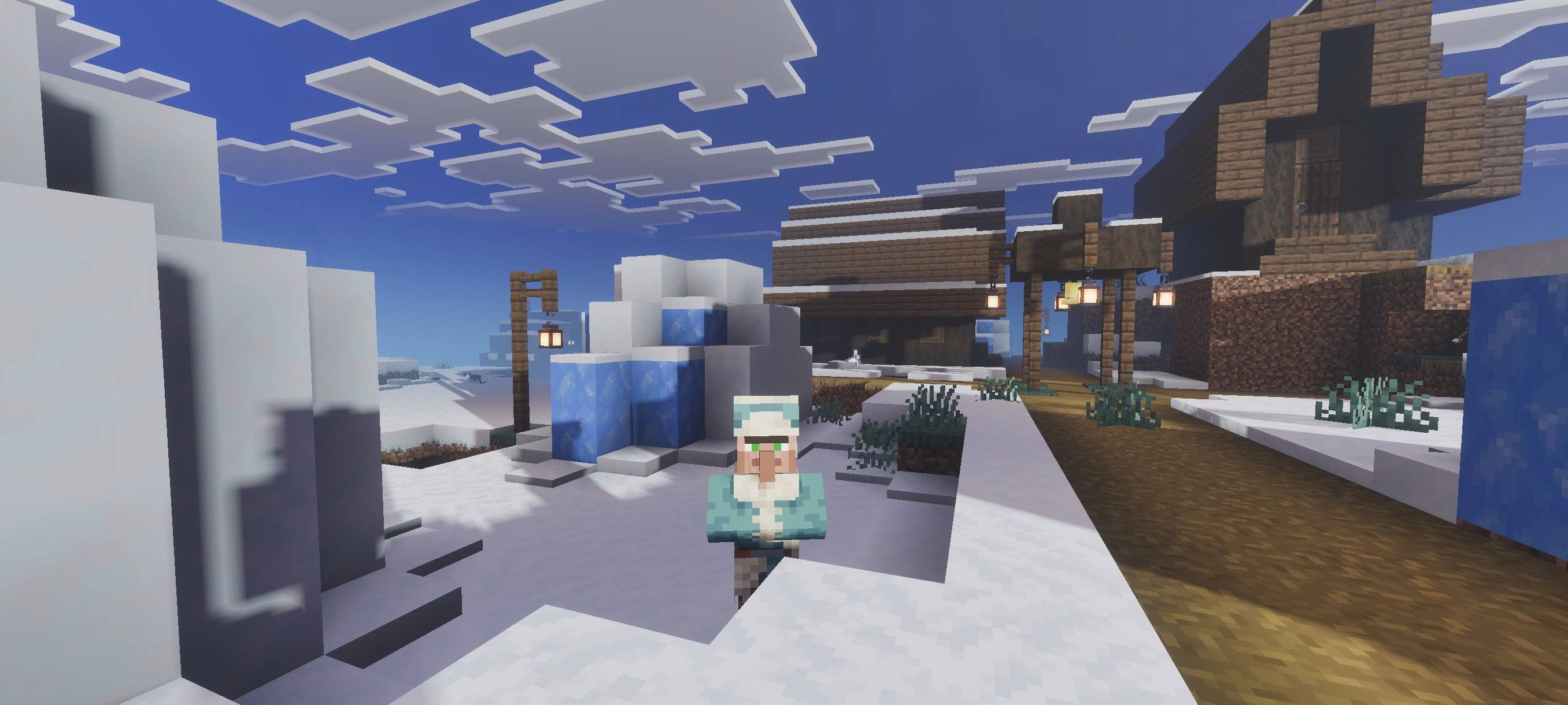
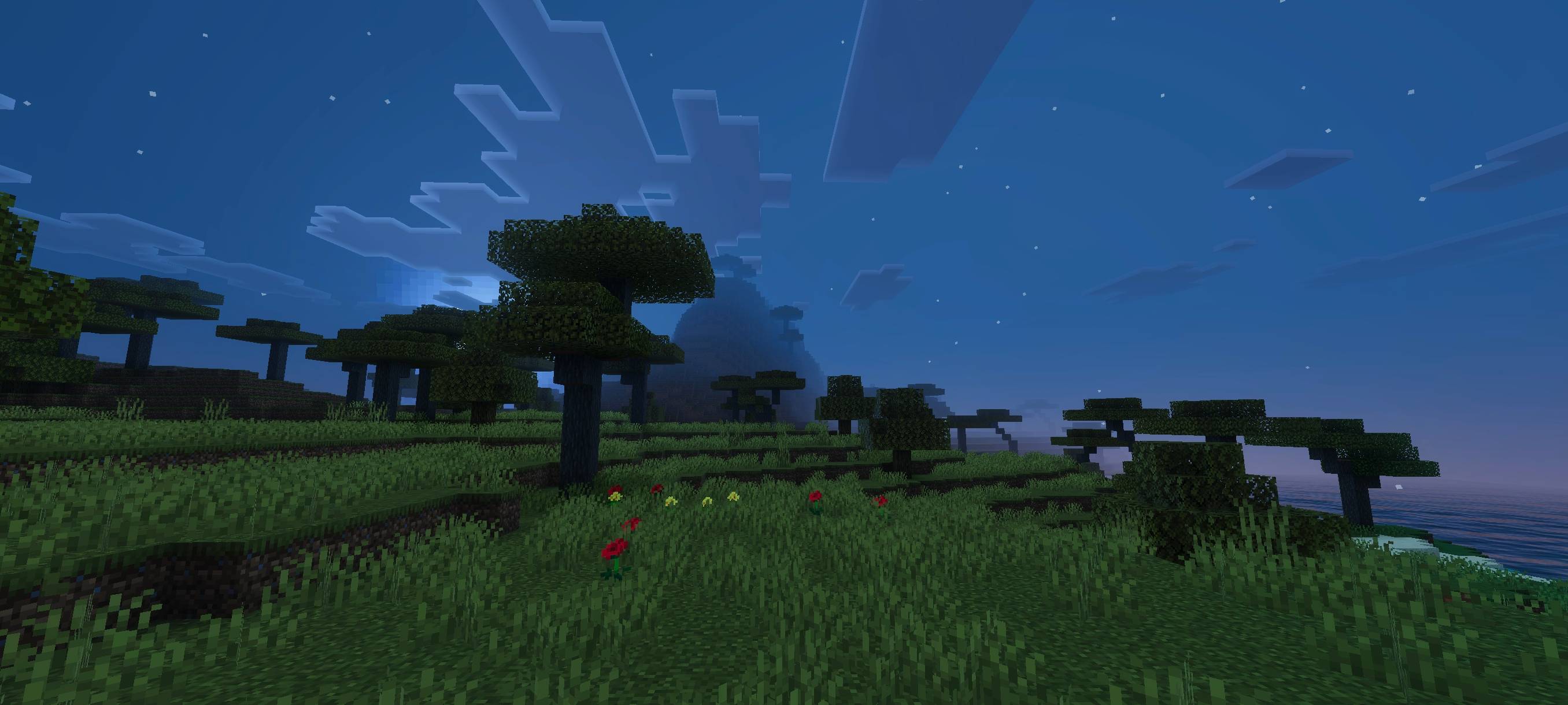
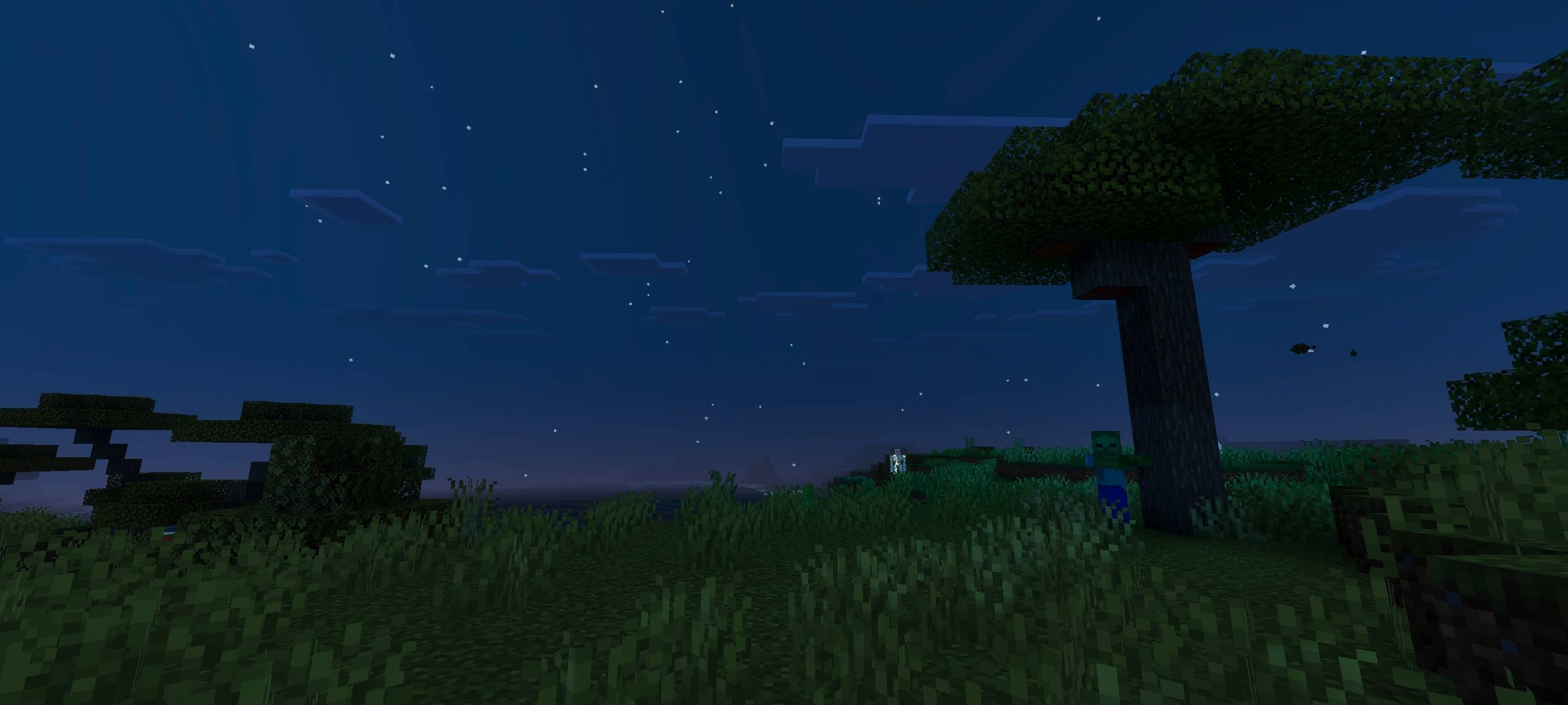
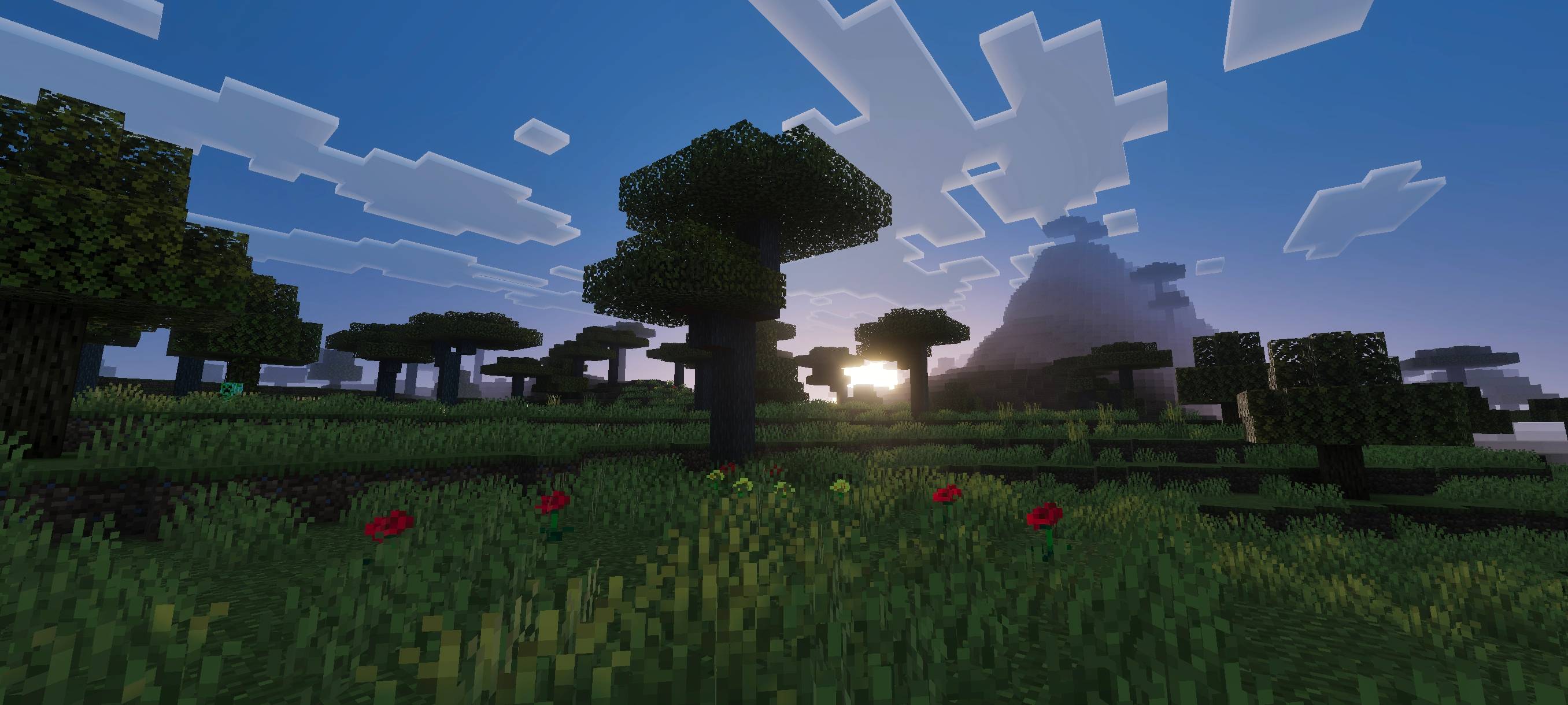
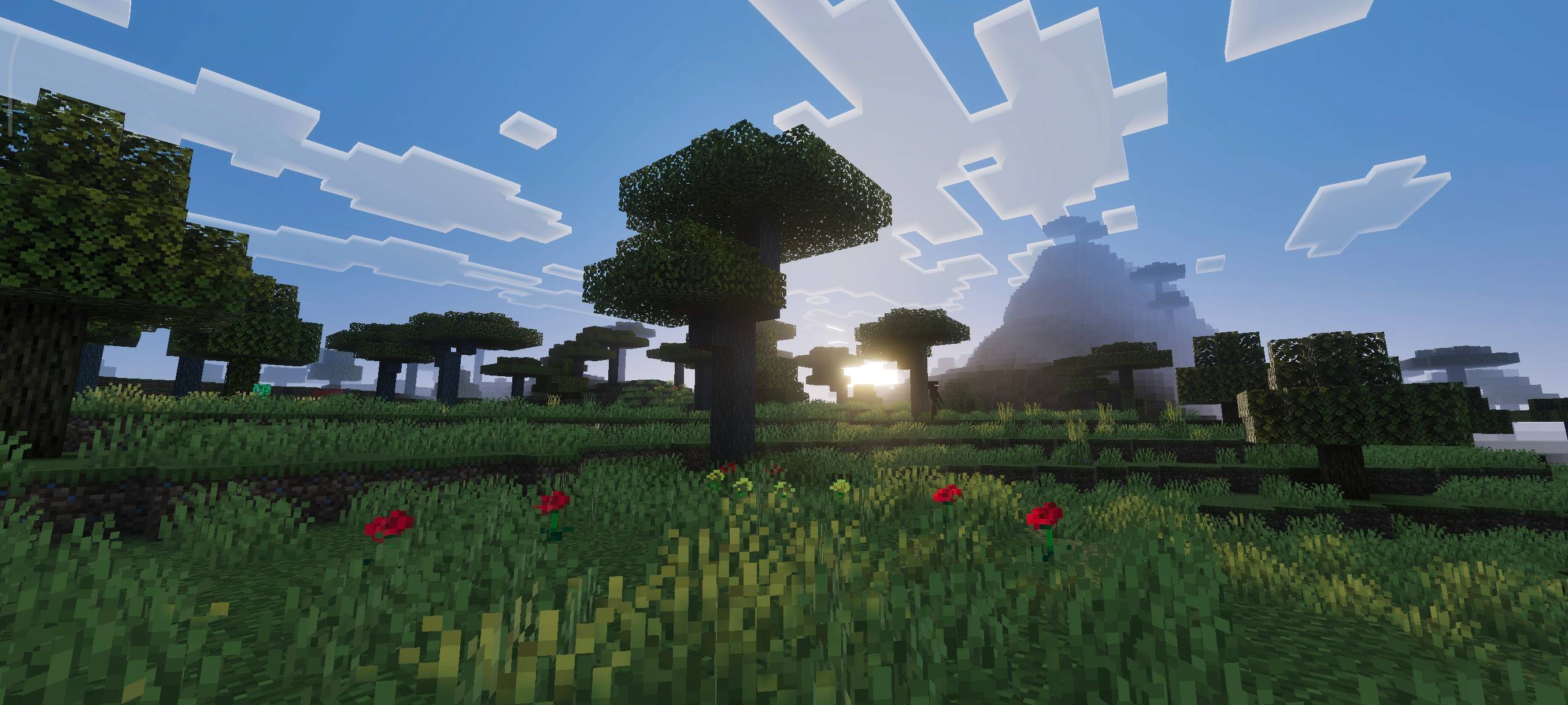
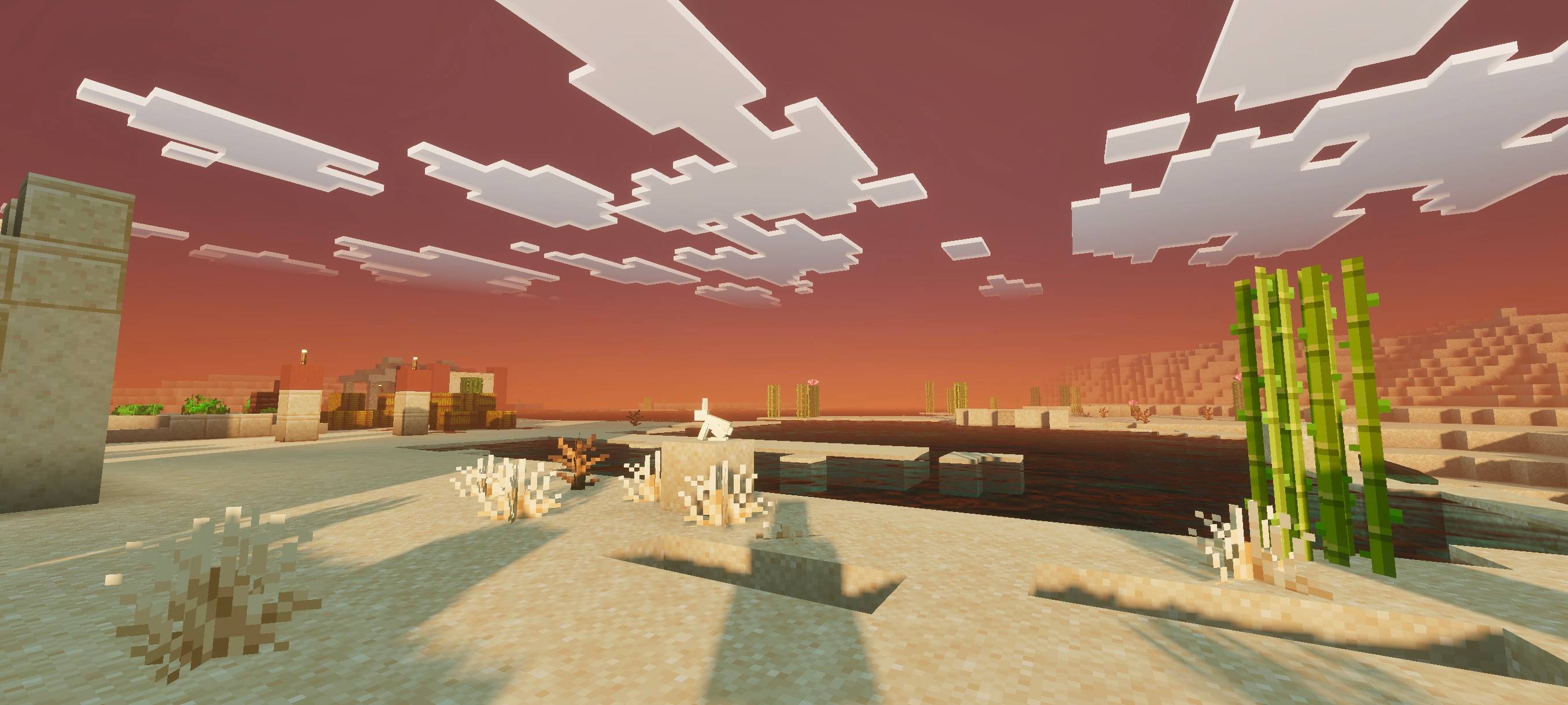
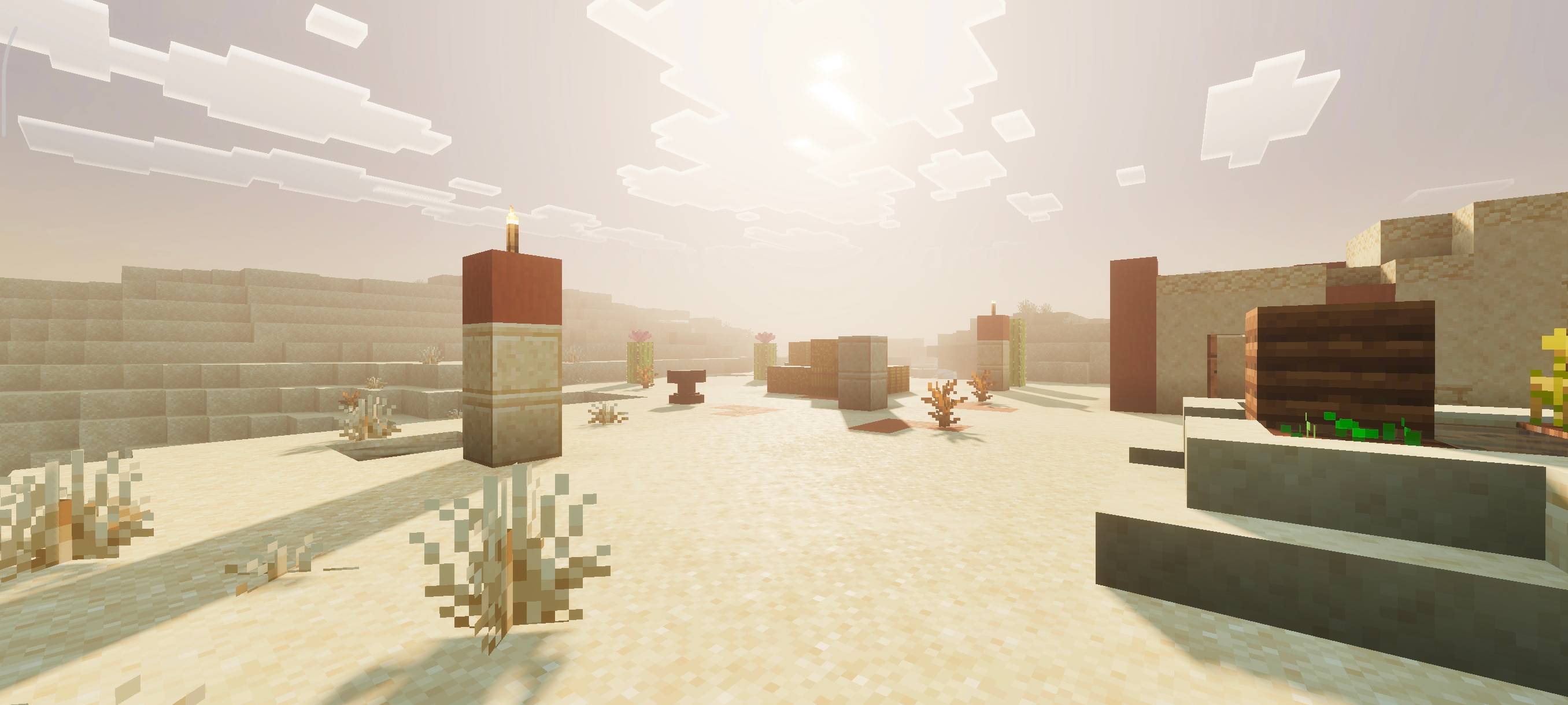
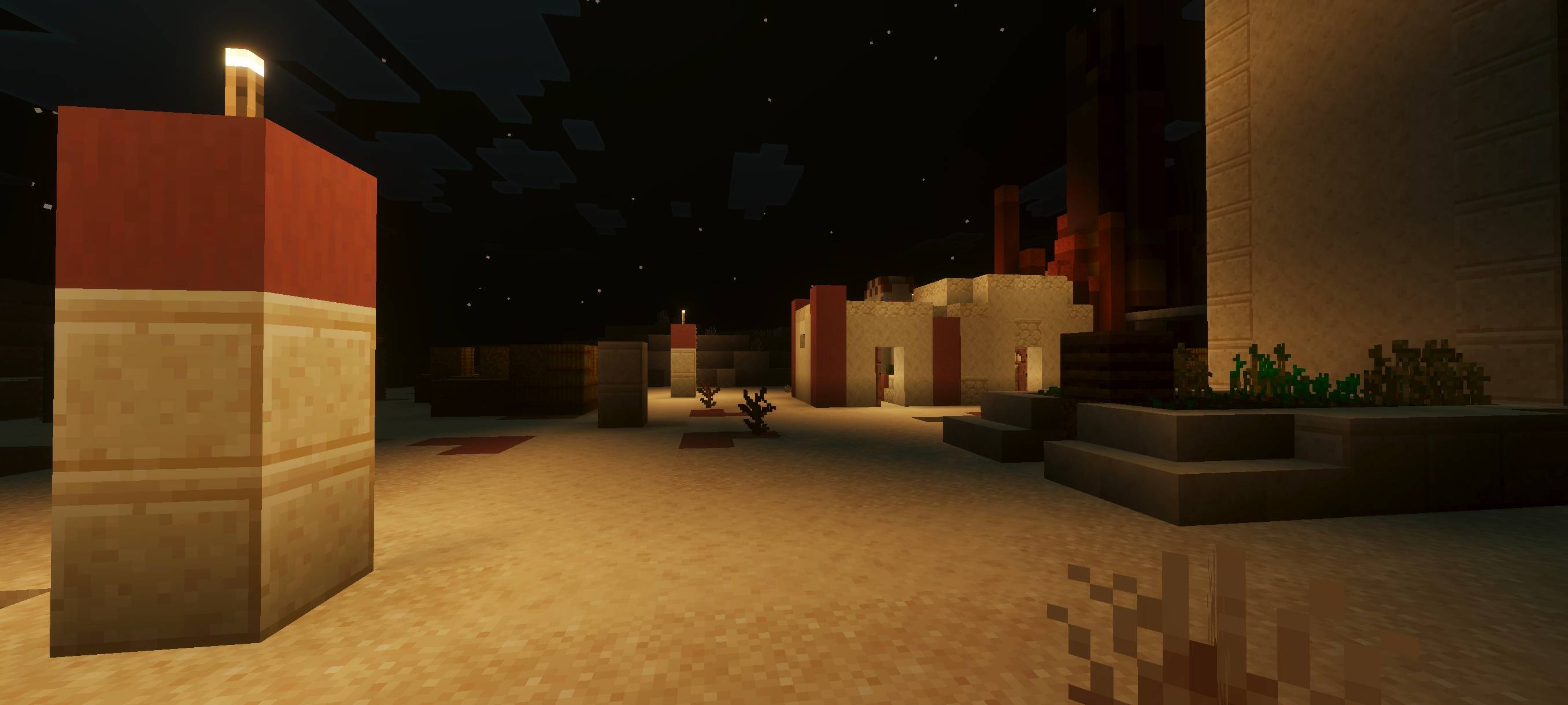
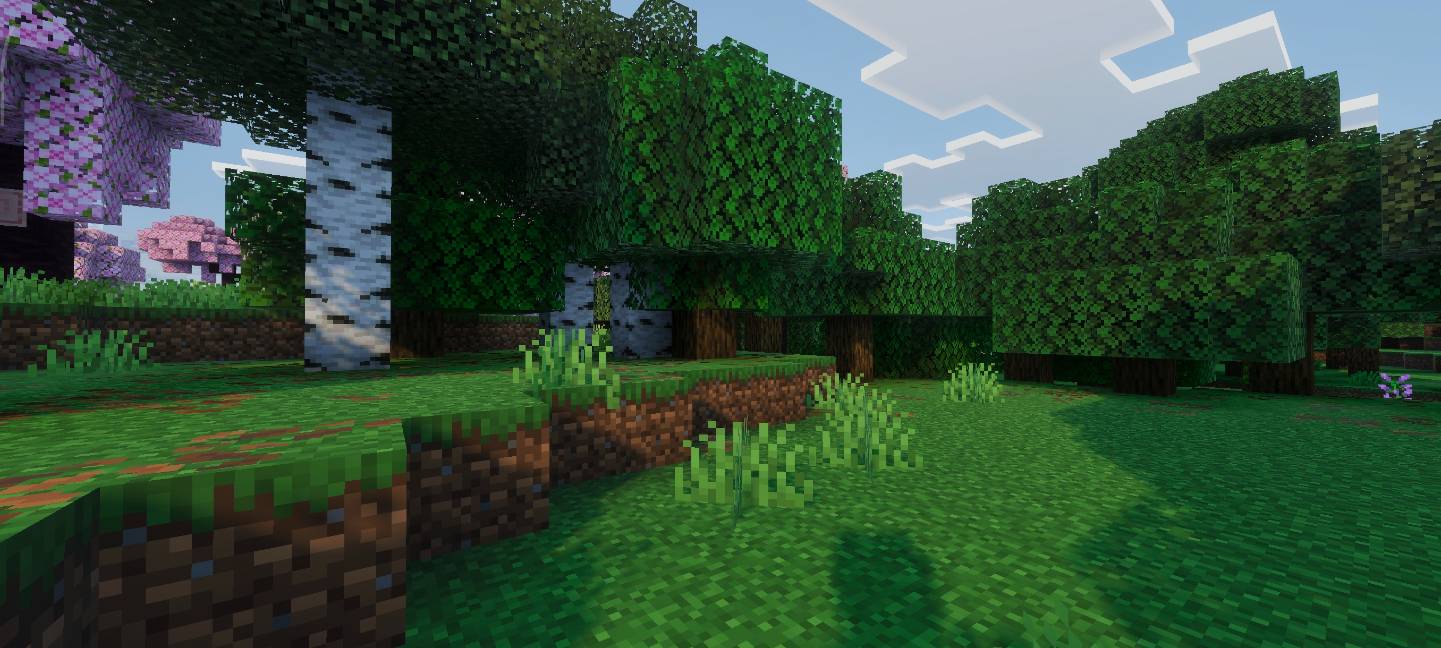
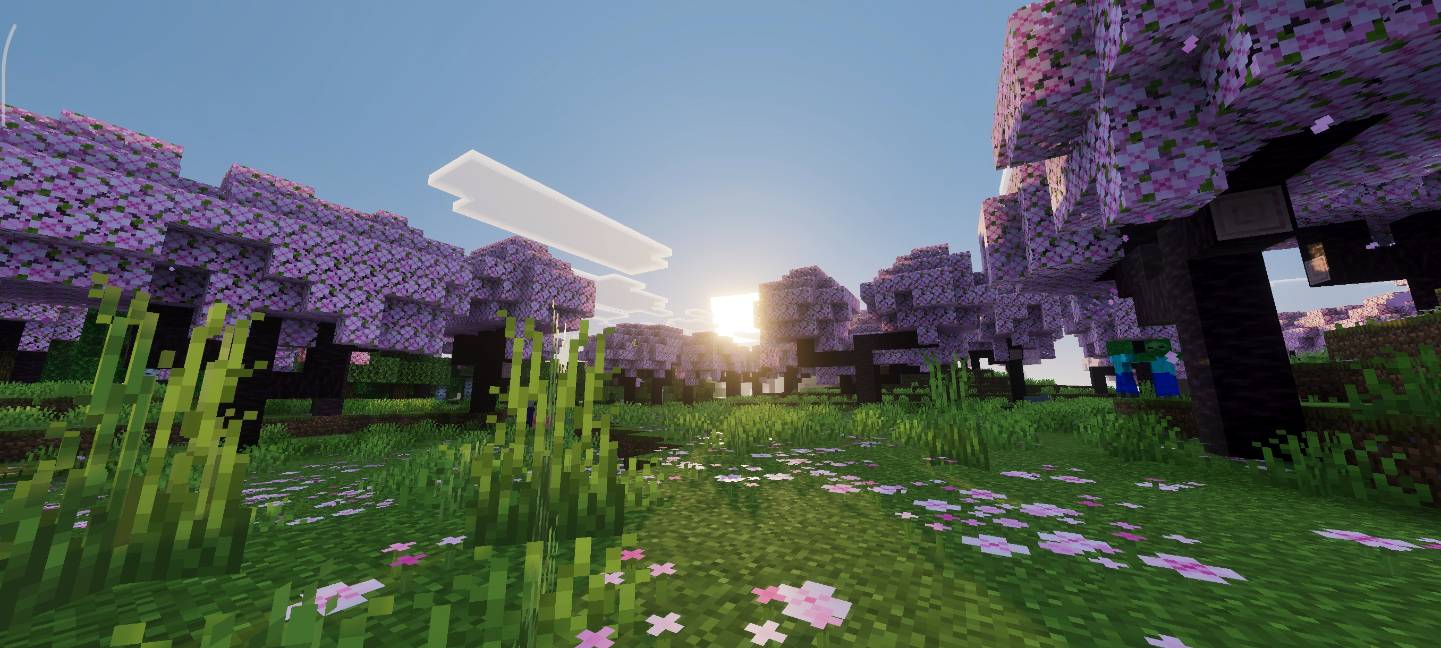
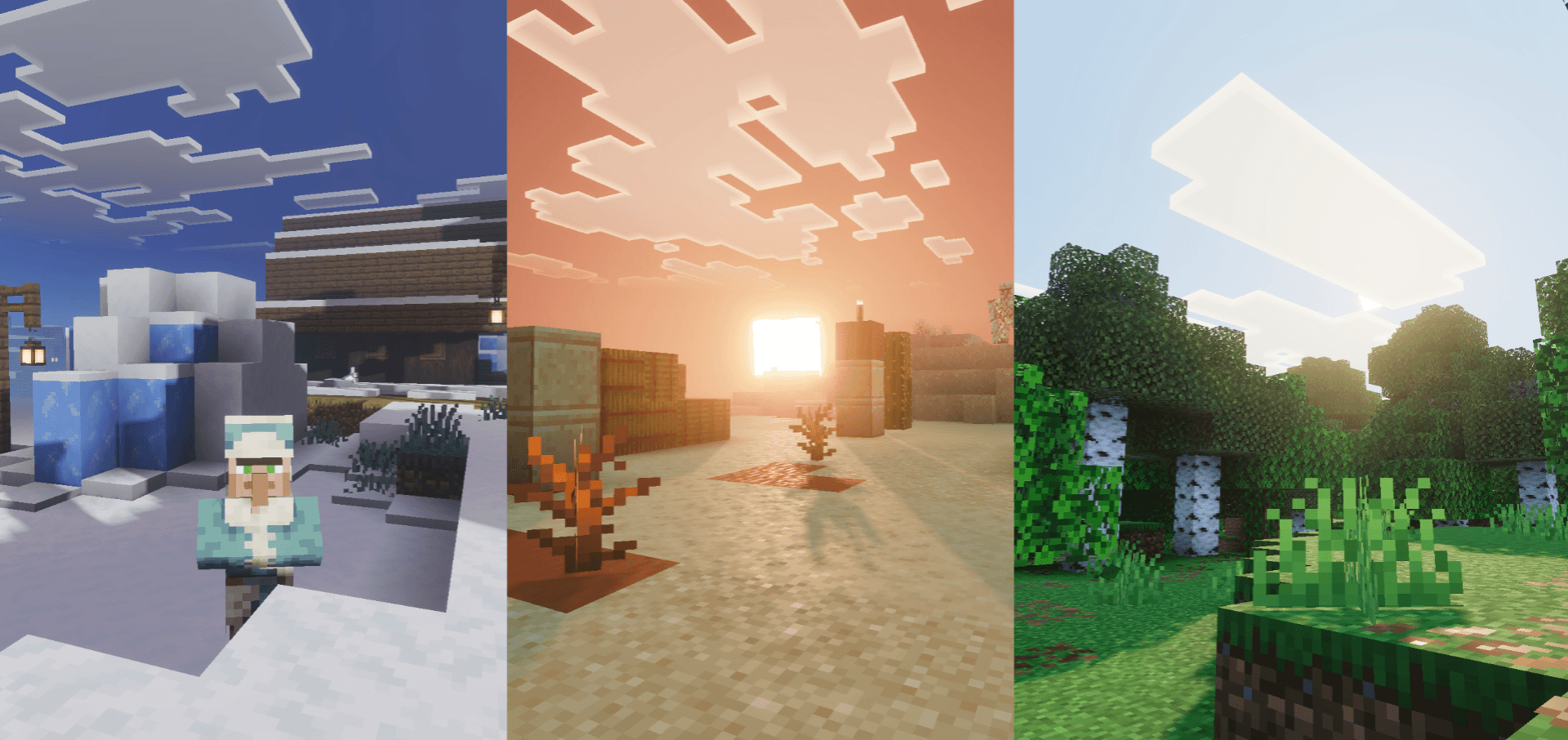
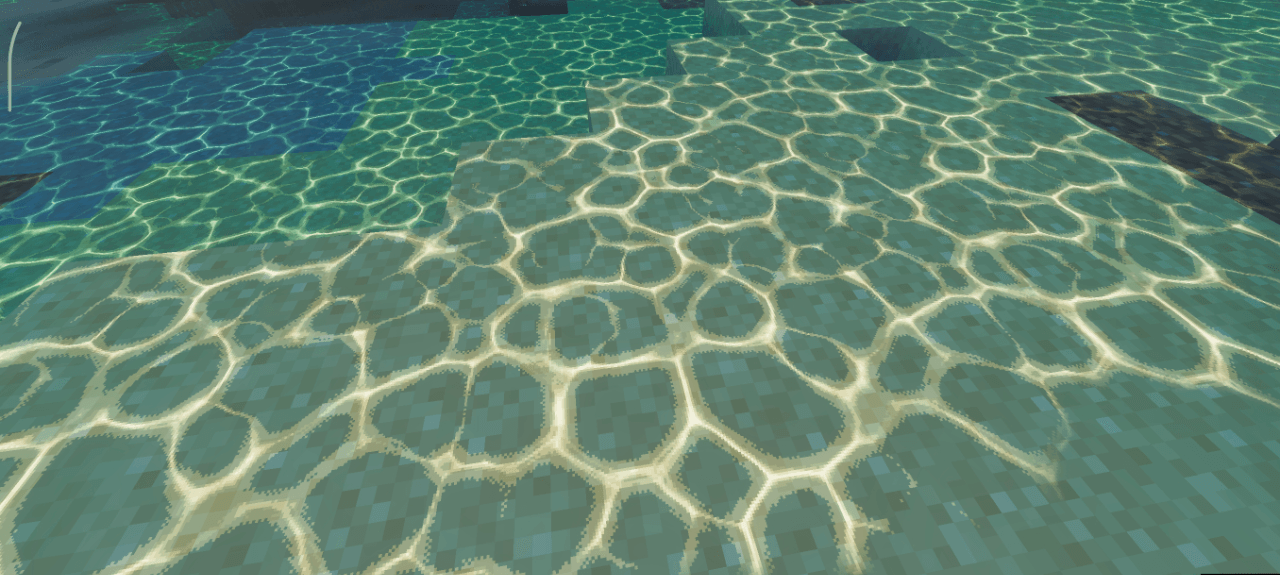
Solumn Visuals enhances Minecraft with cinematic lighting effects, lifelike color palettes, and dynamic fog that create immersive atmospheres. Experience stunning sunrises, sunsets, and nights that add depth and warmth to your game worlds, making every environment feel more vibrant and alive.
Installation / How to use
To use Solumn Visuals, download and apply the shader pack through your Minecraft Bedrock Edition resource packs menu. After activating the pack, ensure that the game’s Vibrant Visuals setting is enabled to experience the full range of lighting and atmospheric effects.
Requirements / Compatibility
Solumn Visuals requires Minecraft Bedrock Edition with the Vibrant Visuals option turned on for proper functionality. It is compatible with most worlds but may need adjustments depending on your device’s performance and graphics capabilities.
Key features
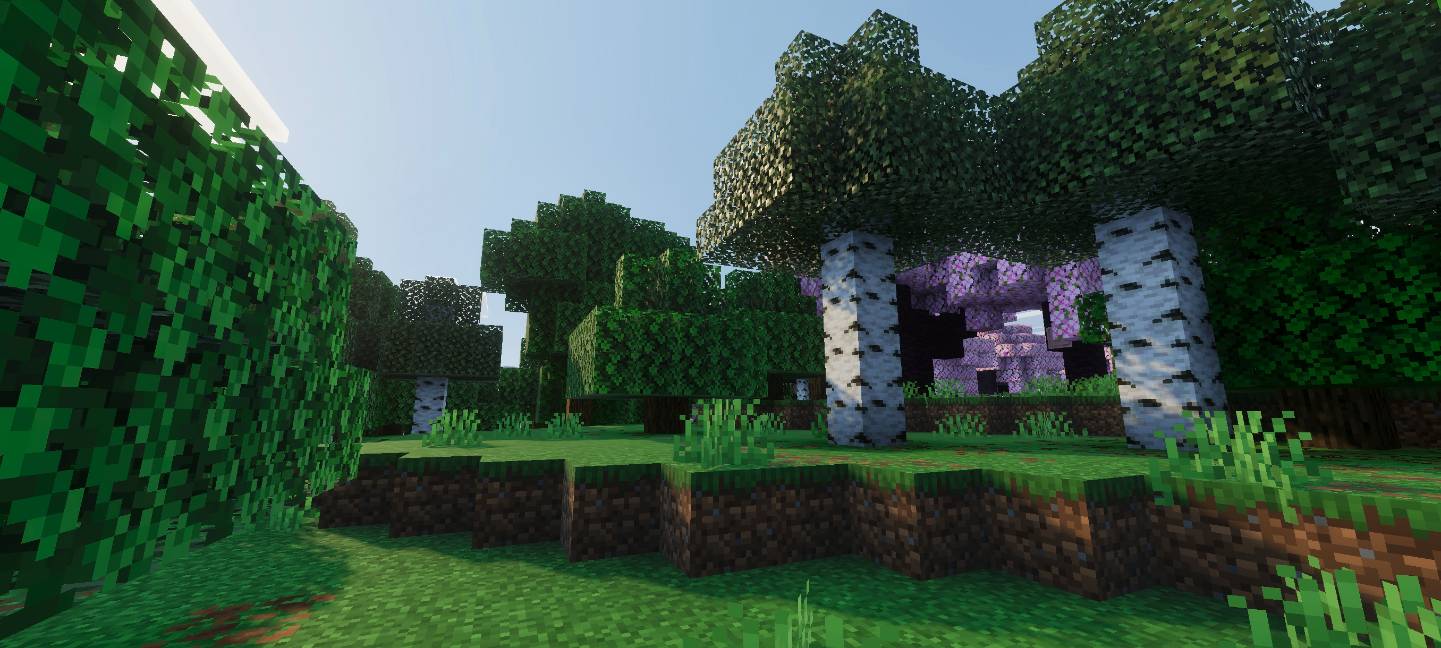
- Cinematic and natural lighting that enhances environmental textures and colors.
- Dynamic fog effects that adjust with the time of day to create realistic atmospheres.
- Smooth transitions between day and night cycles for immersive visual continuity.
- Enhanced color vibrancy that brings out the natural beauty of Minecraft landscapes.
- Ongoing development promises frequent updates with new visual improvements and lighting tweaks.
Notes / Troubleshooting
For best results, verify that Vibrant Visuals is enabled in the game settings; otherwise, some shader effects may not display correctly. If you encounter issues, try restarting the game or reapplying the resource pack.