Simple Shader
27.03.2026
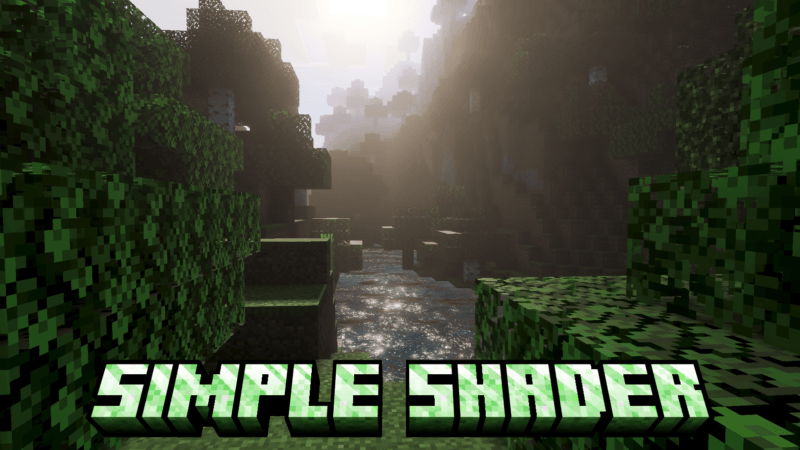
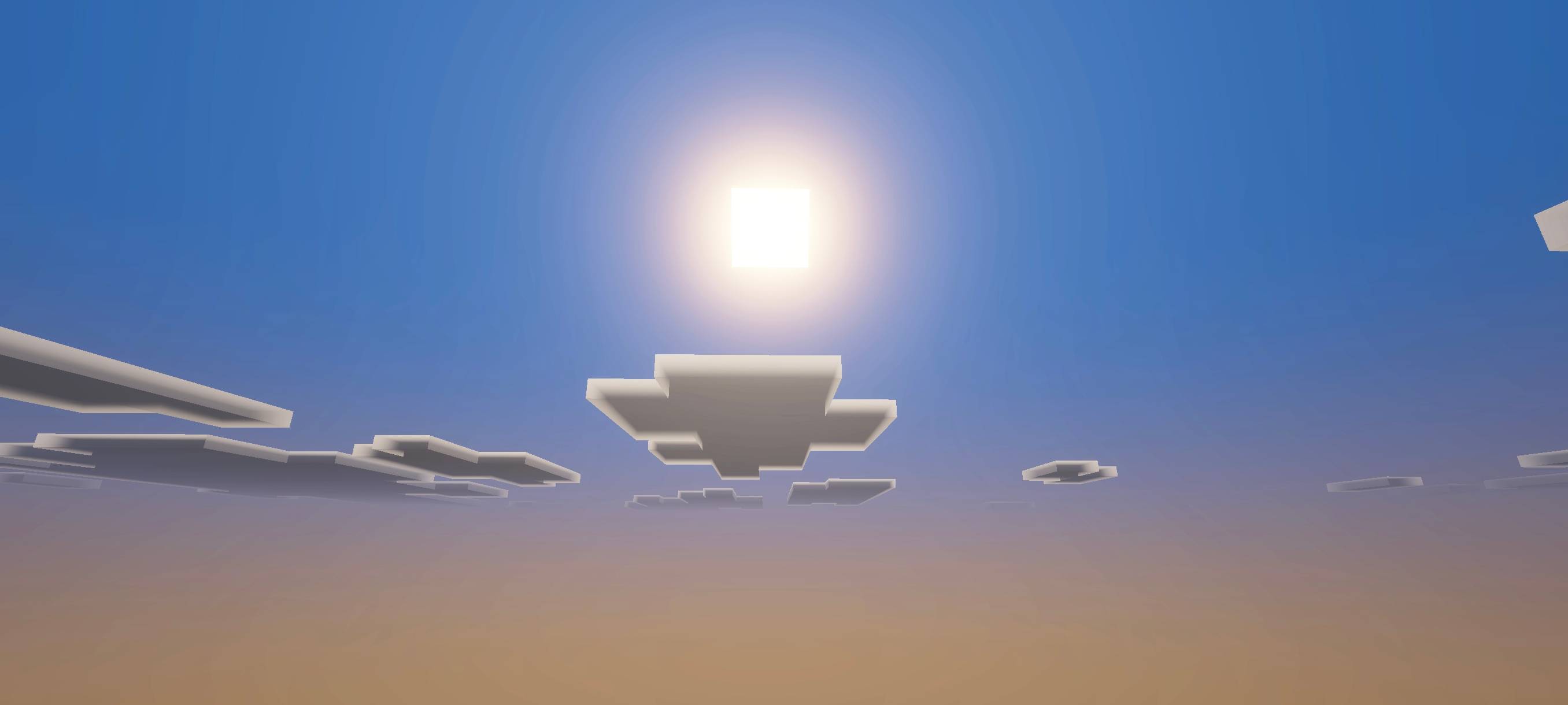
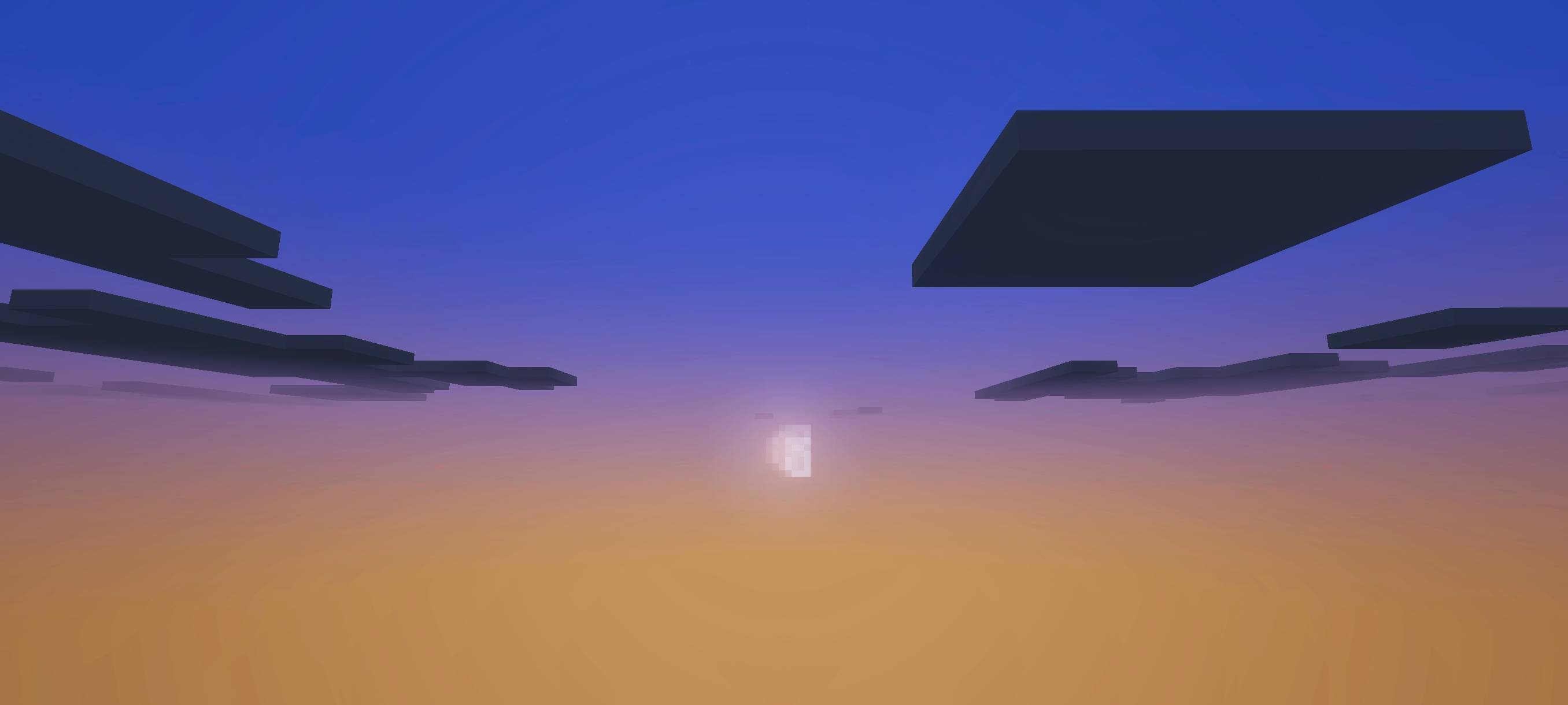
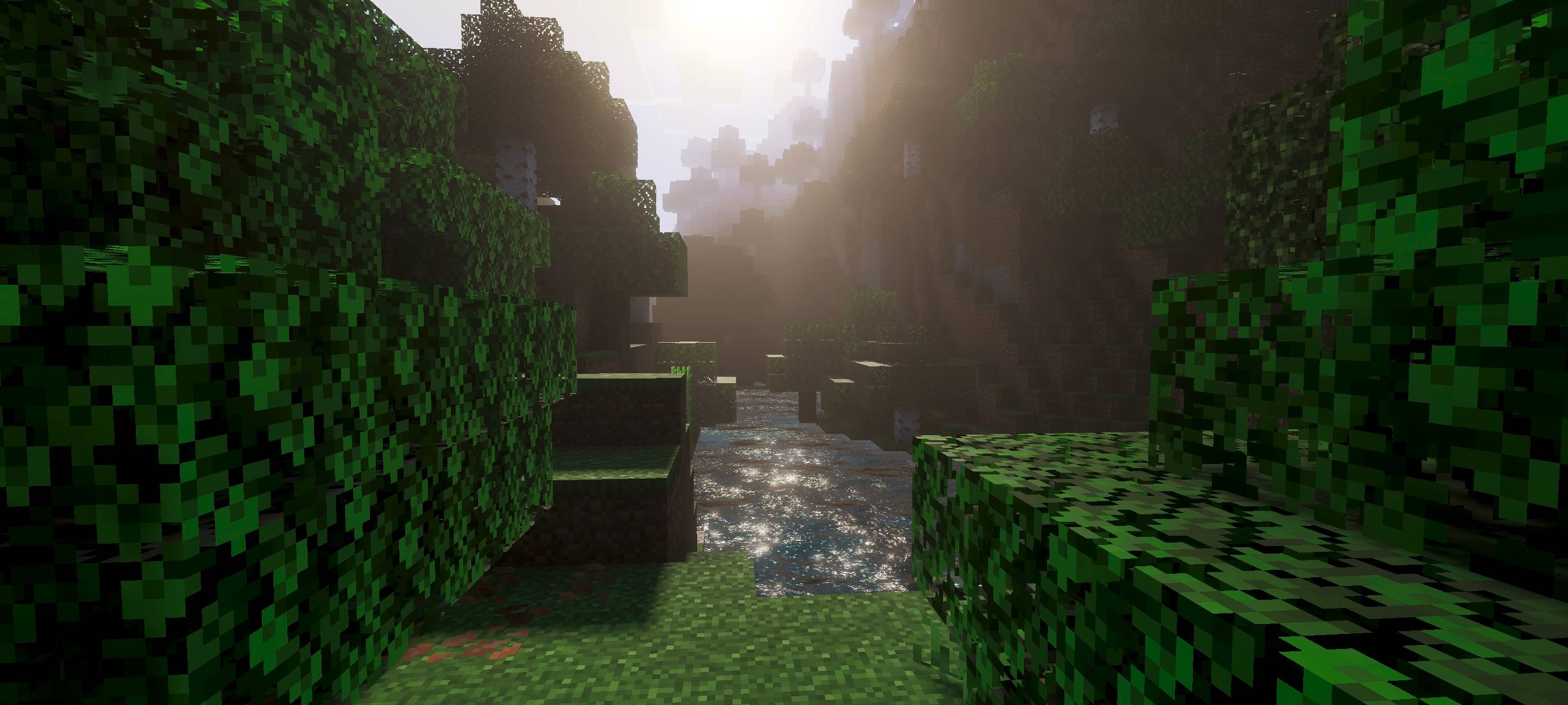
Simple Shader offers a subtle enhancement to Minecraft Bedrock visuals without overwhelming effects. It focuses on minimalistic improvements that maintain the game’s natural look while adding dynamic elements like lighting and fog. This shader is perfect for players seeking a lightweight, understated graphical upgrade.
Installation / How to use
Download the Simple Shader pack and place it within your Minecraft Bedrock ‘resource_packs’ folder. Activate it through the game’s settings under Resource Packs to apply the shader effects. No additional configuration is required, making it easy to enable and enjoy immediately.
Requirements / Compatibility
This shader is compatible with the latest versions of Minecraft Bedrock Edition. It works best on devices that support dynamic lighting and fog effects, but it is designed to be lightweight to run smoothly on most hardware.
Key features
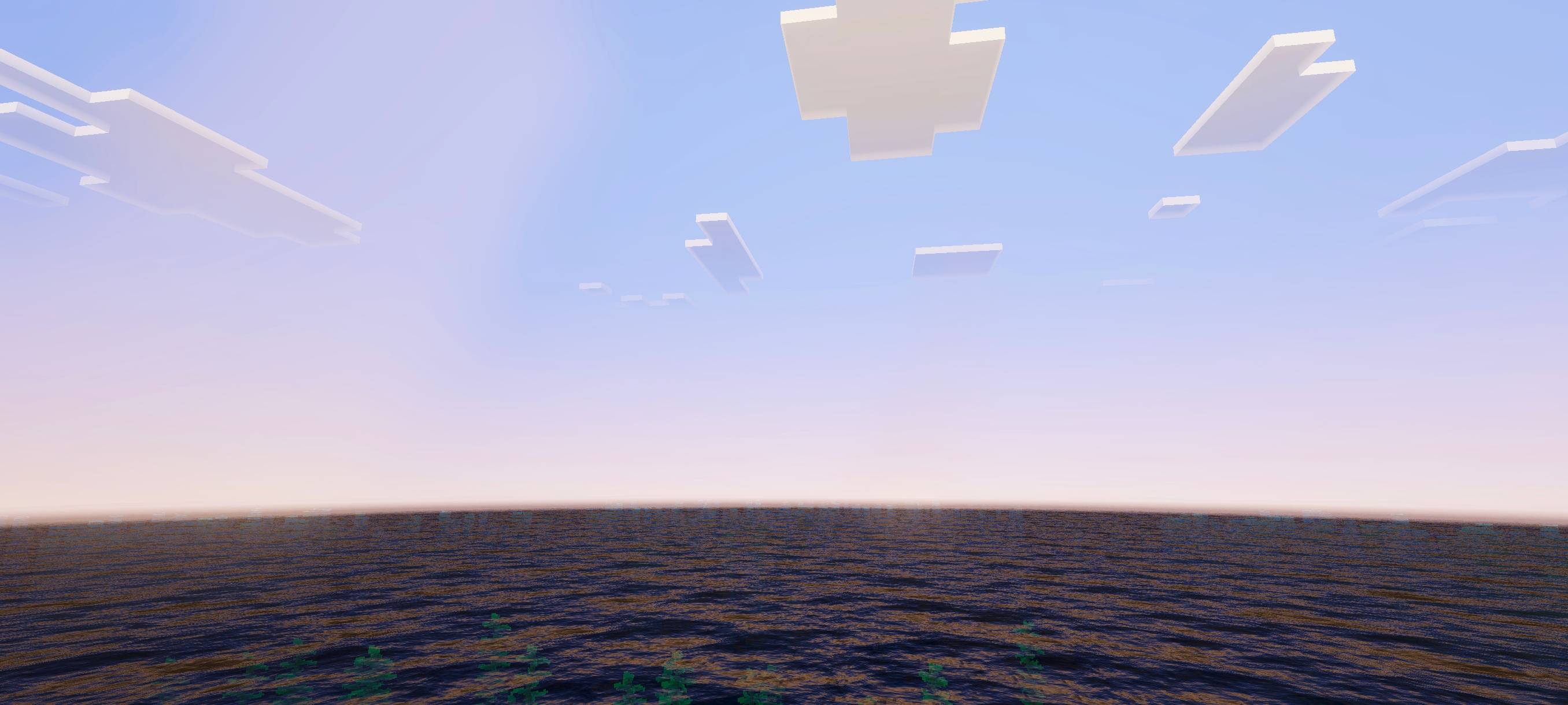
- Dynamic atmosphere and realistic fog rendering
- ACE tone mapping for balanced color and lighting
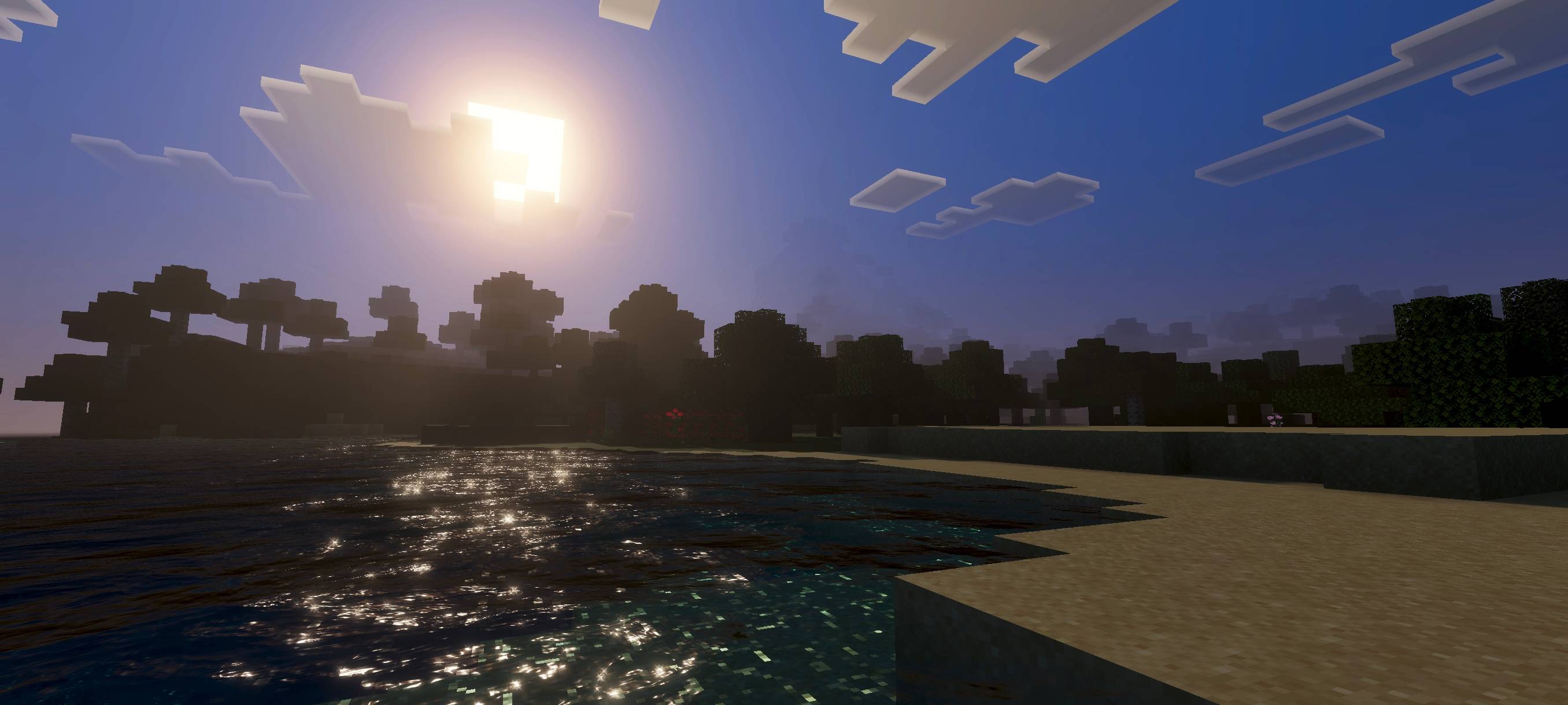
- Dynamic lighting that responds to the environment
- Enhanced water visuals with dynamic reflections and motion
- Simple and clean aesthetic without overdone effects
Notes / Troubleshooting
If you experience any visual inconsistencies, ensure your device supports shader features and update Minecraft to the latest version. For performance issues, try reducing other graphical settings to maintain smooth gameplay.
Visual example of Simple Shader in action: