Roll and Stamina
17.03.2026
Roll and Stamina enhances Minecraft Bedrock Edition by introducing dynamic roll and stamina systems. Players can perform tactical rolls, manage stamina which depletes during running, jumping, or rolling, and experience temporary speed reductions upon taking damage, adding a new layer of strategy and realism to gameplay.
Installation / How to Use
To activate the roll ability, tap the sneak button briefly without holding it. Rolling helps evade enemies or can be combined with jumping to leap up to three blocks high. Running, jumping, and rolling consume stamina, which, when depleted, reduces player speed and restricts jumping until stamina recovers. Taking damage also temporarily slows the player.
Requirements / Compatibility
This add-on requires the following supporting scripts to function properly:
- Kamii’s Script Configuration
- UI Queue Script
The add-on uses Minecraft’s scripting API, ensuring broad compatibility with most other add-ons. However, it may conflict with add-ons that extensively modify the GUI, such as those adding thirst bars or custom player resource displays.
Key Features
Rolling
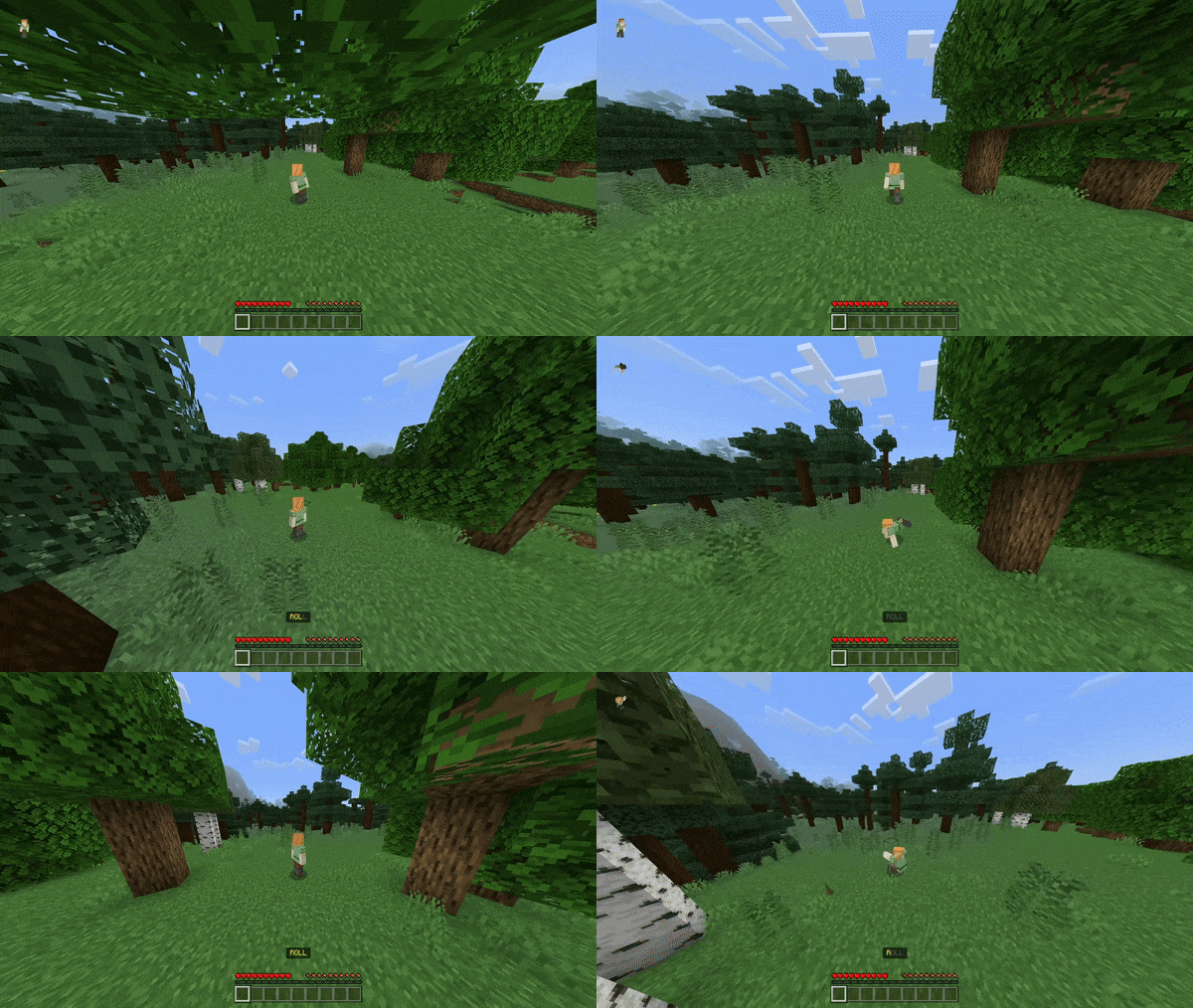
Tap sneak to roll in your current movement direction, including backward rolls. Rolling also provides knockback to help escape threats. Combining roll with jump grants higher jumps.
Stamina System
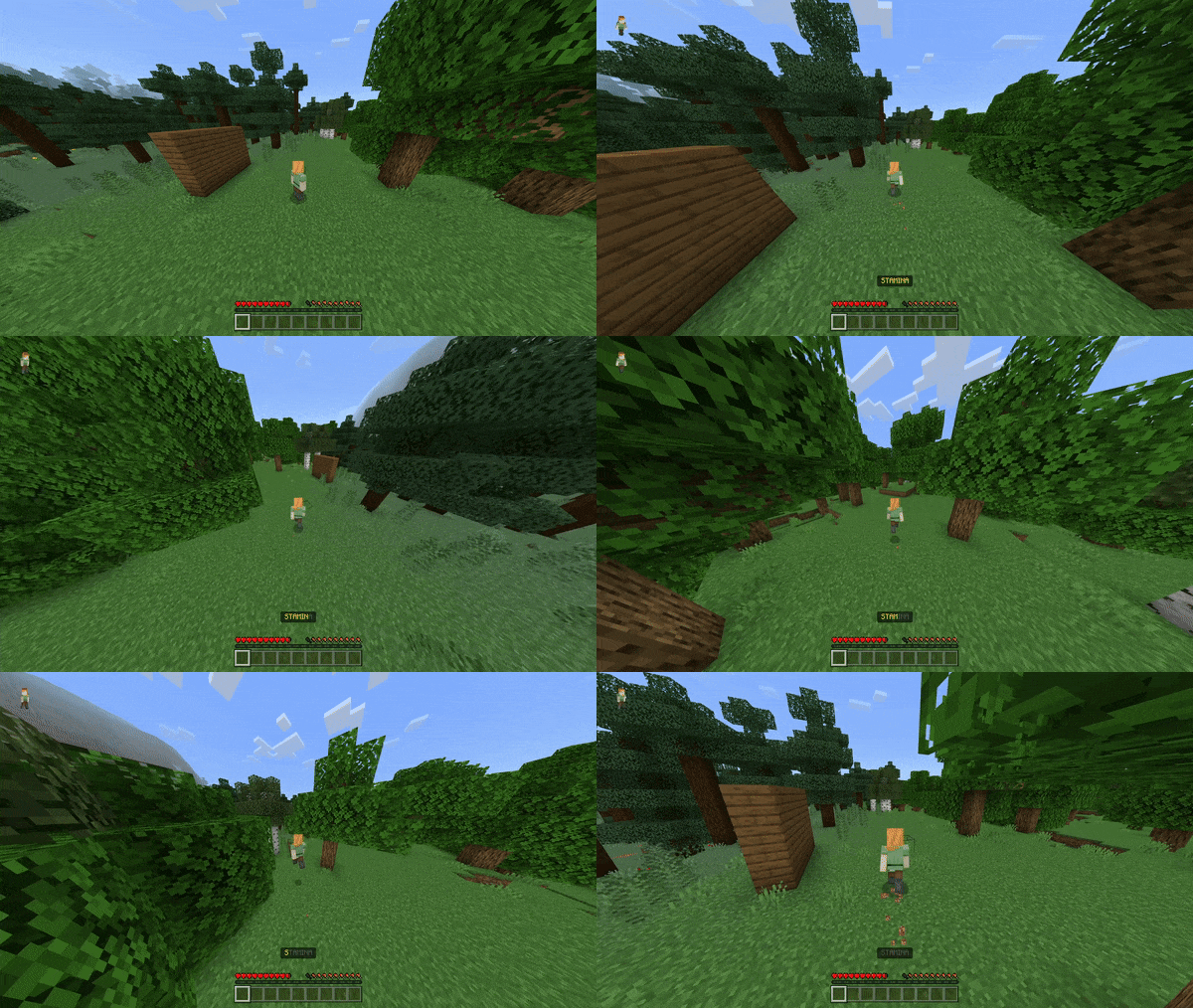
Stamina drains when running, jumping, or rolling. Once stamina is exhausted, player speed decreases and jumping is disabled temporarily. Potion effects influence stamina consumption: hunger increases stamina drain, while speed reduces it. Sleeping fully restores stamina.
Damage Slow Effect
Receiving damage reduces movement speed for a short time. This effect does not apply to damage from status effects like poison or wither.
Fatigue Mechanic
Performing actions such as mining or attacking builds fatigue. At 75% fatigue, players receive weakness and fatigue effects that prolong roll and stamina exhaustion. Sleeping reduces fatigue levels.
Edge Climbing
Hold the jump button while airborne near an edge to climb up ledges.
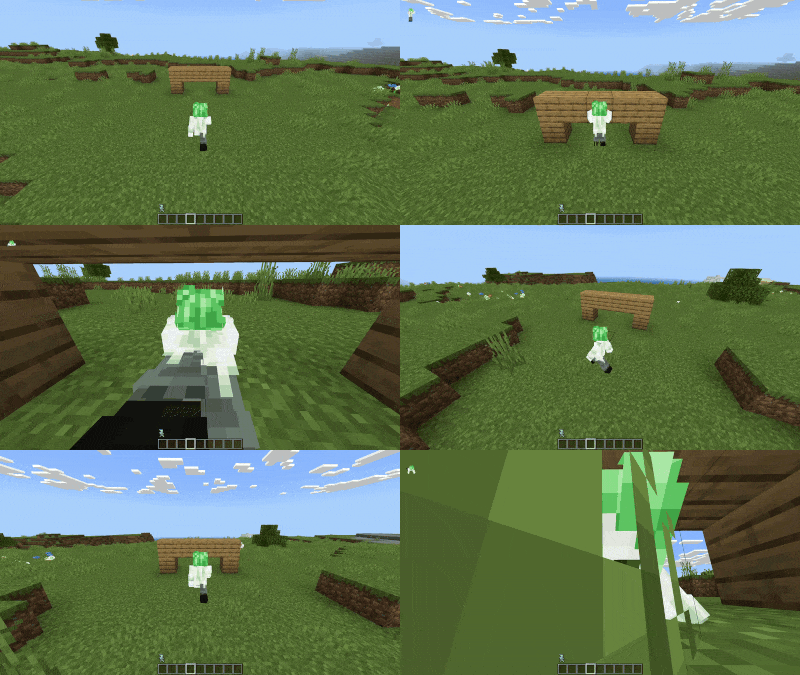
Smart Crawling
Wall Climbing
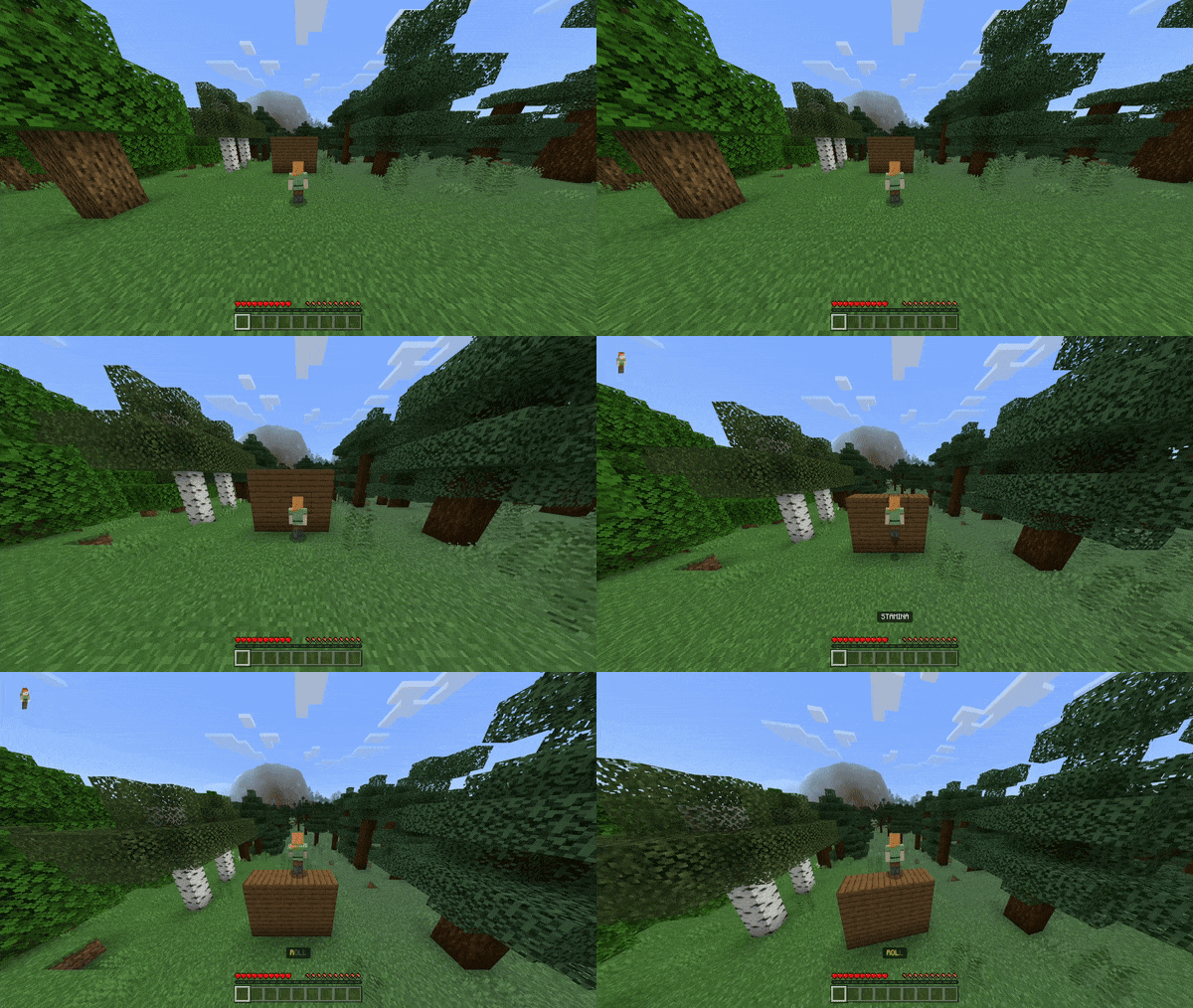
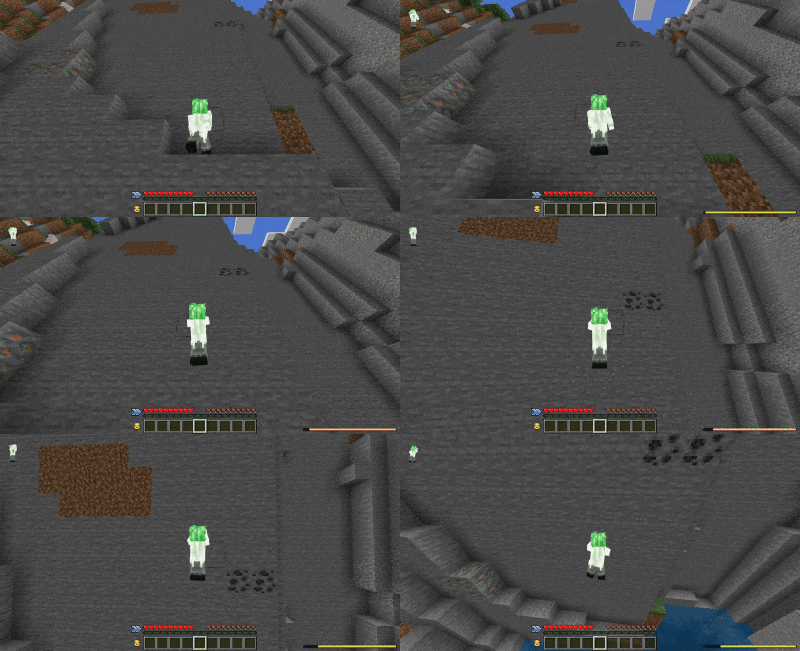
Sneak against a wall to climb it. Looking down while climbing will cause you to descend. After wall climbing, the player will automatically jump to continue movement.
Grappling Hook
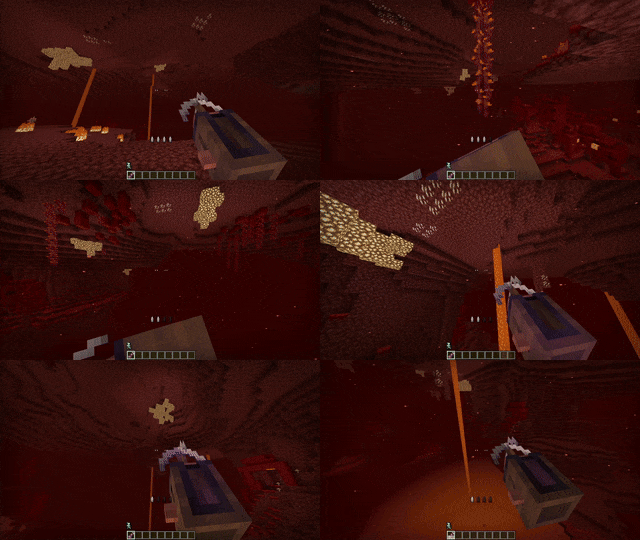
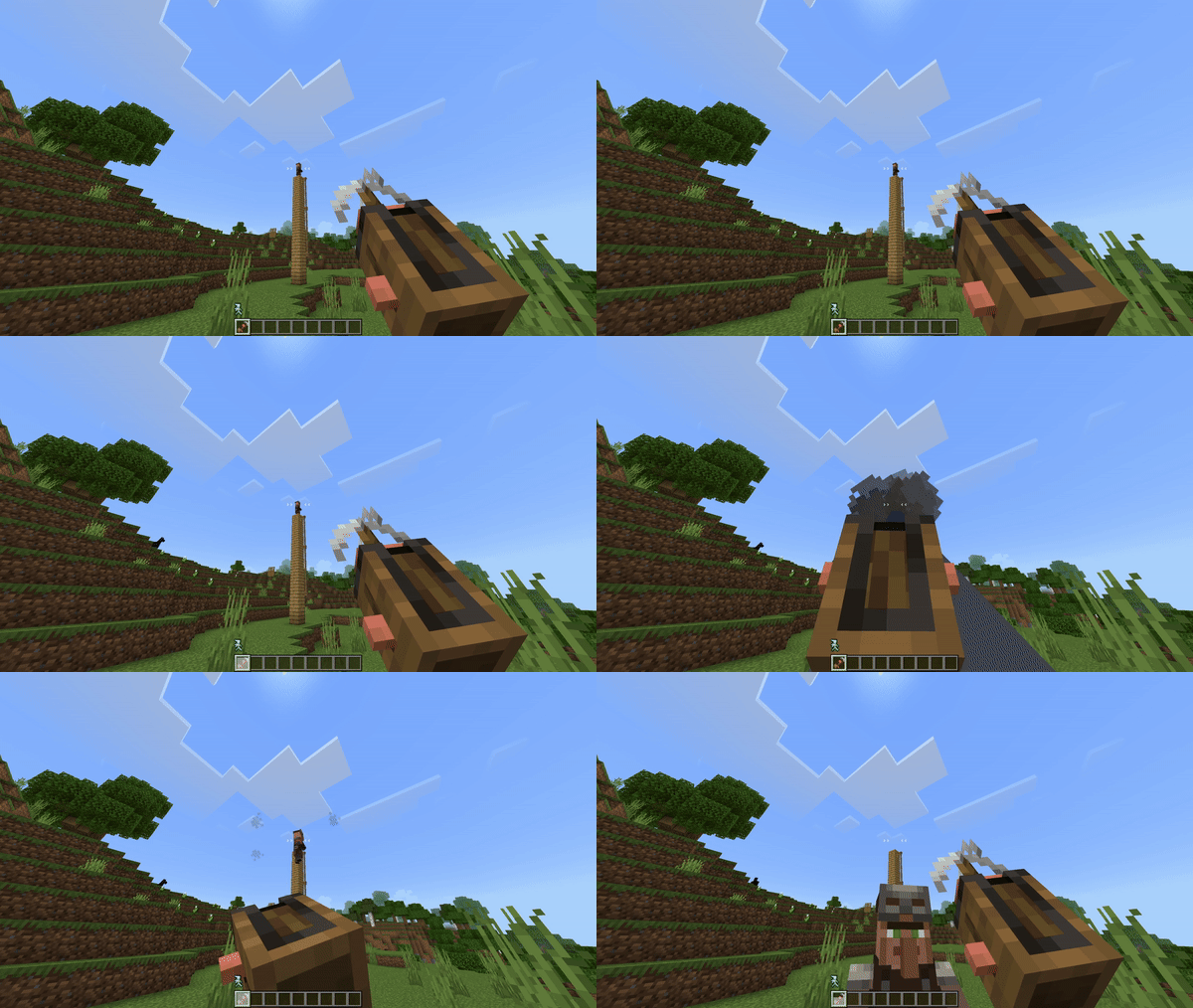
This item enhances mobility by allowing players to grapple to distant locations. It can be customized with enchantments:
- Multishot: Fires two hooks simultaneously.
- Piercing: Extends maximum grappling distance.
- Quick Charge: Reduces cooldown after multiple uses.
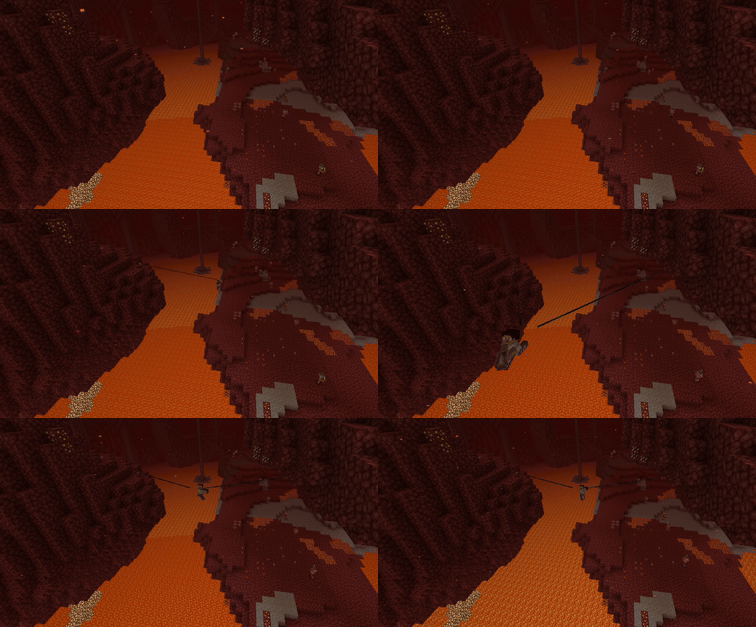
Use the grappling hook by holding the interact button, similar to using ranged weapons.
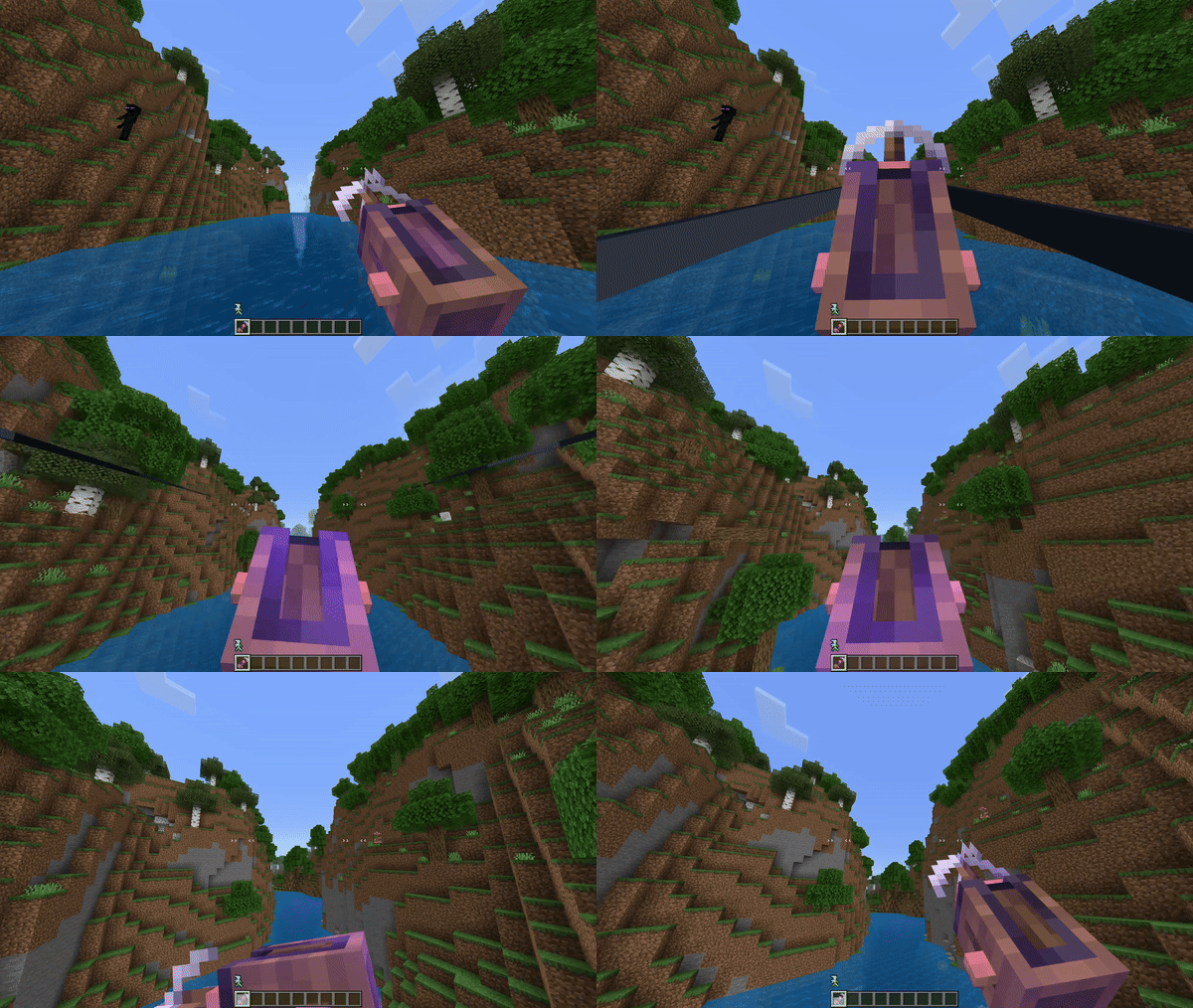
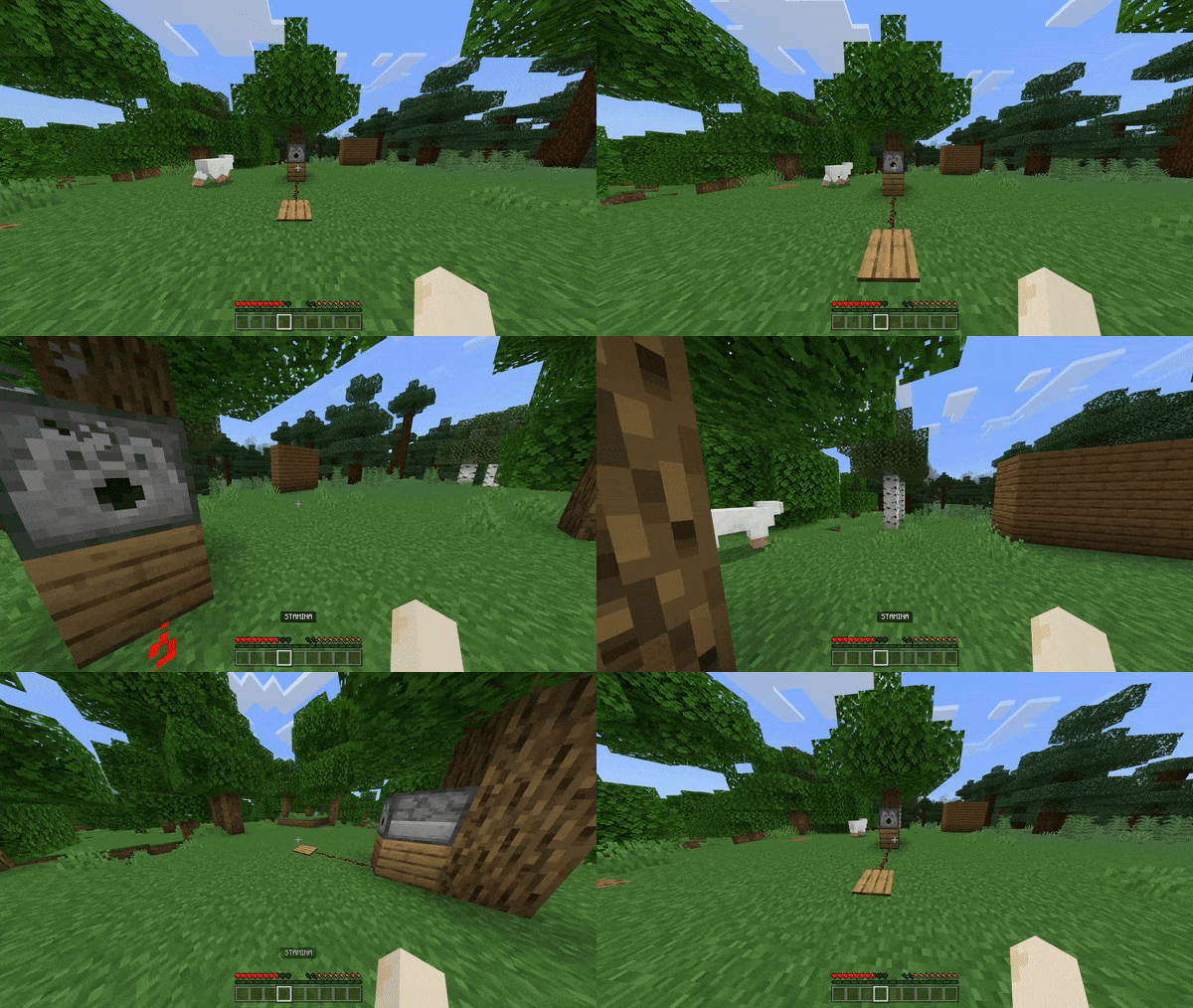
Rope
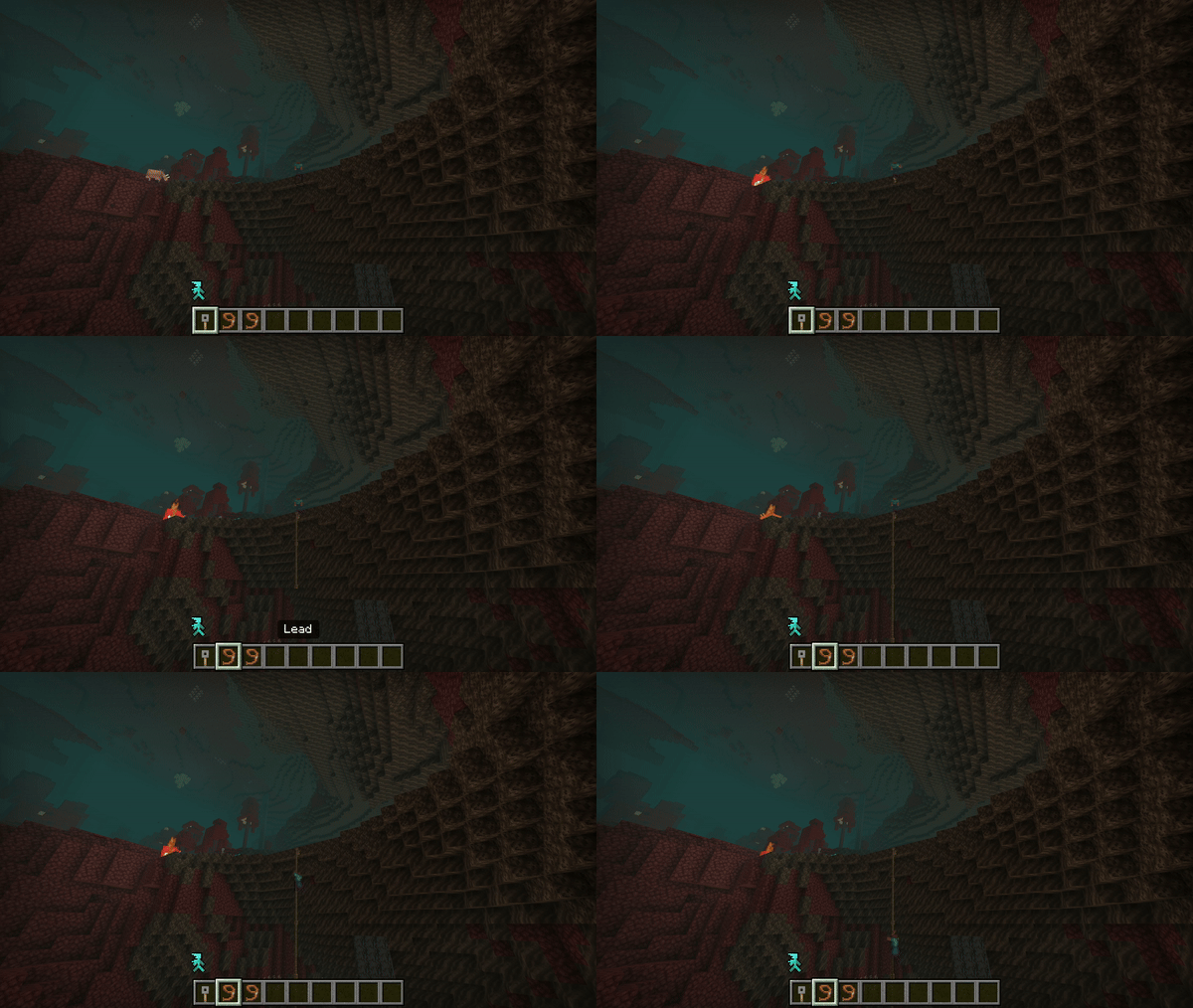
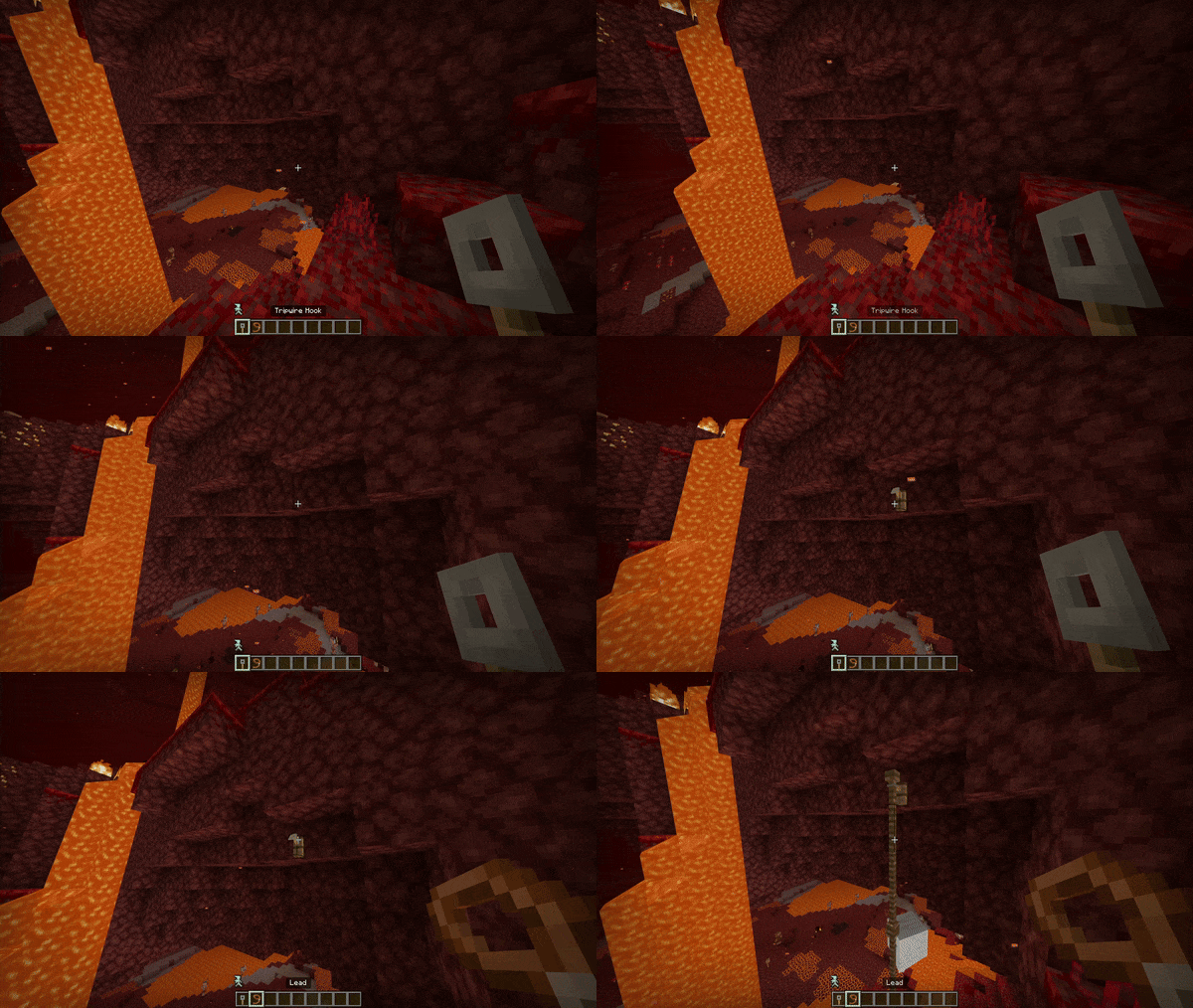
Rope functions as an alternative to scaffolding and is crafted by attaching a lead to a tripwire hook. It supports interactions such as sneaking, jumping, or combining both for different movements.
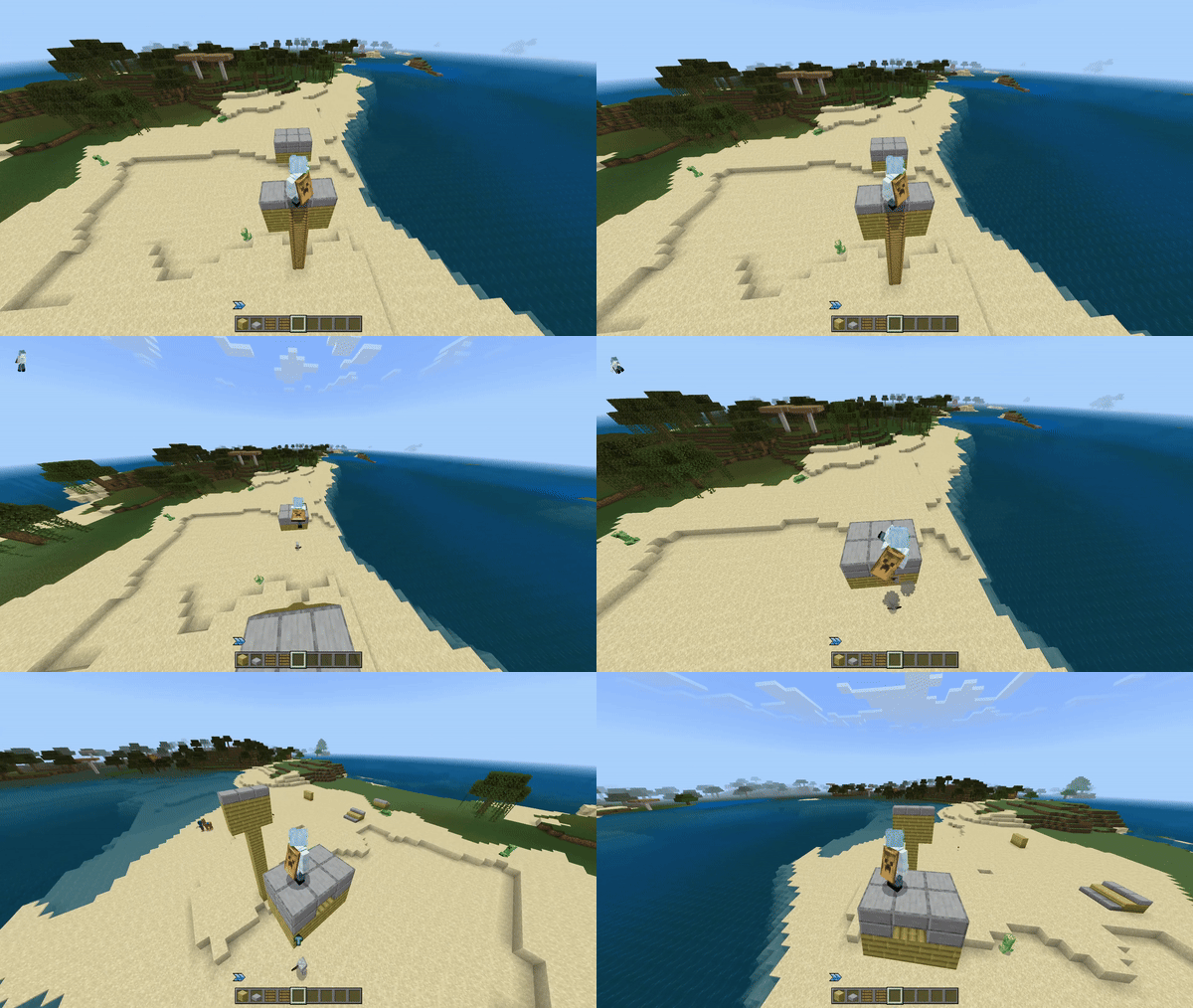
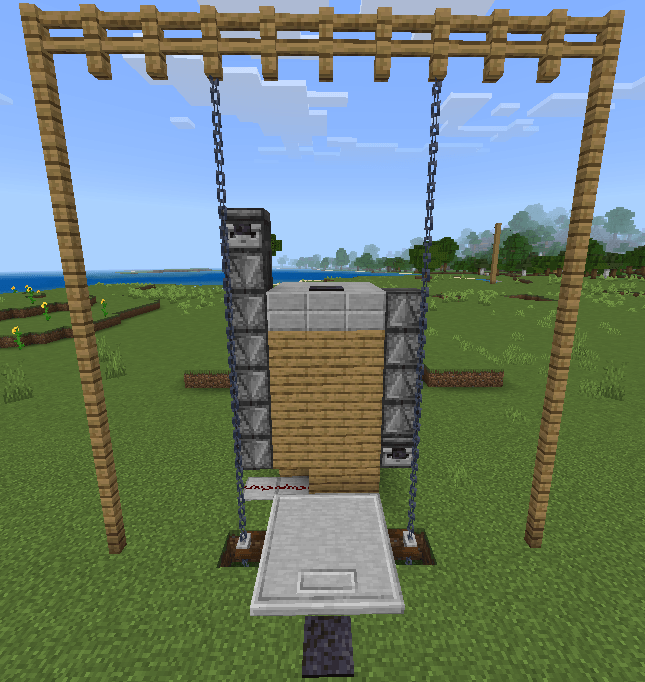
Elevator Pad
The elevator pad simplifies vertical movement. Activate it by powering the adjacent redstone below or in front of the pad. Proper chain supports are required on the sides. Use caution to avoid glitches that may cause falls.
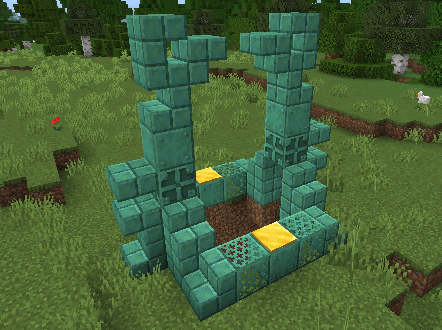
This add-on includes a dedicated elevator structure to help players learn its mechanics.
Glider
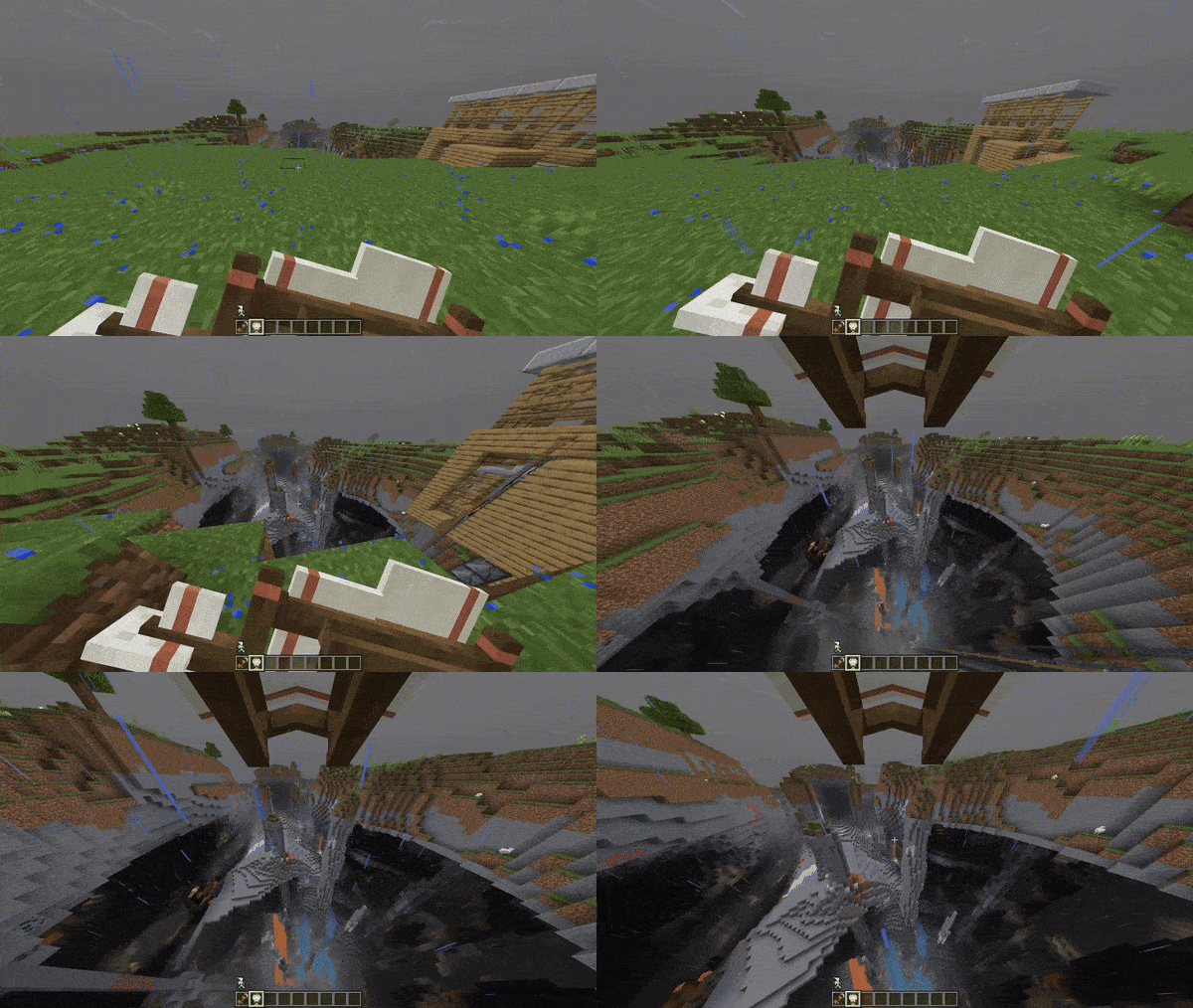
The glider is a budget-friendly alternative to Elytra, crafted from paper and sticks. Unlike Elytra, it cannot be boosted or maintain momentum. Activate the glider by holding right-click while falling.
User Interface
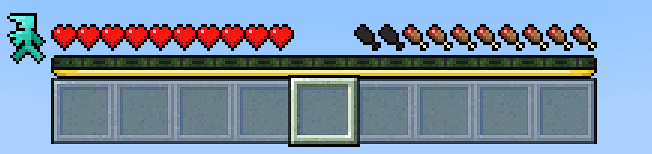
A stamina bar appears beneath the experience bar, and a roll meter is positioned beside the health bar for easy monitoring.
Configuration (Optional)
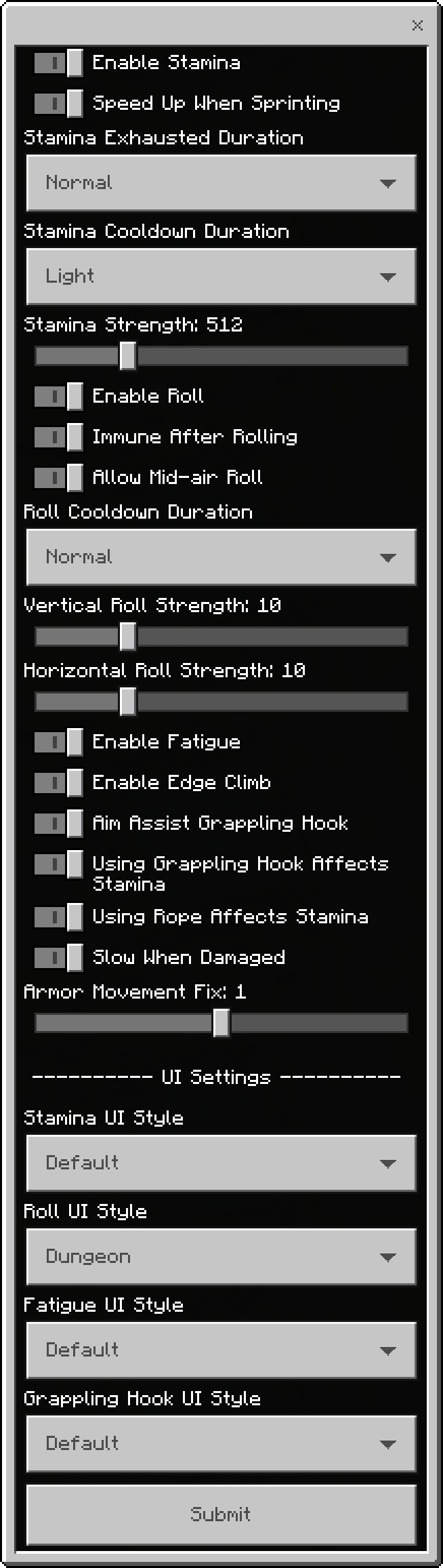
Customize add-on settings using Kamii’s Script Configuration to adjust features according to your preferences.
Notes / Troubleshooting
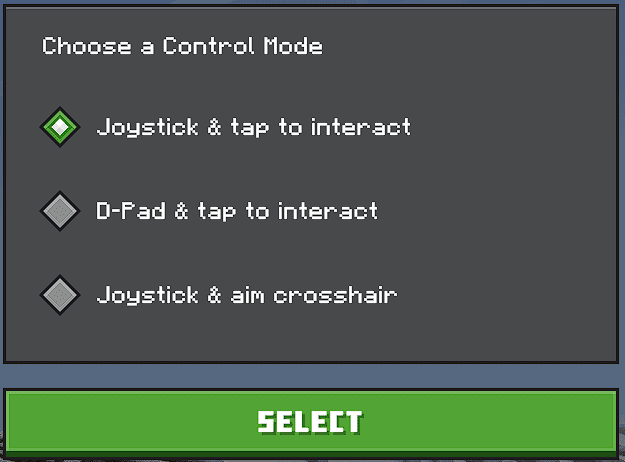
Mobile users should enable joystick controls and disable toggle sneak for the best experience. Controller users can perform rolls by double-tapping the sneak button.

Version Selection
Stable versions provide reliable performance with fewer features, ensuring compatibility after Minecraft updates. Unstable versions offer the full feature set but may require frequent updates. Use the stable version for fewer bugs and less maintenance.
Roll n Stamina Resource v1.19
[243.88 KB]
 5.00/5