Revive Me!
2.04.2026
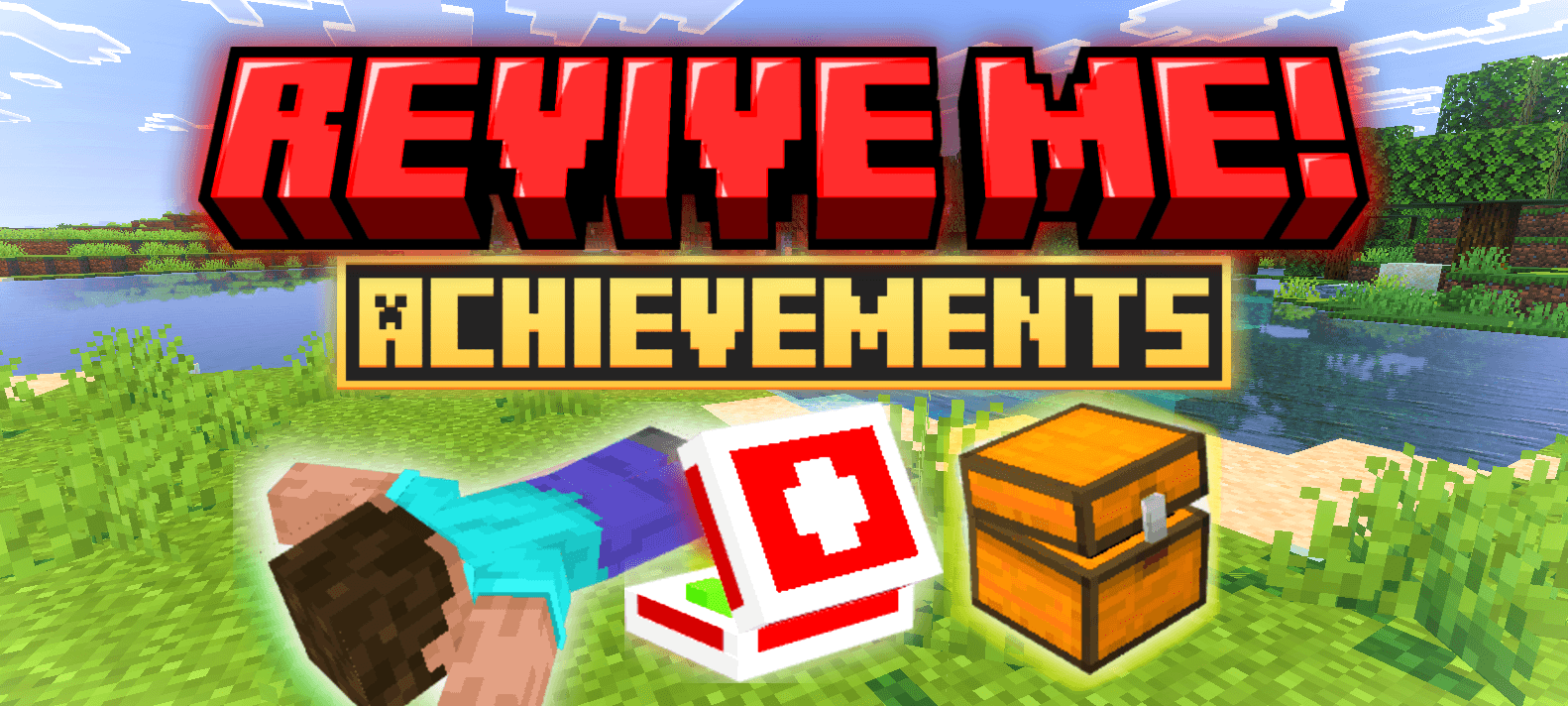
Revive Me! adds a new gameplay mechanic where players don’t immediately die but instead enter a “knocked down” state, allowing teammates to revive them. This system also preserves your inventory upon death and prevents your loot from despawning, introducing a strategic way to recover after being downed.
Installation / How to Use

After installation, when a player dies, they will respawn in a “knocked down” state at the death location with all their items still in their inventory. While knocked down, the player cannot move, jump, look around, break blocks, or attack entities. The only inputs detected during this state are:
- Right-clicking a totem to self-revive.
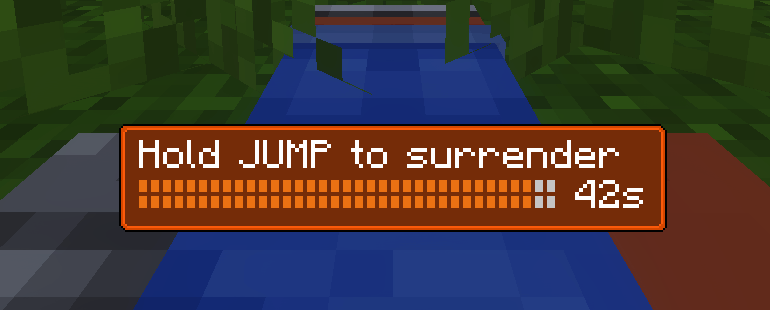
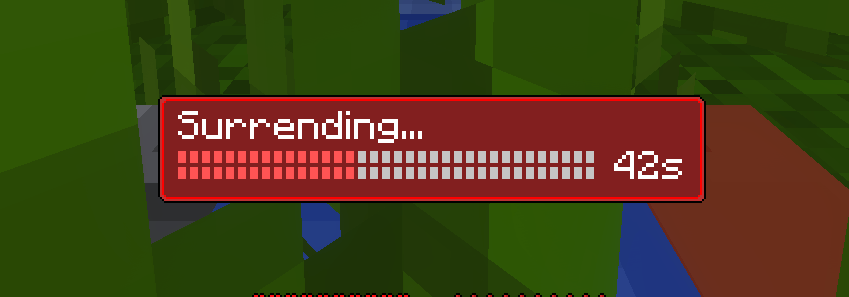
- Holding the jump button for one full second to surrender and respawn immediately.
To revive another player:
- Stay crouched within close proximity to the knocked down player for 5 seconds.
To retrieve your dropped items:
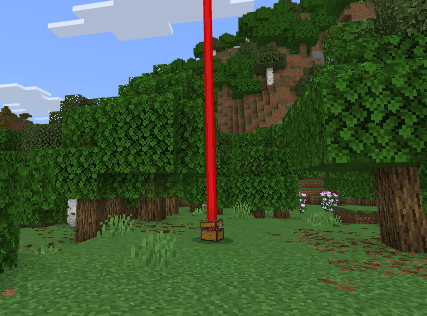
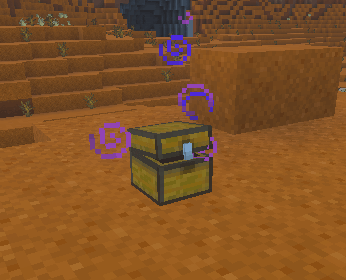
- Locate the death spot and find the loot chest with your name on it.
- Right-click the loot chest to recover your items.
Medikit Usage
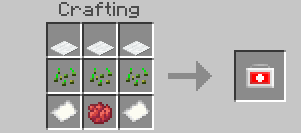
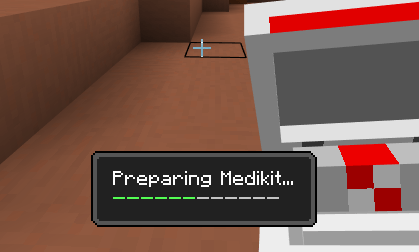
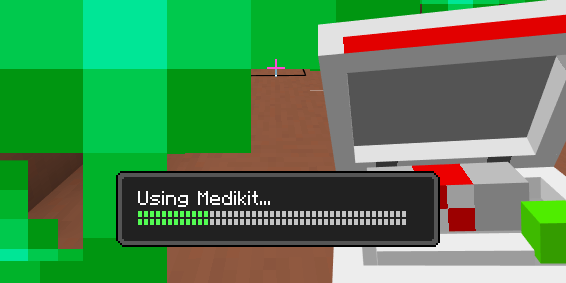
The medikit helps speed up healing after being revived. It is crafted using the provided recipe and is activated by crouching while holding it, making it controller and mobile friendly. The healing process has two stages:
- A 2-second preparation phase.
- Healing 15 hearts at a rate of 1 heart per second.
You can stop healing at any time, and the medikit will retain the remaining healing charge.
Requirements / Compatibility
This addon does not require modifications to the player.json file and is compatible with the Lifesteal addon. It works on realms with some command alternatives if custom commands are disabled.
Key Features
- Second chance mechanic via “knocked down” state after death.
- Preservation of player inventory upon death.
- Loot chests spawn at death locations to secure items.
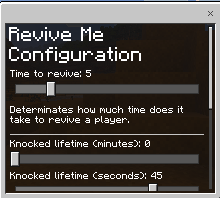
- Configurable settings including revive time, knocked down lifetime, surrender time, hardcore mode, loot chest toggle, coordinate visibility, notifications, and keep_inventory behavior.
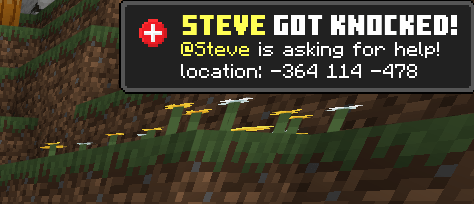
- New UI notifications for knocked down state, with option to disable.
- Medikit item for faster healing post-revival.
- Animations for knockdown and revival states
Notes / Troubleshooting
If using Realms where custom commands are restricted, use the alternative commands provided in the configuration images
Additional Visuals
Knocked down UI examples showing default and surrendering states
.

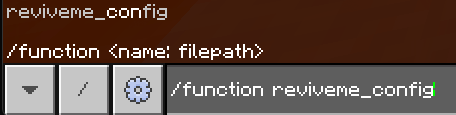
. Configuration and commands can be adjusted through the in-game UI for ease of use
. Notifications for knocked down players can be toggled on or off as desired
.
. The loot chest used to recover items after death
. Medikit visuals and crafting recipe

. Medikit usage stages and healing bar
.
Revive Me! 1.1.10 - 1.21.100+ [LATEST VERSION]
[99.03 KB]

