![[RED] SecurityCraft](https://mcpelife.com/wp-content/uploads/2026/03/RED-SecurityCraft-v1_1_4-150x150.png)
[RED] SecurityCraft
26.03.2026
SecurityCraft v1.1.4 is an unofficial Minecraft Bedrock Edition adaptation of the popular SecurityCraft mod originally designed for Java Edition. This add-on introduces a range of security-focused blocks and mechanisms that enhance base protection in multiplayer environments. Players can reinforce blocks, set up automated defenses, and control access with advanced security tools.
Installation / How to Use
To use this add-on, make sure the Beta APIs experimental feature is enabled in your Minecraft Bedrock Edition settings. Once installed, you can place and interact with the various security blocks introduced. The Universal Block Reinforcer allows upgrading standard blocks to reinforced variants, while the Universal Block Remover is required to remove any security blocks, and only the owner has permission to do so.
Requirements / Compatibility
This add-on requires Minecraft Bedrock Edition with experimental features enabled, specifically the Beta APIs. It is compatible with multiplayer worlds where base defense and security block ownership are essential. Note that this is an unofficial port and may have limited features compared to the original Java Edition mod.
Key Features
- Universal Block Reinforcer: Upgrade blocks through three levels of reinforcement—Level 1 (basic), Level 2 (stronger durability), and Level 3 (infinite durability). Reinforced blocks resist explosions and cannot be broken by unauthorized players.
- Universal Block Remover: Used exclusively by block owners to safely remove security blocks.
- Reinforced Iron Door: Functions like a standard iron door but is explosion-proof and unbreakable by others.
- Scanner Iron Door: Automatically opens when its owner looks at it and is protected against unauthorized breaking.
- Retinal Scanner: Emits a redstone signal when the owner looks at it; can power doors and other redstone devices.
- Keypad: Mounted on a Keypad Frame, it outputs a redstone signal upon correct password entry; used for doors and crafting Reinforced Chests.
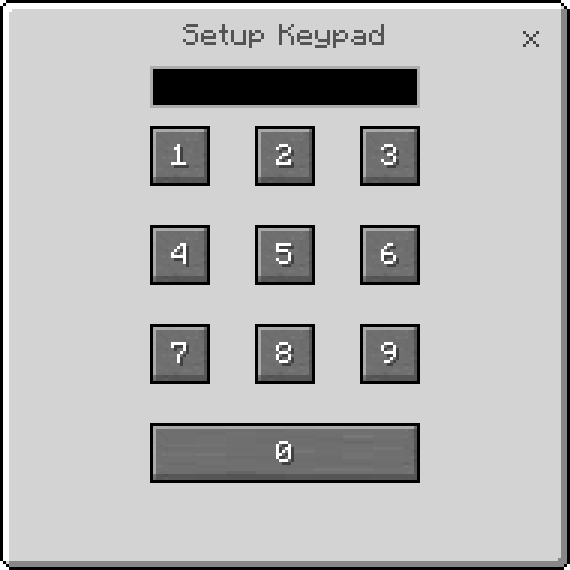
- Reinforced Chest: Requires password setup by the owner; accessible to anyone with the password but only removable by the owner.
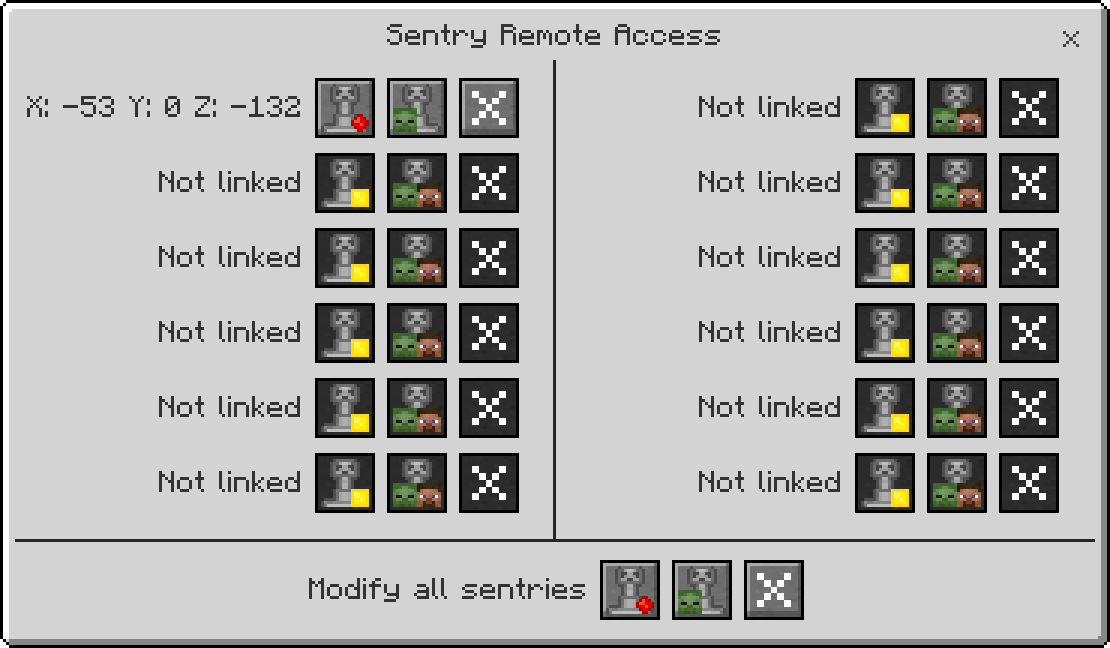
- Sentry Turret: Automatically targets entities within range with three operational modes—Camouflage (hidden), Aggressive (always visible), and Idle (disabled). It can target monsters, players, or both. Controlled directly or via Sentry Remote Access.
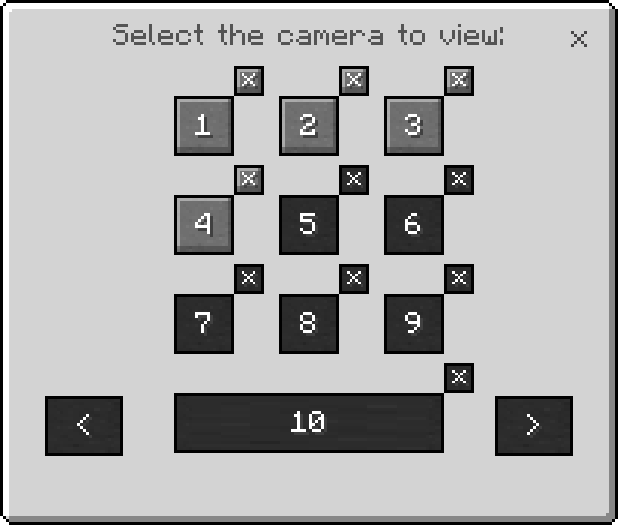
- Security Camera: Allows remote monitoring when linked to a Camera Monitor device.
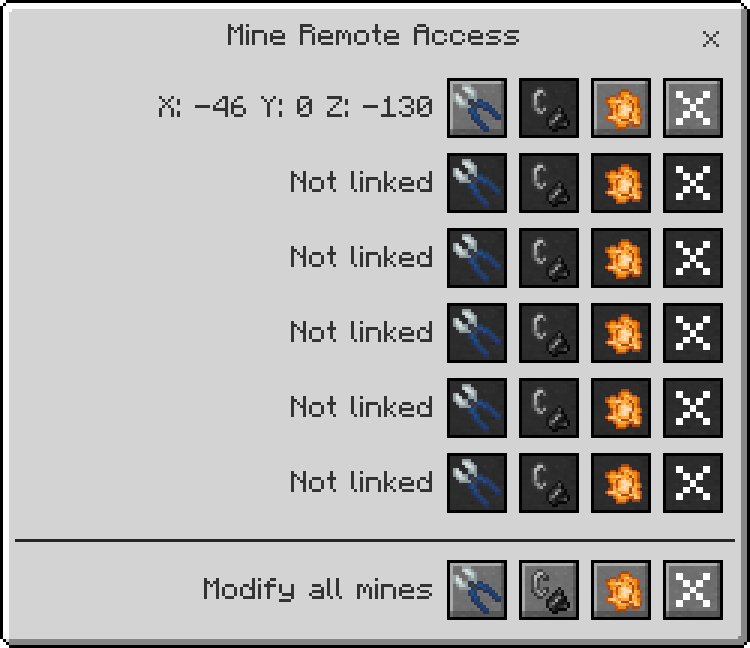
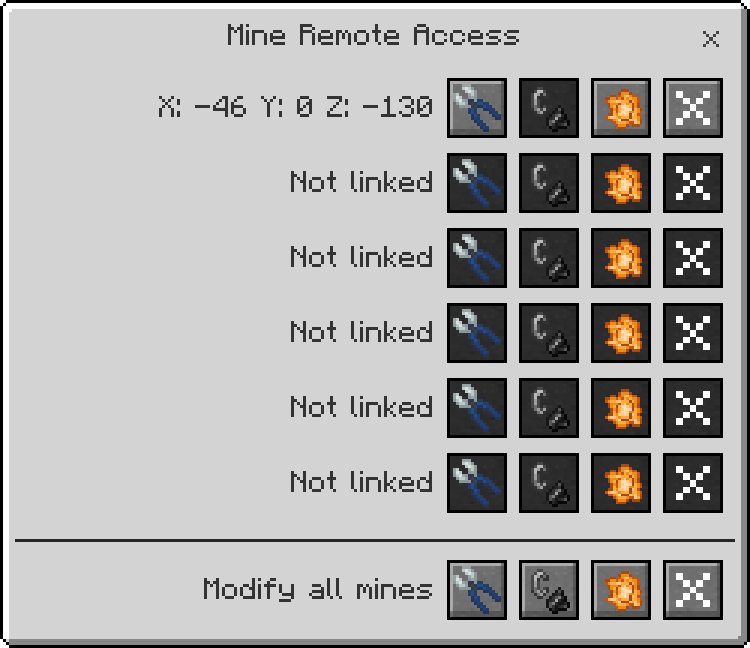
- Mines: Trigger on player or mob contact; can be defused with Wire Cutters and reactivated with Flint and Steel. Only owners can link mines to a Mine Remote Access for remote management.
- Laser Block: Currently non-functional and serves as a crafting ingredient.
- Ownership System: Every security block is owned by a player who has exclusive rights to remove it. No whitelist system is implemented yet.
Notes / Troubleshooting
Ensure the Beta APIs experimental feature is enabled for proper functionality. Since this is an unofficial port, some features may differ or be incomplete compared to the original Java Edition mod. Blocks can only be removed by their respective owners using the Universal Block Remover. Use the remote access tools for convenient control over turrets and mines.
![[RED] SecurityCraft — screenshot 1](https://img.mcpelife.com/addons/red-securitycraft/1.jpg)
![[RED] SecurityCraft — screenshot 1](https://img.mcpelife.com/addons/red-securitycraft/2.jpg)
![[RED] SecurityCraft — screenshot 1](https://img.mcpelife.com/addons/red-securitycraft/3.jpg)
![[RED] SecurityCraft — screenshot 1](https://img.mcpelife.com/addons/red-securitycraft/4.jpg)
(NEW) [RED] SecurityCraft [BP] v1.1.4.mcpack
[138.78 KB]

