Outline Visuals
17.03.2026
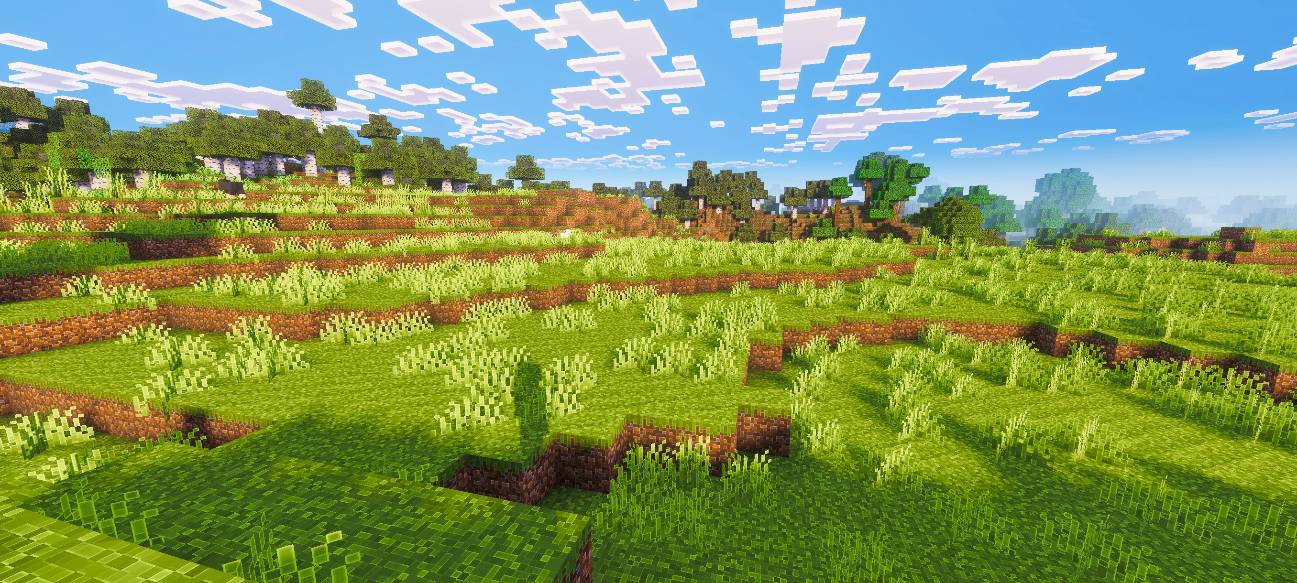
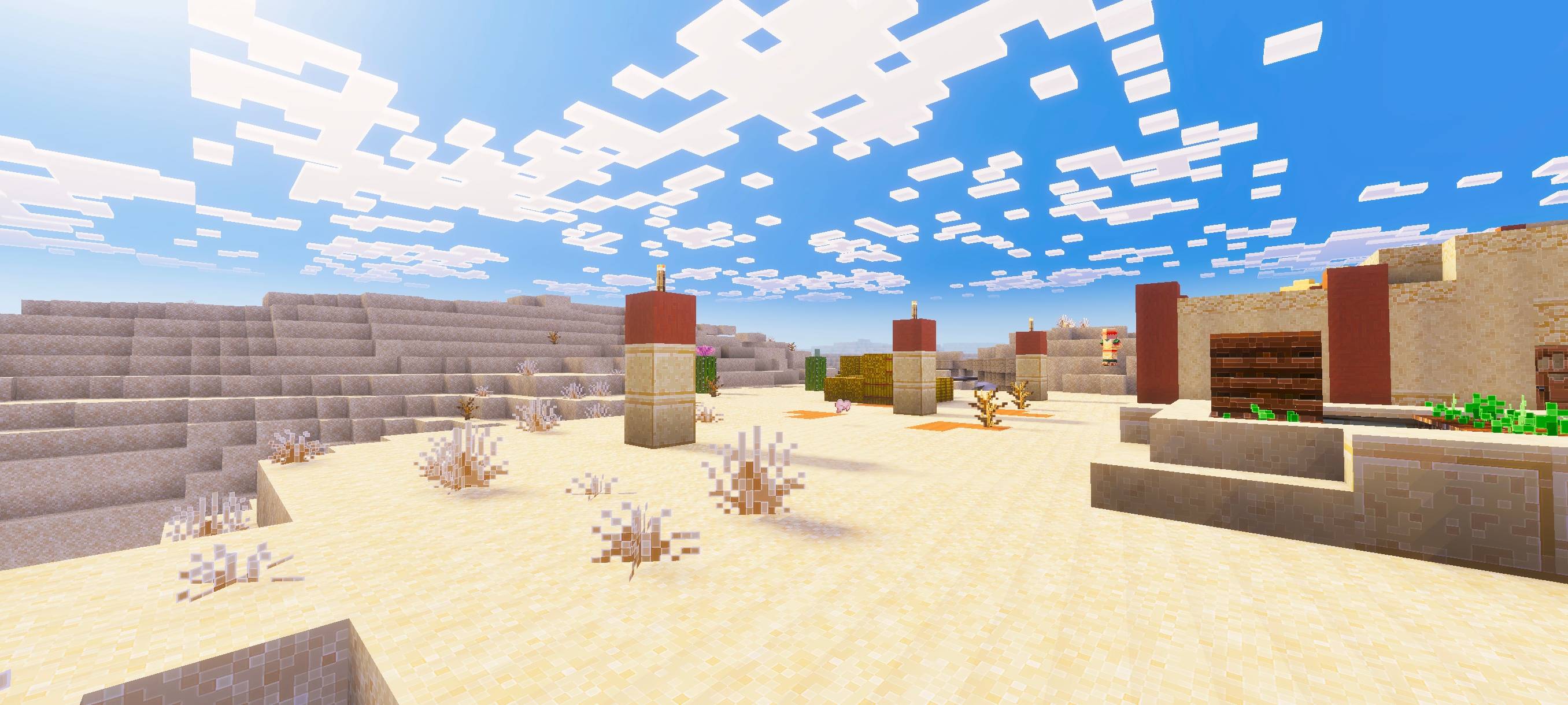
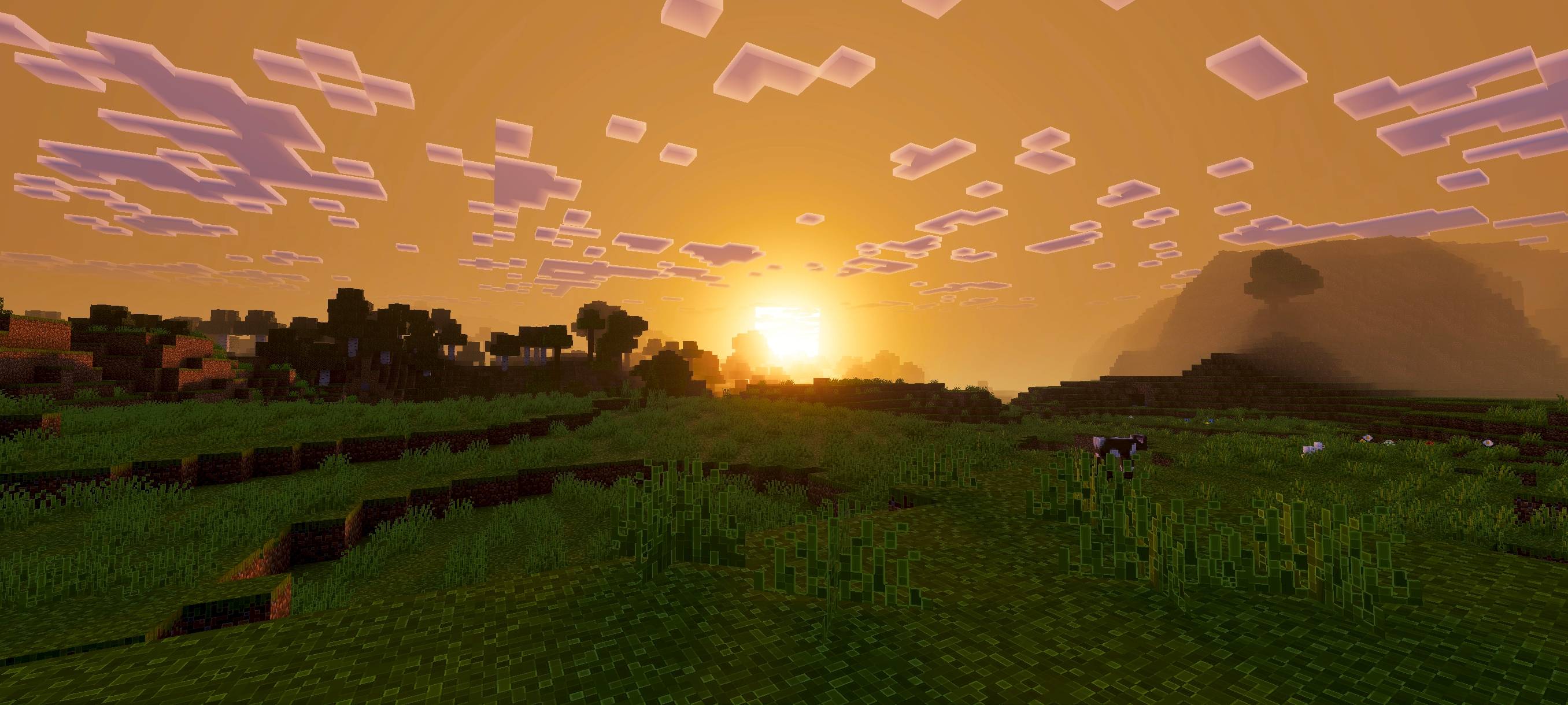
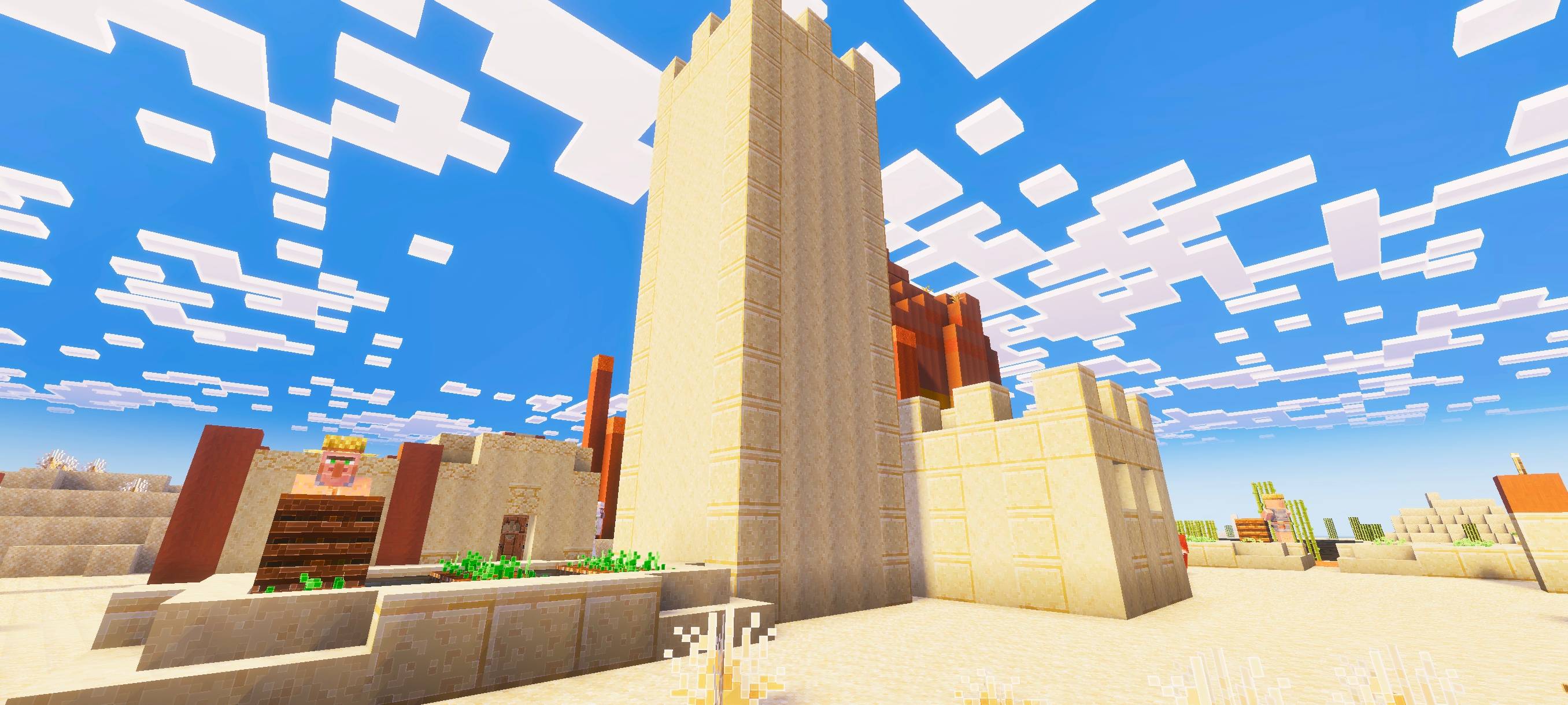
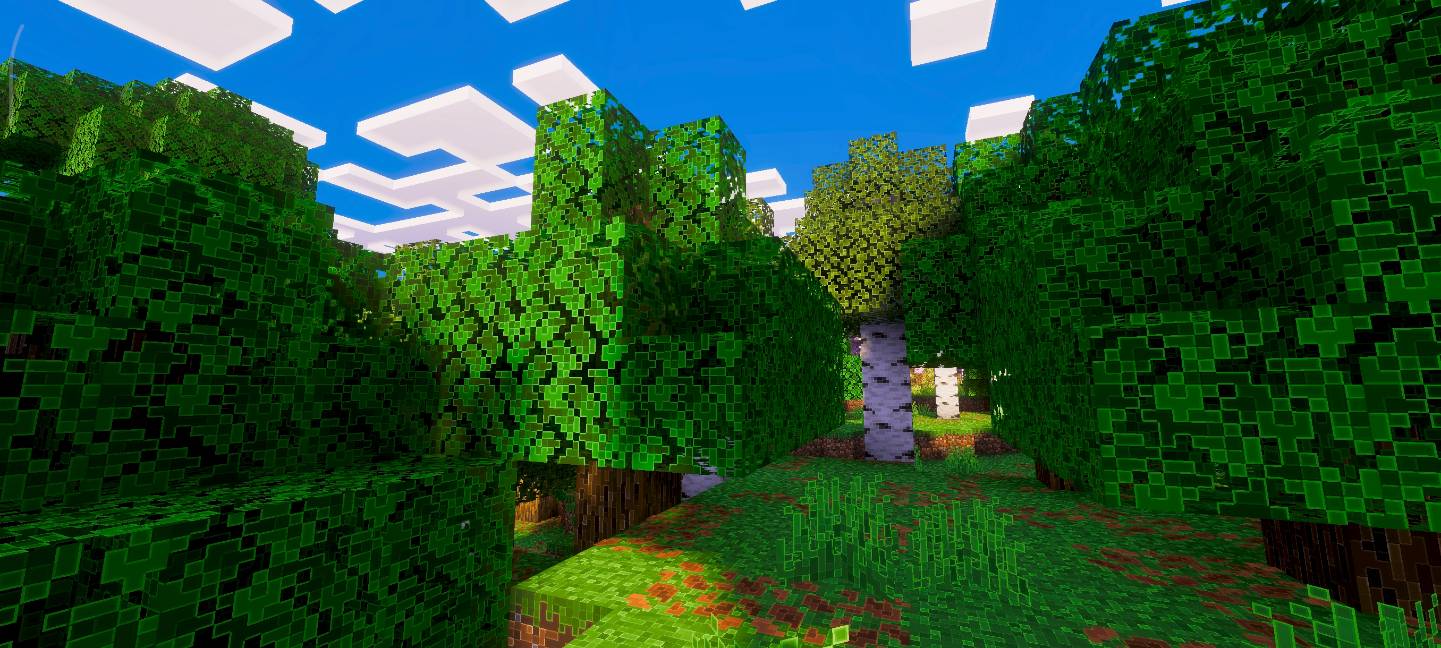
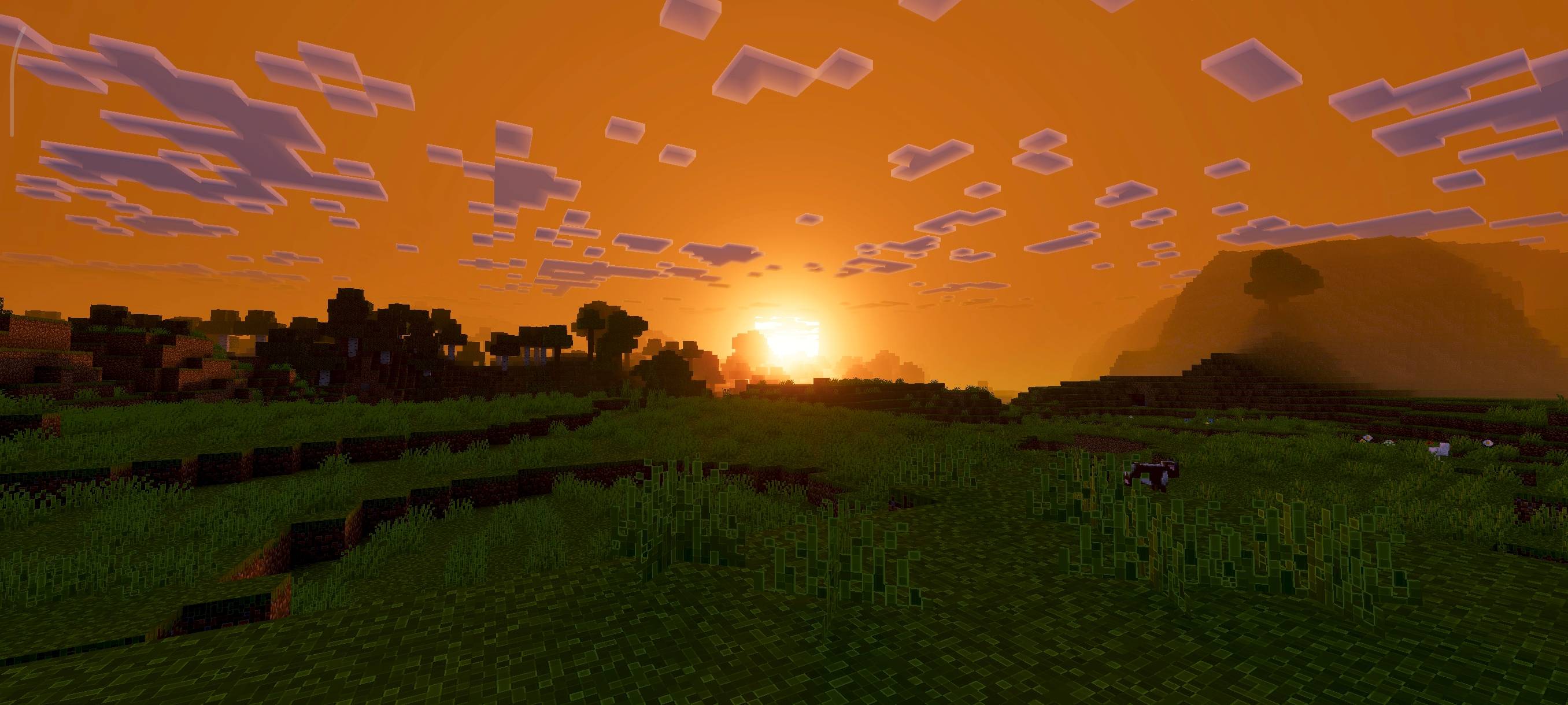
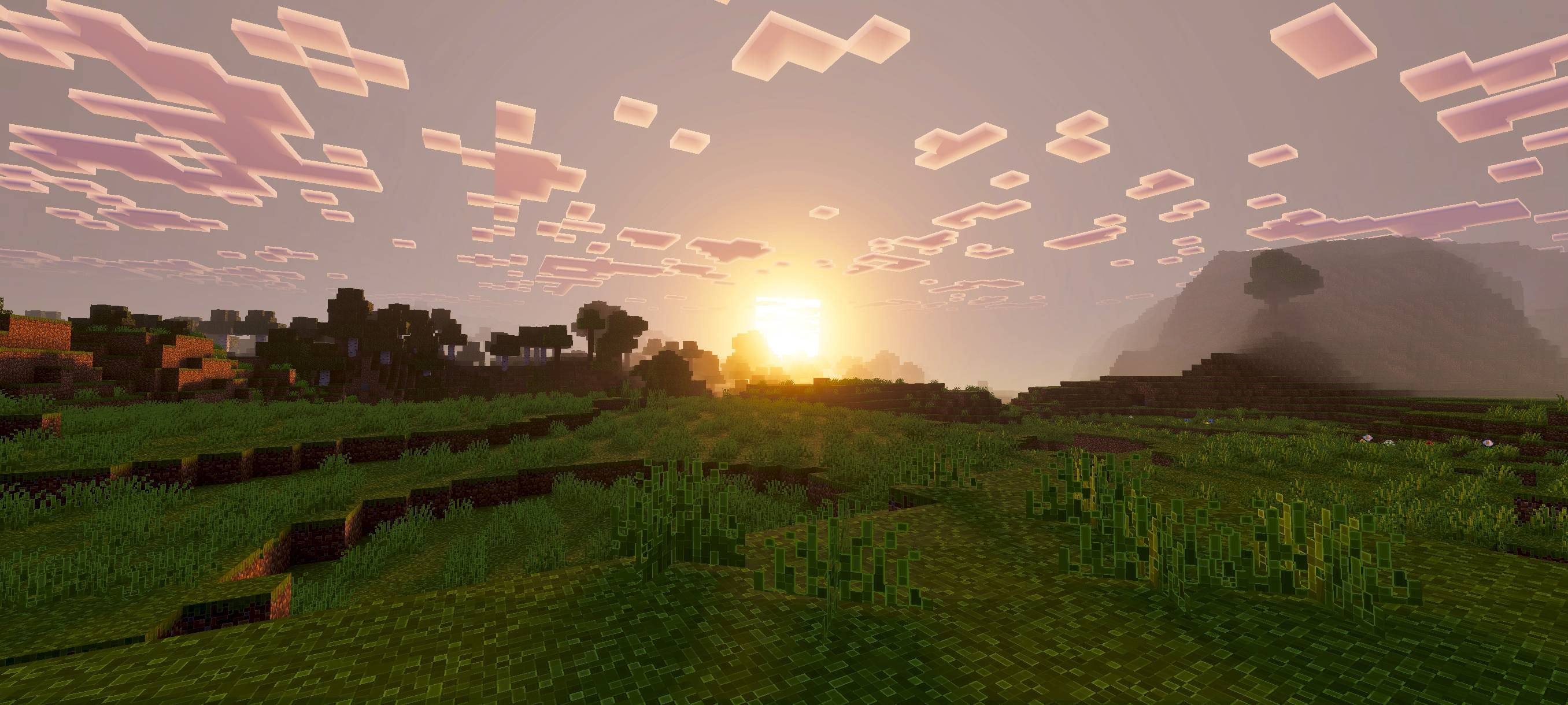
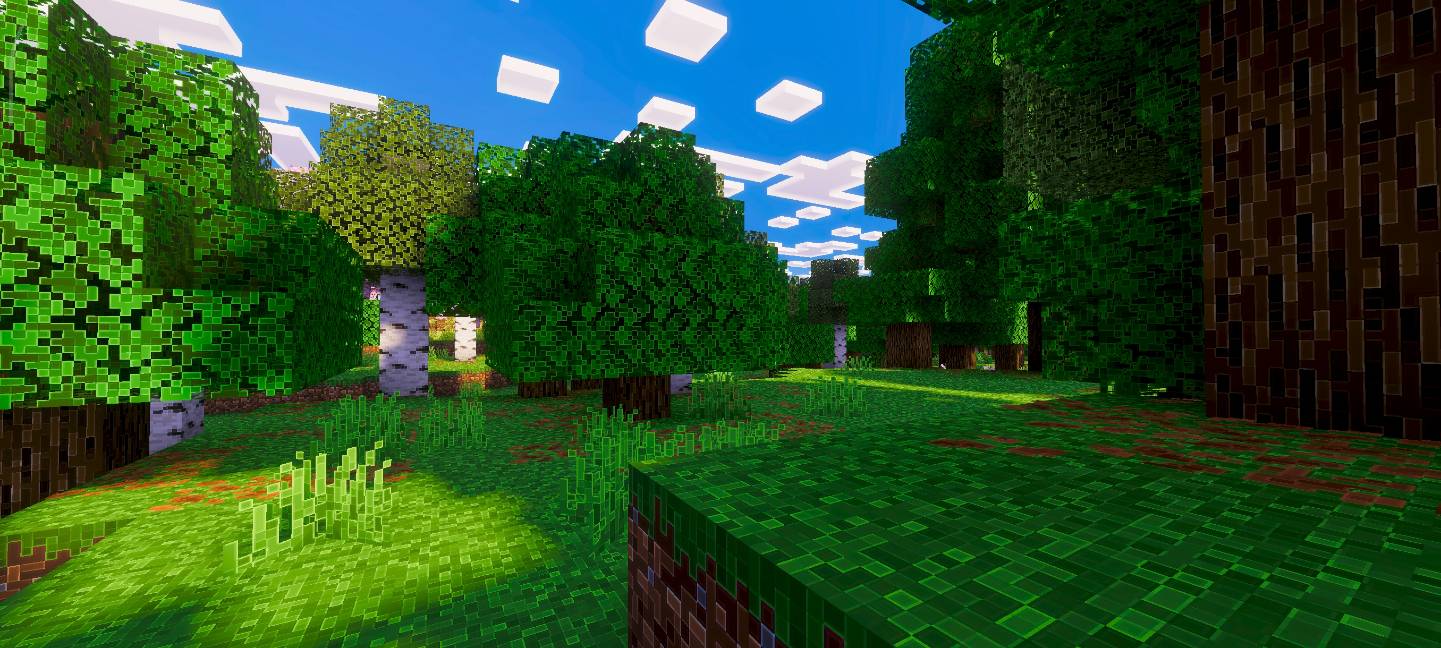
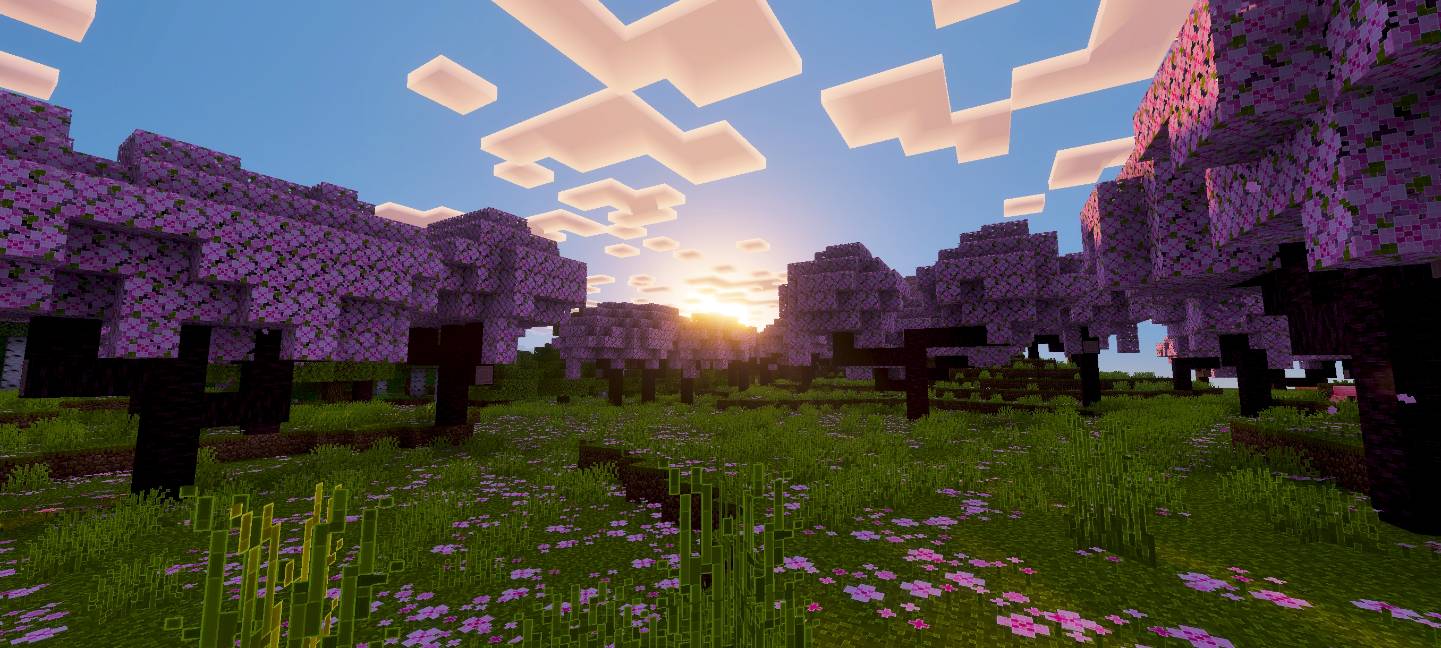
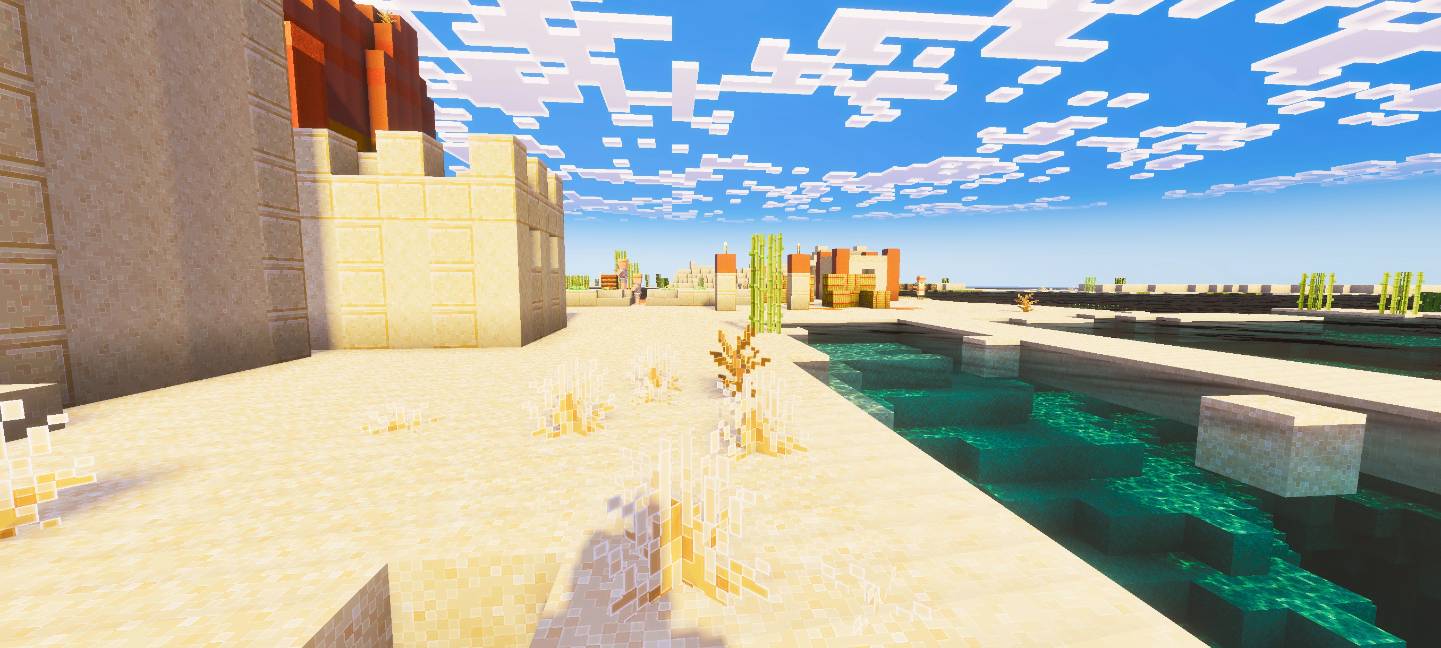
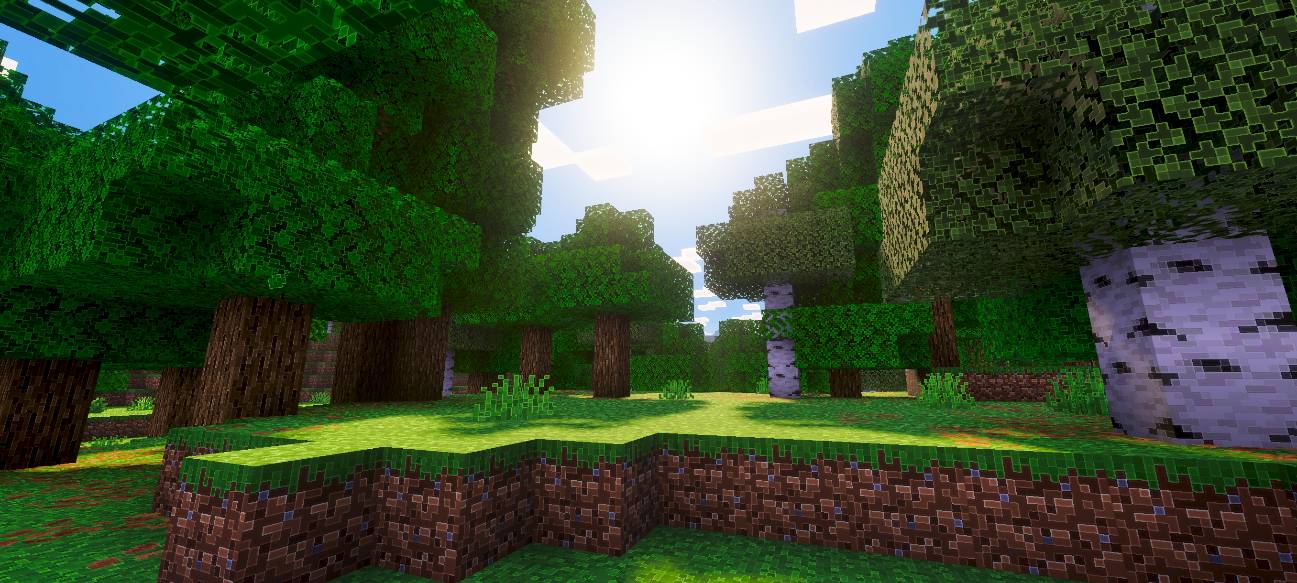
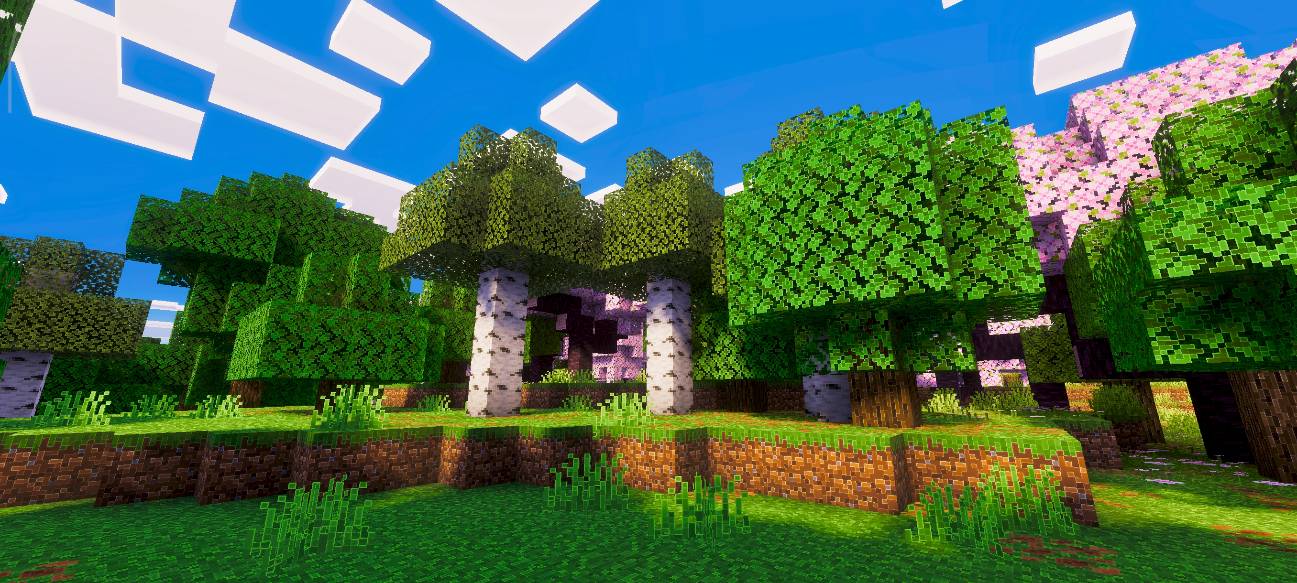
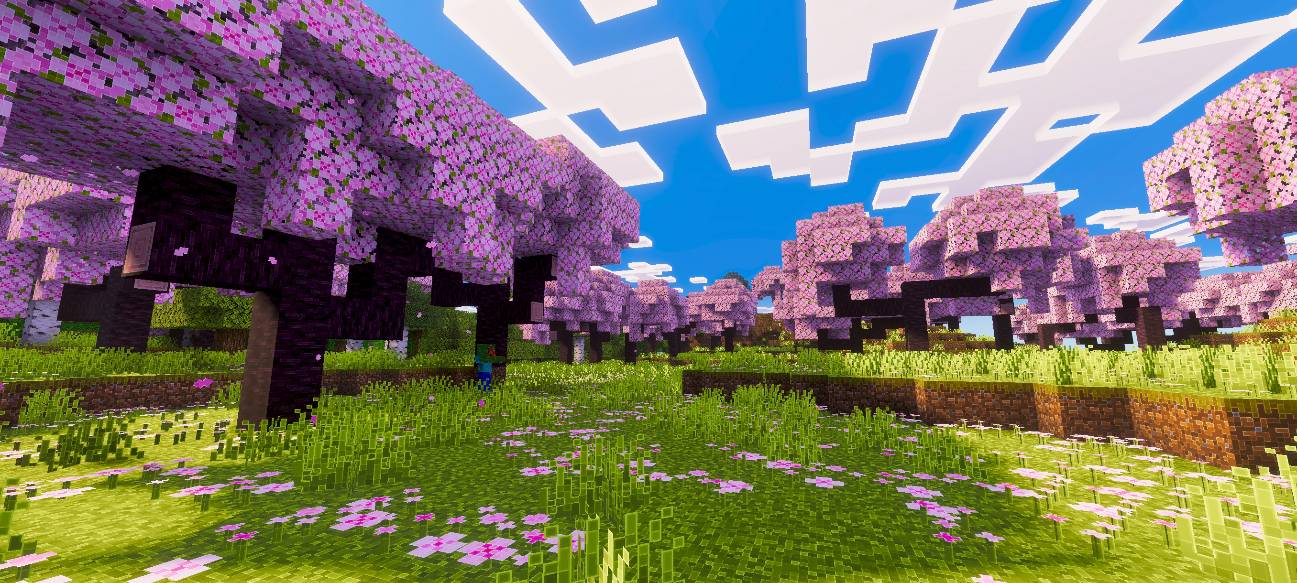
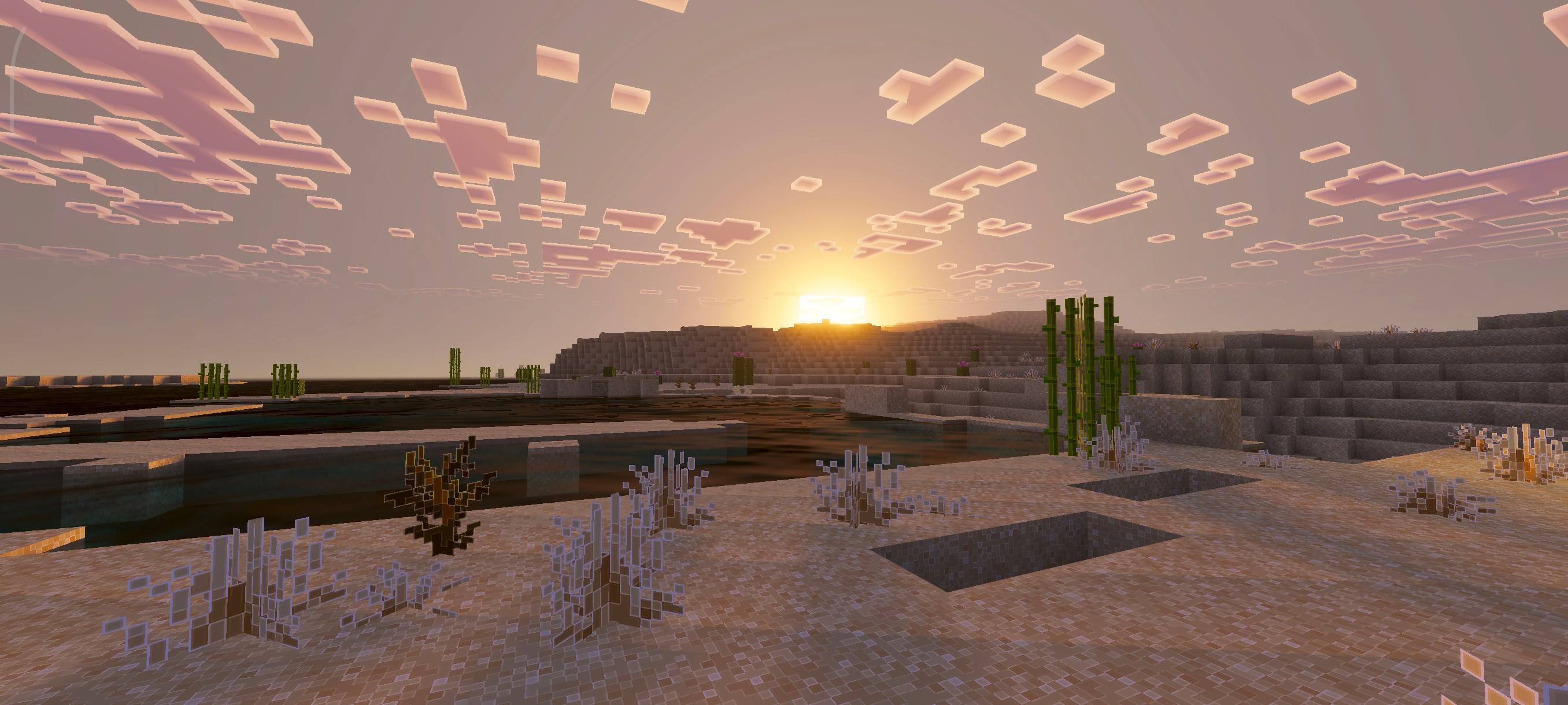
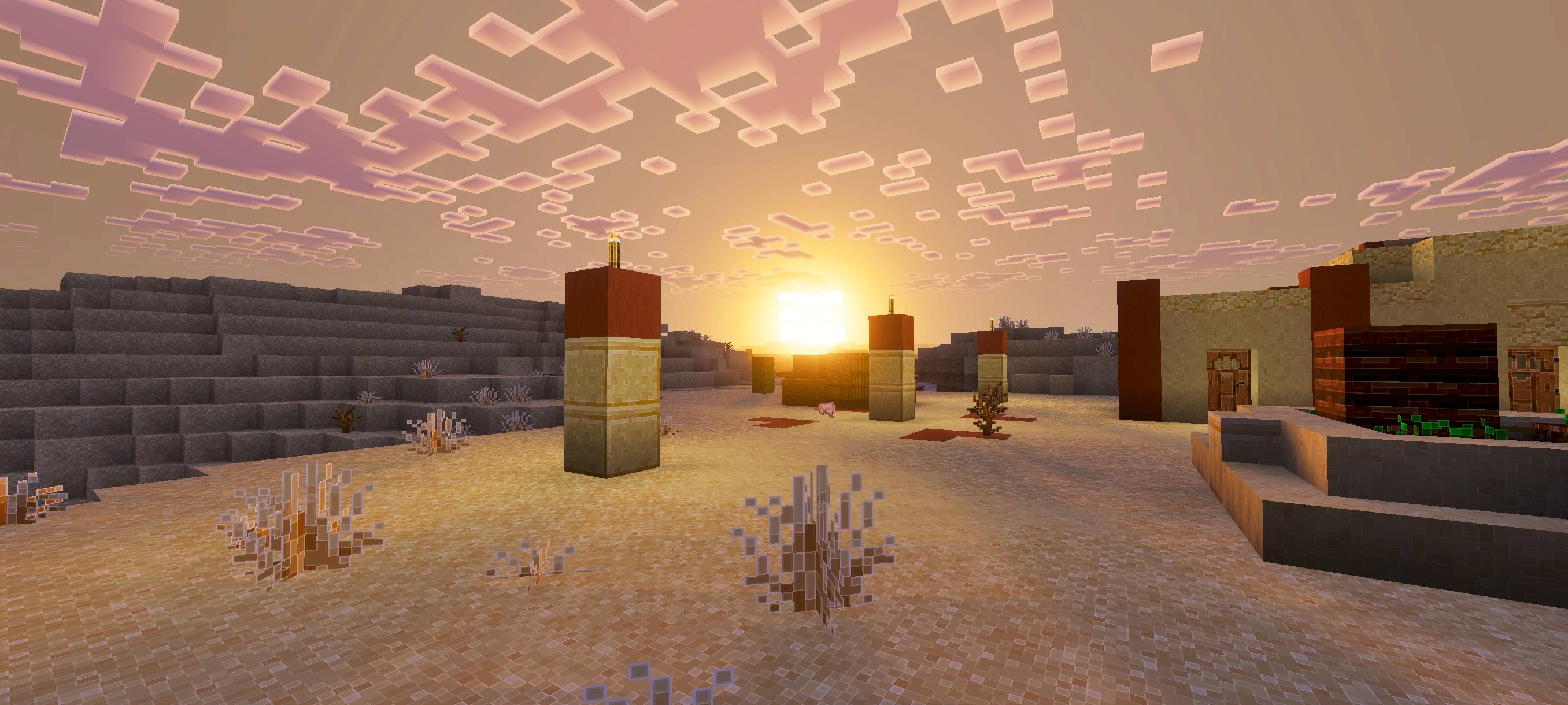
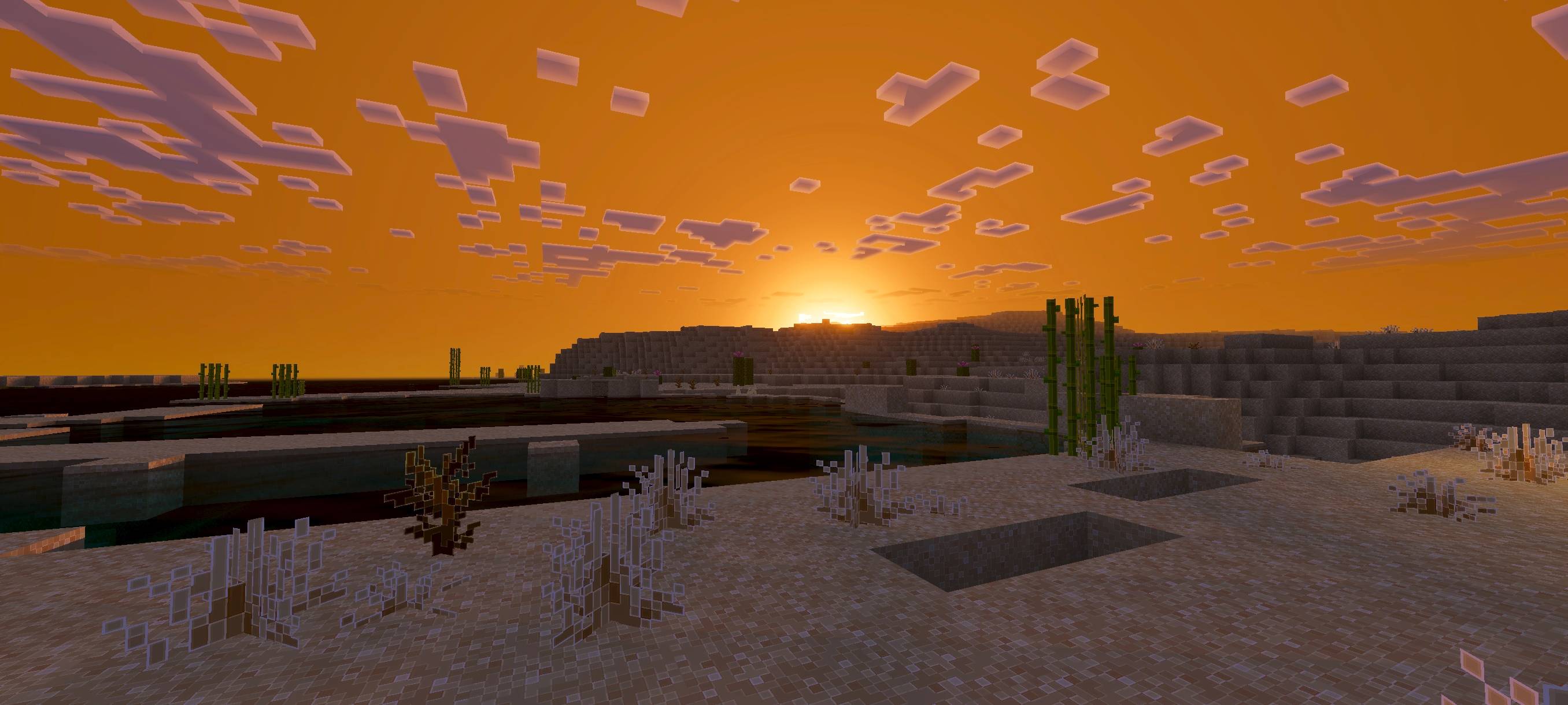
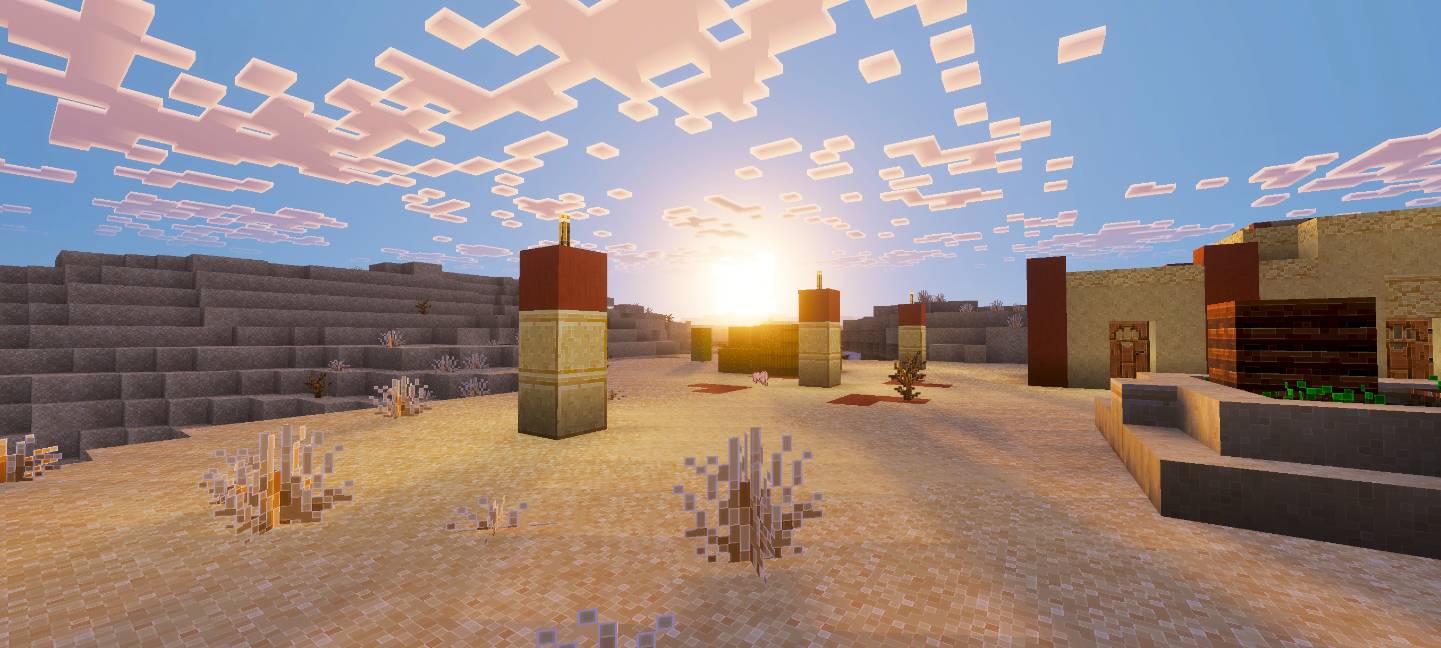
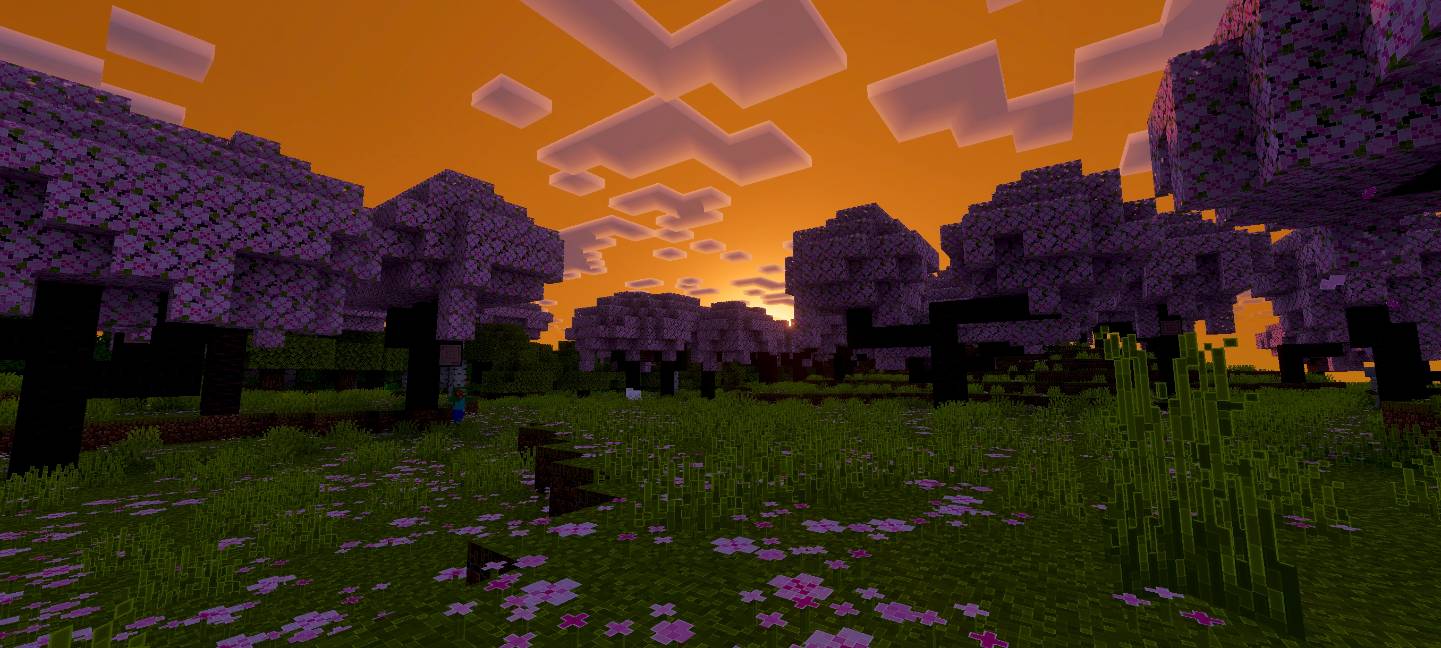
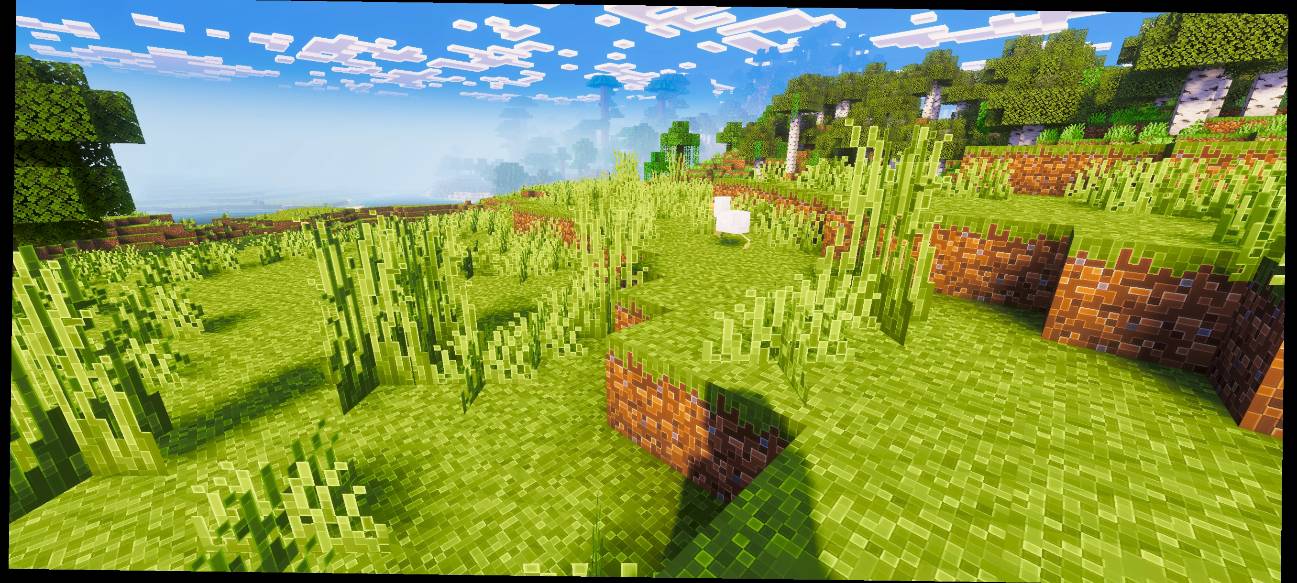
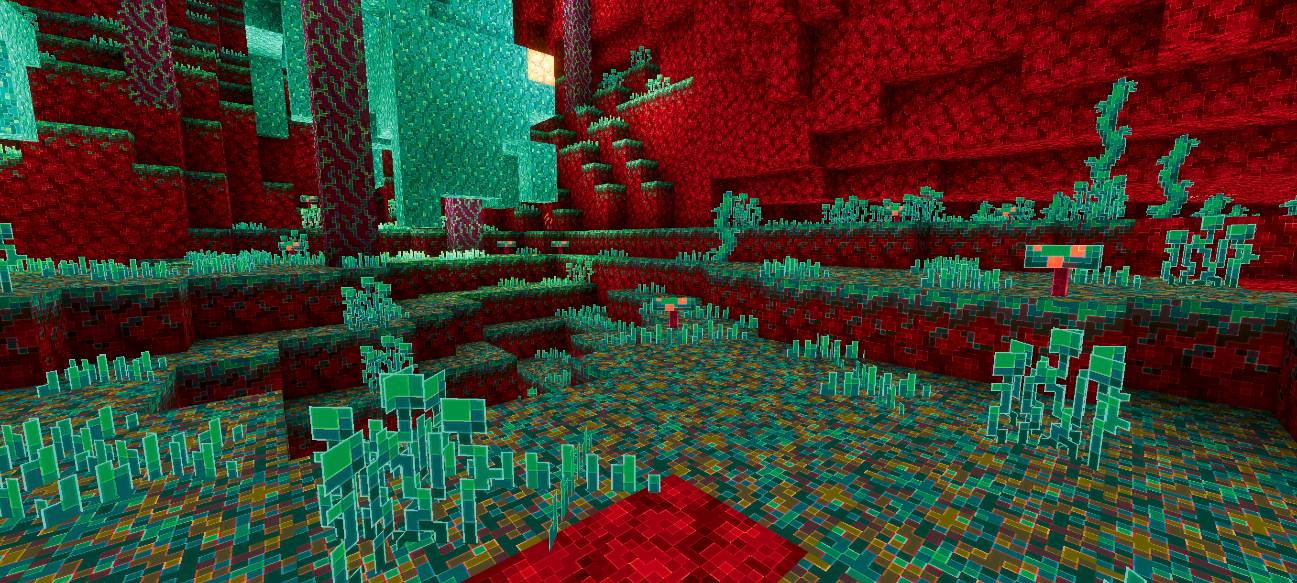
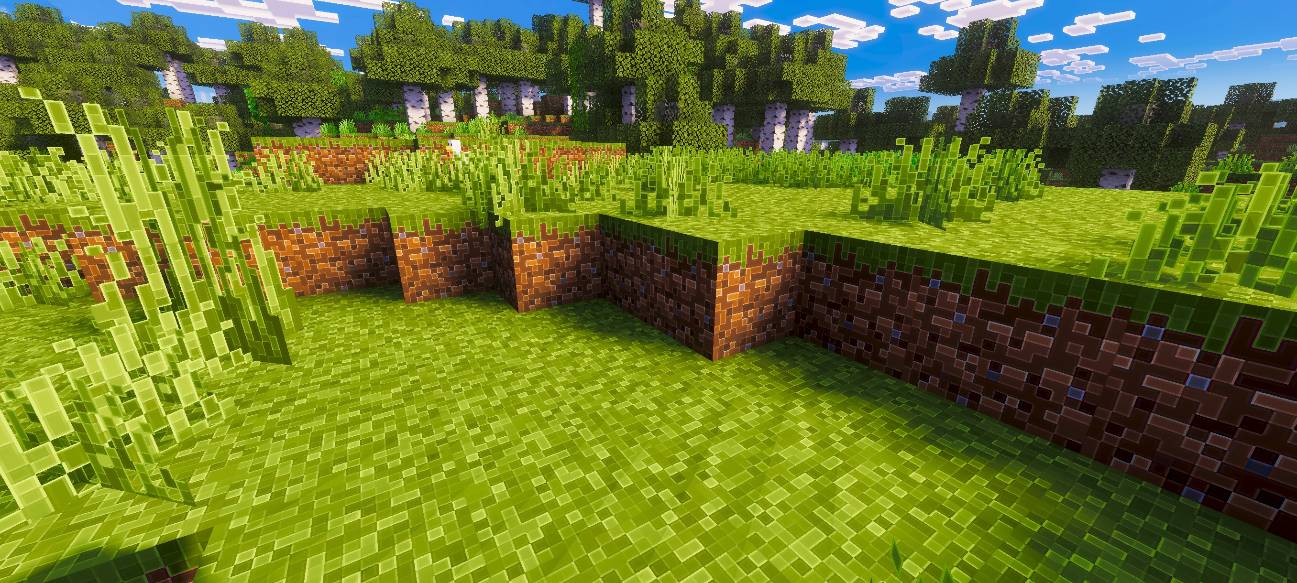
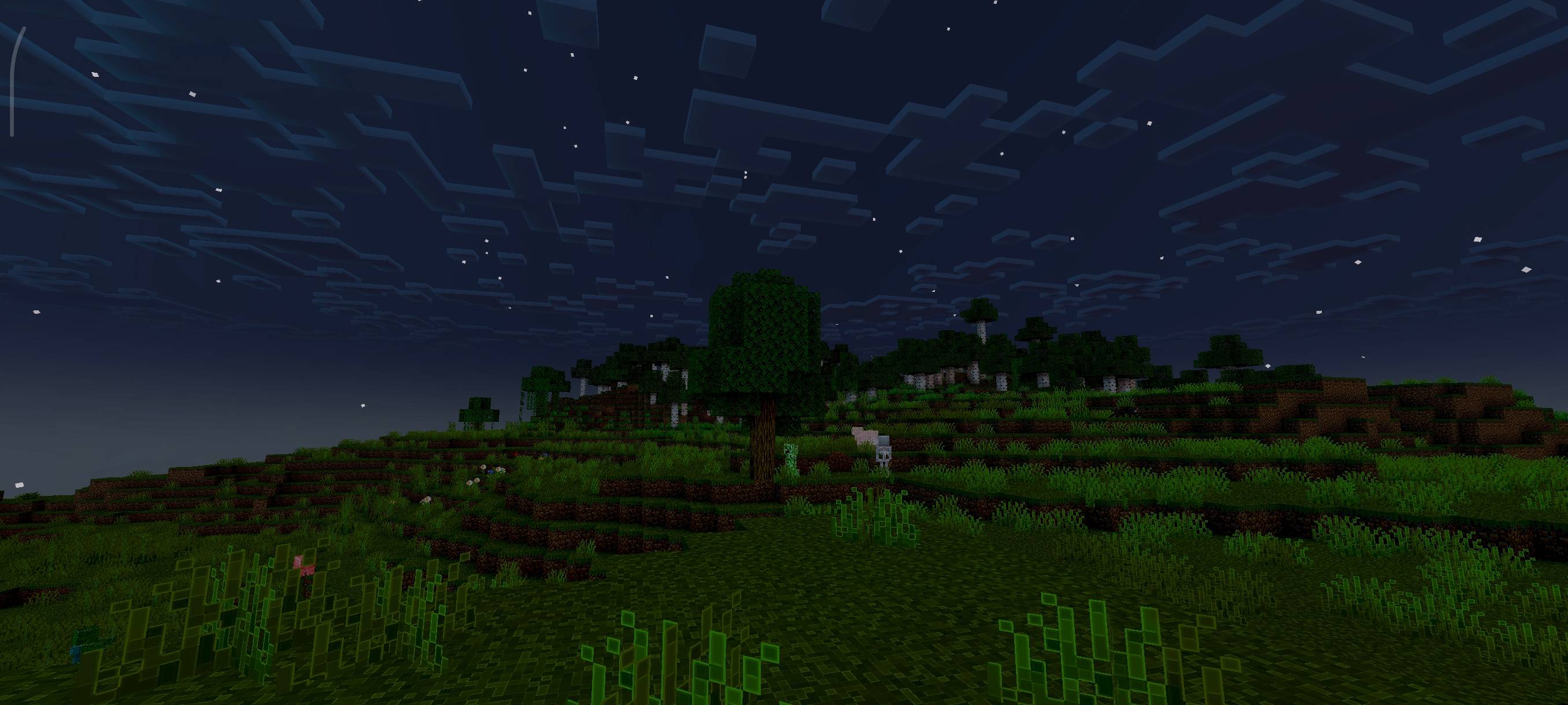
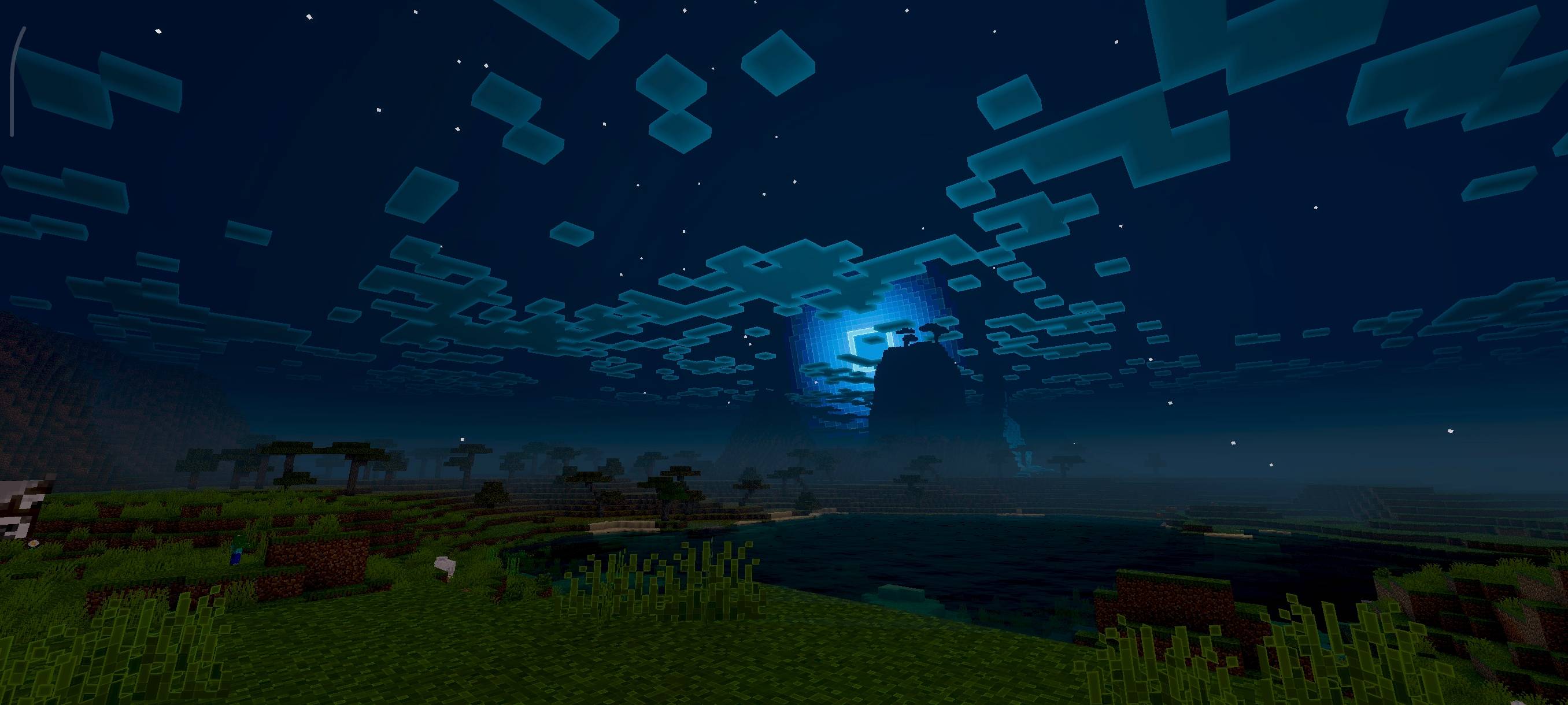
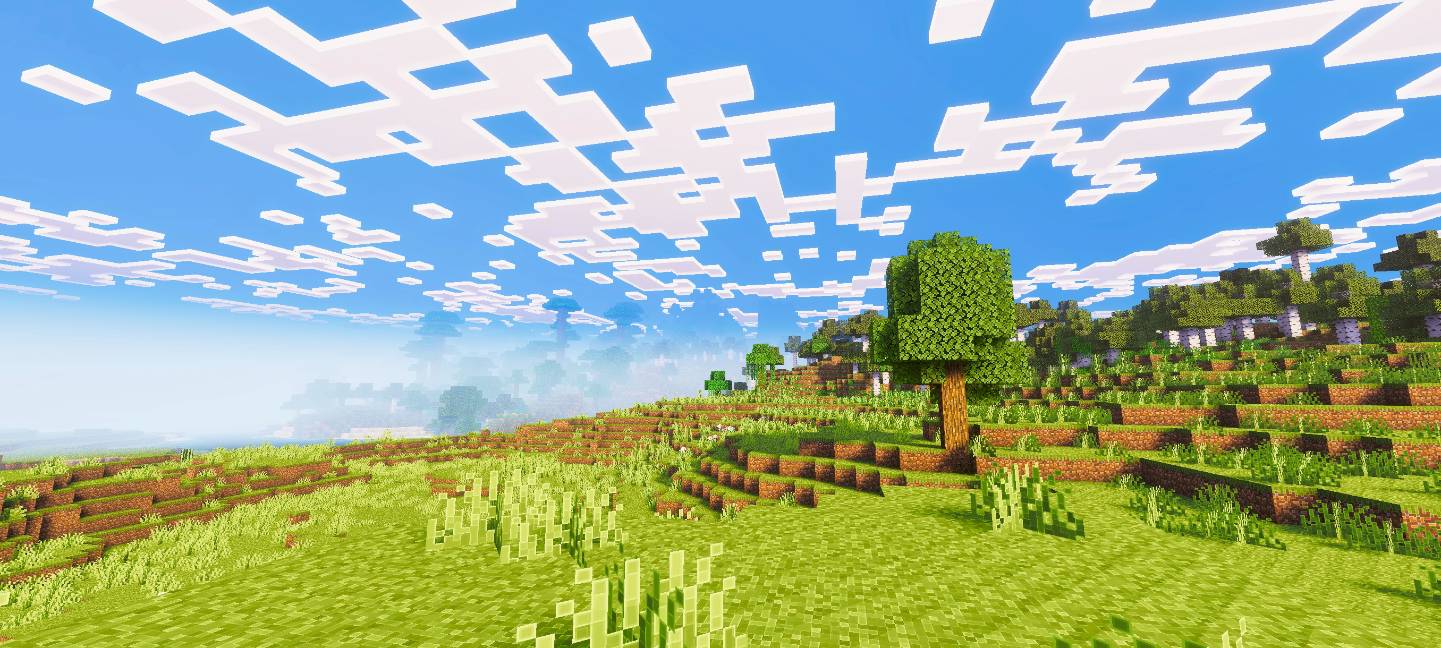
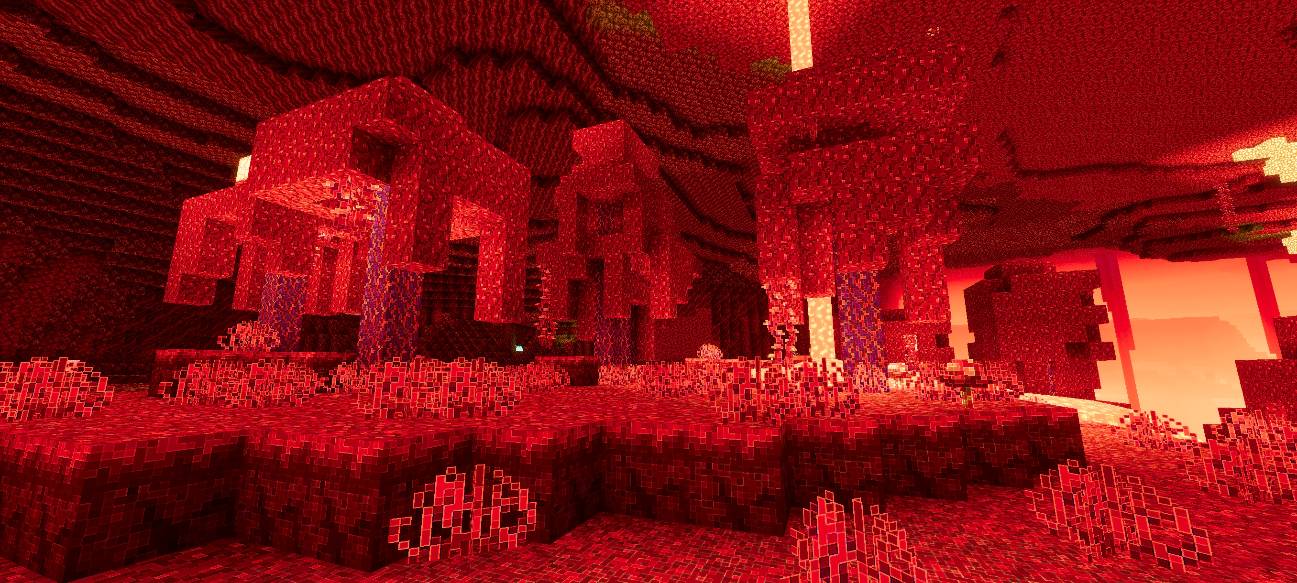
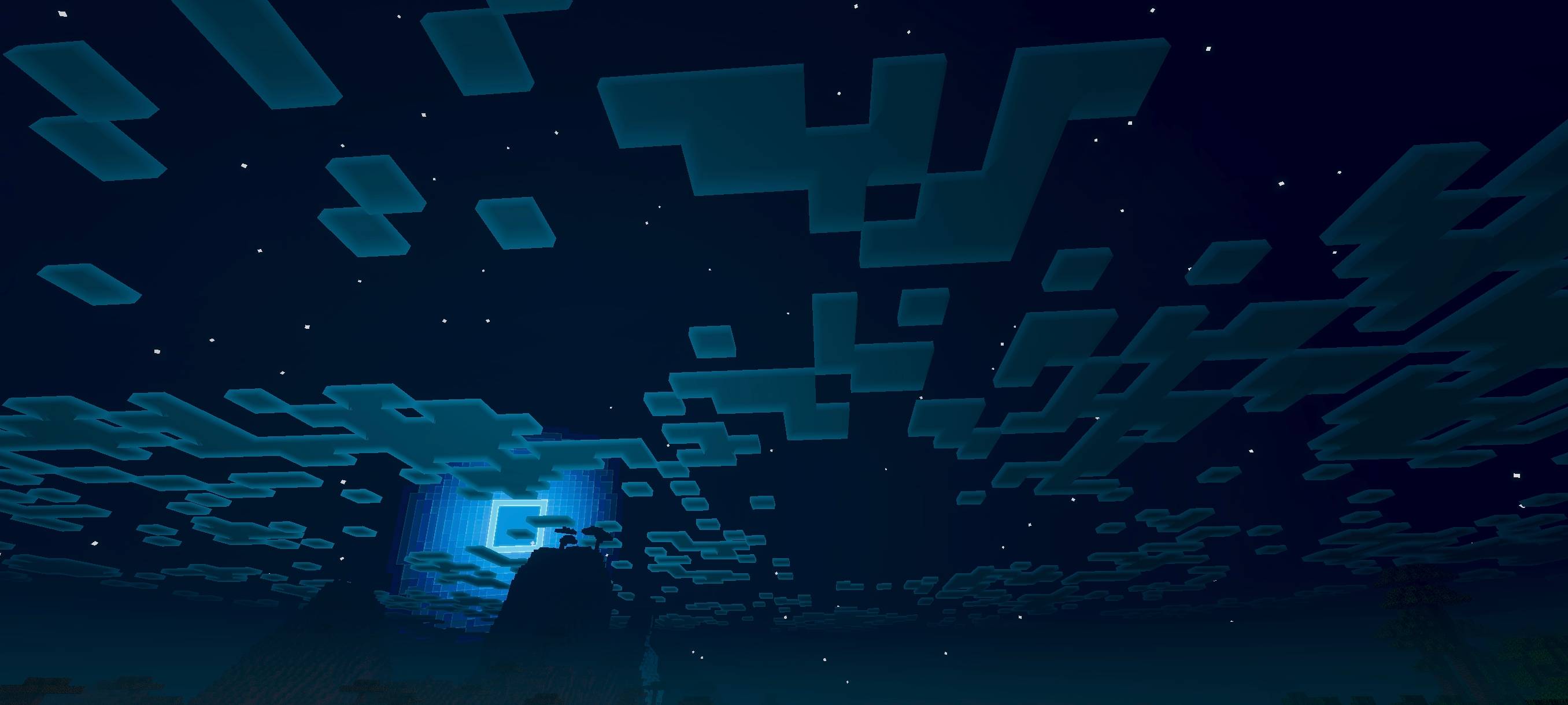
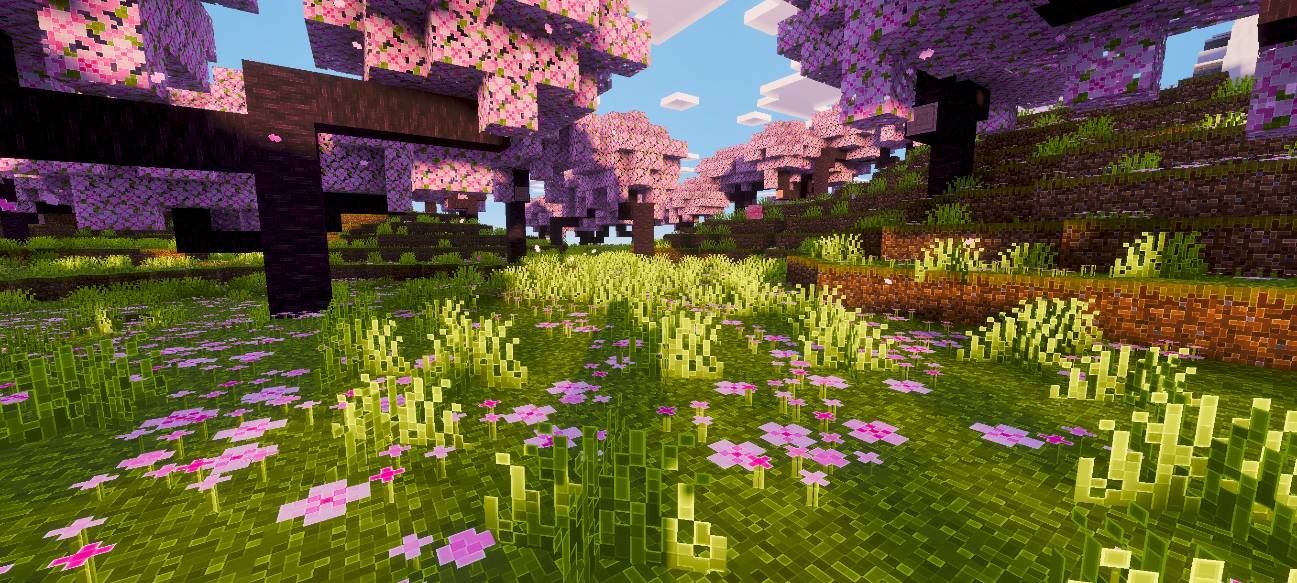
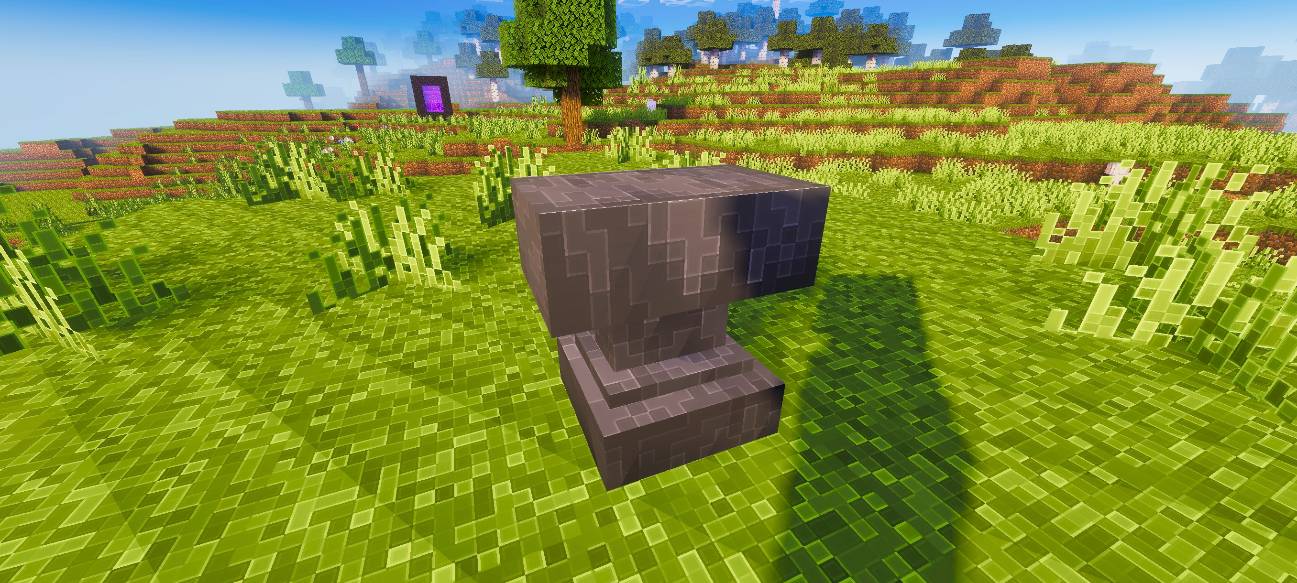
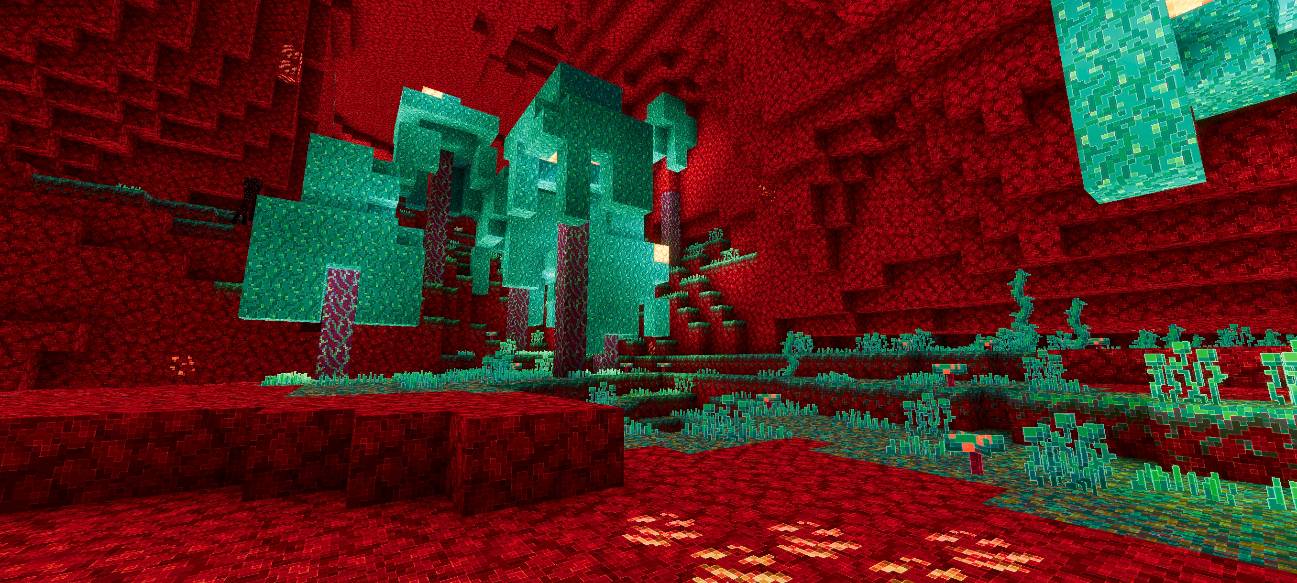
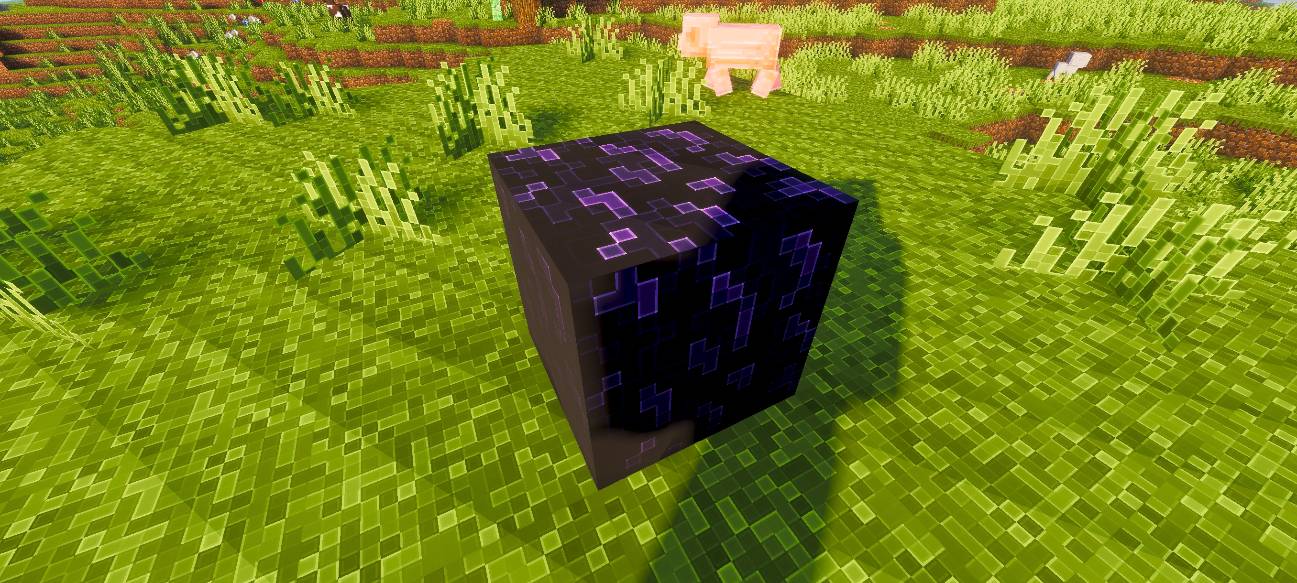
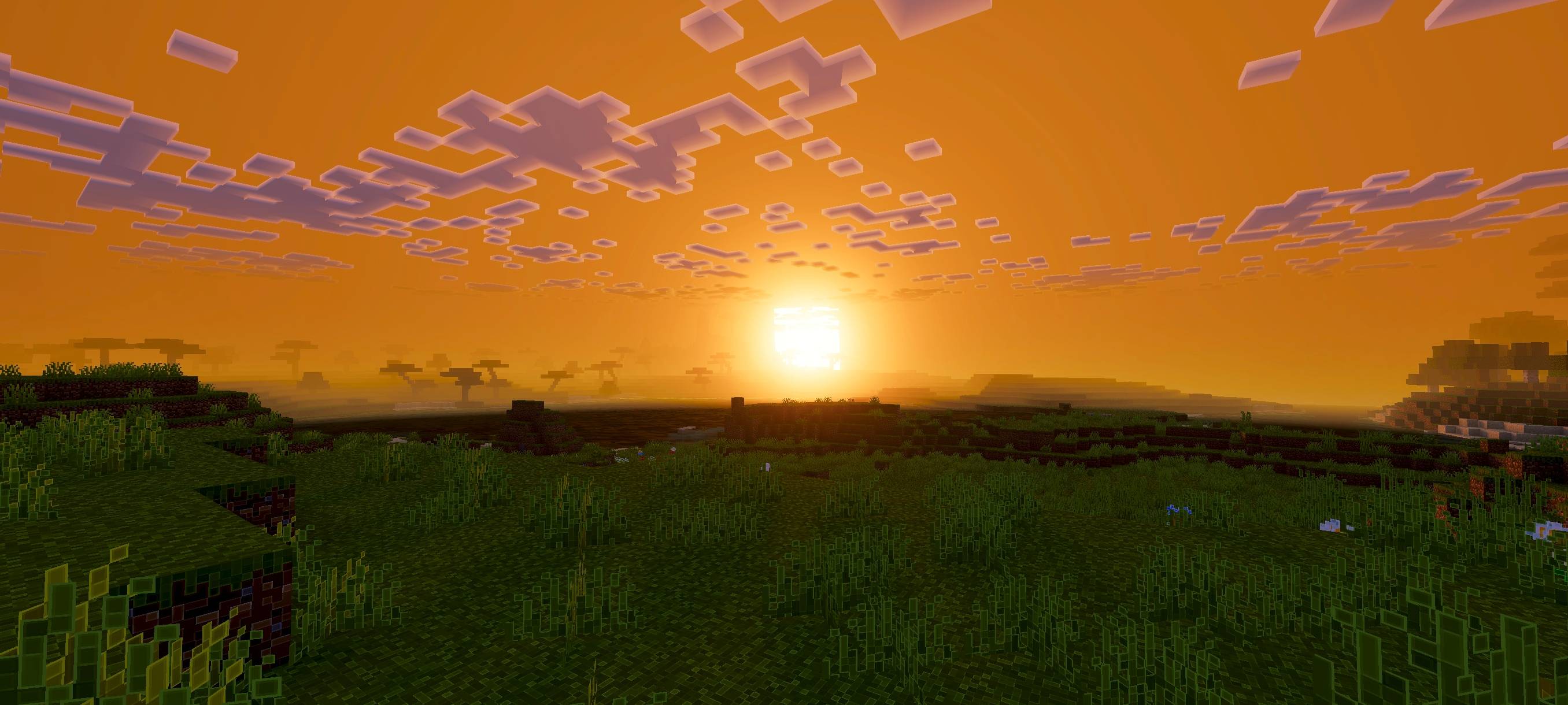
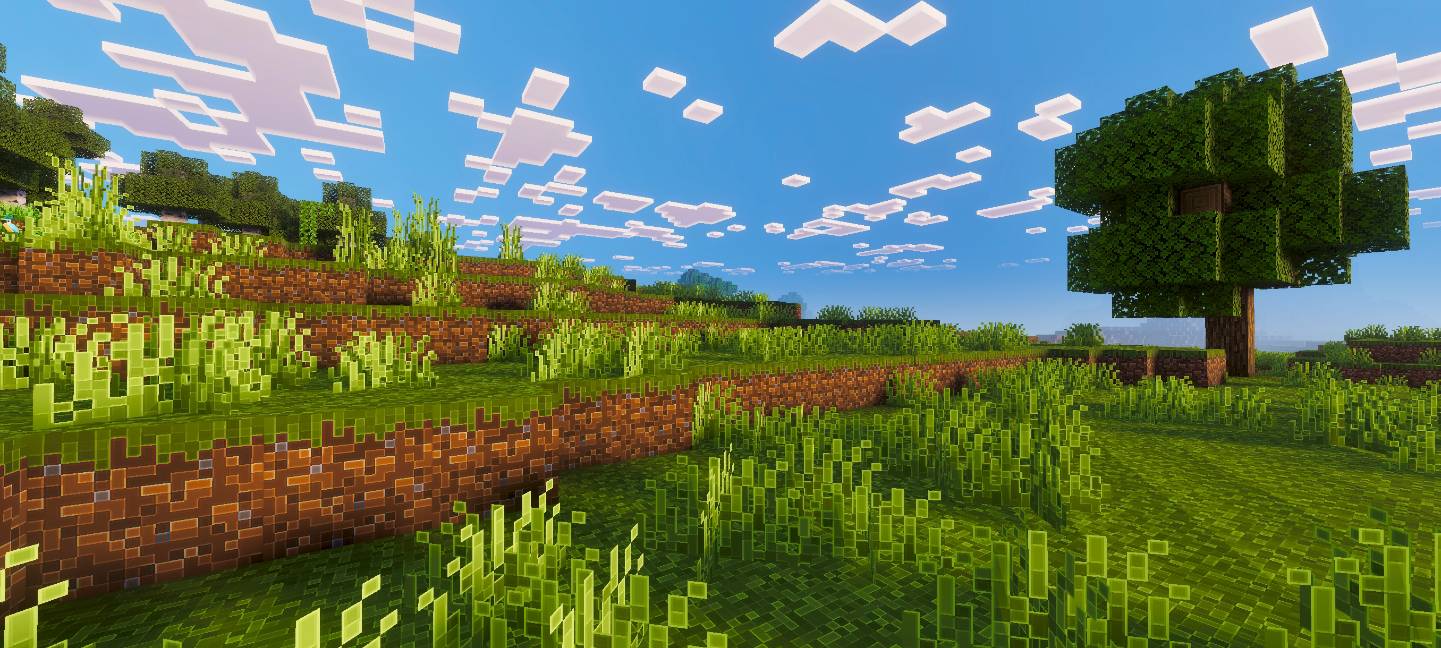
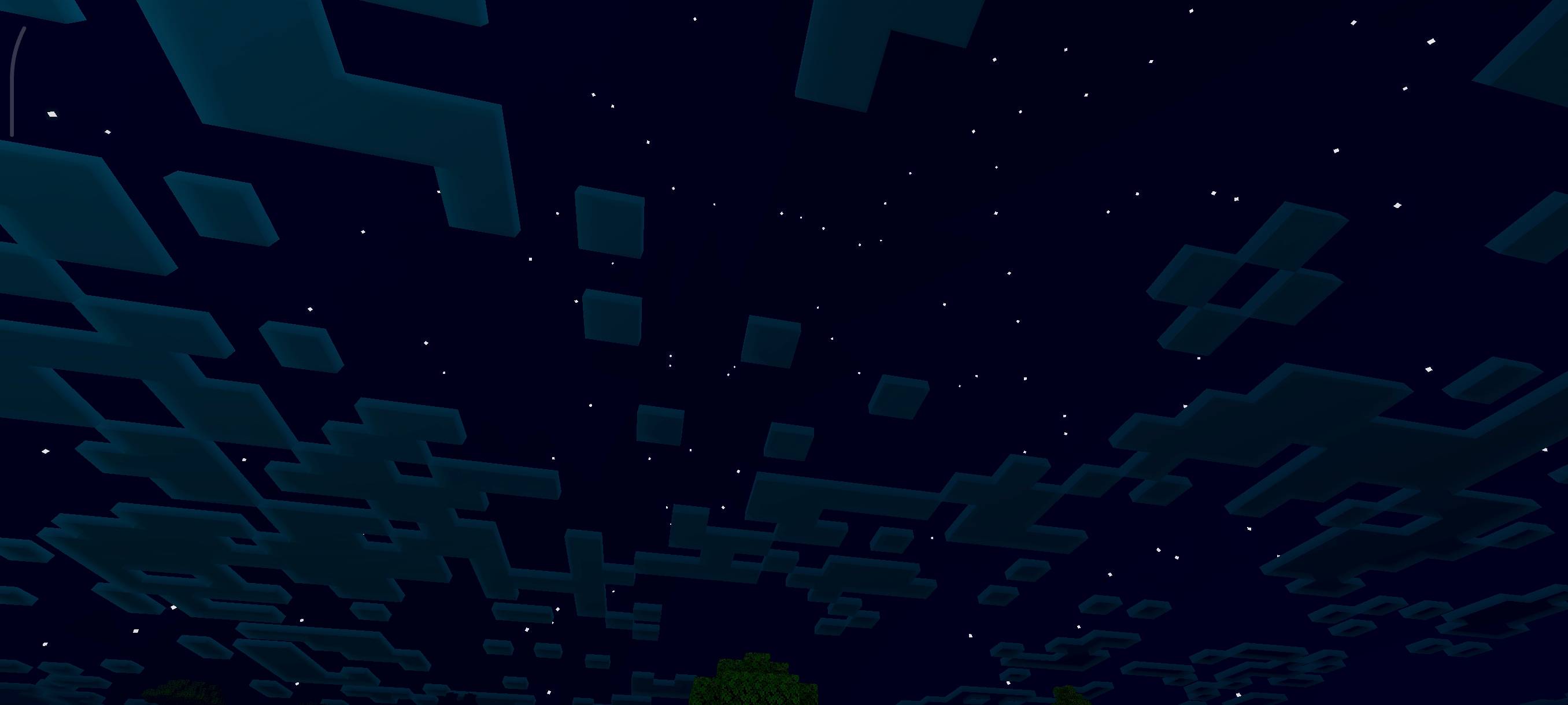
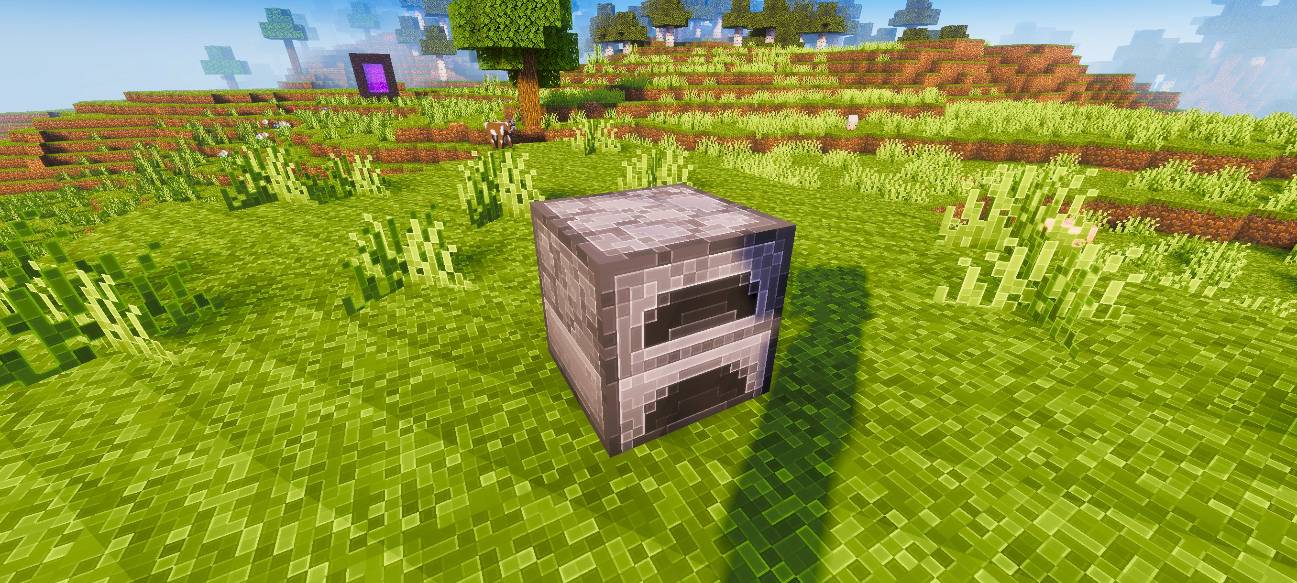
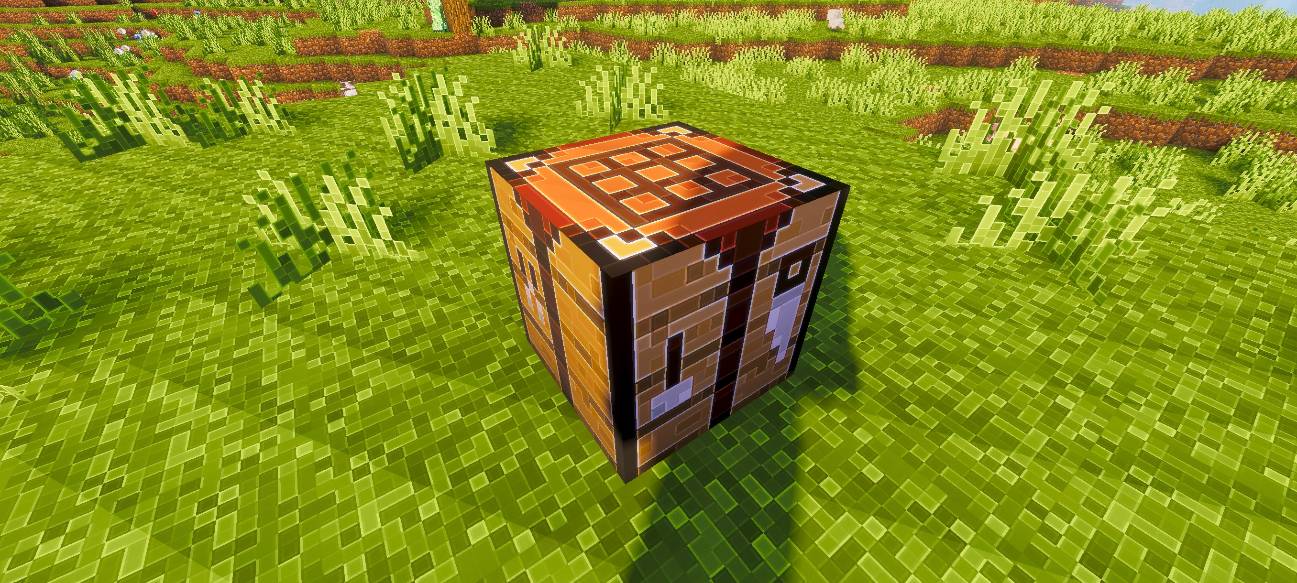
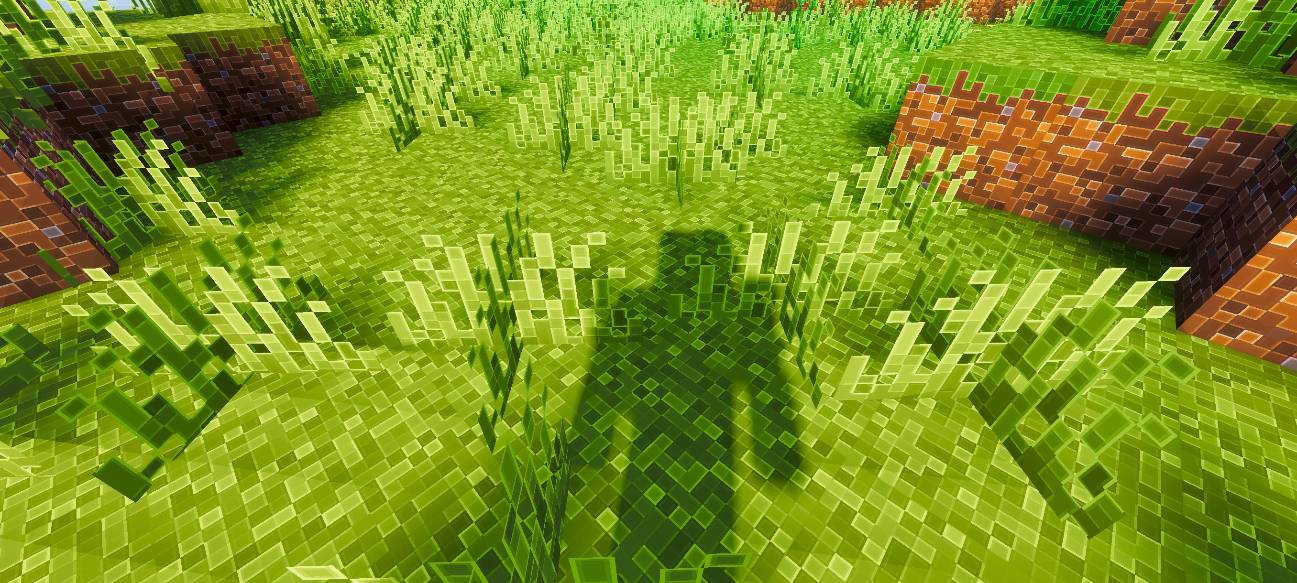
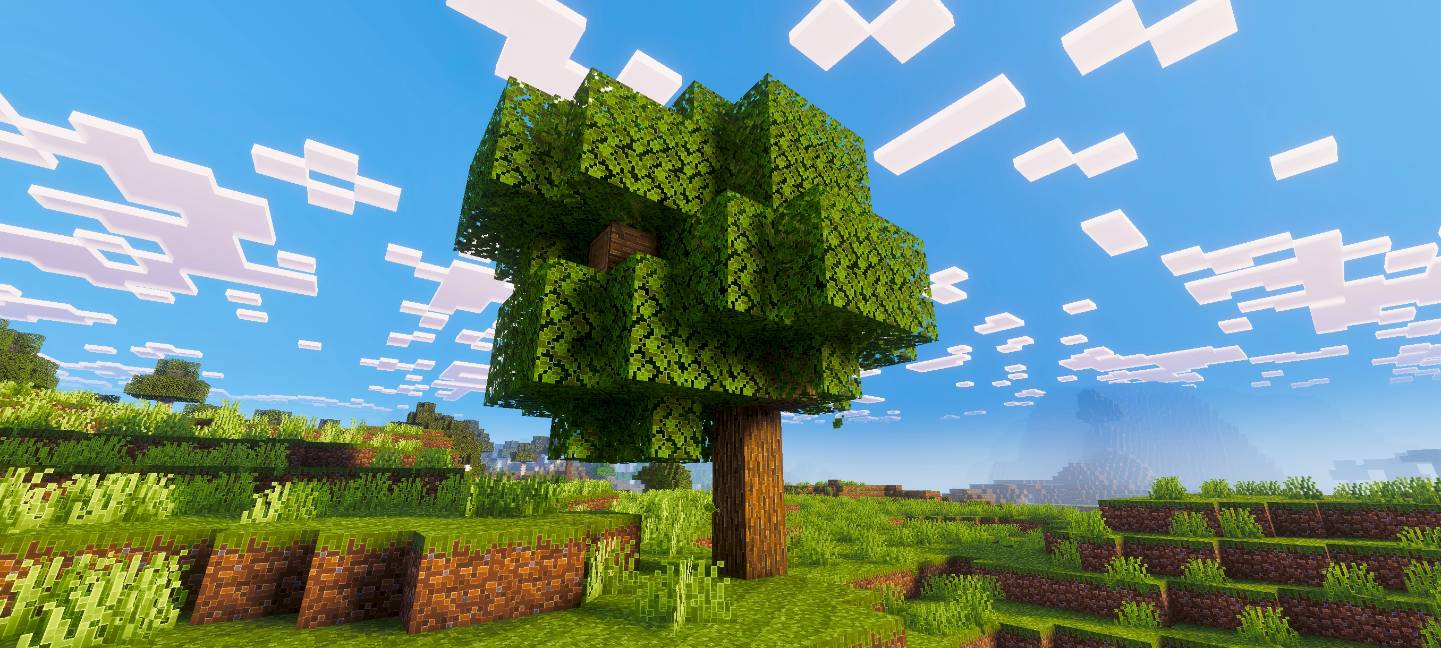
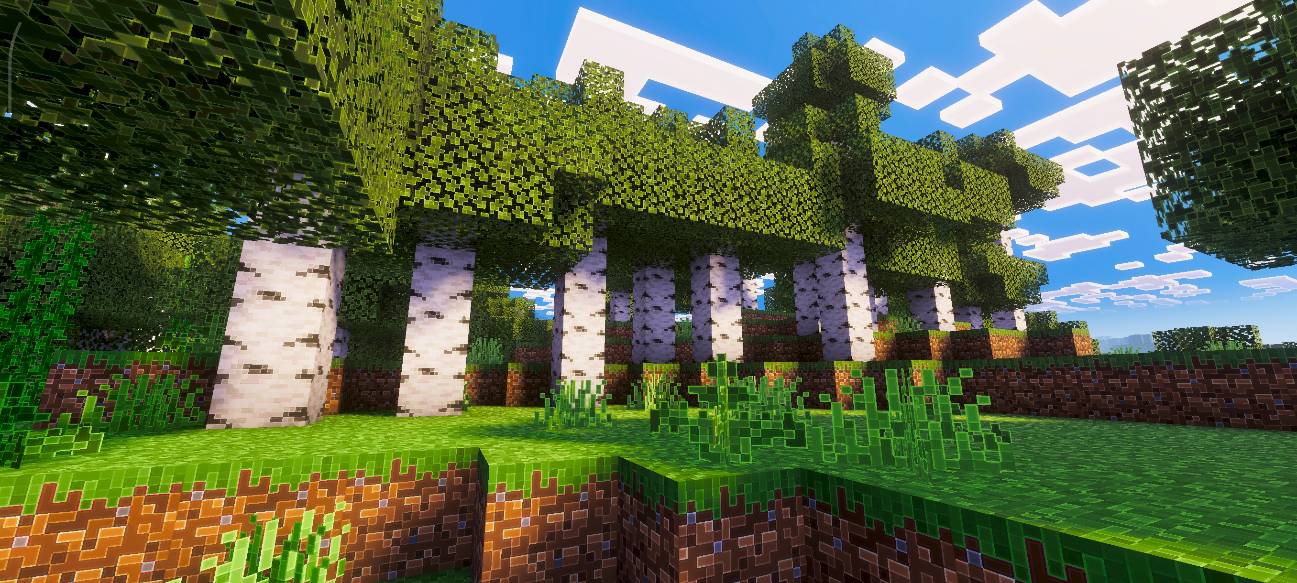
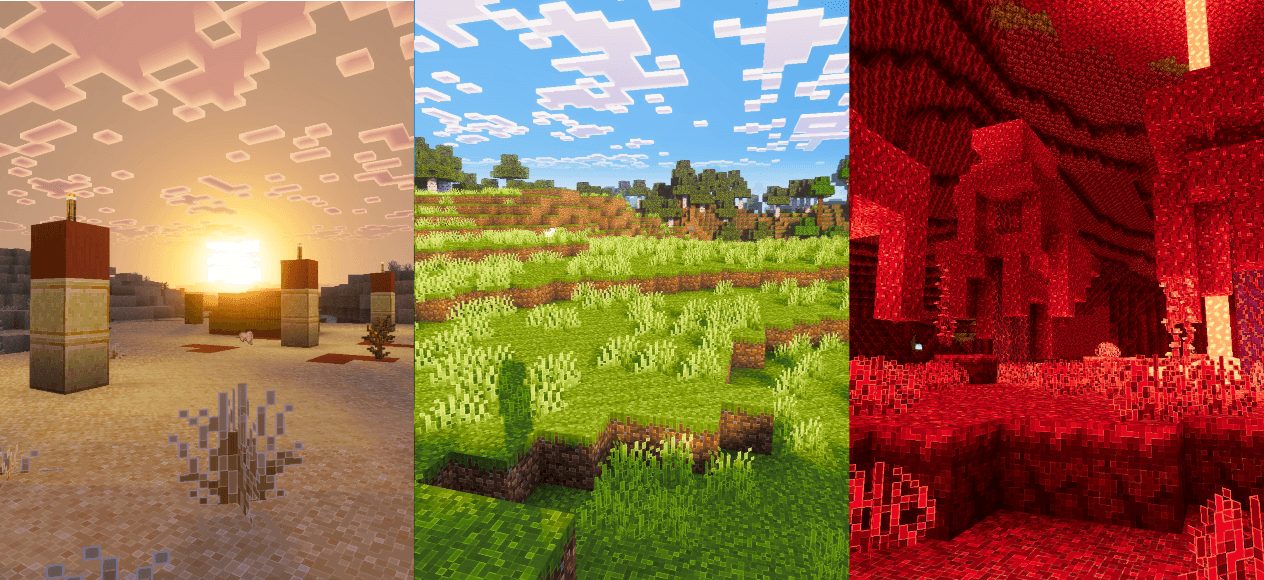

Outline Visuals transforms Minecraft’s appearance by introducing crisp outlines around blocks and items, alongside refined colors, enhanced lighting, and improved water effects. This texture pack enriches the visual experience, making the game world feel more vivid, immersive, and aesthetically pleasing.
Installation / How to use
To apply Outline Visuals, add the resource pack to your Minecraft Bedrock edition resource packs folder and activate it within the game’s settings. Ensure that the accompanying pack Vibrant Visuals is also enabled to utilize all shader and visual enhancements correctly.
Requirements / Compatibility
This pack requires the Vibrant Visuals resource pack to be active, as it relies on its shader effects. Using Outline Visuals without Vibrant Visuals will result in missing or incomplete visuals. It is designed for the latest versions of Minecraft Bedrock Edition and may not function properly on outdated versions.
Key features
- Sharp outlines around blocks and items that improve visual clarity and distinction.
- Cleaner, more vibrant color palette for a warmer and more inviting world.
- Smoother and more natural lighting effects to enhance the overall ambiance.
- Refined water visuals that look clearer and more dynamic.
Notes / Troubleshooting
Make sure Vibrant Visuals is enabled along with Outline Visuals; otherwise, shader effects will not appear. For users who prefer only the outline effect without additional visuals, a separate standalone outline version is available as a different resource pack.