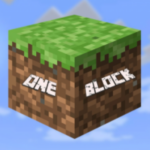
OneBlock
16.03.2026
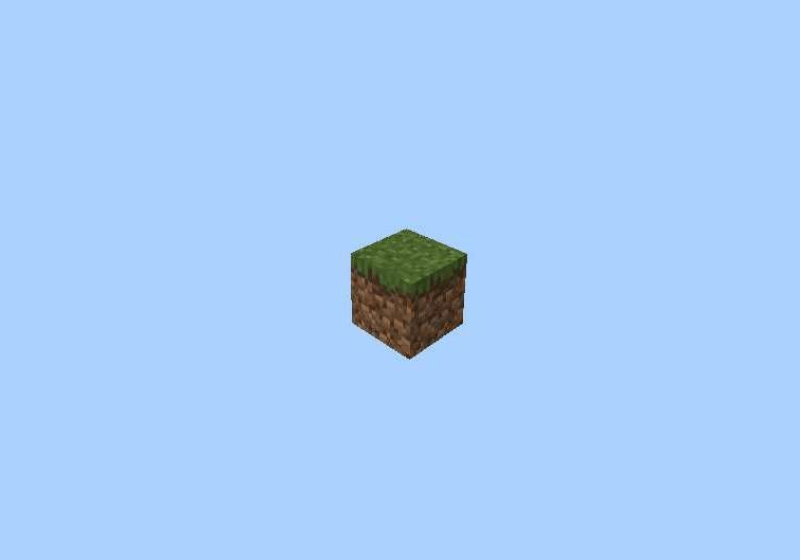
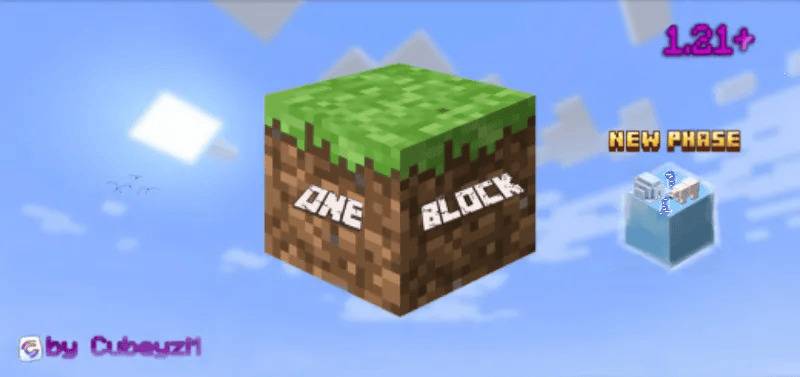
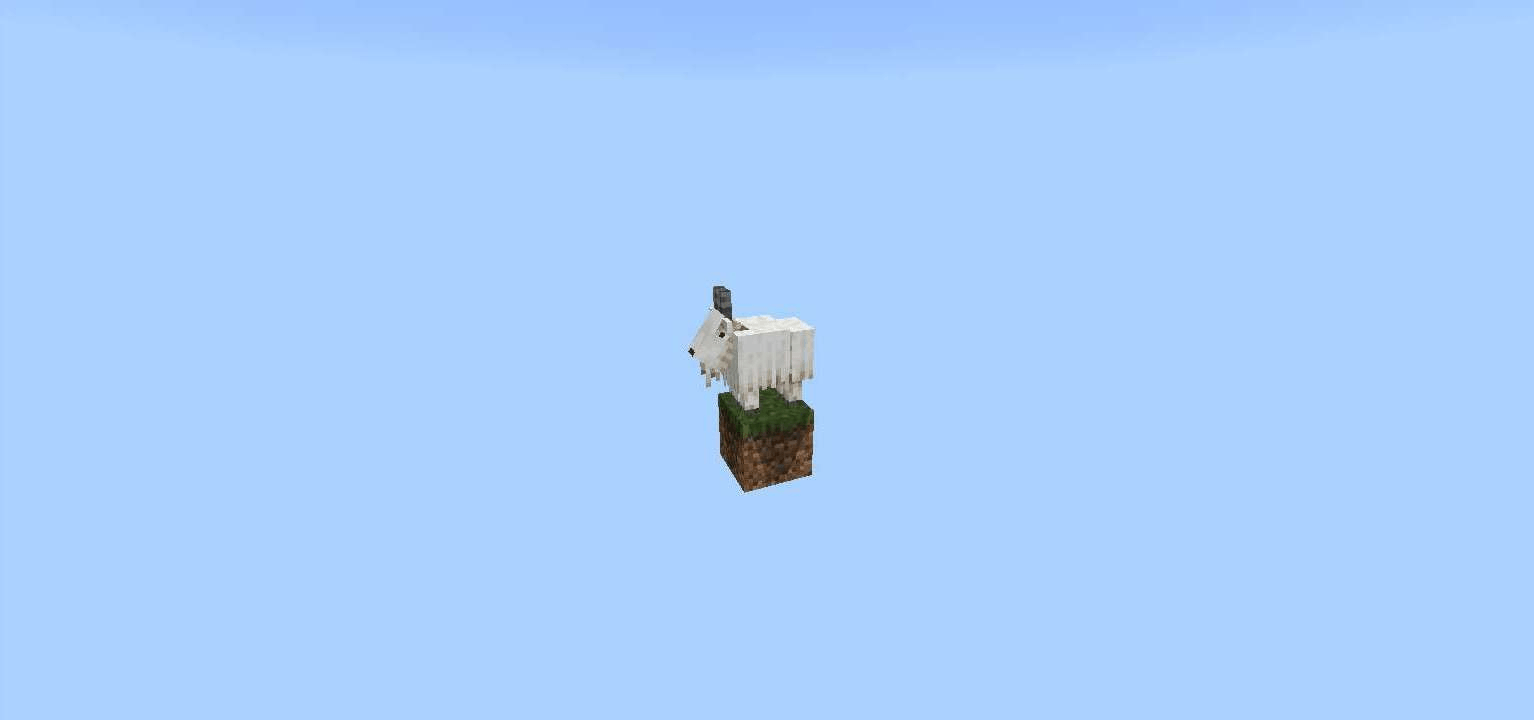
OneBlock is a unique, endless survival map for Minecraft Pocket Edition where you begin on a single floating block. Each time you break this block, a new one appears, varying in rarity and type, challenging you to gather resources and expand your world from almost nothing. Progress through multiple phases, each with distinct biomes and increasing difficulty, as you survive hostile mobs and develop your island.
Installation
- Download the .mcworld file and open it; Minecraft PE will automatically start and import the map.
- After seeing the message “World successfully imported,” navigate to Play → Worlds and select OneBlock to begin playing.
How to Use
Start by breaking the single block beneath you. Each broken block is replaced instantly, sometimes with common materials and sometimes with rare or valuable items. As you continue, you unlock new game mechanics and face stronger enemies. The game features ten distinct phases, each presenting new challenges and biome themes:
- Forest
- Cave
- Frostlands
- Ocean
- Wild Jungle
- Red Desert
- The Nether
- Sky Isles
- Stronghold
- The End
- ???
Plan your resource management carefully, build defenses, and prepare for increasing survival difficulty as you advance.
Key Features
- Endless survival with procedurally generated blocks based on rarity tiers.
- Progressive phases with unique biome themes and challenges.
- Dynamic difficulty scaling with stronger mobs and environmental hazards.
- Resource gathering, crafting, and base building from a single starting block.
Notes
The map offers an optional behavior pack patch to update your world. For best experience, ensure your Minecraft PE version supports custom maps and behavior packs.