
Newb x Unwind
26.03.2026
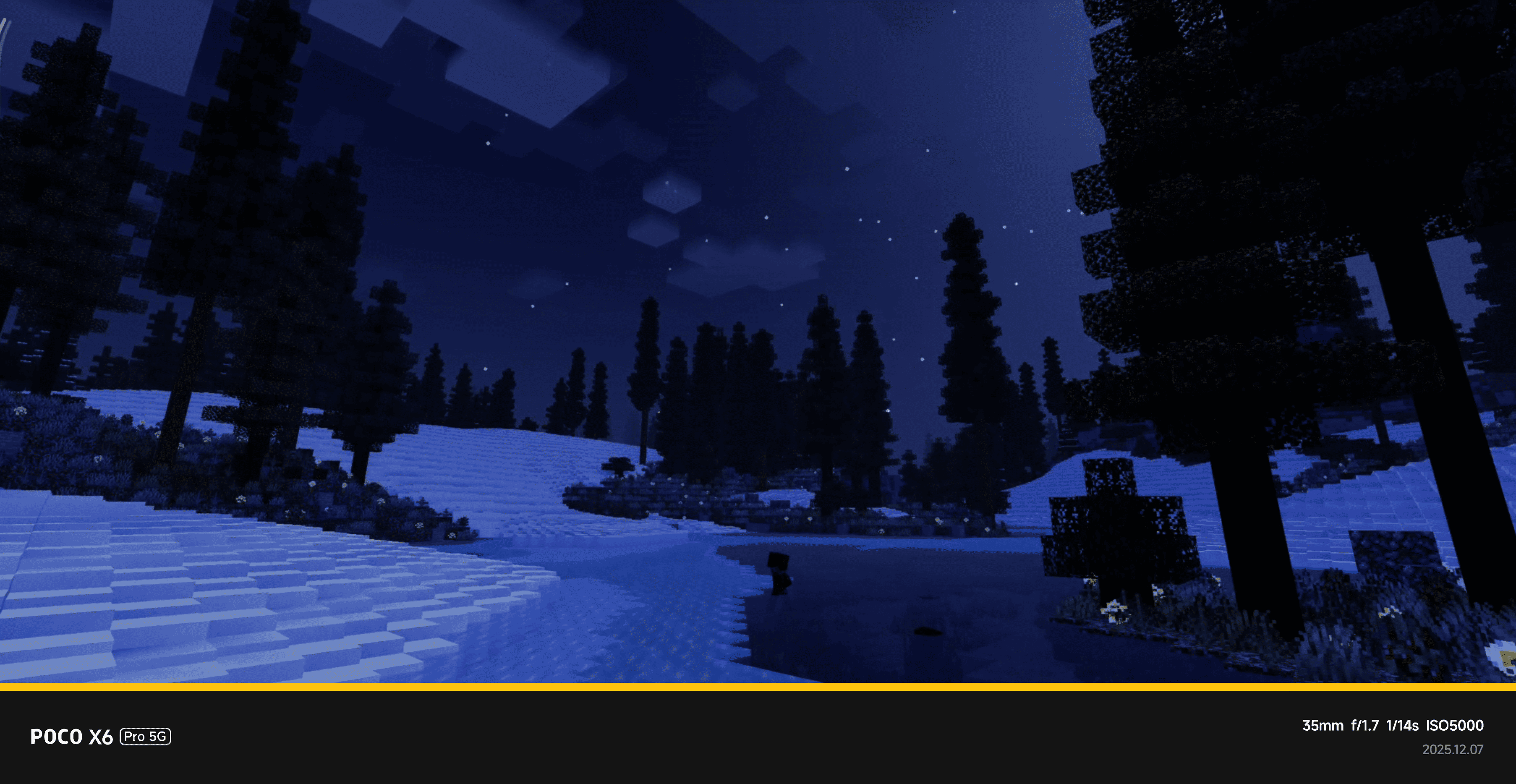
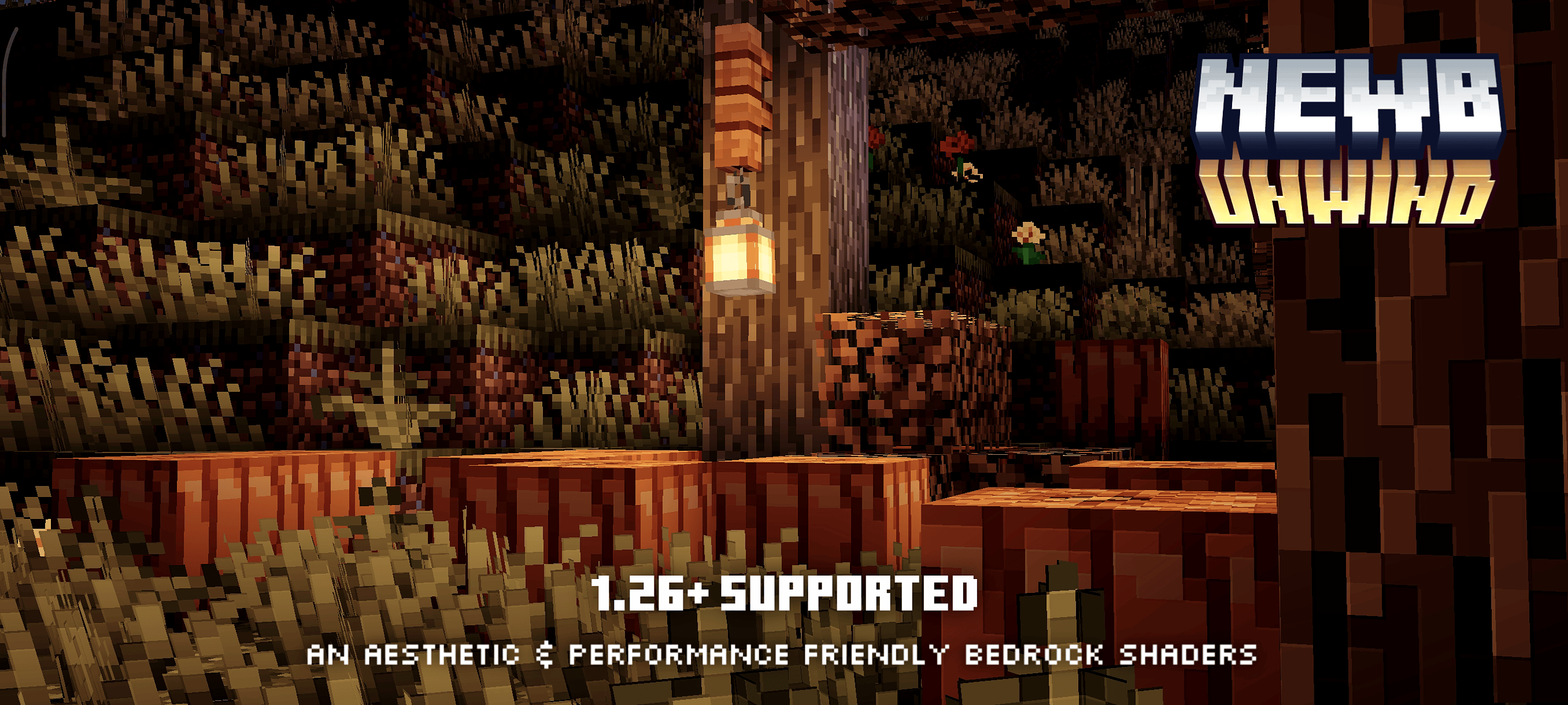
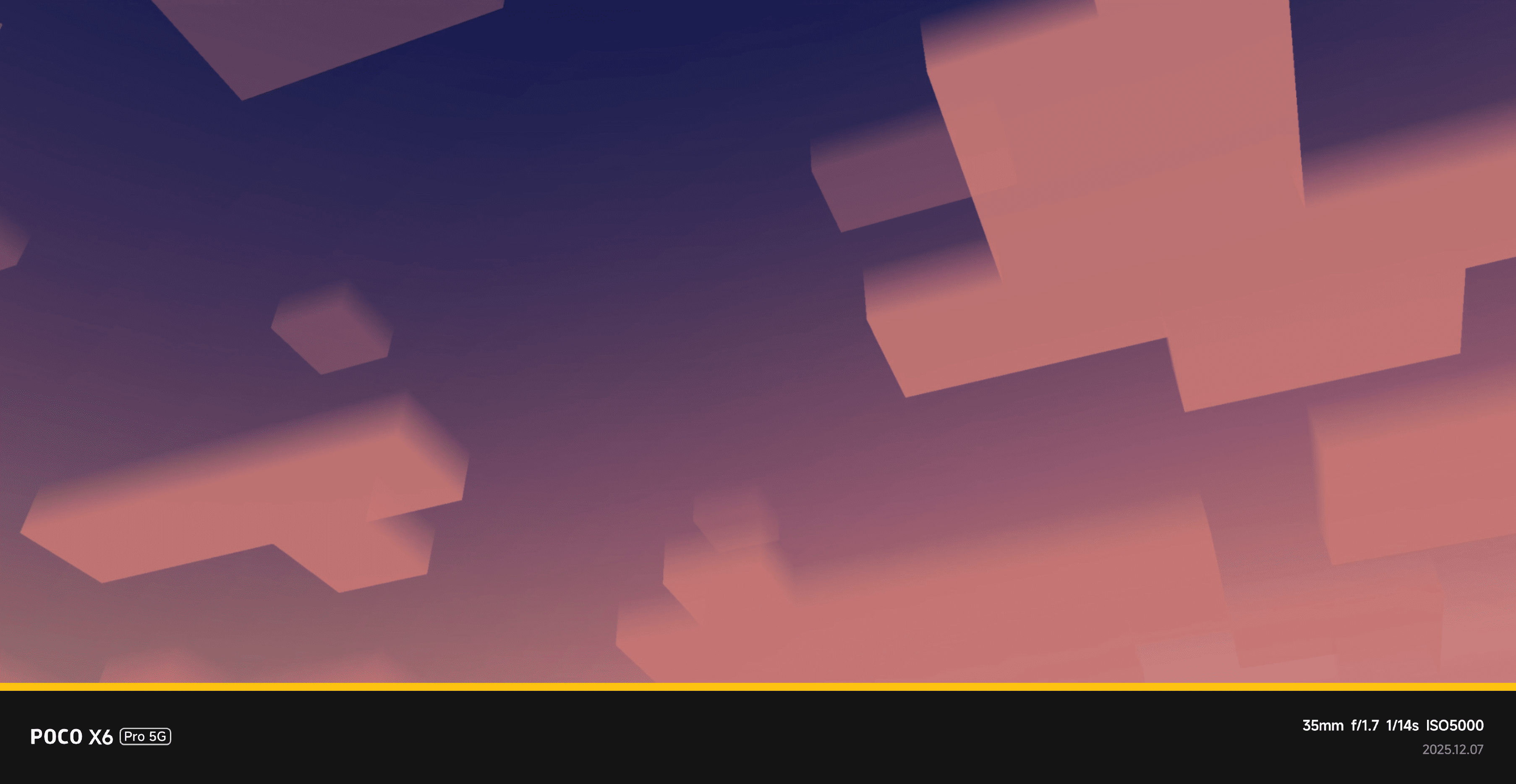
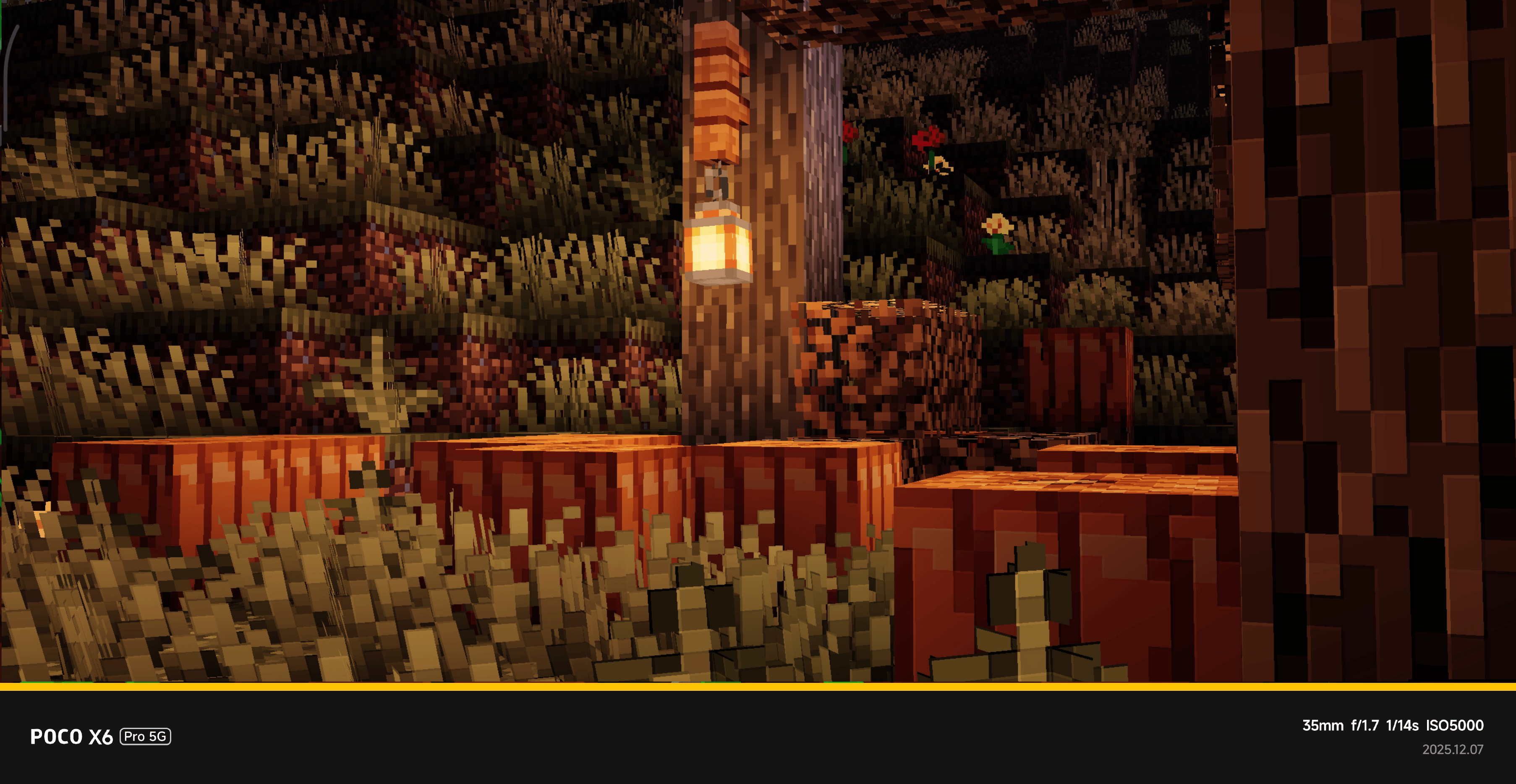
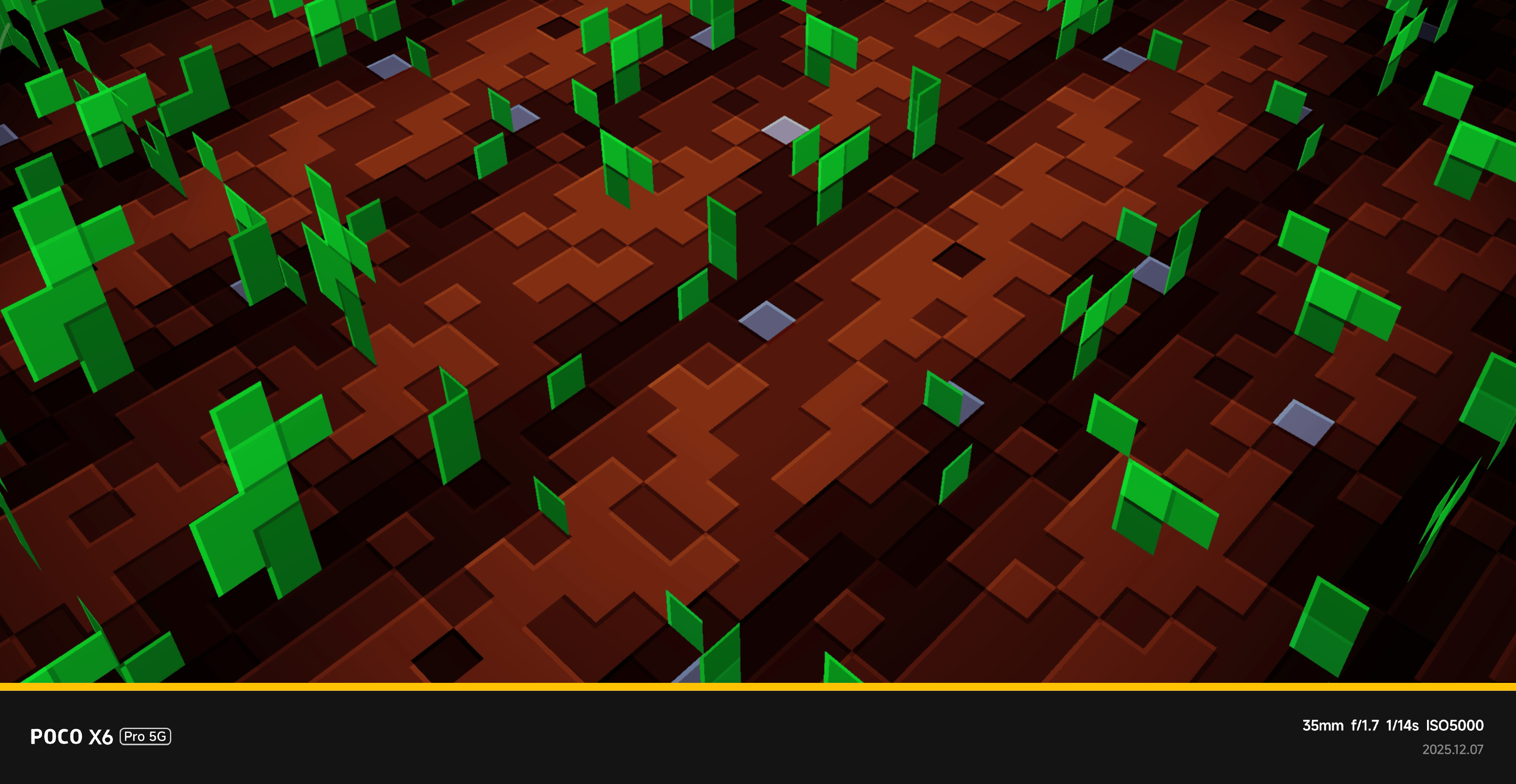
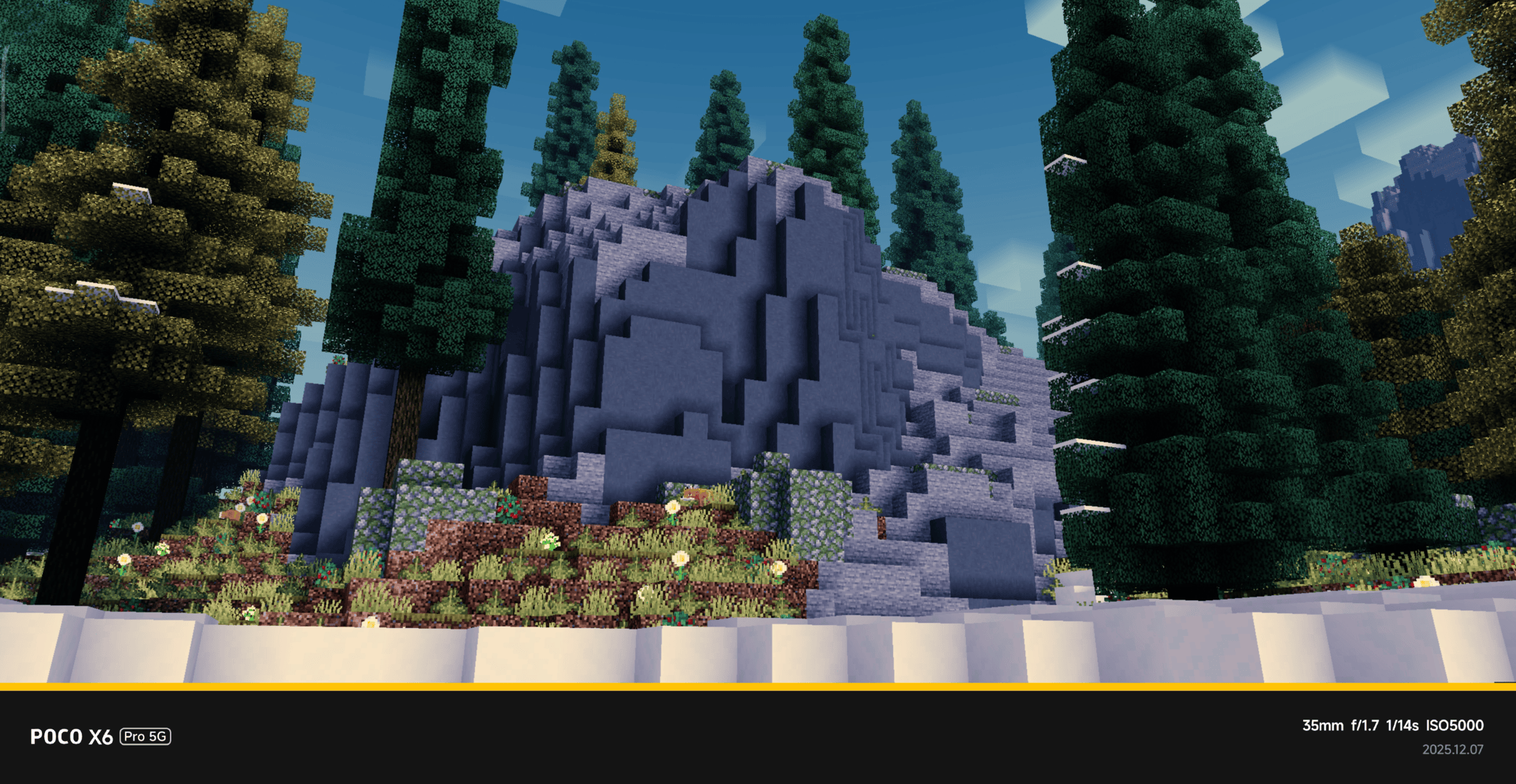
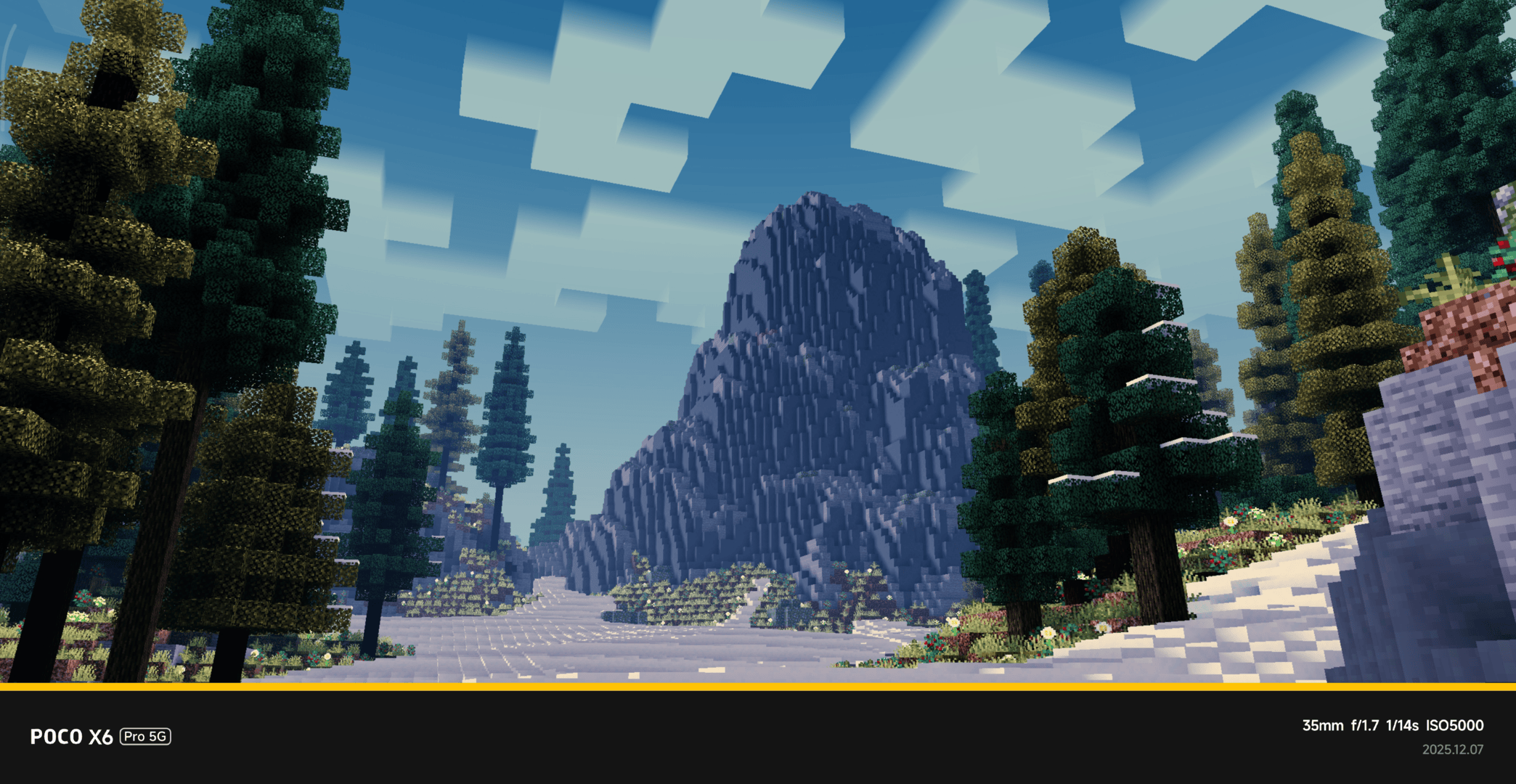
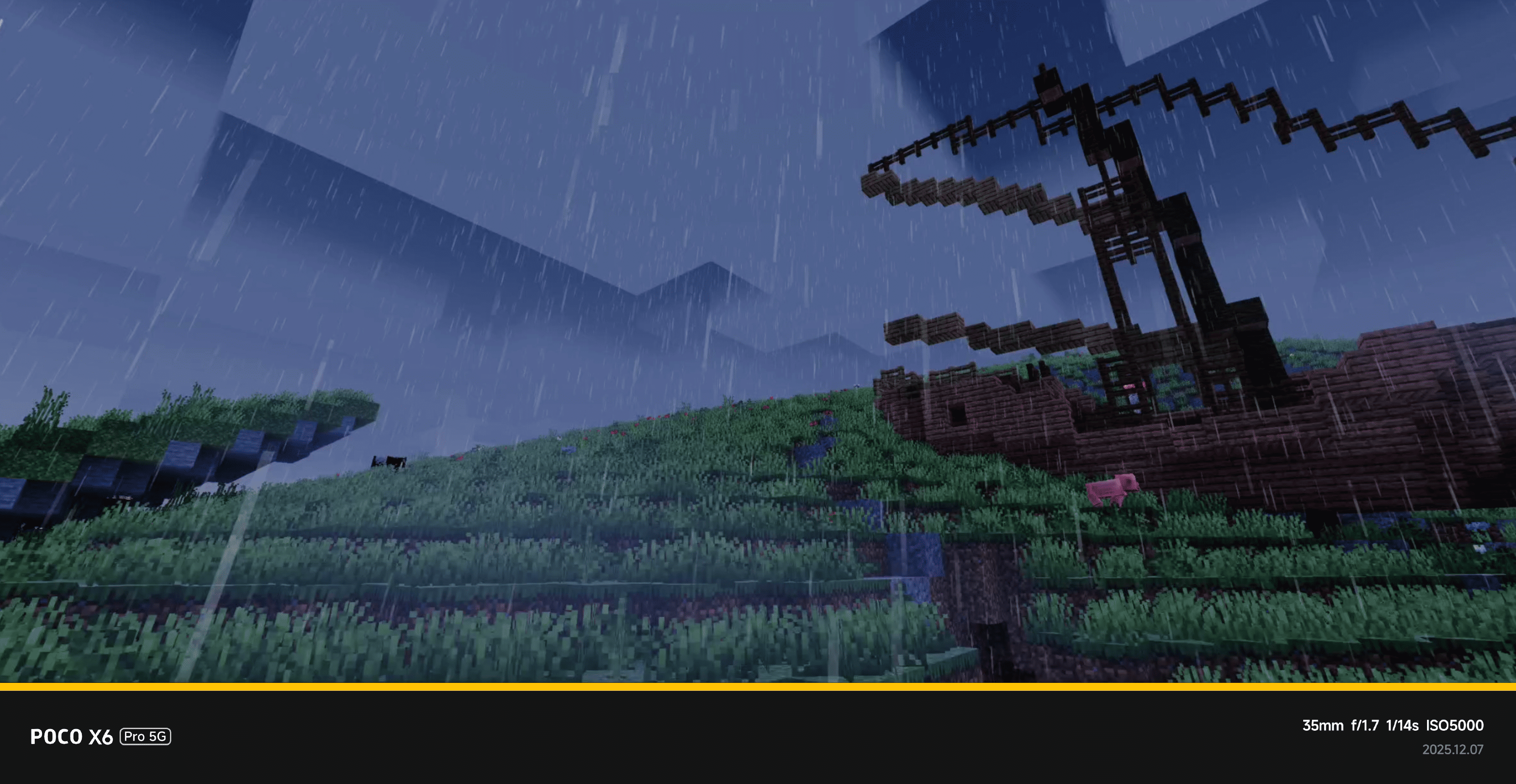
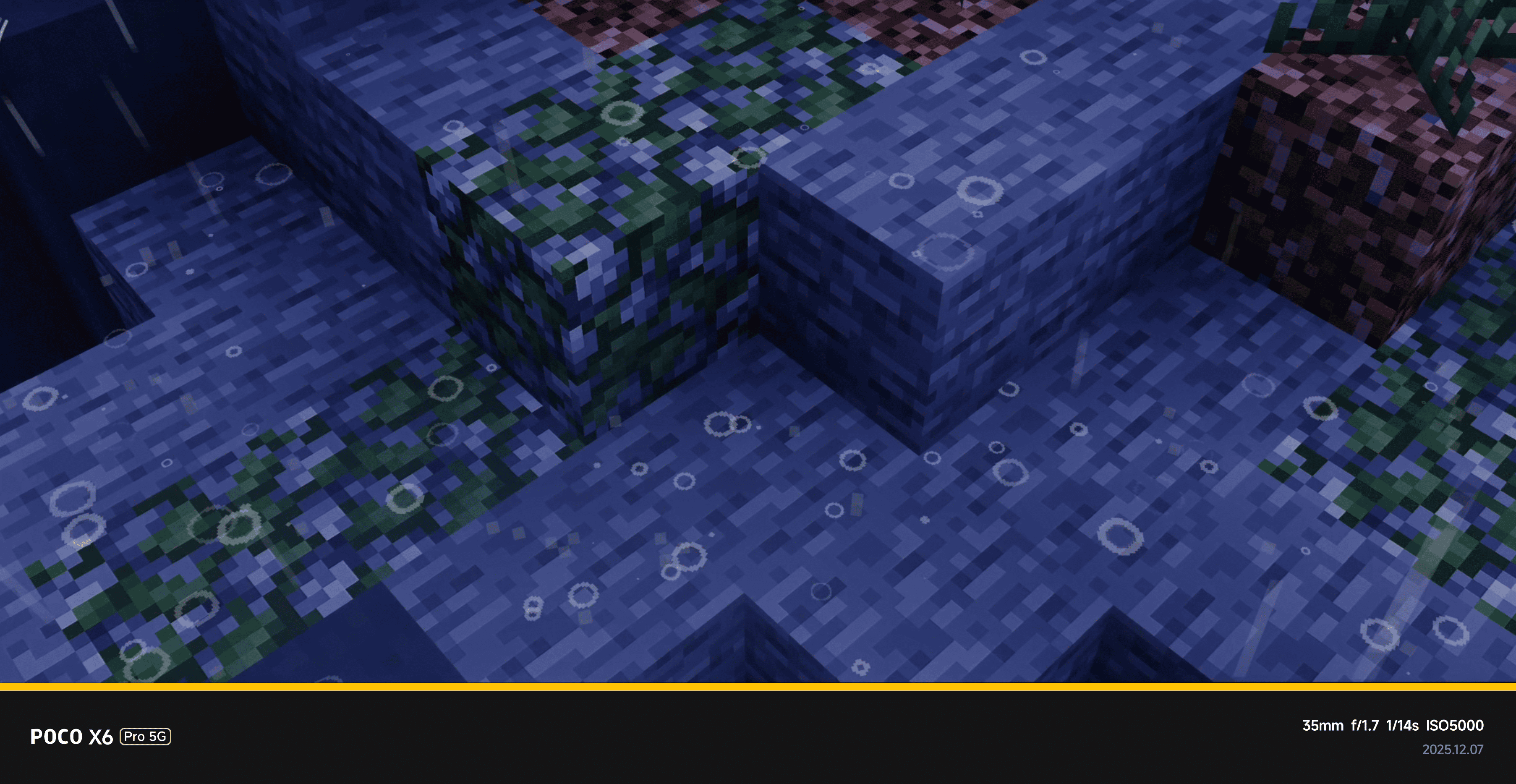
Newb x Unwind brings a soothing and stylish shader experience to Minecraft Bedrock Edition, featuring calming color tones and cozy nighttime atmospheres. It enhances weather particles and supports all versions from 1.21.21 onward, offering a relaxing visual upgrade for your game.
Key Features
- Compatible with Minecraft 1.26+ and all versions above 1.21.21
- Refined daylight sky colors for a natural look
- Enhanced block shading to improve depth
- Improved light source coloring for warmth
- Darker, more realistic shadows
- Full support across Android, iOS, and Windows platforms
Requirements / Compatibility
This shader pack is not compatible with the default Minecraft app and cannot be used with Vibrant Visuals. To run the shaders, you need a launcher that supports RenderDragon shaders, such as MB Loader or MC Patched.
Installation
- Ensure Minecraft Bedrock Edition is installed on your device.
- Install a compatible launcher like MB Loader (note: MB Loader may not currently be available on app stores, but can be obtained from official sources).
- Download the shader pack’s
.mcpackfile. - Import the
.mcpackfile through the compatible launcher, not directly into Minecraft. - Open the launcher settings and disable all “autofix” options.
- Launch Minecraft via the compatible launcher to enjoy the shaders.
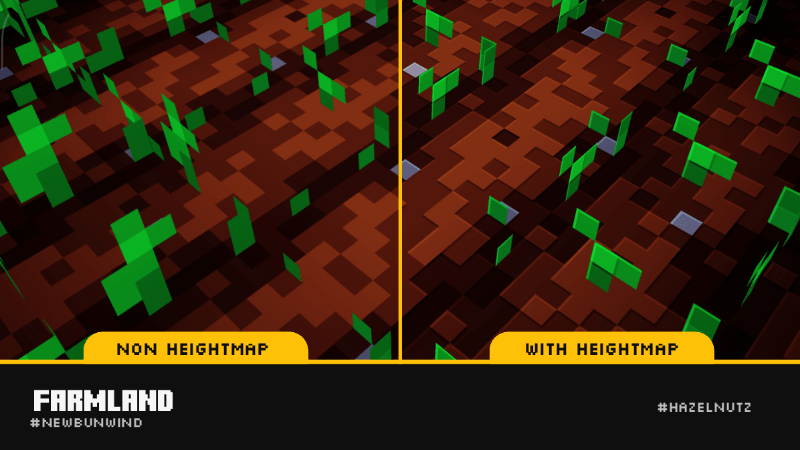
Optional Heightmap Effect
The default shader pack does not include the Heightmap Effect. To enable this visual enhancement, you must manually replace the renderchunk.material.bin file with a special version that contains heightmap functionality.
Obtain the custom renderchunk.material.bin file separately and place it in the following directory inside the shader folder: renderer/materials/. Confirm the replacement when prompted.
Heightmap Effect Installation Steps
- Download the heightmap-enabled
renderchunk.material.binfile. - Extract the contents of the downloaded archive.
- Copy the extracted
renderchunk.material.binfile. - Paste it into the shader’s
renderer/materials/folder. - Choose “Replace” if asked to overwrite the existing file.
- Launch the shader as usual to see the heightmap effect.
newb-unwind-5.5-all-platform.mcpack
[3.93 MB]

