Neq’s Clean UI
25.03.2026
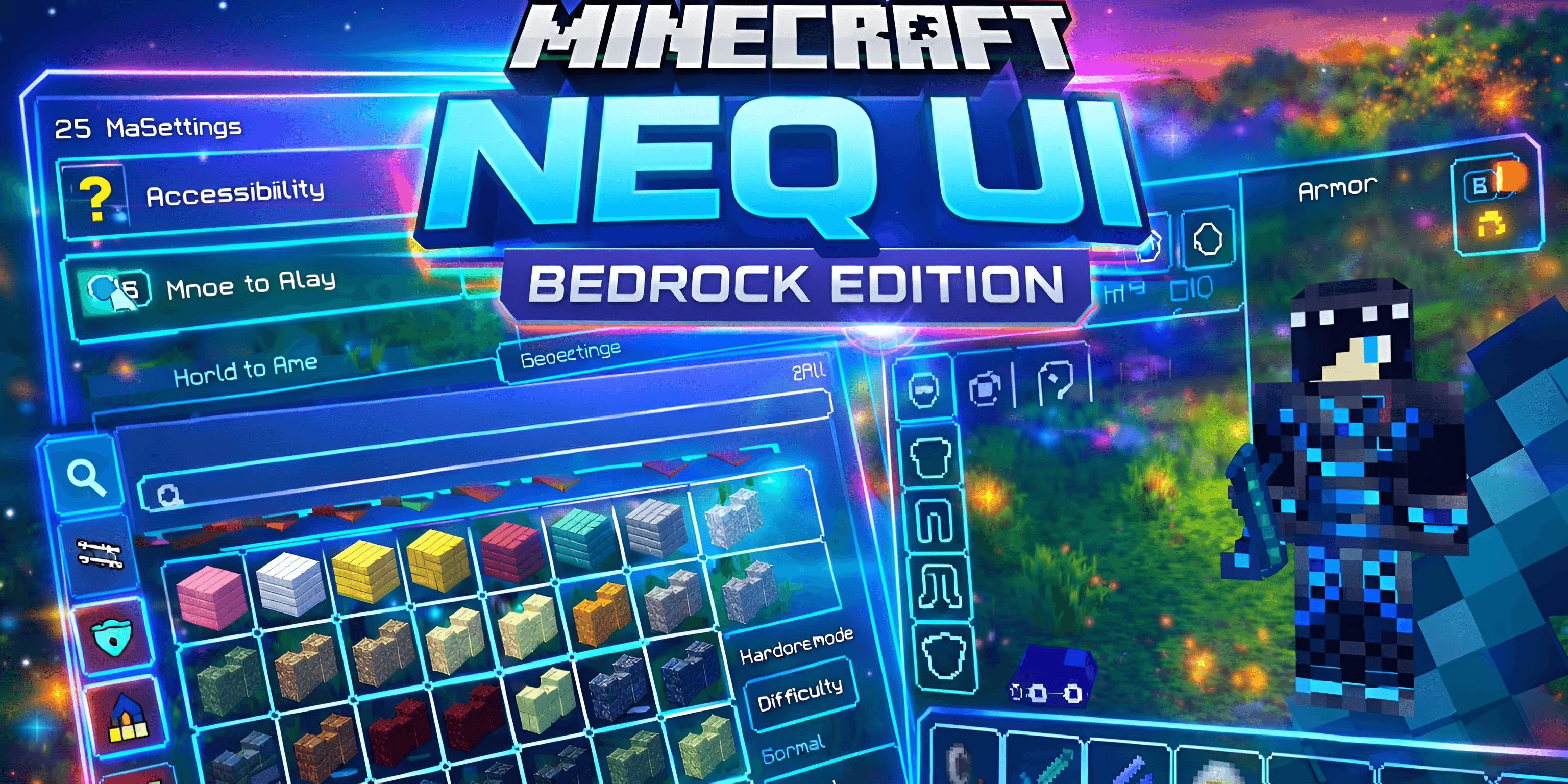
Neq’s Clean UI is a resource pack designed to streamline your Minecraft interface, delivering a sleek and minimalistic layout that enhances your gameplay experience. By decluttering the screen and refining menus, it allows you to focus more on your world without distractions.
Installation
To install Neq’s Clean UI, download the resource pack file and place it into your Minecraft Bedrock ‘resource_packs’ folder. Launch Minecraft, navigate to Settings > Storage to ensure the pack is recognized, then activate it from the Global Resources or World Settings menu before entering your game.
How to Use
Once enabled, Neq’s Clean UI will automatically replace the default interface elements with its redesigned, minimalist versions. No additional configuration is required. Enjoy a fresh, distraction-free HUD and menus that enhance immersion and usability.
Requirements / Compatibility
- Minecraft Bedrock Edition (latest updates recommended for best compatibility)
- Compatible with single-player and multiplayer worlds
- Works seamlessly alongside most other resource packs that do not modify UI elements
Key Features
- Minimalist Design: A clean interface that reduces on-screen clutter.
- Improved Menu Layouts: Streamlined menus for quick navigation and enhanced immersion.
- Optimized HUD: Displays essential information clearly without distracting the player.
- Performance Friendly: Lightweight design ensures smooth gameplay without lag.
Neq UI v0.4.mcpack
[19.9 MB]

