MultiPixel Texture Pack
17.03.2026
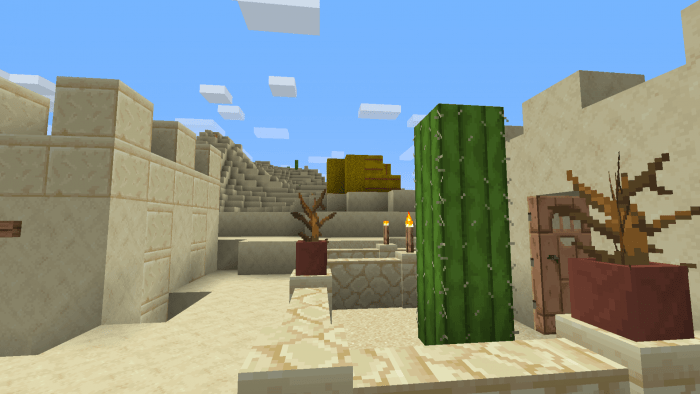
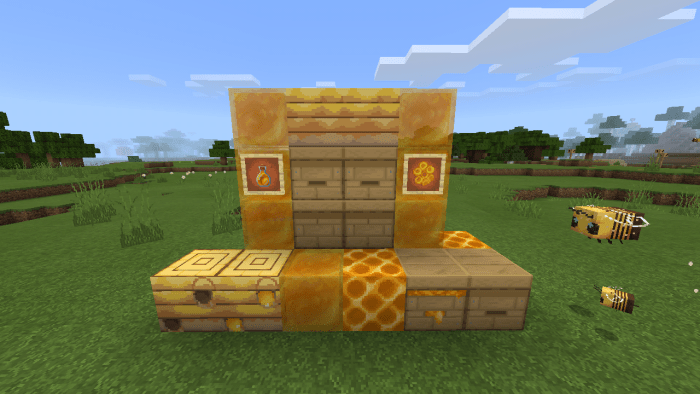
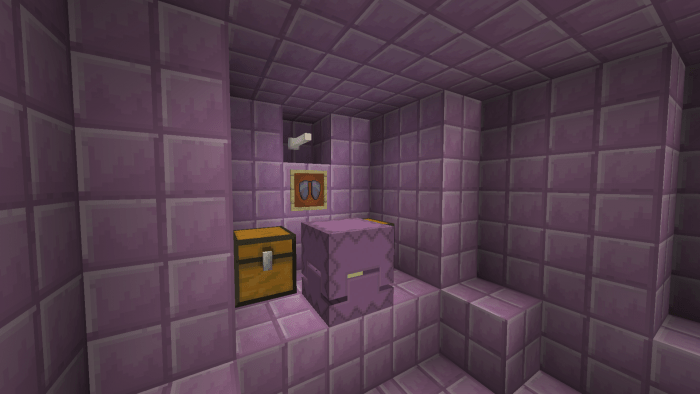
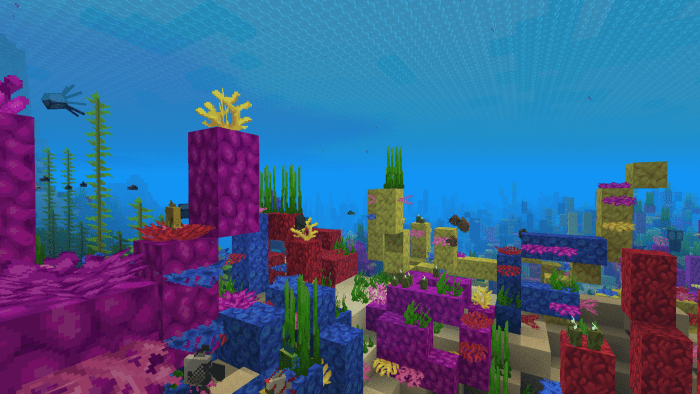
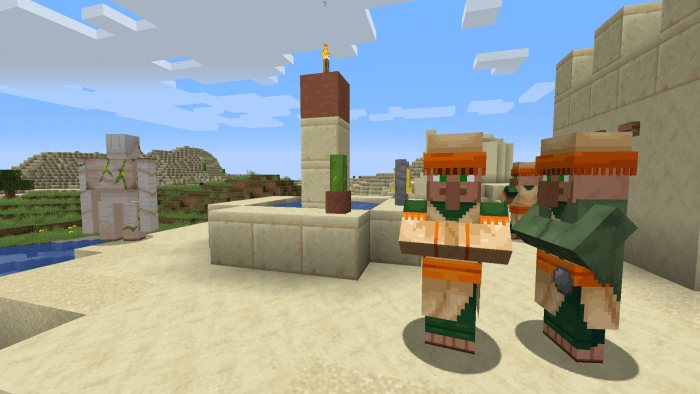
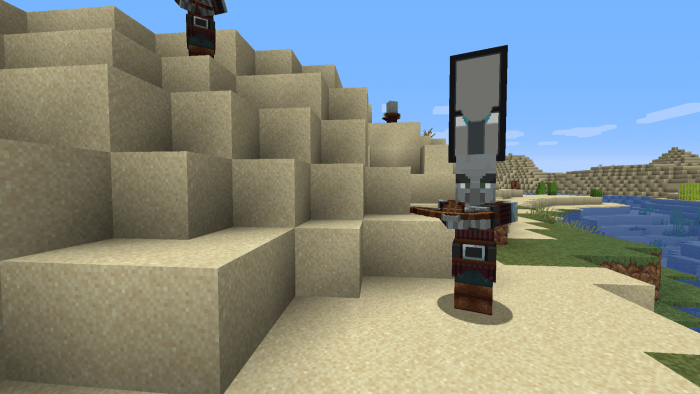
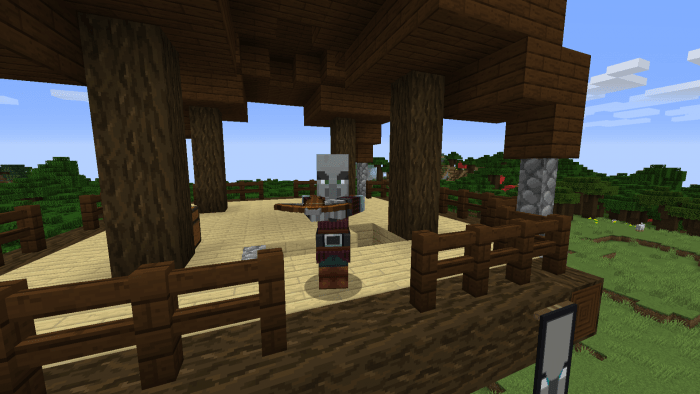
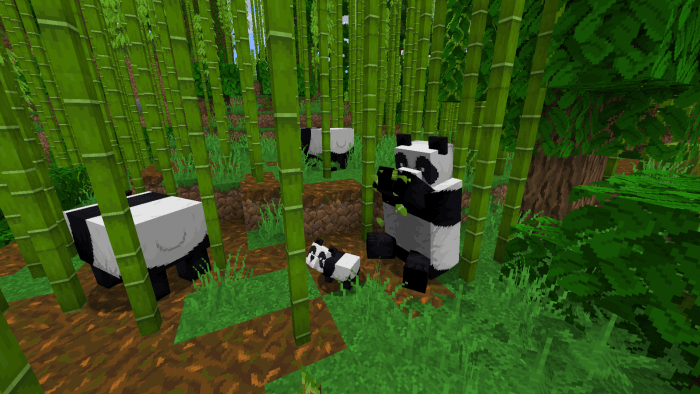
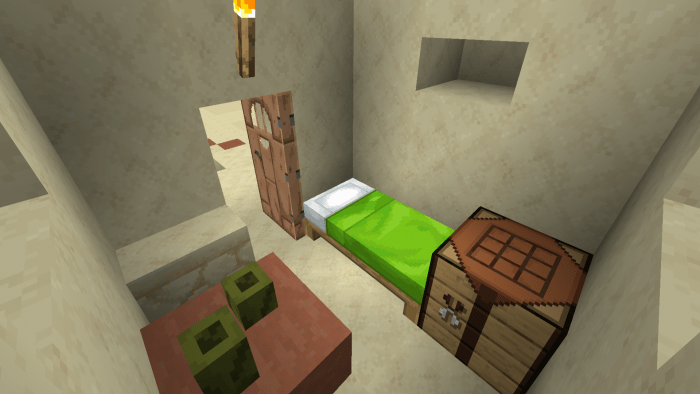
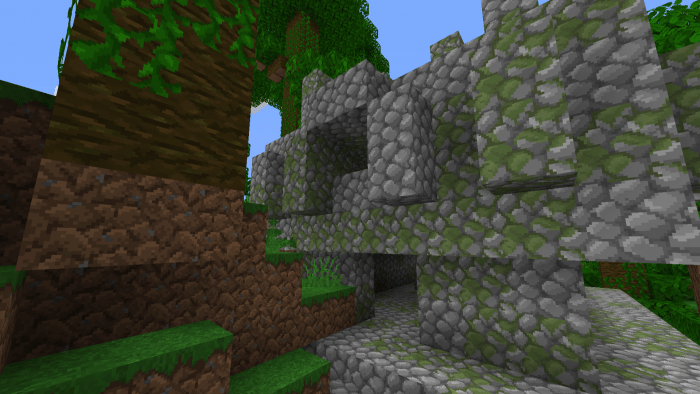
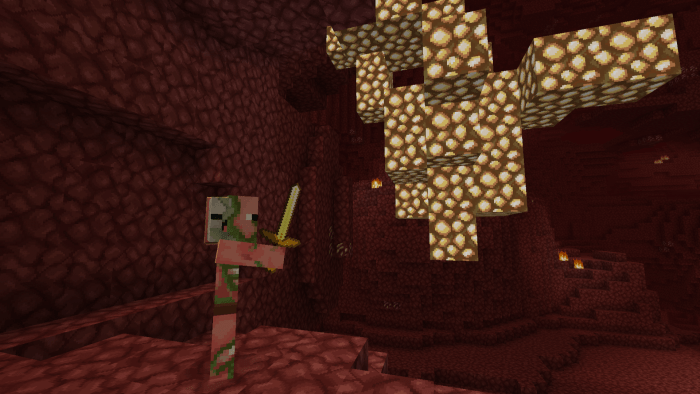
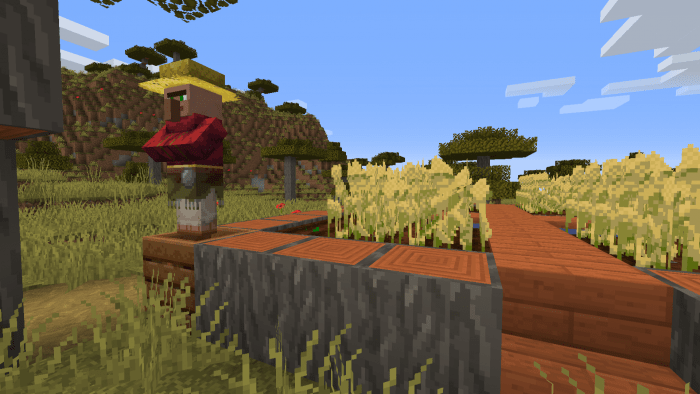
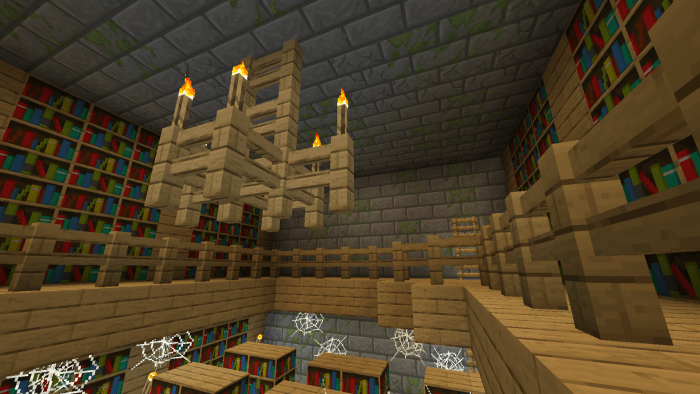
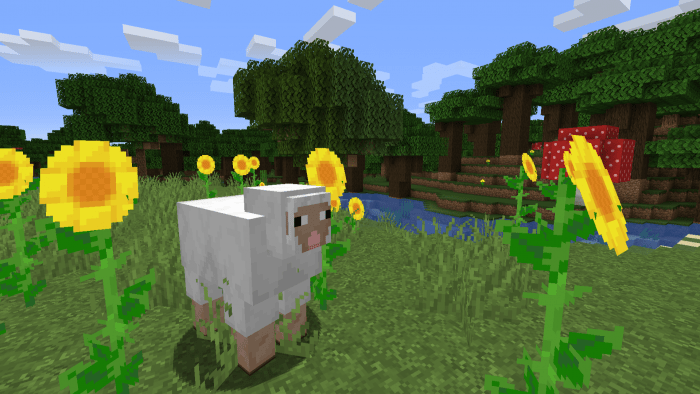
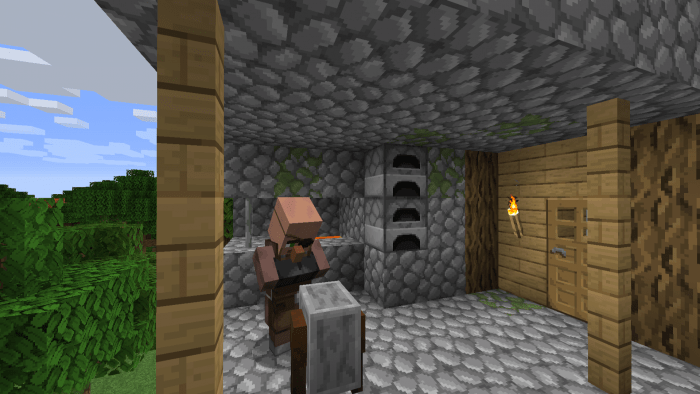
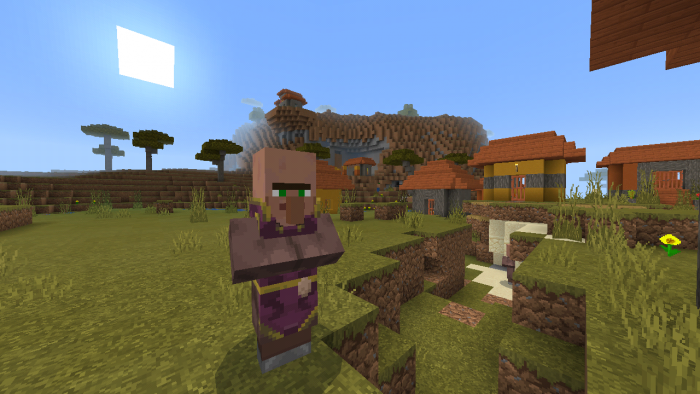
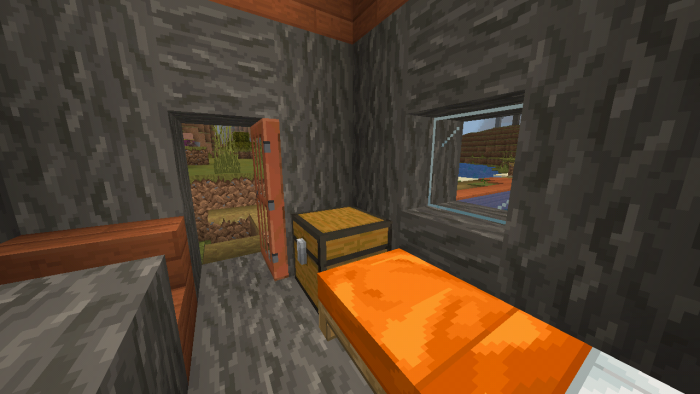
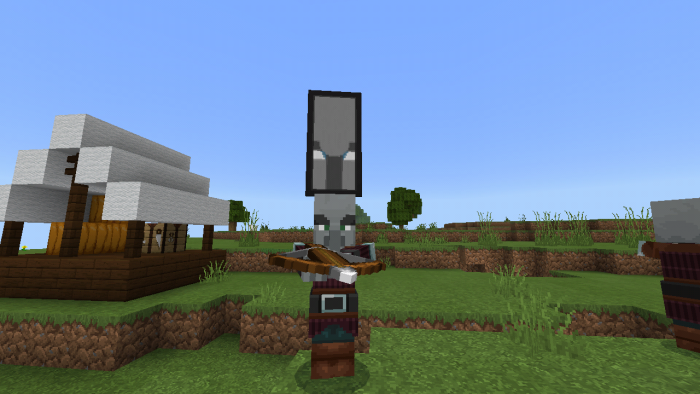
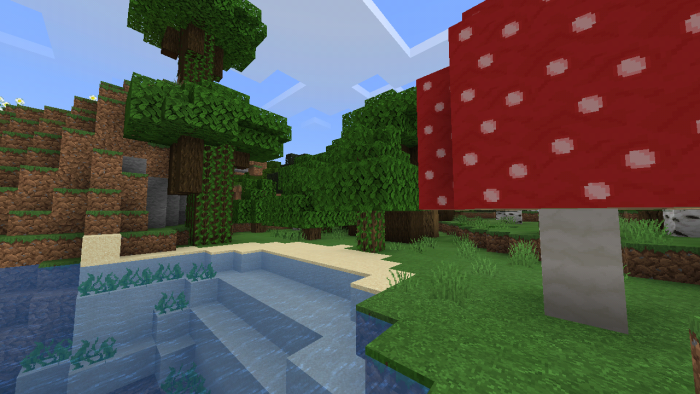
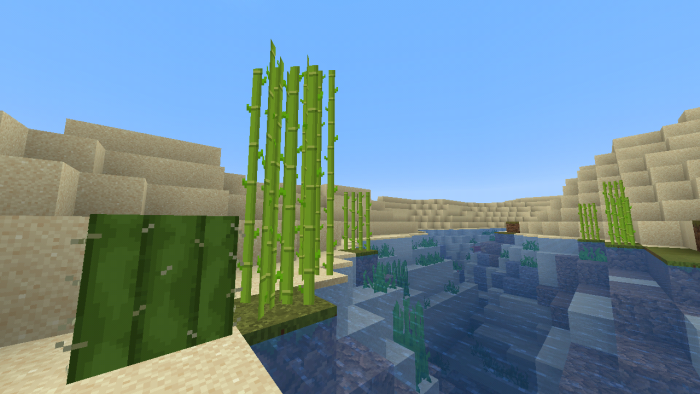
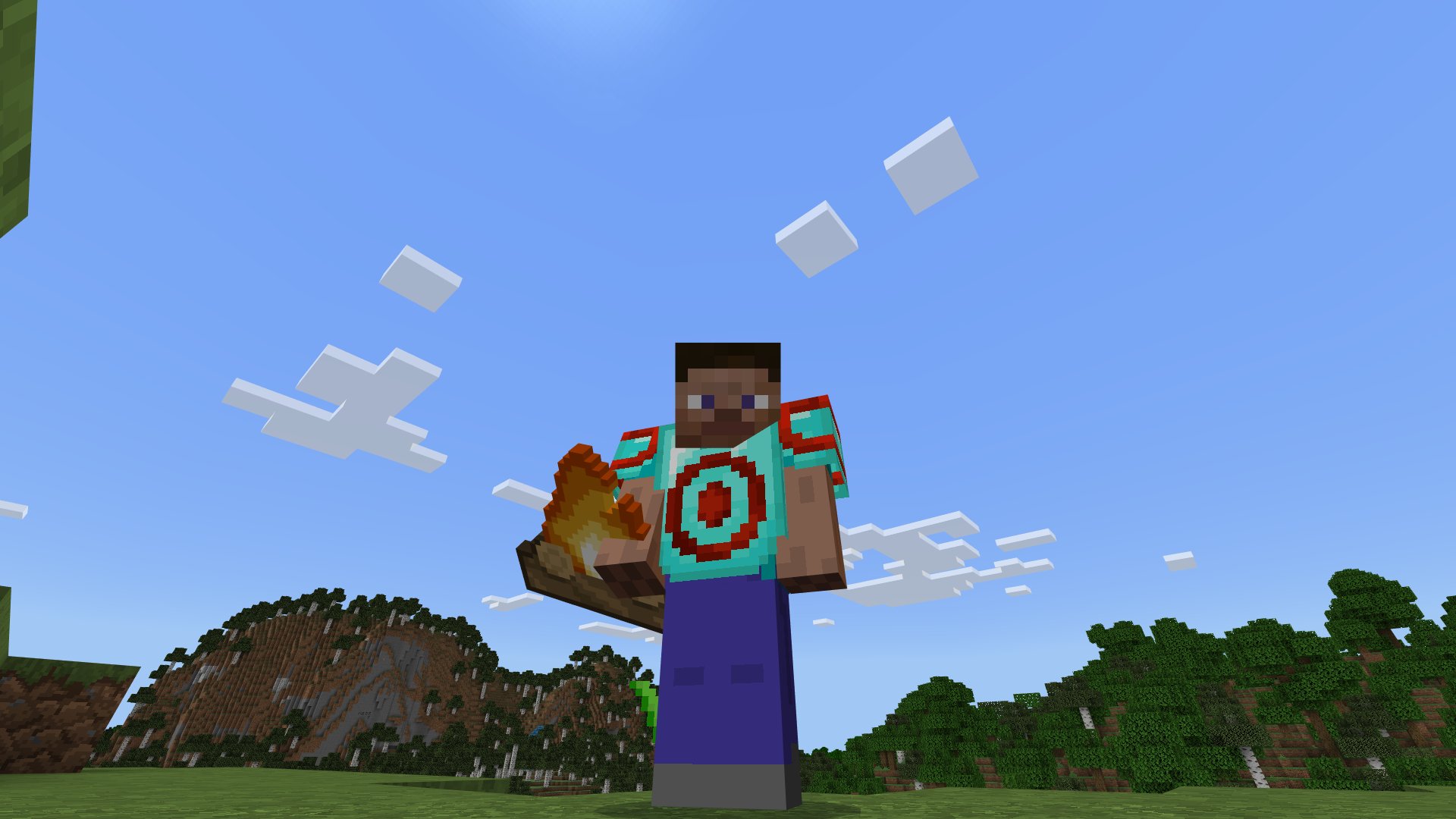
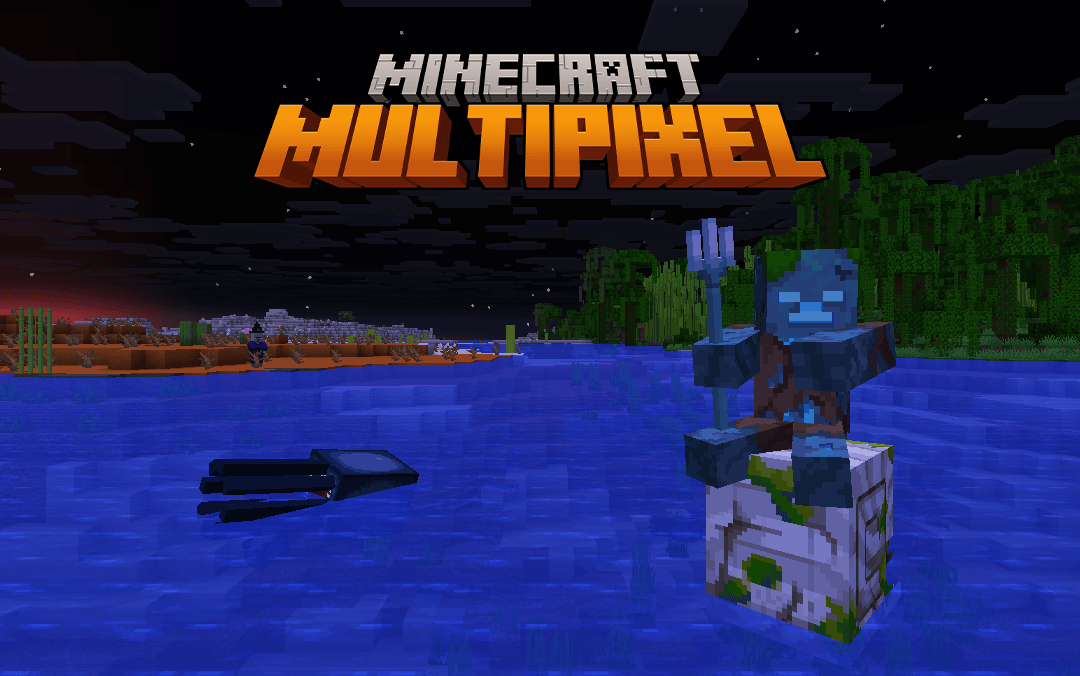
MultiPixel Texture Pack – Bedrock Edition enhances Minecraft with detailed 32×32 HD textures that refresh the game’s visuals while preserving its classic style. This pack is ideal for players looking to upgrade their game’s appearance without straying from the vanilla feel.
Installation / How to Use
- Open Minecraft Bedrock Edition and navigate to the Settings menu.
- Go to “Global Resources” under the settings.
- Locate and select the MultiPixel texture pack from the available list.
- Click the wrench (spanner) icon to access subpack options.
- Choose your preferred subpack version.
- Exit the settings and start playing with the enhanced textures.
Requirements / Compatibility
This texture pack is designed for Minecraft Bedrock Edition and supports all platforms running it. It is optimized for 32×32 resolution, offering a balance between detail and performance. Ensure your device meets the minimum requirements for running HD texture packs smoothly.
Key Features
- Fully updated 32×32 HD textures improving the visual quality of all blocks and items.
- Maintains the original Minecraft vanilla style for a familiar experience.
- Includes multiple subpacks to customize your look:
- Original Subpack: Classic Bedrock HD textures.
- Bedrock Subpack: Enhanced Bedrock HD visuals.
- Java Subpack: Adds Java Edition-inspired features such as animations, UI improvements, and particles.
- Fancy Subpack: Incorporates elements from Java Edition, Dungeons, Legends, and Earth with extra effects.
Notes / Troubleshooting
There is a known issue with holding large items in hand, which is a bug originating from the game itself. The pack includes fixes for most large items, but some, like wolf armors, snowballs, and arrows, might still be affected due to duplicate identifiers.
Voting for this bug through official channels can help prioritize a permanent fix.
MultiPixel Texture Pack – Bringing HD detail to your Minecraft world with consistent 32×32 resolution textures.
Screenshots

MultiPixel_Bedrock_1.21.130_rv1
[24.82 MB]

