Lunac Shaders 3D
16.03.2026
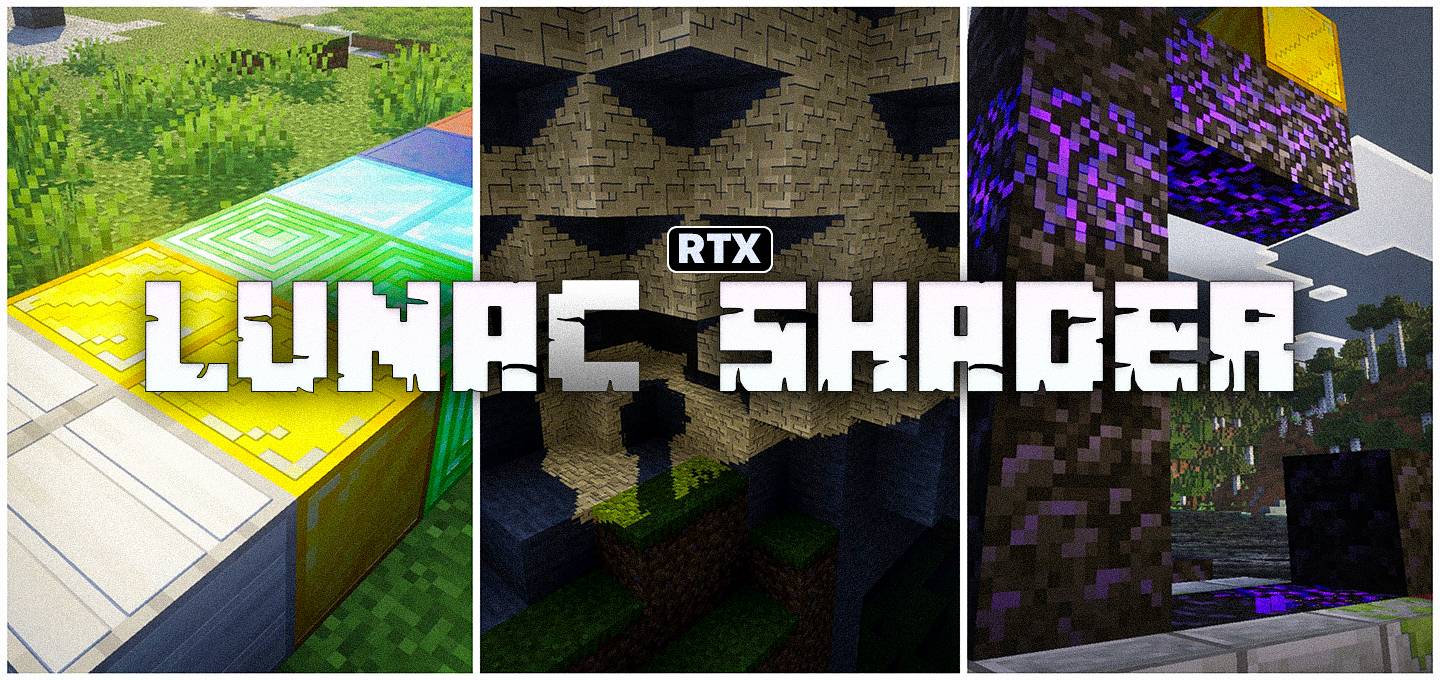
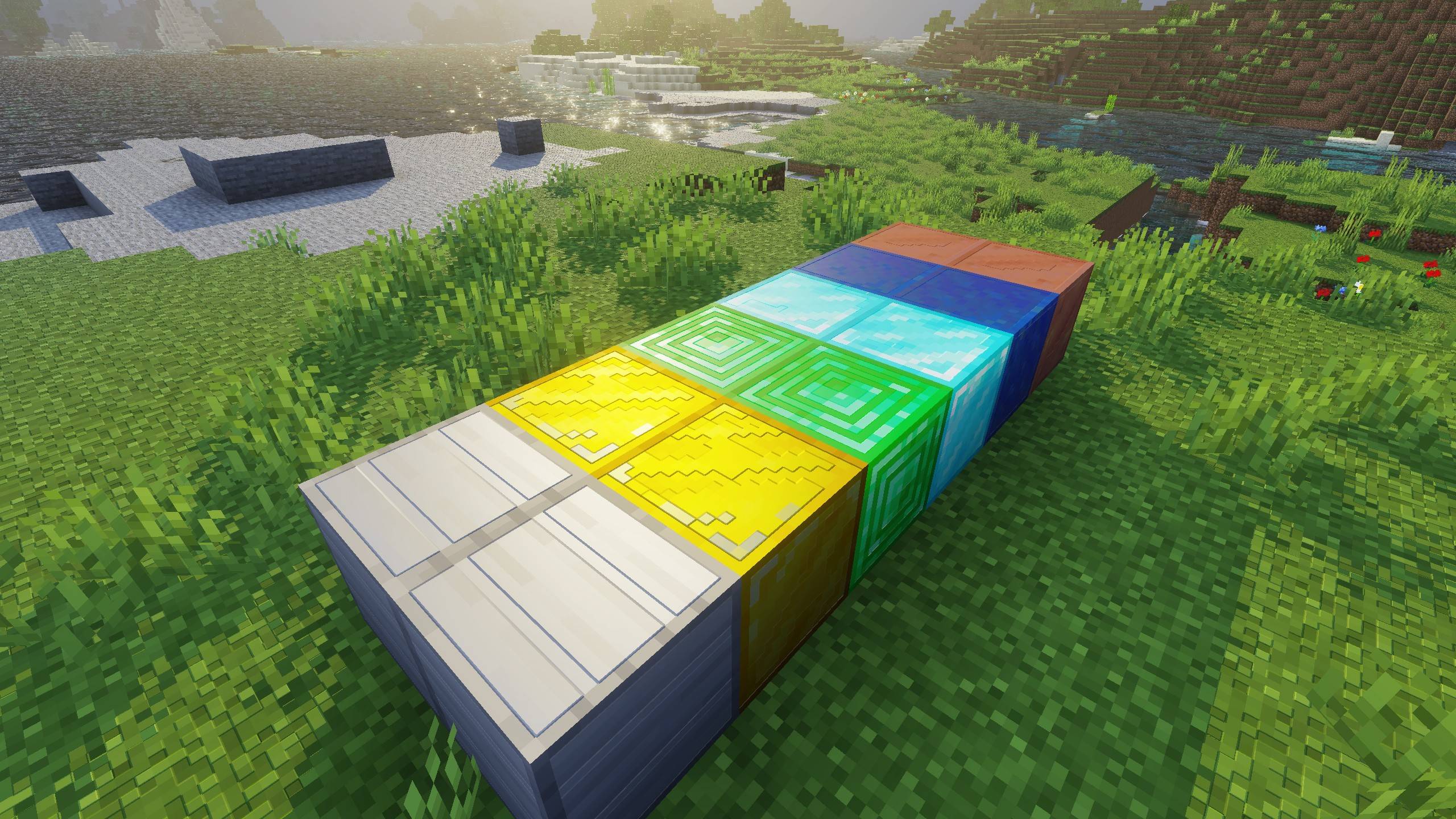
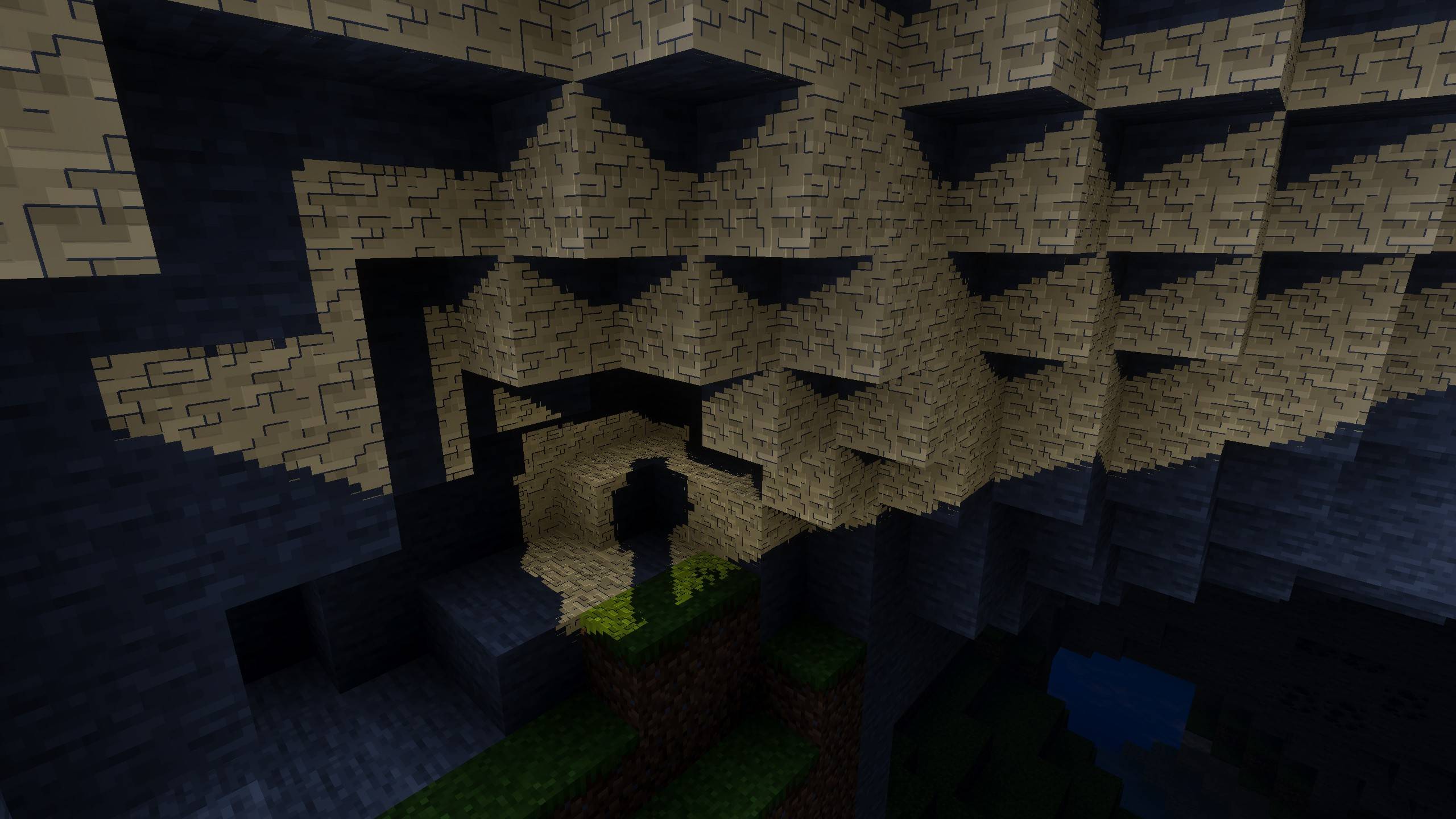
Lunac Shaders 3D 1.7 | RTX, Heightmaps, High – Q Lighting And Shadows enhances Minecraft with advanced visuals, providing a realistic RTX-like experience through heightmaps and MERS textures. This PBR (Physically Based Rendering) shader version improves detail, shadows, and lighting effects with 3D block depth for a more immersive gameplay environment.
Installation / How to Use
- Activate the Lunac Shaders within your Minecraft world.
- While inside the world, open Settings and navigate to Lunac Settings.
- Set the Graphics Mode to Vibrant Visuals to enable the shader’s full capabilities.
- Adjust the brightness setting to your preference for optimal visuals.
- Choose Favor Performance mode if you experience lag, or Favor Quality if your device can handle enhanced graphics.
- Set the resolution slider to Native to maintain texture clarity and quality.
Recommended Brightness Setting:

Adjust brightness further if desired.
Requirements / Compatibility
This shader pack works on any device that supports the Vibrant Visuals graphics mode and does not require RTX hardware. It is designed to improve upon the original Lunac Shaders by adding enhanced textures and lighting effects while maintaining broad compatibility.
Key Features
Depth with Heightmaps
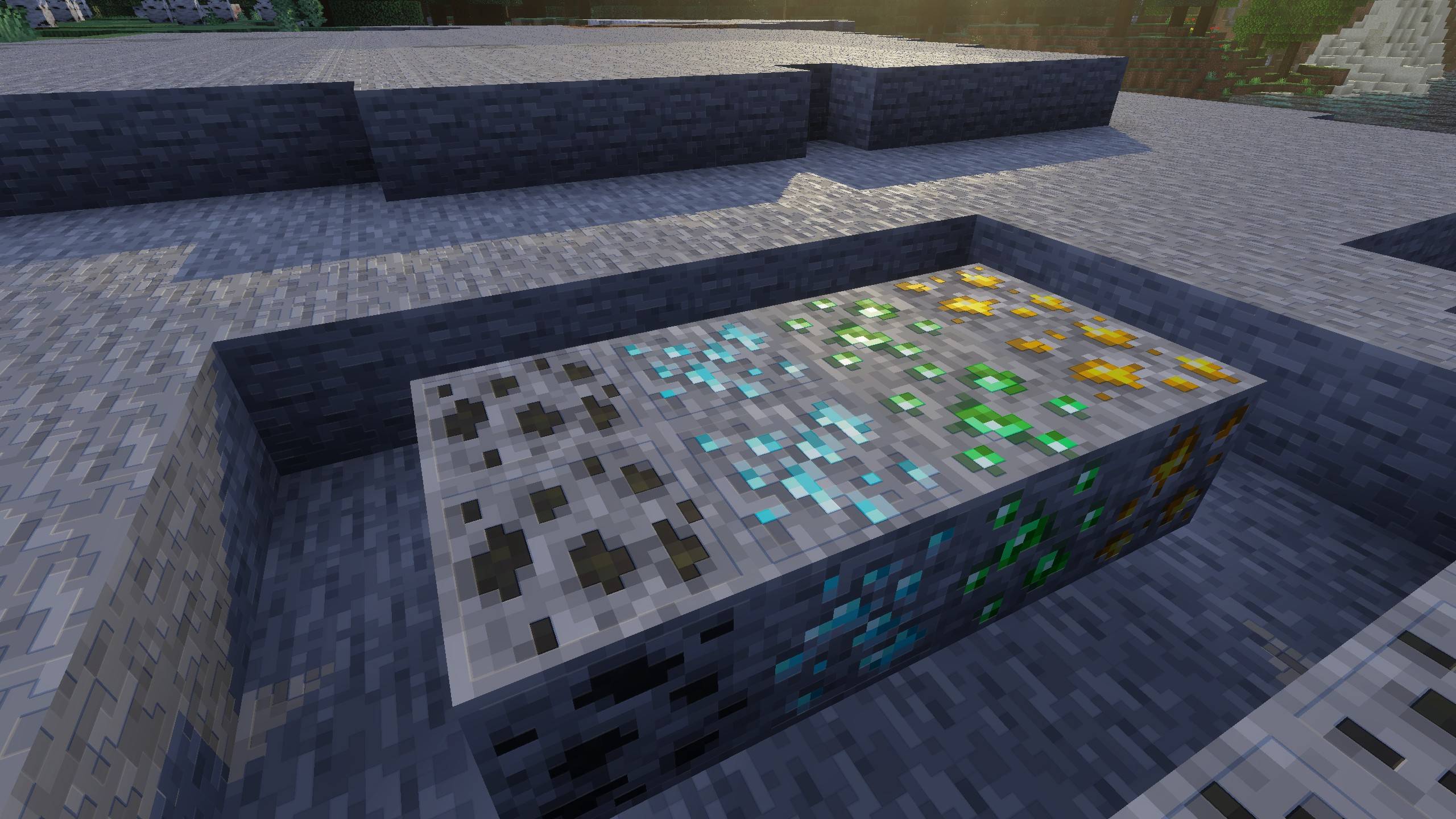
Heightmaps add true depth to blocks, making surfaces appear more tactile. Details like ridges, grooves, and bumps on materials such as stone, wood, and bricks become visually distinct, giving builds a solid, lifelike feel.
Realistic Materials Using MERS Textures
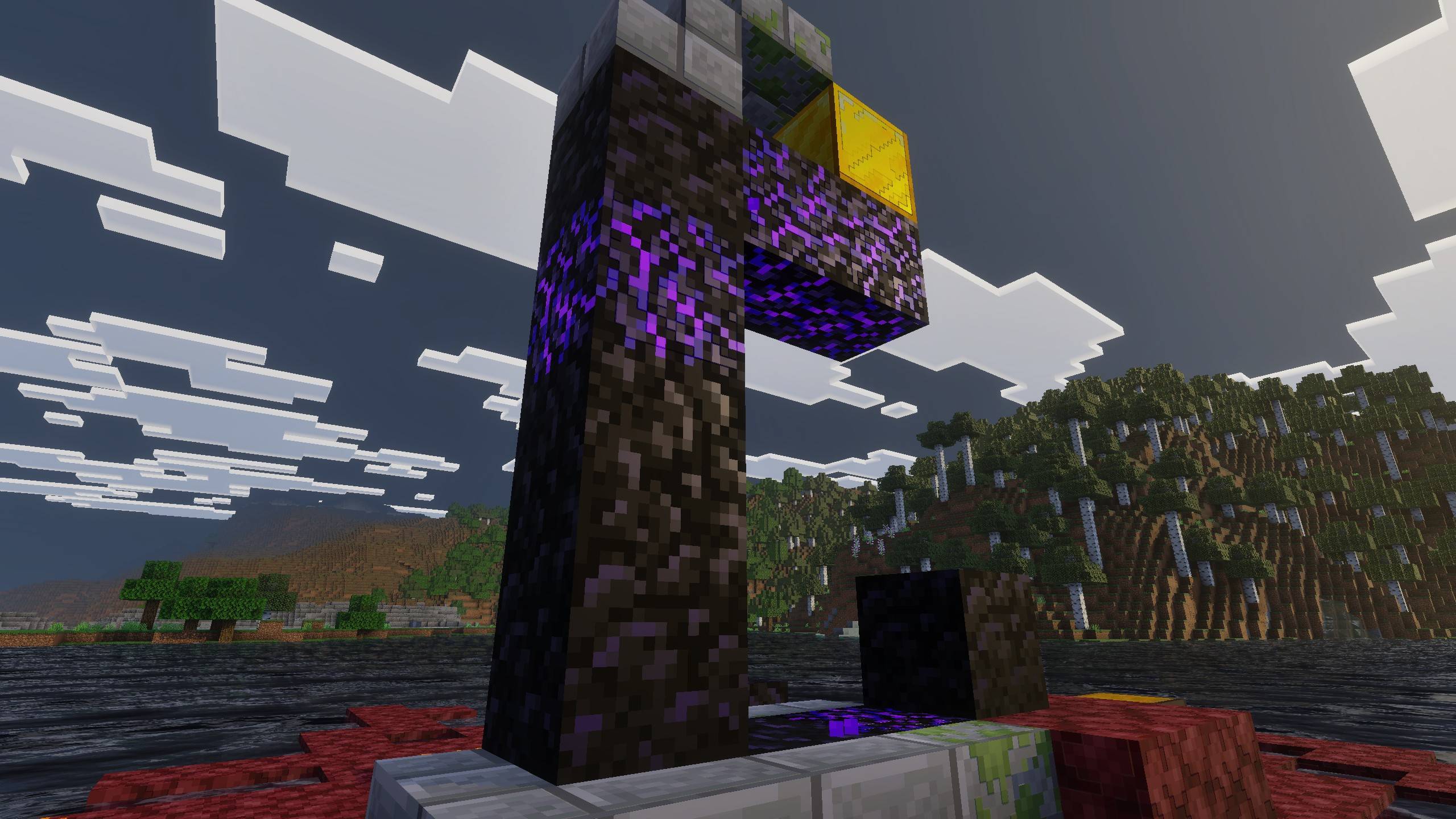
MERS textures allow blocks to respond authentically to light. Metals have natural shine, polished surfaces reflect appropriately, and rough textures absorb light realistically instead of glowing unnaturally. Each block possesses individual properties like metalness, reflectiveness, and emissiveness for a richer appearance.
Enhanced Lighting & Reflections
Lighting and materials interact seamlessly: sunlight casts subtle shadows in block crevices thanks to heightmaps, while light scattering is more natural due to MERS. You can observe light filtering through leaves and enhanced reflections on metals and glass.
Water, Shadows, and Atmospheric Effects
Water visuals remain highly realistic, now enhanced by heightmaps and MERS for more vibrant ripples and reflections. Shadows gain complexity by falling over textured surfaces, improving overall atmosphere and immersion.

Notes / Troubleshooting
If you experience performance issues, switch to “Favor Performance” mode in settings. For the best visuals, use “Favor Quality” mode and set resolution to “Native”. Always ensure you have enabled Vibrant Visuals rather than the RTX toggle to guarantee compatibility.


Lunac shaders - 3D v1.7.mcpack
[5.39 MB]

