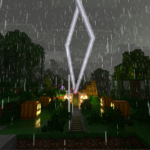
Lightning path RTX
17.03.2026
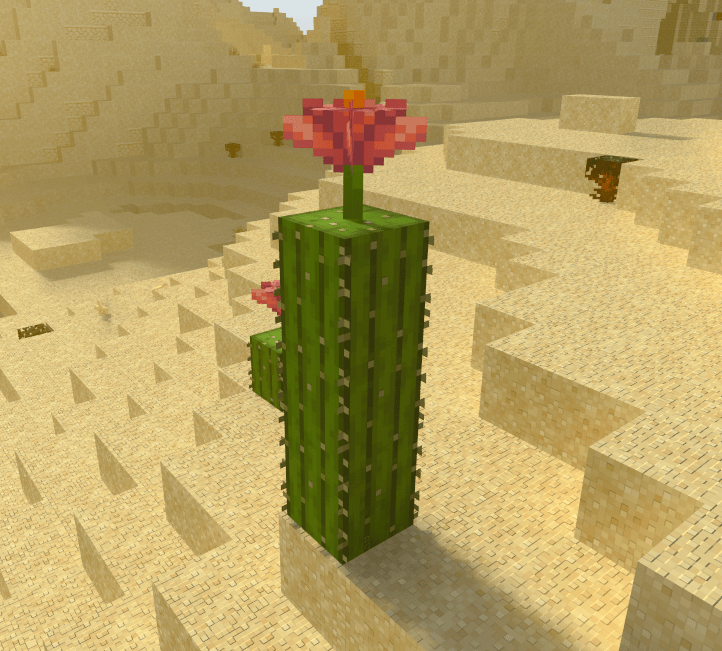
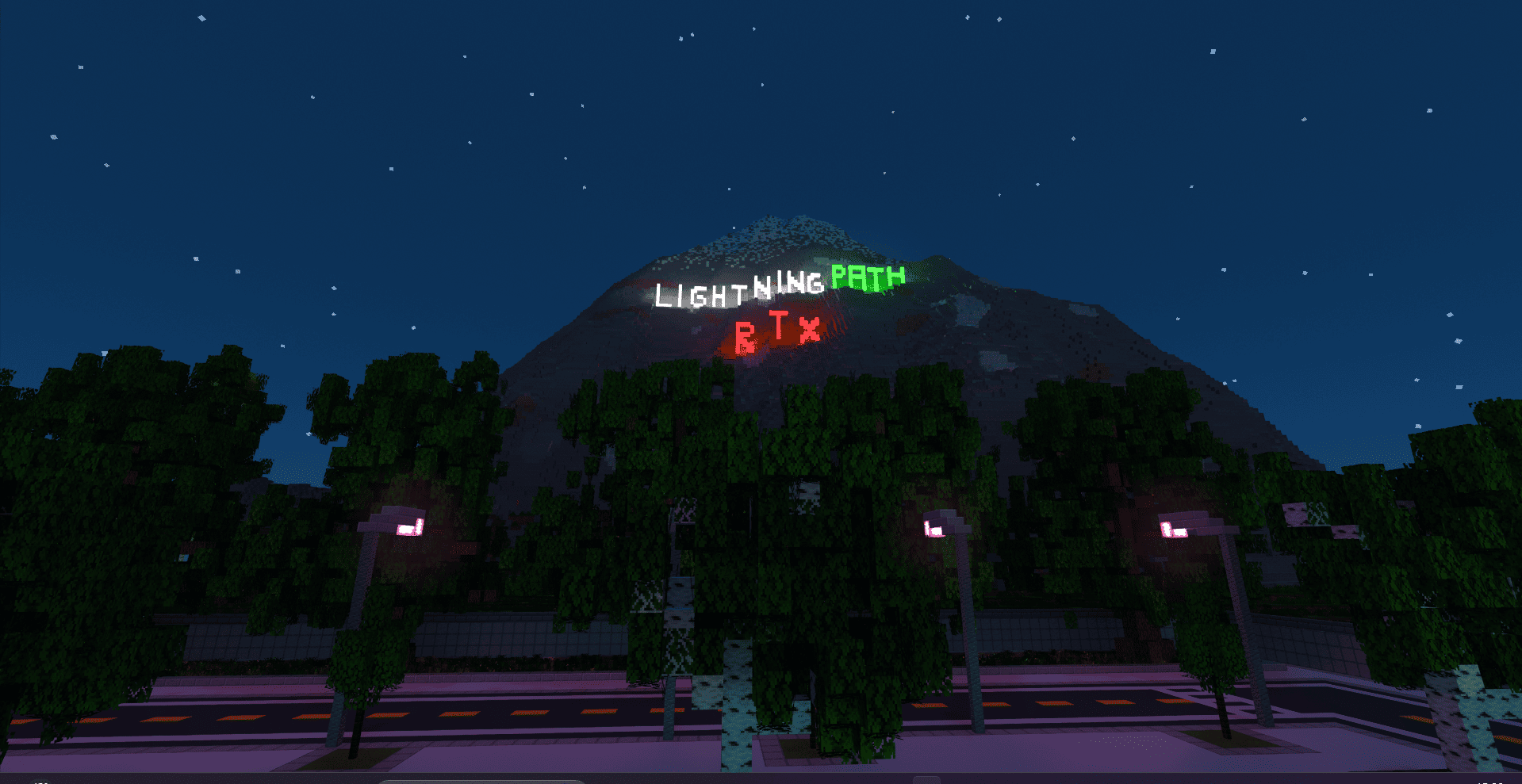
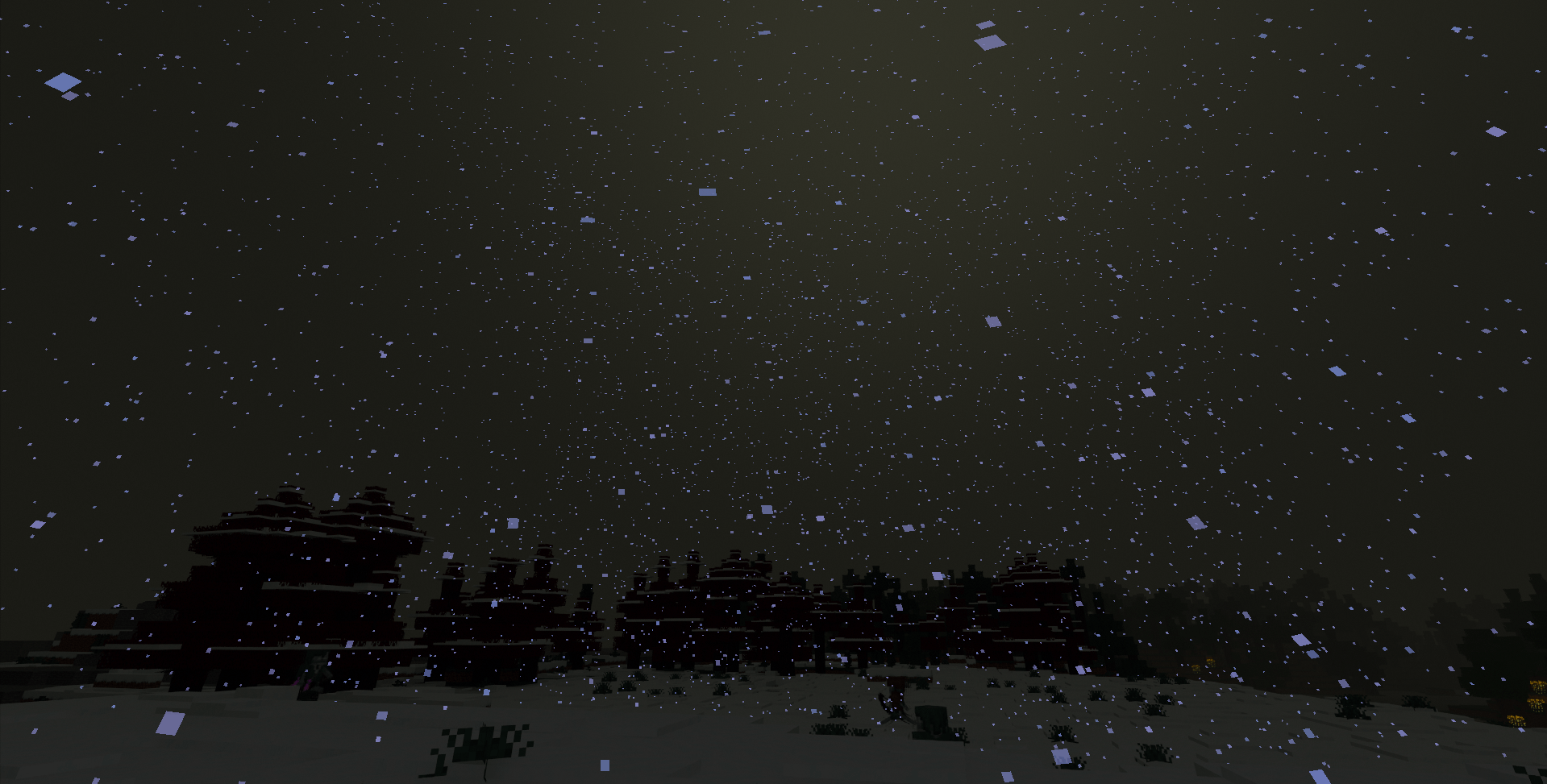
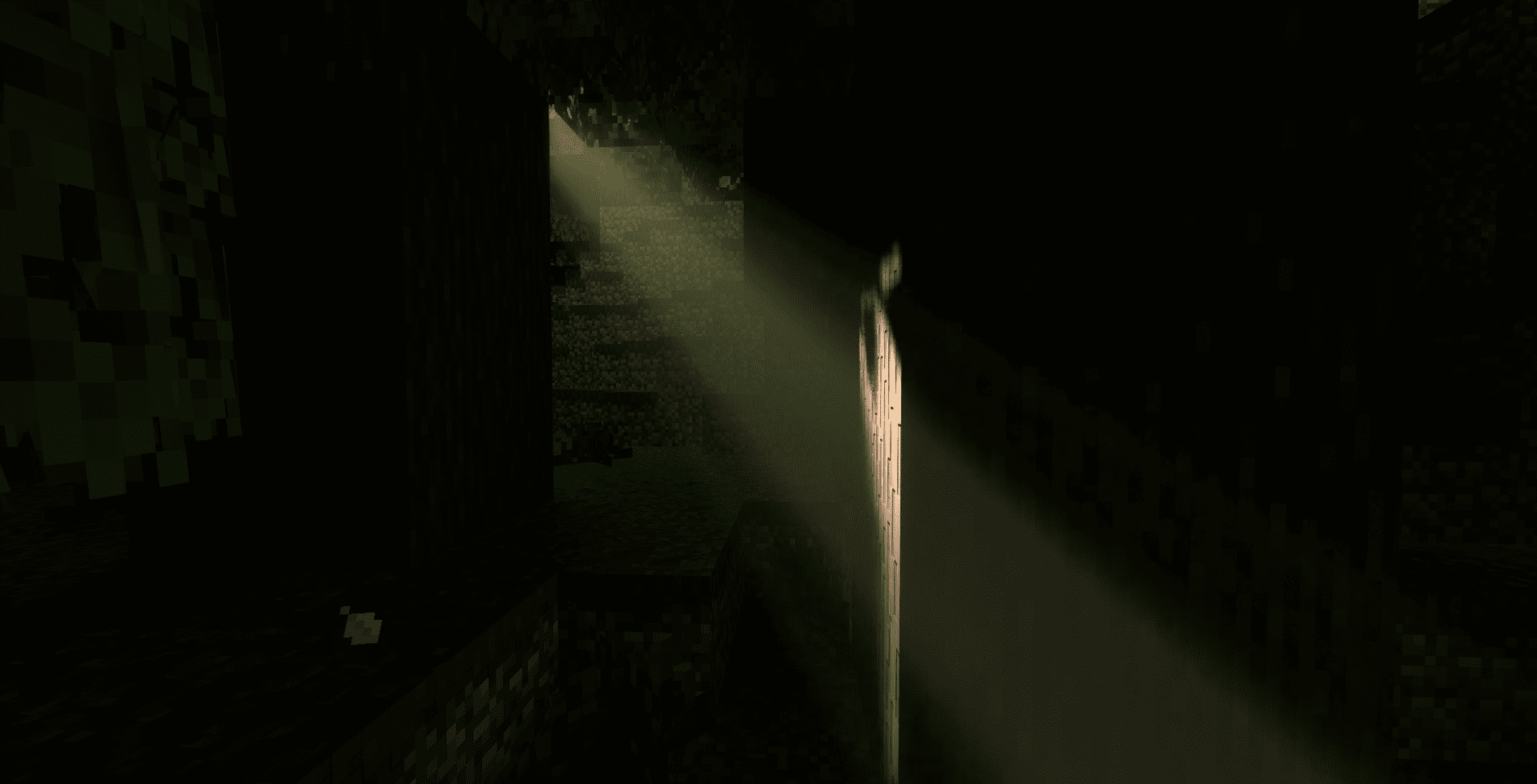
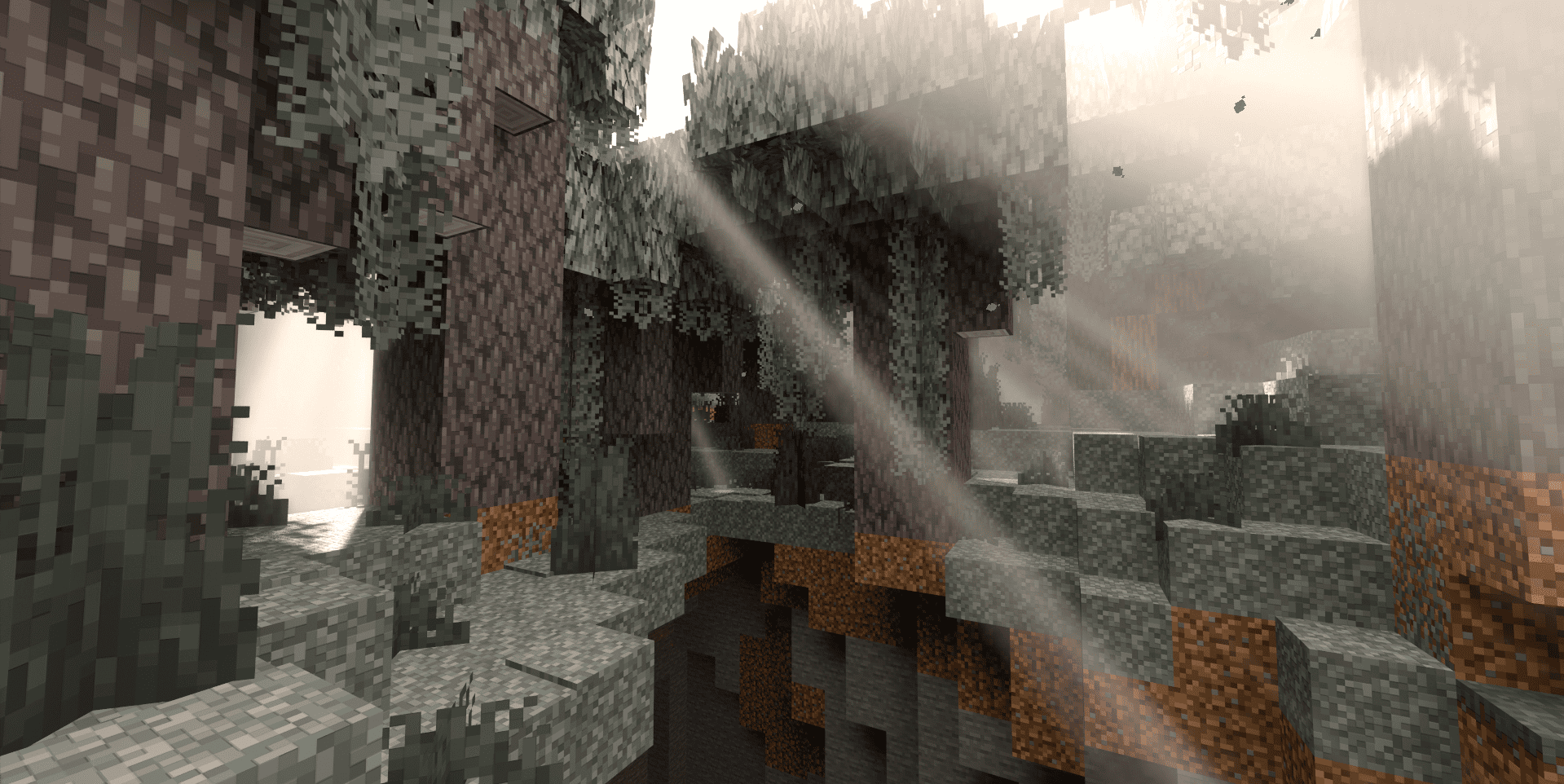
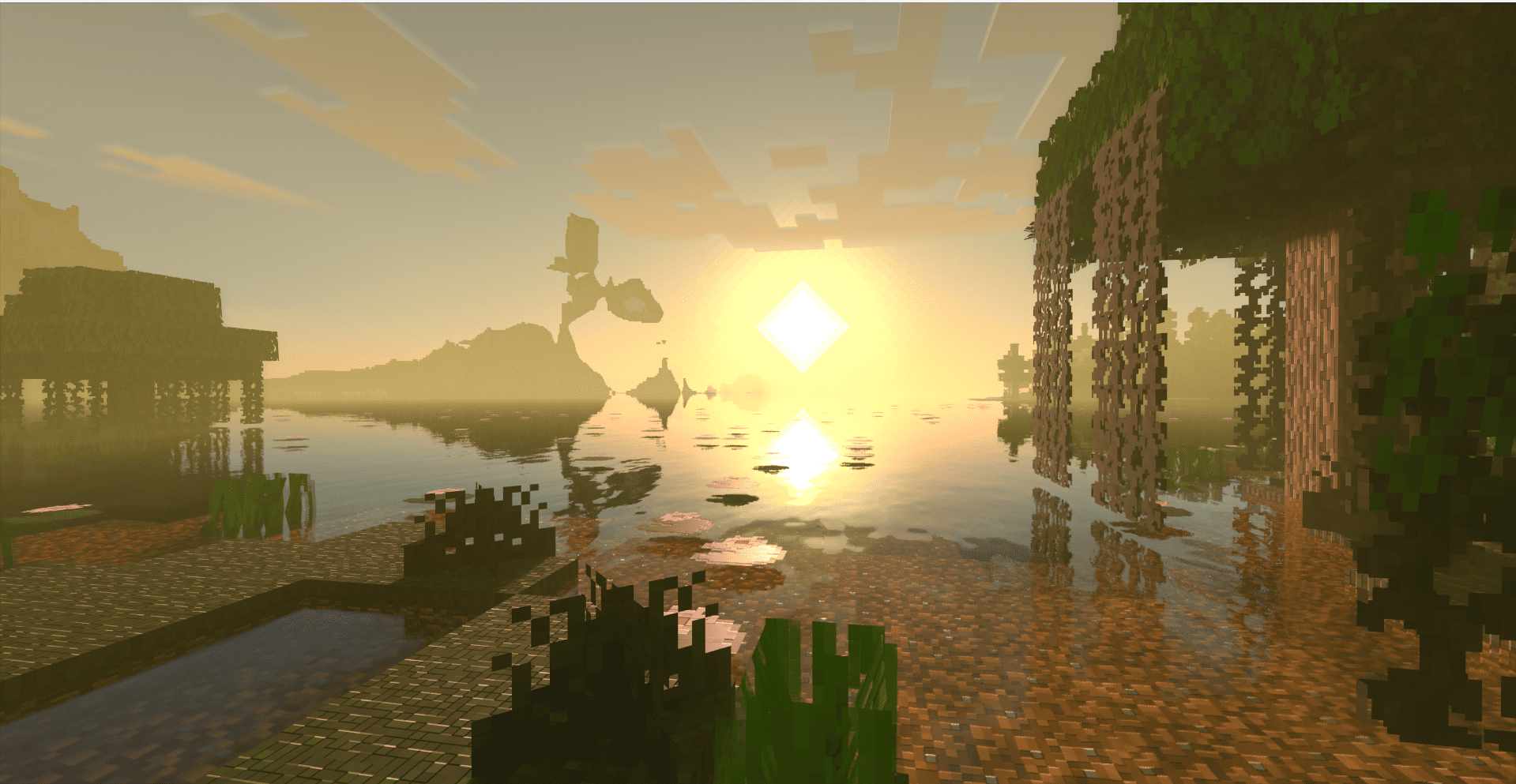
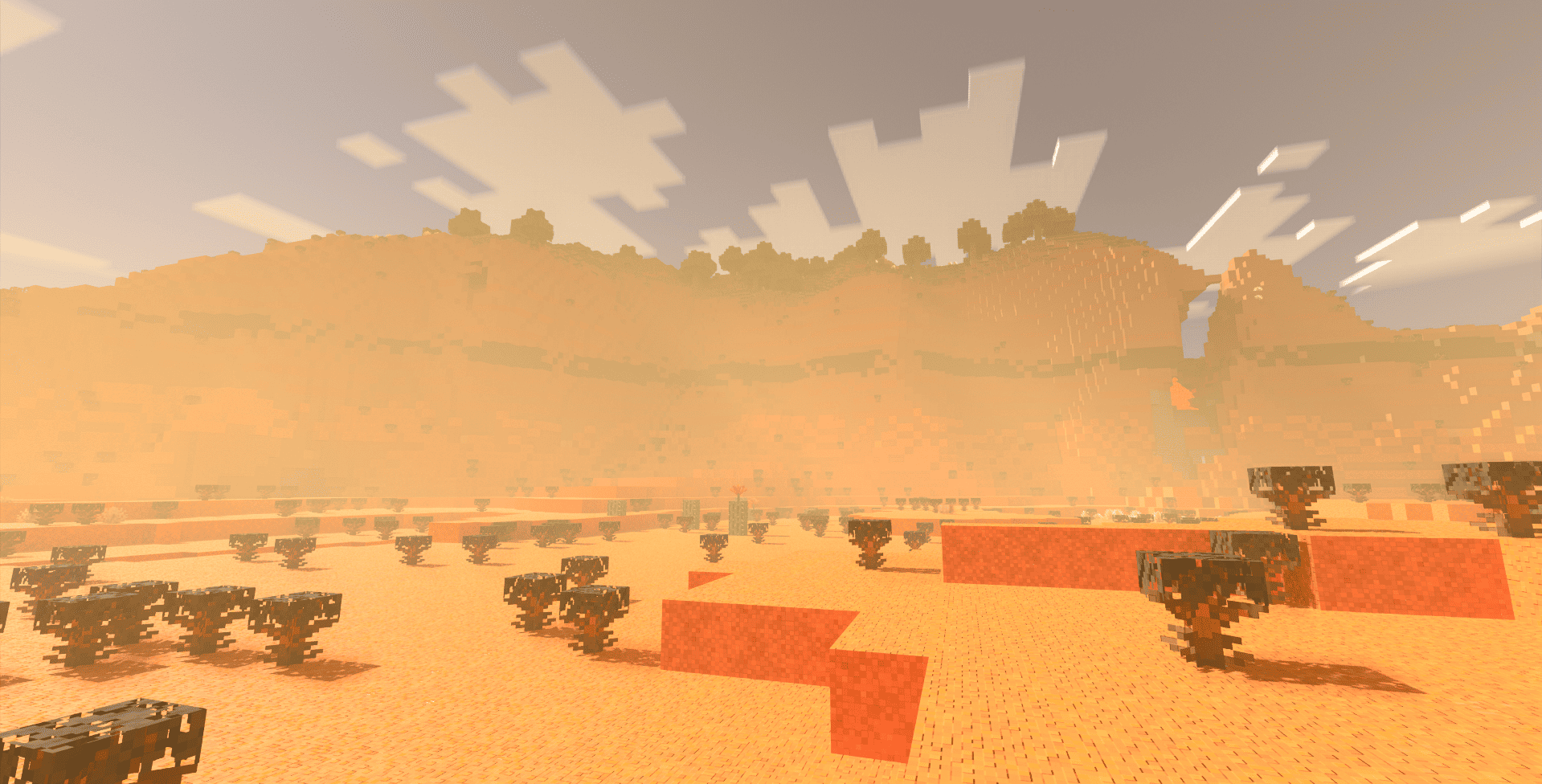
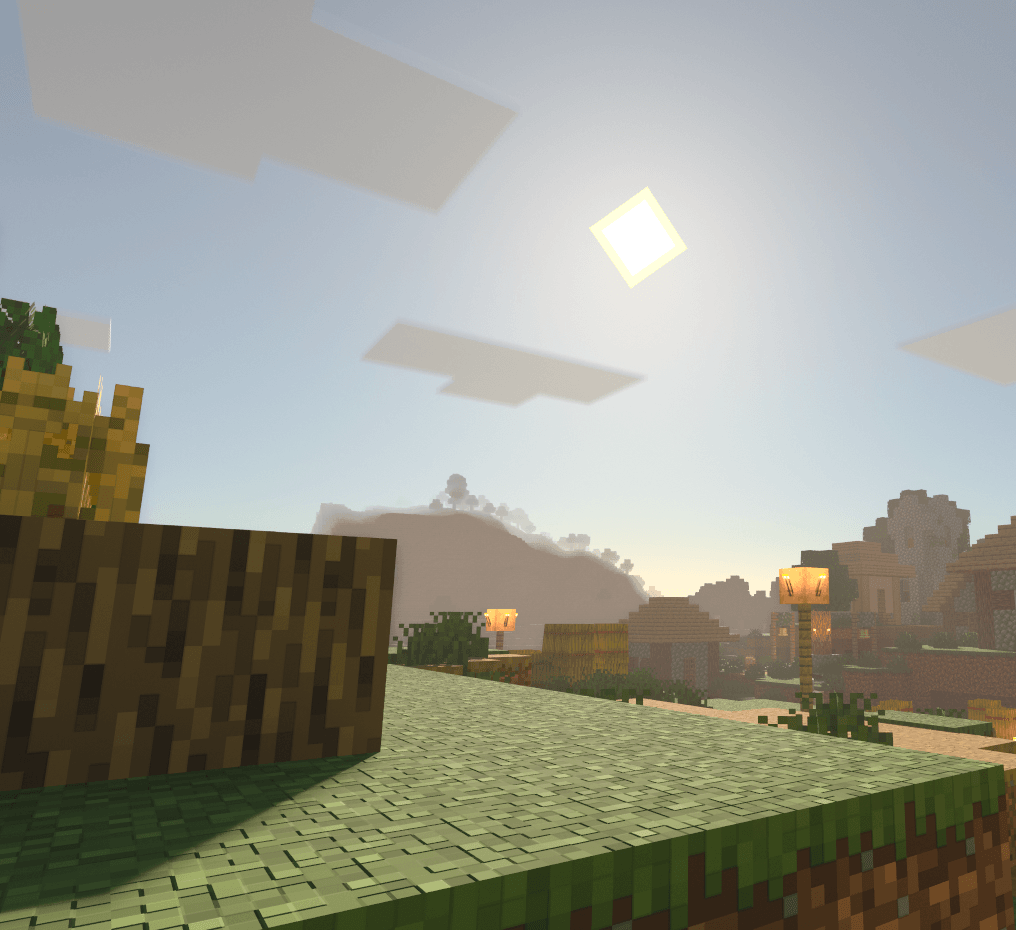
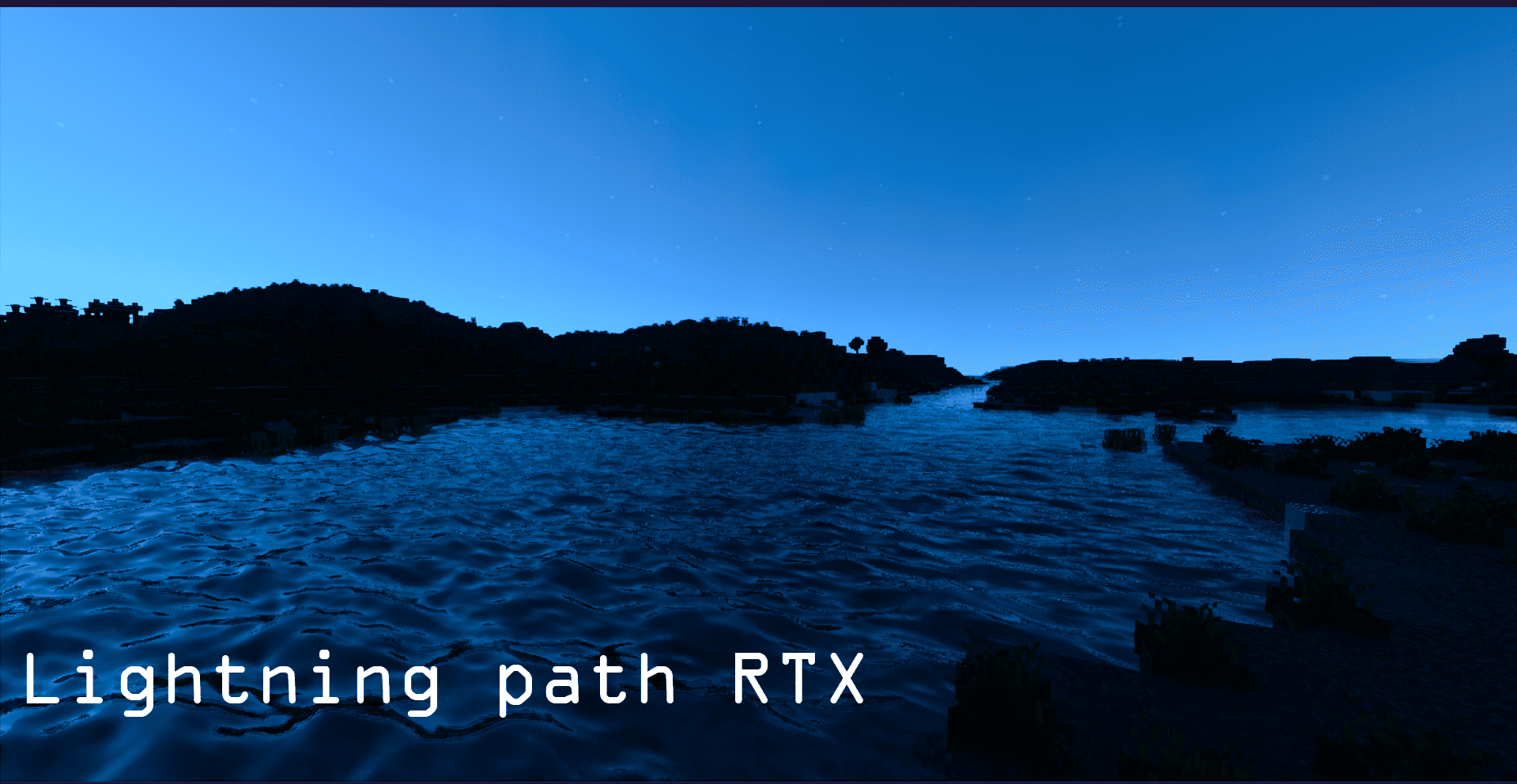
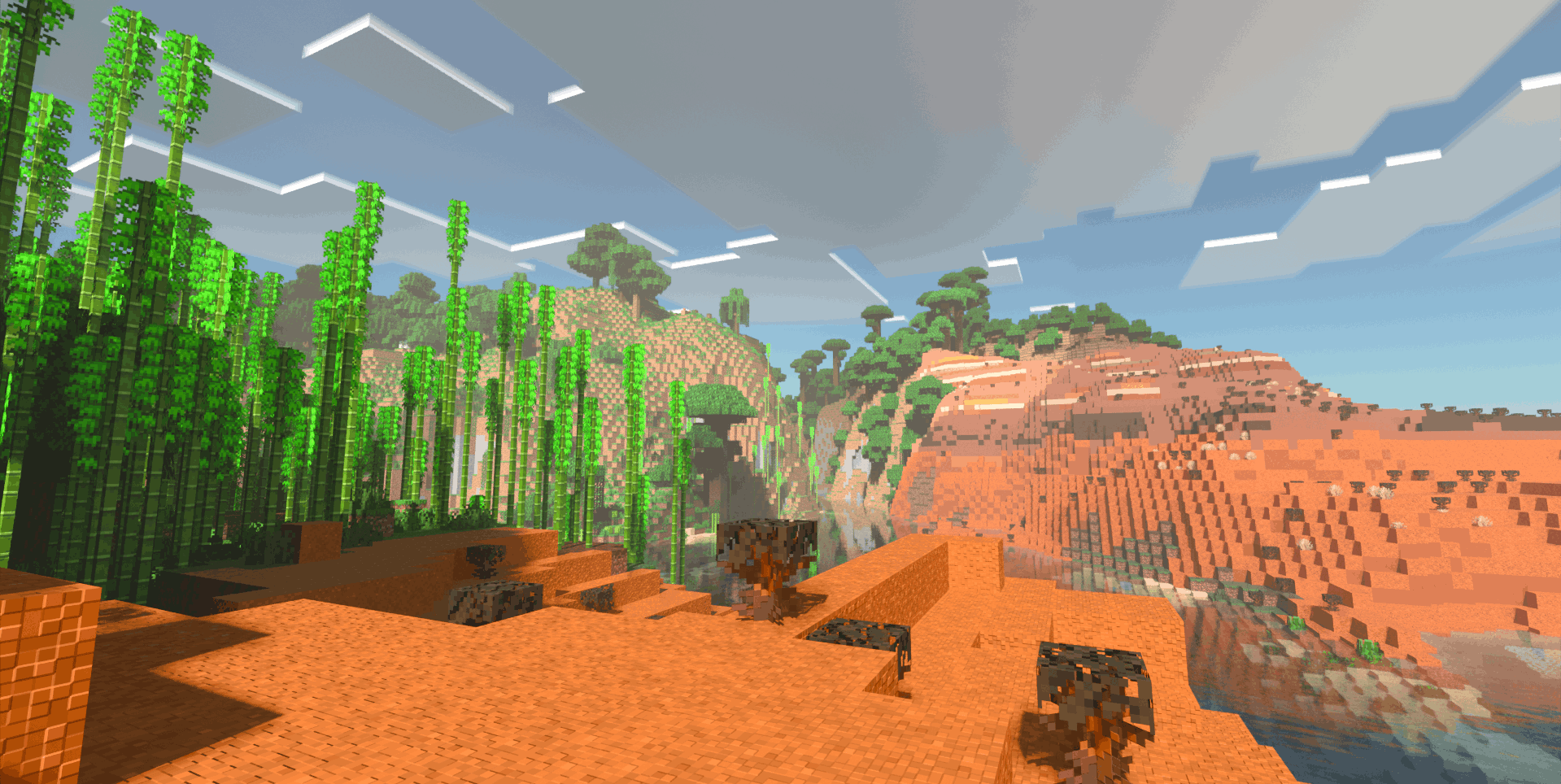
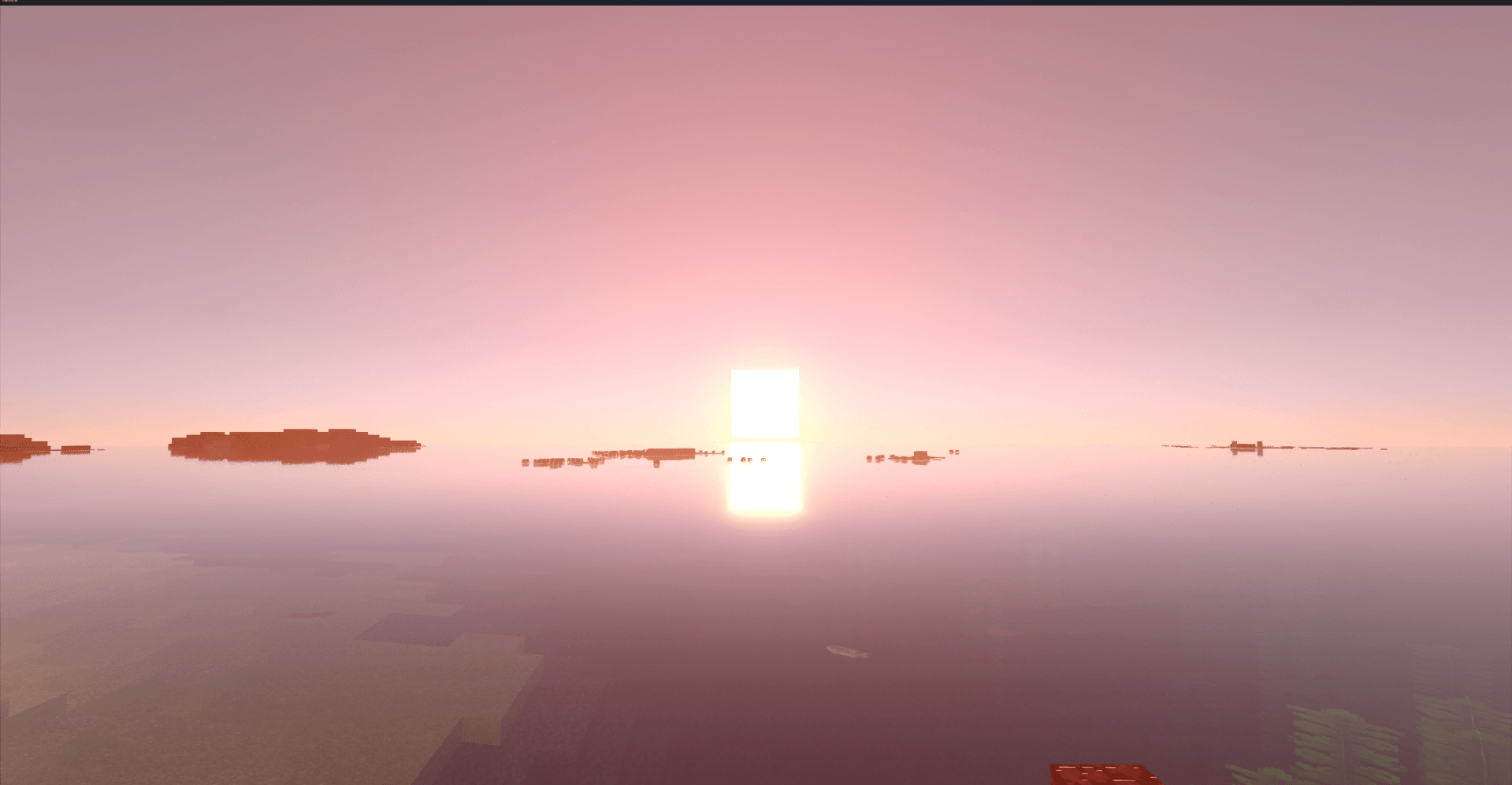
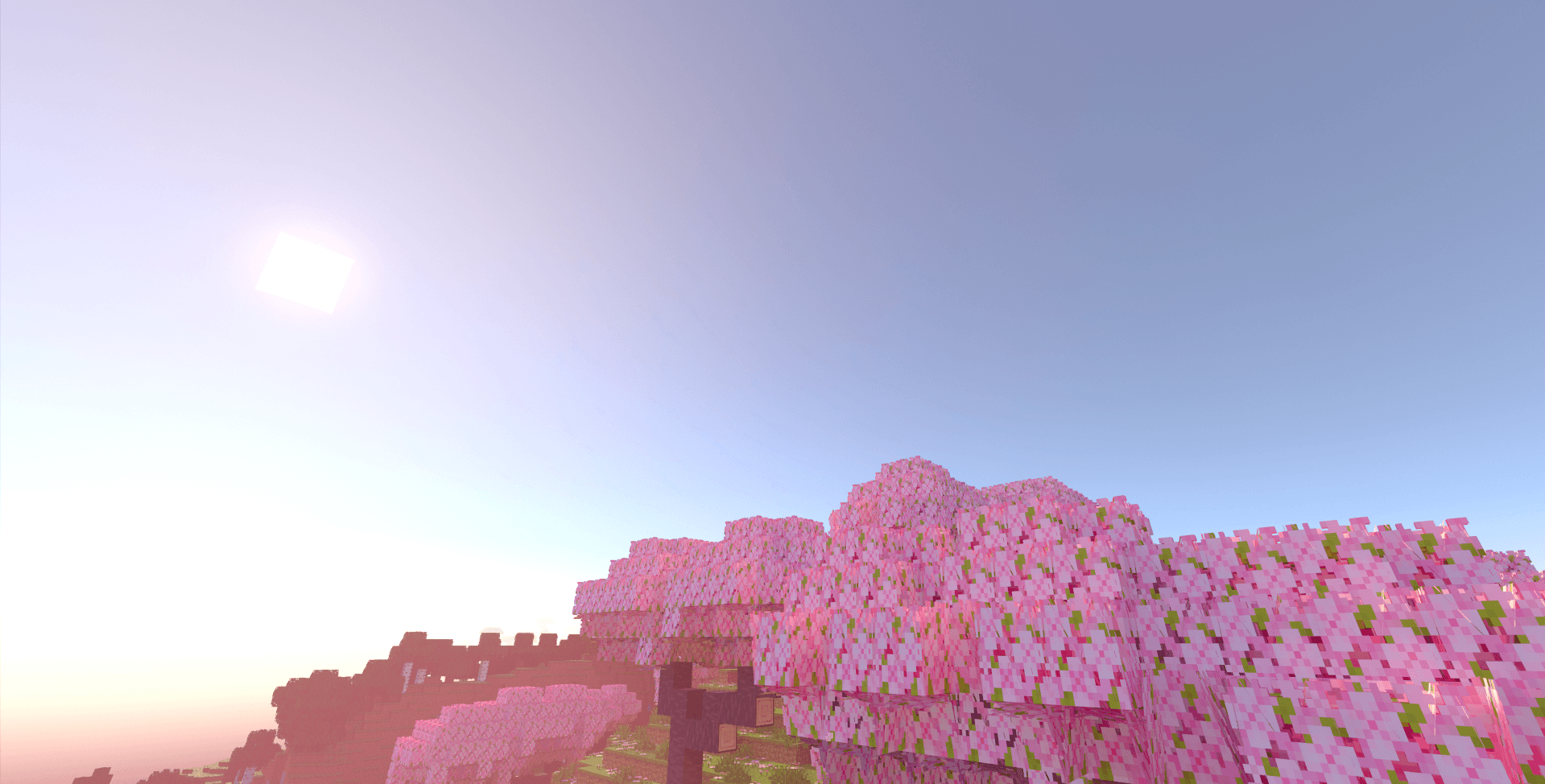
Lightning Path RTX enhances Minecraft with advanced ray-tracing effects, delivering visually stunning improvements to your game environment. This resource pack introduces detailed models, realistic materials, and refined textures that transform the look of blocks, leaves, and lighting within the game.
Key Features
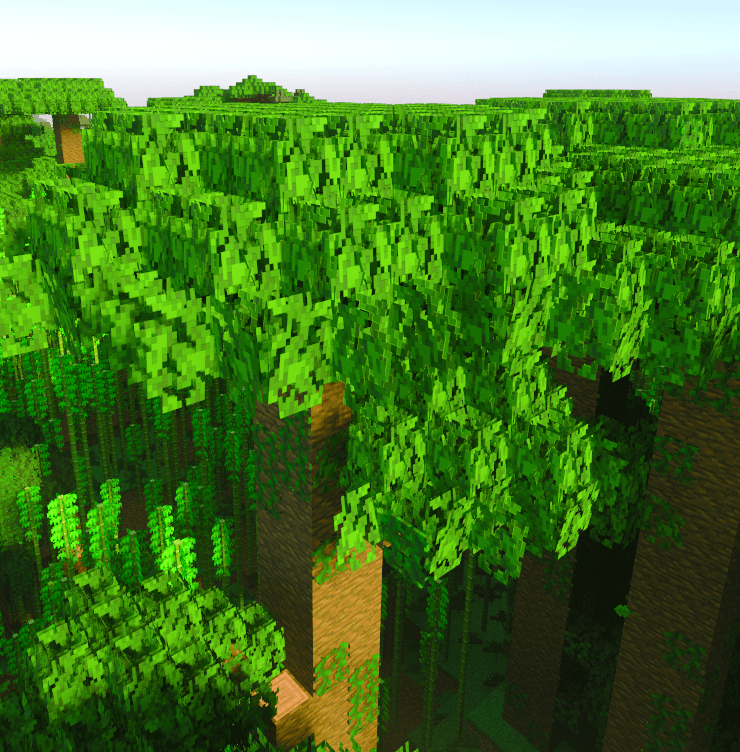
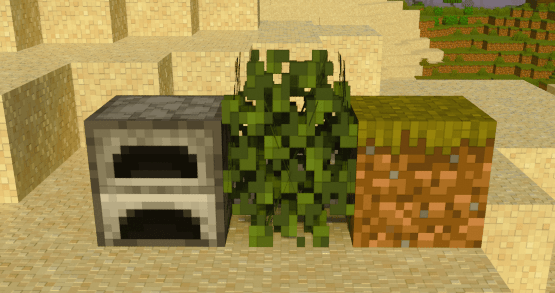
- Enhanced Leaf Models
Experience lush, bushy leaves that add depth and realism to foliage.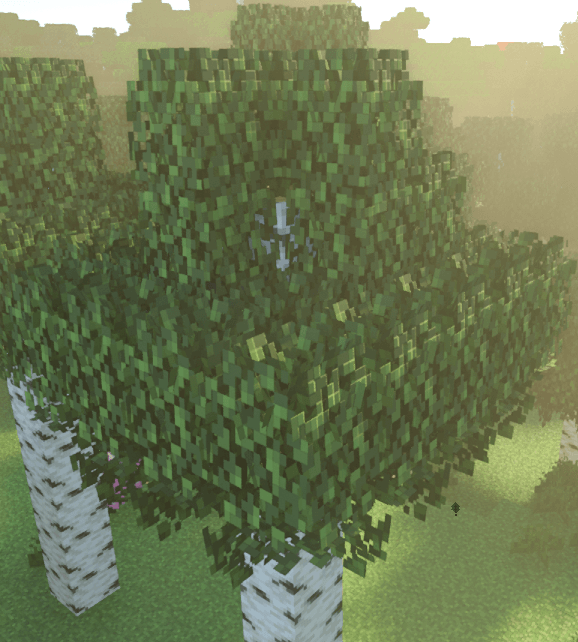
- Updated Block Models
New and improved block designs elevate the visual quality of in-game structures.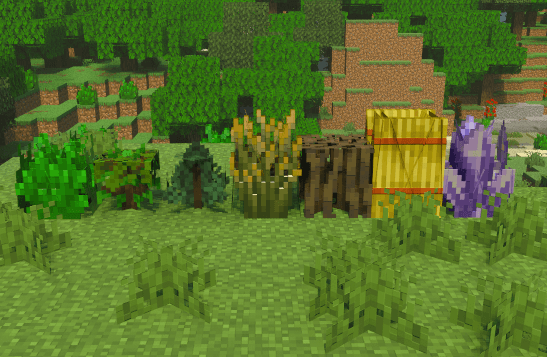
- Refined Textures
Fresh textures provide a more immersive and polished aesthetic. - Physically Based Rendering (PBR) Materials
Advanced PBR materials with heightmaps create realistic surfaces and lighting effects.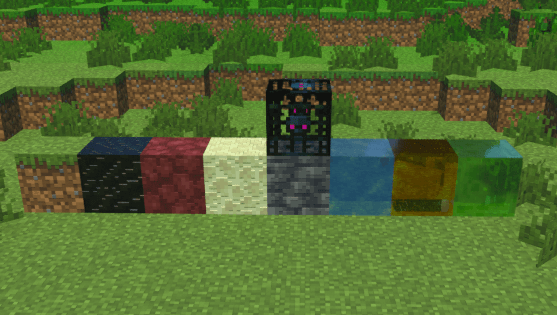
Installation / How to Use
Download and install the Lightning Path RTX resource pack through your Minecraft Bedrock edition resource pack manager. Activate the pack in your world settings to enable ray-traced visuals and enjoy enhanced graphics immediately.
Requirements / Compatibility
This resource pack requires a compatible ray tracing-enabled device and Minecraft Bedrock Edition with ray tracing support. It is designed specifically for use as a resource pack and is not a shader. This pack is independent of deferred rendering or other graphics modes.
Additional Settings
- Default Mode: Standard Lightning Path RTX visual settings.
- Upcoming Features: Enables new features planned for future updates.
- Realistic Sun and Moon: Adds lifelike sun and moon models and improves water clarity.
Notes
Feedback and bug reports are welcome to help improve future versions. This resource pack continues to receive updates enhancing the gameplay experience.
Lightning path 1.14.1 (for preview 26.1+)
[10.26 MB]

