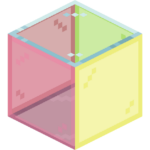
KwZ’s Connected Glass
17.03.2026
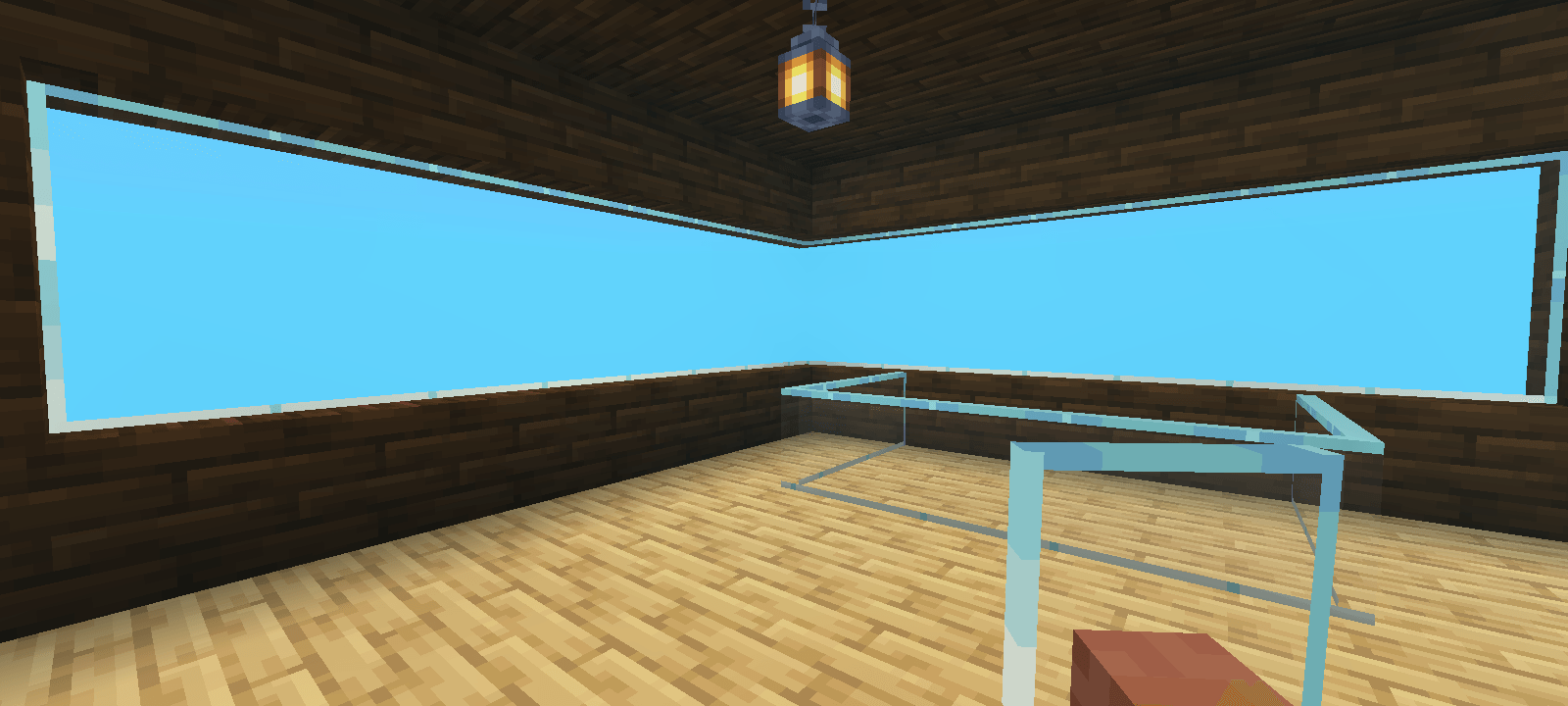
KwZ’s Connected Glass enhances Minecraft Bedrock by introducing glass blocks that seamlessly connect textures for a cleaner appearance. When placing a glass block, it automatically converts into connected glass, creating smooth transitions between adjacent glass blocks. This add-on supports vanilla textures and works with most texture packs, improving visual cohesion without altering the original glass block.
Installation / How to Use
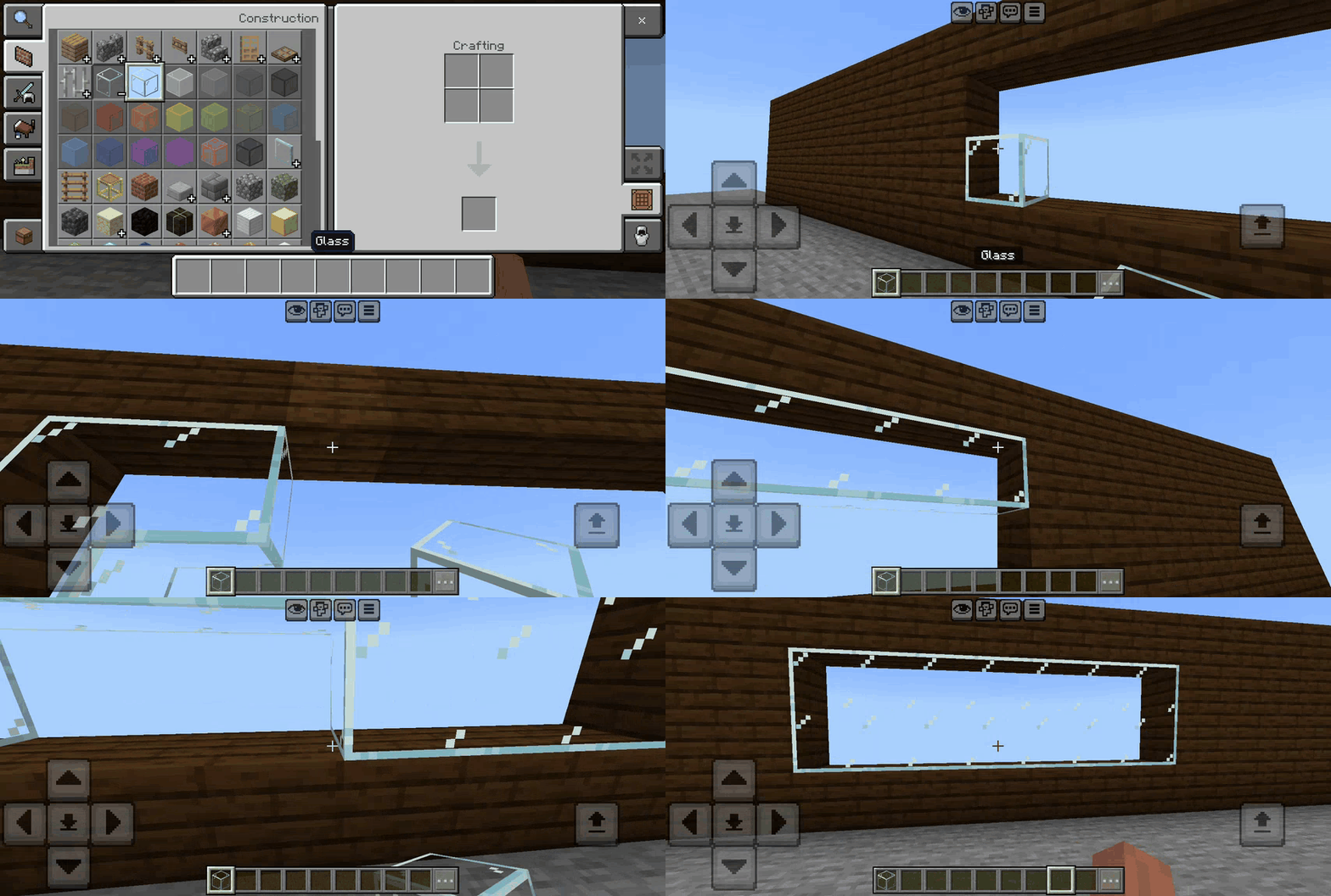
Import the Connected Glass add-on into your Minecraft Bedrock environment. Upon placing a glass block, it will instantly transform into a connected glass block with unified textures. In existing worlds, break and replace any glass blocks to update them to the connected glass version.
Requirements / Compatibility
This add-on does not require any experimental gameplay features to be enabled. It is designed to be compatible with all vanilla glass textures and most texture packs, although some textures may not display perfectly. It does not modify any player configuration files, ensuring full compatibility with standard gameplay and achievements.
Key Features
- Replaces glass placement only, leaving vanilla glass blocks intact.
- Uses standard Minecraft textures, supporting most texture packs.
- Compatible with existing worlds after replacing glass blocks.
- No changes to player.json or other core files.
- No experimental features needed for use.
- Maintains achievement eligibility.
Supported Blocks
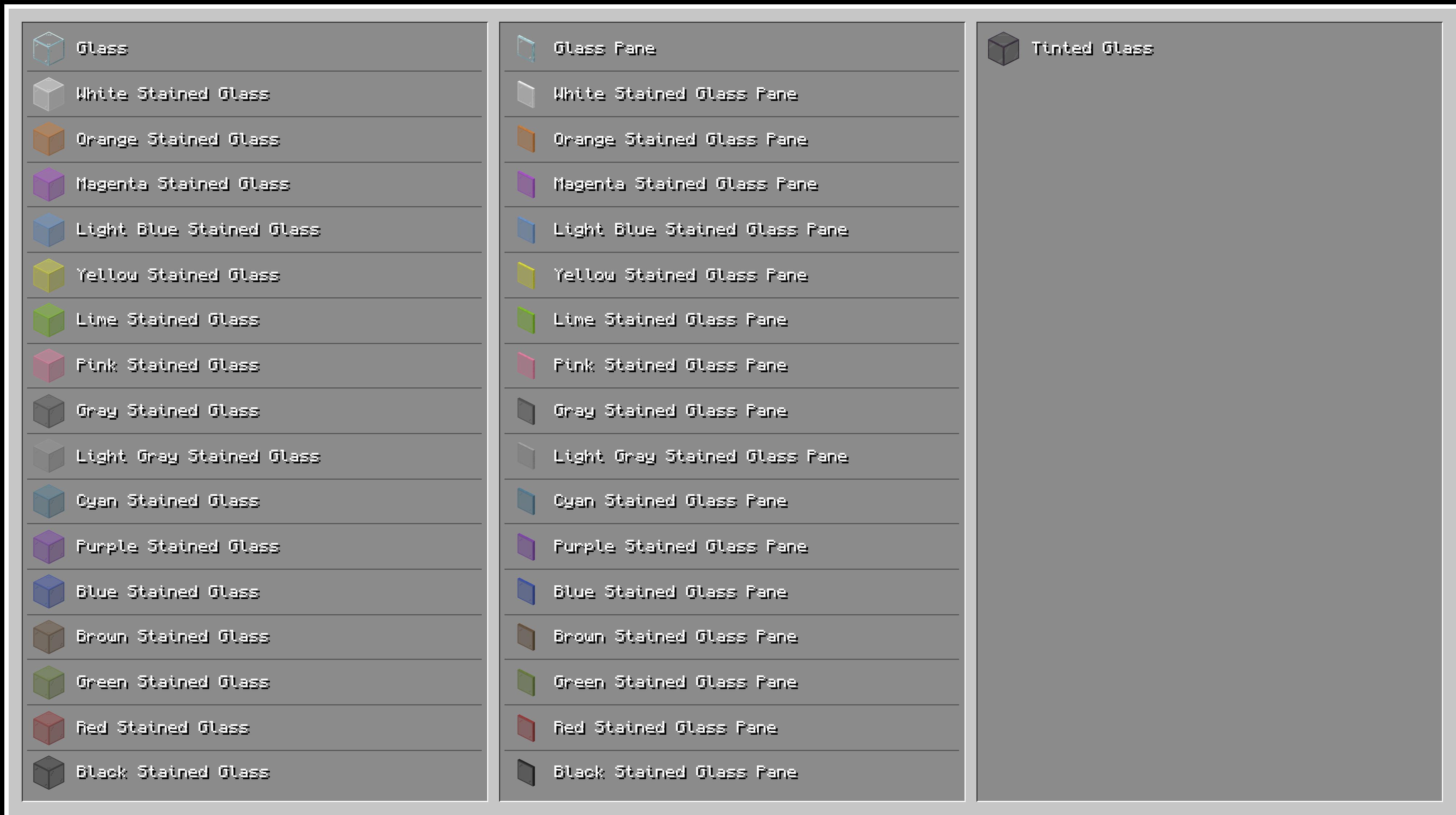
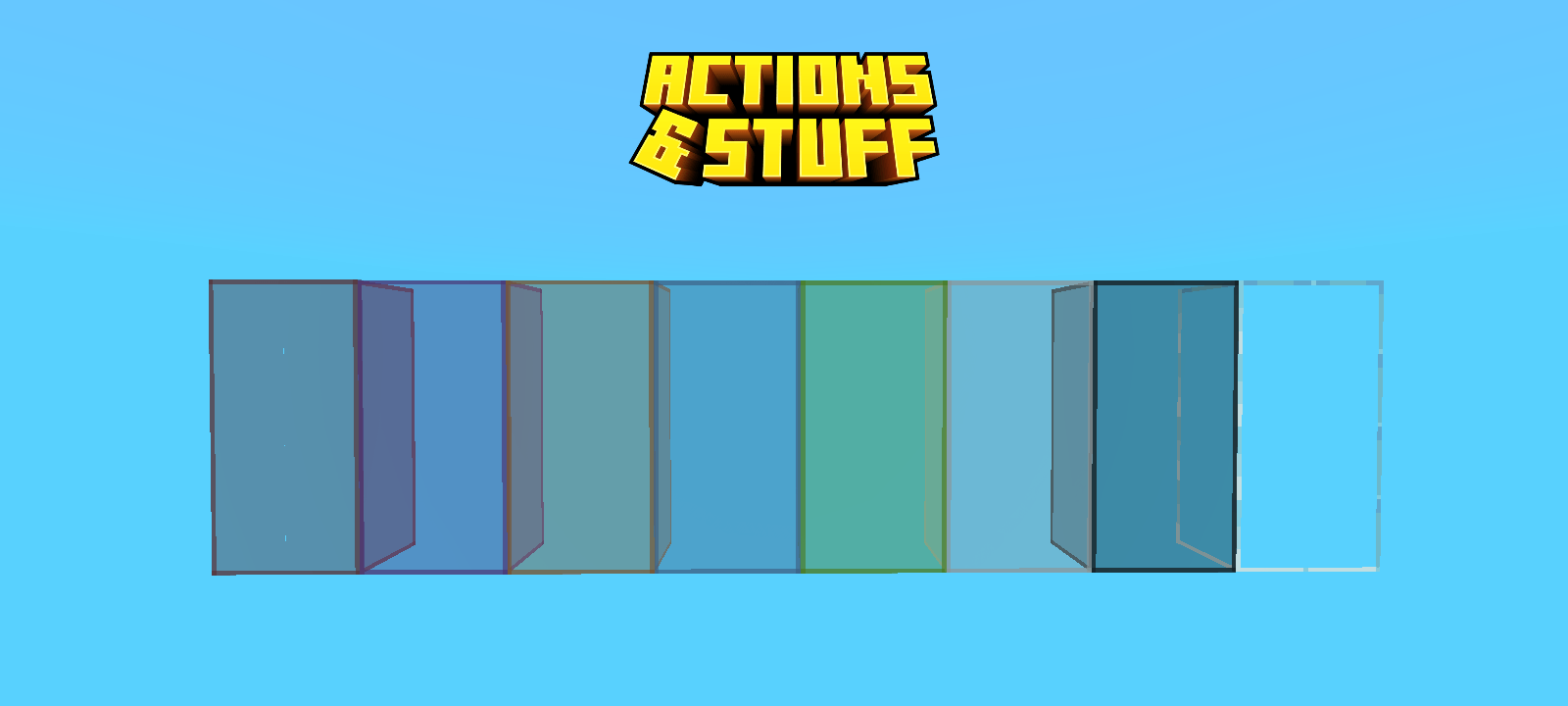
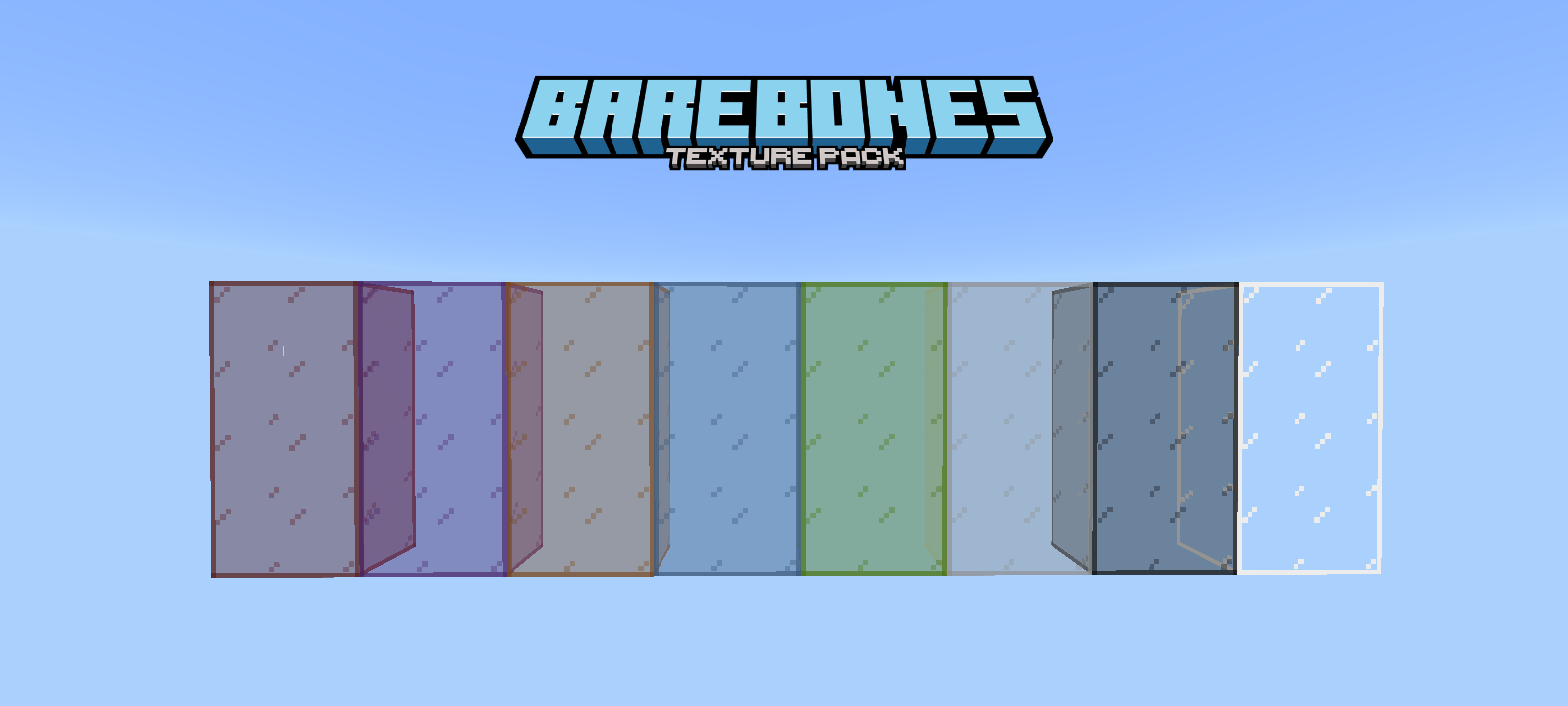
The add-on supports all standard glass blocks, enhancing their appearance with connected textures for a seamless look.
Demonstration
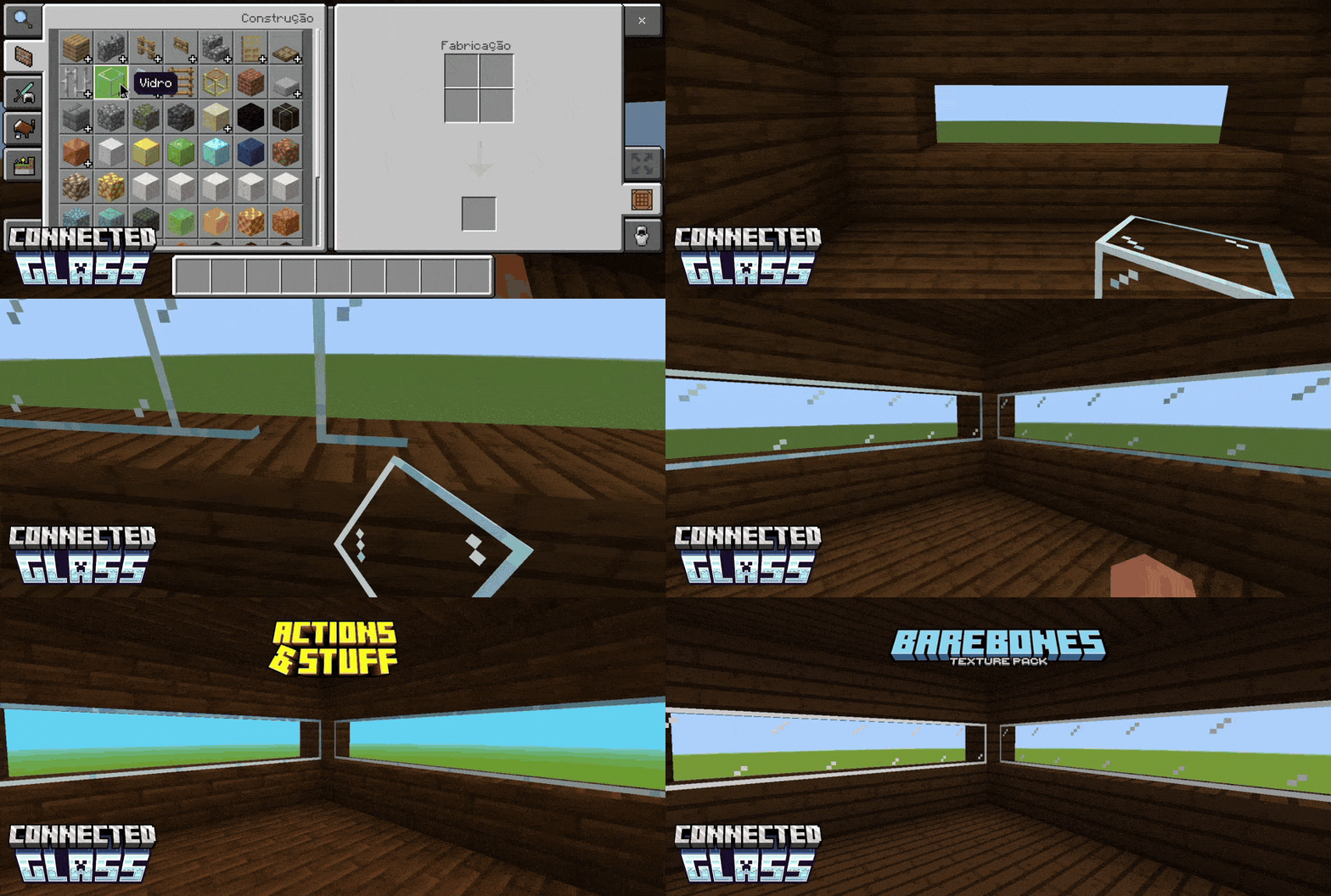
The following animation shows how connected glass blocks adjust their textures dynamically when placed next to each other.
KwZ Connected Glass 3.1.0.mcaddon
[113.73 KB]

