Howard Visual
2.04.2026
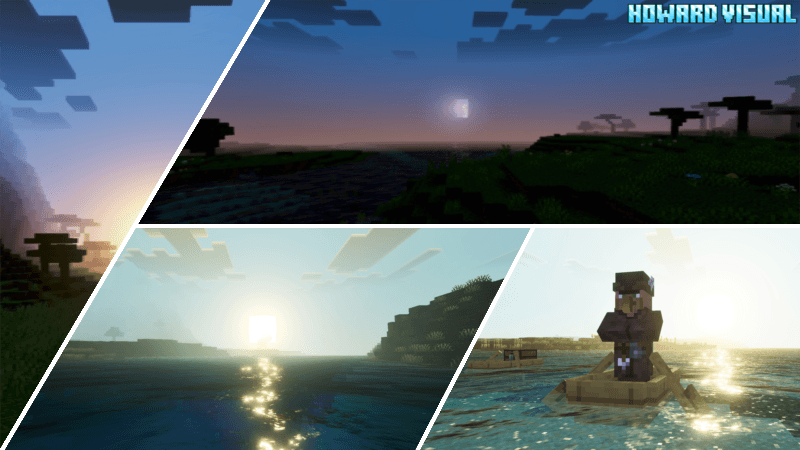
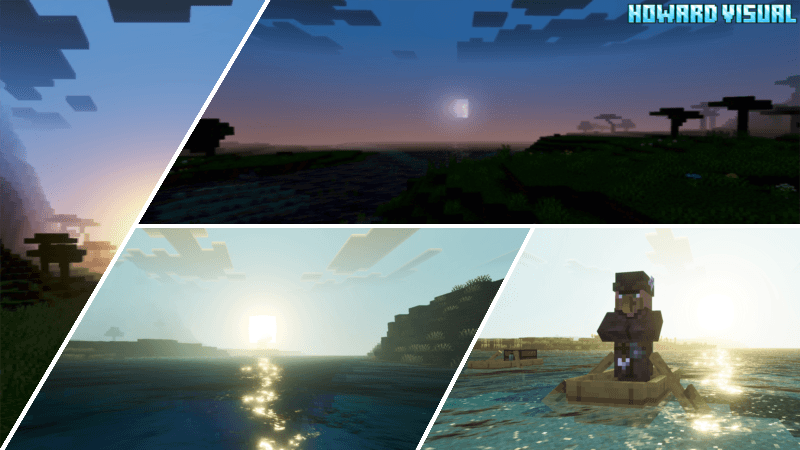
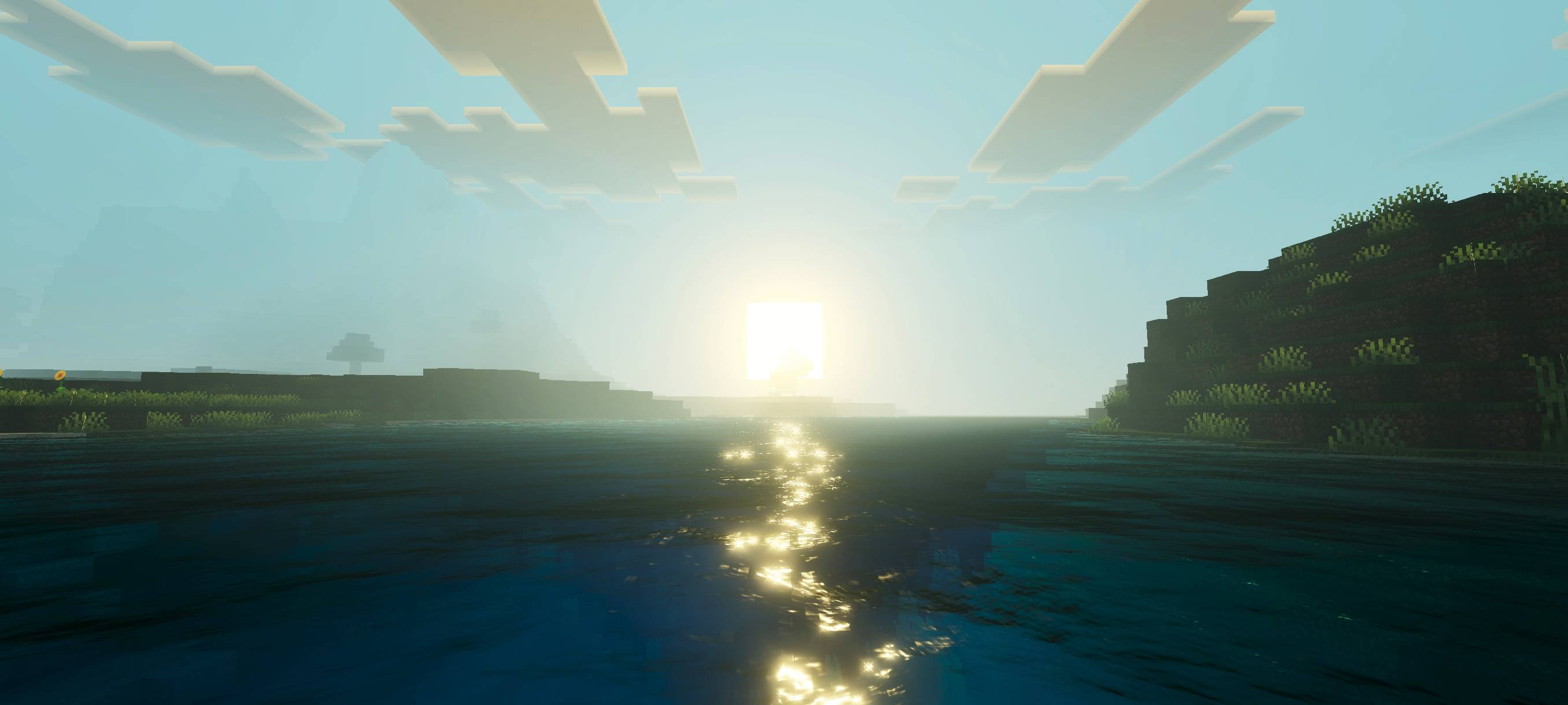
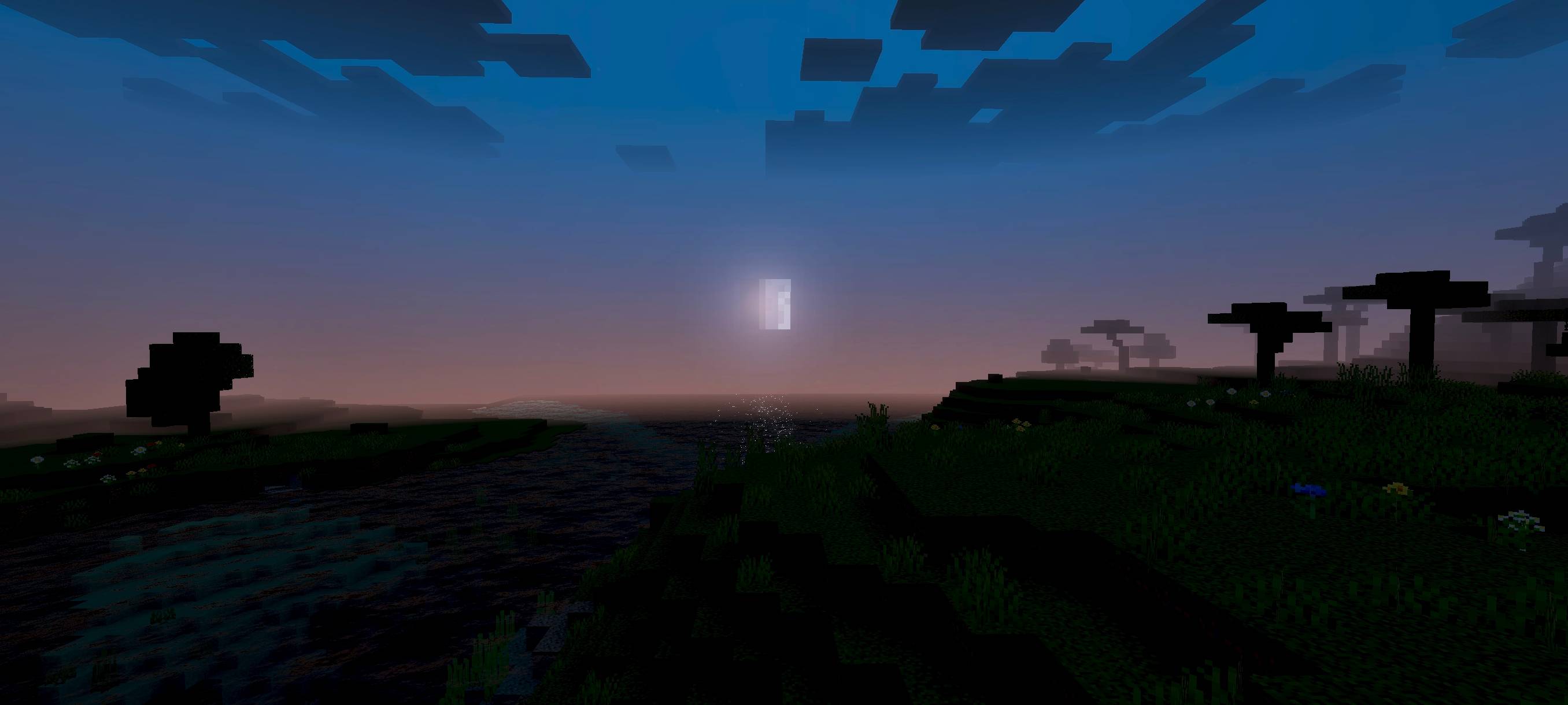
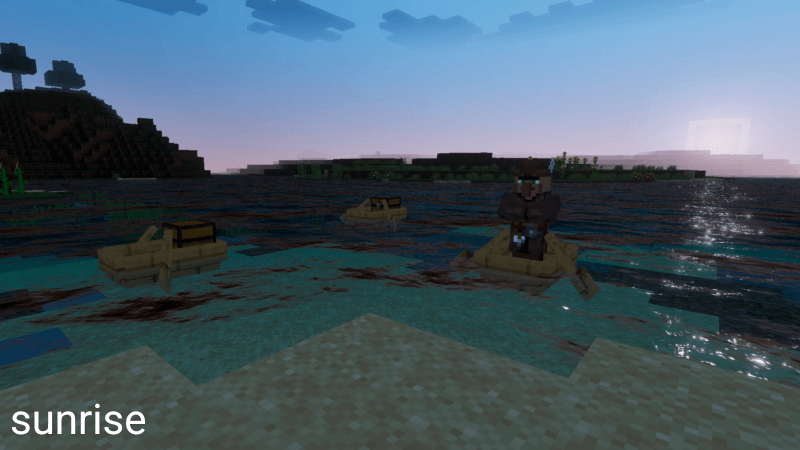
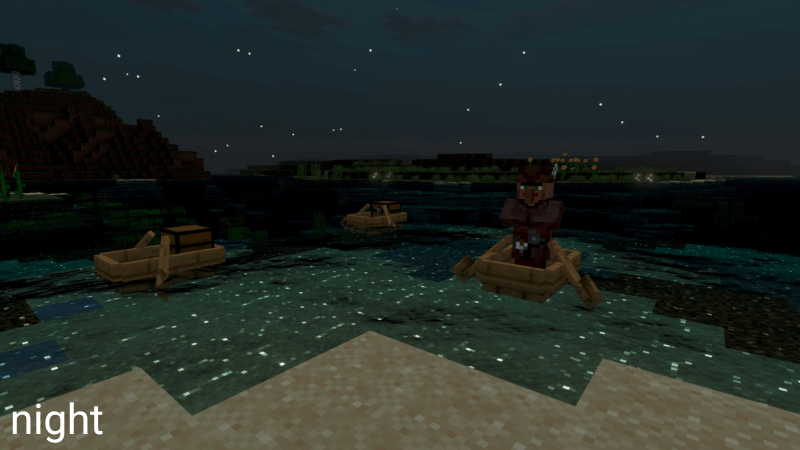
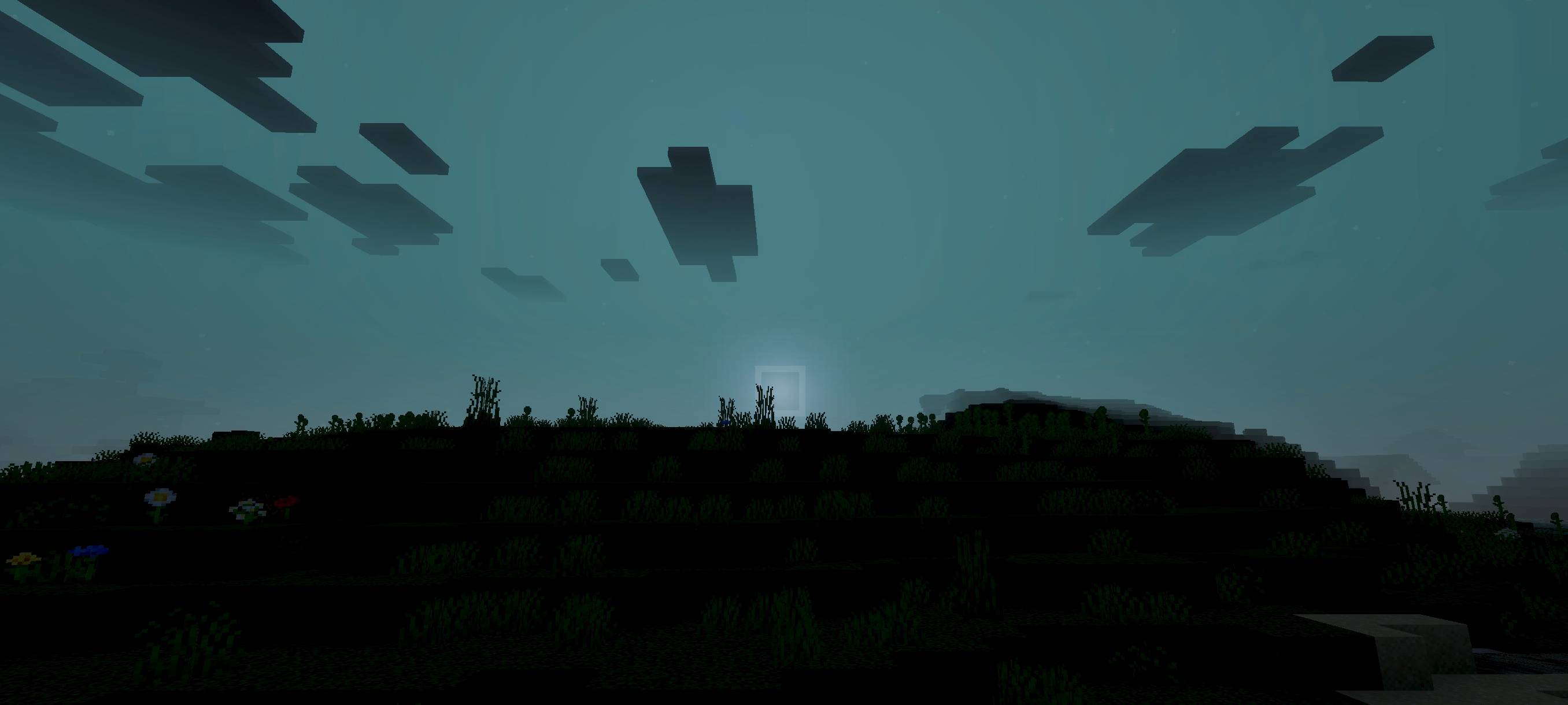
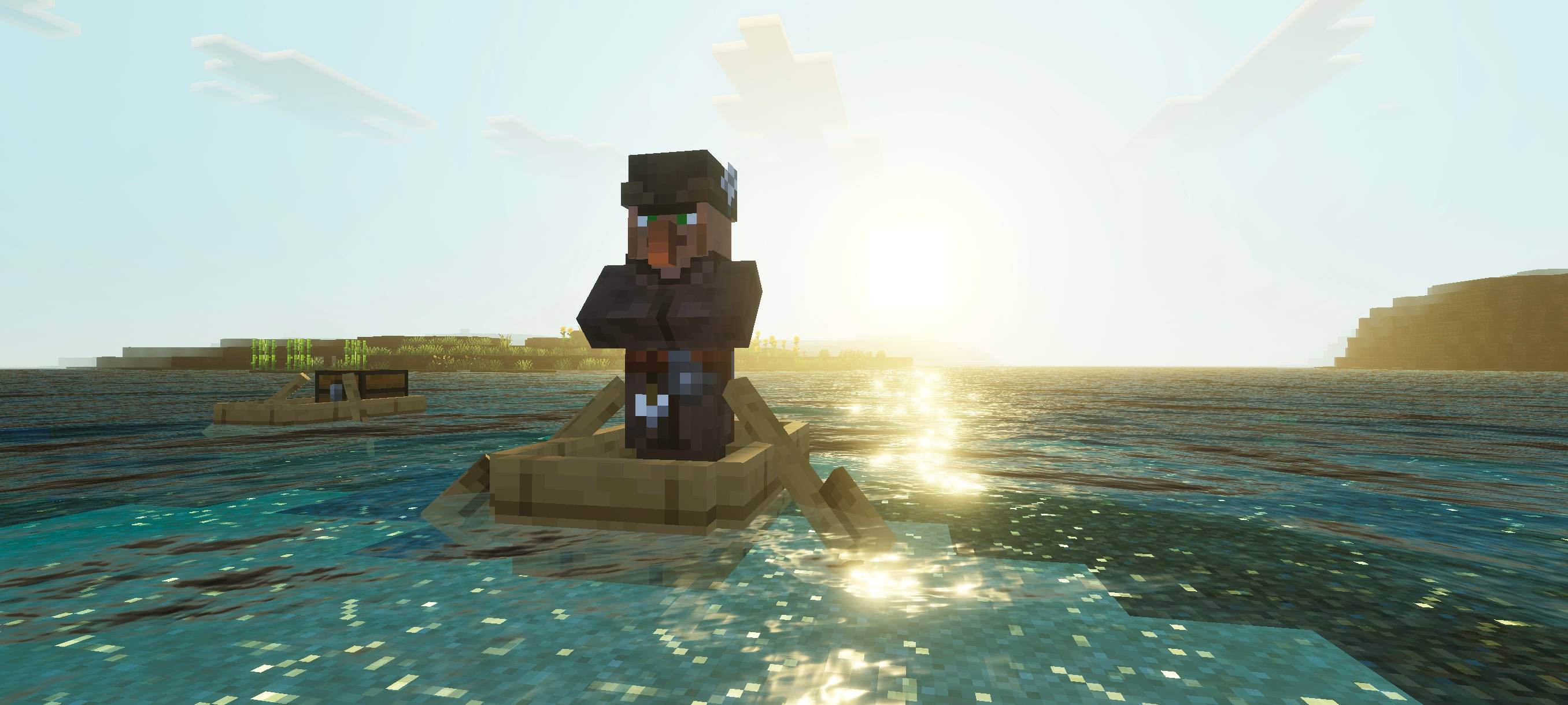
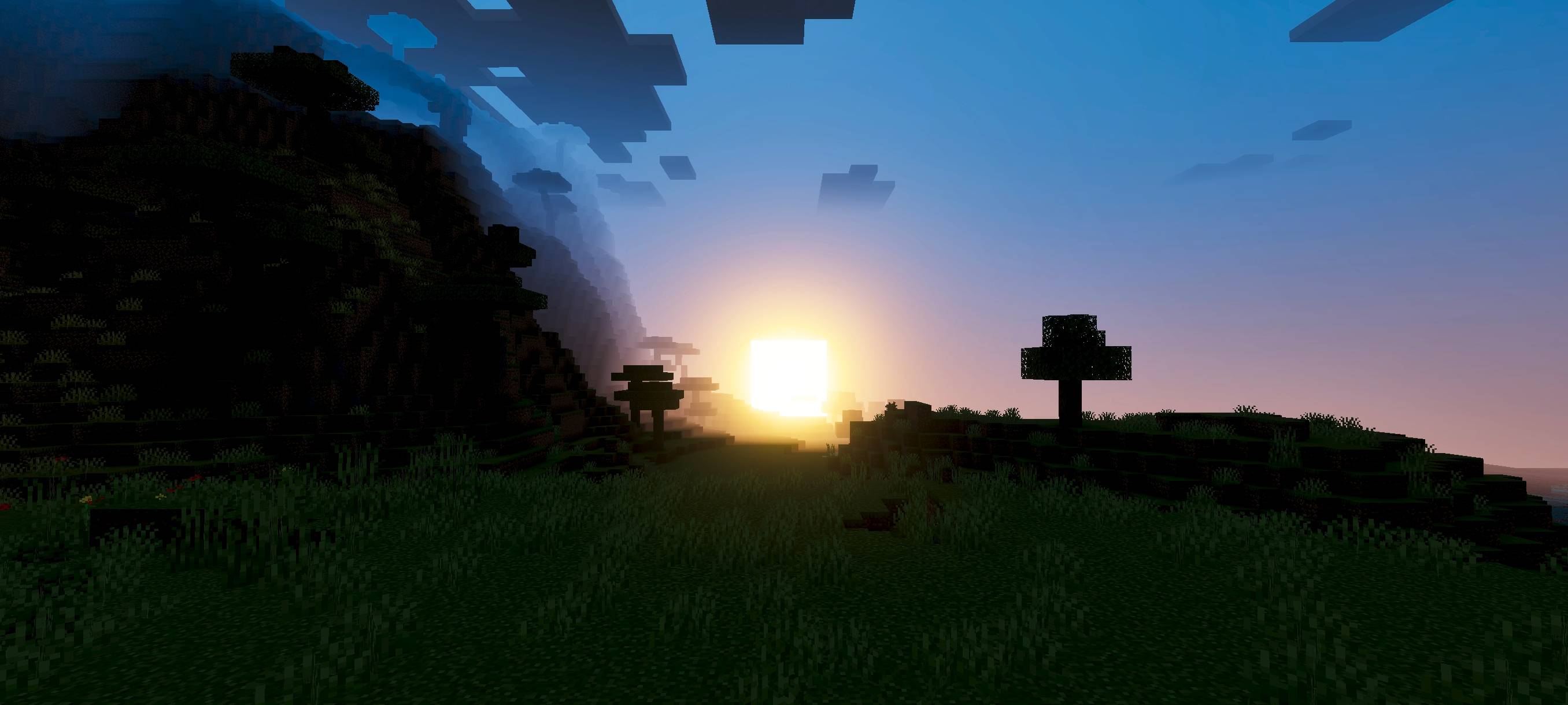
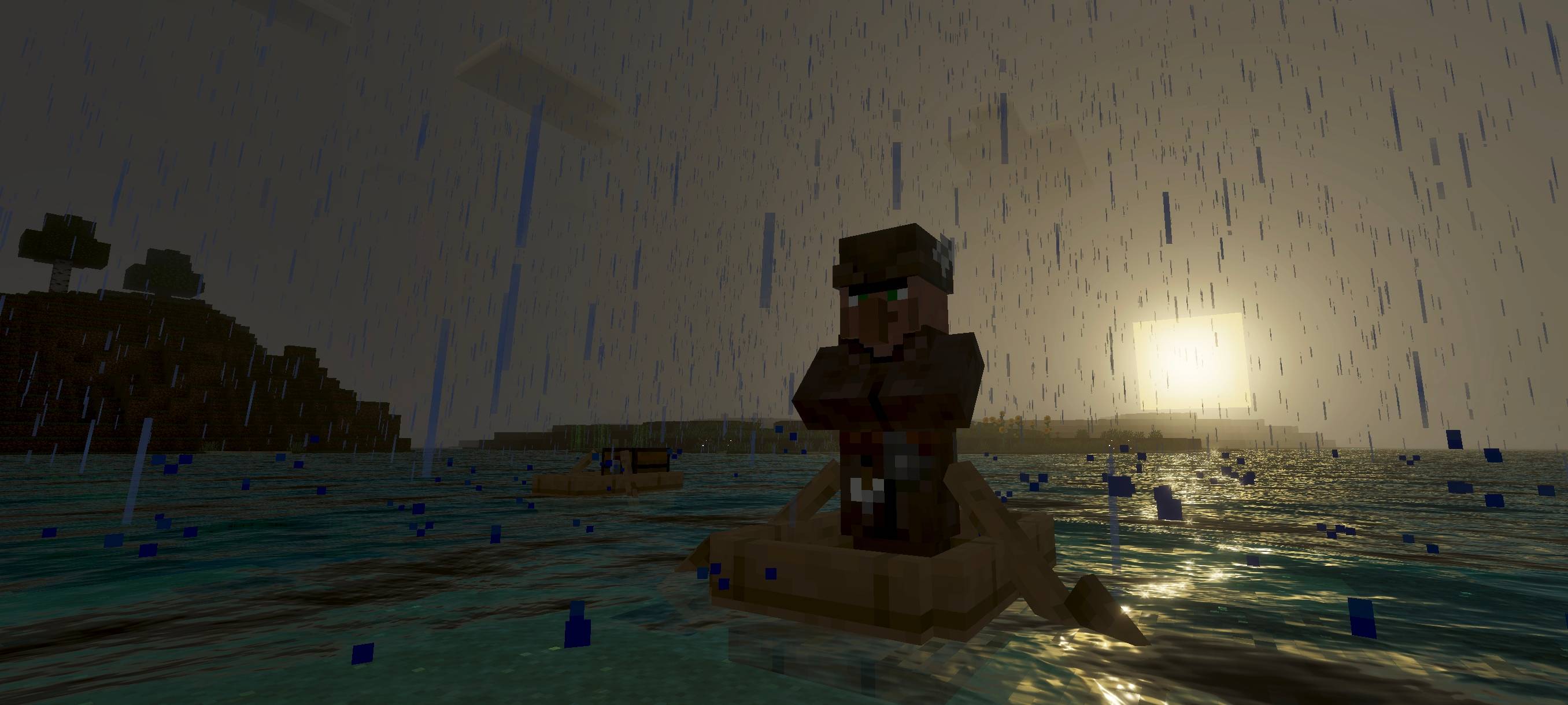
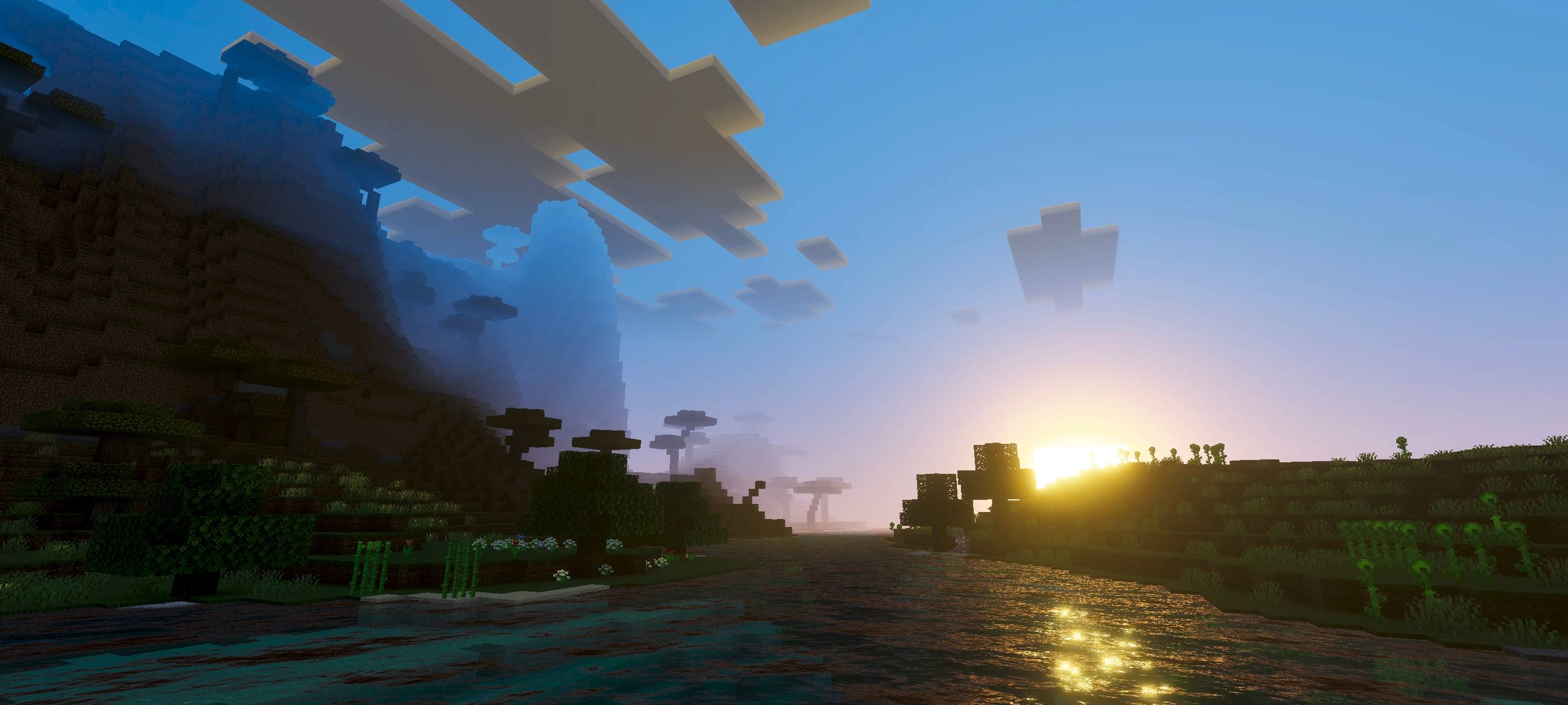
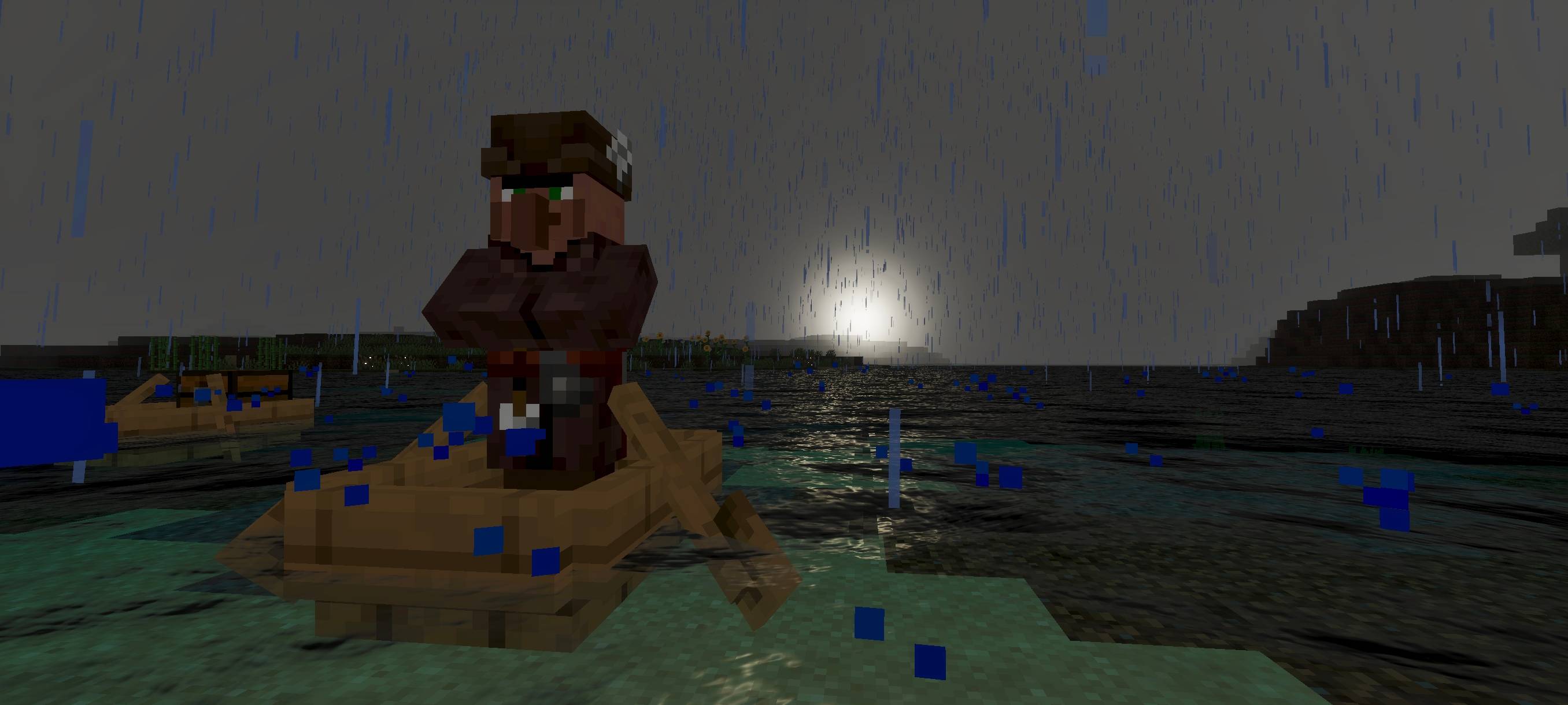
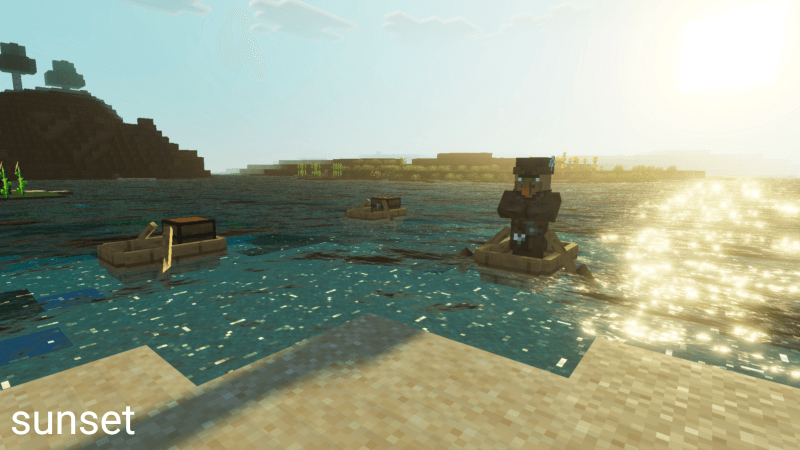
Howard Visual Shader enhances your Minecraft world by blending the warm glow of the sun with the vivid colors of the sky and the serene reflections of the moon. This shader pack elevates the game’s atmosphere with rich visuals that bring your environment to life.
Installation / How to use
To install Howard Visual Shader, download the shader pack file and place it in your Minecraft Bedrock edition’s resource packs folder. Activate the shader through the game’s settings under the “Video” or “Global Resources” section. Ensure shaders are enabled for the best visual experience.
Requirements / Compatibility
This shader pack is designed for Minecraft Bedrock Edition and works best on devices that support advanced graphics features. Compatibility may vary depending on your hardware capabilities.
Key features
- Uses white balance color grading and ACES tone mapping for enhanced color accuracy and depth.
- Fog-friendly design increases draw distance, allowing clearer views of distant landscapes.
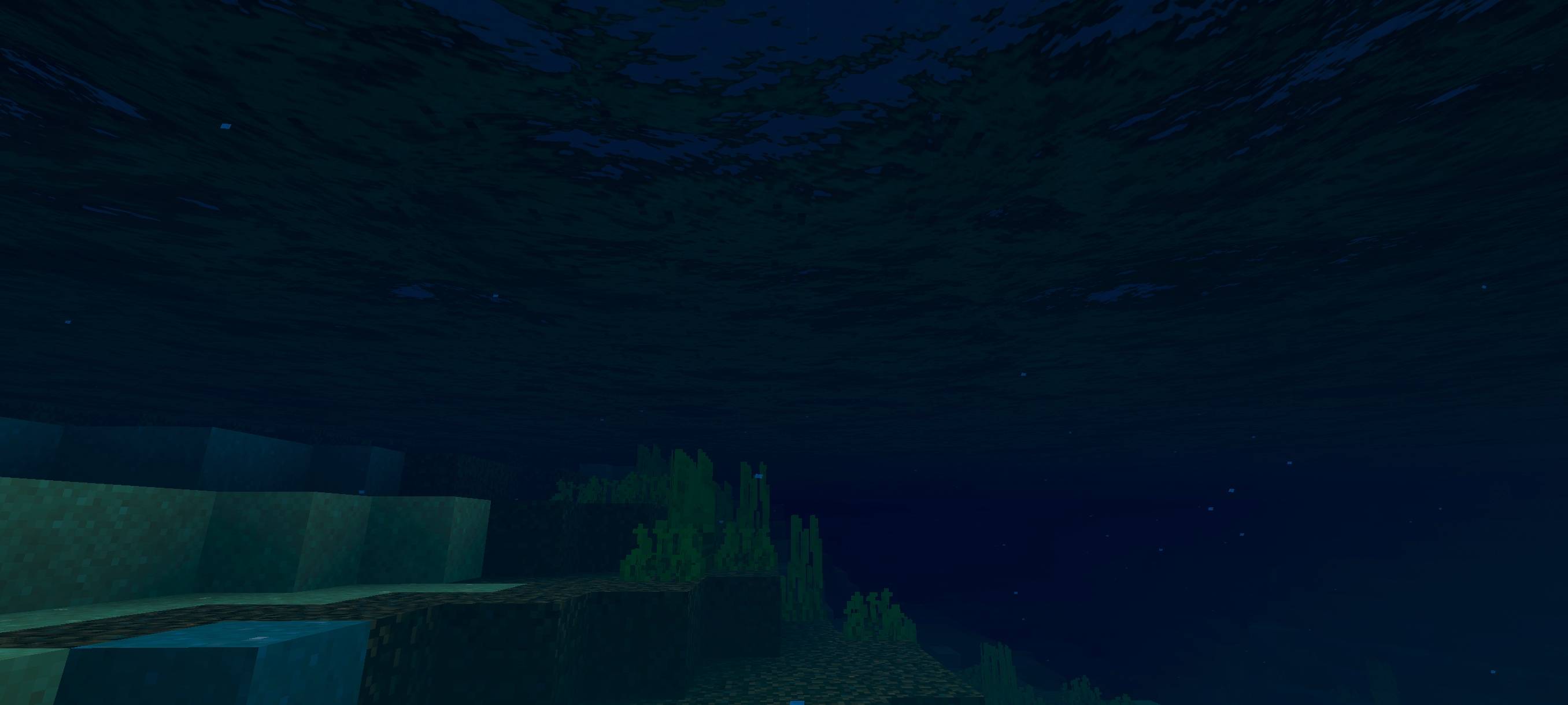
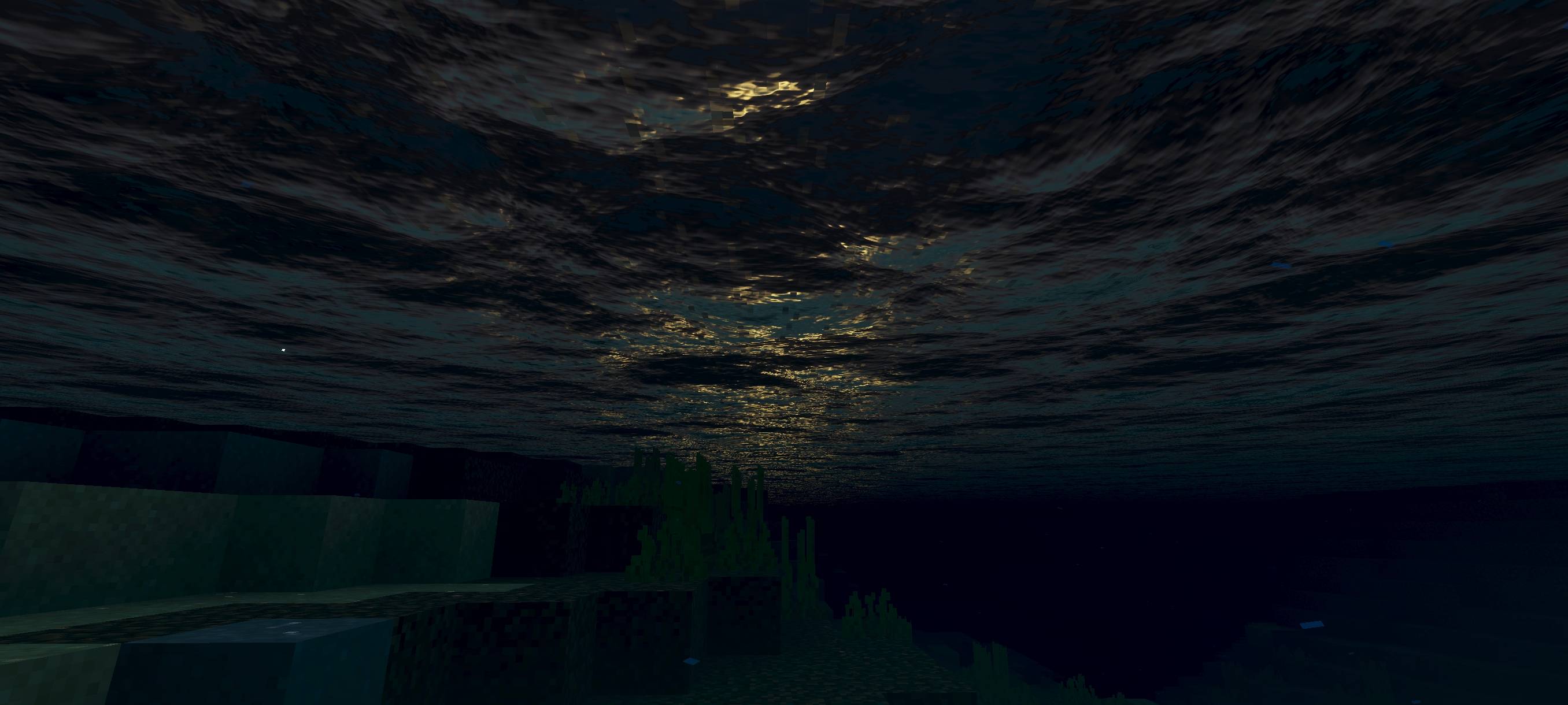
- Water surfaces feature subtle waves and dynamic motion, adding realism to oceans and lakes.
- Balanced lighting effects that highlight the sun’s warmth and the moon’s reflection for immersive day and night cycles.
Notes / Troubleshooting
If you experience performance issues, try lowering your render distance or disabling other resource-intensive packs. Some visual effects may not appear on lower-end devices due to hardware limitations.