Health Bar
27.03.2026
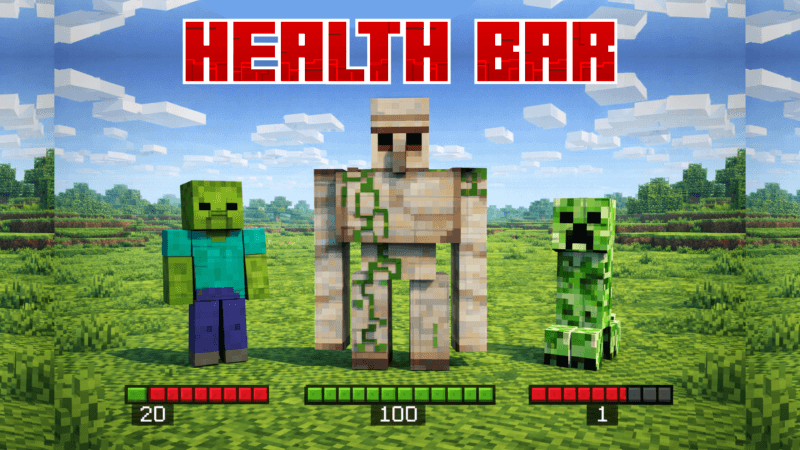
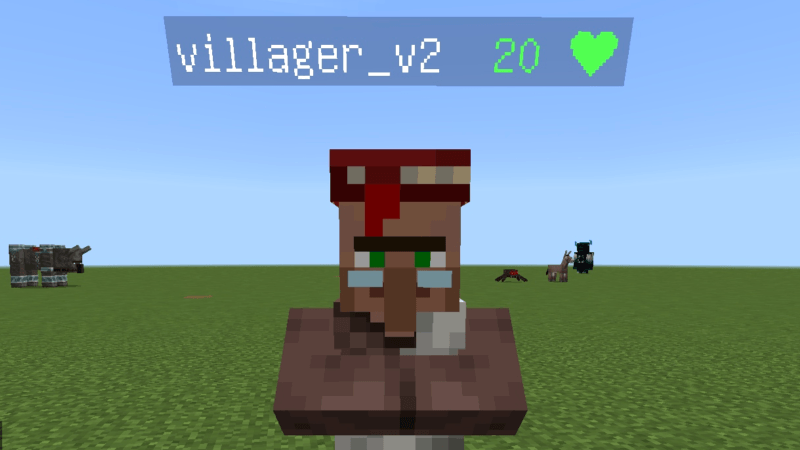
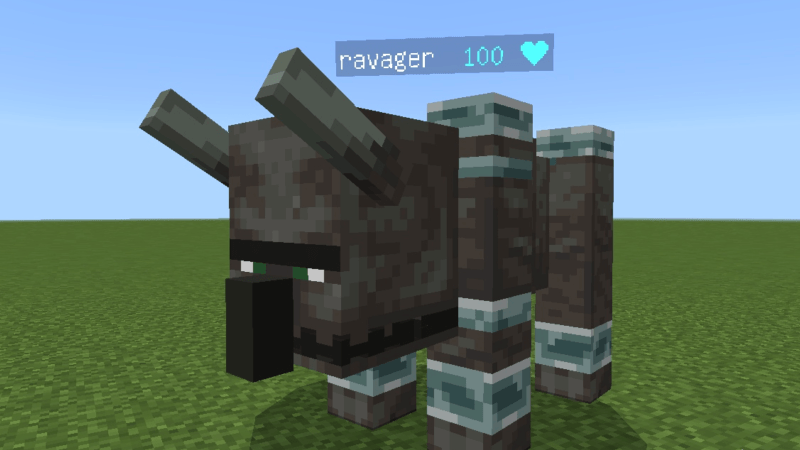
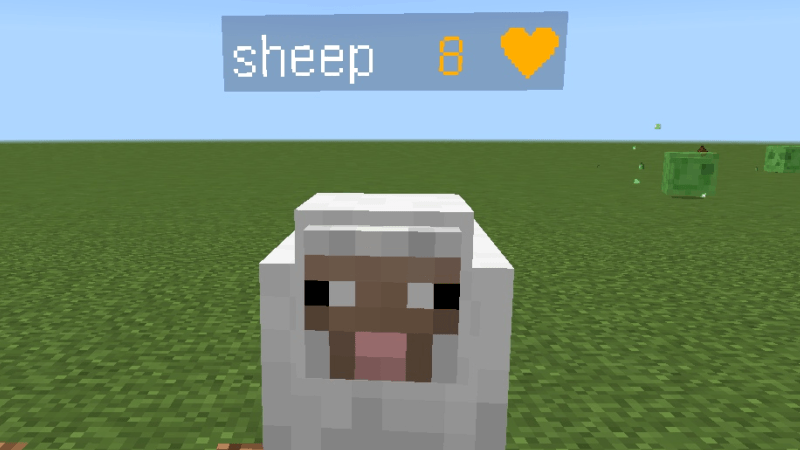
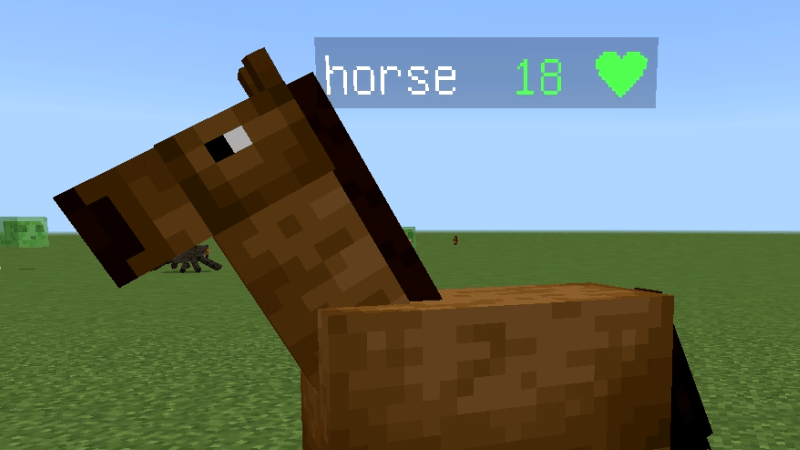
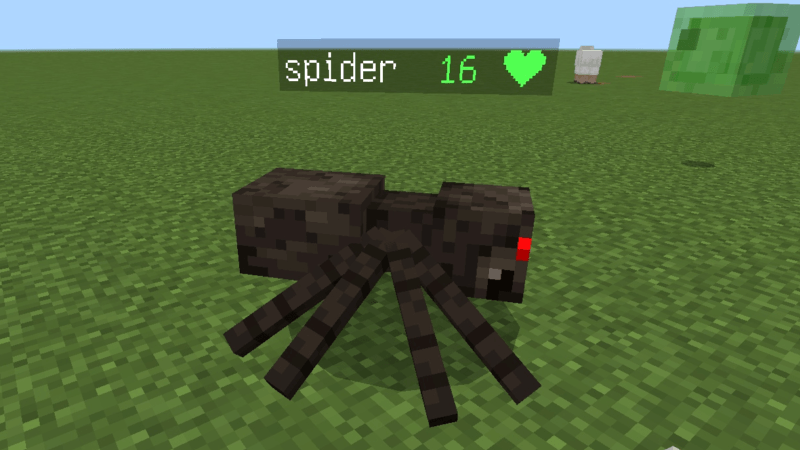
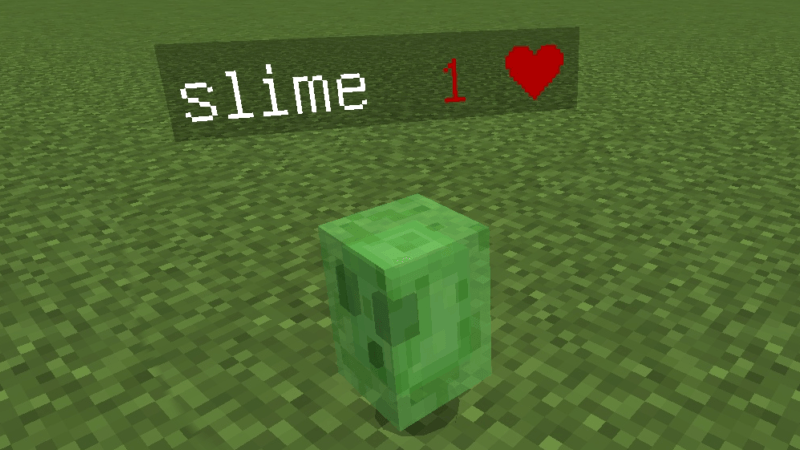
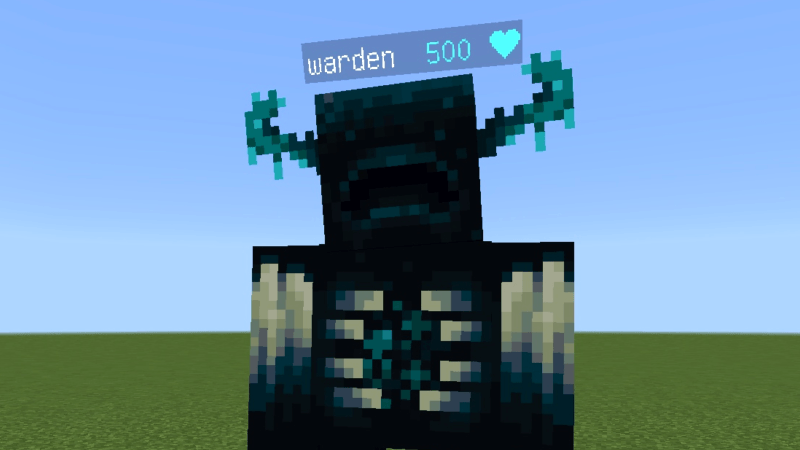
Health Bar (API) enhances your gameplay by displaying the health status of mobs directly on your screen when you look at them. This add-on features a color-coded health bar system, making it easier to assess enemy vitality at a glance without relying on numeric values. It integrates seamlessly with Minecraft Bedrock Edition requiring experimental gameplay features to function properly.
Installation / How to use
To install the Health Bar add-on, import the behavior pack and resource pack into your Minecraft world. Ensure that both packs are activated, and enable “Experimental Gameplay” in the world settings to allow API functionality. Once set up, simply look at any mob to view its health bar above or near the entity.
Requirements / Compatibility
This add-on requires Minecraft Bedrock Edition with support for experimental features and the API enabled. It depends on having both the behavior pack and resource pack imported and active. Note that player.json is not included in this add-on and must be handled separately if needed.
Key features
- Color-based health bar display for mobs when targeted.
- Health status indicated by intuitive colors: Red (near death), Orange (critical), Yellow (light warning), Green (healthy), Blue (very healthy).
- Non-numeric visualization to quickly gauge enemy health.
Notes / Troubleshooting
If the health bars do not appear, verify that you have enabled experimental gameplay features and that both the behavior and resource packs are properly installed and activated. Missing dependencies usually indicate that either the behavior pack or resource pack is not loaded. For further assistance or to report issues, utilize community support channels.