
Fluoroscopy Ore Outline, Glow, and X-ray
26.03.2026
Fluoroscopy Ore Outline, Glow, and X-ray enhances Minecraft Bedrock visuals by adding colored outlines and glowing effects to all ore blocks, with an optional x-ray mode. This resource pack is designed to blend seamlessly with the new Bedrock textures, providing clear ore visibility while maintaining a natural look. Users can select from three distinct settings to adjust the level of ore visibility in their world.
Installation / How to Use
To apply the Fluoroscopy resource pack, install it within your Minecraft Bedrock edition resource packs folder. After activating the pack in your world settings, choose your preferred ore visibility mode from the options provided. The pack offers three modes:
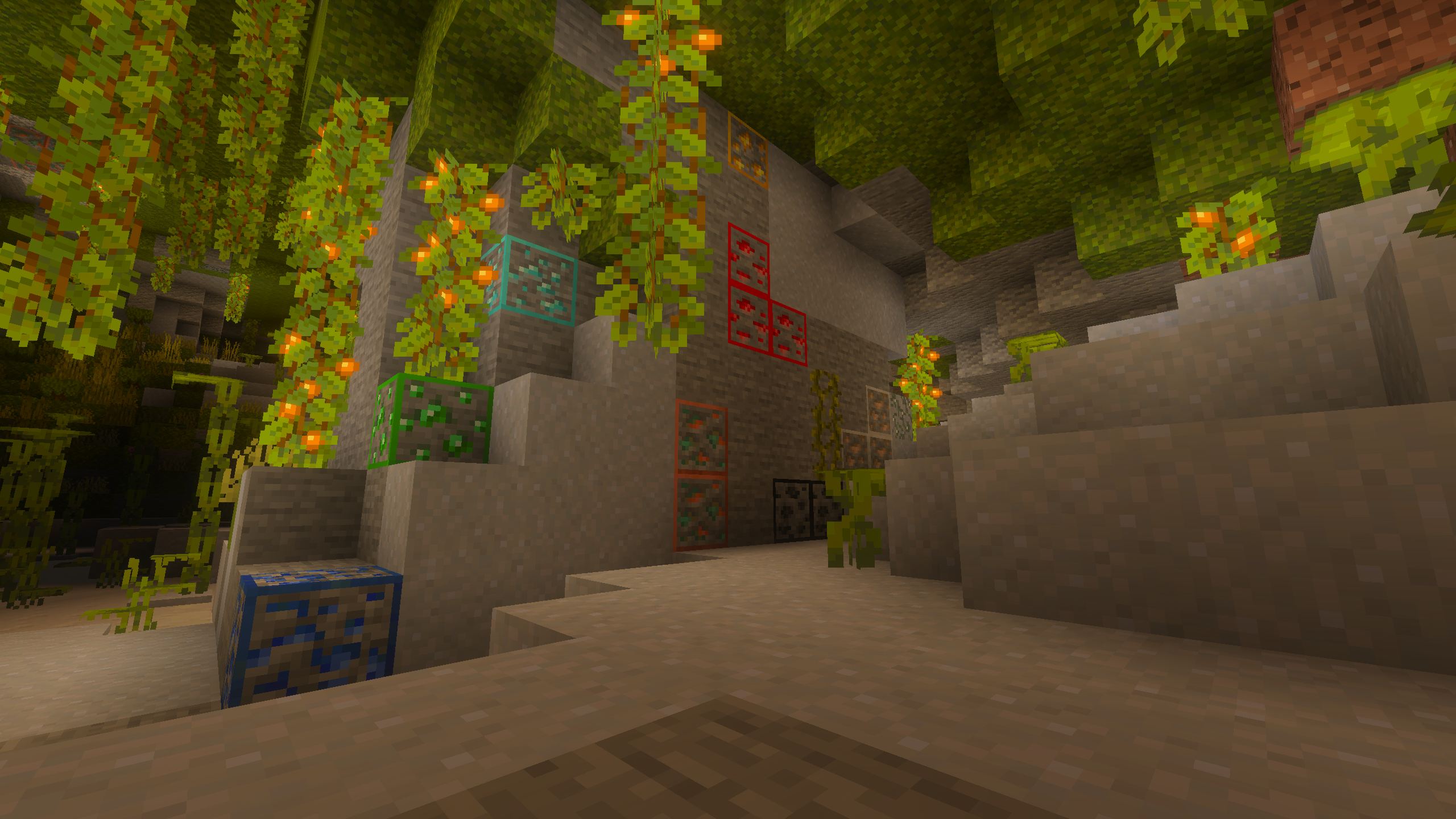
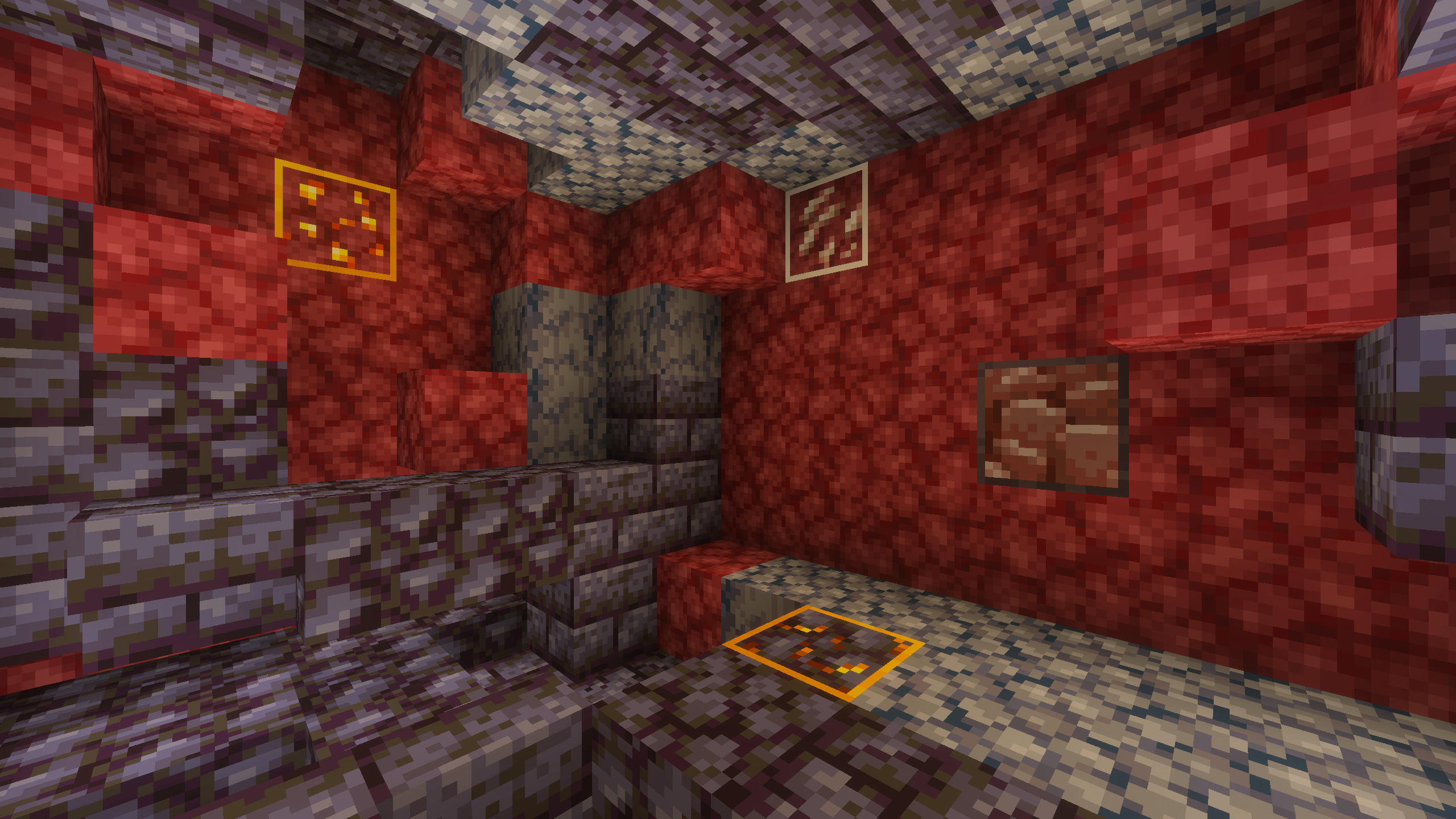
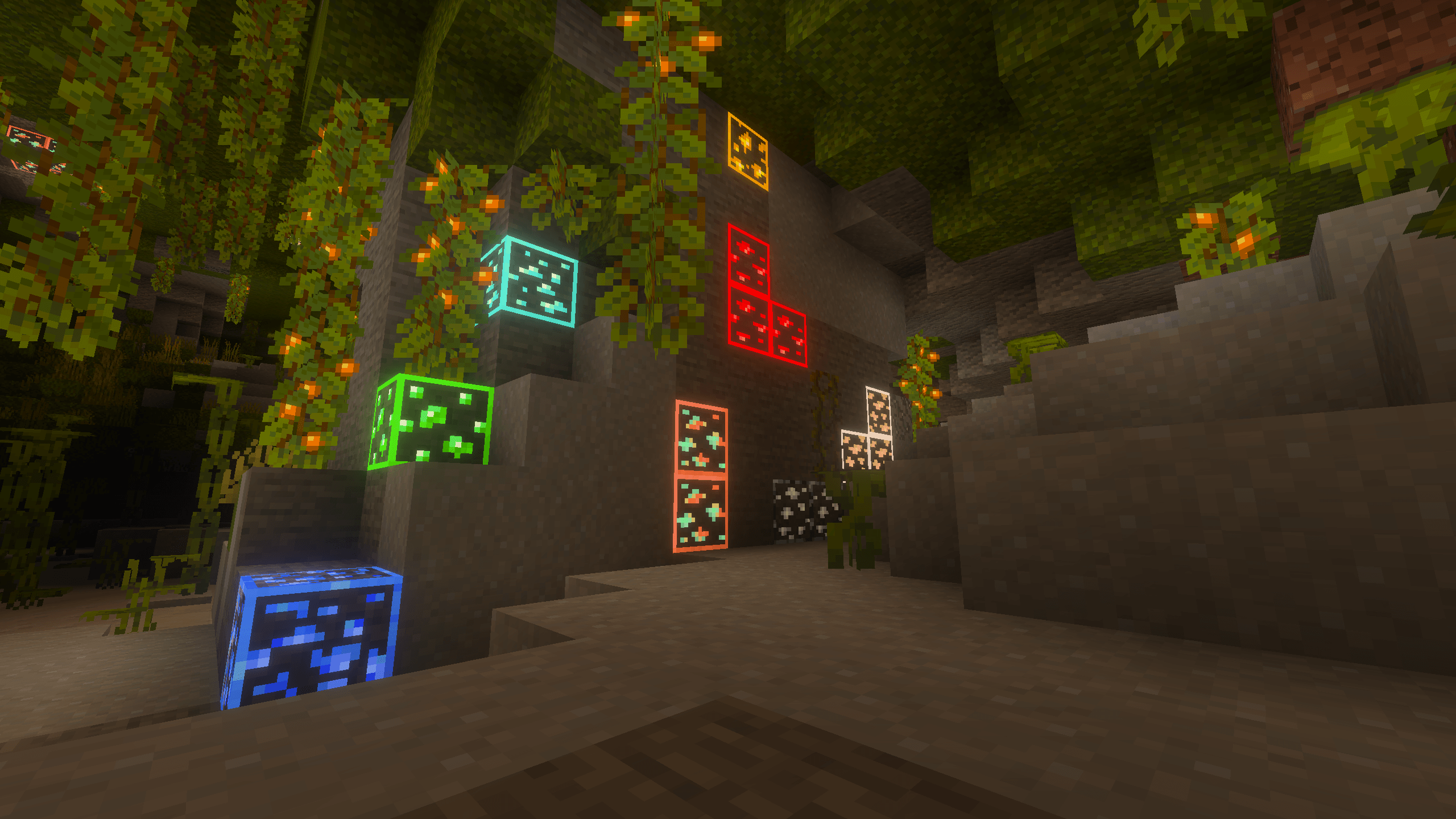
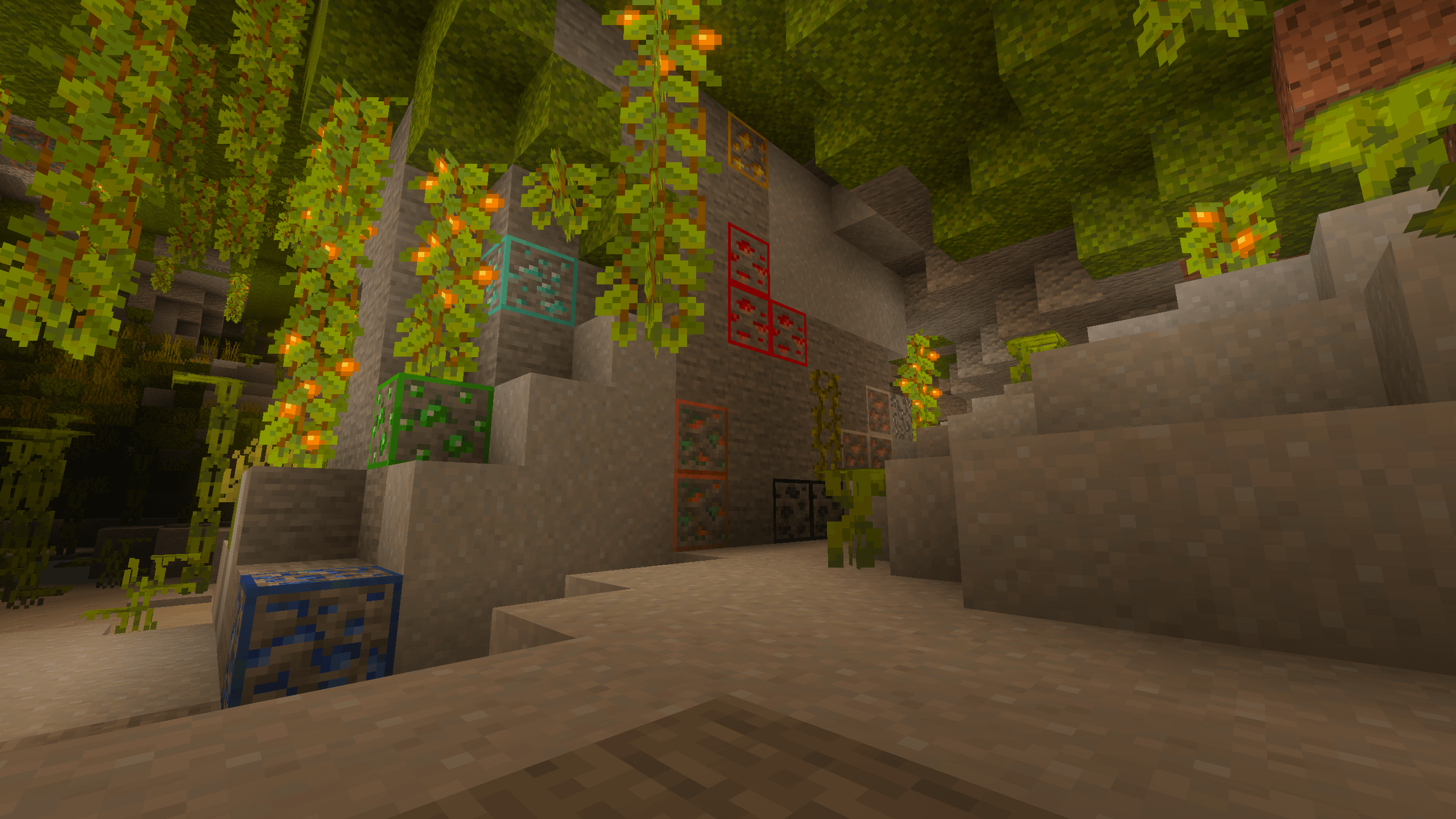
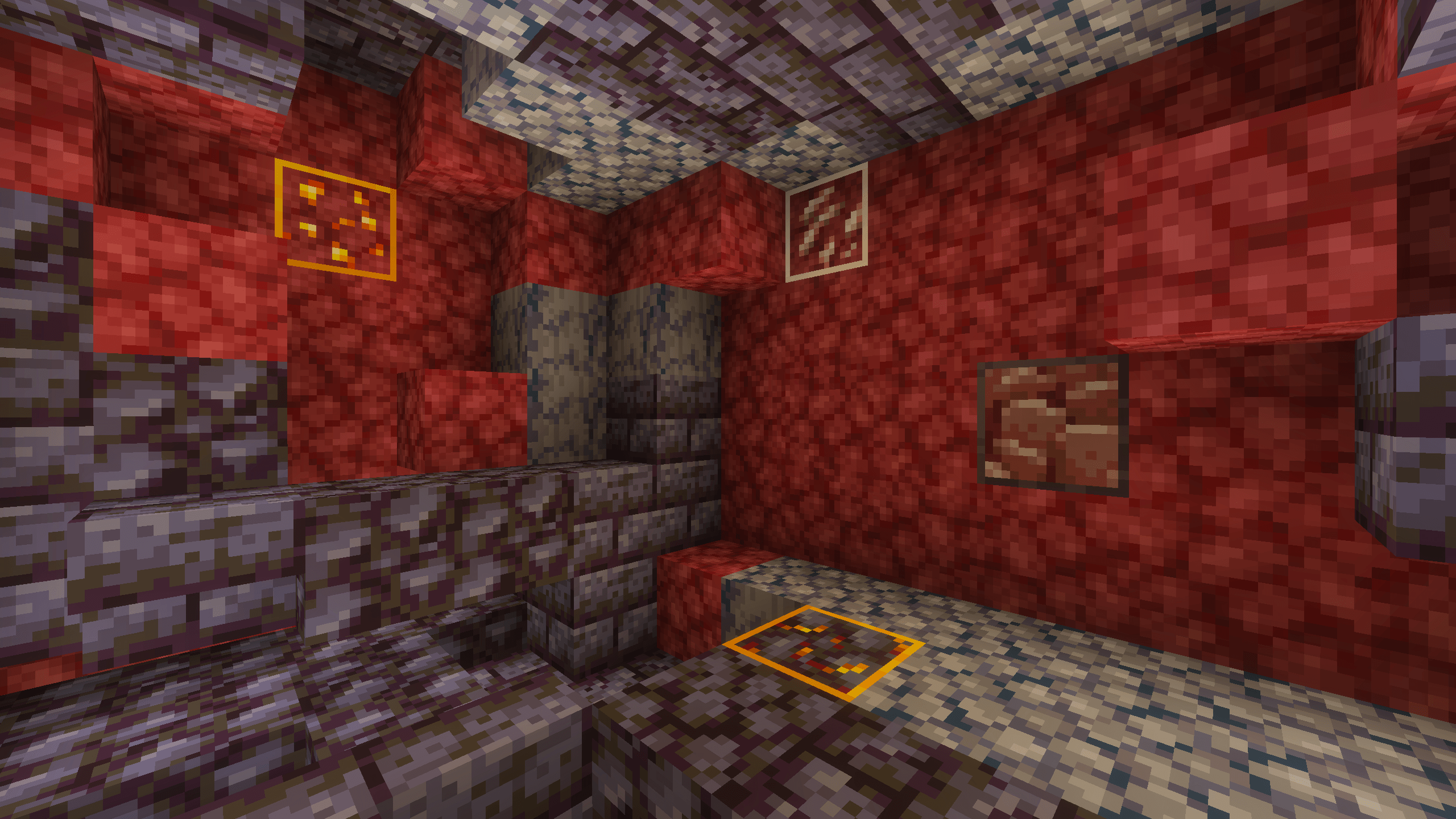
- Outline: Displays a colored outline around ores matching their block color.
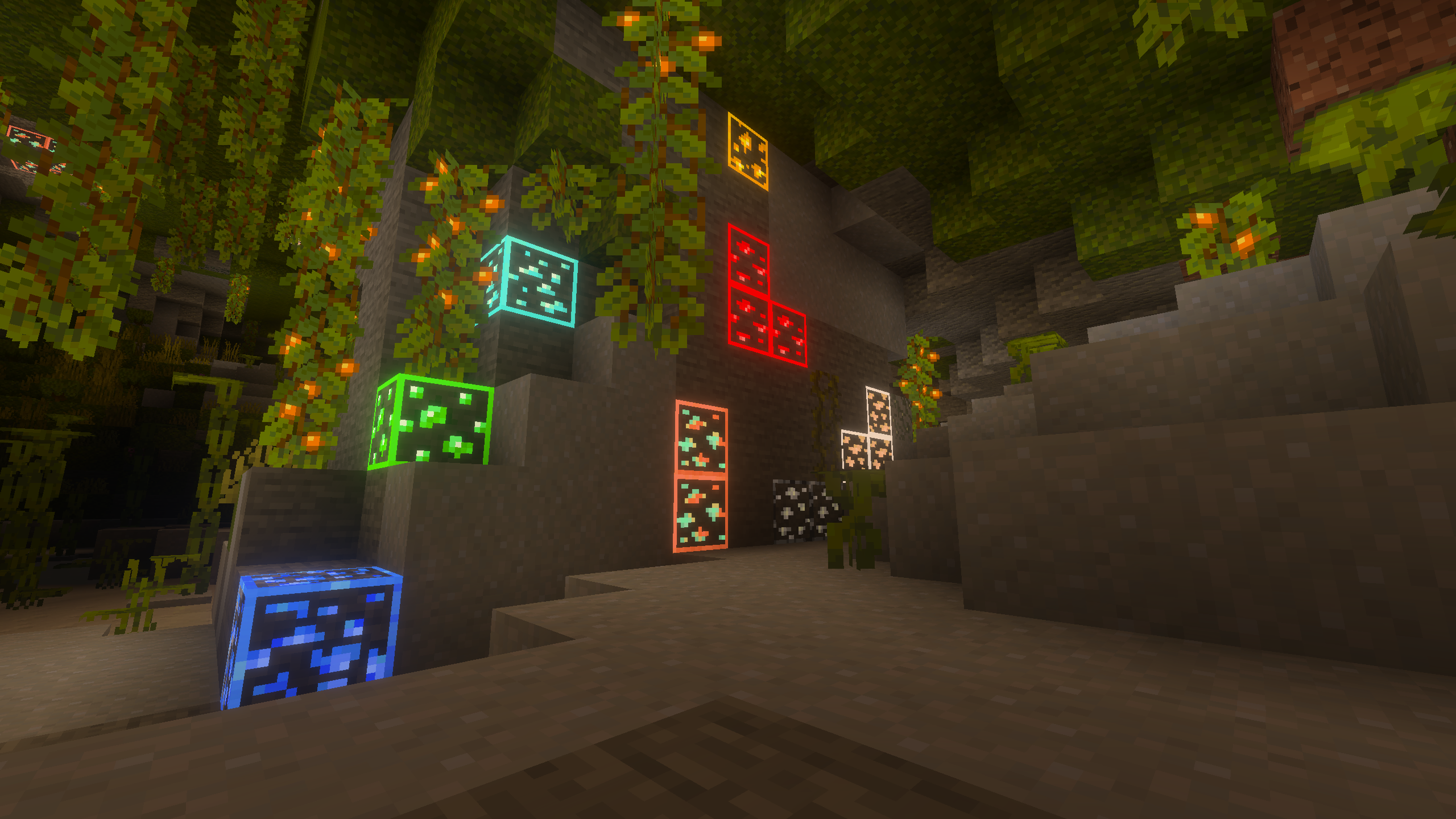
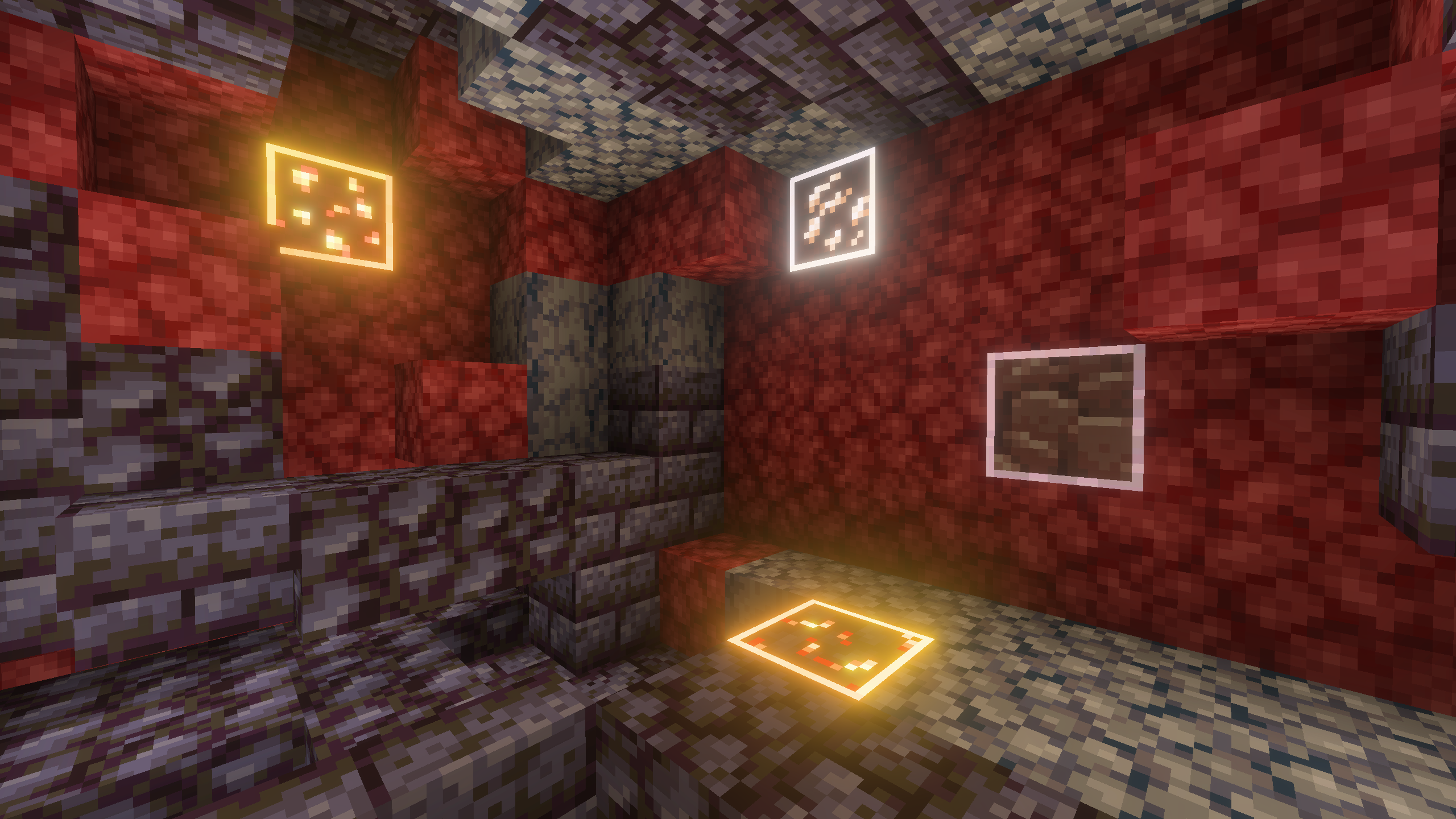
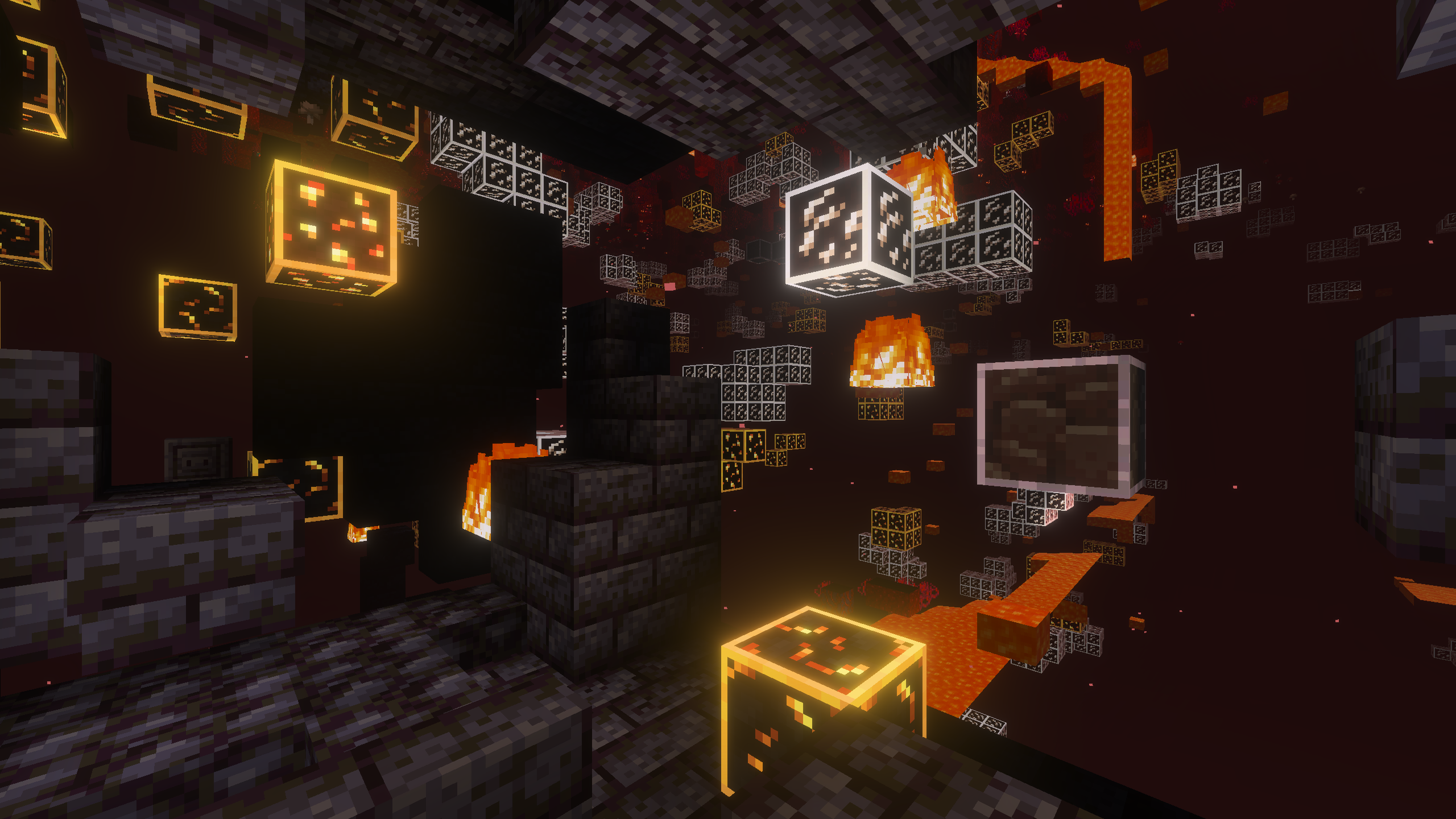
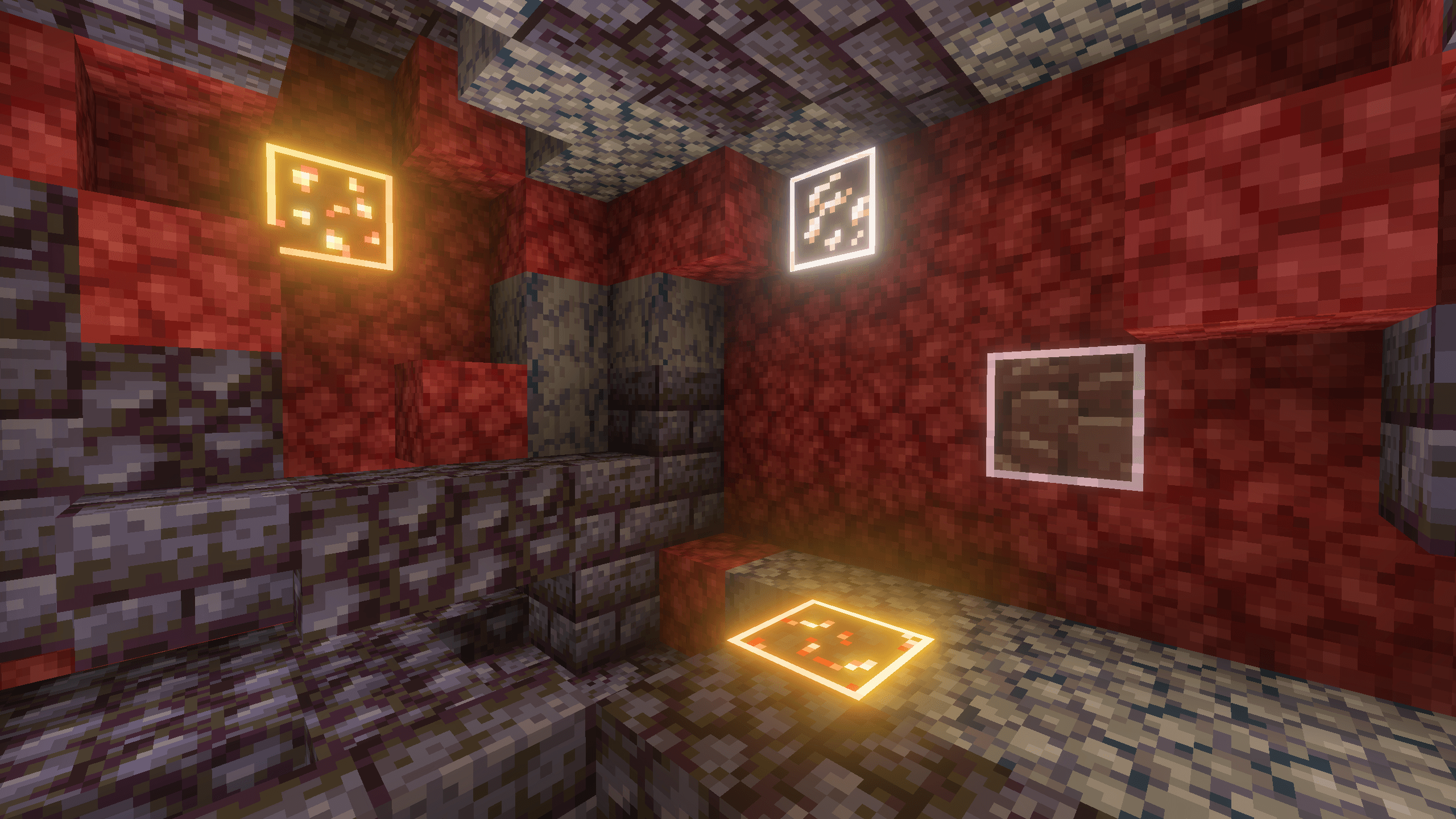
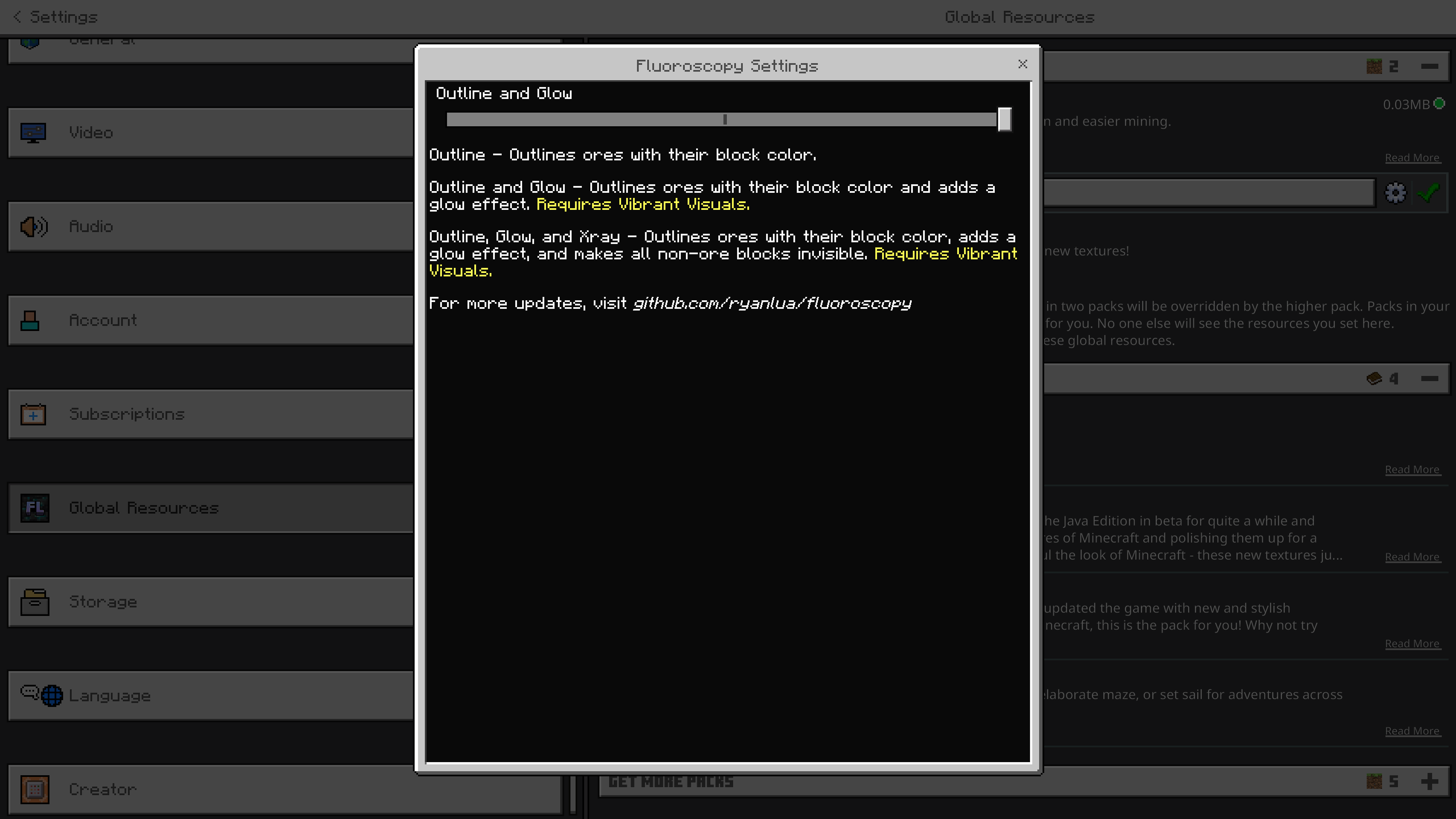
- Outline and Glow (default): Adds a glowing effect along with the colored outline to ores.
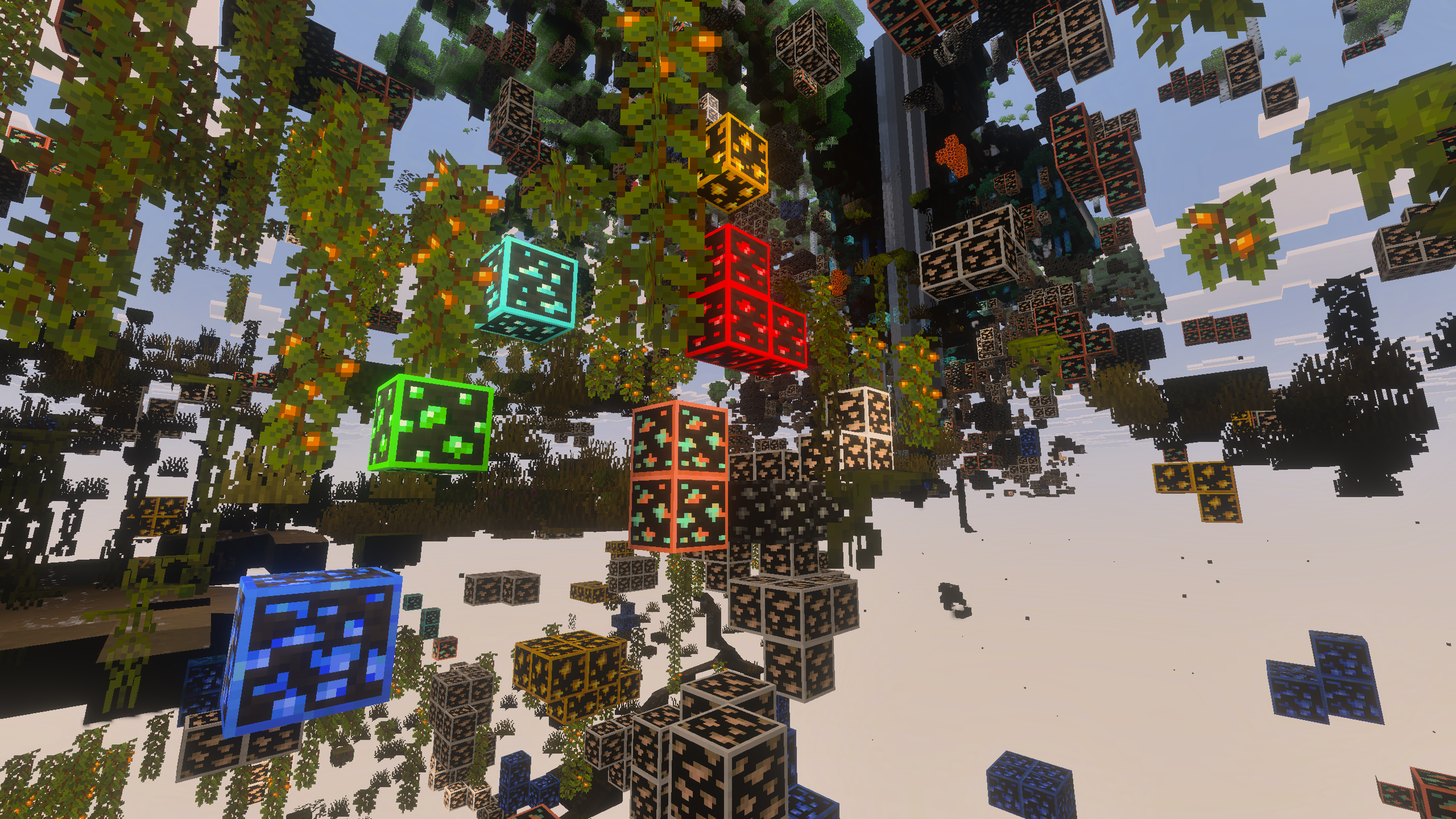
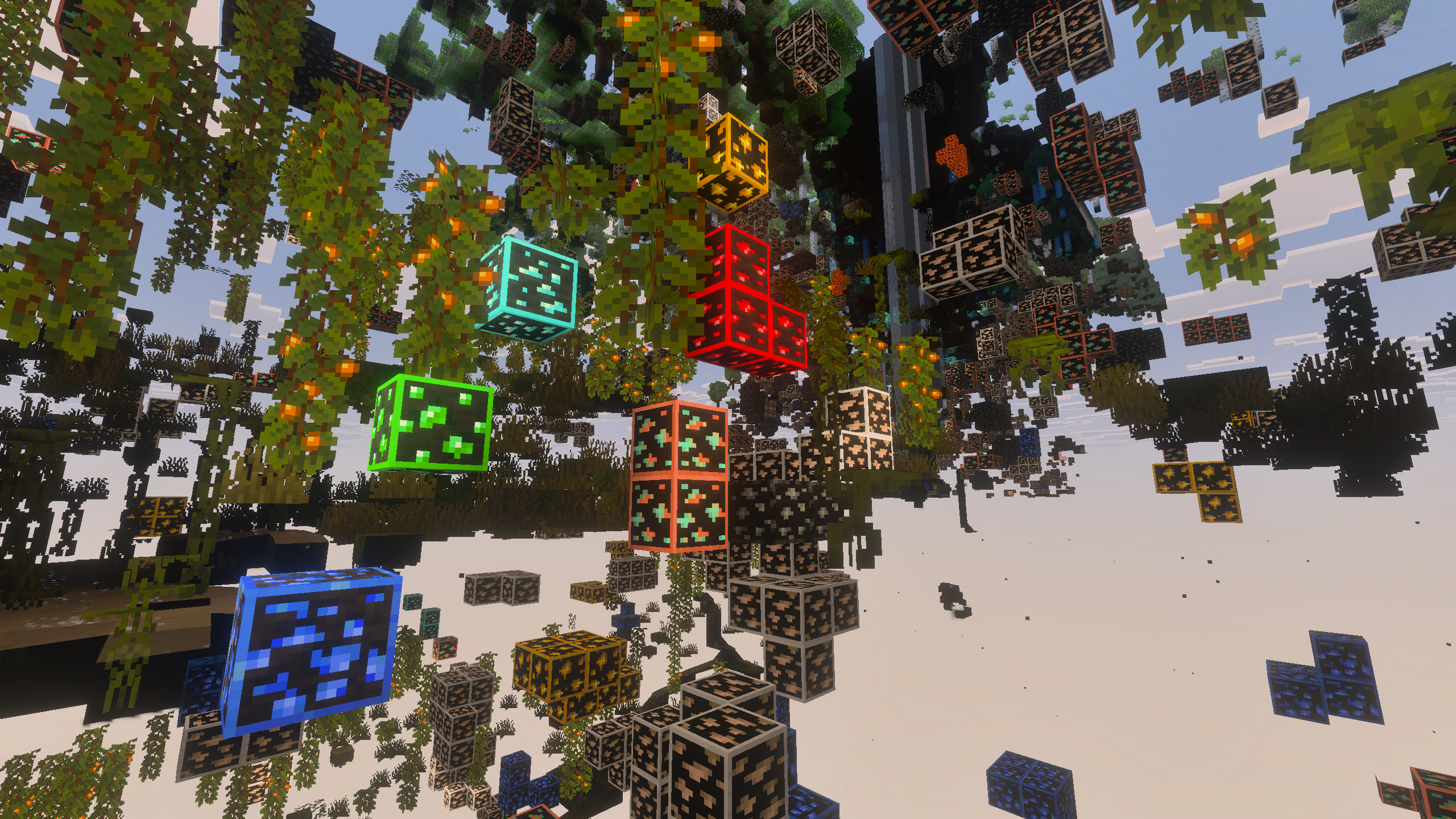
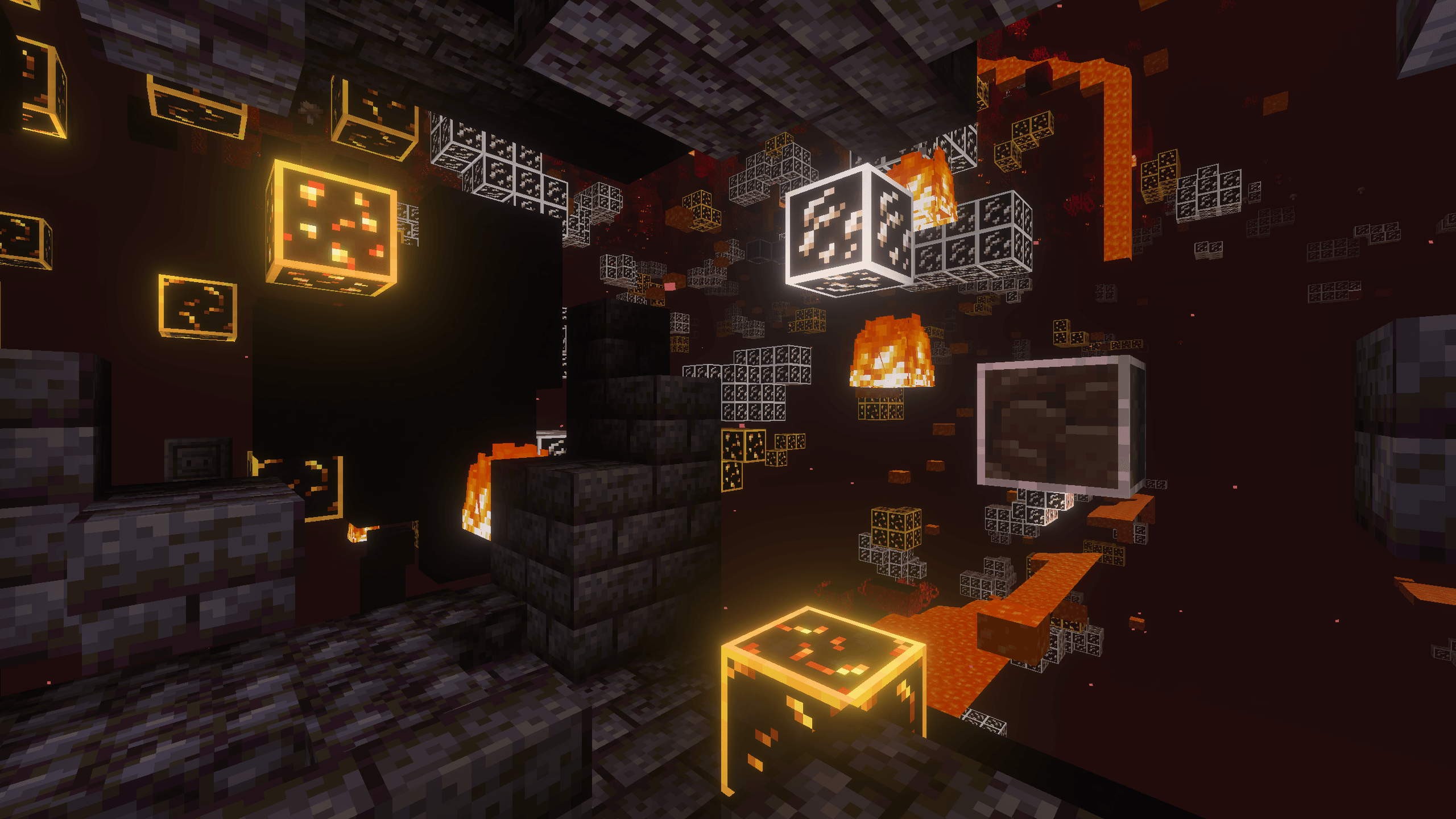
- Outline, Glow, and X-ray: Combines the outline and glow effects, while making all non-ore blocks transparent for x-ray style visibility.
Adjust these settings within the resource pack options to customize your mining experience.
Requirements / Compatibility
For modes beyond the basic outline, such as glowing or x-ray effects, the Vibrant Visuals feature must be enabled in your Minecraft settings. This pack is built to complement the updated Bedrock textures for a consistent and immersive appearance.
Key Features
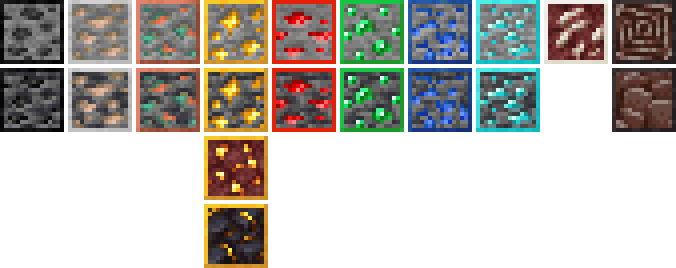
- Colored outlines for all Minecraft ore blocks, including coal, iron, copper, gold, nether gold, gilded blackstone, redstone, emerald, lapis lazuli, diamond, nether quartz, and ancient debris.
- Inclusion of all deepslate ore variants with matching outlines.
- Three customizable visibility modes: Outline, Outline and Glow, and Outline, Glow, and X-ray.
- Designed to match the vanilla Bedrock texture style for seamless integration.
Visual Examples
The images below demonstrate the three settings in both the Overworld and The Nether environments, showcasing the differences in ore visibility and effects.
| Setting | Overworld | The Nether |
|---|---|---|
| Outline |
|
|
| Outline and Glow (default) |
|
|
| Outline, Glow, and X-ray |
|
|
Ore Blocks Included
This pack highlights the following ore blocks with their respective colored outlines:
- Coal Ore
- Iron Ore
- Copper Ore
- Gold Ore
- Nether Gold Ore
- Gilded Blackstone
- Redstone Ore
- Emerald Ore
- Lapis Lazuli Ore
- Diamond Ore
- Nether Quartz Ore
- Ancient Debris
All corresponding deepslate versions are included with matching outlines for consistency.
v2.0.0
[50.71 KB]

