Enhanced Fog
2.03.2026
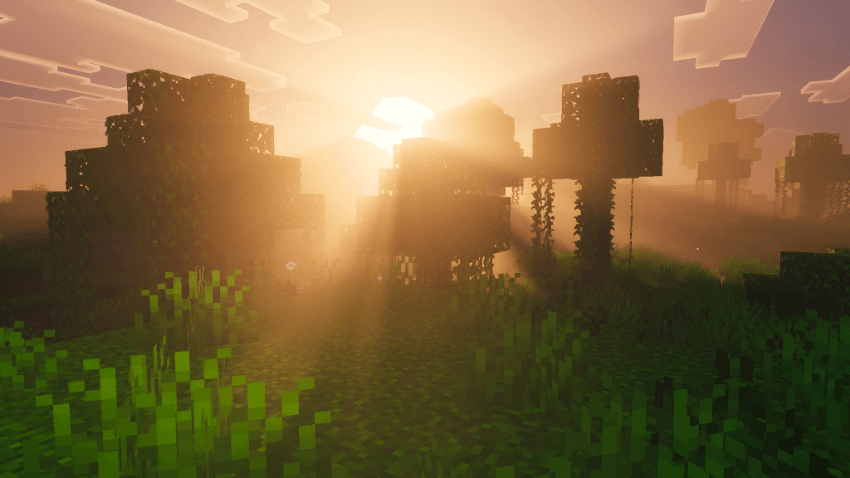
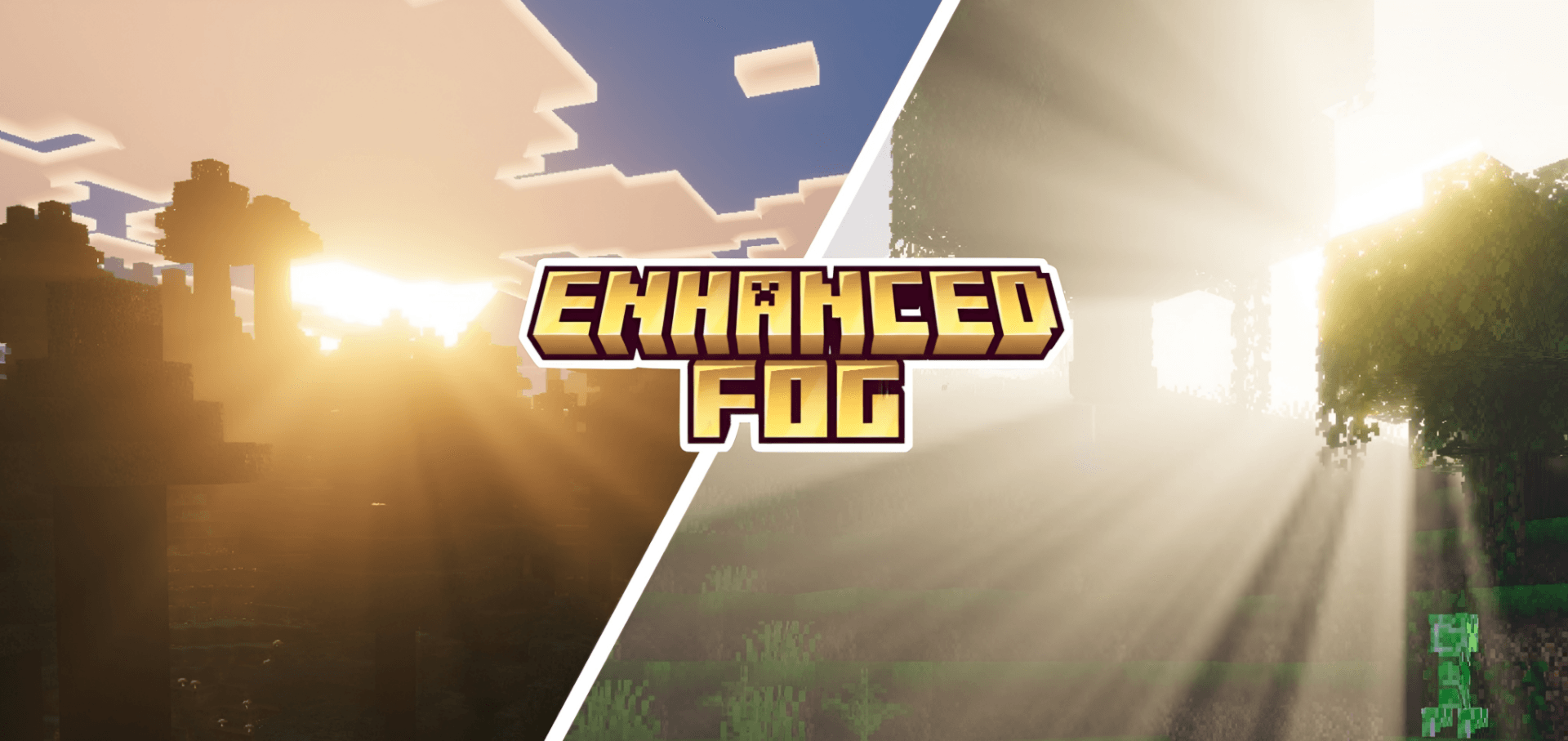
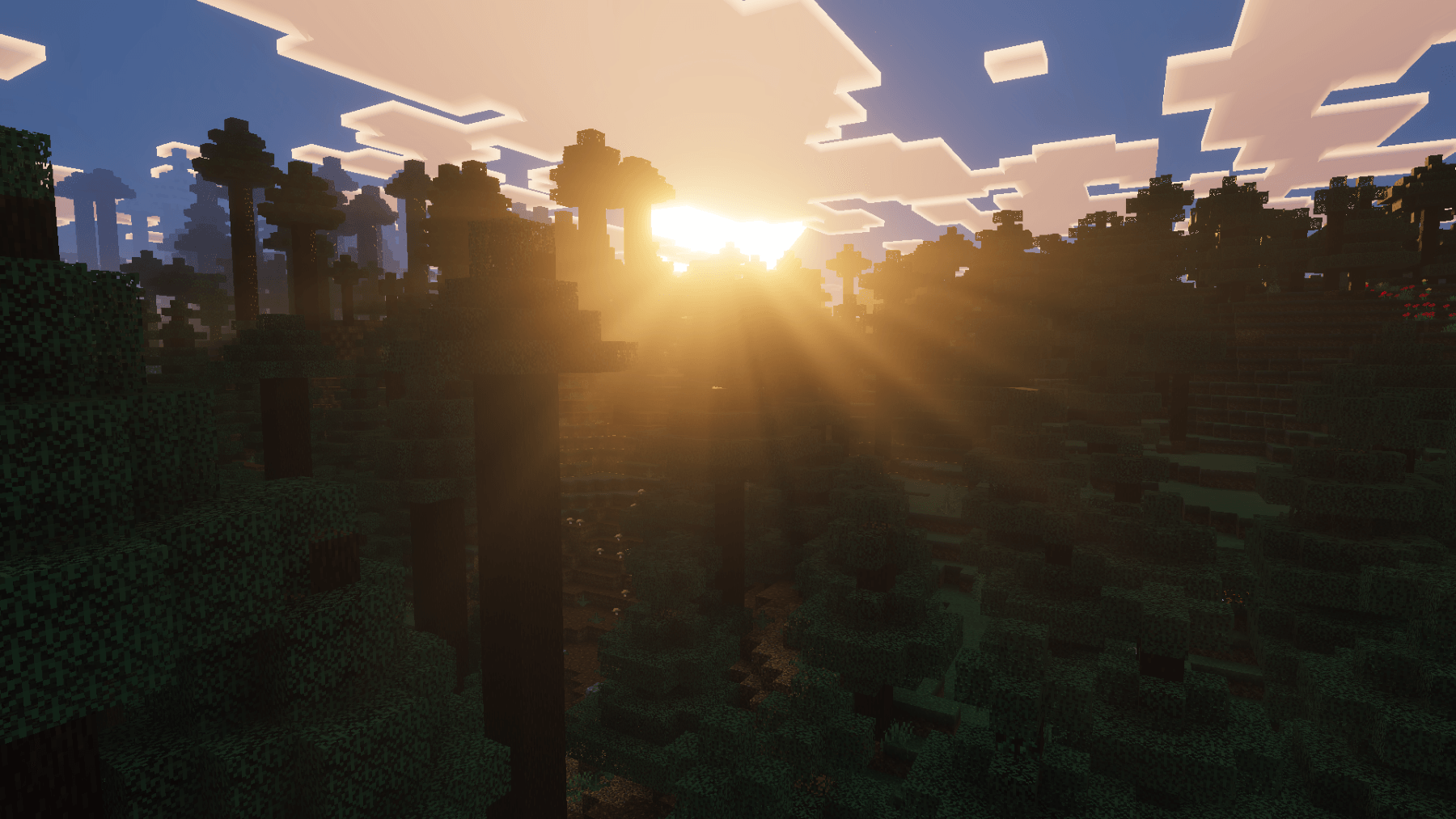
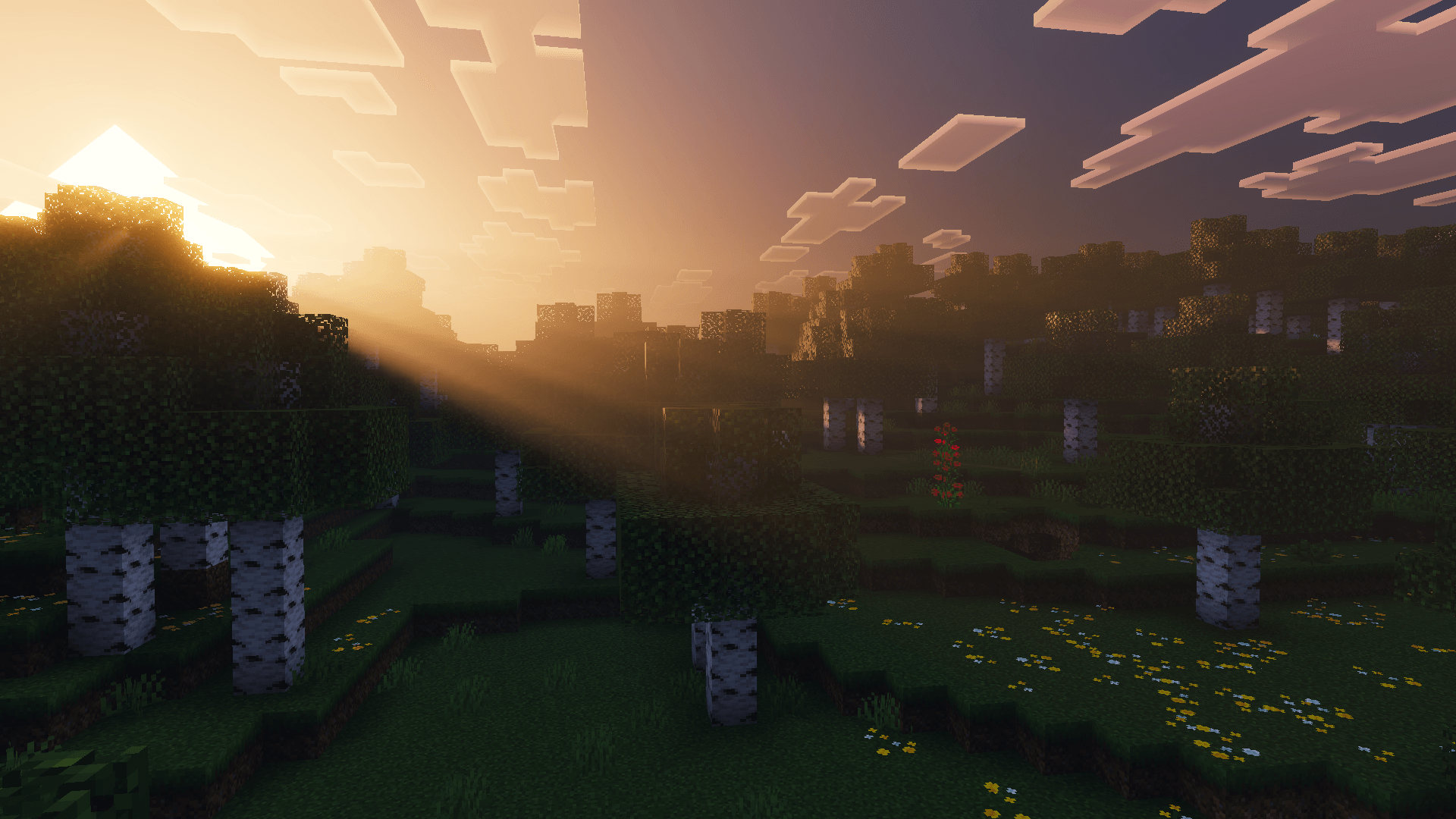
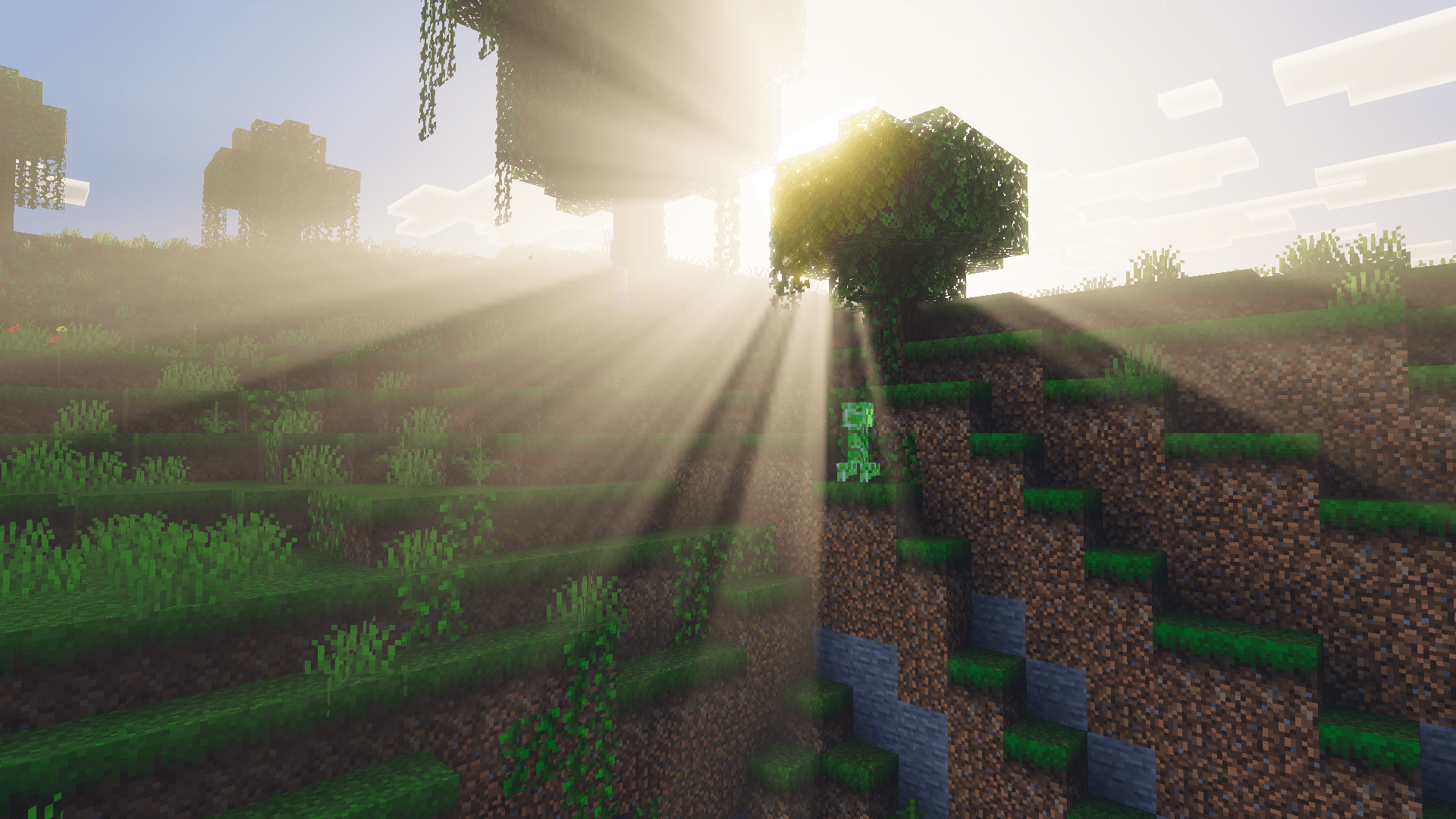
Enhanced Fog introduces realistic sunrays and cinematic fog effects to Minecraft Bedrock, elevating the game’s atmosphere. This pack works seamlessly when layered over any Vibrant Visuals shader, enriching the environment’s depth without altering your existing visuals.
Installation / How to Use
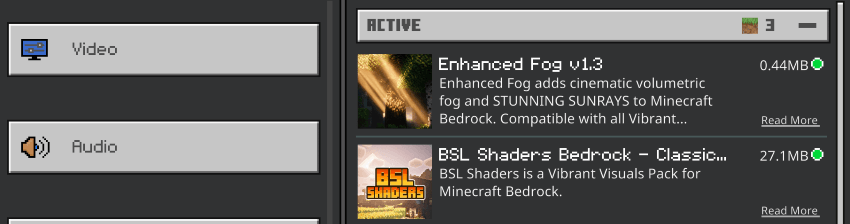
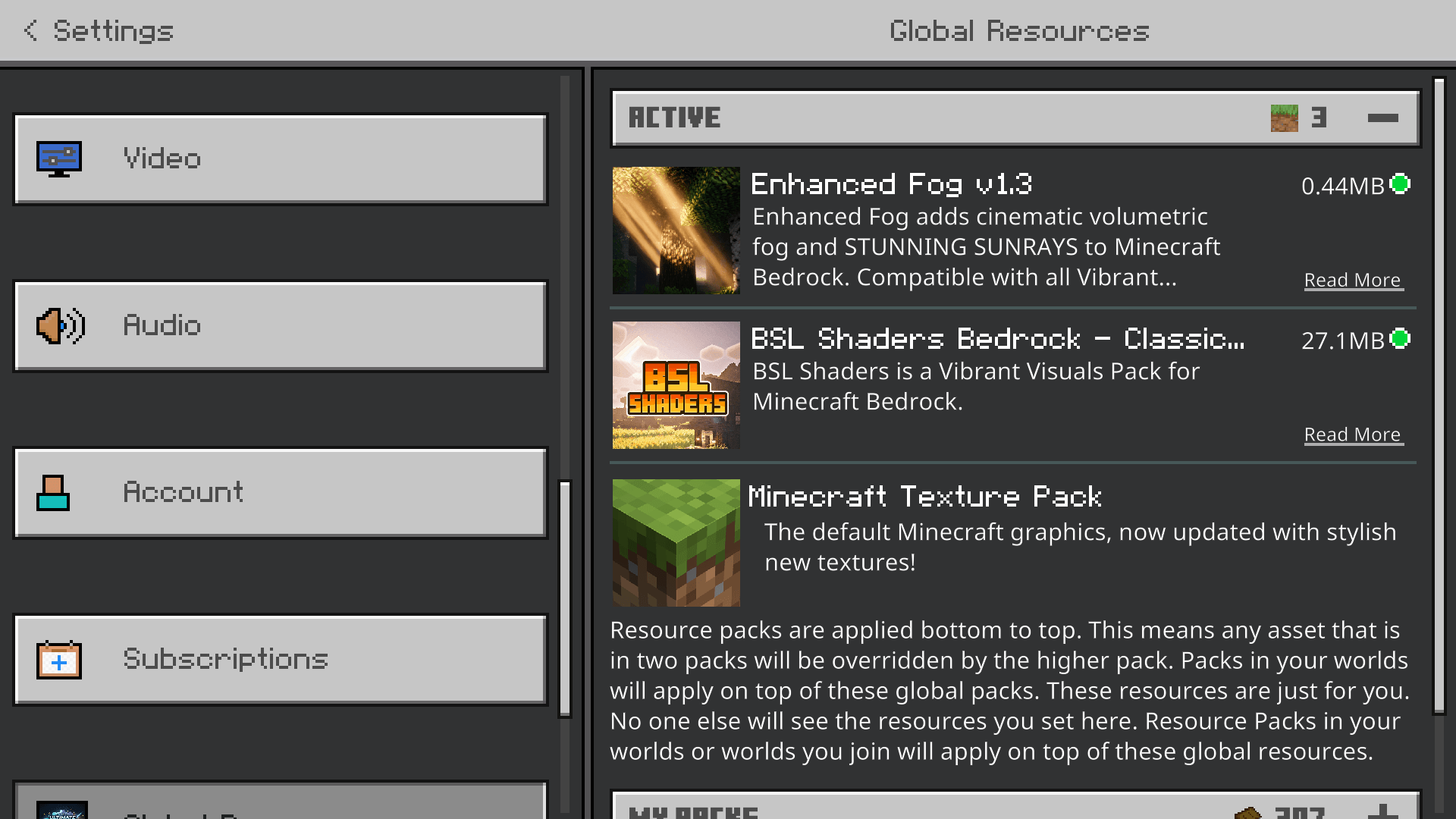
To apply Enhanced Fog, place the pack above your preferred Vibrant Visuals shader in the resource pack order. This layering method ensures that the fog and sunray effects overlay properly without interfering with your base shader’s graphics.
Requirements / Compatibility
Enhanced Fog is designed specifically to complement any Vibrant Visuals shader. It is fully compatible with these shaders, enhancing the visual experience by adding volumetric fog and dynamic sunrays.
Key Features
- Volumetric sunrays that dynamically interact with the environment.
- Cinematic fog effects that add realism and depth to scenes.
- Non-intrusive layering that preserves your existing shader visuals.
Enhanced Fog v1.3.0.mcpack
[460.45 KB]
 5.00/5