
Dynamic Entity Hitbox & Collision Visualizer
UPDATED: 3.07.2026
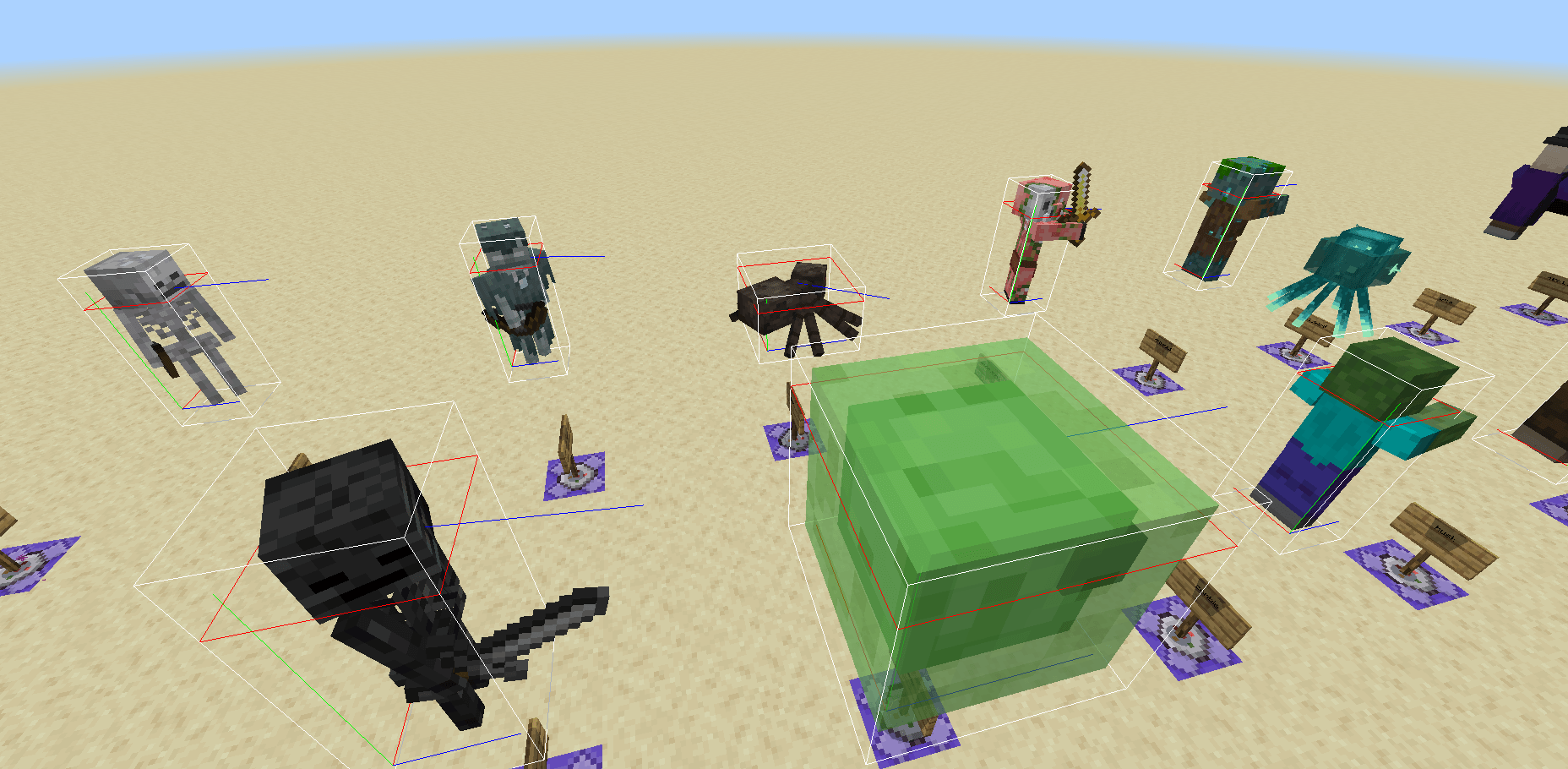
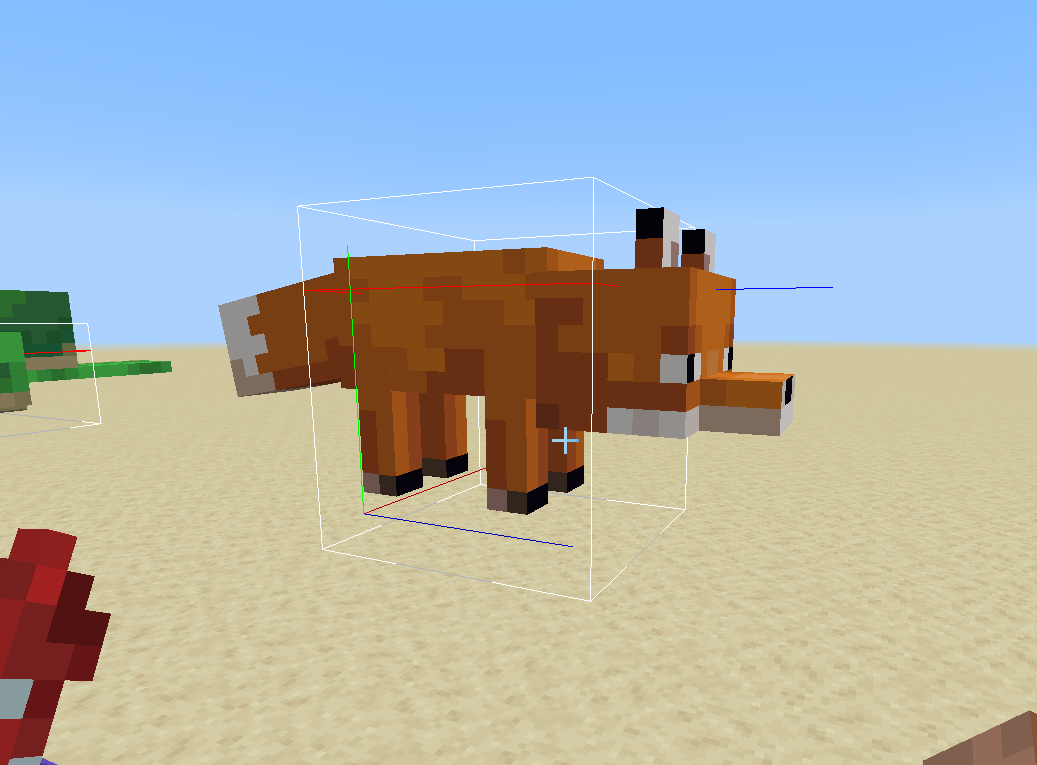
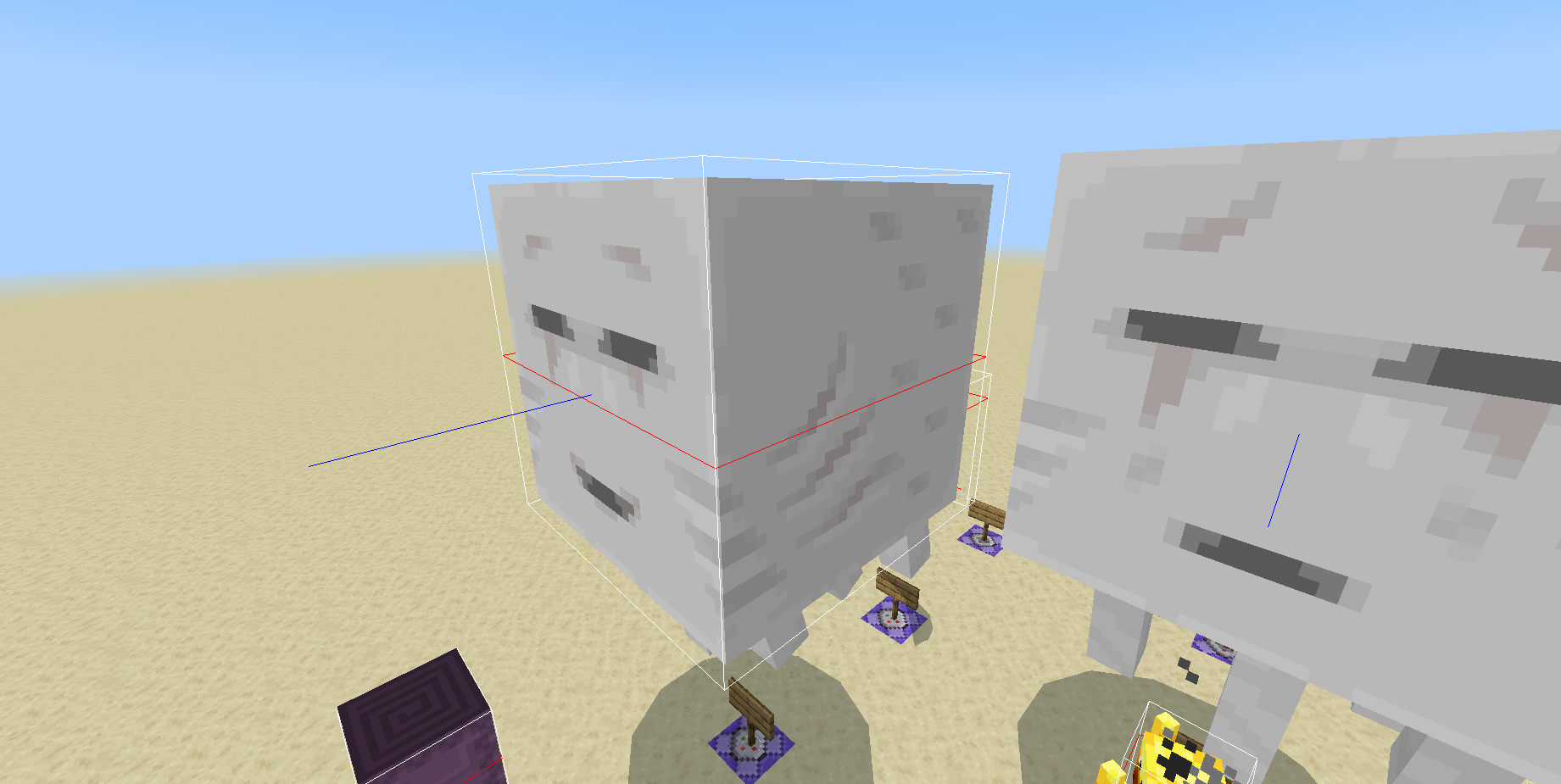
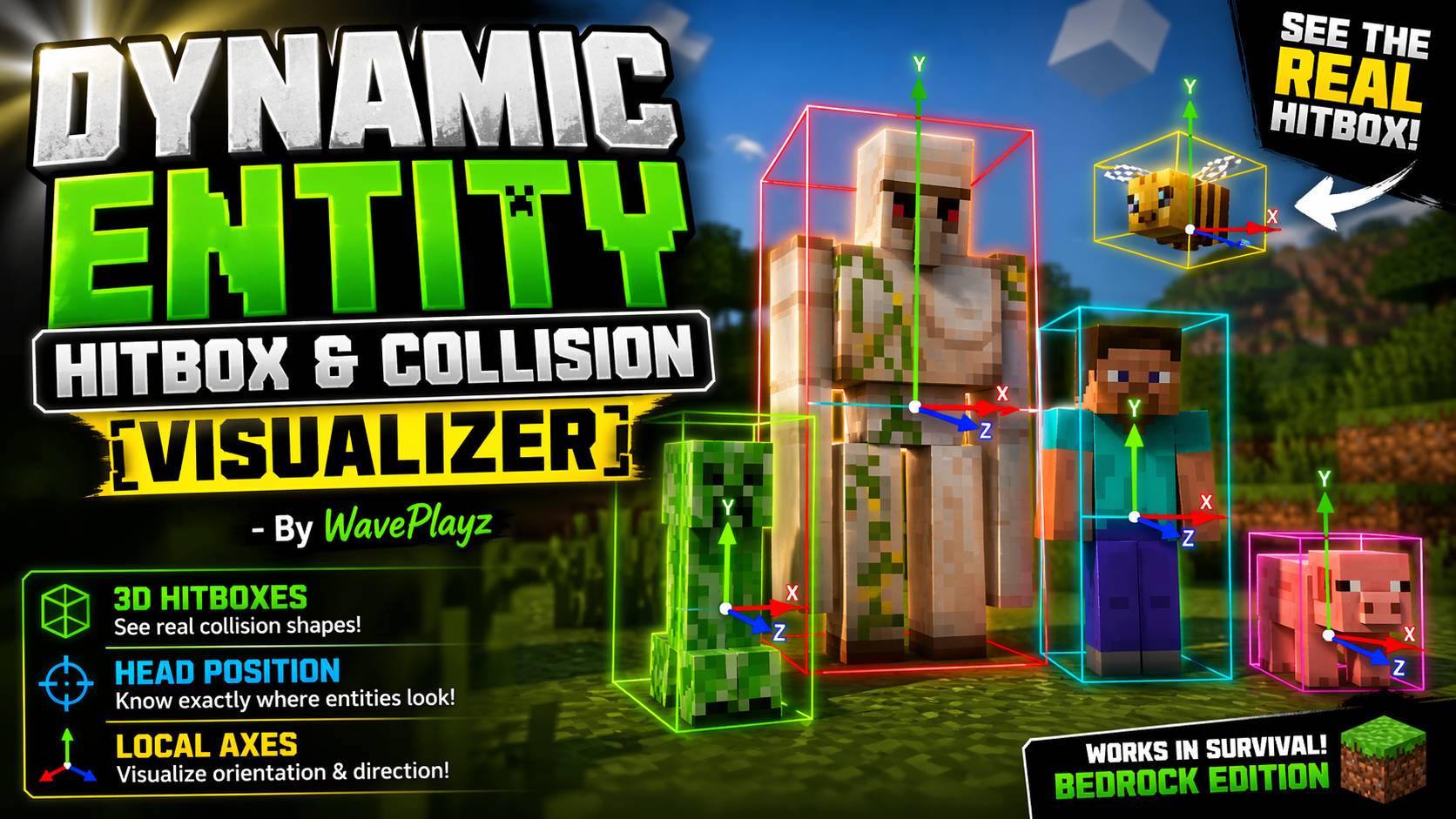
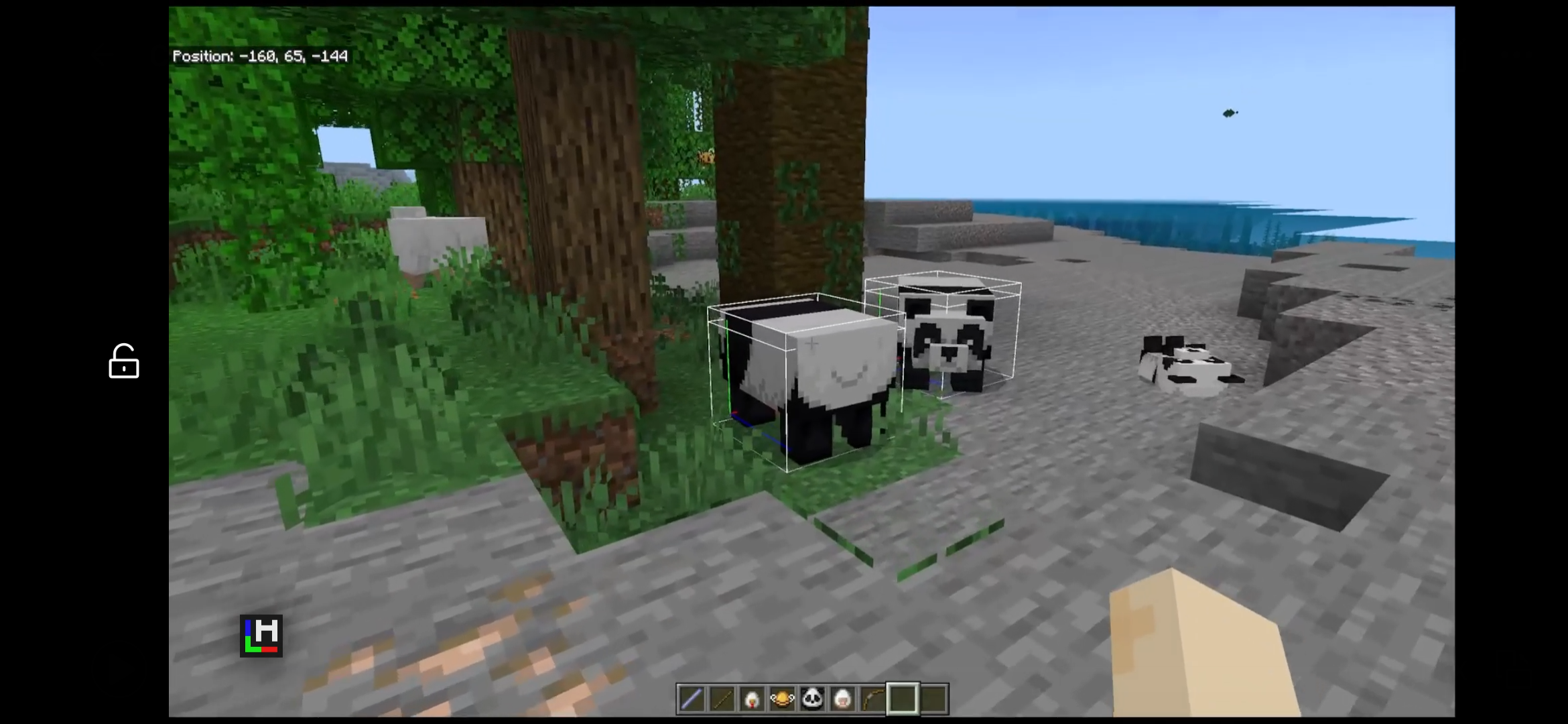
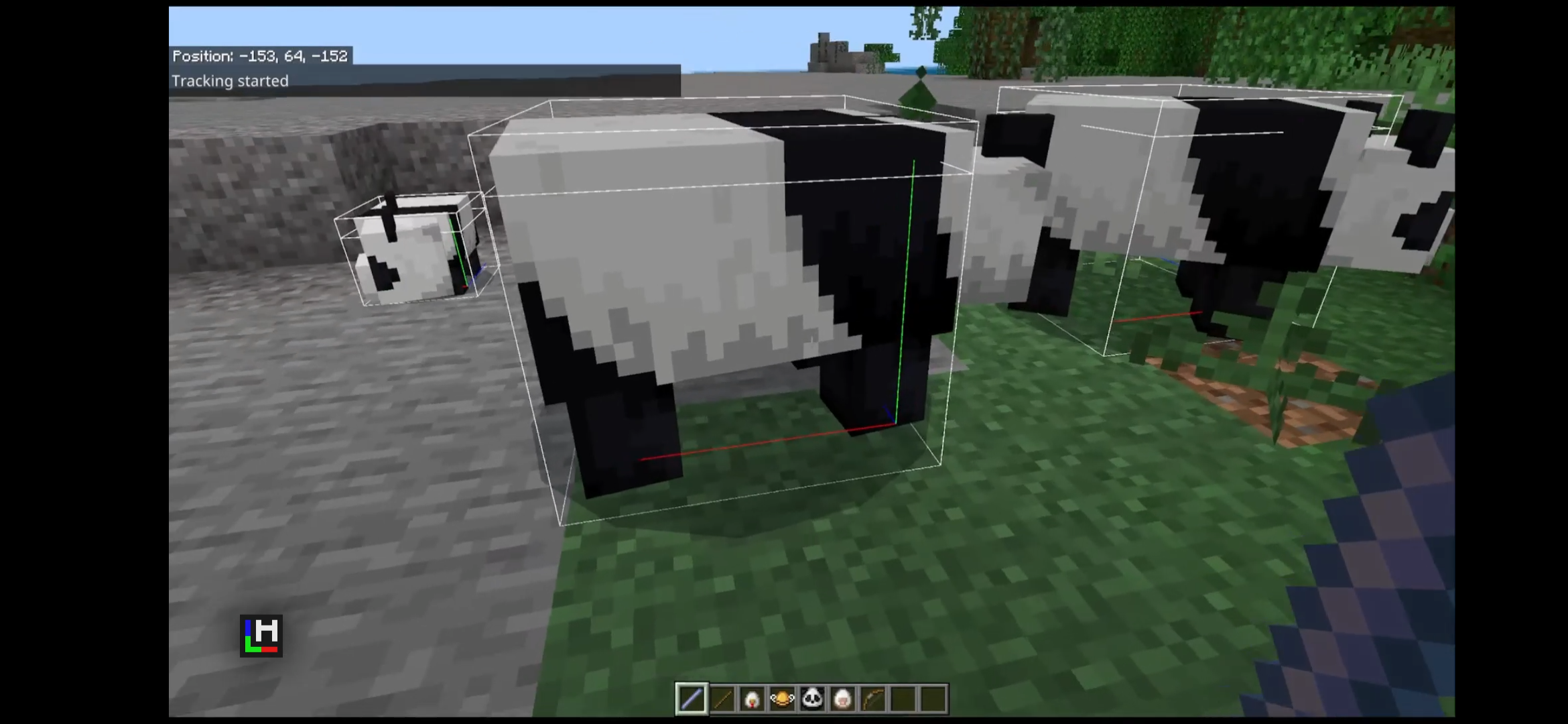
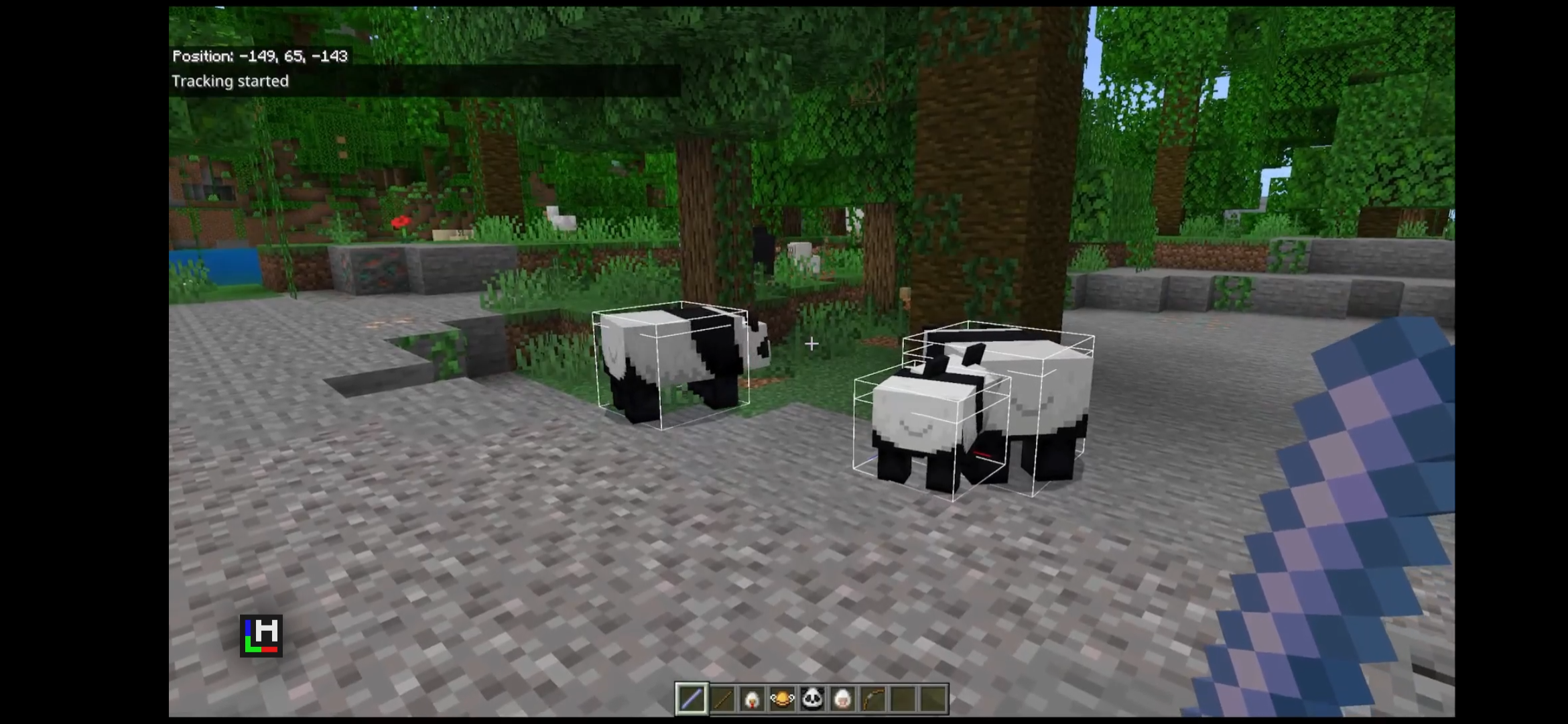
Dynamic Entity Hitbox & Collision Visualizer enhances Minecraft Bedrock Edition by providing a real-time display of entity hitboxes. This behavior pack generates 3D debug shapes around entities near the player, showing their head positions and local XYZ coordinate axes for precise visualization. It is an essential tool for players and developers wanting detailed insight into entity boundaries and interactions.
Installation
- Place the behavior pack folder into your
behavior_packsdirectory. - Activate the pack within your world settings.
- Enable the Beta Script API under the Experiments menu in game settings.
How to use
Right-click or hold the stick to display hitboxes and coordinate axes for visible entities temporarily.
Sneak and right-click (or hold) to toggle continuous hitbox visualization on or off until you toggle it off again.
Requirements / Compatibility
- Minecraft Bedrock Edition version 1.20.90 or later.
- Beta Script API must be enabled for full functionality.
Key features
- AABB (Axis-Aligned Bounding Box) head hitbox visualization.
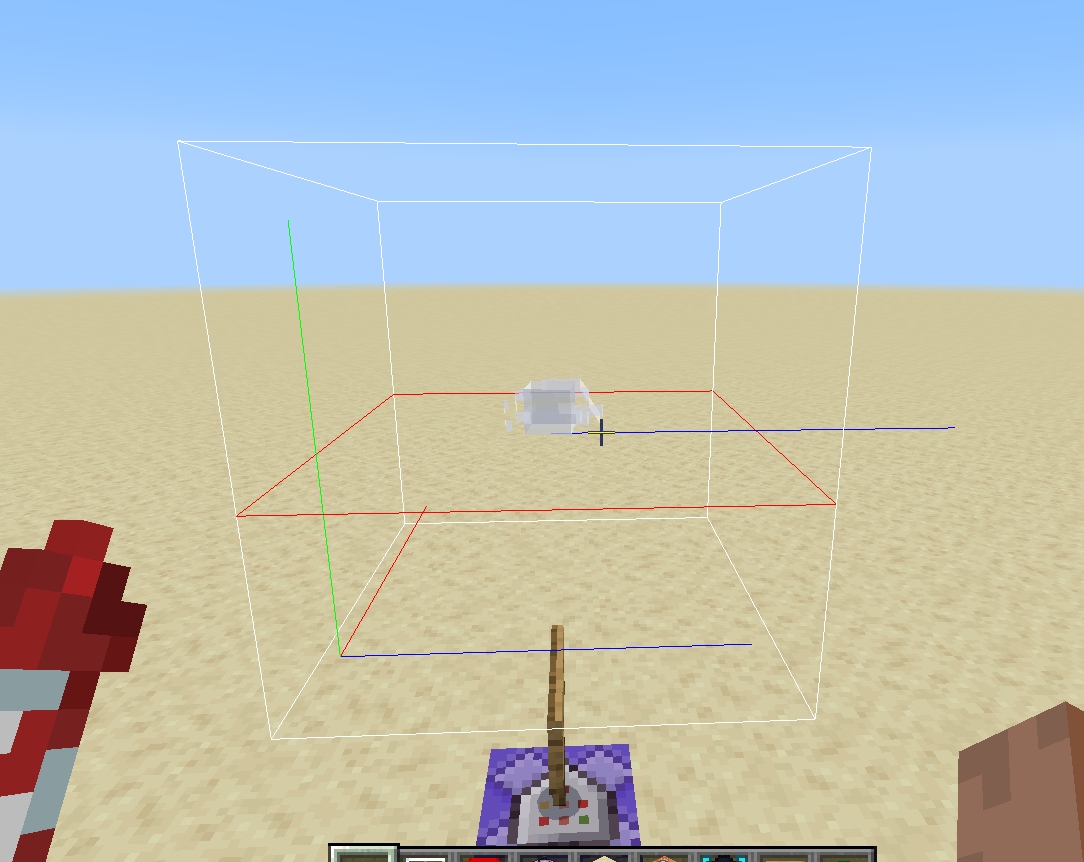
- XYZ coordinate axes displayed with red for X, green for Y, and blue for Z.
- Look vector ray indicating the exact server-side view direction of entities.
- Distance-based tracking with configurable radius to control which entities are visualized.
- Automatic timeout and manual toggle options for flexible usage.
- Runtime control through the
/scripteventcommand interface. - Supports custom entities by dynamically calculating hitbox sizes using directional raycasts.
- Optimized performance by refreshing only dynamic entities (like players and shulkers) every half second.
- Multiplayer support, allowing multiple players to use the tool simultaneously.
Commands
Configure the visualizer live using these slash commands:
| Command | Value | Description |
|---|---|---|
| /remove | — | Clear all debug shapes currently rendered. |
| /tool | — | Receive the hitbox viewer stick tool. |
| /toggle | — | Enable or disable the addon globally. |
| /settings | — | Display current configuration settings. |
| /duration | <ticks: number> (default: 400) | Set how long hitboxes remain visible when not toggled. |
| /radius | <radius: number> (default: 5) | Adjust the detection radius for rendering hitboxes. Increasing this value (e.g., to 1000) allows hitboxes behind the player to be shown. |
| /size | <size: number> (default: 10) | Define the maximum size for entity hitboxes. |
| /refresh | <refresh: number> (default: 5) | Set refresh intervals (in ticks) for hitbox updates on dynamic entities. |
| /maxcount | <Entities: number> (default: 10) | Limit how many entities’ hitboxes can render per player. |
| /mode | [1 = hitbox, 2 = collision box, 3 = both] (default: 3) | Choose which box types to display. Accepts numeric codes only. |
| /includeplayers | — | Toggle player hitbox visualization on or off (default: off). |
| /sendnumerics | <value: boolean> (default: false) | Show numerical bounding box dimensions alongside visuals. |
Notes
The addon uses system.runJob() for continuous updates and ignores entities that are outside the player’s view to optimize performance. Static entities that do not change size are not refreshed regularly, while dynamic entities update every 10 ticks (approximately 0.5 seconds). The look vector ray visually represents the server’s true directional view of each entity, aiding in precise debugging.
DynamicEntityHitbox-0.5.5.mcpack
[14.42 KB]

 1.00/5