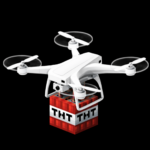
Drone v2.6, TNT drones
16.03.2026
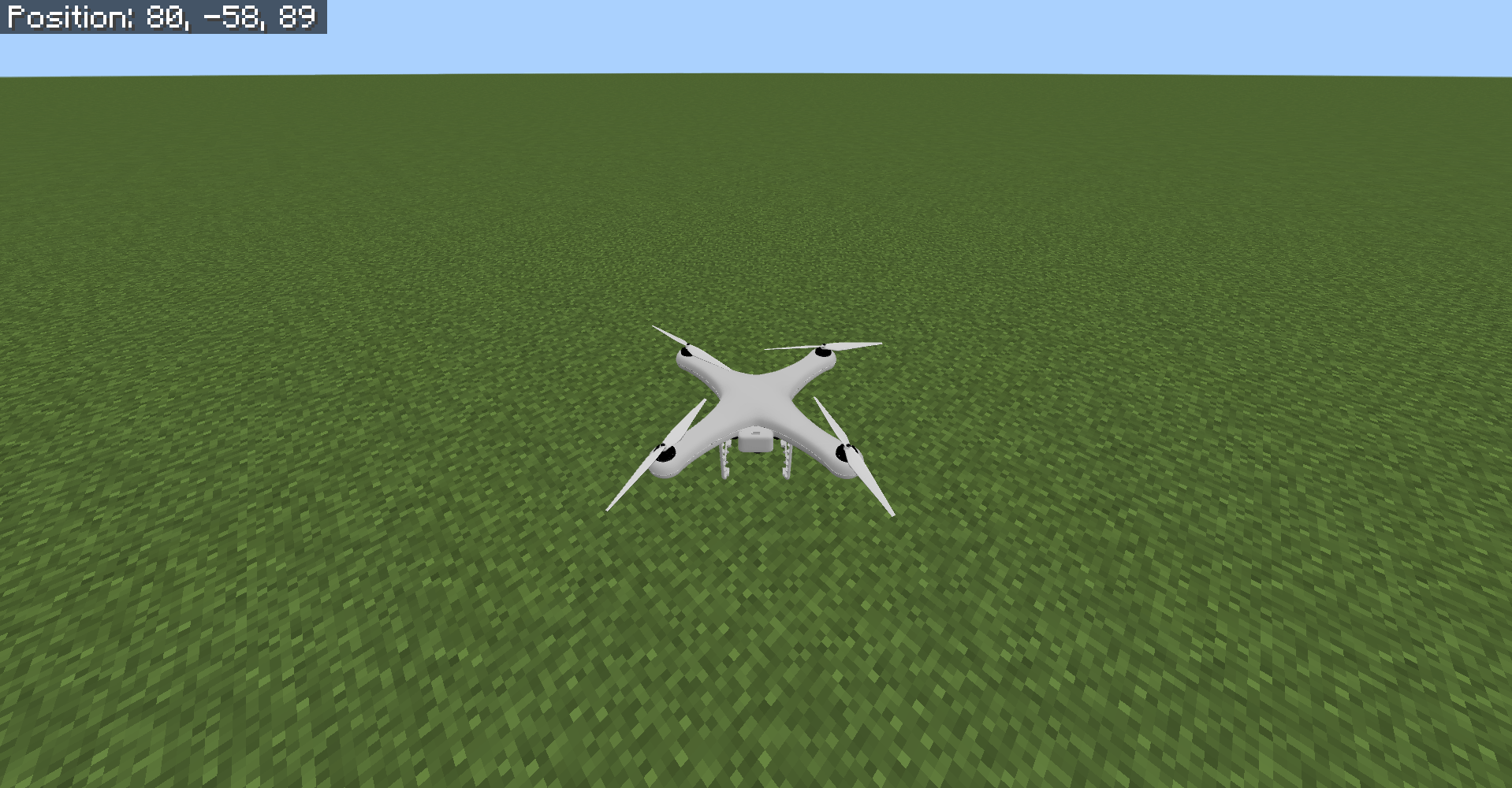
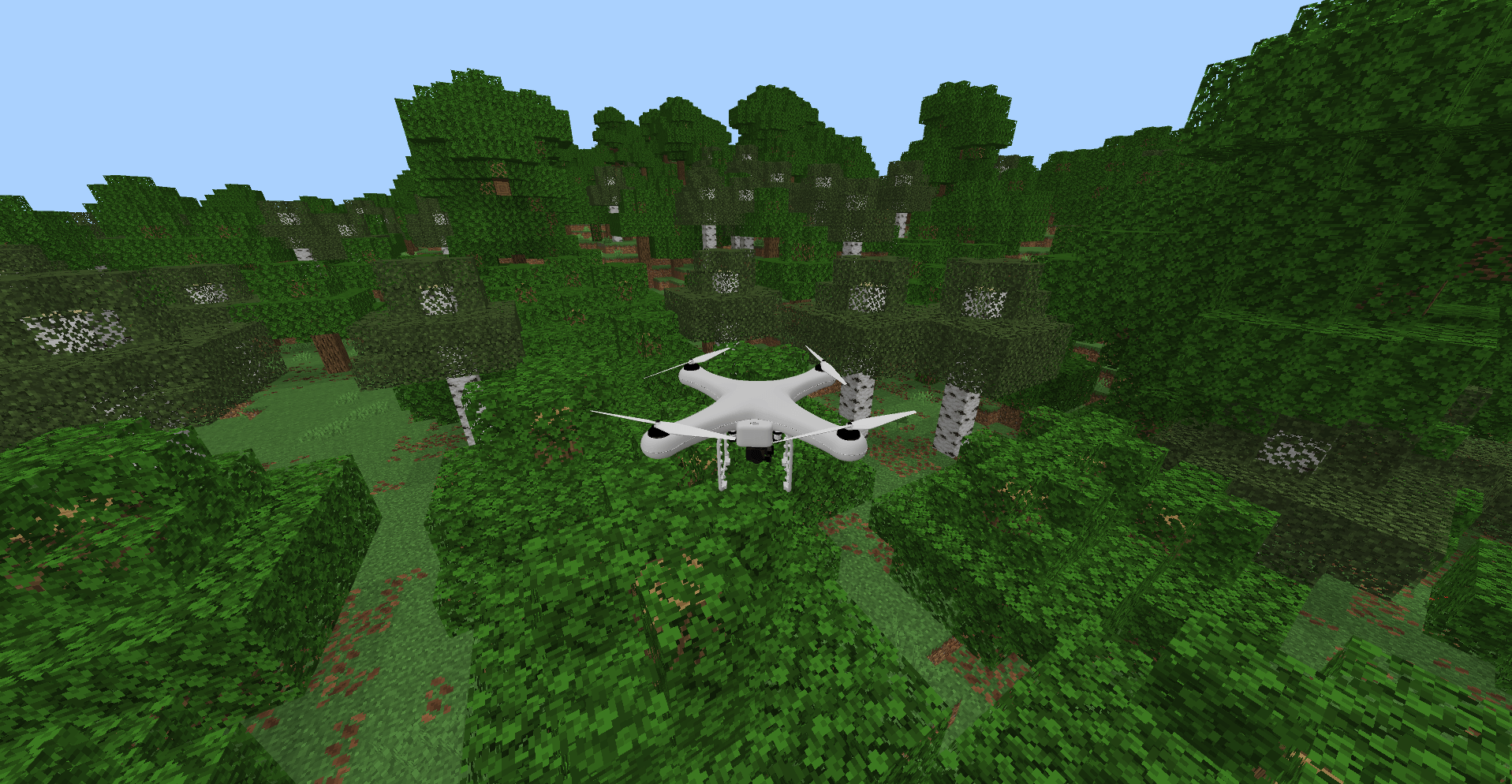
Drone v2.6: TNT-Equipped Drones for Minecraft Bedrock introduces a controllable drone with a live camera feed and a dedicated controller item. Explore your world remotely, transport blocks or containers, and customize settings including speed and security options. Designed for multiplayer compatibility, this addon enhances your gameplay with versatile drone functionality.
Installation
- Requires Minecraft Bedrock Edition version 1.21.101 or above.
- Import the provided .mcaddon file by opening it directly in Minecraft.
- Create a backup of your world, then enable both the behavior and resource packs associated with this addon.
- No experimental gameplay features are necessary.
How to Use
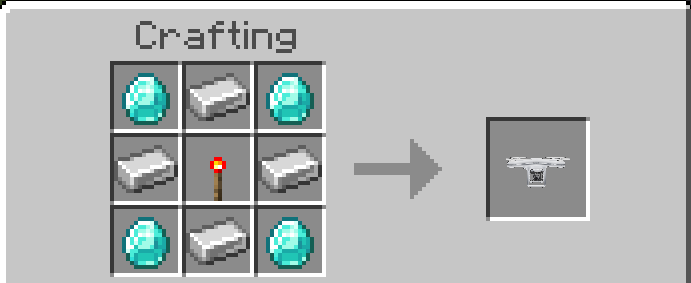
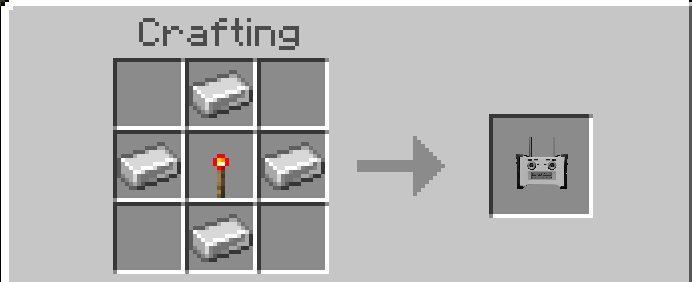
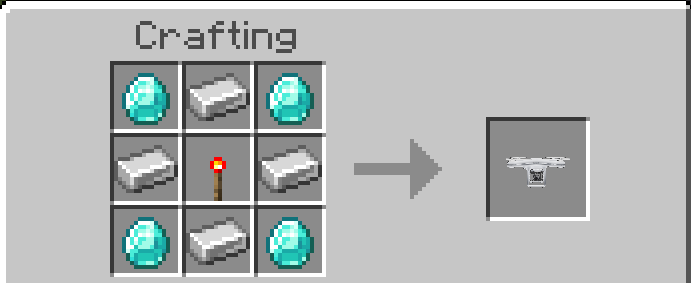
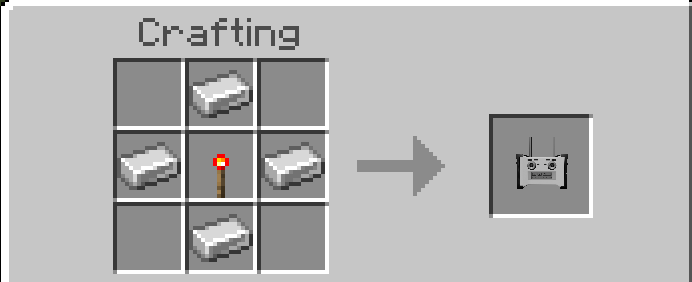
Begin by crafting the drone and its controller using the crafting recipes provided.
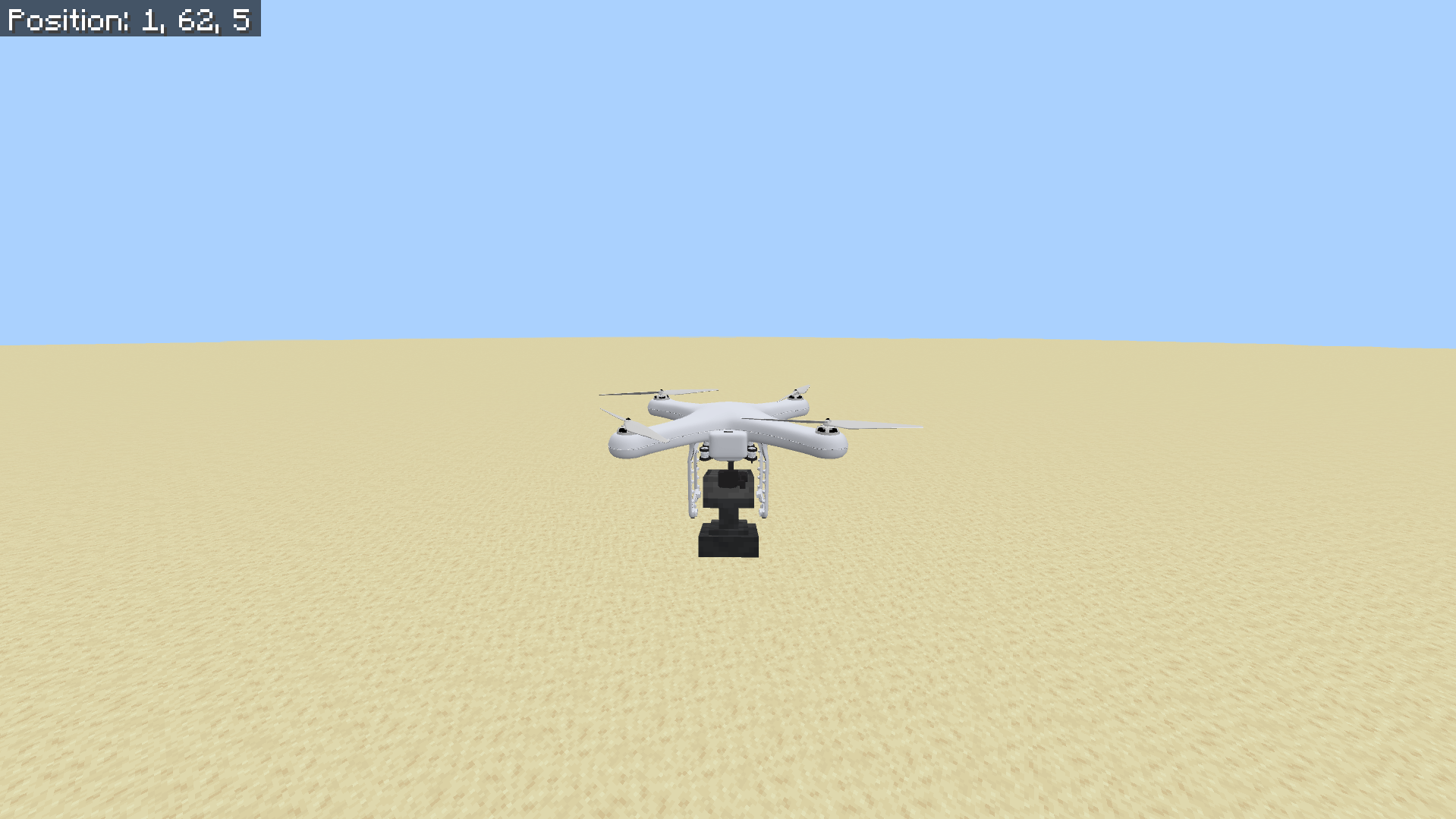
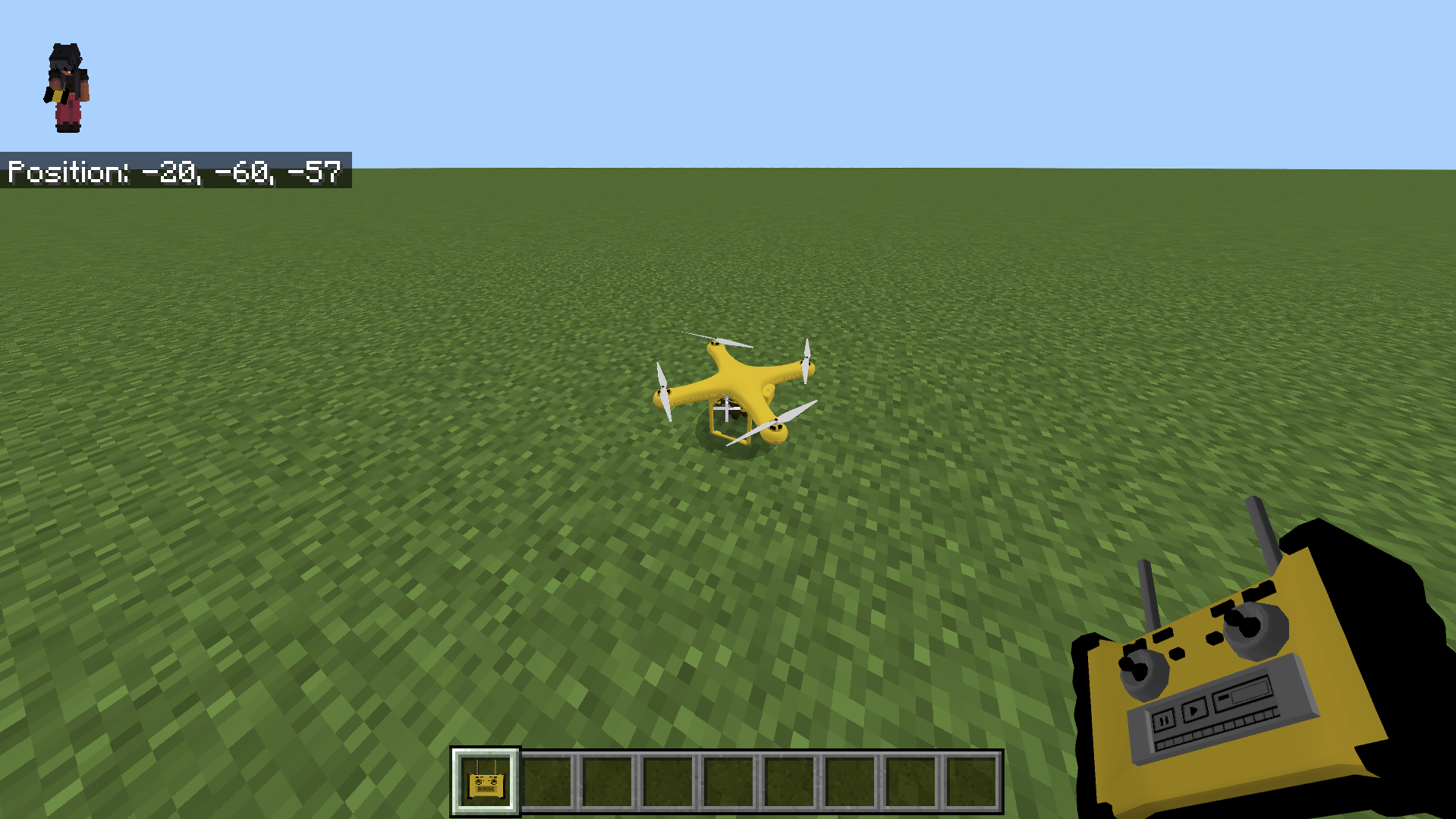
Place the drone in the world, then interact with the controller to start piloting the drone. Control the drone’s movement using W, touch controls, or a joystick. Move the camera directionally to steer, press jump to boost vertical speed, and crouch to stop controlling the drone. When control ends, the drone remains in place and will fall to the ground if unsupported.
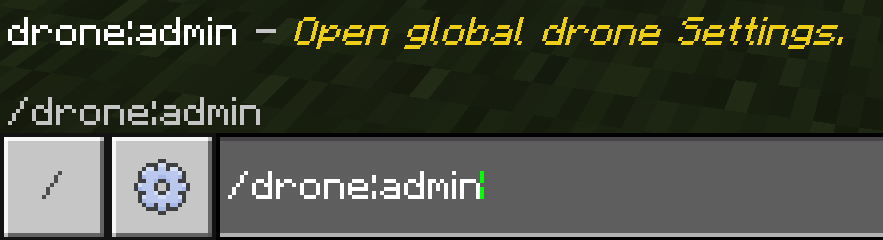
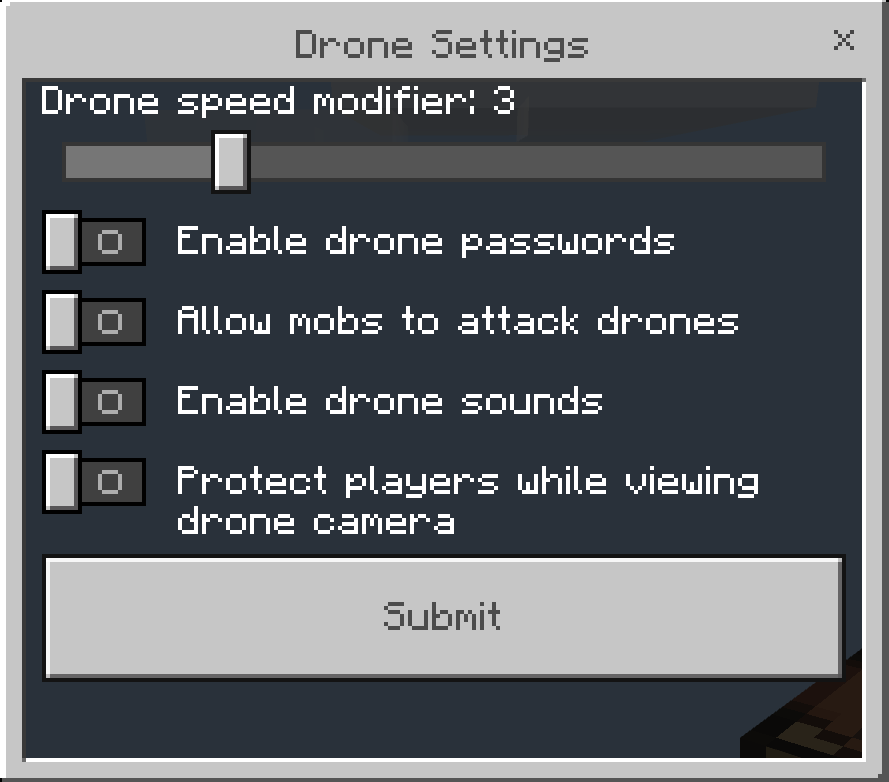
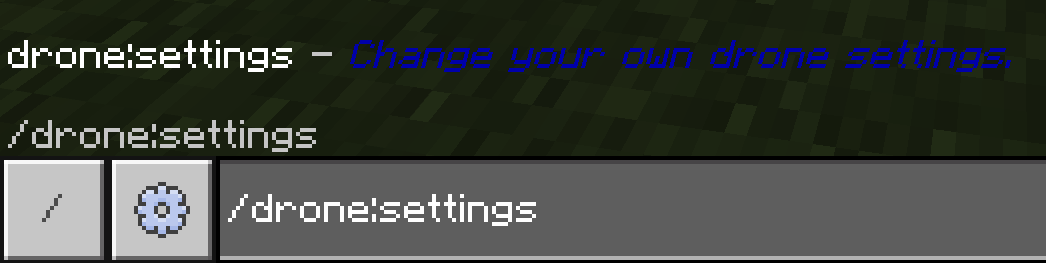
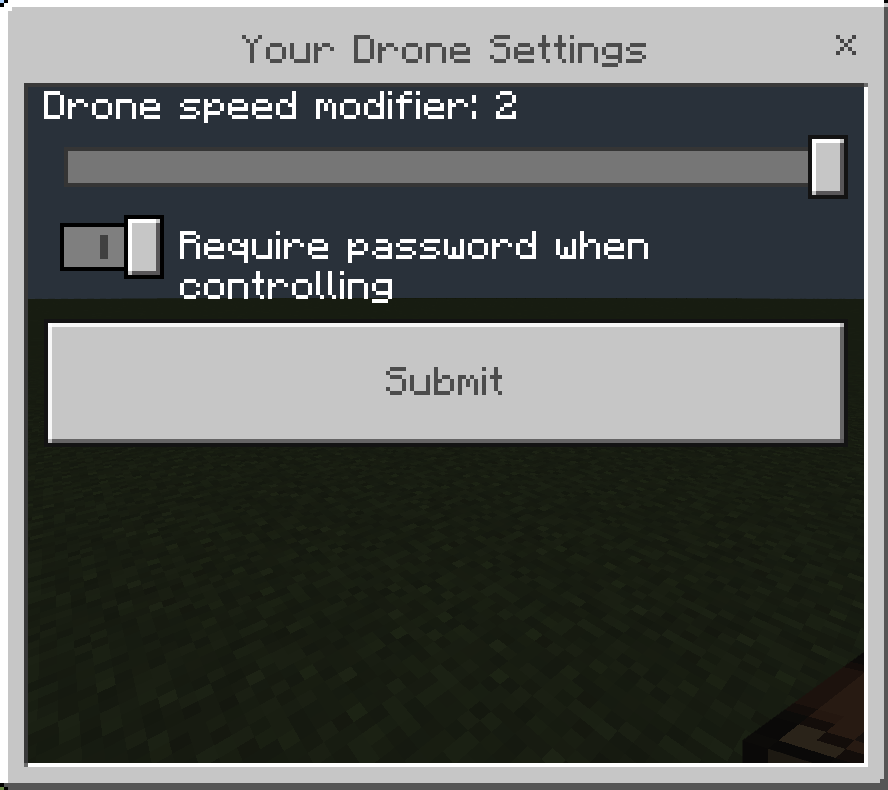
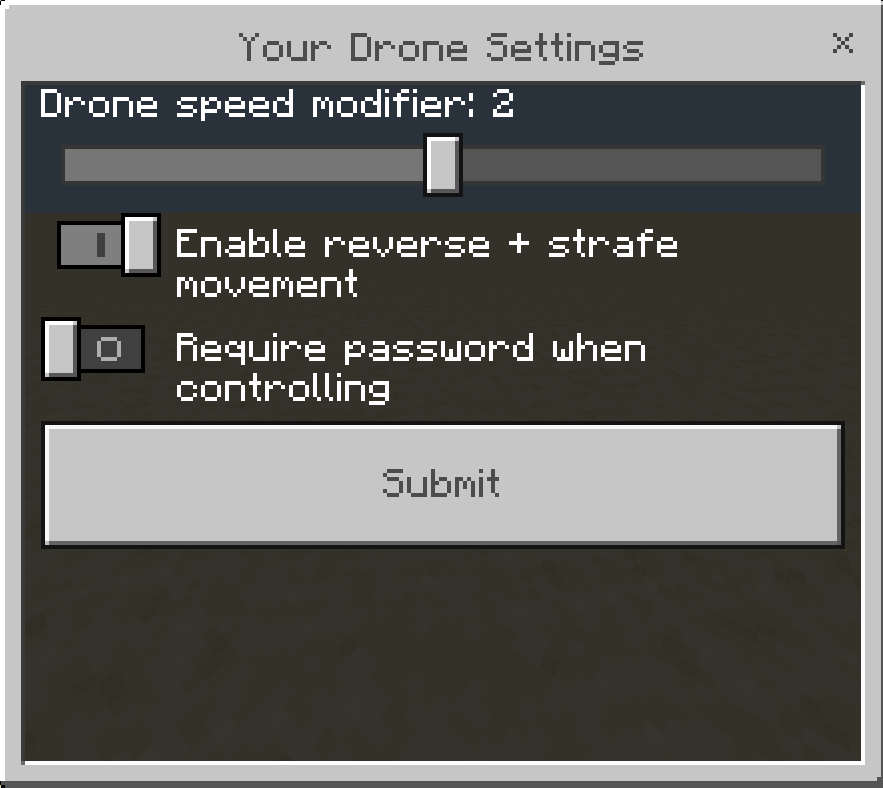
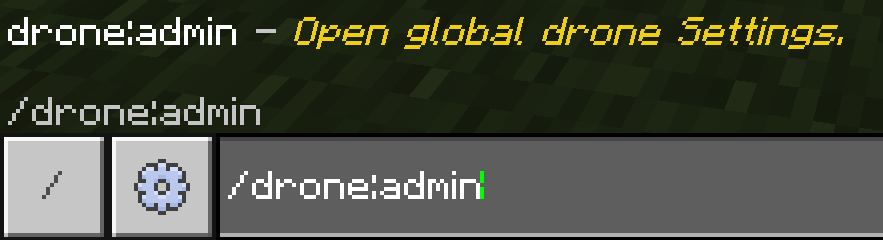
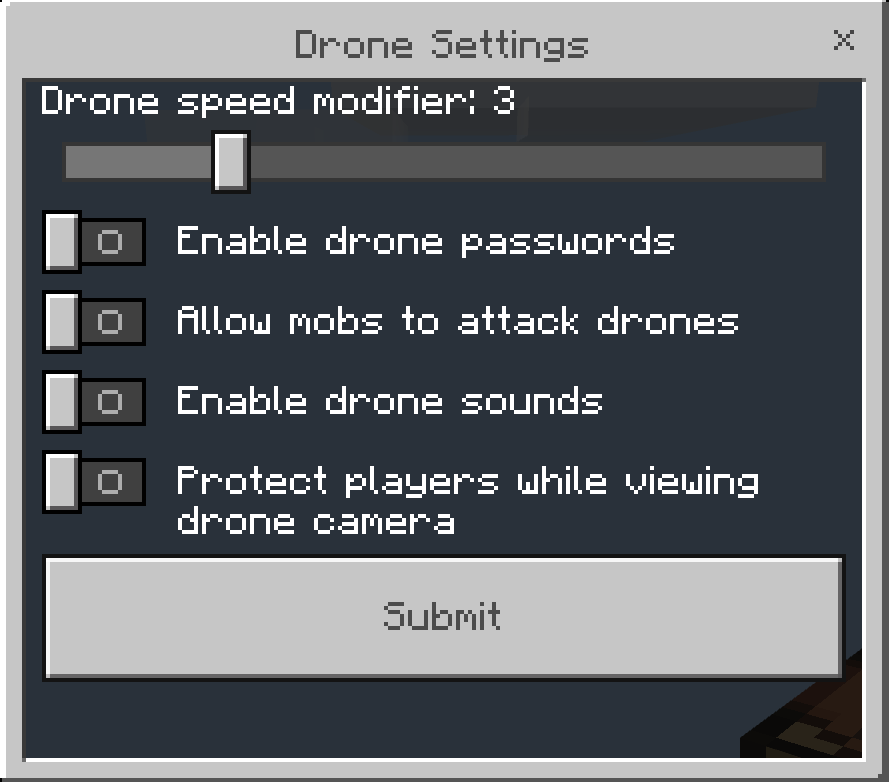
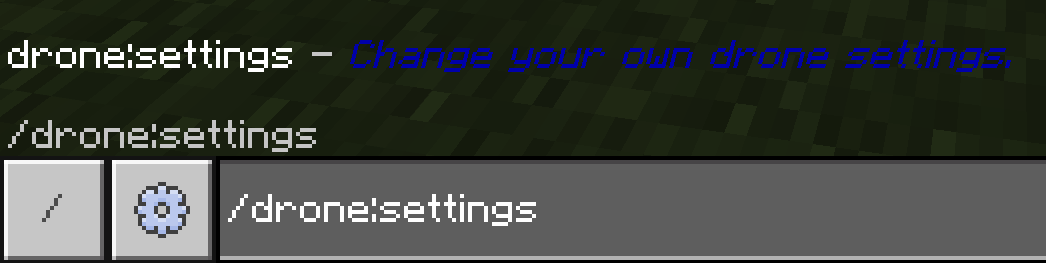
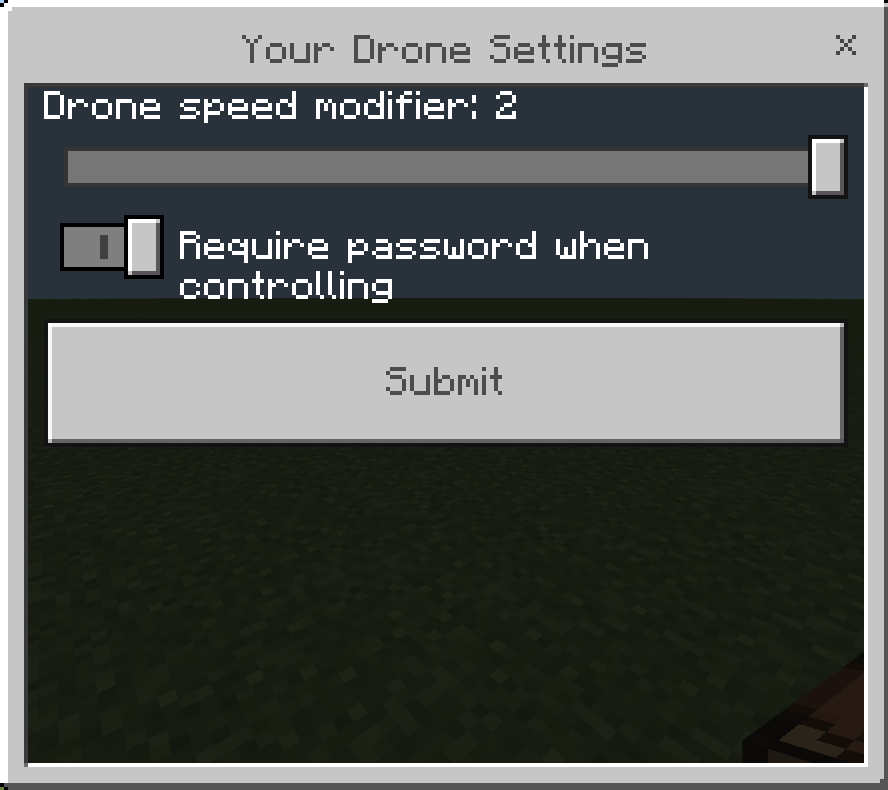
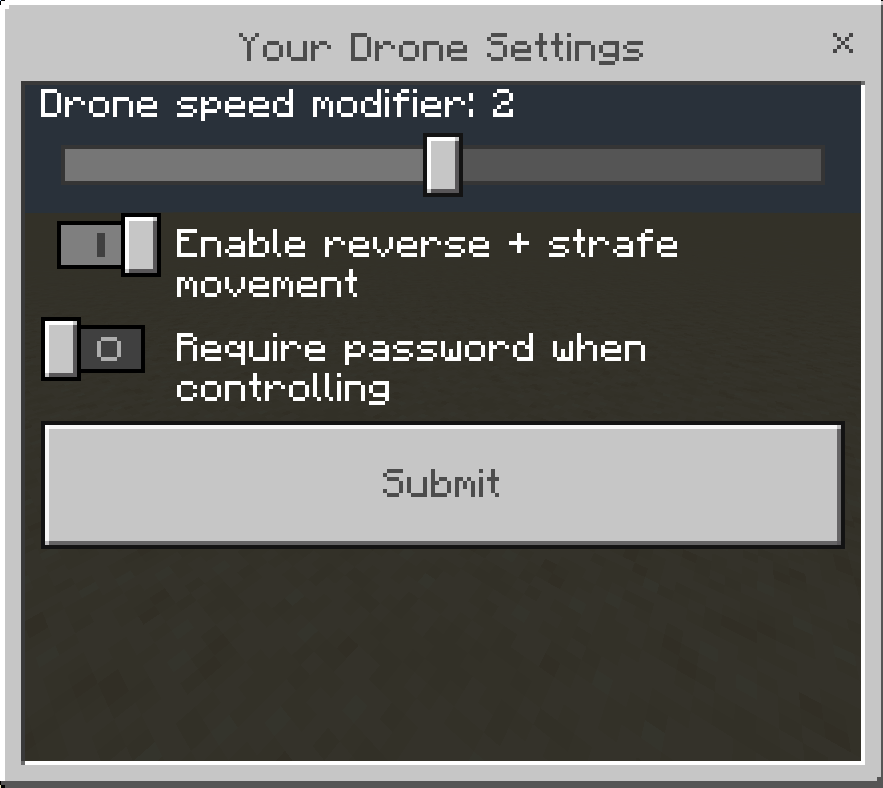
Use the command /drone:settings (requires operator permissions) to open the settings menu where you can adjust parameters such as maximum speed and password protection.
Players can customize their personal drone speed up to the maximum limit set by the server administrator.
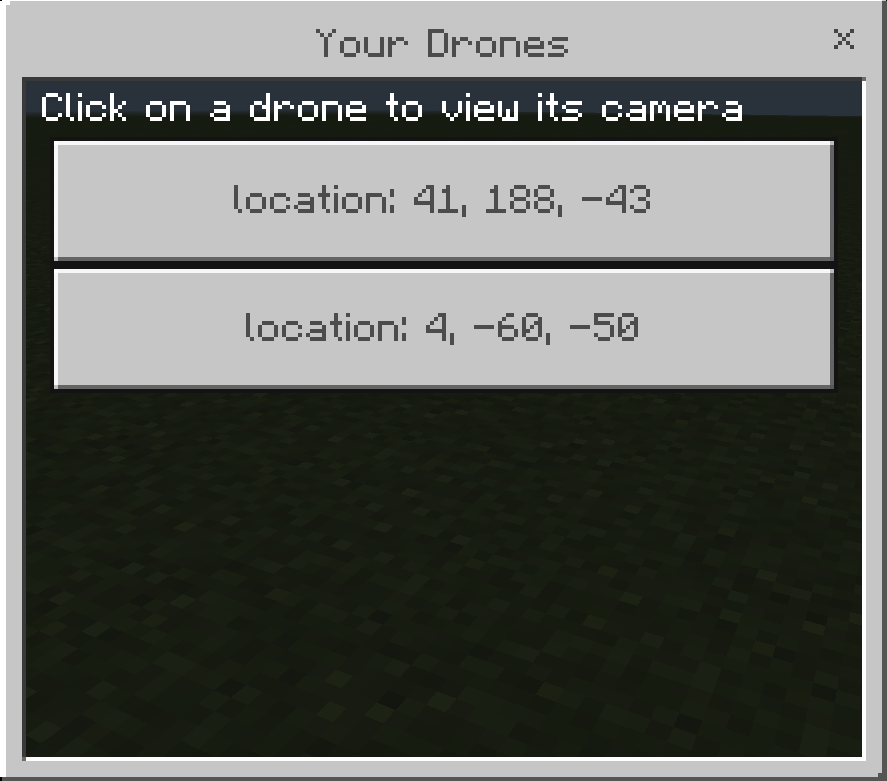
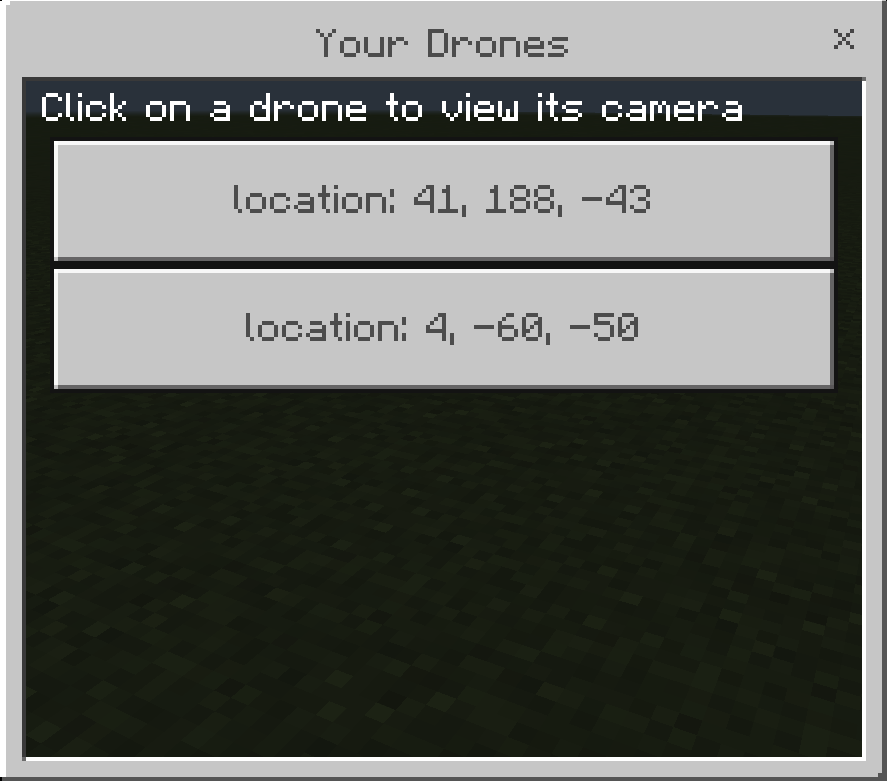
To view the drone’s camera feed, right-click or tap and hold with the controller item, then select a drone from the menu to monitor its perspective. While viewing, you are vulnerable to attacks unless this is disabled in the settings. Press crouch to exit camera view.
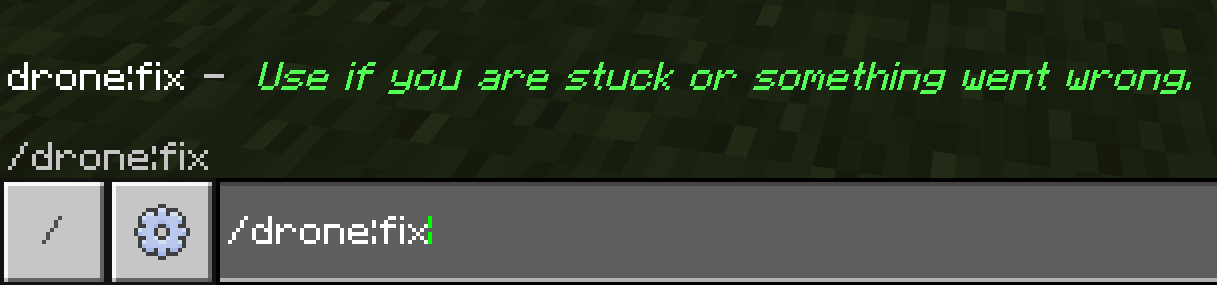
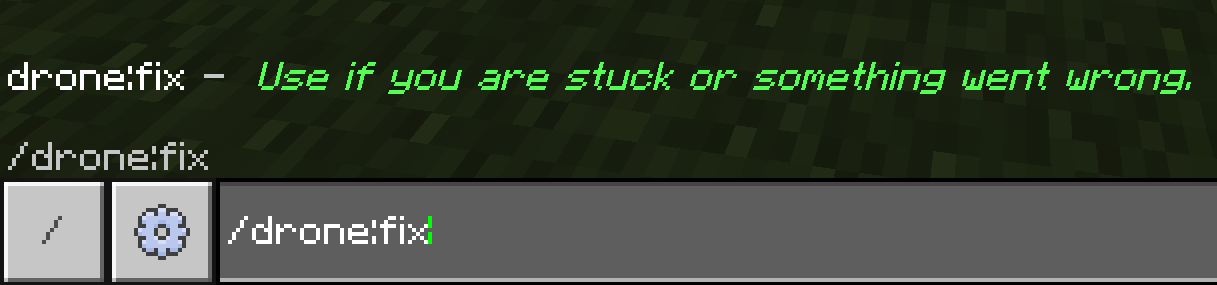
Pick up a drone by interacting with it using an empty hand. If issues arise, fix the drone using the command /drone:fix.
Key Features
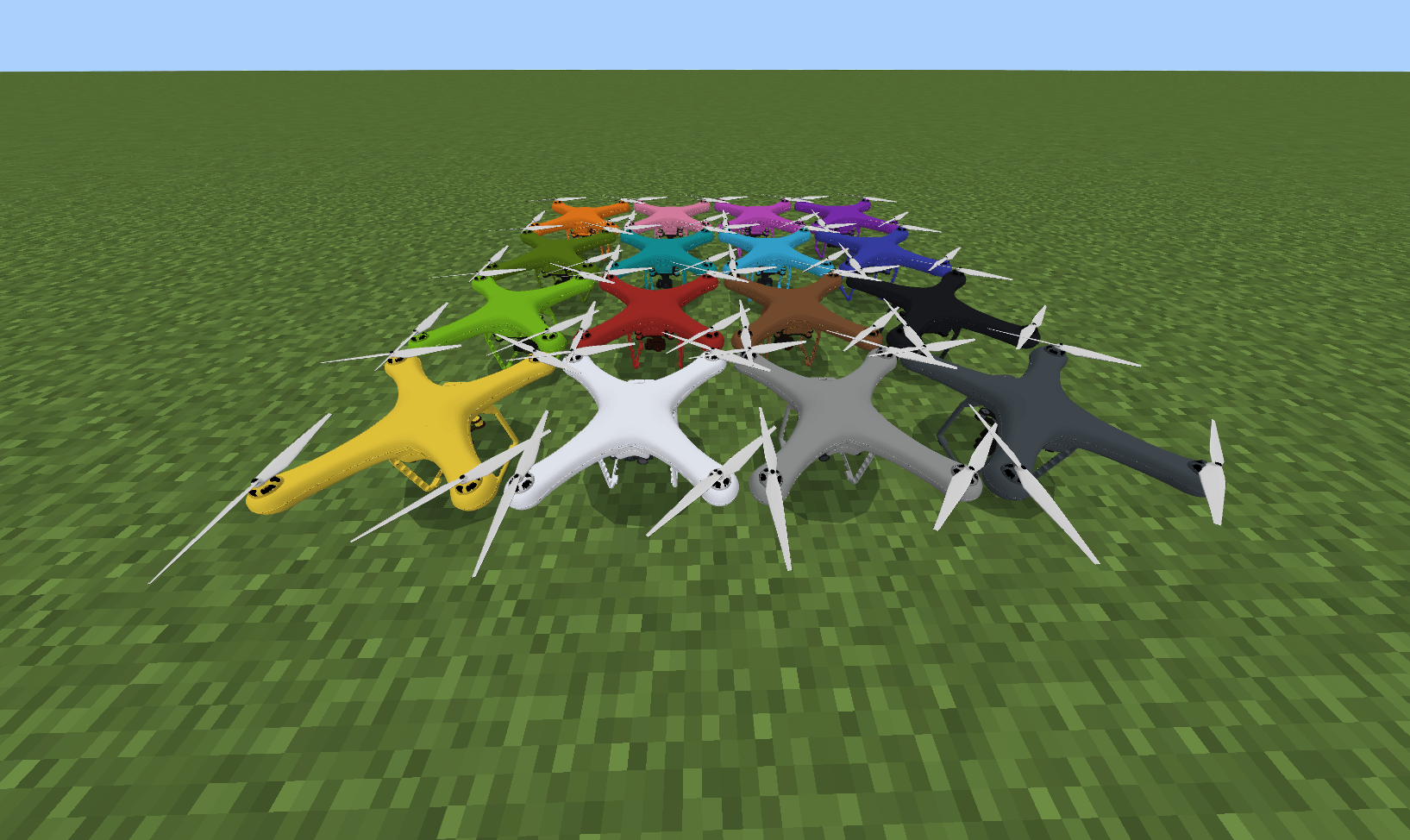
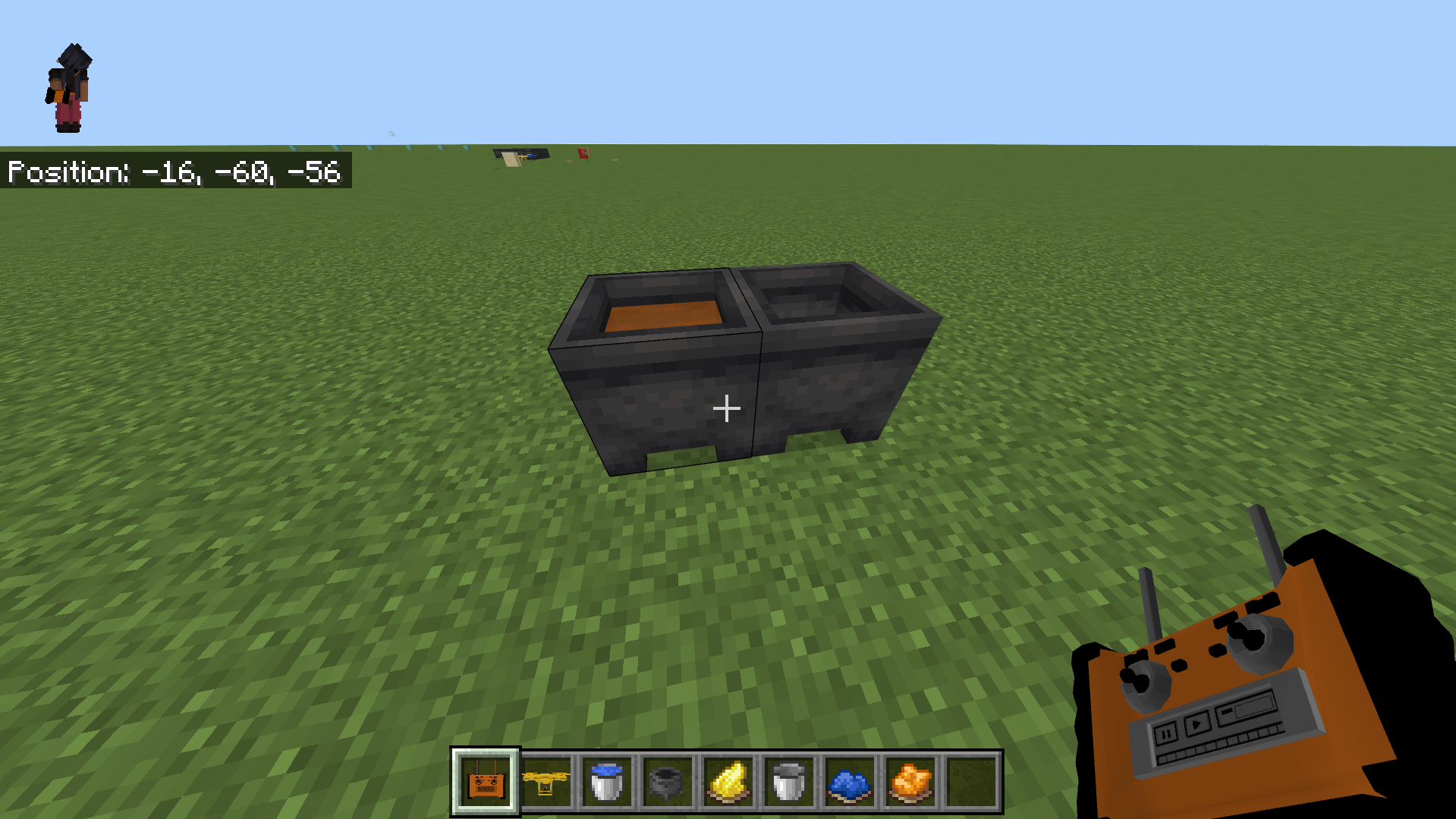
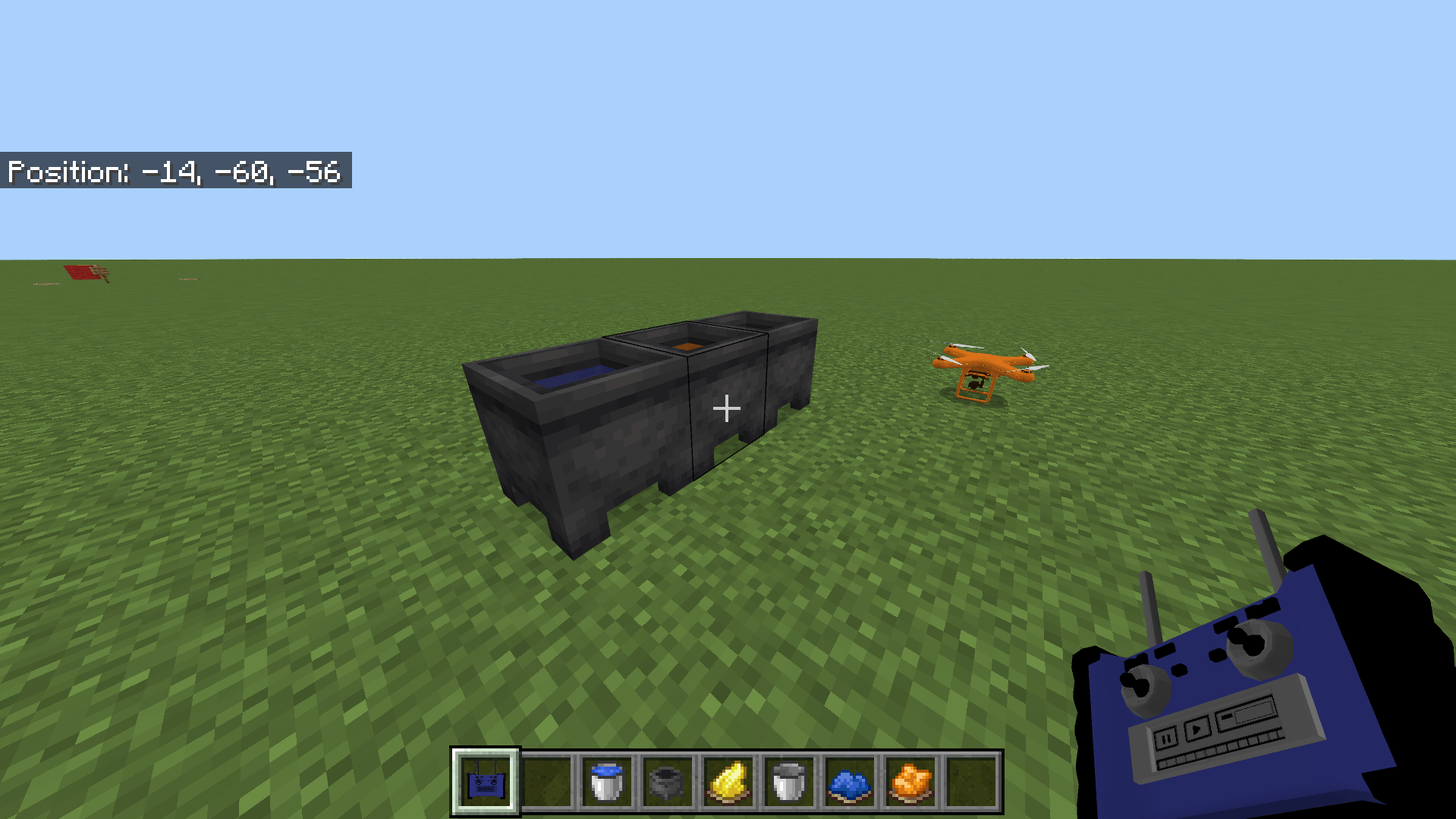
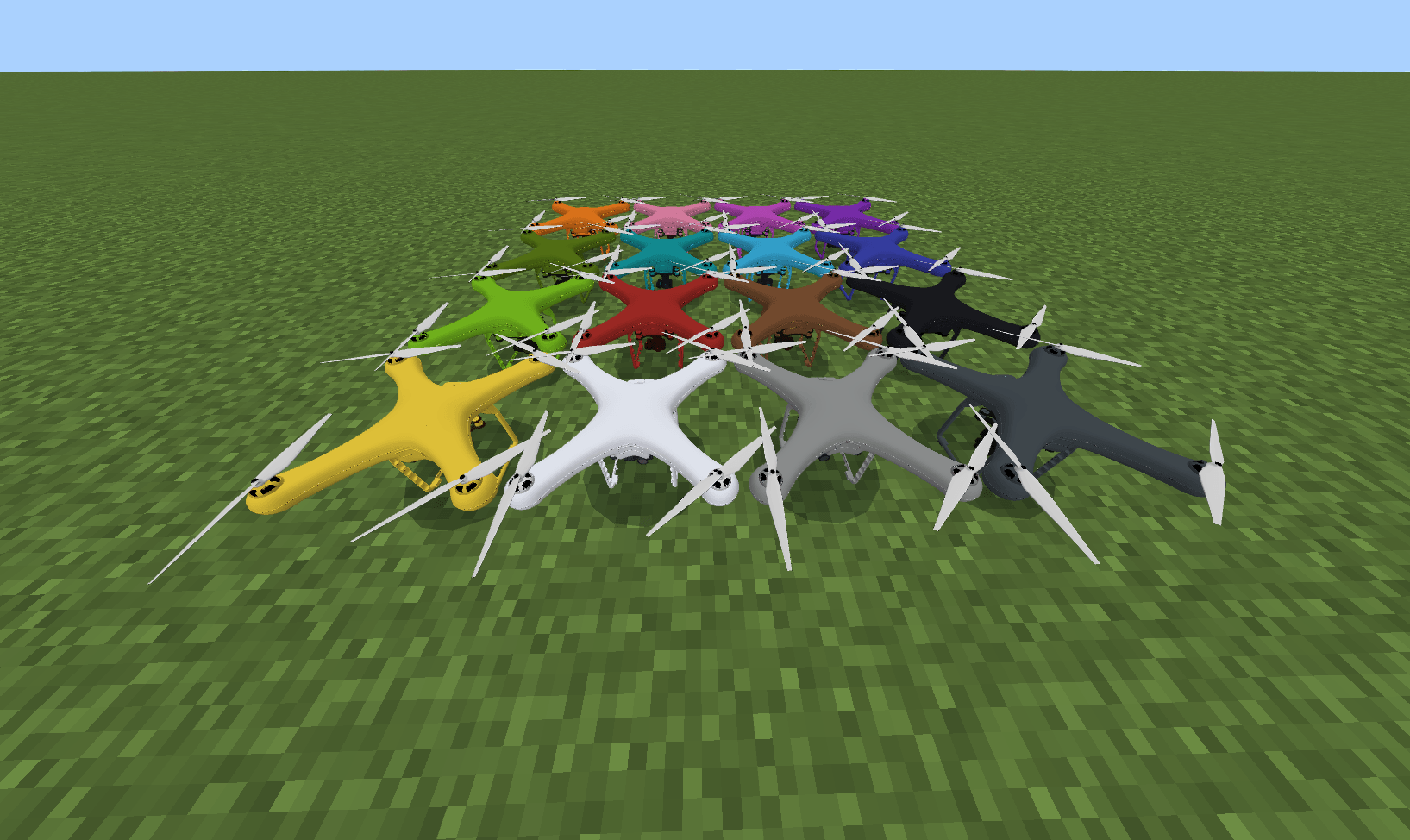
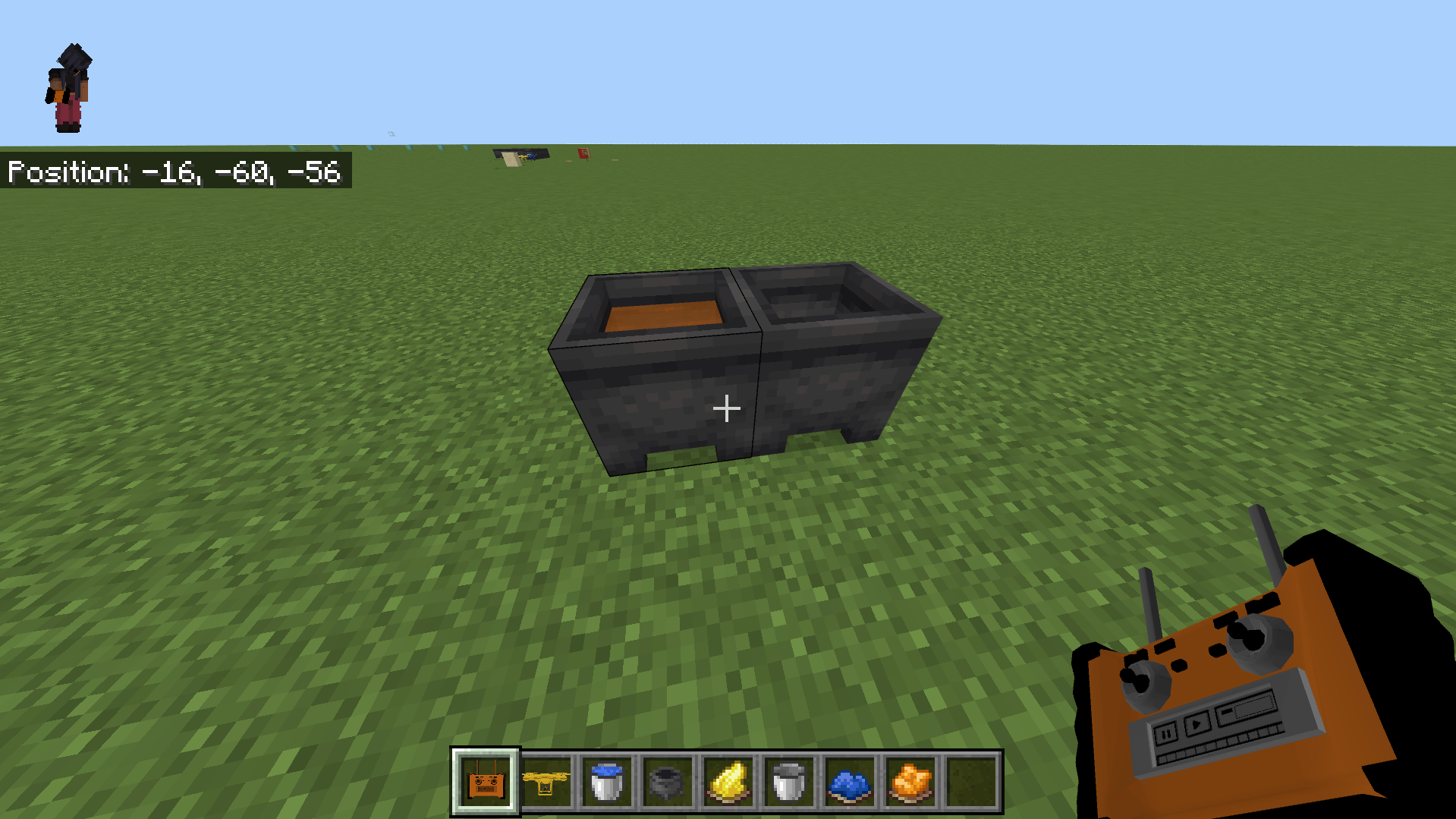
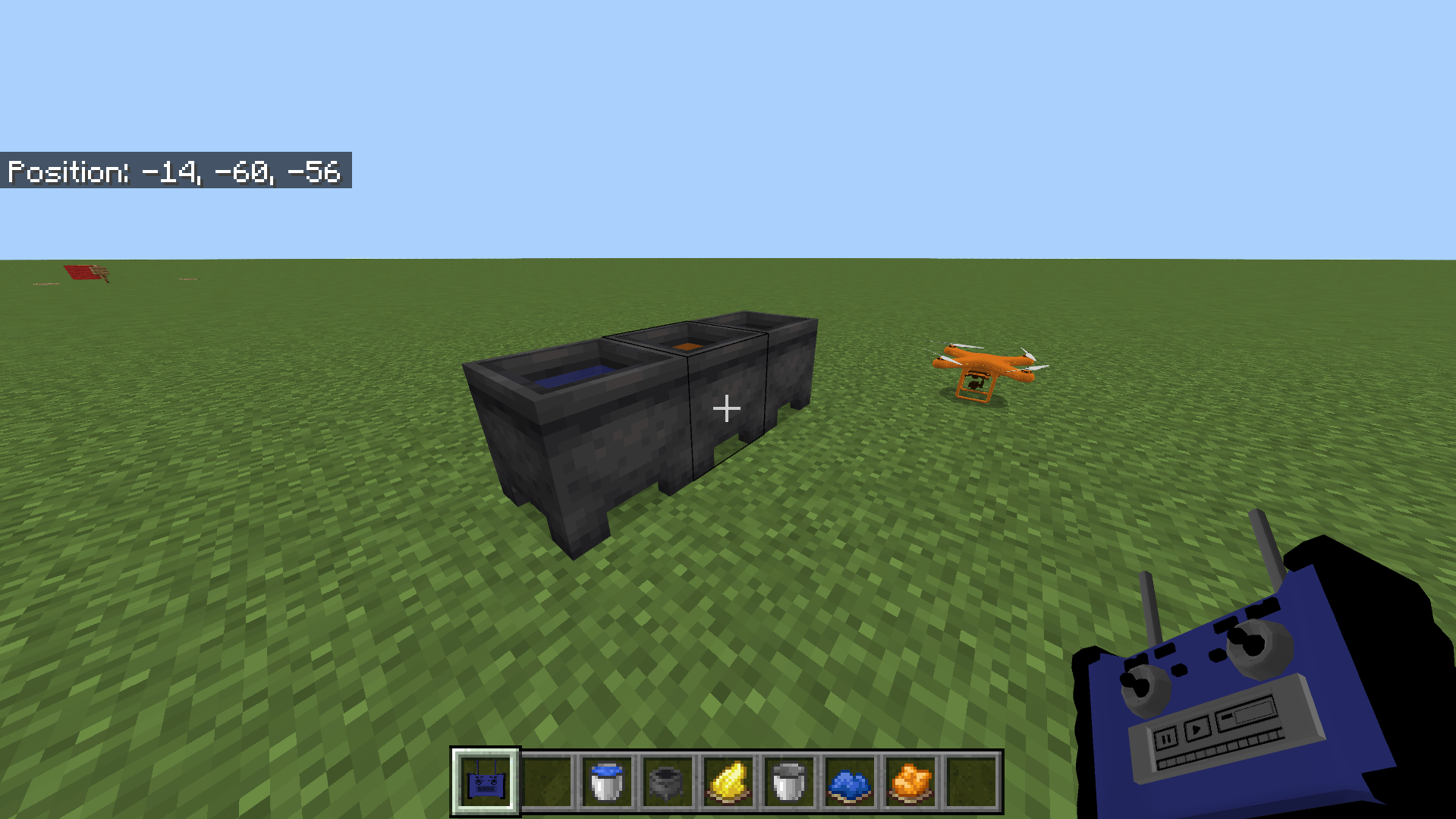
- Drone color can be changed by interacting with it using any dye or by using a cauldron.
- The controller can also be dyed using a cauldron.
- Version 2.3 introduced a 3D controller model and dye support.
- Version 2.4 fixed color and icon bugs, prevented accidental drone placement when interacting with signs, and corrected dye saving issues.
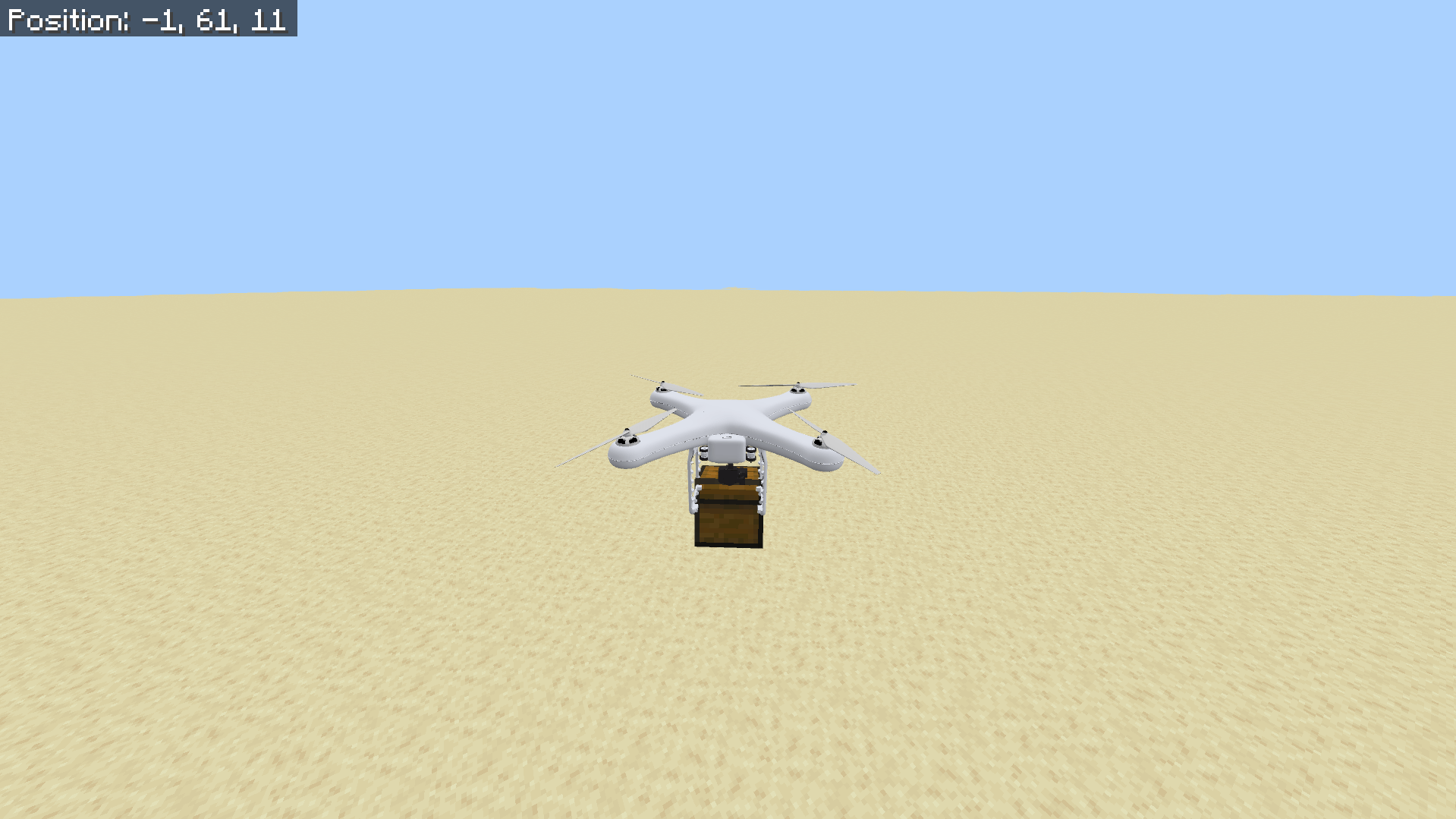
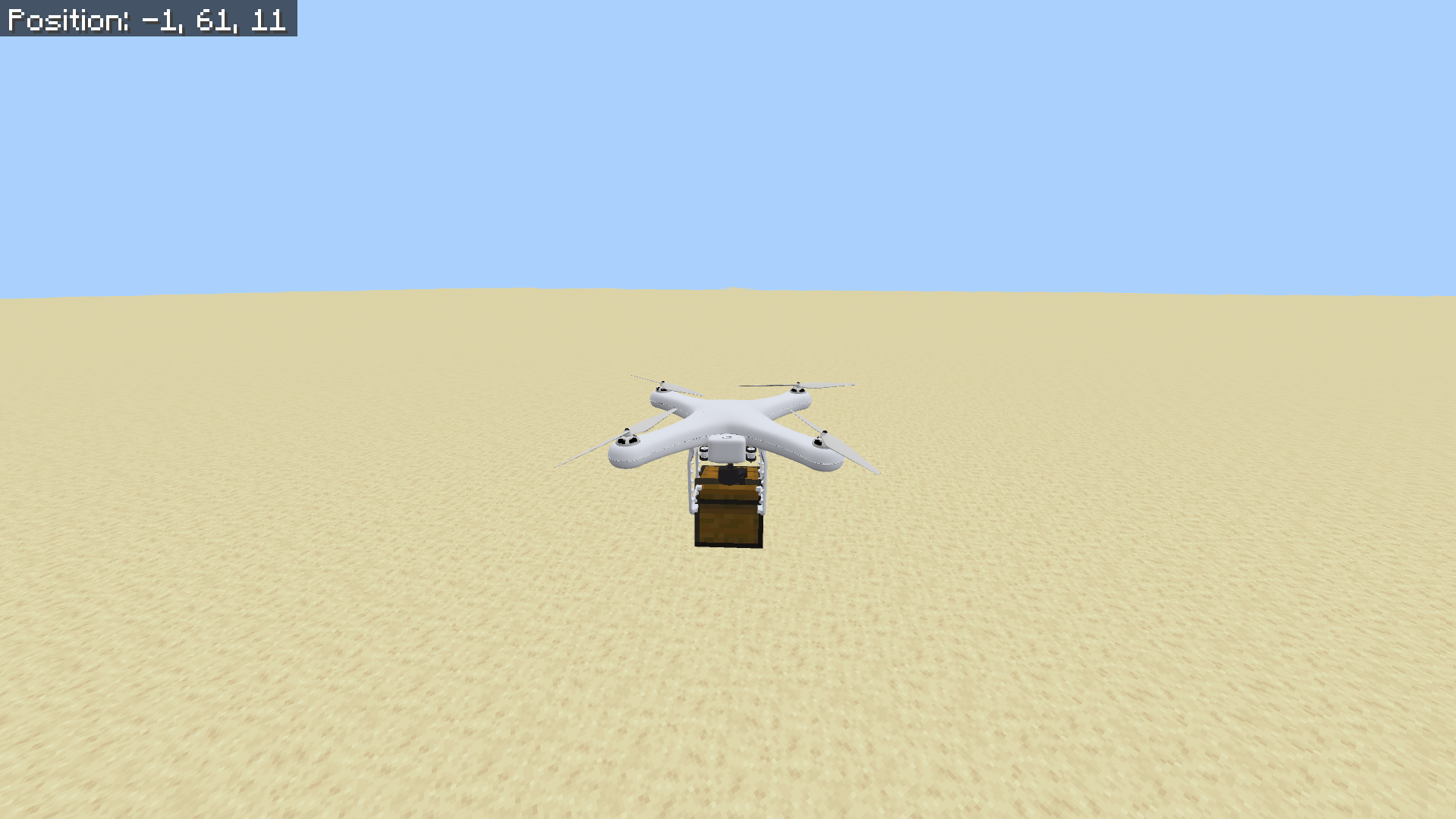
- Version 2.5 added the ability to carry blocks by pressing crouch and jump simultaneously when positioned above a block. Dropping blocks works with the same controls, placing them oriented as the drone faces. Movement options were expanded with a toggle for reverse and strafing control.
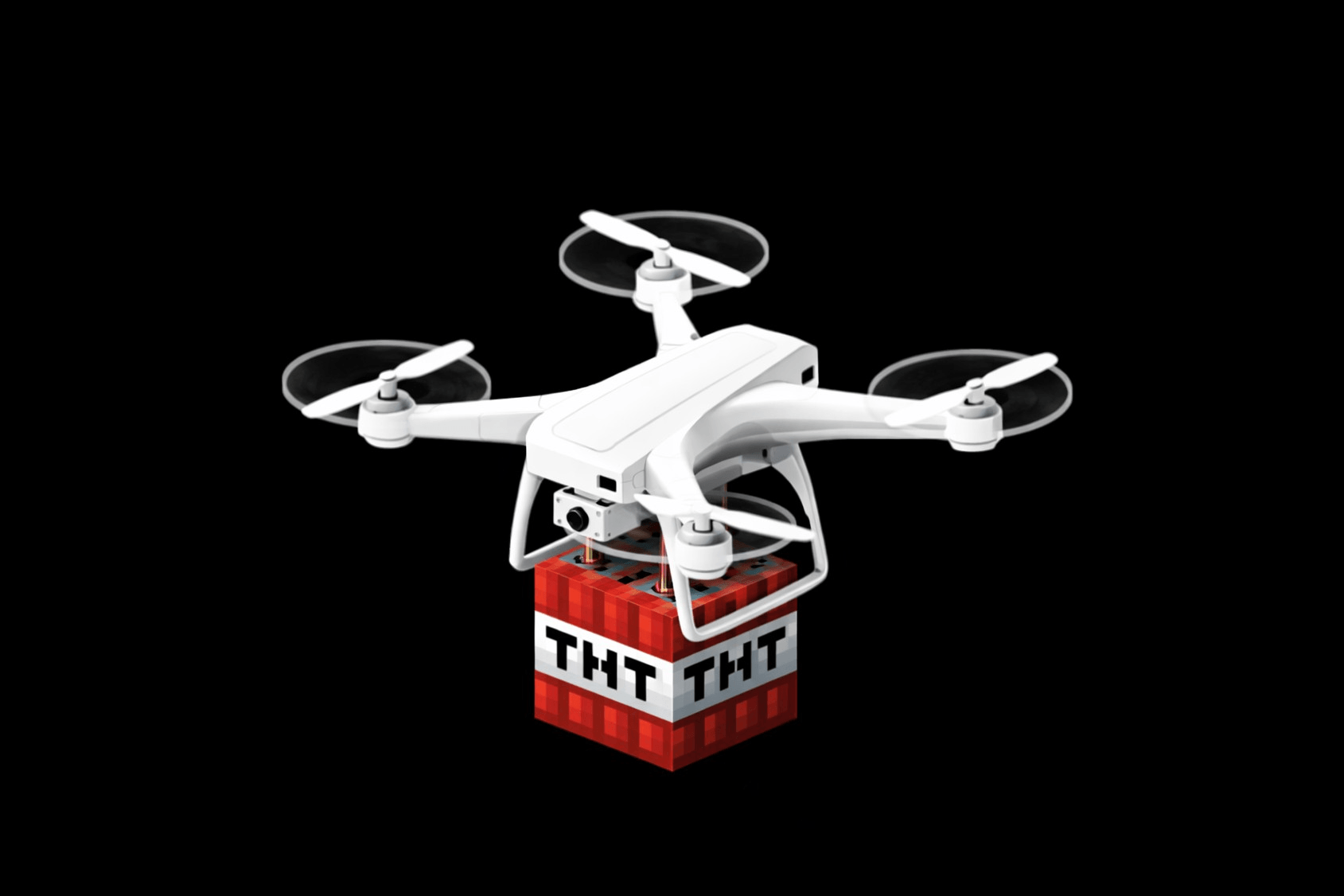
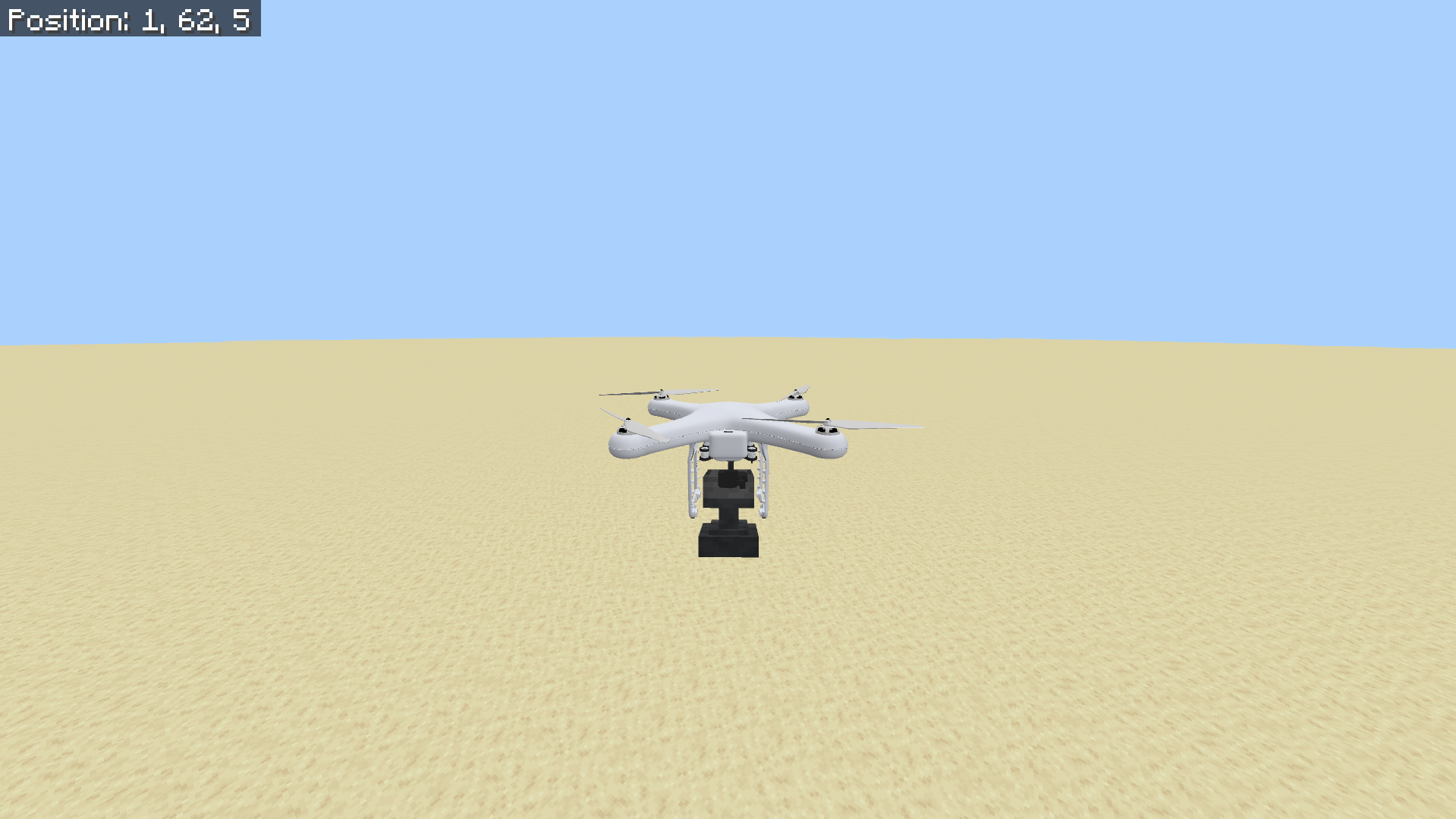
- Version 2.6 enables carrying and dropping TNT blocks to trigger explosions. TNT can be picked up by crouch+jump or right-clicking the drone with TNT in hand.
Requirements / Compatibility
This addon works with Minecraft Bedrock Edition 1.21.101 or higher. It does not require any experimental features or additional mods.
Notes / Troubleshooting
If you experience control issues or glitches, use the command /drone:fix to reset the drone. Always ensure you have operator privileges to access advanced settings. Remember that while viewing the drone’s camera, your character remains vulnerable unless configured otherwise.
DroneV2.6.mcaddon
[8.12 MB]

