COLOSSEUM PVP
16.03.2026
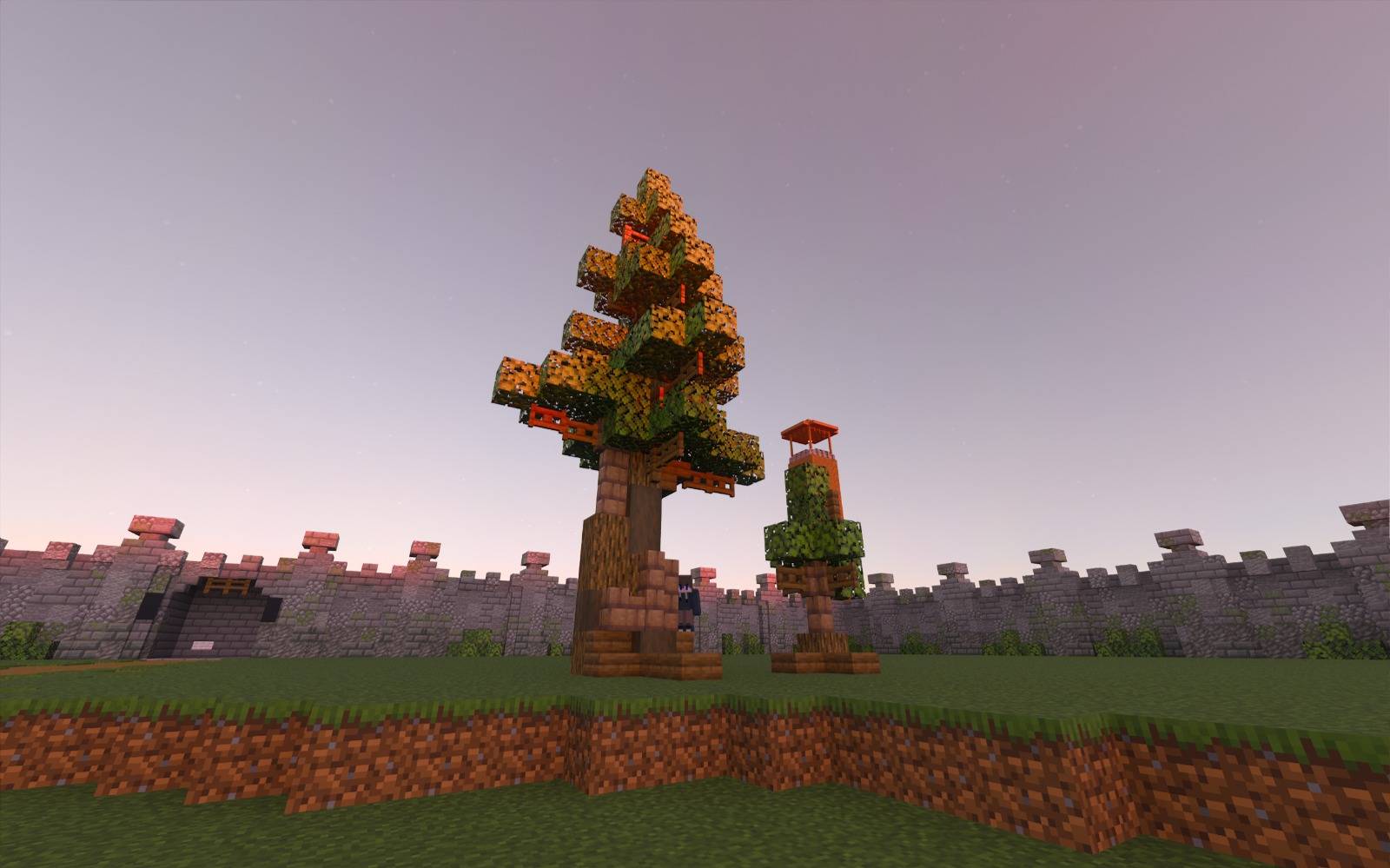
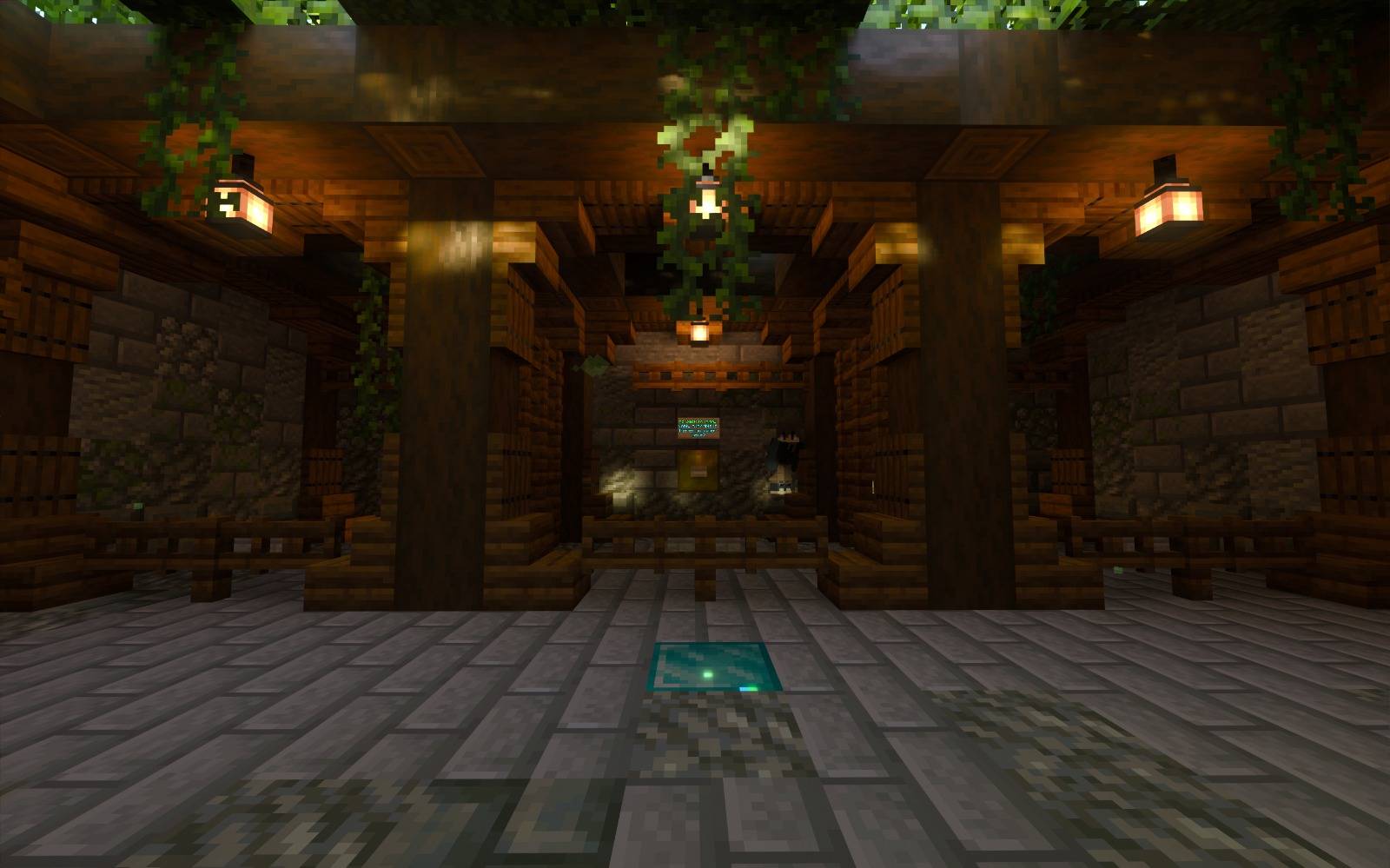
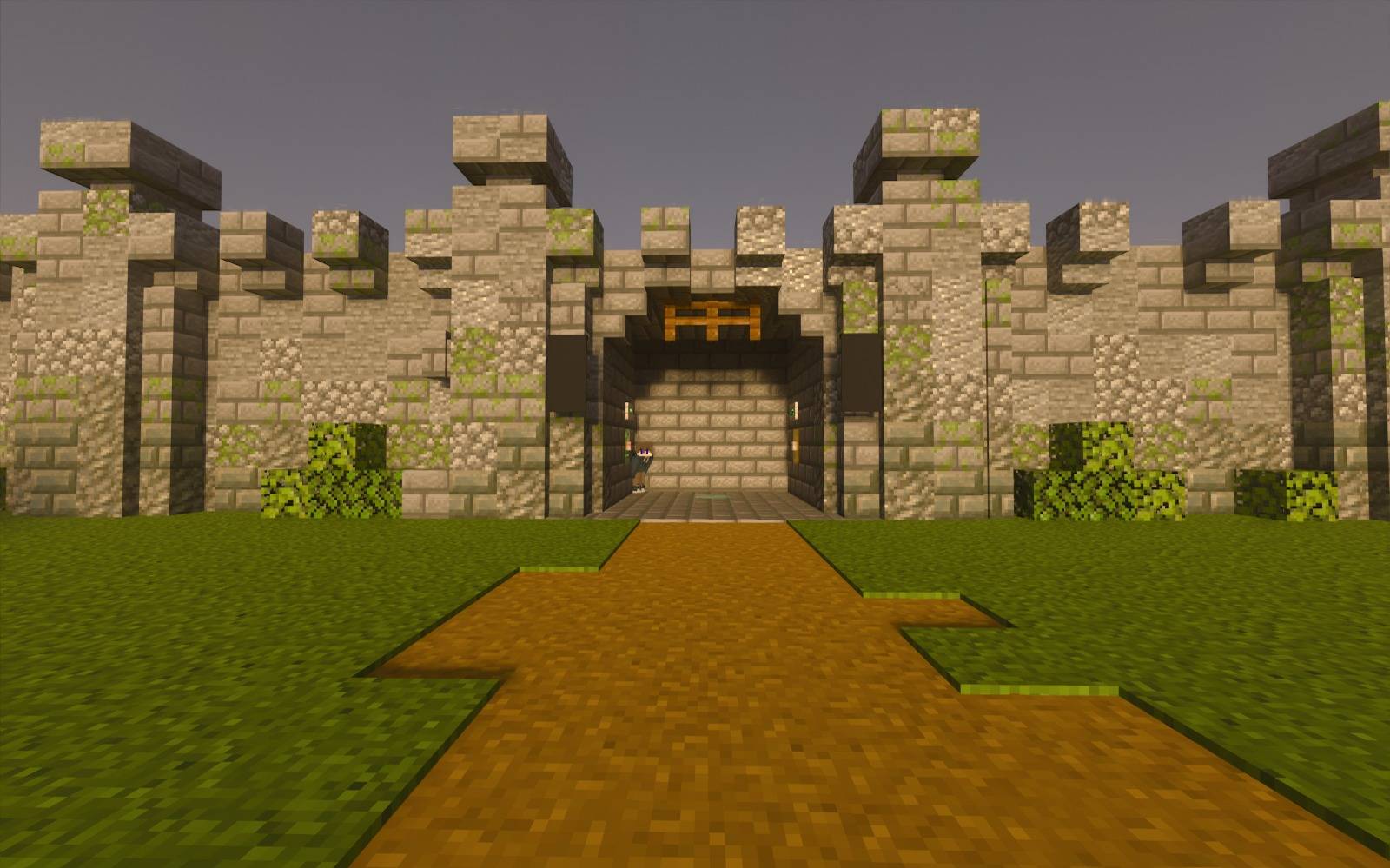
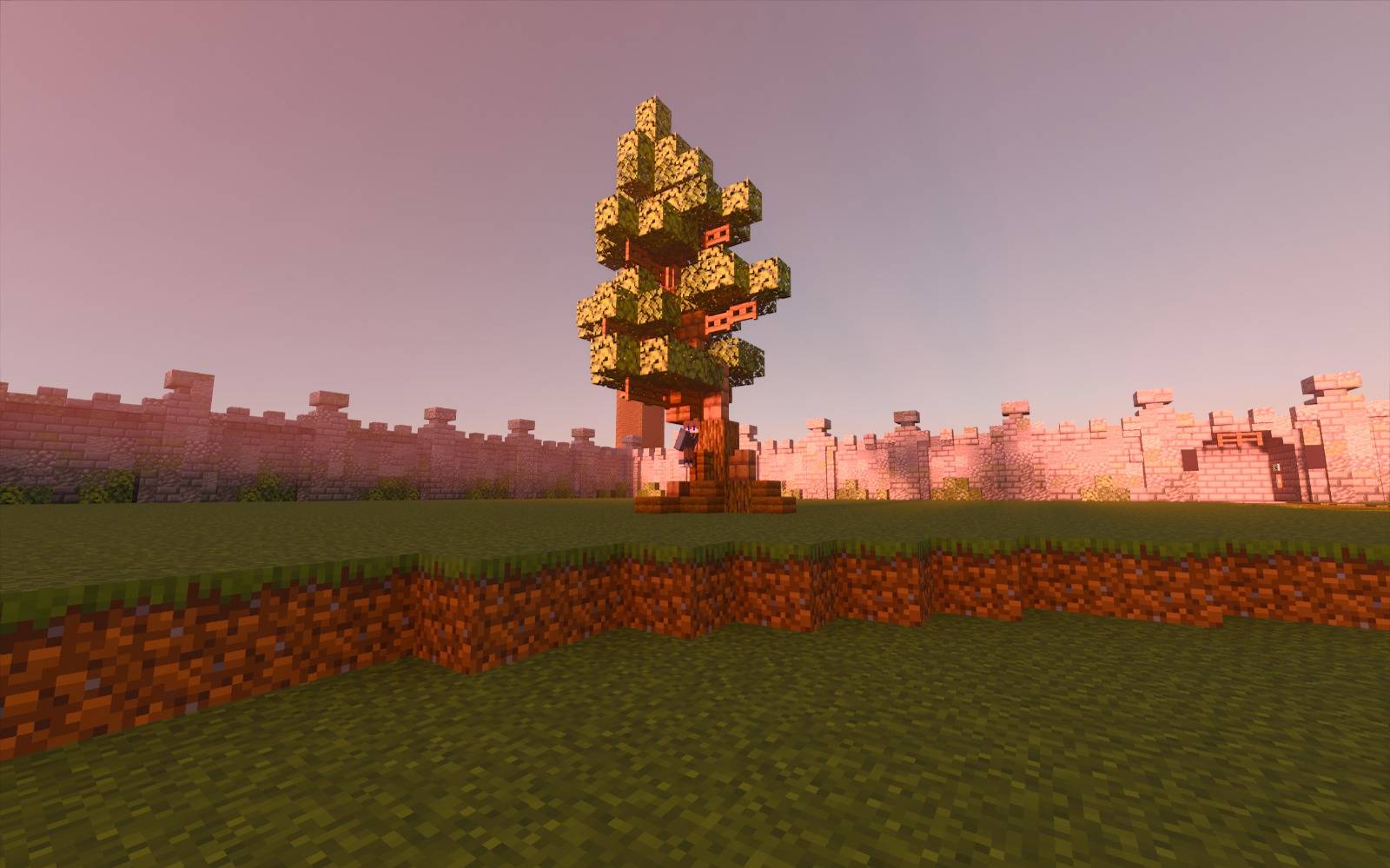
COLOSSEUM PVP is a castle-themed player versus player arena designed for 2 to 8+ participants. In this map, players select their combat kits and battle within a large arena set in a vibrant green plains biome. The map supports multiple arenas, allowing the owner to manage matches and return to the lobby with ease.
Installation / How to Use
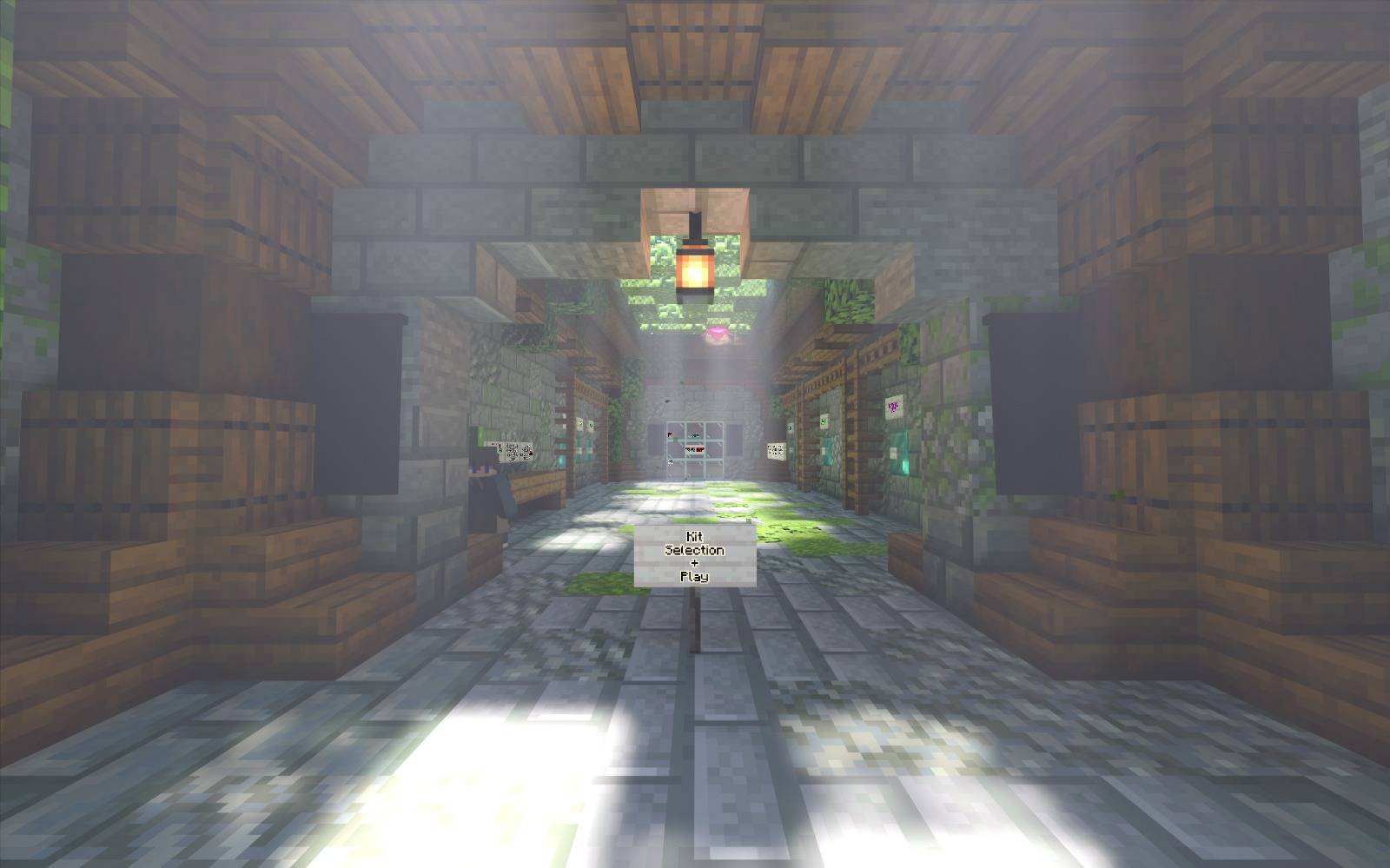
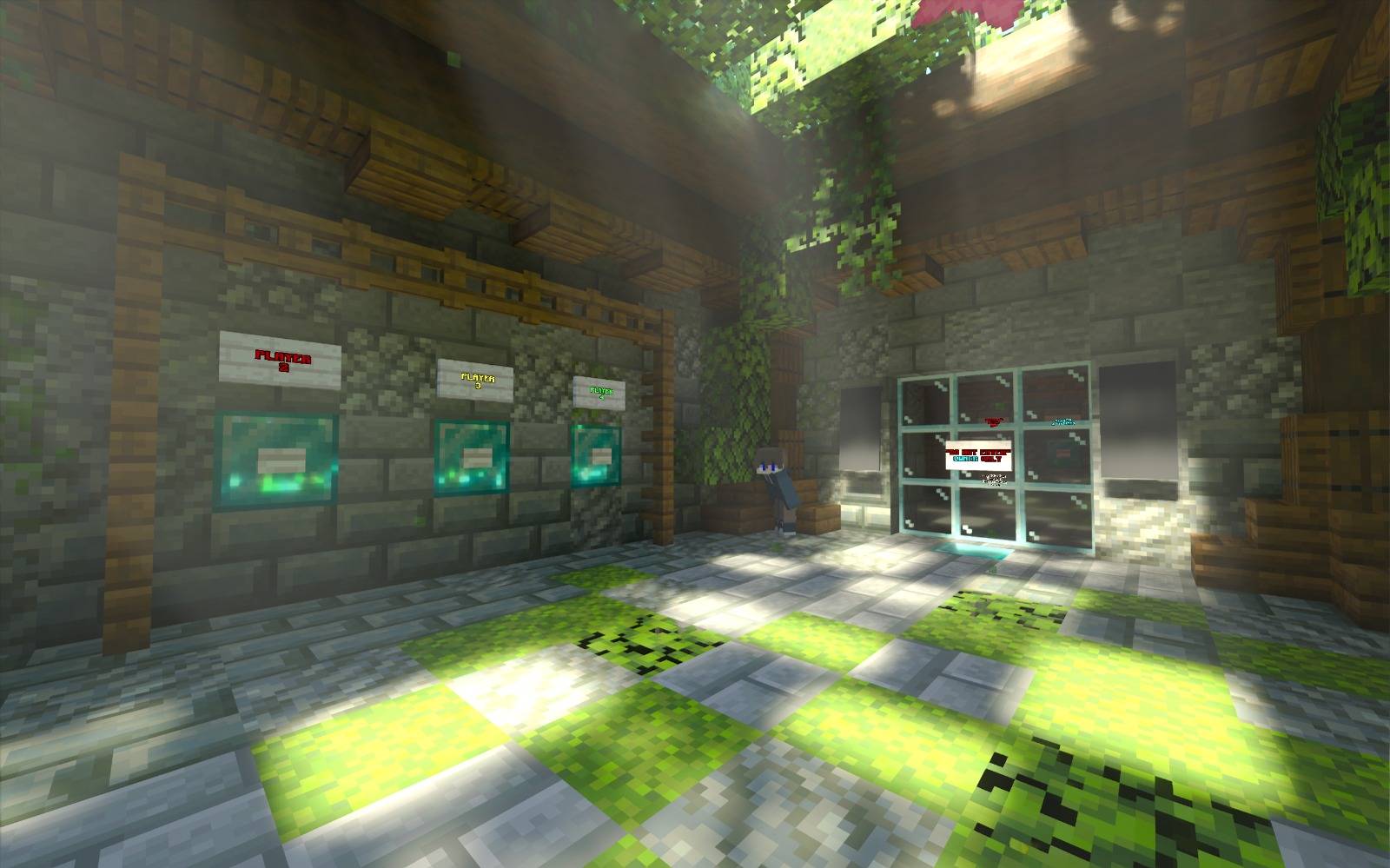
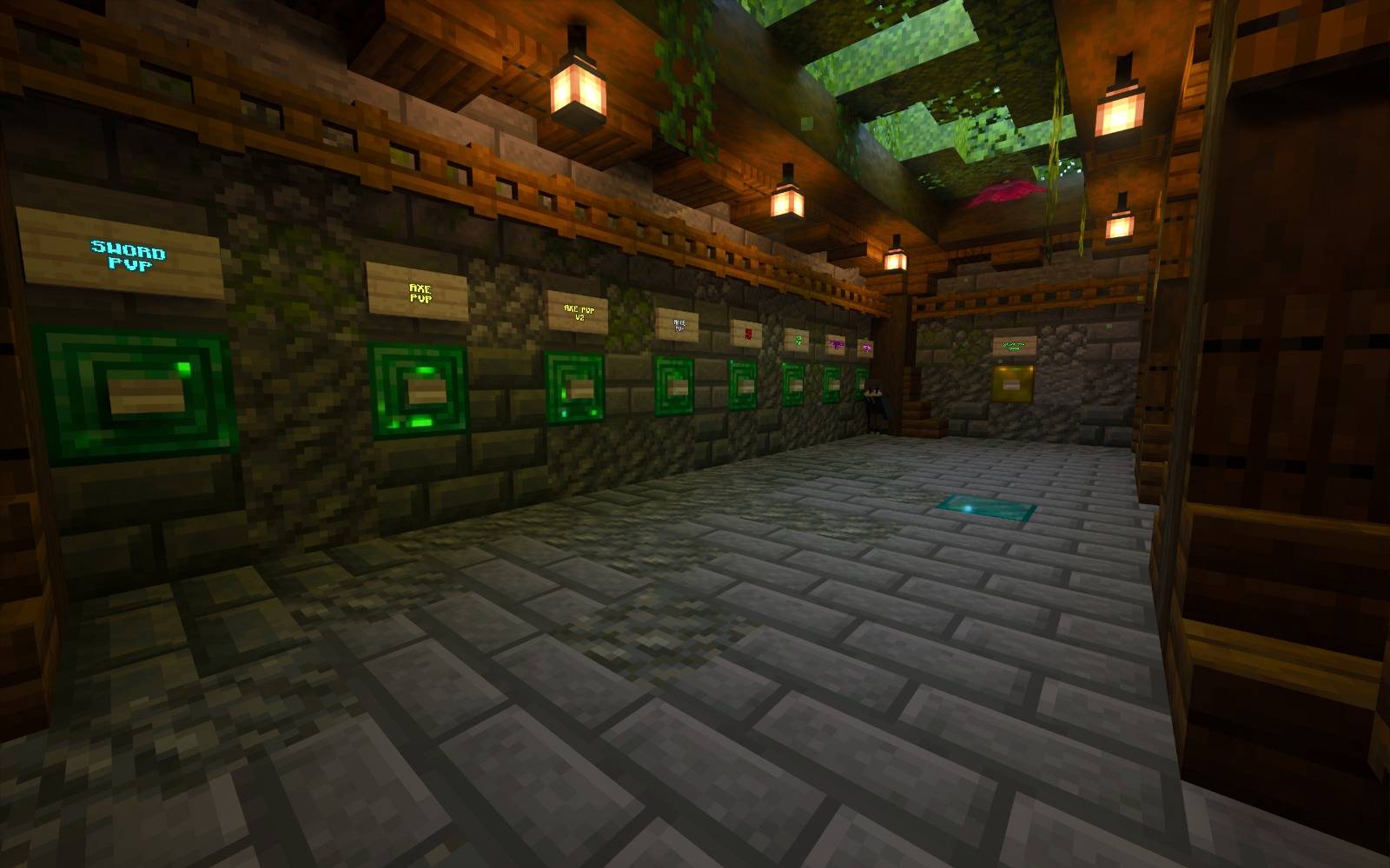
Place the map file into your Minecraft Bedrock world folder. Launch the game and enter the COLOSSEUM PVP world. Begin by selecting your preferred kit in the designated kit selection area. Choose your player arena by entering the corresponding player selection gate.
The game owner, assigned as Player 1, can start the match by pressing the START button located on an emerald block. Once the game begins, players battle until only one remains alive.
After a victory, the winner can return to the lobby by going to the Player 1 fence gate and activating the gold block button labeled “go back to lobby”. If the arena becomes damaged due to block breaking or use of crystals or respawn anchors, the owner can reset the arena by pressing the “(DANGER) RESET ARENA” button. The reset process takes approximately 30 seconds.
Requirements / Compatibility
This map is designed for Minecraft Bedrock Edition. It supports multiplayer with 2 to 8 or more players. No additional resource packs or add-ons are required.
Key Features
- Castle-themed PvP arena suitable for small to large player groups.
- Multiple kit options selectable before the match.
- Dedicated player selection gates to organize participants.
- Owner-controlled start, reset, and lobby return functions.
- Engaging combat environment set in a green plains biome.