
Cinematic Visuals Shader
16.03.2026
Cinematic Visuals Shader (Vibrant Visuals Pack) enhances Minecraft Bedrock with stunning cinematic effects, including advanced PBR (Physically Based Rendering), realistic reflections, vibrant caustics, improved water visuals, dynamic lighting, and immersive godrays. This shader pack elevates the visual experience by adding atmospheric elements and refined environmental colors for a truly captivating gameplay ambiance.
Key features
- Custom cubemap subpack for enhanced sky and reflections
- Distinct tonemapping for richer color grading
- Refined biome color adjustments for natural visuals
- Improved water effects with realistic movement and reflections
- Dynamic godrays illuminating scenes realistically
- Default PBR textures for material authenticity
- New atmospheric color schemes for immersive environments
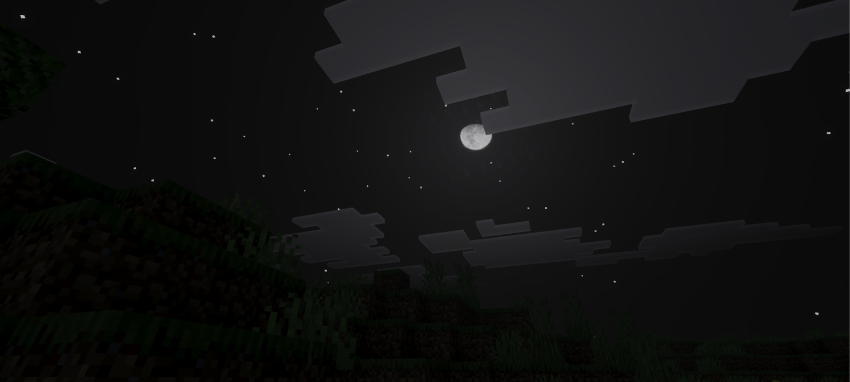
- Updated night colors that enhance nocturnal ambiance
- Redesigned sun path for natural lighting throughout the day
- Enhanced caustics adding light patterns in water and glass
- Volumetric fog for depth and mood in various biomes
- Additional visual improvements for a cinematic look
Installation / How to use
- Ensure your device supports Vibrant Visuals shaders.
- Download the Cinematic Visuals Shader pack file.
- Import the pack into Minecraft Bedrock Edition on your device.
- Activate the shader pack within the game settings.
- Navigate to Video settings and set the Graphics option to “Vibrant Visuals”.
- Launch your world and enjoy the enhanced cinematic visuals.
Requirements / Compatibility
This shader pack requires a device compatible with Vibrant Visuals shaders in Minecraft Bedrock Edition. Performance may vary depending on hardware capabilities and game version.
Screenshots
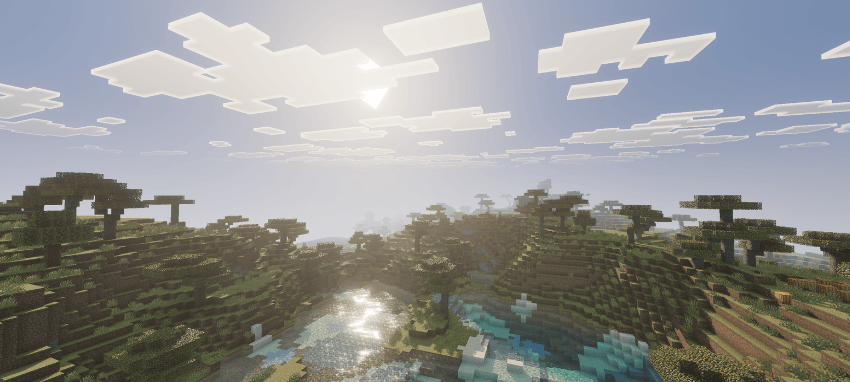
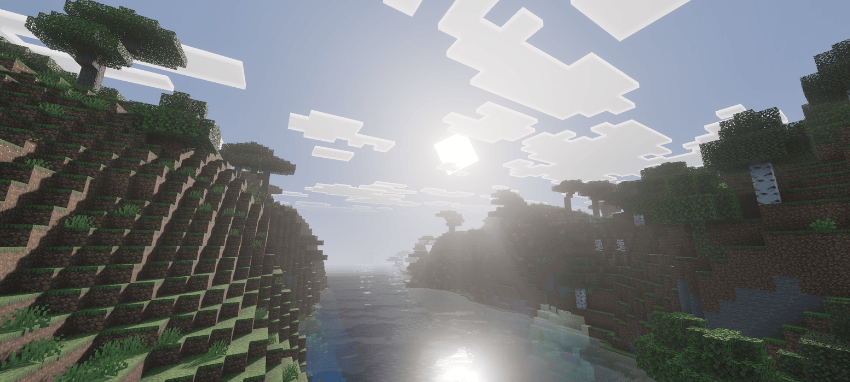
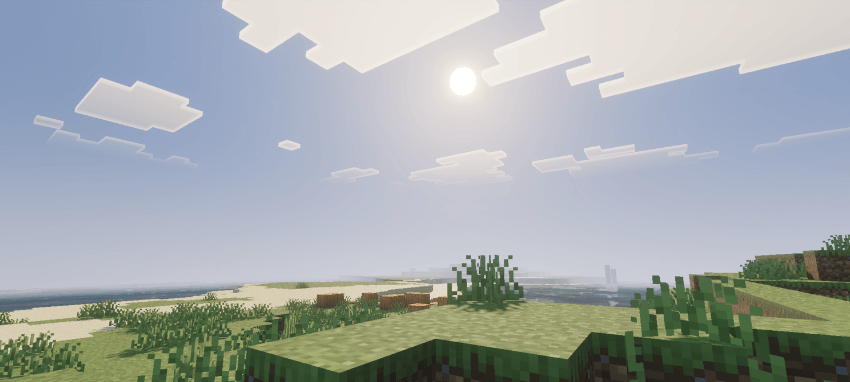
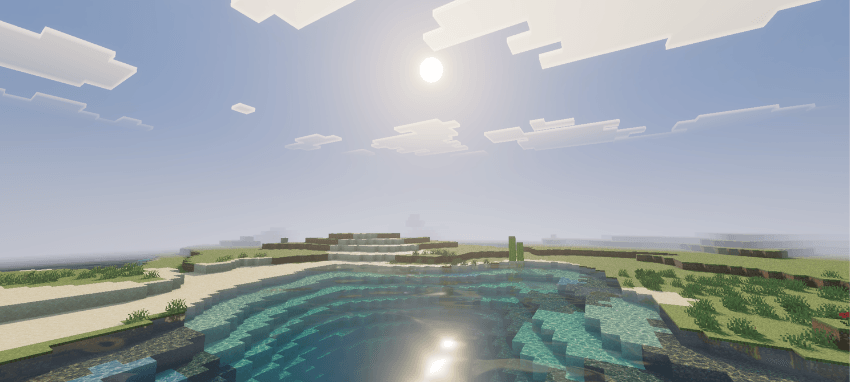
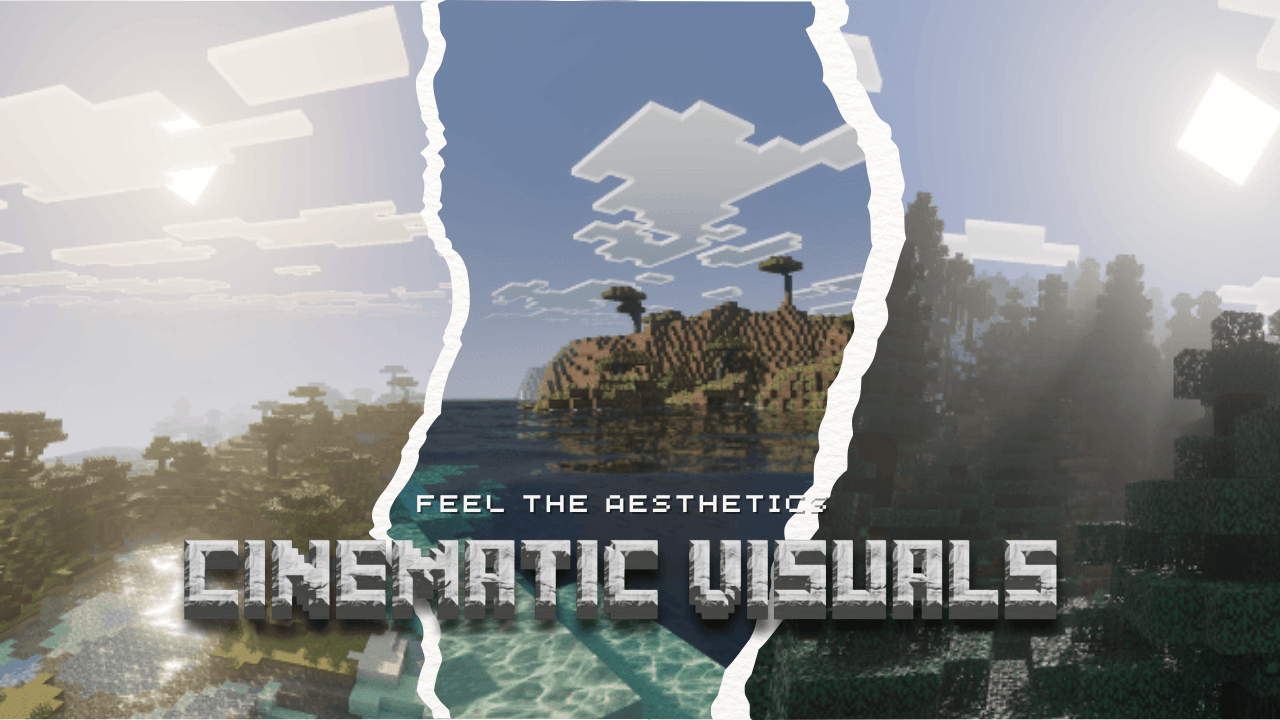
Below are sample images showcasing the cinematic effects and environmental enhancements provided by the Cinematic Visuals Shader pack.




Cinematic Visuals V1.2[Latest].mcpack
[8.39 MB]

