AziFy Natural Shader
17.03.2026
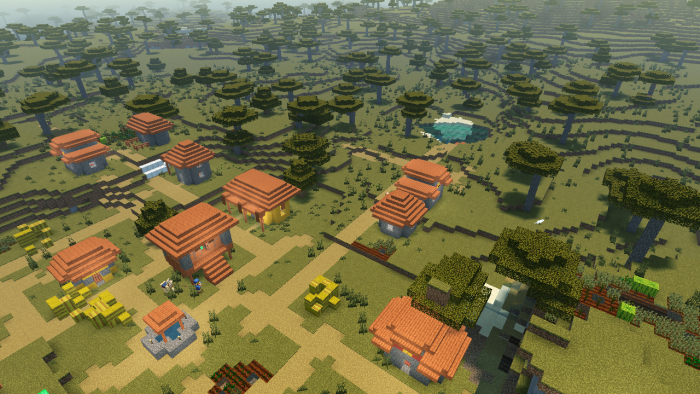
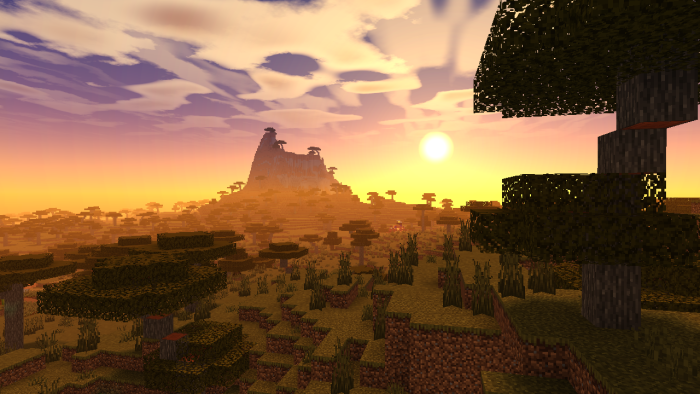
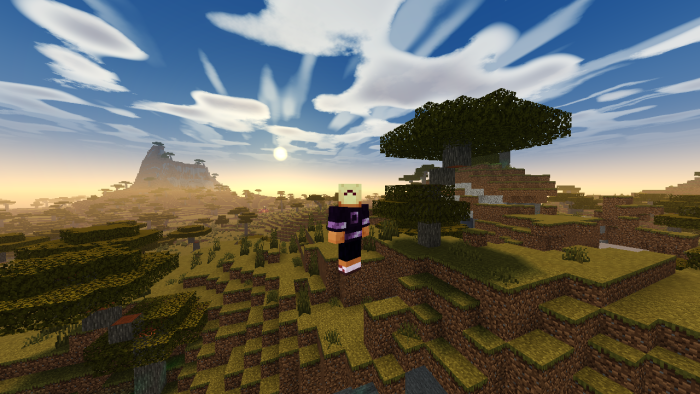
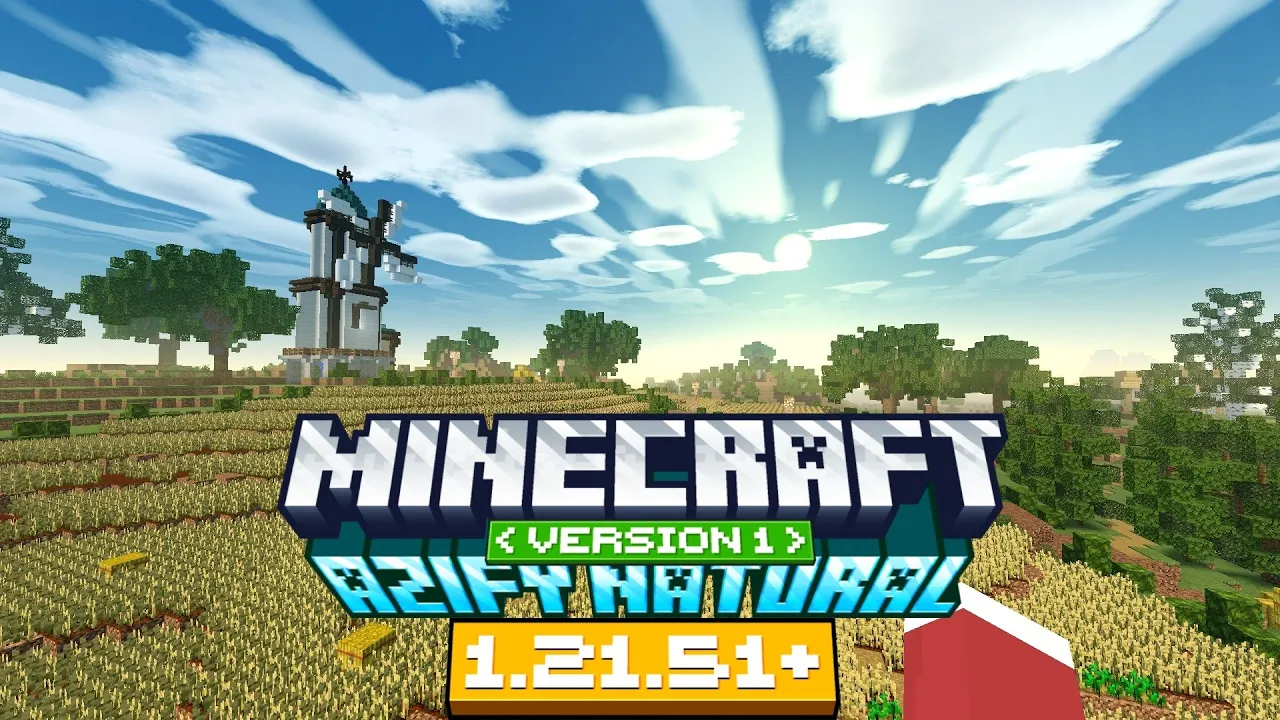
AziFy Natural Shader offers a realistic and visually stunning enhancement to Minecraft Bedrock Edition, featuring dynamic lighting, lifelike water and sky effects, and optimized performance for mobile devices. This shader pack strikes an excellent balance between immersive graphics and smooth gameplay, supporting Android, Windows, and iOS platforms on Minecraft versions 1.21 and above.
Key Features
- Enhanced colors for a more natural and vivid game world
- Dynamic and realistic cloud formations for immersive skies
- Improved visuals for The End and Nether dimensions, emphasizing their unique atmospheres
- Advanced underwater rendering that adds depth and realism
- Sharper, more detailed stars for nighttime environments
- Complete overhaul of water effects for stunning reflections and animations
- High-quality sun bloom effects for realistic lighting
- Glowing ores that stand out in caves and dark areas
- Animated plant movement for a natural feel
- Clearer and more defined shadows enhancing depth perception
- Additional enhancements to boost overall visual fidelity
Installation
Important: Minecraft Bedrock Edition does not officially support custom shaders. The following methods are unofficial and may require additional tools or modifications.
Android
- Download and install the MB Loader APK.
- Import the AziFy Natural Shader resource pack into Minecraft and enable it under Global Resources.
- Launch Minecraft using the MB Loader app to activate the shader.
Windows
- Use BetterRenderDragon or MatJect to enable the Material Bin Loader, which allows shader support.
- Import the shader resource pack and activate it in Global Resources.
If BetterRenderDragon is incompatible with your Minecraft version, consider using MatJect as an alternative shader installer.
Linux (x86_64 architecture)
- Install the mcpelauncher-materialbinloader-mod for mcpelauncher-manifest.
- Import and activate the resource pack within Minecraft.
iOS
Currently, there is no straightforward method to install shaders on iOS devices without jailbreaking or installing untrusted IPA files.
Requirements / Compatibility
This shader requires Minecraft Bedrock Edition version 1.21.100 or higher due to changes in the lighting engine. Using it on earlier versions may cause visual glitches or errors.
The shader pack is provided as a merged file supporting Android, iOS, and Windows platforms in one.
Notes
Ensure you follow the installation instructions carefully to avoid issues. Since shader support is unofficial, some features may not work perfectly on all devices or Minecraft versions.
afn-1.2-merged.mcpack
[3.35 MB]

