AZIFY Low Poly Chunks
16.03.2026
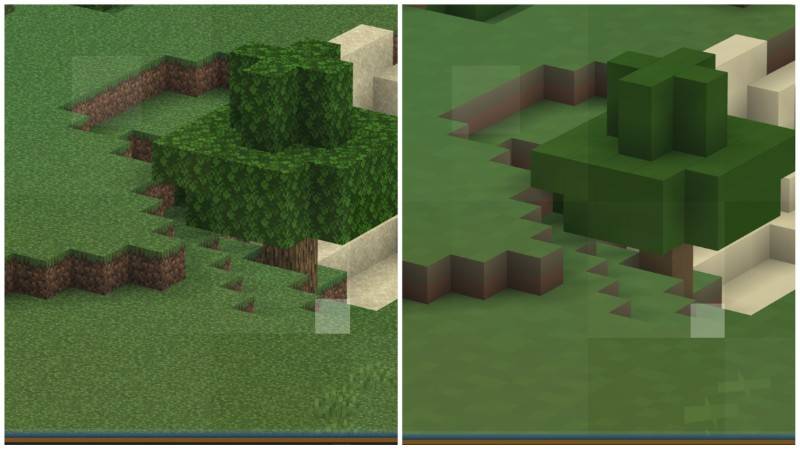
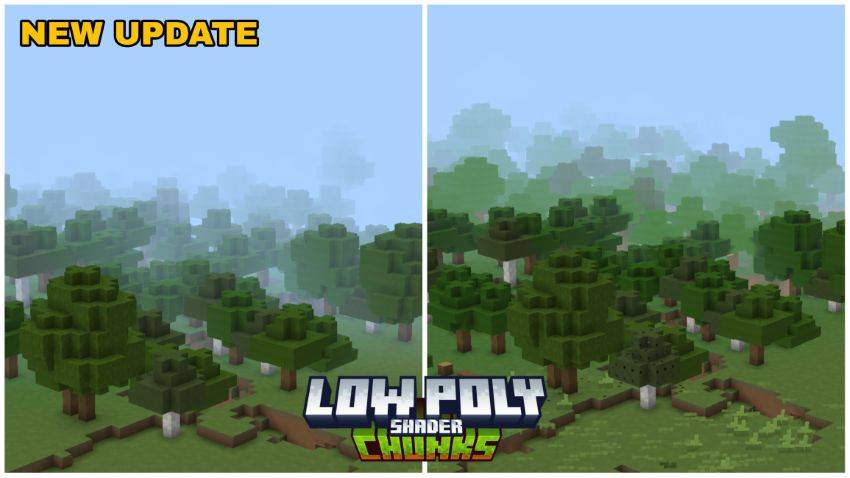
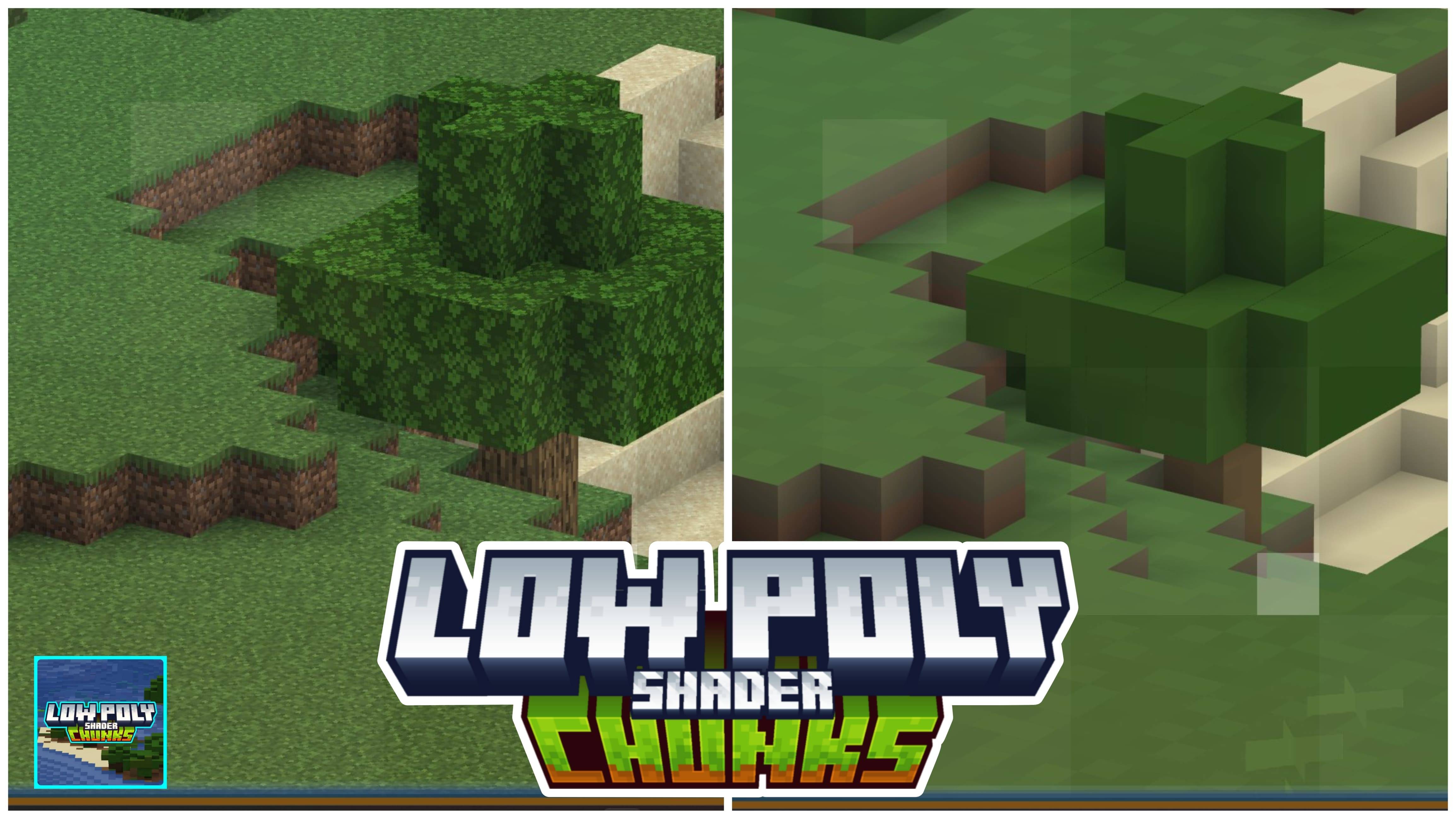
AZIFY Low Poly Chunks is a shader pack designed to reduce the visual complexity of distant chunks in Minecraft Bedrock Edition. By simplifying faraway terrain to a low-poly style, it aims to improve game performance on Android, Windows, and iOS devices running Minecraft 1.21 or newer.
Installation
Note: Minecraft Bedrock Edition does not officially support custom shaders. The following methods are unofficial and may vary depending on your device.
Android
- Install the MB Loader APK on your device.
- Import the shader resource pack into Minecraft and enable it under Global Resources.
- Launch Minecraft through the MB Loader application to apply the shader.
Windows
- Use a shader loader such as BetterRenderDragon or MatJect to enable Material Bin Loader support.
- Import the resource pack into Minecraft and activate it in Global Resources.
If BetterRenderDragon is incompatible with your Minecraft version, MatJect can be used as an alternative shader installer.
Linux (x86_64 architecture)
- Install the mcpelauncher-materialbinloader-mod.
- Import and activate the resource pack within Minecraft’s Global Resources.
iOS
There is currently no straightforward method to install shaders on iOS devices without jailbreaking or installing untrusted IPA files.
Requirements / Compatibility
- Compatible with Minecraft Bedrock Edition 1.21 and above.
- Supports Windows, Android, and iOS platforms.
- Requires shader loader tools such as MB Loader (Android), BetterRenderDragon or MatJect (Windows), or mcpelauncher mods (Linux).
Key Features
- Reduces the polygon count and detail of distant chunks to improve rendering performance.
- Simulates a low-poly effect similar to the popular Distant Horizons shader.
- Unified shader pack file compatible across multiple platforms.
Usage
After installation, activate the shader resource pack through Minecraft’s Global Resources settings. Launch or restart Minecraft through the appropriate loader app or method for your platform to see the low-poly chunk effect applied to distant terrain.
Downloads
- aflpc-v1.2-merged — Includes support for iOS, Android, and Windows in a single file.
Additional Information
This shader pack requires specific patches or loaders to function correctly. Ensure you follow the installation instructions carefully to avoid issues.

aflpc-1.3-android.mcpack
[272.56 KB]

