
Utilities Vein Miner
20.02.2026
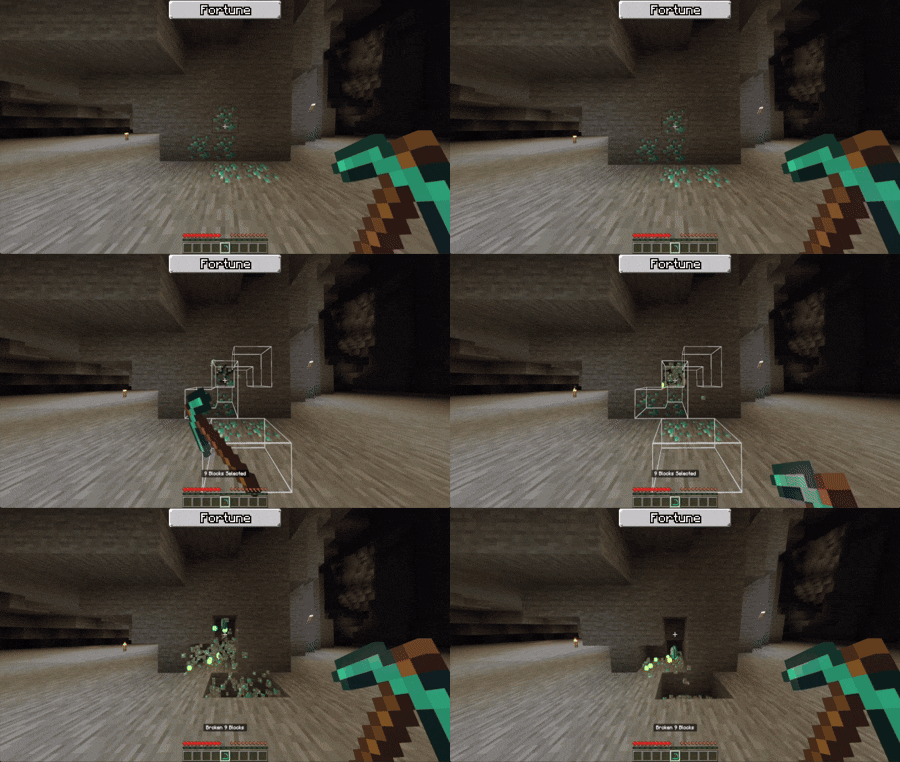
Utilities Vein Miner streamlines your mining experience by allowing you to break large clusters of gravel, ores, or minerals quickly and efficiently. This addon enhances vanilla pickaxes with vein mining capabilities, enabling you to mine entire veins or tunnels with ease. Whether you’re clearing out caves or collecting resources, Utilities Vein Miner speeds up the process significantly.
Installation / How to Use
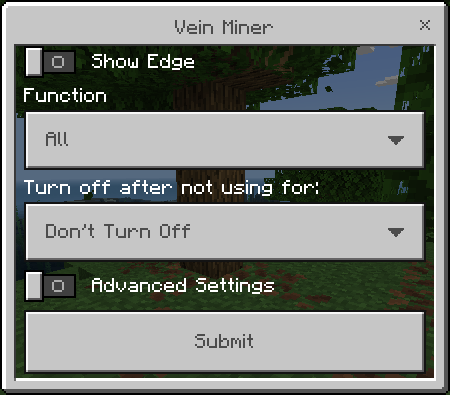
To activate Utilities Vein Miner, hold the Shift key while using any standard vanilla pickaxe without targeting any specific block. Alternatively, use the command /uvm:veinminer [function:string]. Running the command without a parameter opens the configuration panel, while specifying a function quickly switches mining modes without opening the panel.
- Show Edge: Highlights the selected mining area with a white border.
- Function: Defines the mining pattern used by Vein Miner, such as different tunnel sizes or vein shapes.
- Turn Off: Sets a timer to automatically disable Vein Miner after a set duration.
- Advanced Settings: Opens a detailed configuration menu for customization.
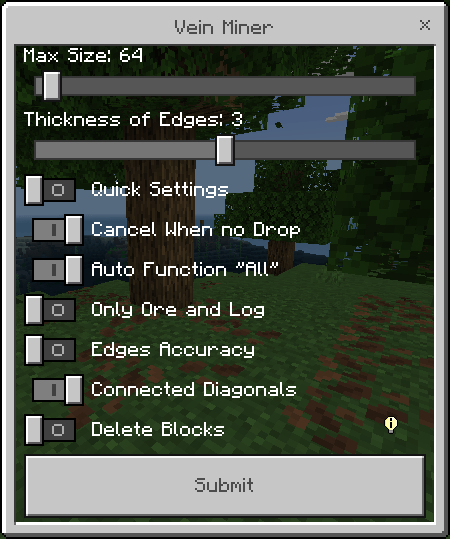
Advanced settings include:
- Max Size: Limits the maximum number of blocks broken in one operation.
- Thickness: Adjusts the thickness of the selection edges.
- Quick Settings: Enables rapid function switching while mining.
- Cancel When No Drops: Stops Vein Miner if the mined block yields no drops.
- Auto “All”: Automatically sets the function to “all” when mining ores or gravel.
- Only Ore and Log: Restricts Vein Miner activation to ores and logs only.
- Edges Accuracy: Improves selection border accuracy; may cause lag on very large areas.
- Connected Diagonals: Includes diagonal blocks in the mining scan.
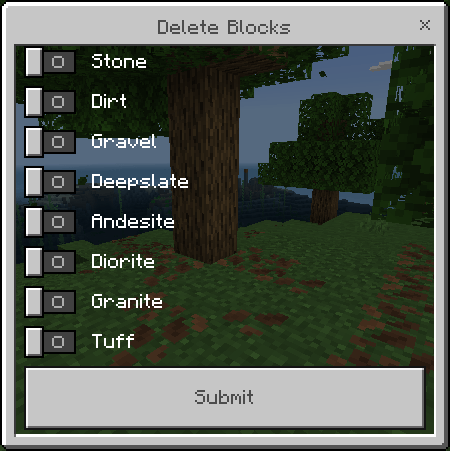
- Delete Blocks: Opens a panel to select blocks that should be deleted without dropping items.
Key Features
Quick Settings
Enable Quick Settings in the options menu to switch mining functions on the fly. Hold Shift and use any vanilla pickaxe while targeting a block to cycle through different mining functions rapidly.
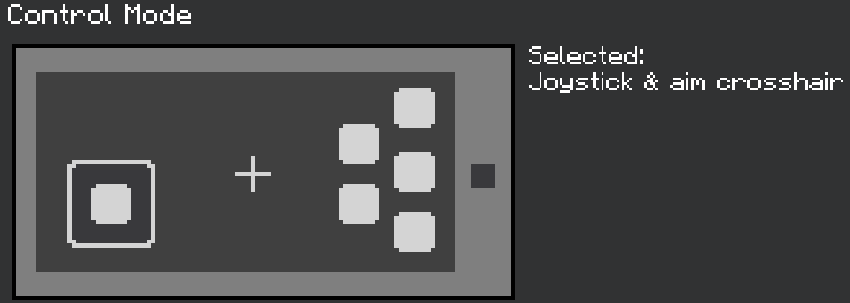
Note: Quick Settings may not function correctly using the classic GUI on mobile devices. For optimal use on phones, switch to “Joystick & aim crosshair” controls. PC players will not experience issues.
Built-in Tree Capitator
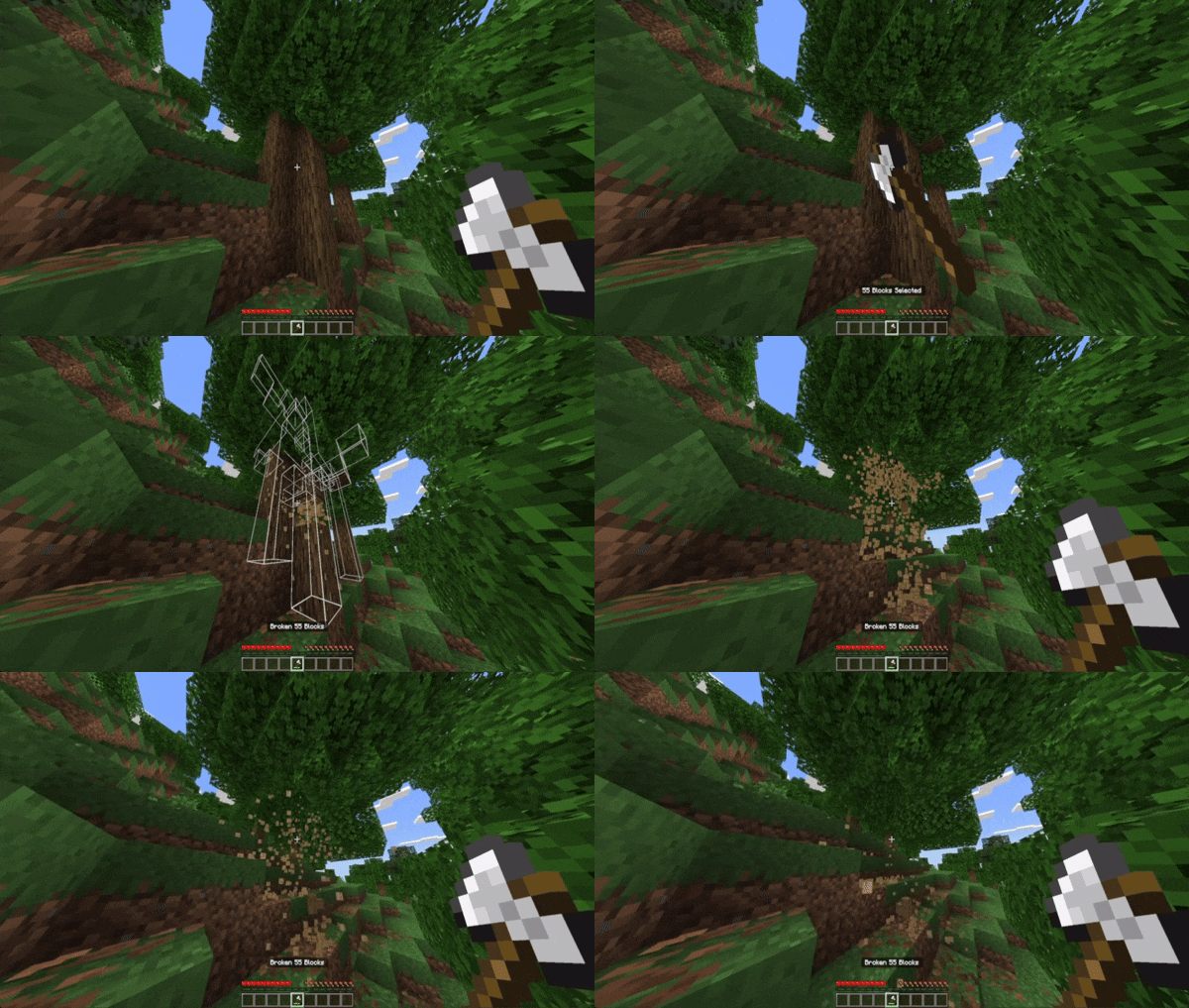
Utilities Vein Miner can efficiently break entire trees by mining connected log blocks automatically, simplifying wood harvesting.
Mining Functions
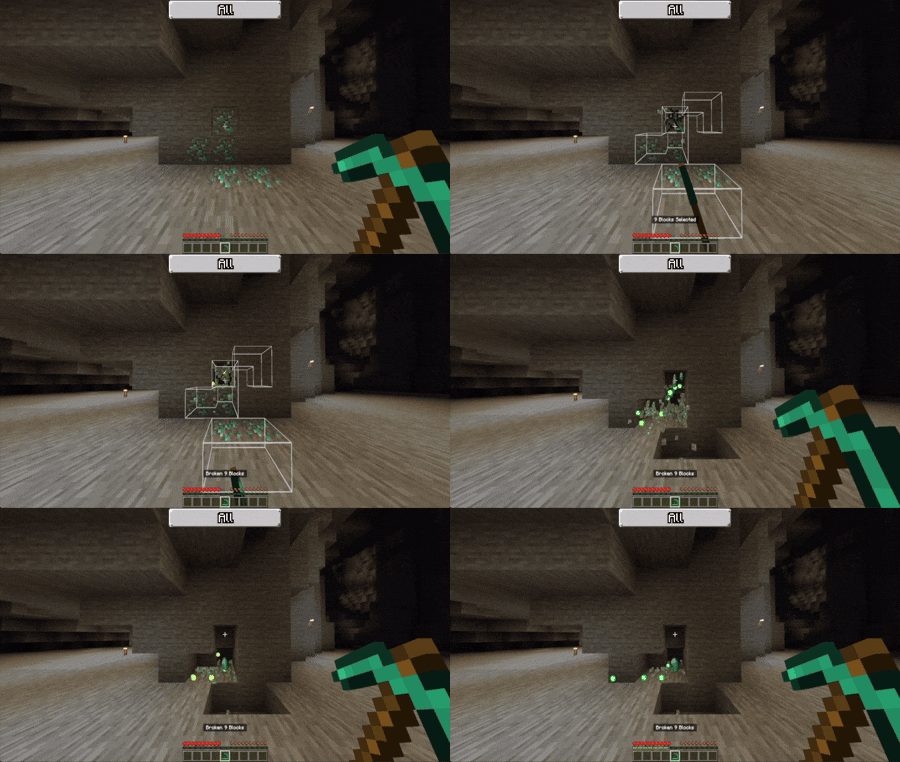
- All Blocks: Automatically selected when mining ores, gravel, or sand to break connected blocks of the same type.
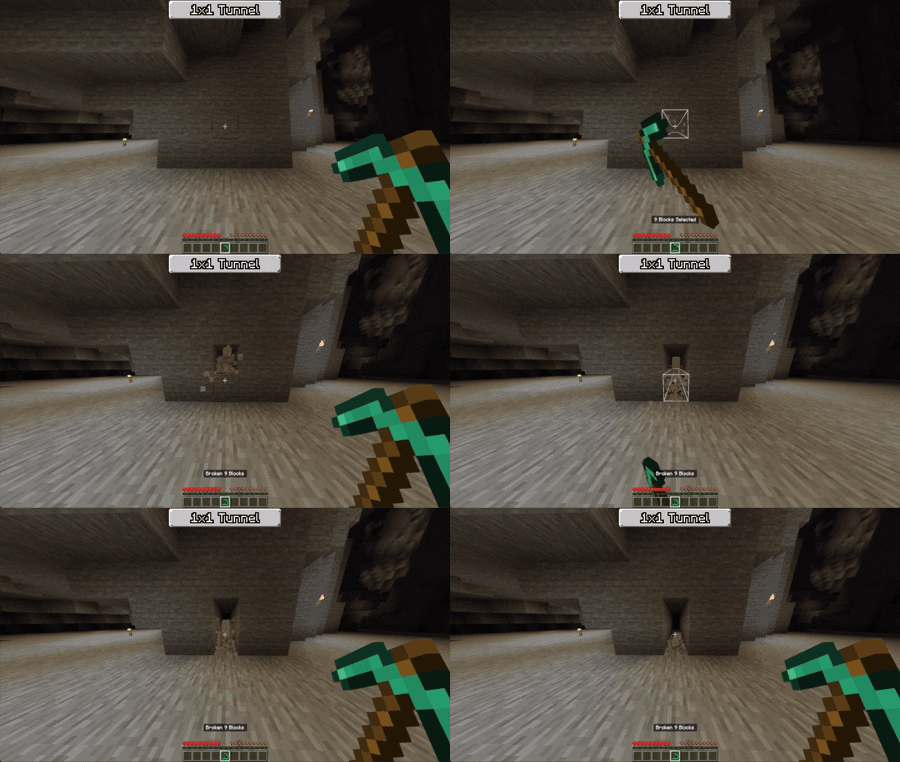
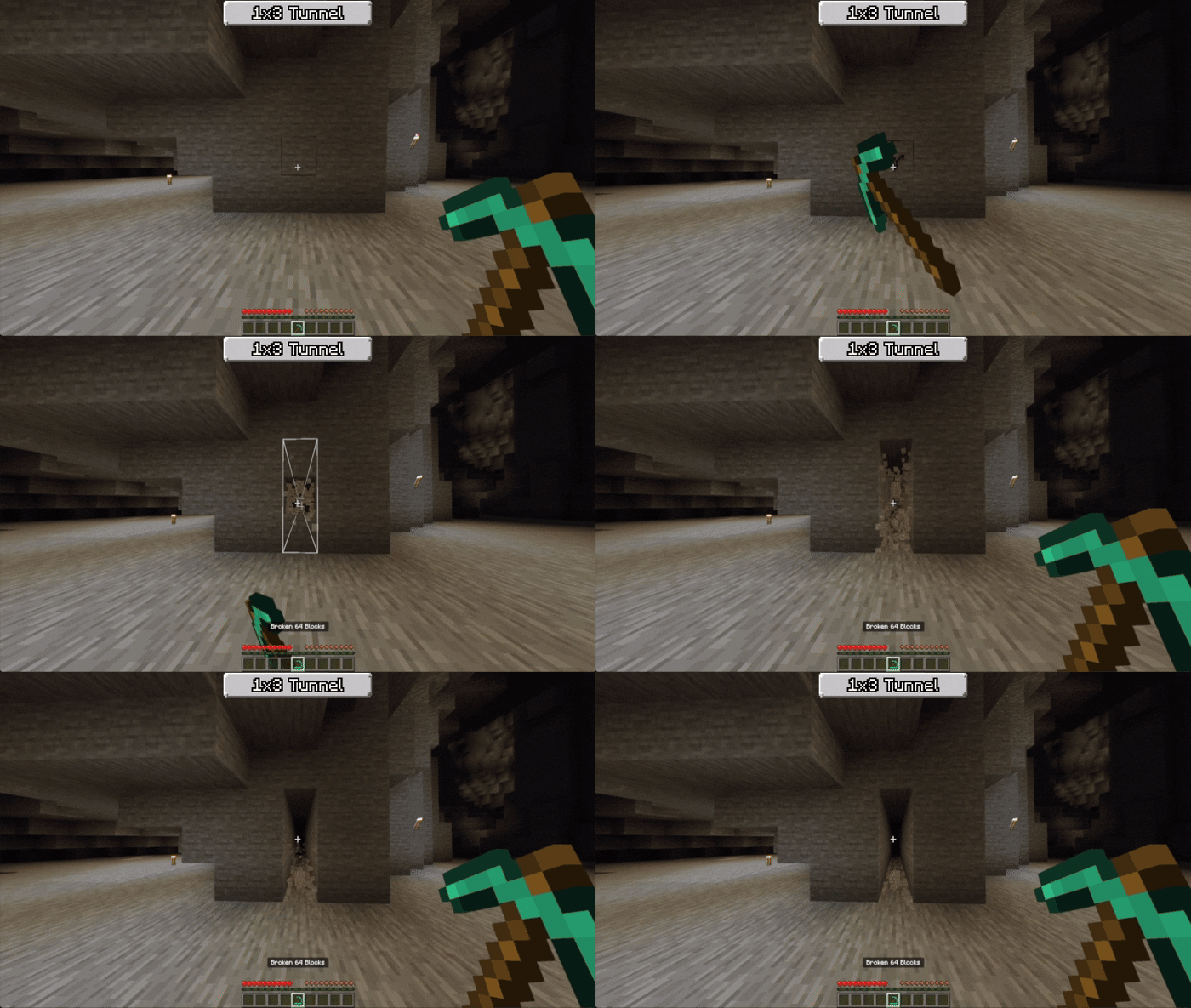
- 1×1 Tunnel: Creates a single-block-wide tunnel.
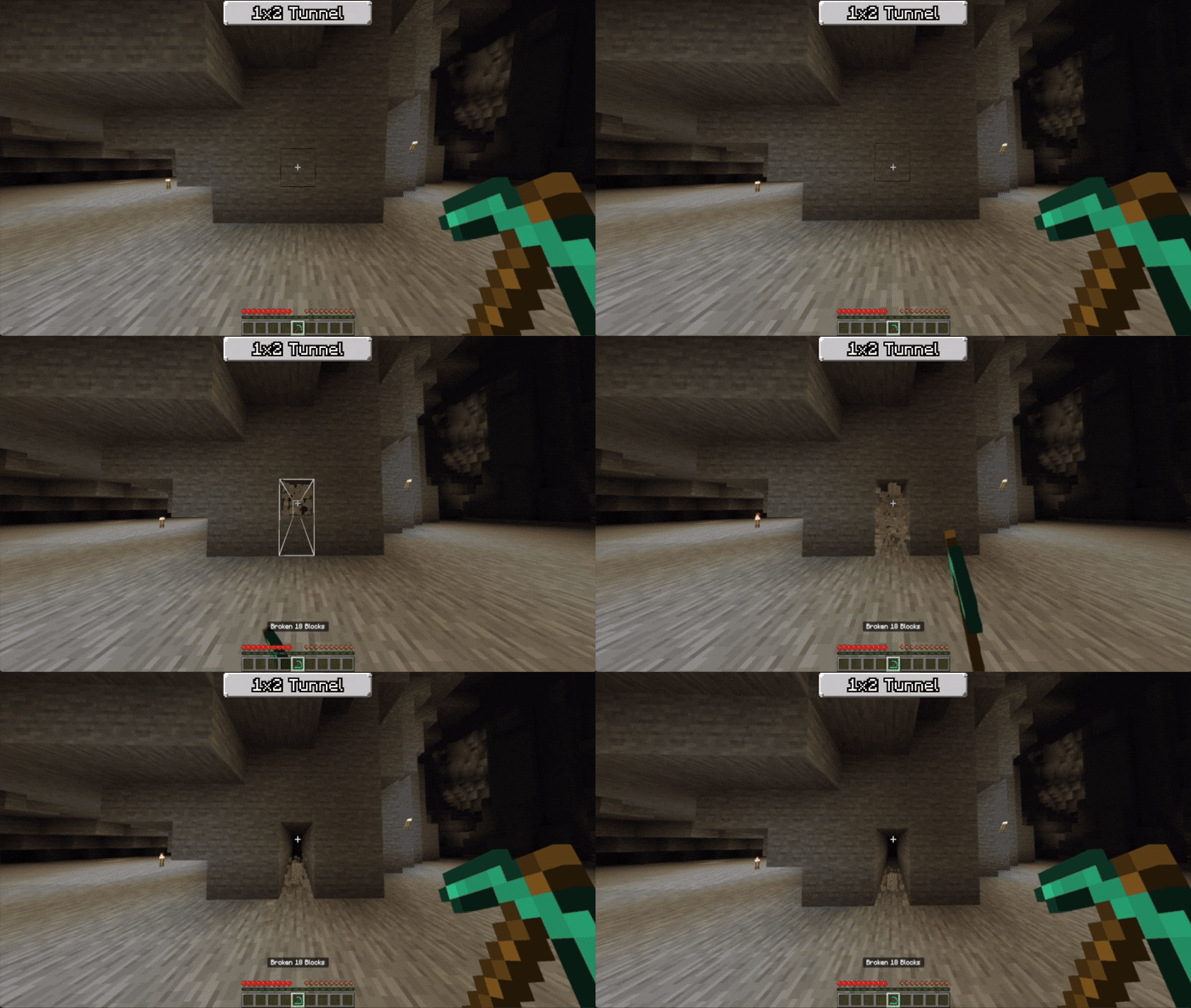
- 1×2 Tunnel: Expands the tunnel width to two blocks.
- 1×3 Tunnel: Creates a three-block-wide tunnel.
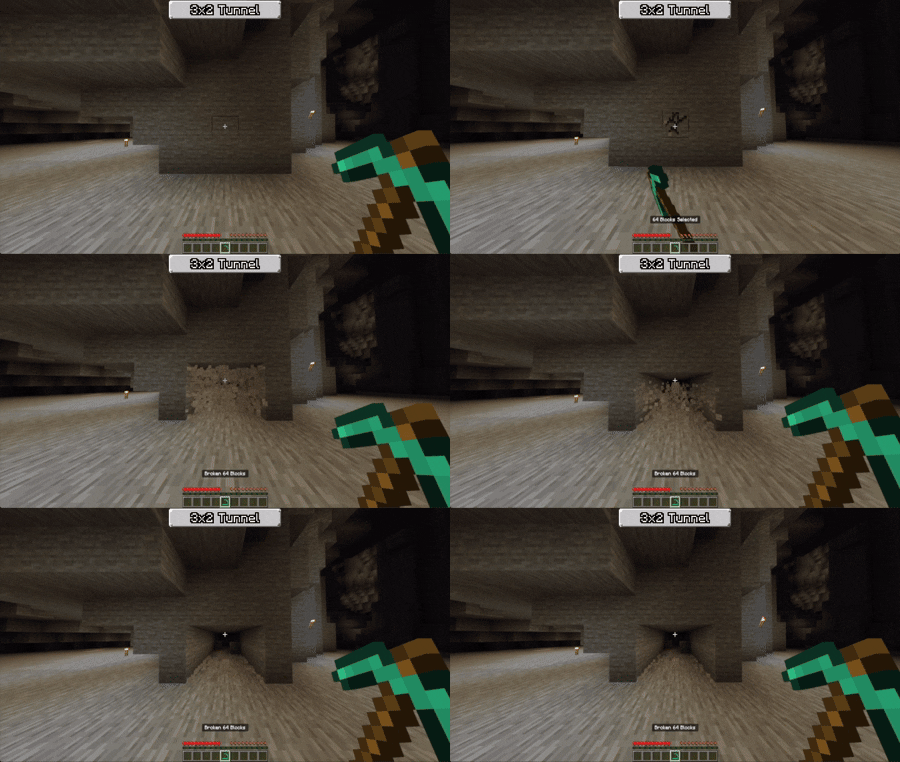
- 3×2 Tunnel: Mines a tunnel three blocks wide and two blocks high.
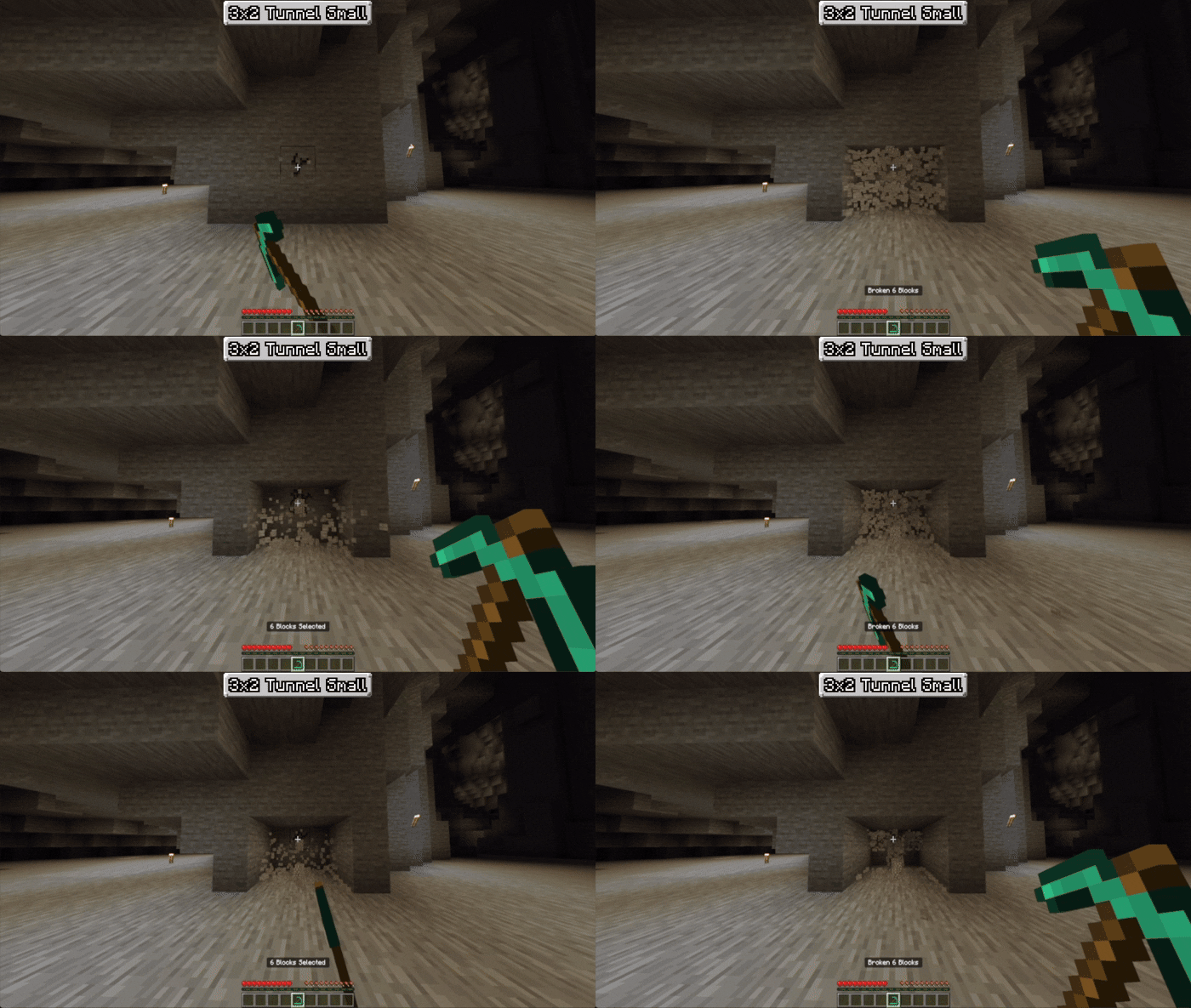
- 3×2 Tunnel Small: A smaller variant of the 3×2 tunnel function.
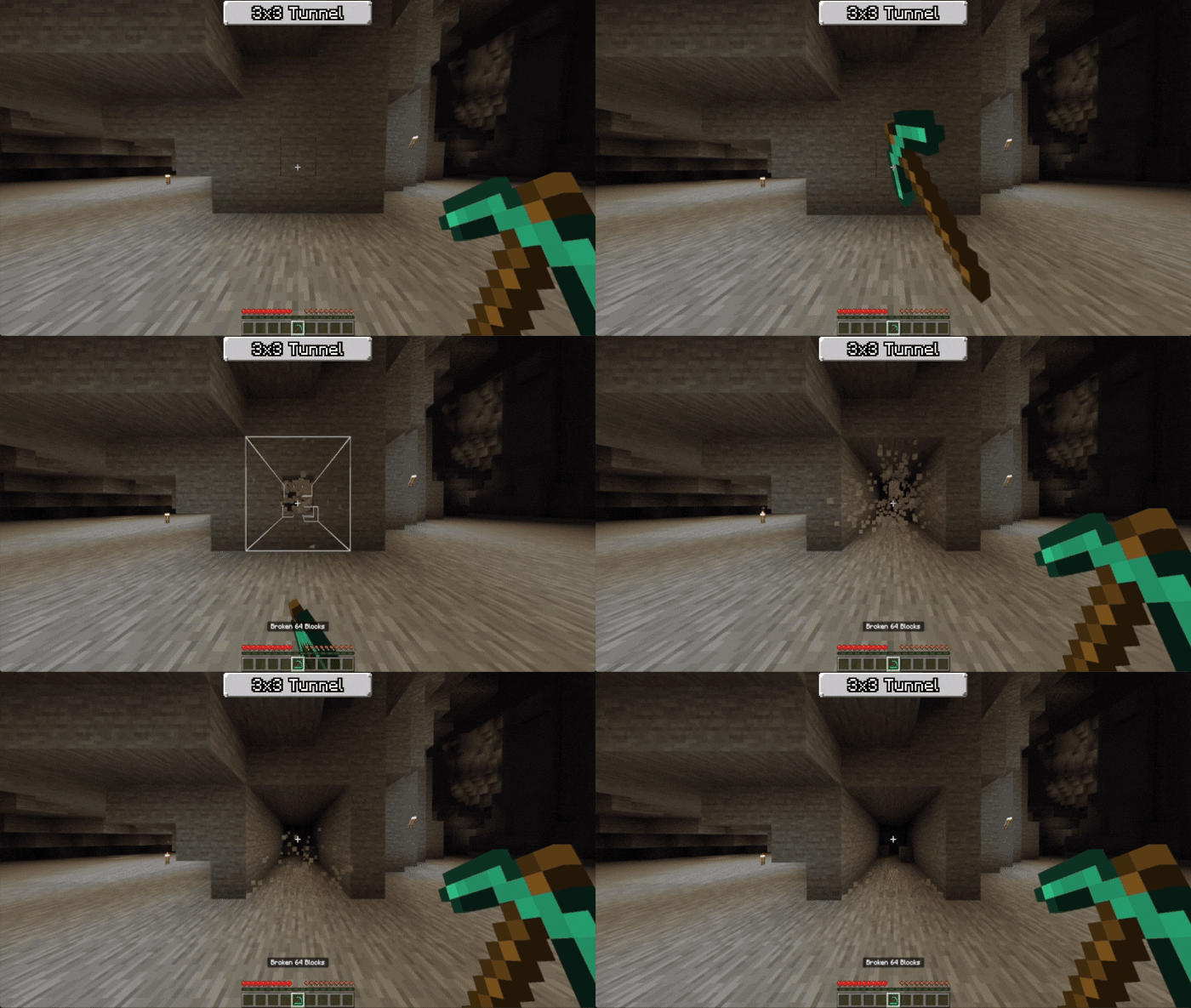
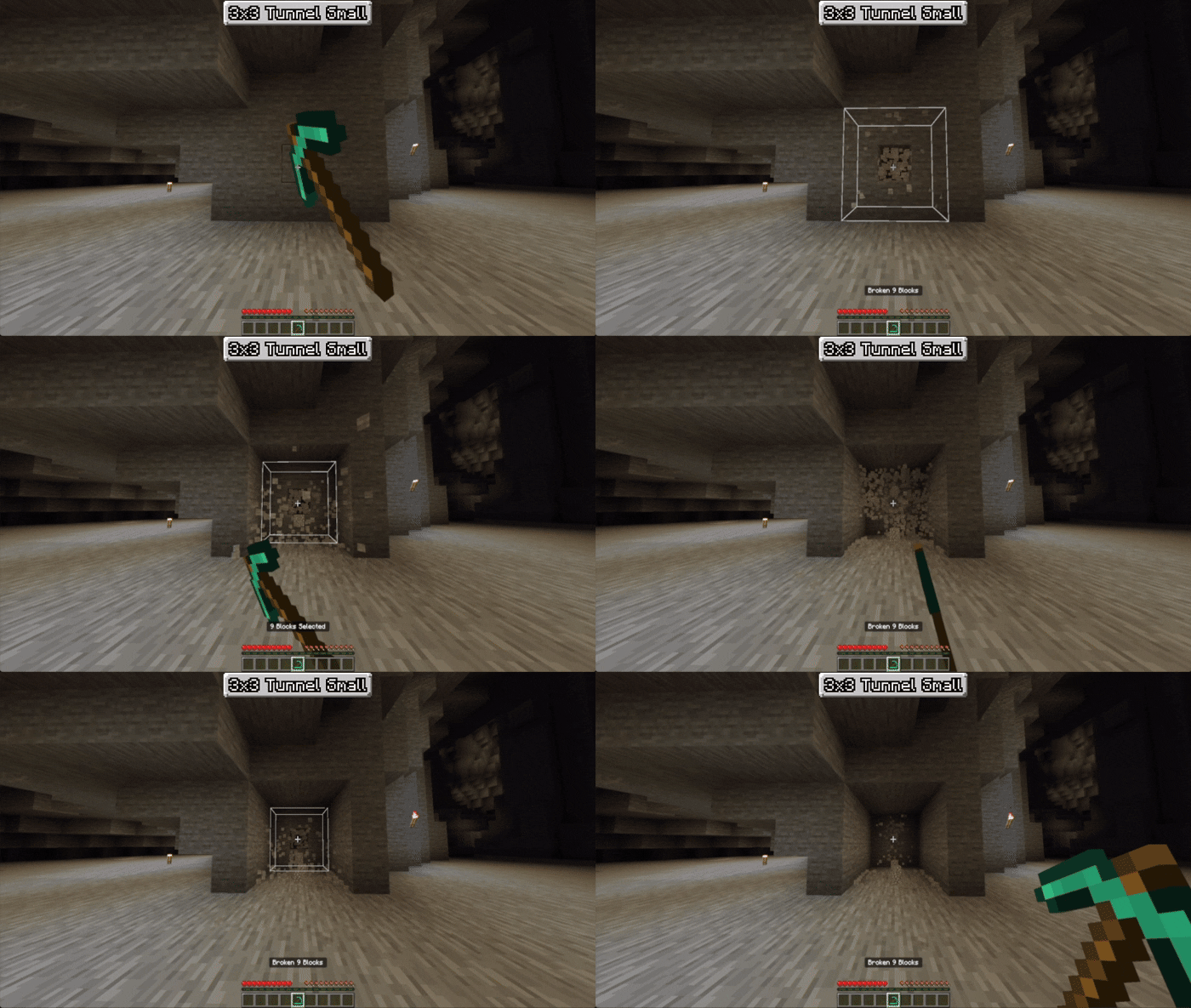
- 3×3 Tunnel: Mines a large three-by-three block tunnel.
- 3×3 Tunnel Small: A compact version of the 3×3 tunnel.
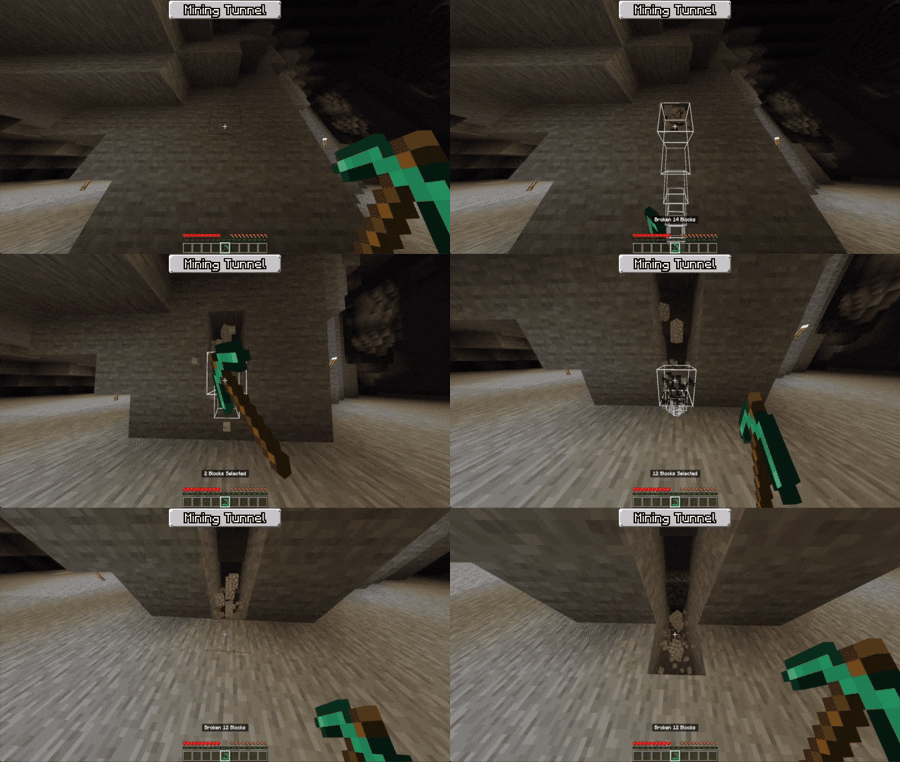
- Mining Tunnel: Designed for efficient mining corridors.
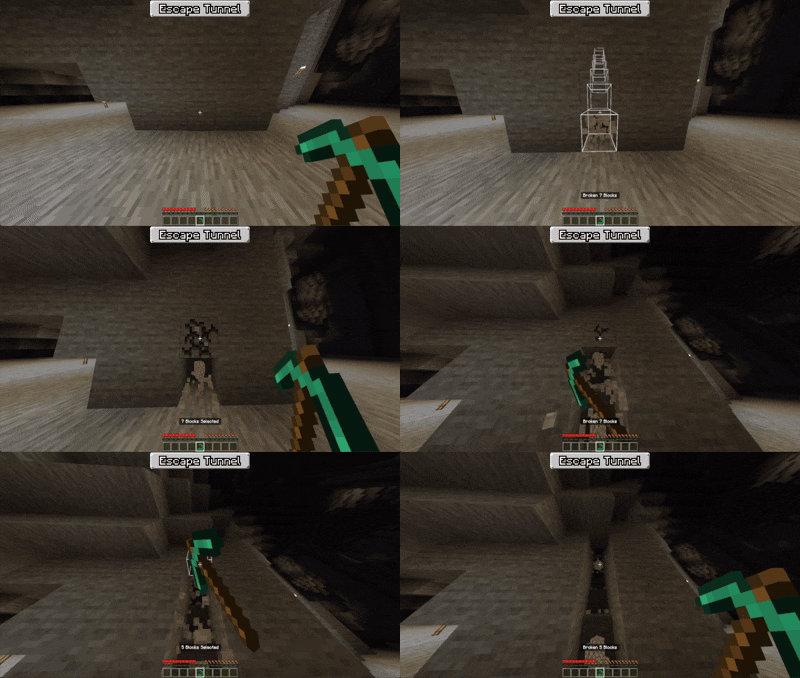
- Escape Tunnel: Quickly creates a tunnel suitable for emergency exits.
Enchantment Compatibility
Utilities Vein Miner works seamlessly with several enchantments on your pickaxe, including:
- Unbreaking
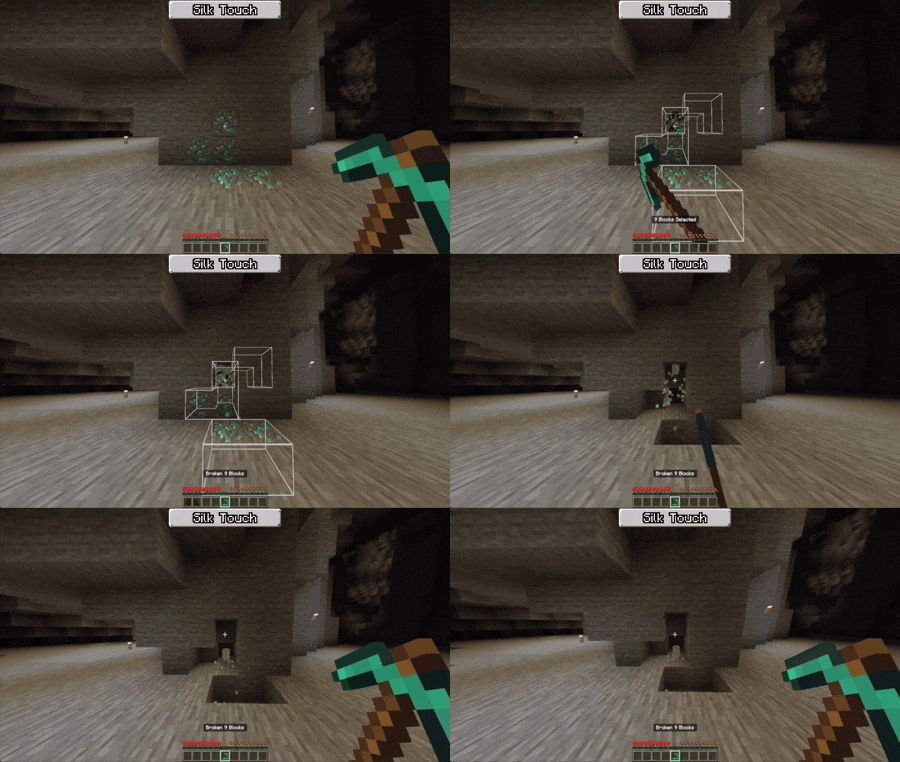
- Silk Touch (compatible with vanilla blocks only)
- Fortune (compatible with vanilla blocks only)
Requirements / Compatibility
- This addon does not disable achievements.
- It does not rely on player.json files.
- Fully compatible with other addons.
Addon Development Notes
Addon creators can enhance compatibility by using the Bedrock Awakening Compatibility System (BACS) as follows:
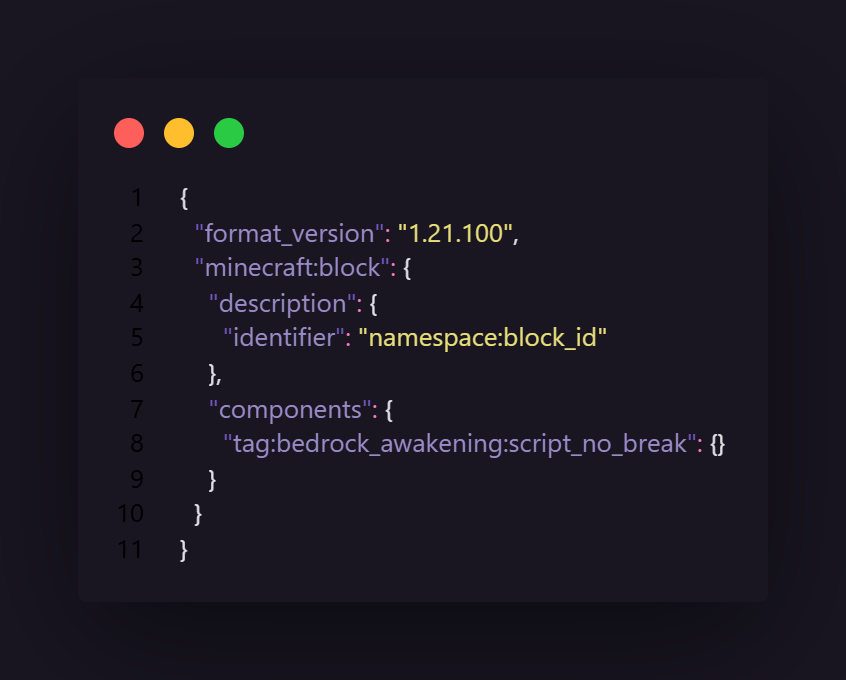
- Prevent Vein Miner Activation: Add the tag
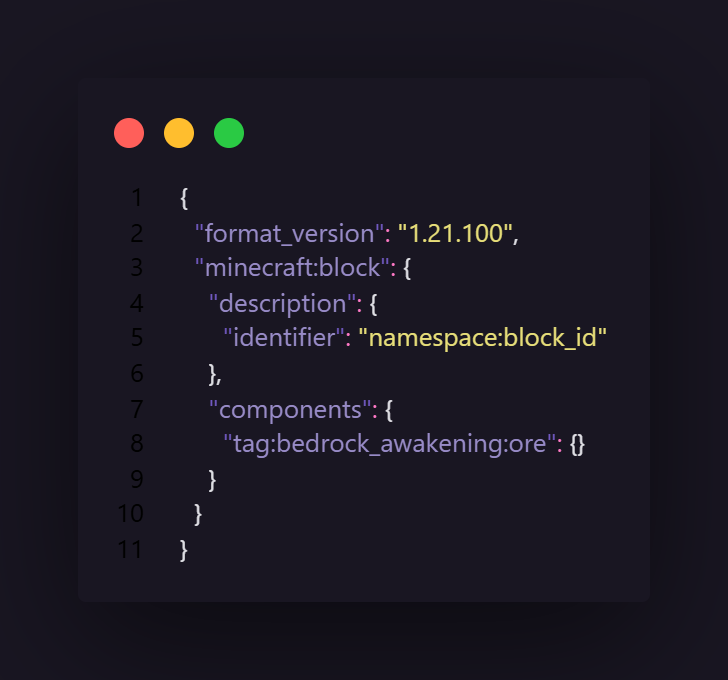
bedrock_awakening:script_no_breakto blocks to disable Vein Miner breaking for those blocks. Useful for blocks that require manual breaking or special handling. - Identify Ores: Tag blocks with
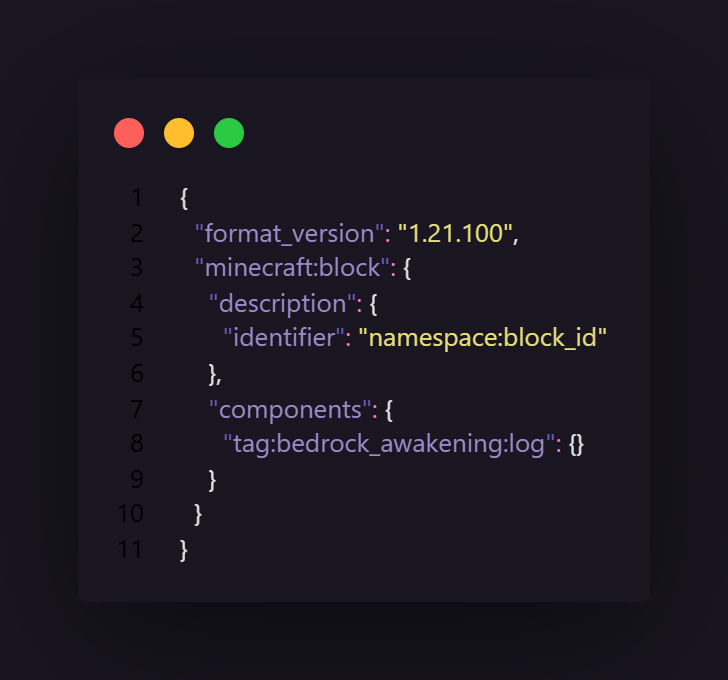
bedrock_awakening:oreto mark them as ores for automatic function switching. - Identify Logs: Use the tag
bedrock_awakening:logto specify log blocks for the Vein Miner’s log-specific functions.



Utilities_Vein_Miner_v5.2.mcaddon
[45.97 KB]

