Ultramarine Nightfall
20.02.2026
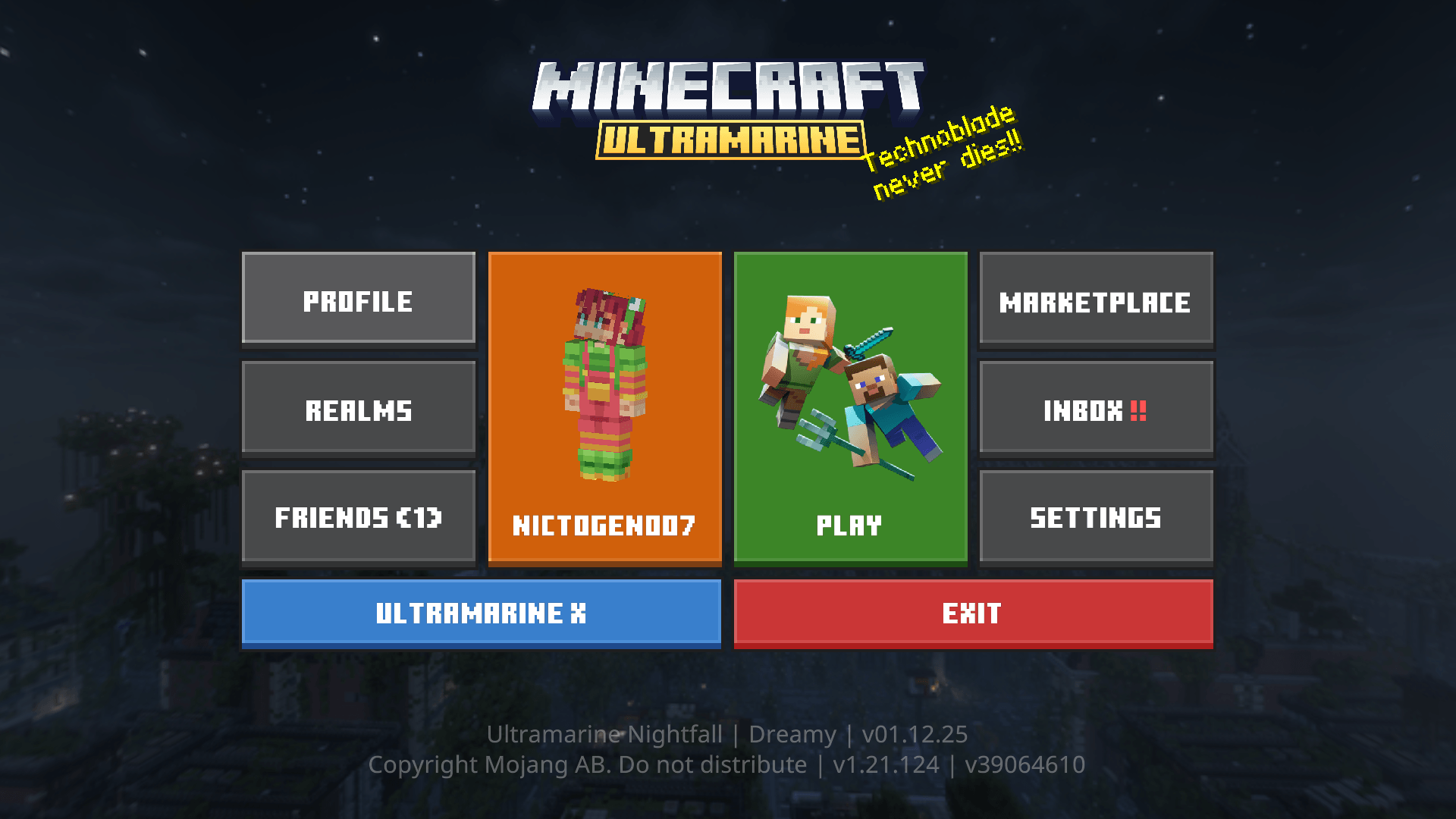
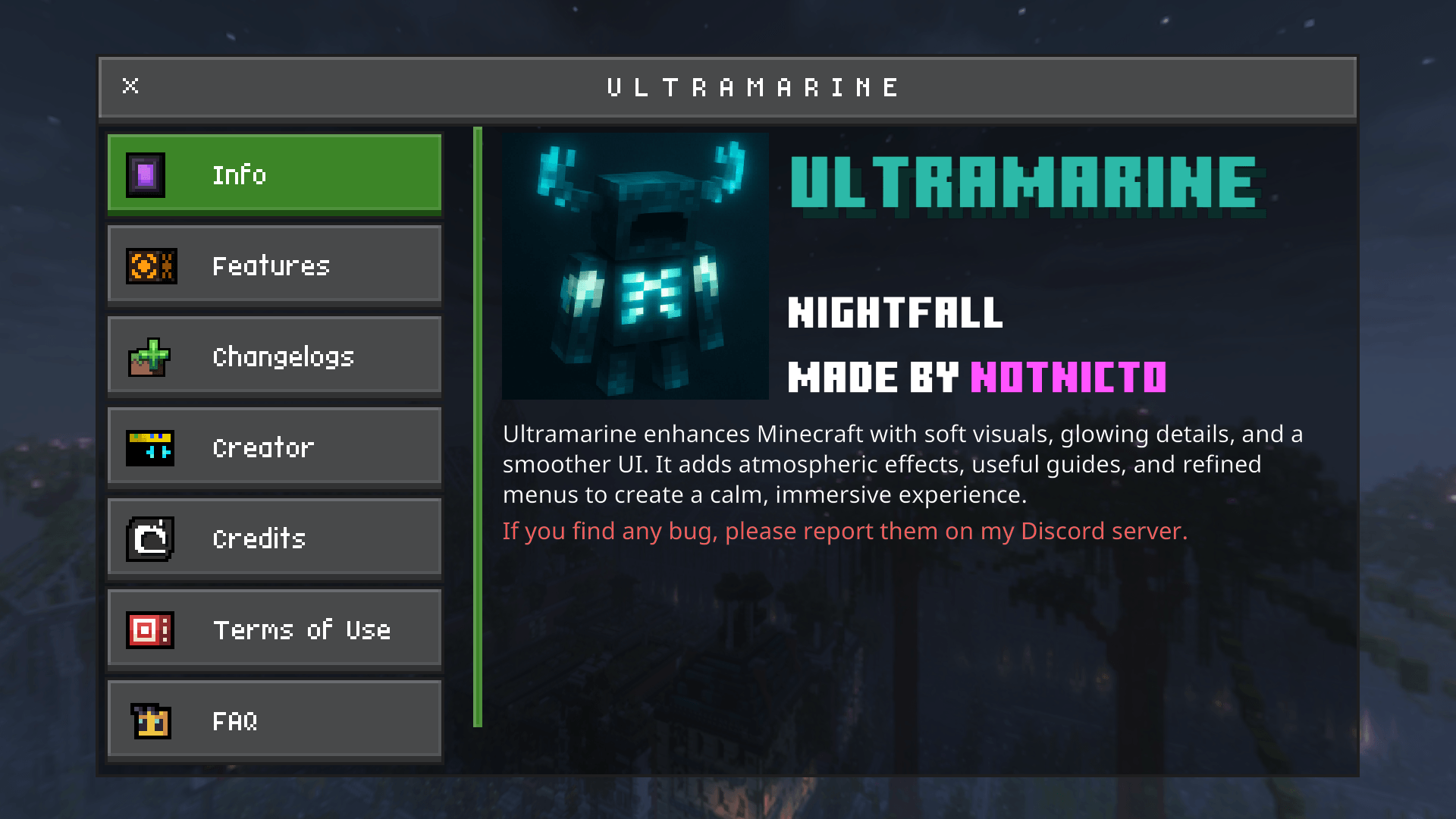
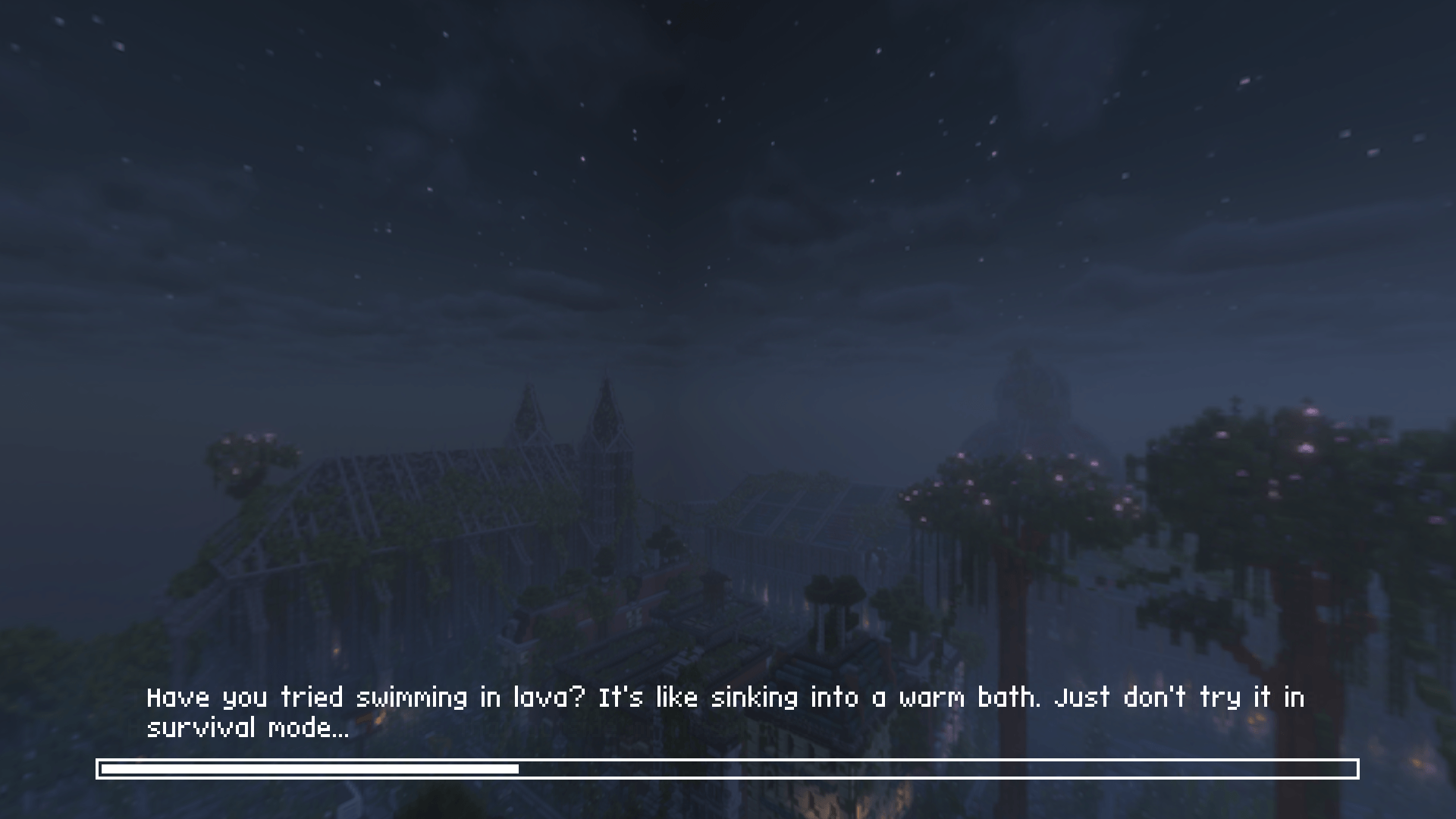
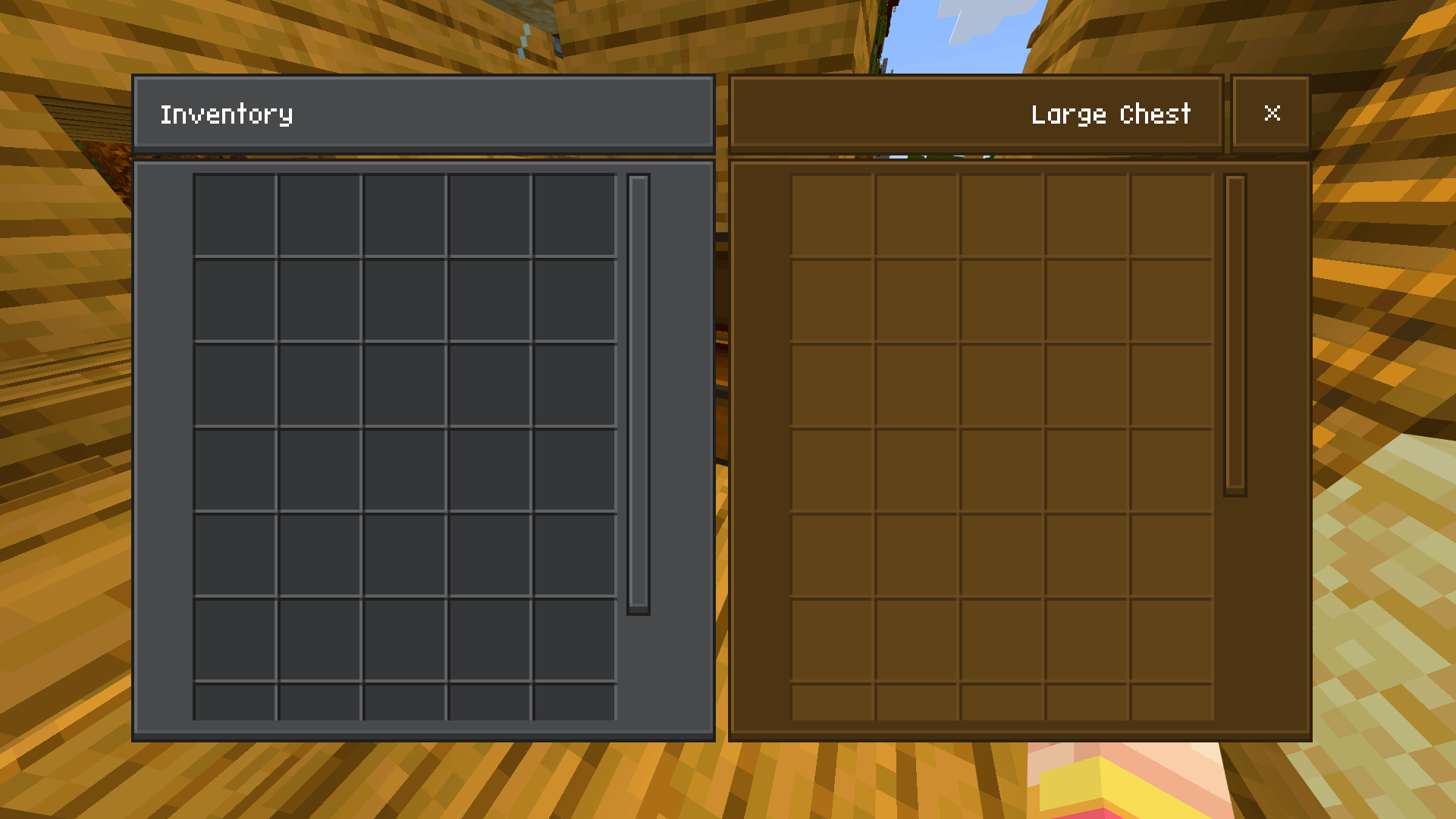
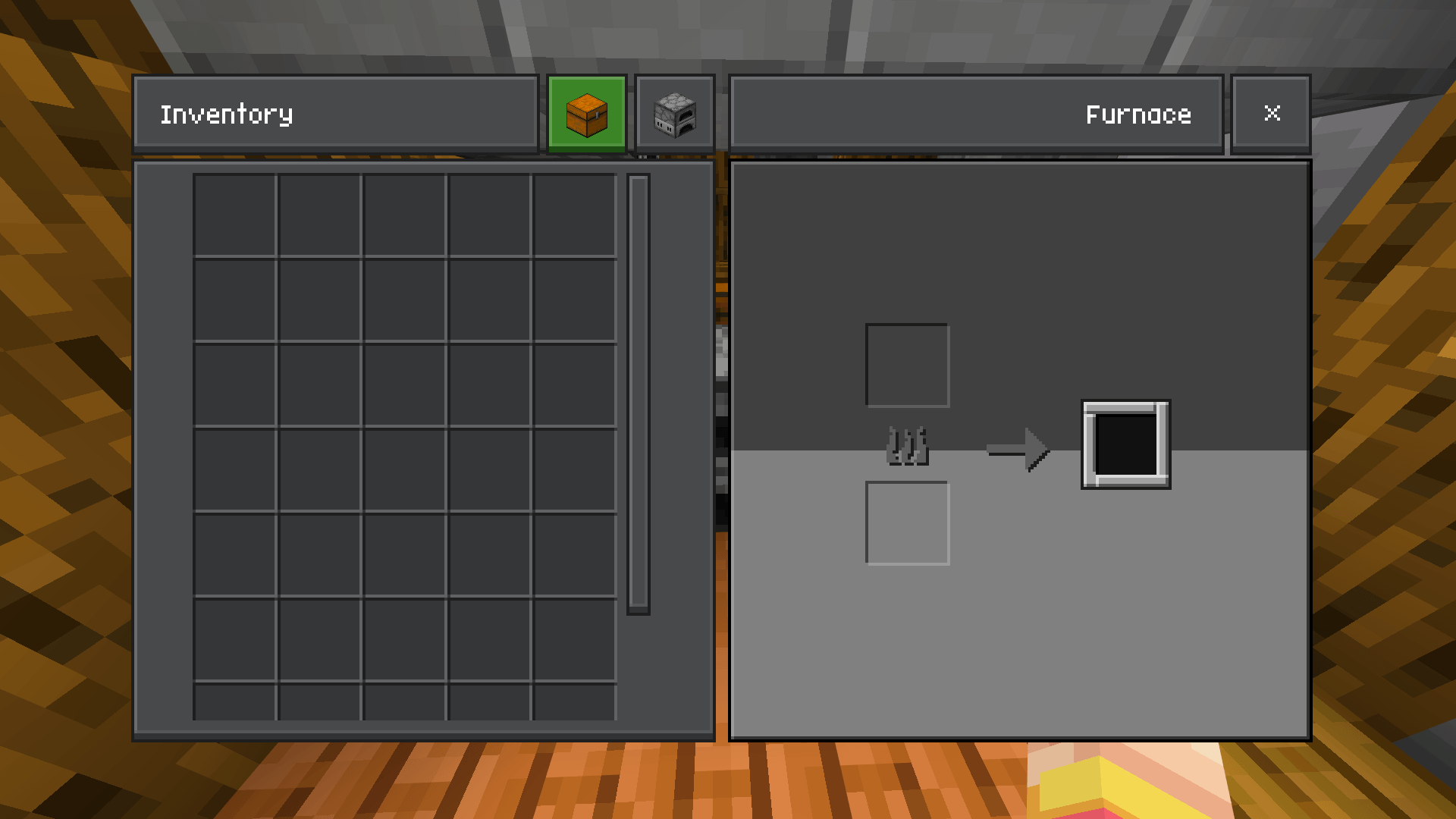
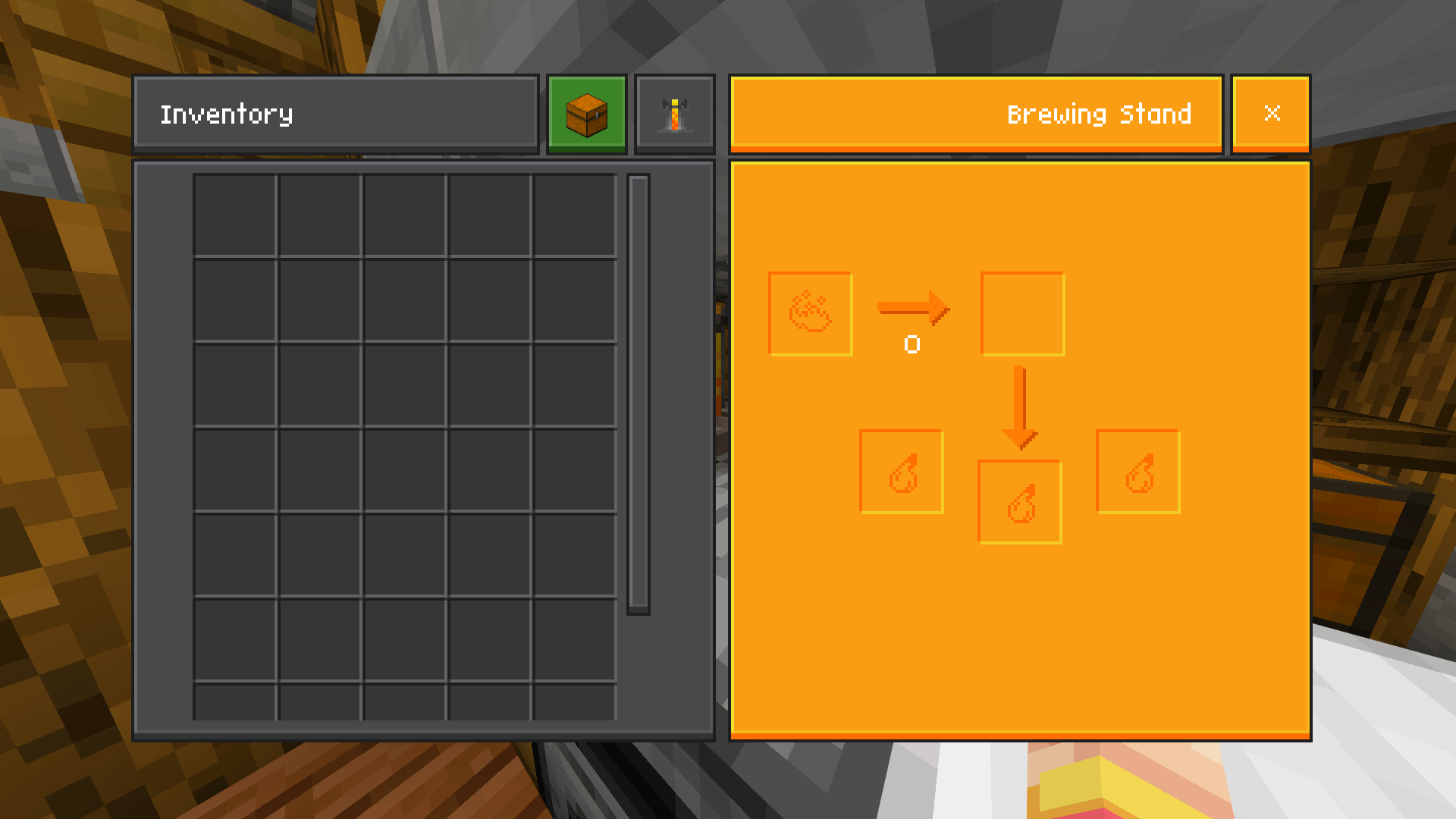
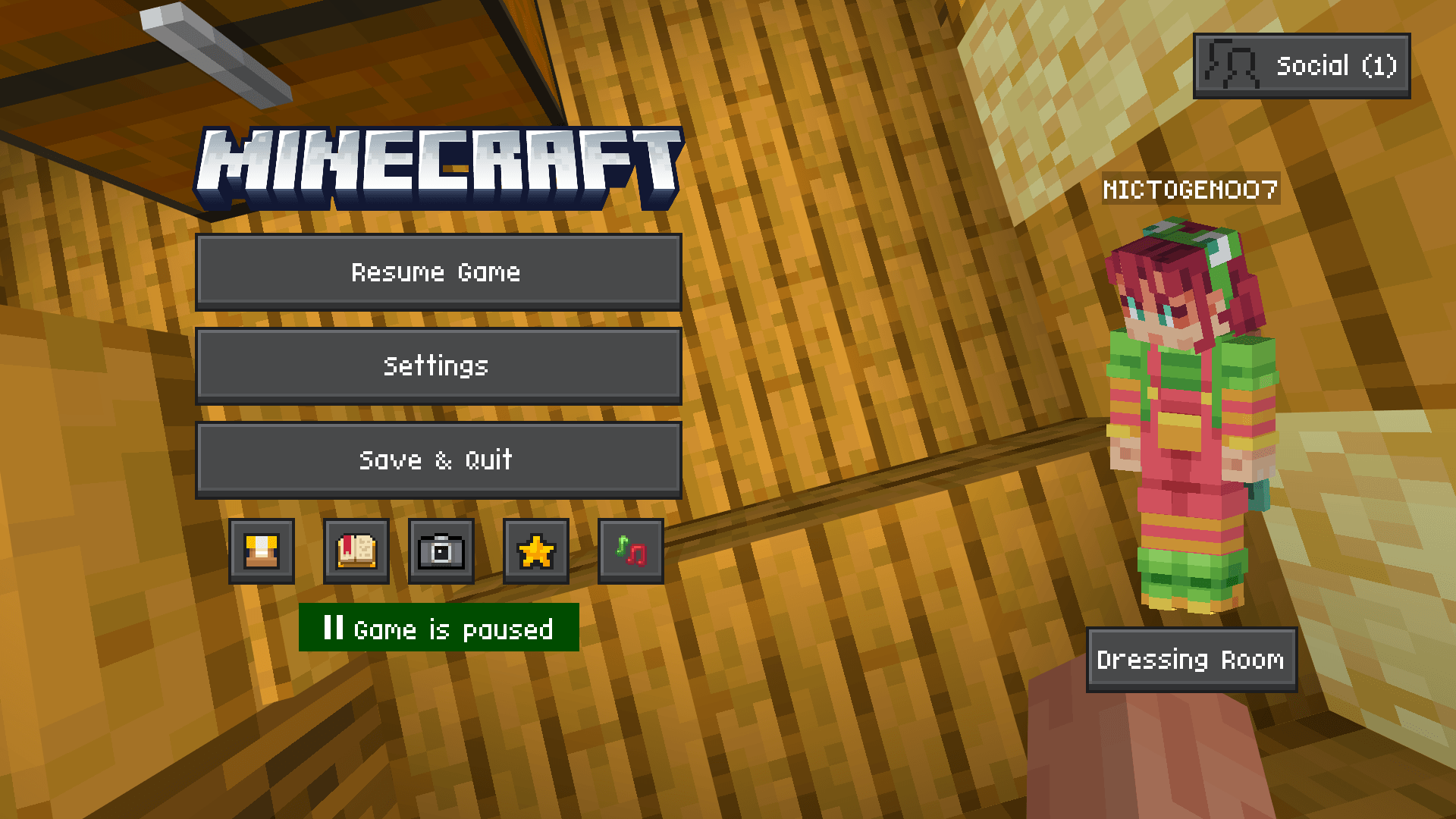
Ultramarine Nightfall enhances your Minecraft Bedrock 1.21+ world with a rich, atmospheric texture pack focused on nighttime aesthetics. Experience deep shadows, cool color tones, and elegant UI improvements that bring a calm and immersive dusk ambiance to your gameplay. This pack subtly highlights glow effects and smooths visuals for a refined, serene environment.
Installation / How to Use
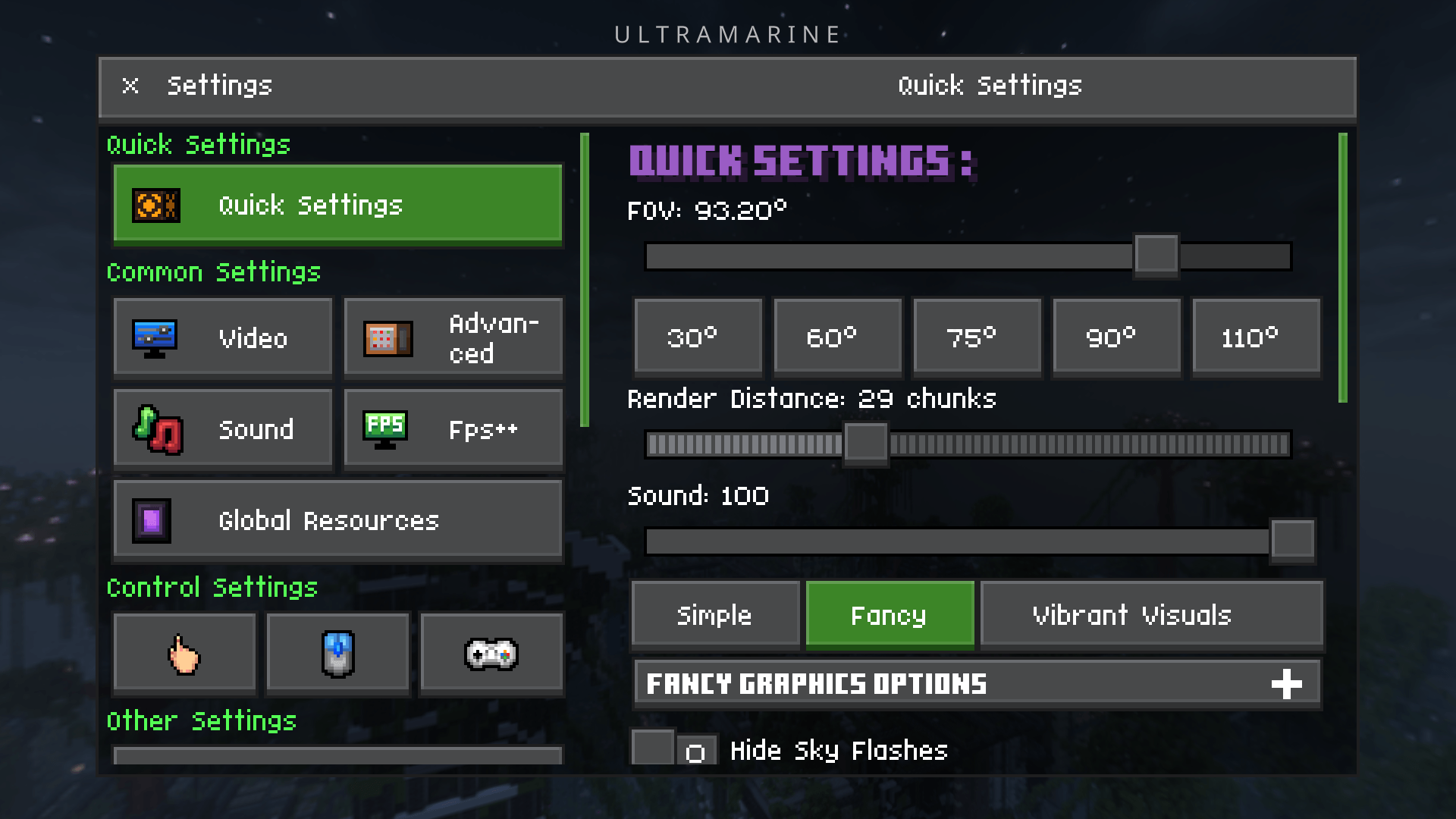
To apply Ultramarine Nightfall, download the texture pack and import it into your Minecraft Bedrock edition. From the main menu, navigate to the settings, then to the “Global Resources” section. Activate Ultramarine Nightfall by selecting it and confirming your choice. Restart the game if necessary to ensure all changes take effect.
Requirements / Compatibility
This texture pack is designed specifically for Minecraft Bedrock Edition version 1.21 and above. Using it on earlier versions may cause visual inconsistencies or compatibility issues.
Key Features
- Dark, moody lighting with cool blue and purple tones
- Enhanced ambient effects to evoke a nighttime atmosphere
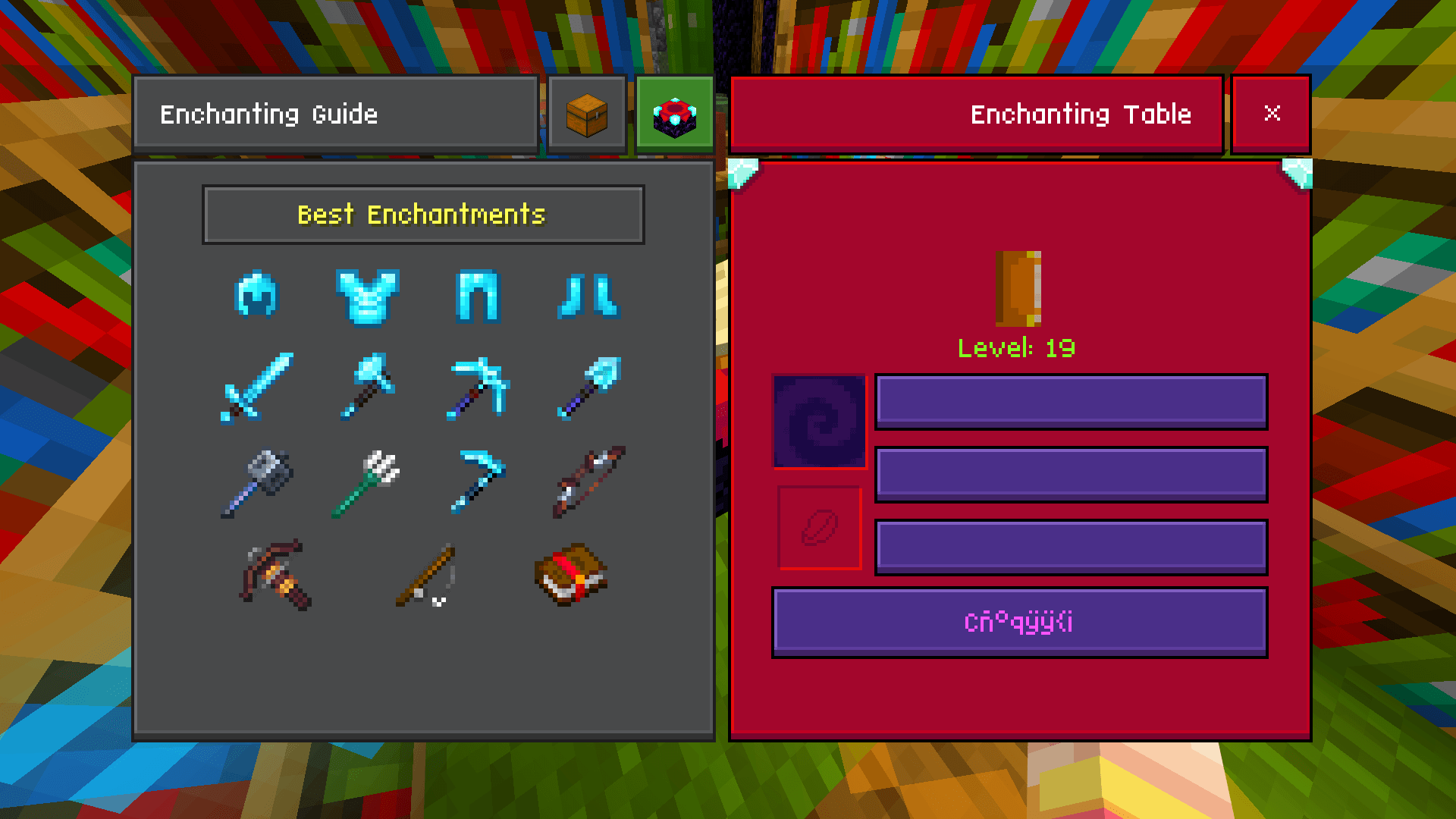
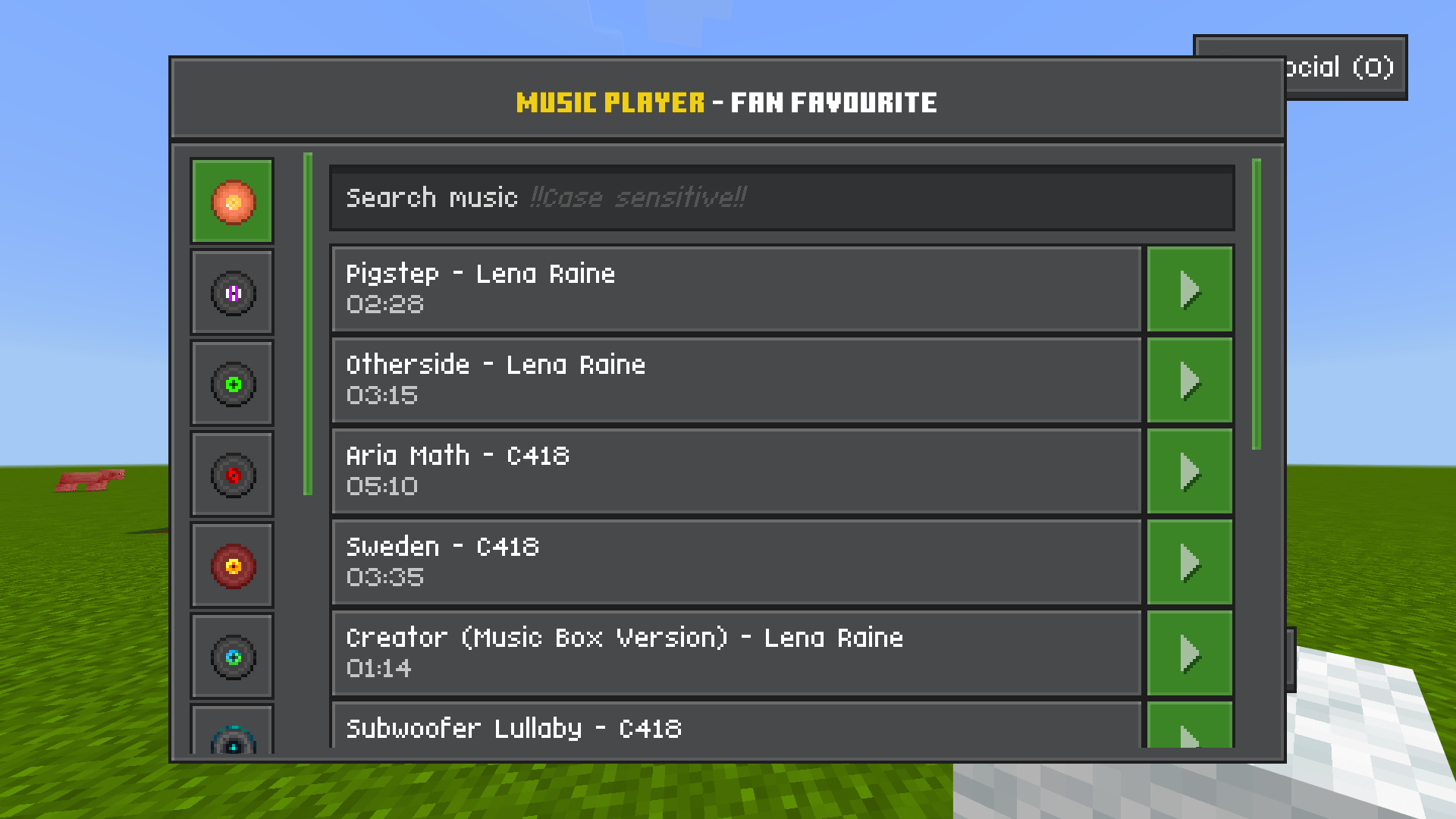
- Refined, sleek user interface elements
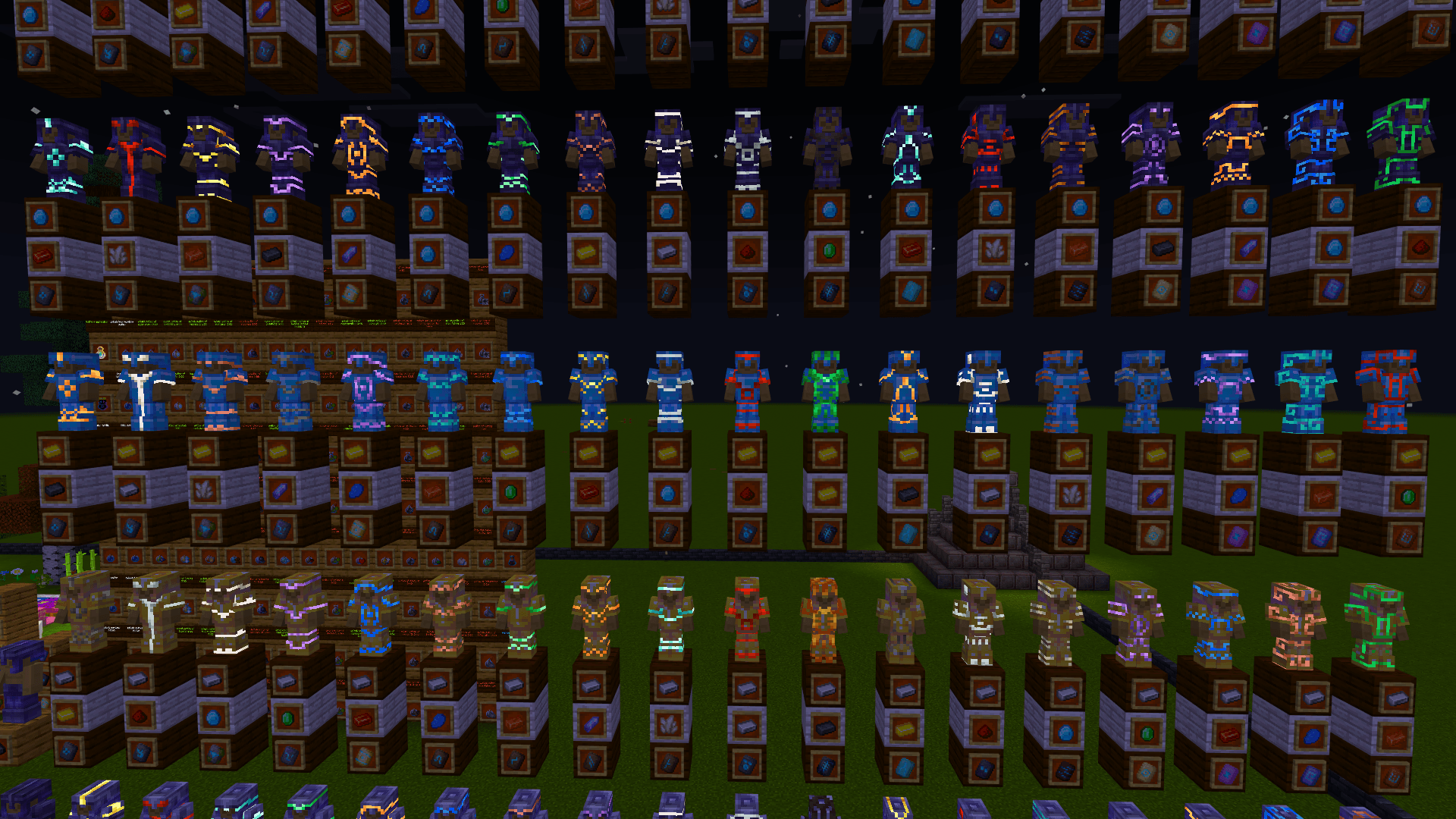
- Subtle glowing accents for a tranquil visual experience
- Smoother textures for improved immersion
Notes / Troubleshooting
If you notice any graphical glitches or issues, try reloading the resource pack or restarting Minecraft. Ensure your game is updated to version 1.21 or higher. For further assistance or to report bugs, seek support within the community forums or official Minecraft help resources.
Ultramarine Nightfall v260215
[15.05 MB]

