Simple Waystone
20.02.2026
Simple Waystone enhances your Minecraft Bedrock experience by allowing fast travel between distant locations and dimensions. Discover various types of waystones and teleport items that make your journeys quicker and more convenient. This addon offers both a full and lite version catering to different gameplay preferences.
Installation
Choose the version of Simple Waystone that fits your needs: the full version supports up to 256 waystones, while the lite version includes 16 waystones. Import the addon into your Minecraft Bedrock Edition and activate it in your world settings.
How to Use
Crafting Waystones
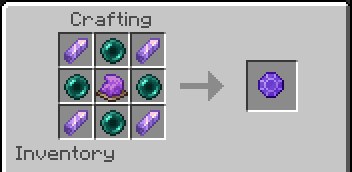
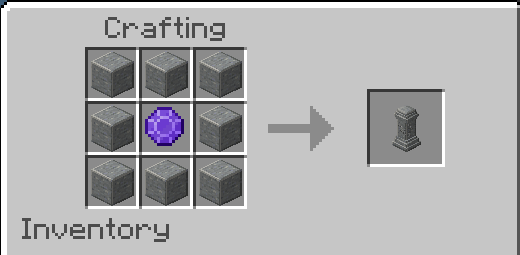
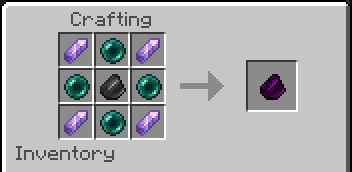
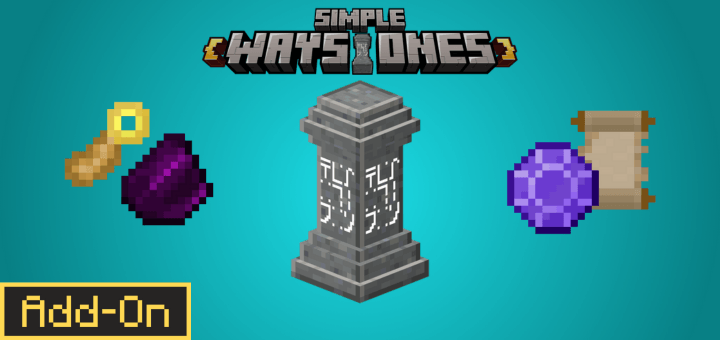
Begin by crafting a Warpstone, which is essential for creating any Waystone. Combine a Warpstone with your chosen material to craft a Waystone block.
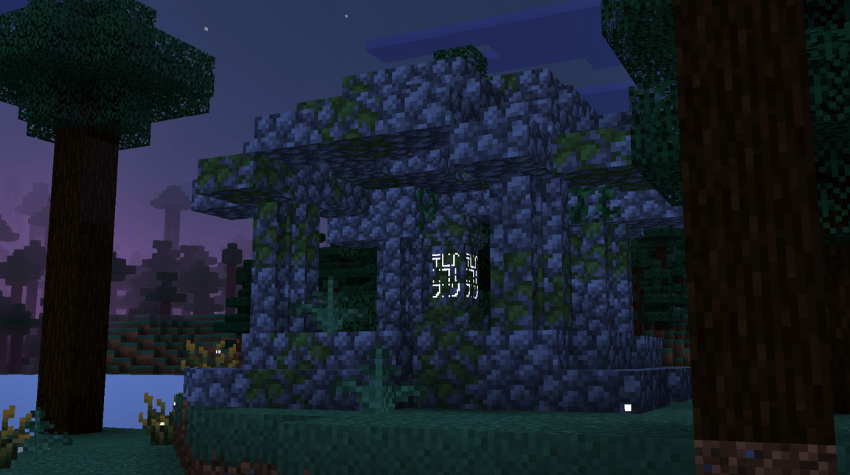
Place the Waystone on the ground to open a registration screen where you can name it and decide if it will be public or private. Public waystones can be accessed by other players.
Warpstone Pedestal
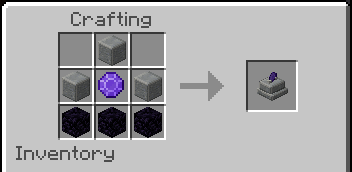
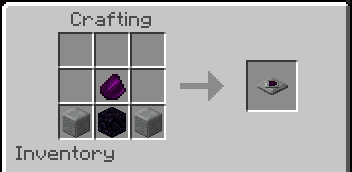
Craft the Warpstone Pedestal using 3 Obsidian blocks, 3 Polished Andesite blocks, and 1 Warpstone. This pedestal functions as a teleportation point, but unlike Waystones, you cannot claim a new location by placing it; it only allows teleporting to existing waystones.
Teleporter Pad
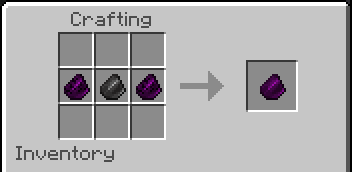
Combine a Broken Teleporter Shard with a Teleporter Shard to create a Teleporter Pad. Stepping on this pad teleports you to the destination registered on the Teleporter Shard. You can place the pad on the ground to register its location automatically. Linking another registered Teleporter Shard to an empty pad will connect it to that destination.
The Teleporter Pad can also teleport items and entities.
Waystone Variants
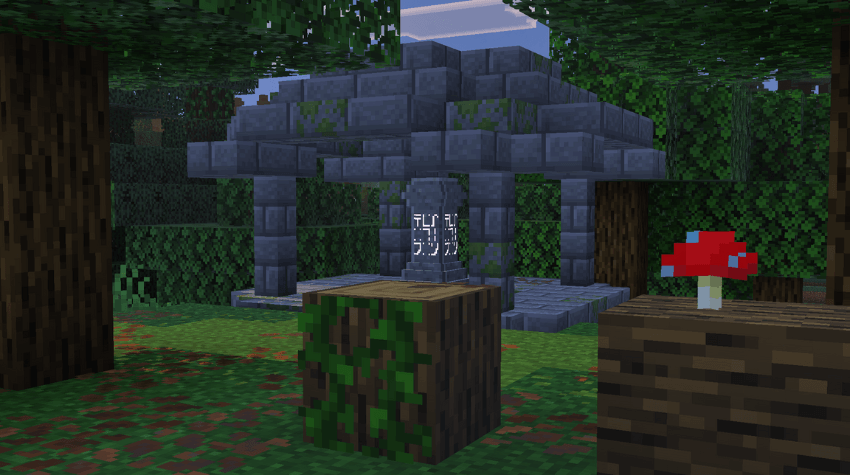
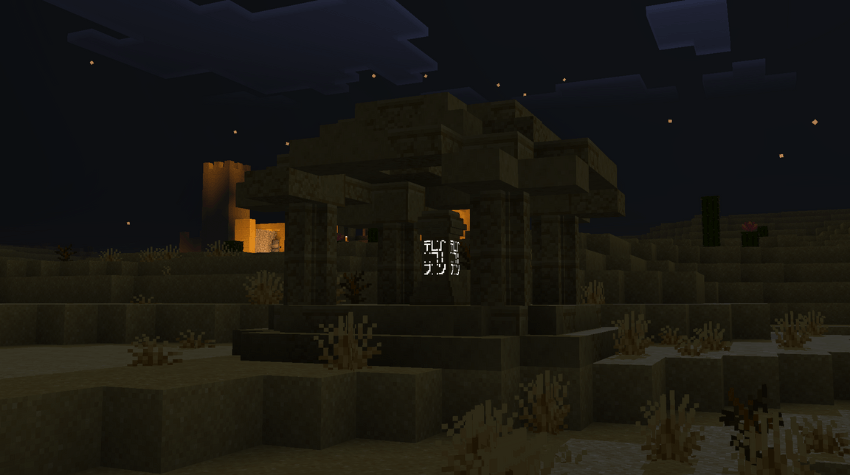
Waystones come in multiple material styles to match your world’s aesthetics, such as Stone, Tuff, Deepslate, Obsidian, Blackstone, Basalt, Nether blocks, Ice, Prismarine, Sand, Resin, Ore types, Quartz, End materials, Raw Ore, Copper, Wood, Sculk, Concrete Powder, Concrete, Terracotta, Wool, and Glass.
Key Features
Color Customization
You can dye the text on an activated waystone using any of the 16 Minecraft dye colors, allowing for easy identification.
Claiming and Teleporting
- Claim a Waystone by interacting with it; a sound confirms successful claiming.
- Teleport between your private and public waystones through the interface.
- Different dimensions are color-coded for clarity.
- Teleportation costs experience points depending on distance: 1 XP level per 700 blocks, and 3 XP levels when traveling between dimensions.
- Favorite waystones can be marked to appear at the top of your list.
Teleport Items
- Warpstone: Used to create waystones and can teleport you without interacting with one. It has a 60-second cooldown.
- Golden Feather: Functions like the Warpstone but is consumed upon use.
- Return Scroll: Similar to Warpstone but uses durability instead of being consumed.
Warpstone Pedestal Usage
This pedestal allows teleportation like any other waystone but cannot be claimed as a new waypoint. It’s ideal for secret rooms where you can exit but not enter.
Waystone Settings
Access the settings by shift-clicking a Waystone, which opens options including:
- Waystone Info: View details such as XP discount levels and spawn direction.
- Player Settings: Customize your teleportation list order and filter dimensions.
- Remove Waystone: Delete waystones you’ve created or corrupted ones.
- Favorite Waystones: Manage your favorite waystones for quick access.
- Administrator Settings: Modify addon functions (requires admin privileges).
XP Discount Upgrades
Use ore blocks to upgrade the XP cost discount for teleporting from a waystone:
- None: 0% XP discount
- Iron Block: 30% XP discount
- Diamond Block: 50% XP discount
- Netherite Block: 100% XP discount
To apply an upgrade, hold the ore block and interact with the waystone. Click on the upgrade icon to remove it.
Player Settings
Configure how waystones are displayed in your list, including alphabetical order, dimension ordering, and filtering which dimensions appear.
Simple_Waystone_v8.2_Full.mcaddon
[563.62 KB]

