Luvid Visuals
20.02.2026
Luvid Visuals transforms Minecraft with a premium shader pack that enhances every visual element. From cinematic tone mapping to crystal-clear water and expertly tuned lighting, it creates a vibrant and immersive environment. Designed for high-end visuals without sacrificing performance, Luvid Visuals offers a new level of clarity and realism.
Installation / How to Use
To install Luvid Visuals, download the shader pack and import it into your Minecraft Bedrock Edition resource packs folder. Activate the pack through the game’s settings under “Global Resources.” Make sure to enable shaders in your video settings for the full effect. Adjust in-game graphics settings as needed to balance performance and quality.
Requirements / Compatibility
Luvid Visuals is optimized for devices that support advanced graphical features in Minecraft Bedrock Edition. For best results, use on systems with hardware-accelerated rendering and up-to-date graphic drivers. It is compatible with the latest versions of Minecraft Bedrock and works well across a range of platforms, provided they support resource pack shaders.
Key Features
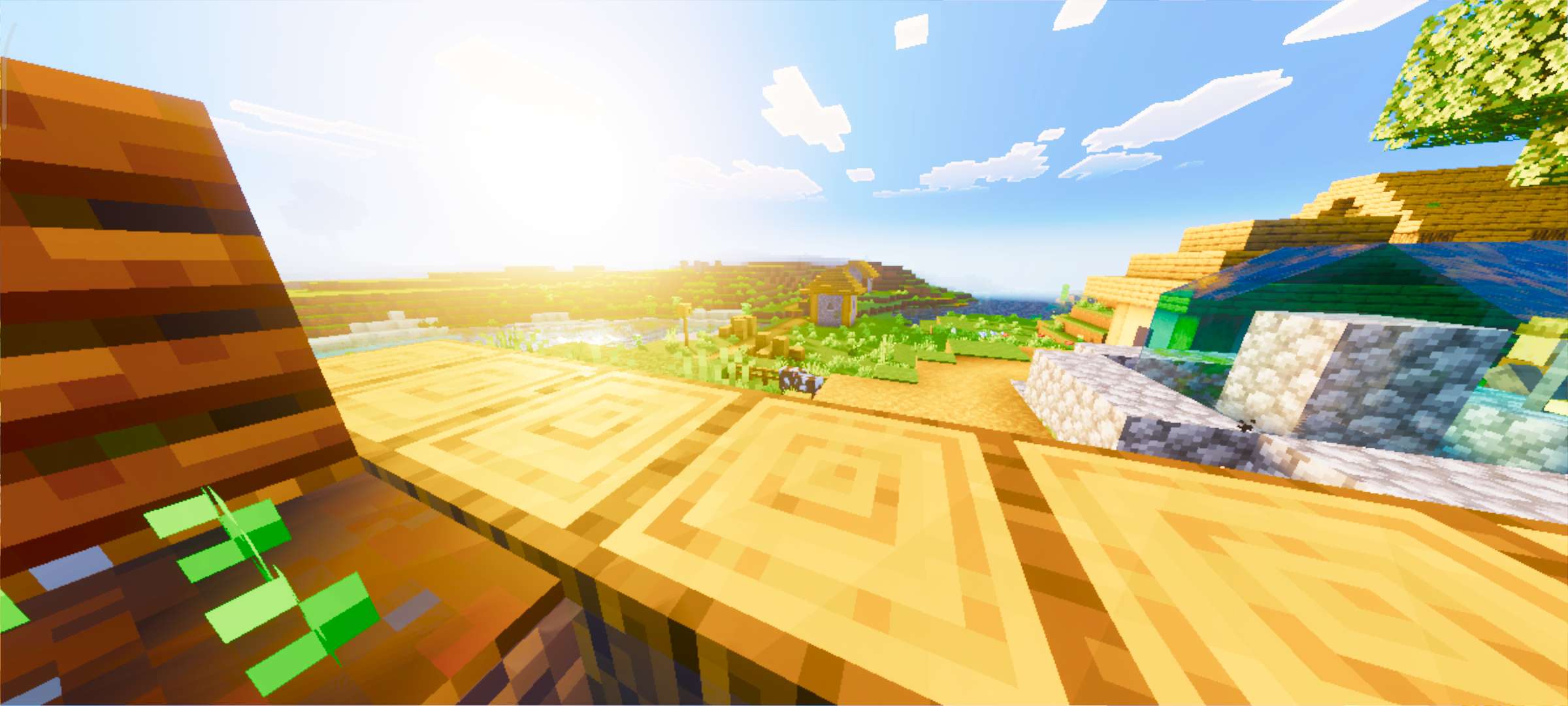
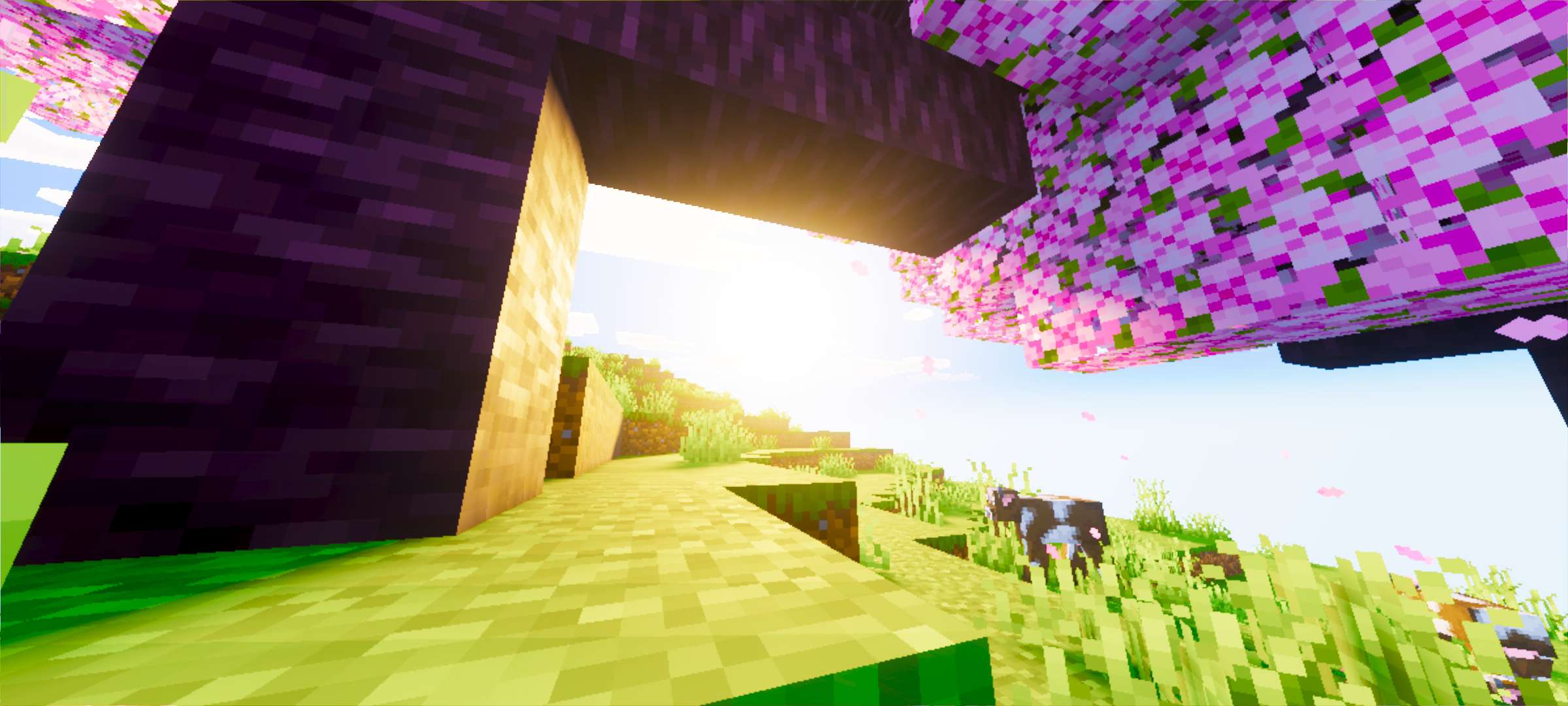
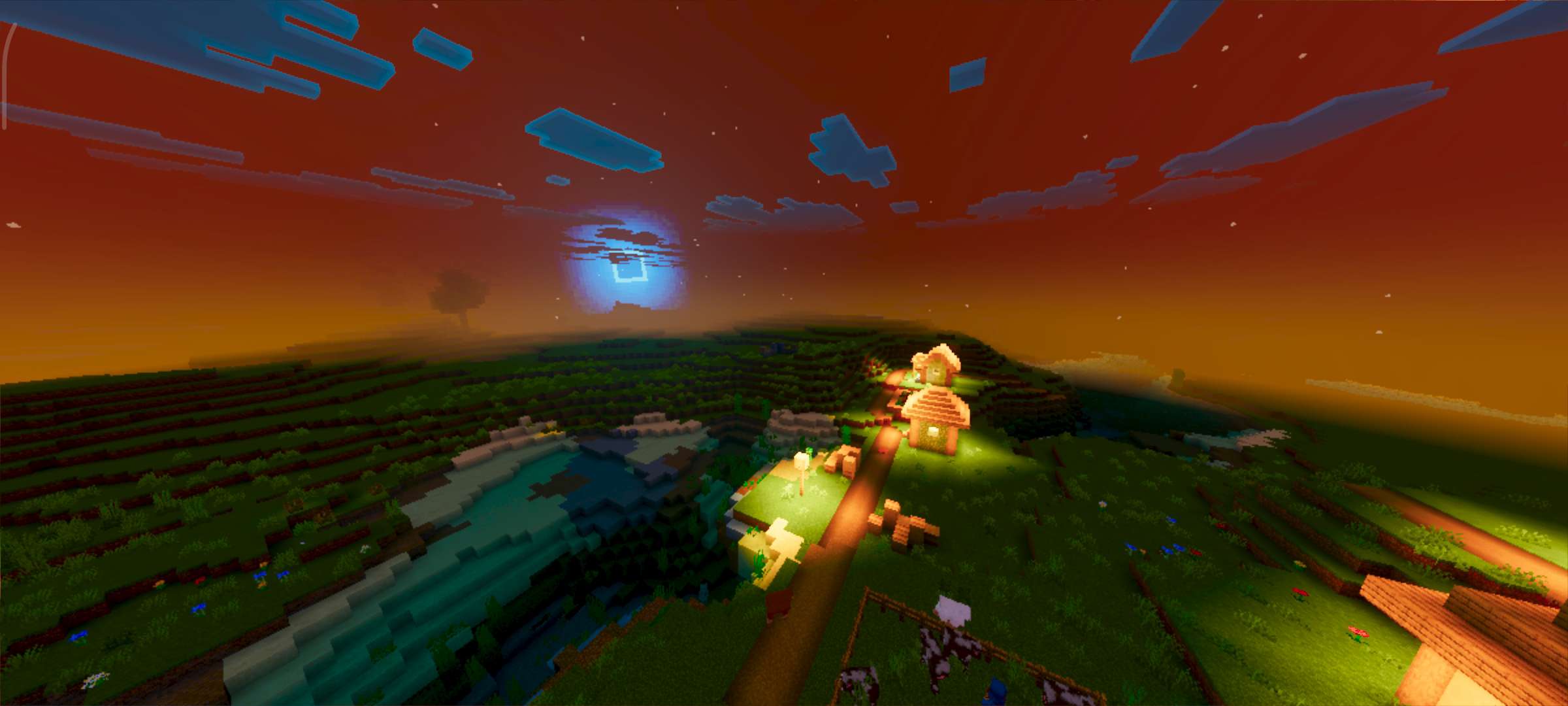
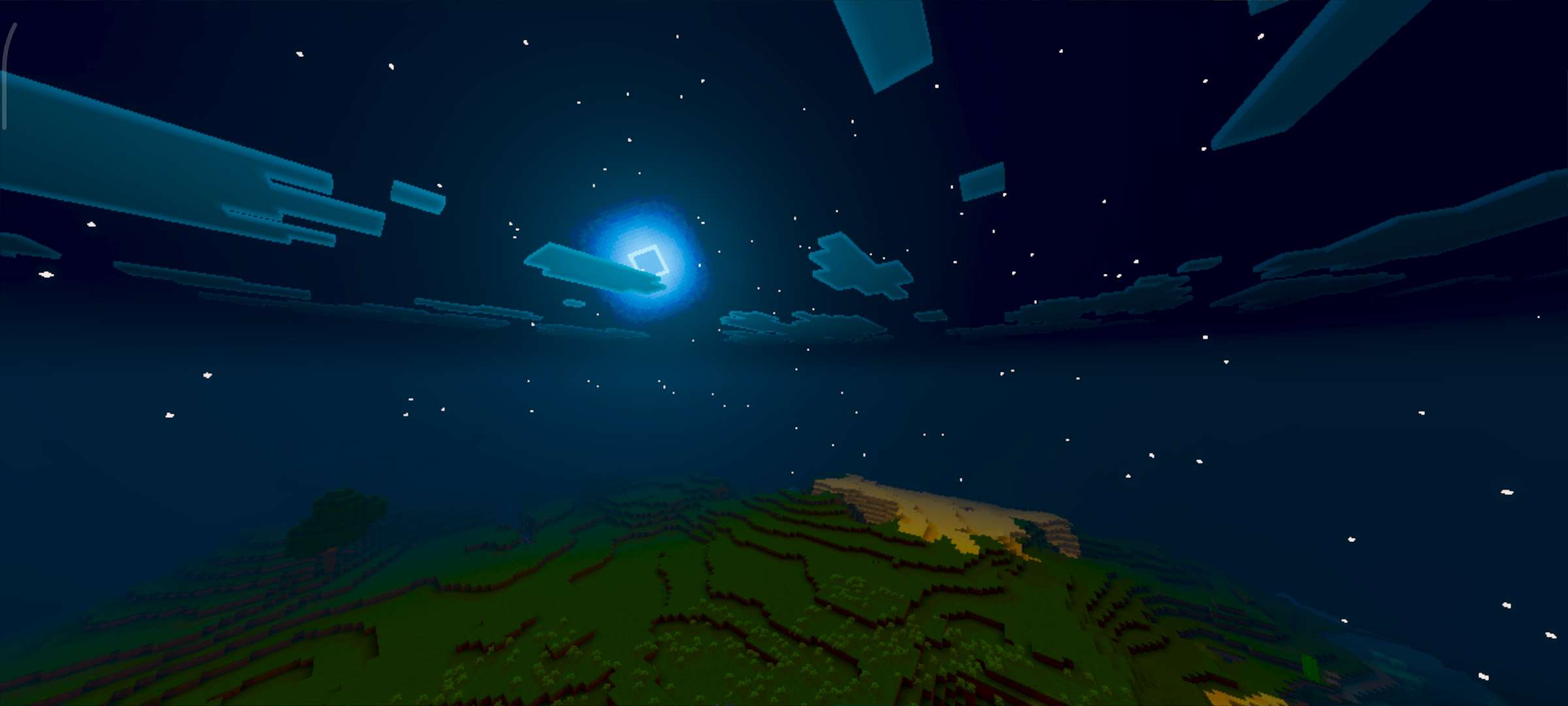
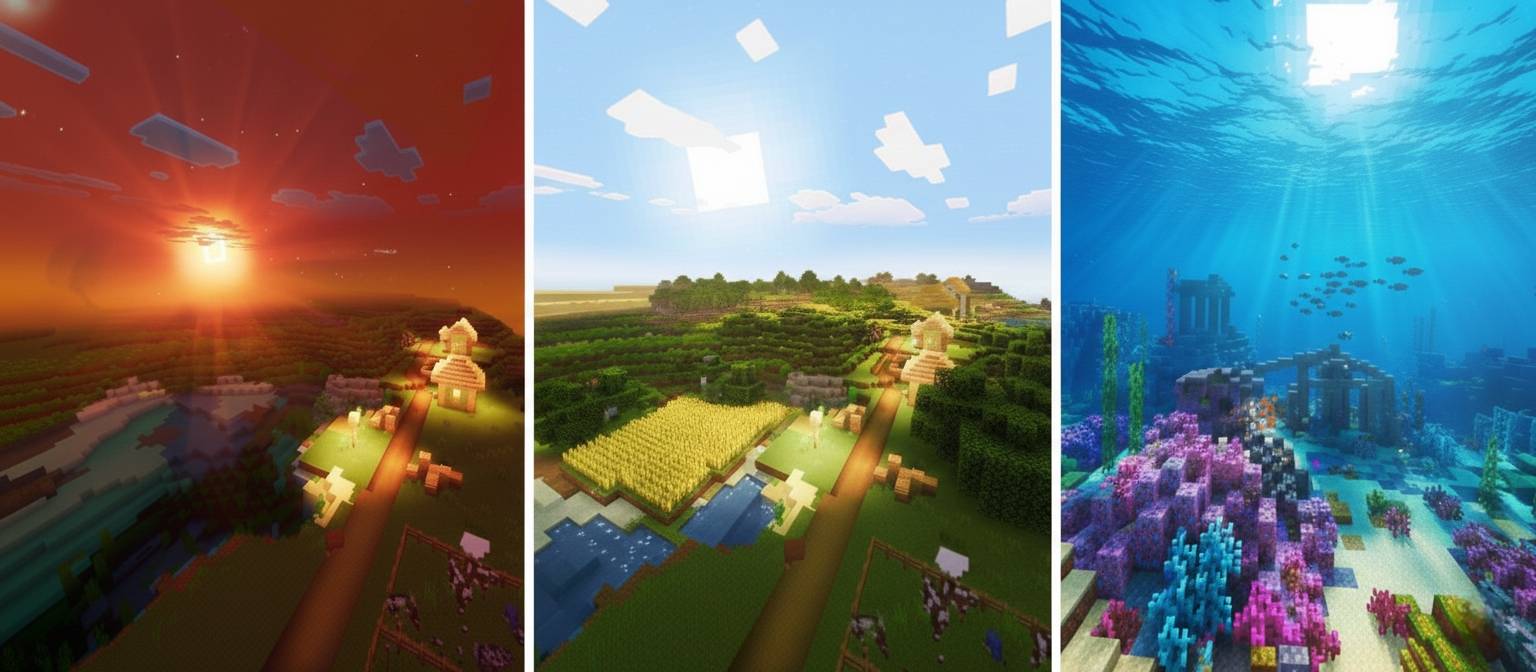
- Dynamic Illuminance Engine: Realistic sun and moon lighting delivers natural depth, subtle shadows, and authentic light reflections on blocks.
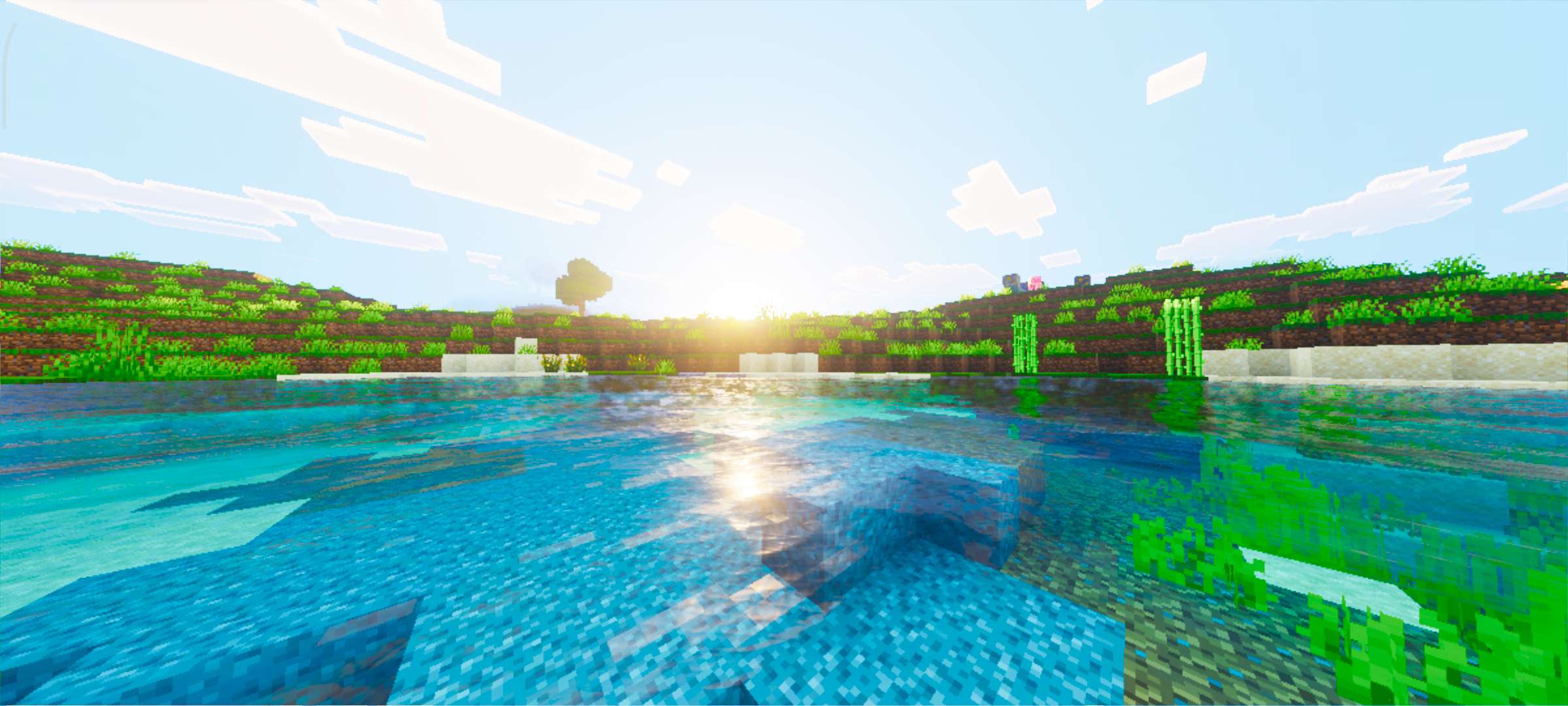
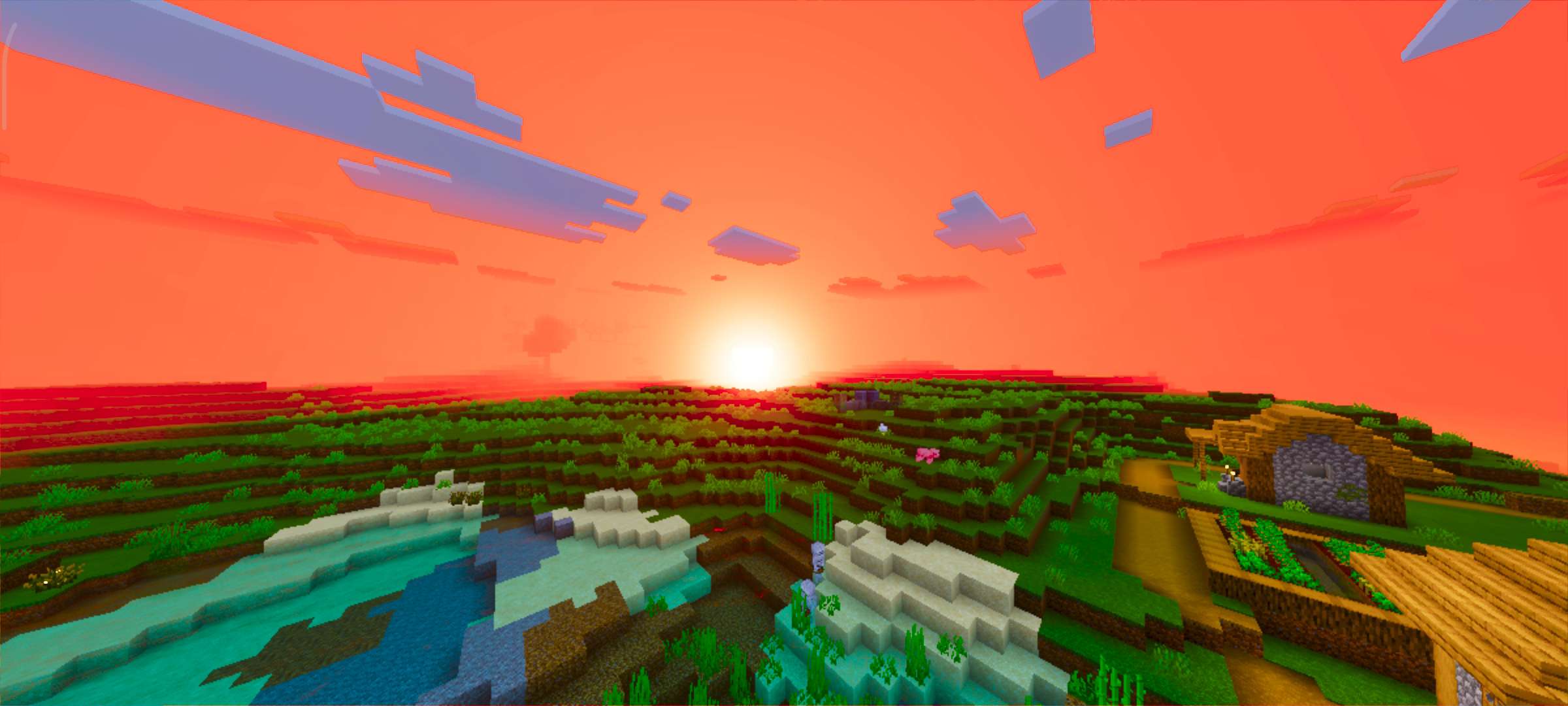
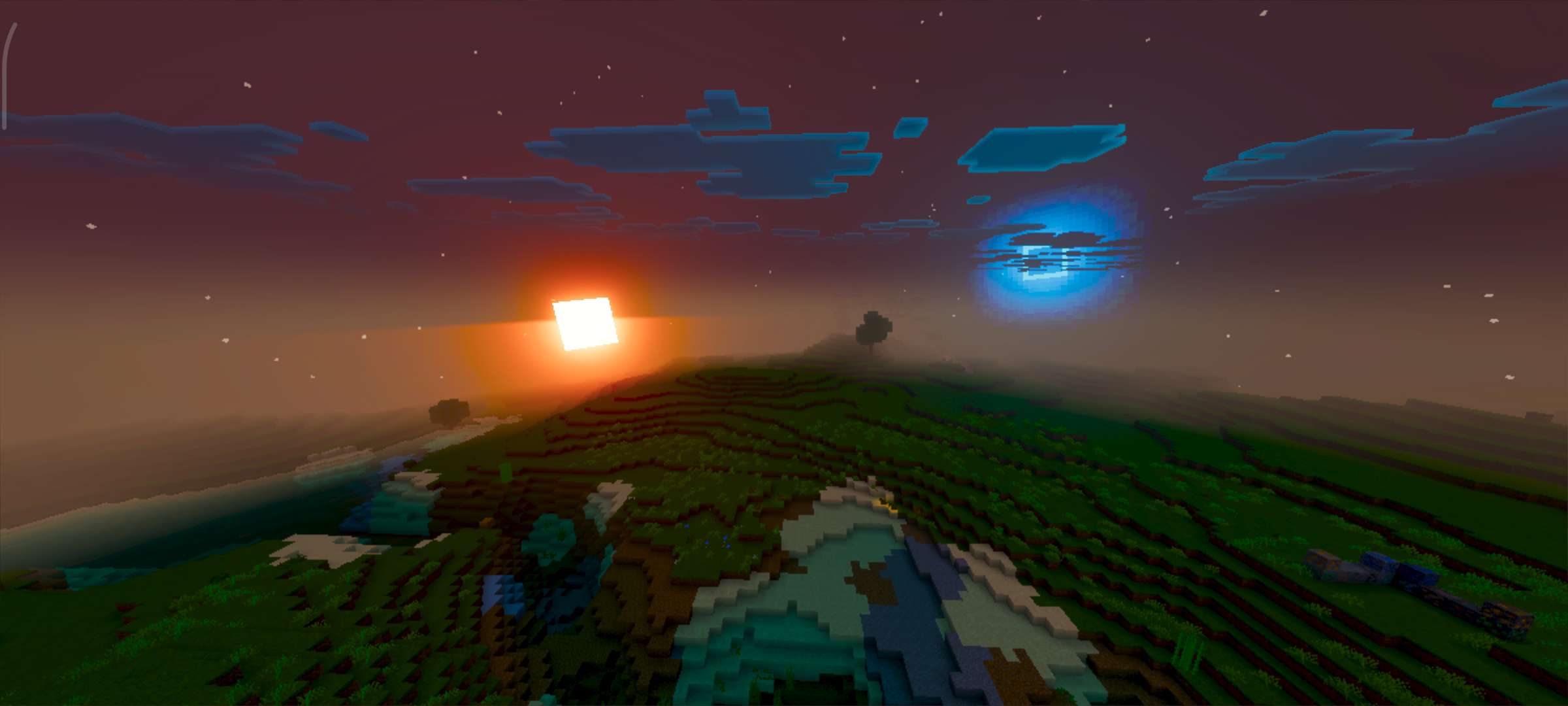
- Deep Atmosphere Scattering: Custom sky rendering with smooth horizon transitions, rich Rayleigh scattering effects, and stunning sunset color palettes.
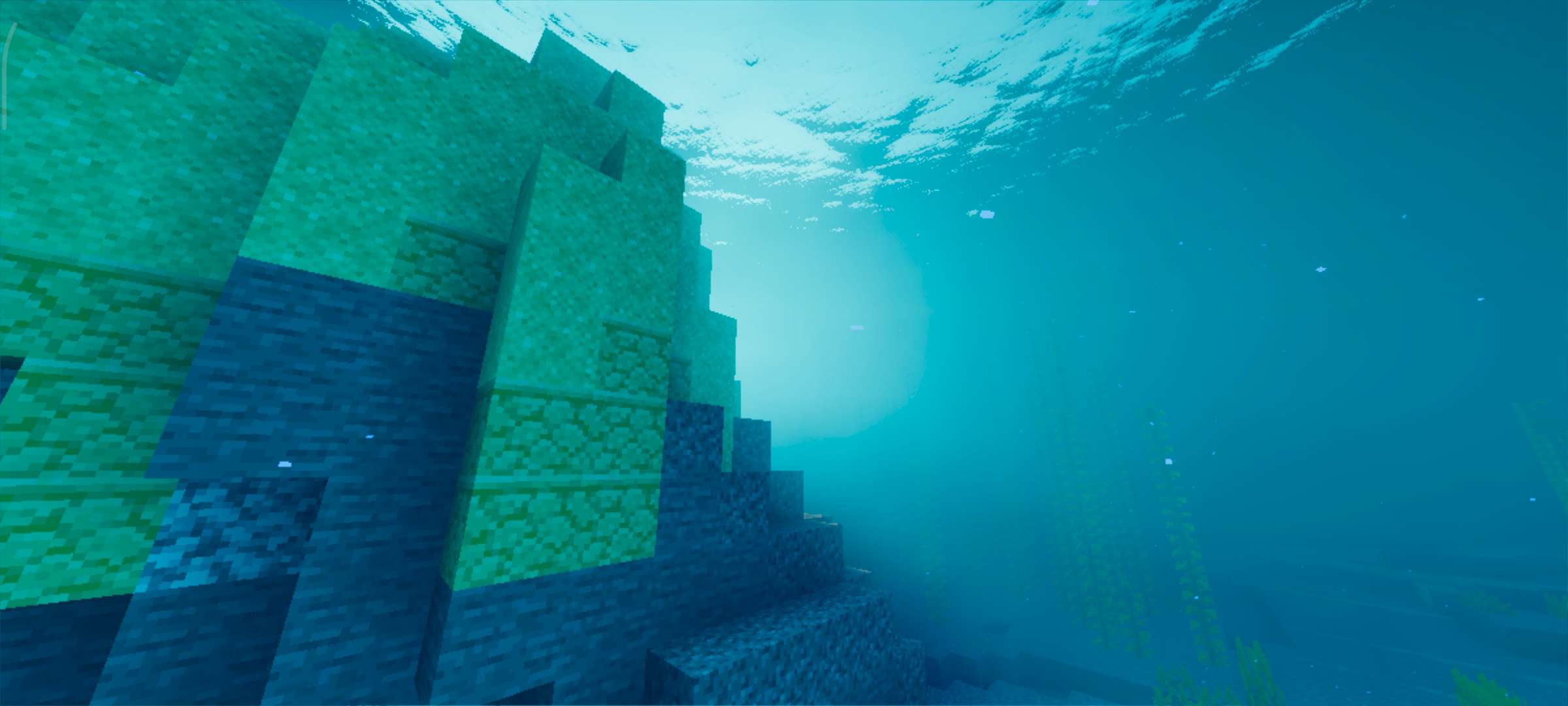
- Crystal Clear Water 3.0: Transparent water with detailed wave depth, realistic flow dynamics, and accurate surface reflections.
- Mithril-Grade PBR Fallback: Enhanced surface textures featuring custom metalness and roughness for a polished, tactile experience.
- Pro-Grade ACES Color Grading: Professional color science ensures balanced saturation, contrast, and highlights for every frame.
Cinematic Showcase
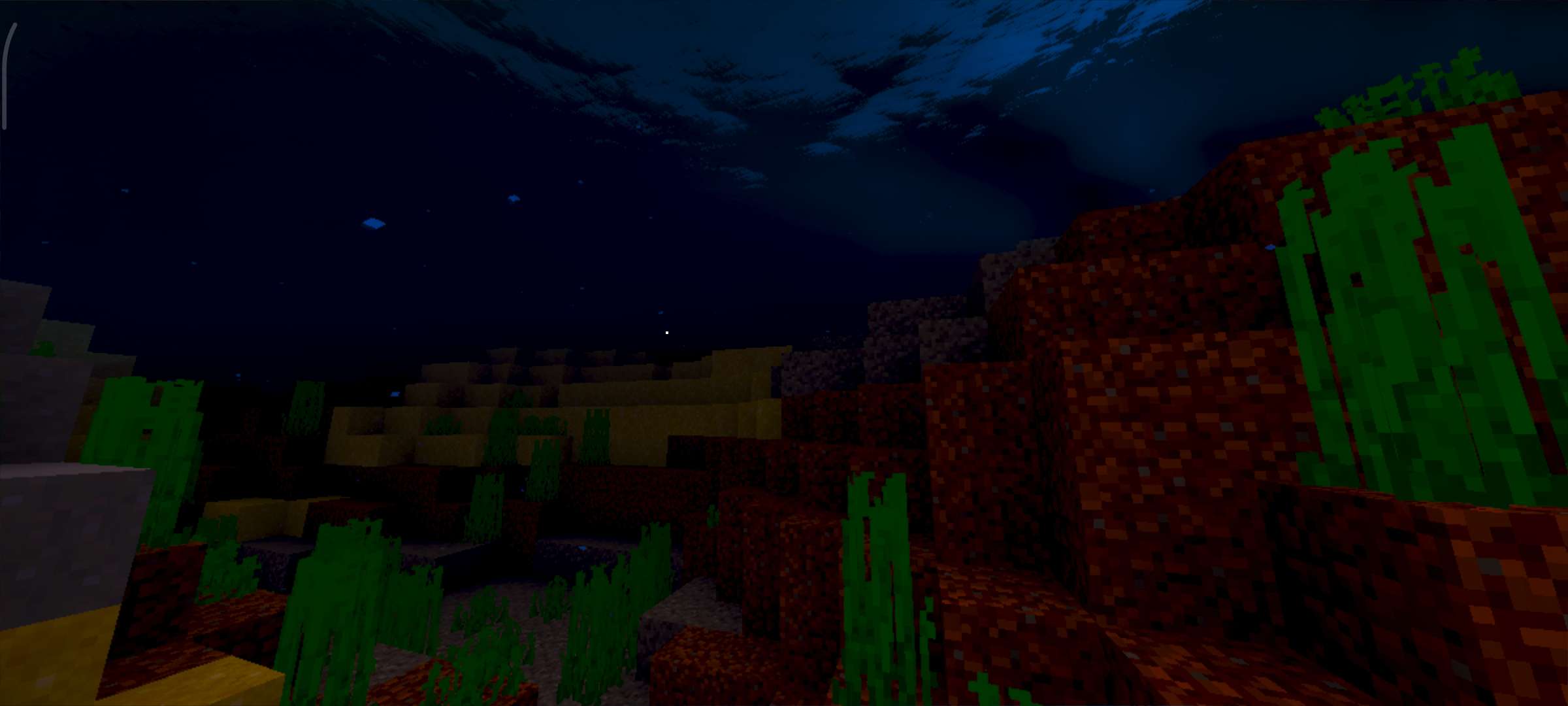
Explore the stunning visuals of Luvid Visuals through the following screenshots that demonstrate its crisp lighting, water effects, and atmospheric depth.