Hotbar Slot Button
20.02.2026
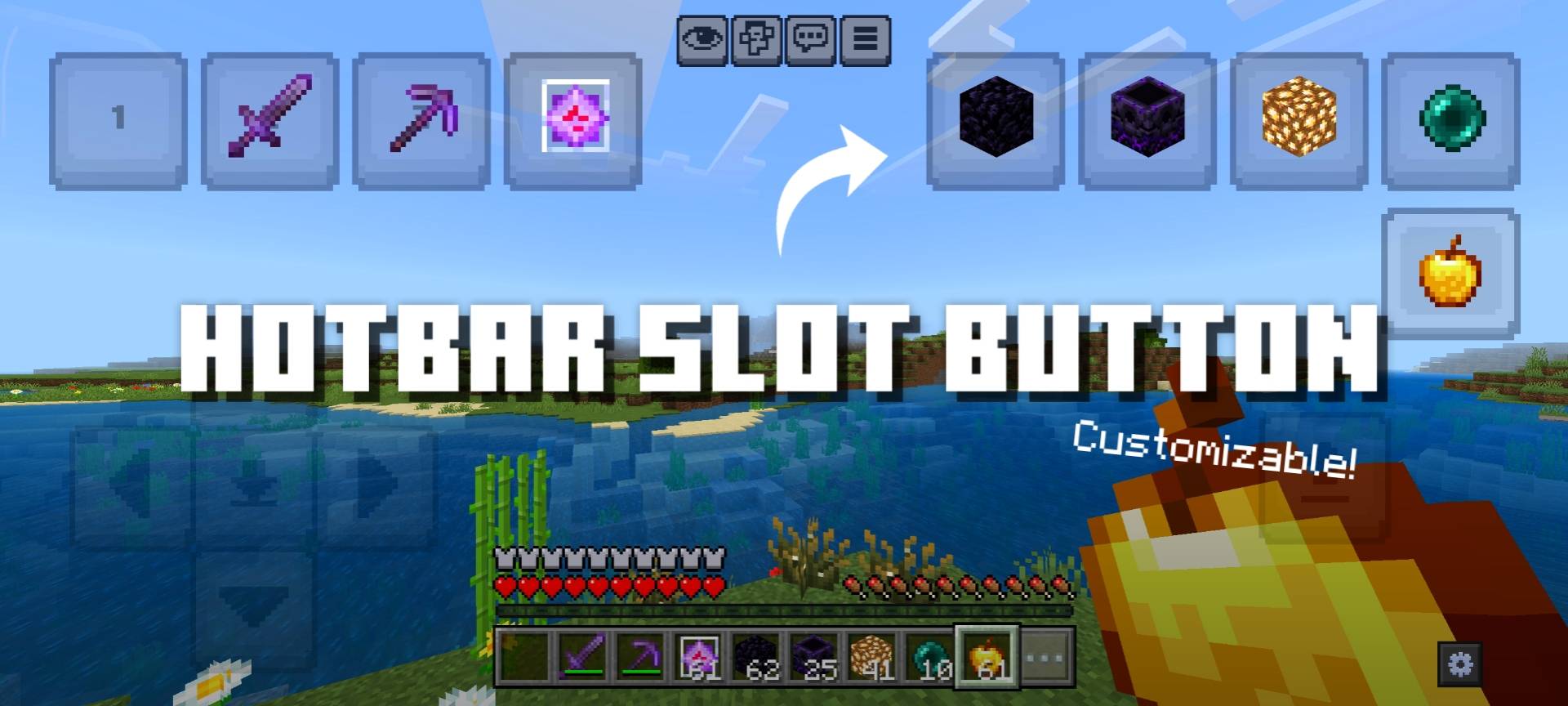
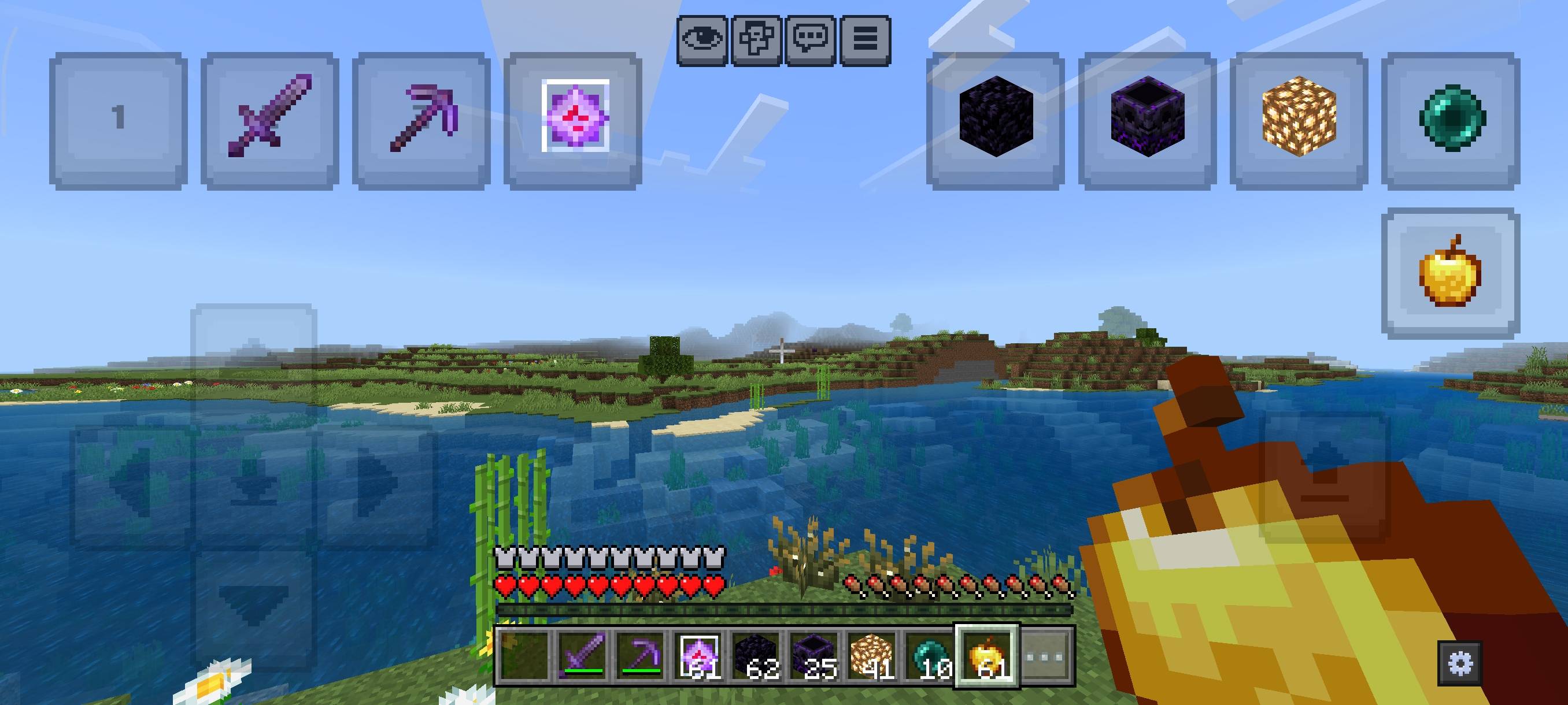
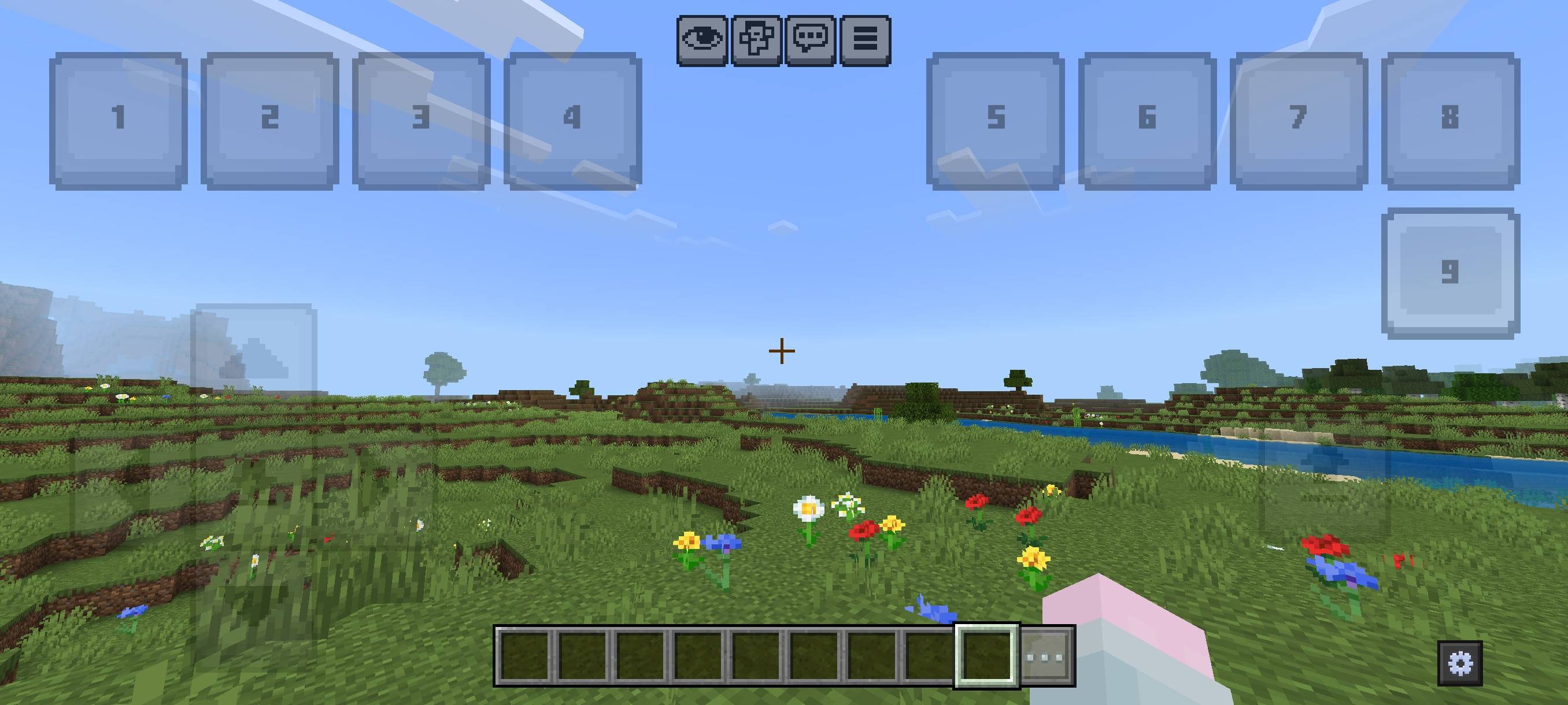
Hotbar Slot Button introduces convenient, customizable buttons that function as an alternative hotbar for Minecraft Bedrock Edition. These buttons allow quick item selection, improving gameplay speed and ease, especially during intense moments like PvP. Lightweight and adaptable, this pack enhances your control without cluttering your screen.
Installation / How to Use
After installing the resource pack, new on-screen buttons appear that correspond to hotbar slots. Tapping a button switches your held item to the matching hotbar slot, facilitating rapid tool or weapon changes. The buttons support two-finger mode, letting you use one finger for actions like mining while another quickly switches items without interrupting gameplay.
To adjust button size and position, open the Editor panel by tapping the gear icon in the bottom-right corner of the screen. Use the sliders to move and resize the buttons to your preference.
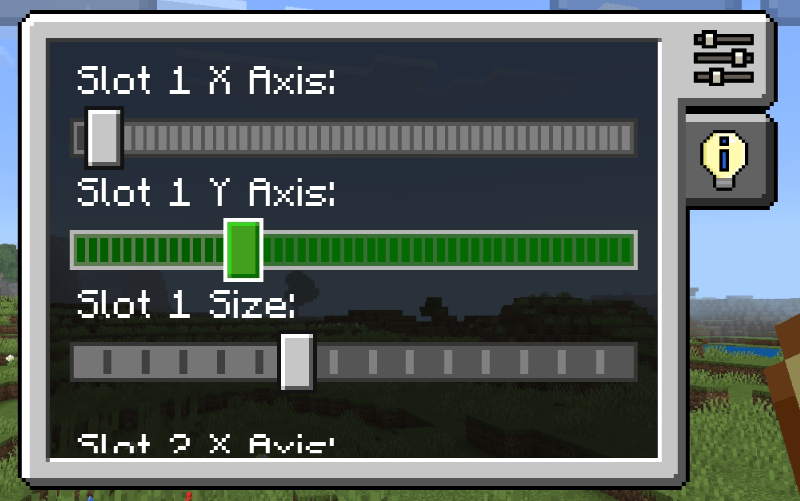
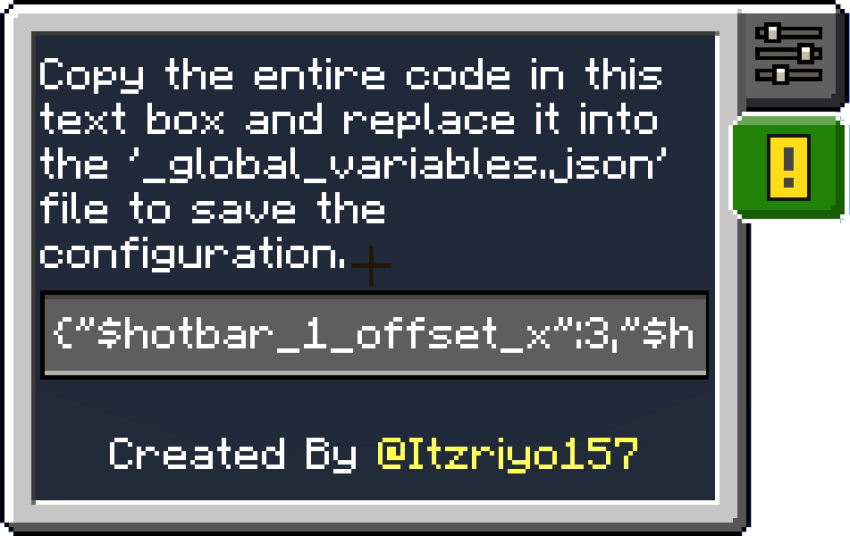
Important: Due to technical limitations with JSON UI in Minecraft, your customized button settings cannot be saved automatically in-game. To preserve your layout, copy the generated code from the provided text box and paste it into the _global_variables.json file within the resource pack’s folder.
Requirements / Compatibility
This resource pack is designed for Minecraft Bedrock Edition and requires support for UI customization through JSON files. It works on devices that allow resource pack installation and UI editing. While compatible with most versions supporting custom resource packs, ensure your game is updated for best performance.
Key Features
- Additional on-screen hotbar buttons for quick item switching.
- Supports two-finger mode to enable simultaneous actions and item changes.
- Fully customizable button size and placement via an in-game editor.
- Lightweight and unobtrusive, designed to improve PvP and general gameplay efficiency.
Slot Hotbar Button v1.1.2.mcpack (latest)
[99.14 KB]

